check engine light CADILLAC SEVILLE 1998 4.G User Guide
[x] Cancel search | Manufacturer: CADILLAC, Model Year: 1998, Model line: SEVILLE, Model: CADILLAC SEVILLE 1998 4.GPages: 378, PDF Size: 21.99 MB
Page 131 of 378
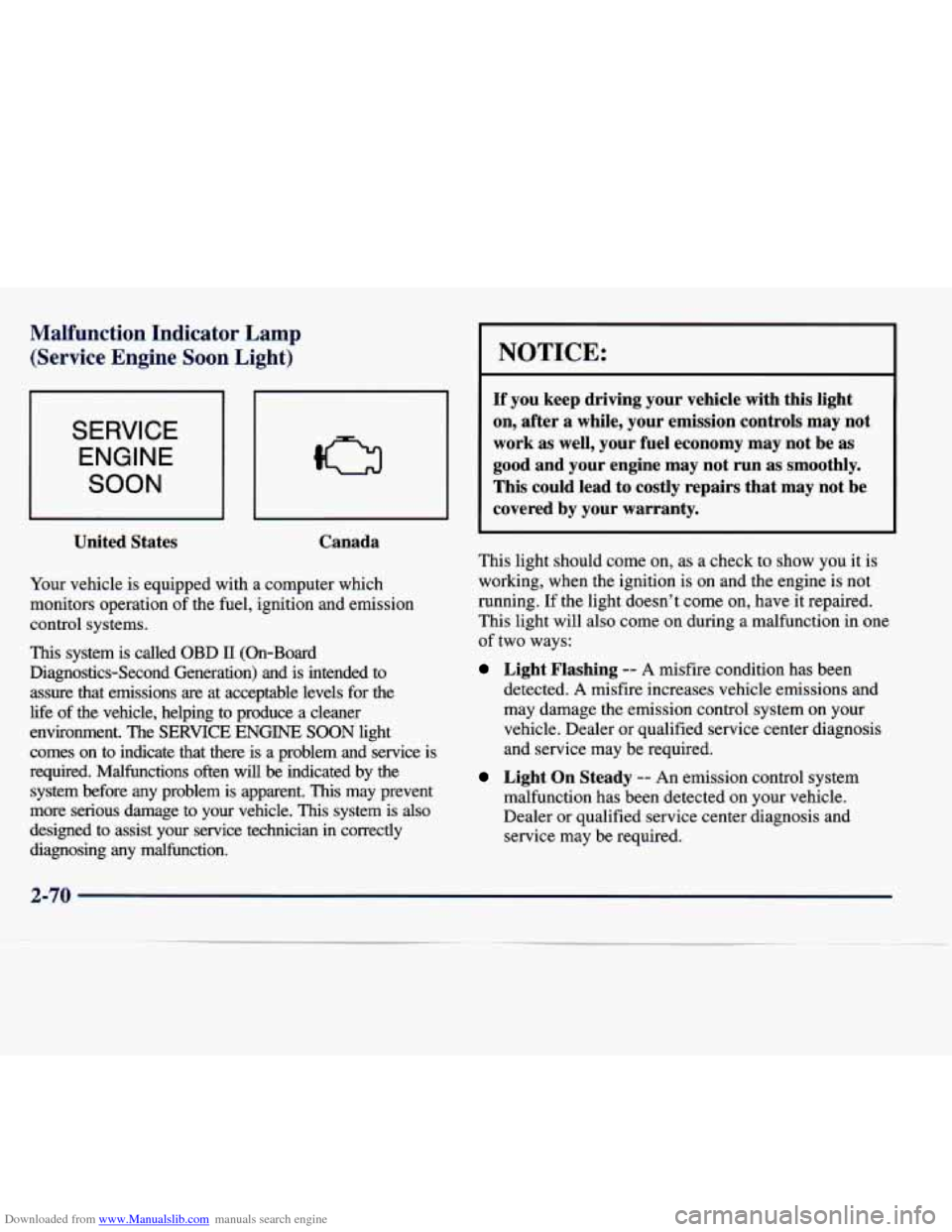
Downloaded from www.Manualslib.com manuals search engine Malfunction Indicator Lamp (Service Engine Soon Light)
SERVICE
ENGINE
SOON
United States Canada
Your
vehicle is equipped with a computer which
monitors operation of the fuel, ignition and emission
control systems.
This system is called OBD 11 (On-Board
Diagnostics-Second Generation) and is intended to
assure that emissions
are at acceptable levels for the
life
of the vehicle, helping to produce a cleaner
environment. The
SERVICE ENGINE SOON light
comes on to indicate that there is a problem and service is
required. Malfunctions often will
be indicated by the
system before any problem is apparent.
This may prevent
more serious damage to your vehicle.
This system is also
designed to assist your service technician in correctly
diagnosing any malfunction.
I NOTICE:
If you keep driving your vehicle with this light
on, after a while, your emission controls may not
work as well, your fuel economy may not be as
good and your engine may not run as smoothly.
This could lead to costly repairs that may not be
covered by your warranty.
This light should come on, as a check to show you it is
working, when the ignition is on and the engine is not
running.
If the light doesn’t come on, have it repaired.
This light will also come on during a malfunction in one
of two ways:
Light Flashing -- A misfire condition has been
detected.
A misfire increases vehicle emissions and
may damage the emission control system on your
vehicle. Dealer or qualified service center diagnosis
and service may be required.
Light On Steady -- An emission control system
malfunction has been detected on your vehicle.
Dealer or qualified service center diagnosis and
service may be required.
Page 133 of 378
Downloaded from www.Manualslib.com manuals search engine If so, be sure to fuel your vehicle with quality fuel (see
“Fuel”
in the Index). Poor fuel quality will cause your
engine not to run as efficiently as designed.
You may
notice this as stalling after start-up, stalling when you
put the vehicle into gear, misfiring, hesitation on acceleration or stumbling on acceleration. (These
conditions may go away once the engine is warmed up.)
This will be detected by the system and cause the light
to turn on.
If you experience one or more of these conditions,
change the fuel brand you use. It will require at least one
full tank
of the proper fuel to turn the light off.
If none of the above steps have made the light turn off,
have your dealer or qualified service center check the
vehicle.
Your dealer has the proper test equipment and
diagnostic tools to fix any mechanical
or electrical
problems that may have developed.
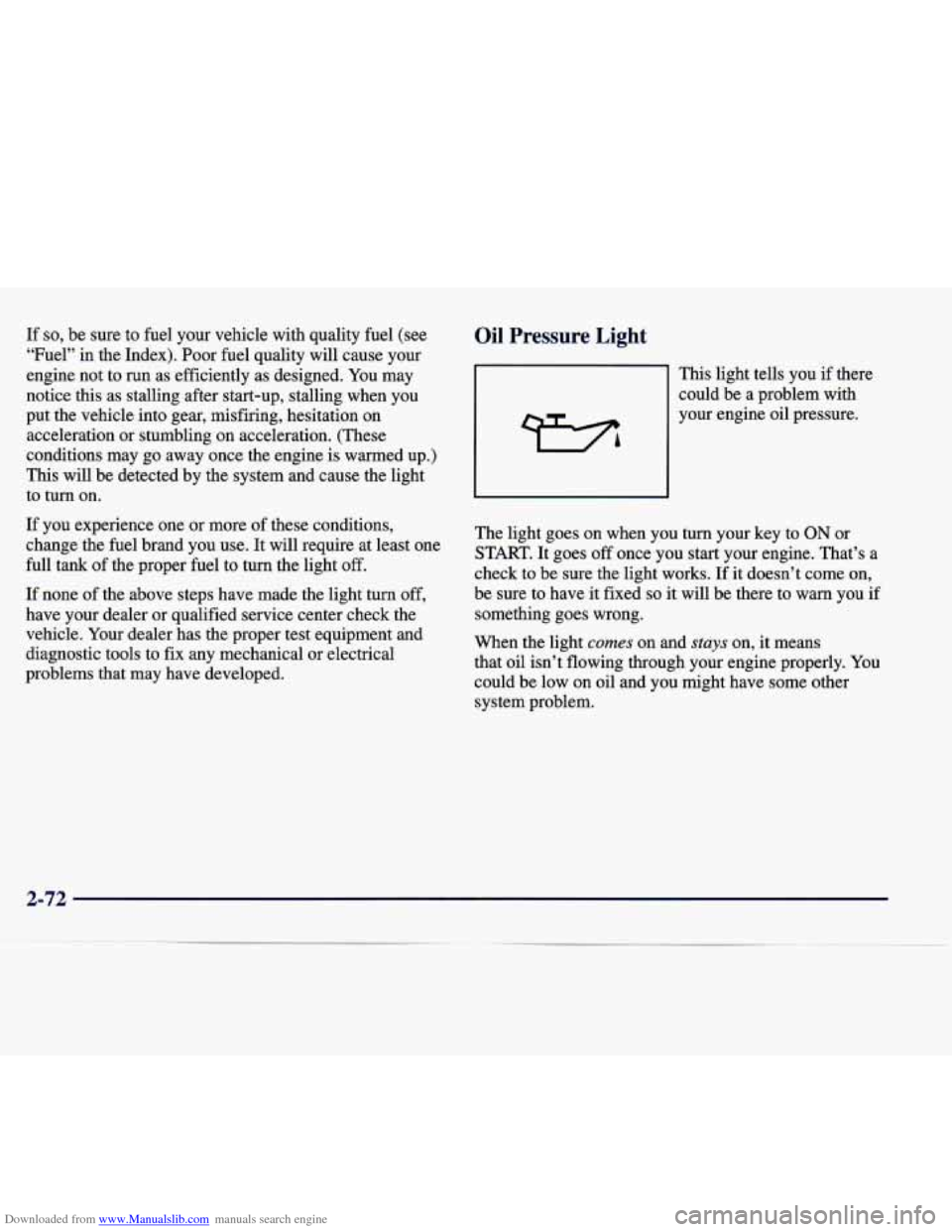
Oil Pressure Light
This light tells you if there
could be a problem with
your engine oil pressure.
The light goes on when you turn your key to
ON or
START. It goes
off once you start your engine. That’s a
check to be sure the light works. If it doesn’t come on,
be sure to have it fixed
so it will be there to warn you if
something goes wrong.
When the light
comes on and stuys on, it means
that oil isn’t flowing through your engine properly.
You
could be low on oil and you might have some other
system problem.
2-72
Page 134 of 378
Downloaded from www.Manualslib.com manuals search engine A CAUTION:
Don’t keep driving if the oil pressure is low. If
you do, your engine can become so hot that it
catches fire. You or others could be burned.
Check your oil as soon as possible and have your
vehicle serviced.
I NOTICE:
Damage to your engine from neglected oil
problems can be costly and
is not covered by
your warranty.
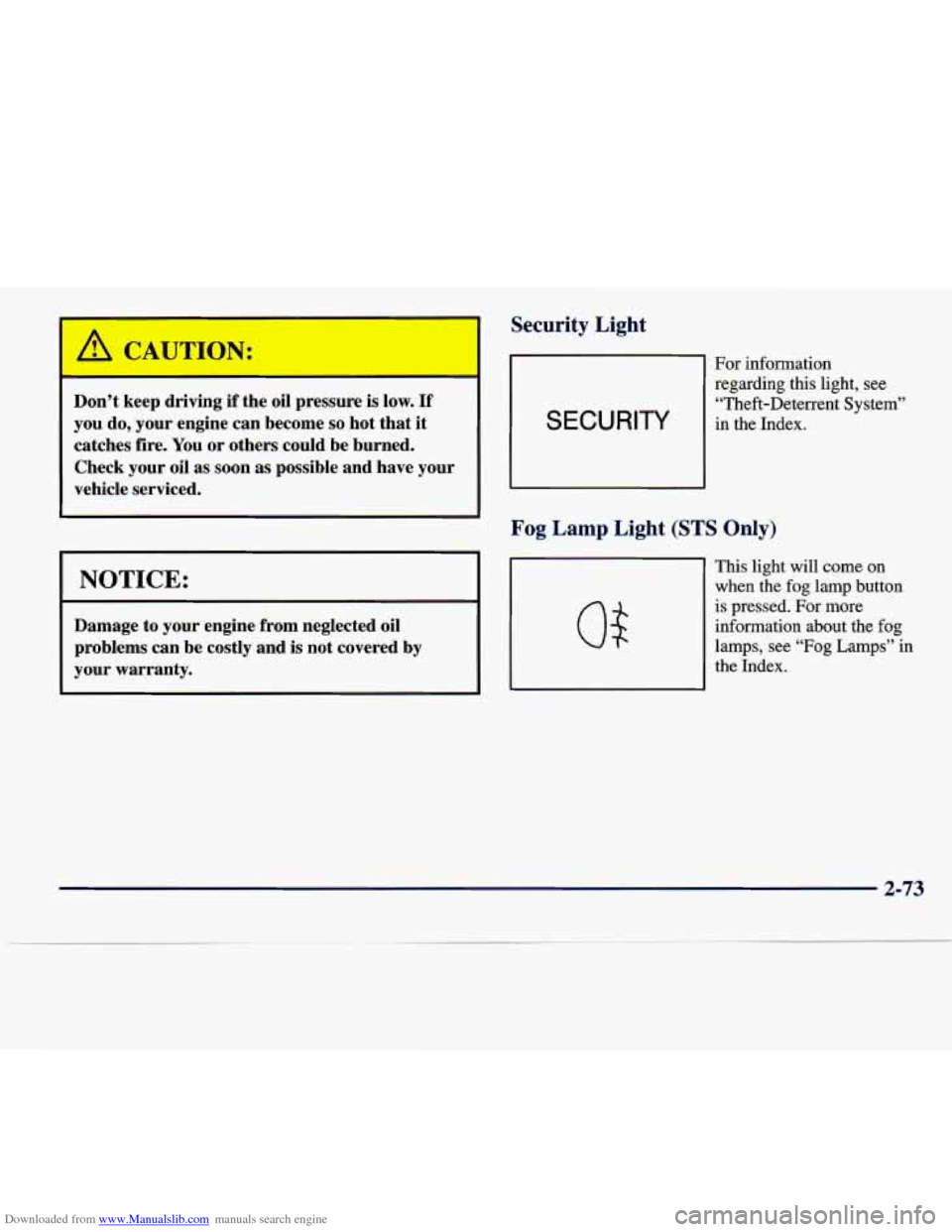
Security Light
SECURITY
For information regarding this light, see
“Theft-Deterrent System”
in the Index.
Fog Lamp Light (STS Only)
This light will come on
when the fog lamp button
is pressed. For more
information about the fog
lamps, see “Fog
Lamps” in
the Index.
2-73
Page 144 of 378
Downloaded from www.Manualslib.com manuals search engine BATTERY VOLTAGE HIGH - 8: This message shows
that the electrical charging system is overcharging (more
than 16 volts). To avoid being stranded, have the electrical
system checked by your dealership.
You can reduce the
charging overload by using the accessories.
Turn on the
lamps and radio, set the climate control on
AUTO and the
fan speed on
HI, and turn the rear window defogger on.
You can monitor battery voltage on the DIC by pressing
the
INFiO button. The normal range is 11.5 to 15.5 volts
when the engine is running.
BATTERY VOLTAGE LOW - 6: This message will
appear when the electrical system is charging less than
9 volts or if the battery has been drained. If this message
appears immediately after starting, it
is possible that the
generator can still recharge the battery. The battery should recharge while driving but may take a few hours
to do
so. Consider using an auxiliary charger (be sure to
follow the manufacturer’s instructions) to boost the
battery after returning home or to a final destination. If
this message appears while driving or after starting your
vehicle and stays on, have
it checked immediately to
determine the cause of this problem.
To help the
generator recharge the battery quickly, you can reduce
the load on the electrical system by turning
off the
accessories.
You can monitor battery voltage on the DIC
by pressing the INFO button. The normal range is 11.5
to 15.5 volts.
CHANGE BRAKE PADS - 125: This message is used
to notify you that the brake pads may have worn down.
A sensor is connected to the brake pads and is triggered
when they wear to a certain point. Have the front and
rear brakes serviced by your dealer as soon as possible.
CHANGE TRANS FLUID - 47: This message will
appear when
it is time to replace the transaxle fluid. See
the Maintenance Schedule booklet for the proper fluid and change intervals.
CHECK BRAKE FLUID - 37: This message will
display if the ignition is in
ON to inform the driver that
the brake fluid level is low. Have the brake system
serviced by a technician as soon as possible. See “Brake
System Warning Light” in the Index.
CHECK COOLANT LEVEL - 2: This message will
appear when there is a low level of engine coolant. Have
the cooling system serviced by a technician as soon
as possible.
CHANGE ENGINE OIL - 82: This means that the life
of the engine oil has expired and it should be changed
within
200 miles. See “Engine Oil” and “Filter
Recommendations” in the Maintenance Schedule
booklet. After
an oil change, the Oil Life Indicator must
be reset. See “Oil Life Indicator” in the Index
on how to
reset
it.
2-83
Page 204 of 378
Downloaded from www.Manualslib.com manuals search engine Avoid needless heavy braking. Some people drive
in spurts
-- heavy acceleration followed by heavy
braking
-- rather than keeping pace with traffic. This
is a mistake. Your brakes may not have time to cool
between hard stops. Your brakes will wear out much
faster
if you do a lot of heavy braking. If you keep pace
with the traffic and allow realistic following distances,
you will eliminate a lot of unnecessary braking. That
means better braking and longer brake life.
If your engine ever stops while you’re driving, brake
normally but don’t pump your brakes. If you do, the
pedal may get harder to push down. If your engine stops, you will still have some power brake assist. But
you will use it when you brake. Once the power assist
is used up, it may take longer to stop and the brake
pedal will be harder to push.
Anti-Lock Brakes (ABS)
Your vehicle has anti-lock brakes (ABS). ABS is an
advanced electronic braking system that will help
prevent a braking skid.
When you start your engine and begin to drive away,
your anti-lock brake system will check itself.
You may
hear a momentary motor or clicking noise while this test is going on, and you may even notice that your brake
pedal moves a little. This is normal. If there’s
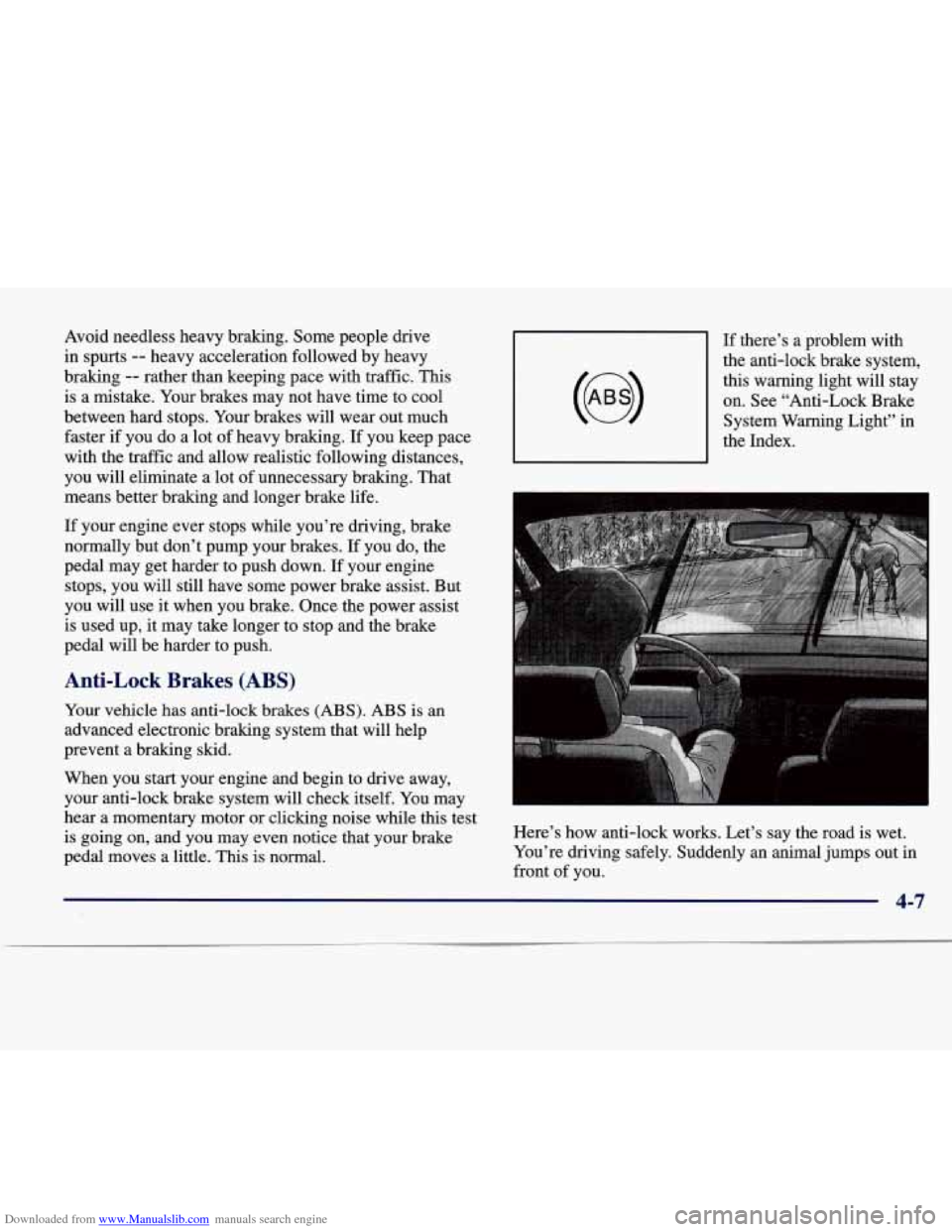
a problem with
the anti-lock brake system,
this warning light will stay on. See “Anti-Lock Brake
System Warning Light” in
the Index.
Here’s how anti-lock works. Let’s say the road is wet.
You’re driving safely. Suddenly an animal jumps out in
front
of you.
4-7
Page 213 of 378
Downloaded from www.Manualslib.com manuals search engine Here are some tips on night driving.
0 Drive defensively.
0 Don’t drink and drive.
Since you can’t see as well, you may need to
slow down and keep more space between you and
other vehicles.
Slow down, especially on higher speed roads. Your
headlamps can light up only
so much road ahead.
In remote areas, watch for animals.
If you’re tired, pull off the road in a safe place
and rest.
Night Vision
No one can see as well at night as in the daytime. But as
we get older these differences increase. A 50-year-old
driver may require at least twice as much light to see the
same thing at night as a 20-year-old.
What you do in the daytime can also affect your night vision. For example, if you spend the day in bright
sunshine you are wise to wear sunglasses. Your eyes
will have less trouble adjusting to night. But if you’re
driving, don’t wear sunglasses at night. They may cut
down on glare from headlamps, but they also make a lot
of things invisible. You
can be temporarily blinded by approaching
headlamps. It can take a second or two, or even several
seconds,
for your eyes to readjust to the dark. When
you are faced with severe glare (as from a driver who
doesn’t lower the high beams, or a vehicle with
misaimed headlamps), slow down a little. Avoid staring
directly into the approaching headlamps.
Keep your windshield and all the glass on your vehicle
clean
-- inside and out. Glare at night is made much
worse by dirt on the glass. Even the inside
of the glass
can build
up a film caused by dust. Dirty glass makes
lights dazzle and flash more than clean glass would,
making the pupils of your eyes contract repeatedly.
Remember that your headlamps light up far less of a
roadway when you are in a turn or curve. Keep your
eyes moving; that way, it’s easier to pick out dimly
lighted objects. Just as your headlamps should be
checked regularly for proper aim,
so should your eyes
be examined regularly. Some drivers suffer from night
blindness
-- the inability to see in dim light -- and aren’t
even aware of it.
4-16
Page 217 of 378
Downloaded from www.Manualslib.com manuals search engine City Driving Here are ways to increase your safety in city driving:
Know the best way to get to where you are
going. Get a city map and
plan your trip into an
unknown part of the city just as you would for a
cross-country trip.
Try to use the freeways that rim and crisscross most
large cities. You’ll save time and energy. (See the
next part, “Freeway Driving.”)
Treat a green light as a warning signal. A traffic
light is there because the corner is busy enough to
need it. When a light turns green, and just before
you
start to move, check both ways for vehicles that have
not cleared the intersection or may be running the
red light.
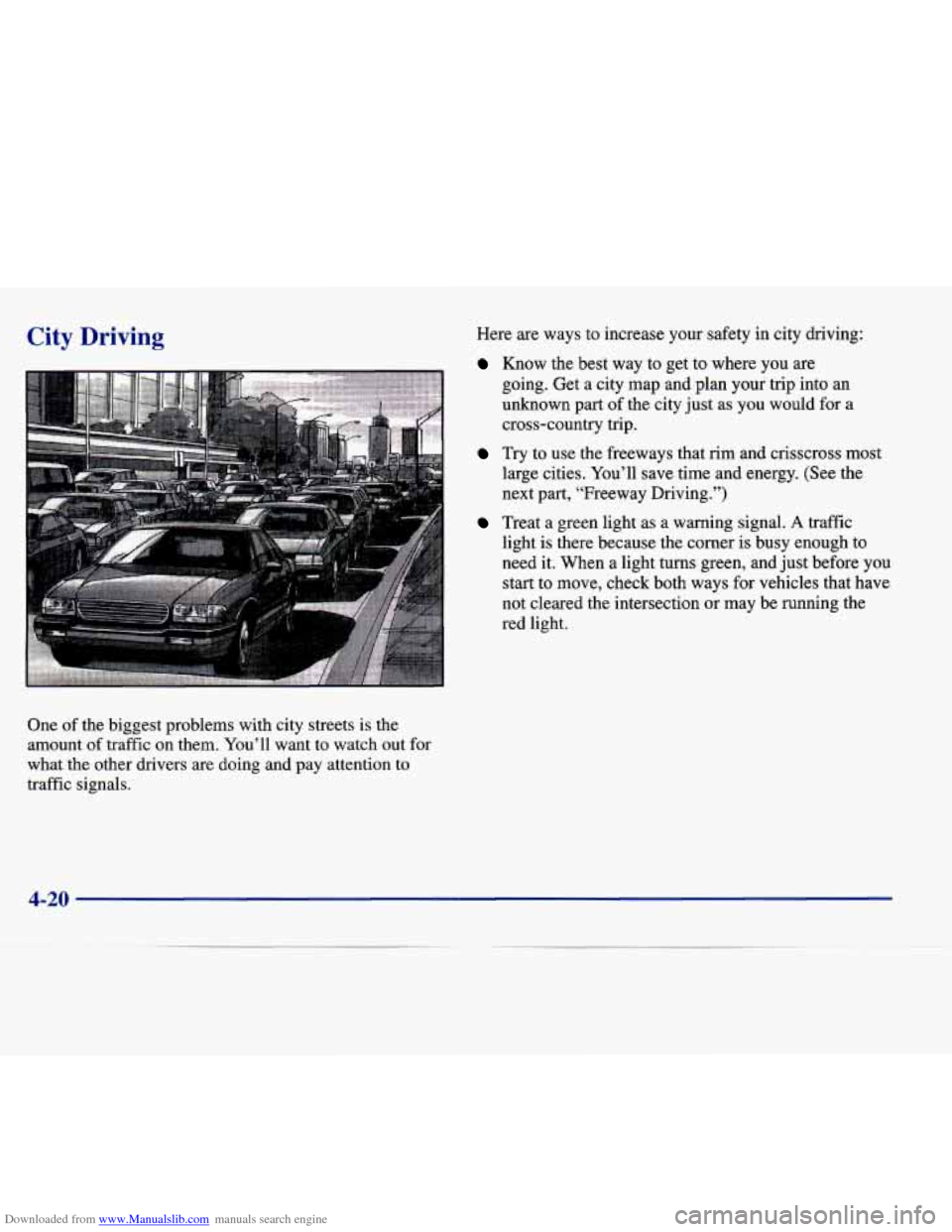
One of the biggest problems with city streets is the
amount of traffic on them. You’ll want to watch out for
what the other drivers are doing and pay attention to
traffic signals.
4-20
Page 218 of 378
Downloaded from www.Manualslib.com manuals search engine Freeway Driving
E
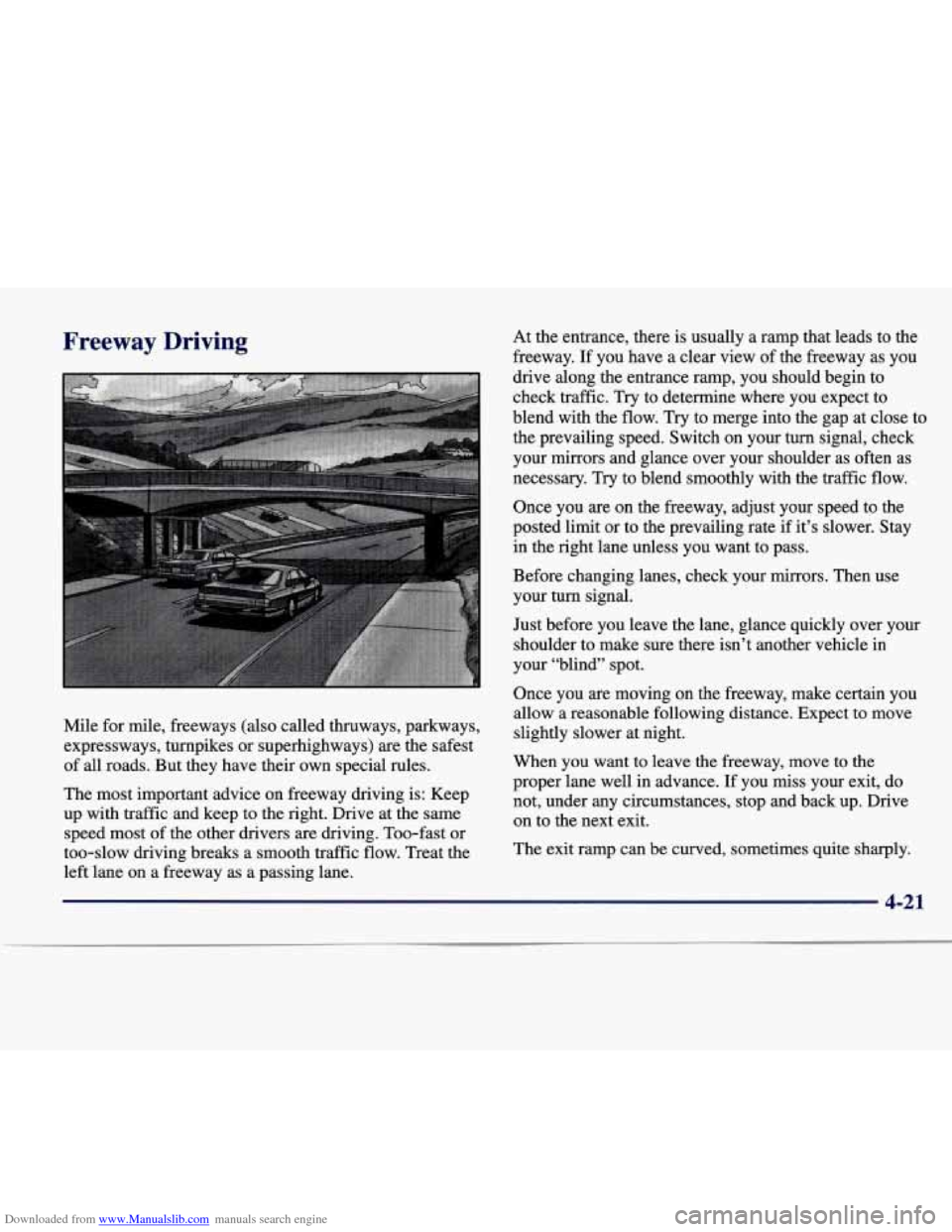
Mile for mile, freeways (also called thruways, parkways,
expressways, turnpikes or superhighways) are the safest
of all roads. But they have their own special rules.
The most important advice on freeway driving is: Keep
up with traffic and keep to the right. Drive at the same
speed most
of the other drivers are driving. Too-fast or
too-slow driving breaks a smooth traffic flow. Treat the
left lane on a freeway as a passing lane.
At the entrance, there is usually a rap that leads to the
freeway. If you have a clear view of the freeway as you
drive along the entrance ramp, you should begin to
check traffic. Try to determine where you expect to
blend with the flow.
Try to merge into the gap at close to
the prevailing speed. Switch on your turn signal, check
your mirrors and glance over your shoulder as often as
necessary. Try to blend smoothly with the traffic flow.
Once you are on the freeway, adjust your speed to the
posted limit
or to the prevailing rate if it’s slower. Stay
in the right lane unless you want to pass.
Before changing lanes, check your mirrors. Then use
your turn signal.
Just before you leave the lane, glance quickly over your
shoulder to make sure there isn’t another vehicle in
your “blind” spot.
Once you
are moving on the freeway, make certain you
allow a reasonable following distance. Expect to move
slightly slower at night.
When you want to leave the freeway, move to the
proper lane well in advance. If you miss your exit, do
not, under any circumstances, stop and back up. Drive
on to the next exit.
The exit ramp can be curved, sometimes quite sharply.
Page 242 of 378
Downloaded from www.Manualslib.com manuals search engine I -1
Using a match near a battery can cause battery
gas to explode. People have been hurt doing this,
and some have been blinded. Use
a flashlight if
you need more light.
Be sure the battery has enough water.
You don’t
need to add water to the ACDelco Freedom’
battery installed in every new
GM vehicle. But if
a battery has filler caps, be sure the right amount
of fluid is there. If it is low, add water to take care
of that first. If you don’t, explosive gas could
be present.
Battery fluid contains acid that can burn you.
Don’t get it on you.
If you accidentally get it in
your eyes
or on your skin, flush the place with
water and get medical help immediately.
6. Check that the jumper cables don’t have loose or
missing insulation. If they do, you could get a shock.
The vehicles could also be damaged.
Before you connect the cables, here
are some basic
things
you should know. Positive (+) will go to
positive
(+) and negative (-) will go to an unpainted
metal engine part or a body metal surface. Don’t
connect positive
(+) to negative (-) or you will get a
short that would damage the battery and maybe other
parts, too. Also, don’t connect the negative
(-) cable
to the negative (-) terminal on the dead battery.
Fans or other moving engine parts can injure you
badly. Keep your hands away from moving parts
once the engine is running.
5-5
Page 297 of 378
Downloaded from www.Manualslib.com manuals search engine How to Reset tk I ’I’ - ~- -- 3 Change
Indicator
After the transaxle fluid has been changed, display the
TRANS FLUID LIFE message by pressing the
INFO
button. Then press and hold the INFO RESET button
until the display shows
“loo.” This resets the transaxle
fluid life index. The message will remain off until the next transaxle fluid change is needed. The percentage
of
transaxle fluid life remaining may be checked at any
time by pressing the
INFO button several times until the
TRANS FLUID LIFE message appears.
Engine Coolant
The cooling s stem in your vehicle is filled with
DEX-COOL engine coolant. This coolant is designed
to remain in your vehicle for 5 years or 150,000 miles
(240 000 km) whichever occurs first, if you add only
DEX-COOL’ extended life coolant.
B
The following explains your cooling system and how to
add coolant when it is low.
If you have a problem with
engine overheating, see “Engine Overheating” in
the Index.
A 50/50 mixture of water and DEX-COOL@
coolant will:
0 Give freezing protection down to -34°F (-37°C).
0 Give boiling protection up to 265°F (129°C).
Protect against rust and corrosion.
Help keep the proper engine temperature.
0 Let the warning lights and gages work as
they should.
NOTICE:
When adding coolant, it is important that you use
only
DEX-COOL@ (silicate-free) coolant.
If coolant other than DEX-COOL is added to the
system, premature engine, heater core or
radiator corrosion may result. In addition, the
engine coolant will require change sooner
-- at
30,000 miles (50 000 km) or 24 months,
whichever occurs first. Damage caused
by the use
of coolant other than DEX-COOL@ is not
covered
by your new vehicle warranty.
6-22