wheel CADILLAC SRX 2004 1.G User Guide
[x] Cancel search | Manufacturer: CADILLAC, Model Year: 2004, Model line: SRX, Model: CADILLAC SRX 2004 1.GPages: 468, PDF Size: 2.92 MB
Page 93 of 468
How long should you keep the coolant heater plugged
in? The answer depends on the outside temperature, the
kind of oil you have, and some other things. Instead
of trying to list everything here, we ask that you contact
your dealer in the area where you’ll be parking your
vehicle. The dealer can give you the best advice for that
particular area.
Automatic Transmission Operation
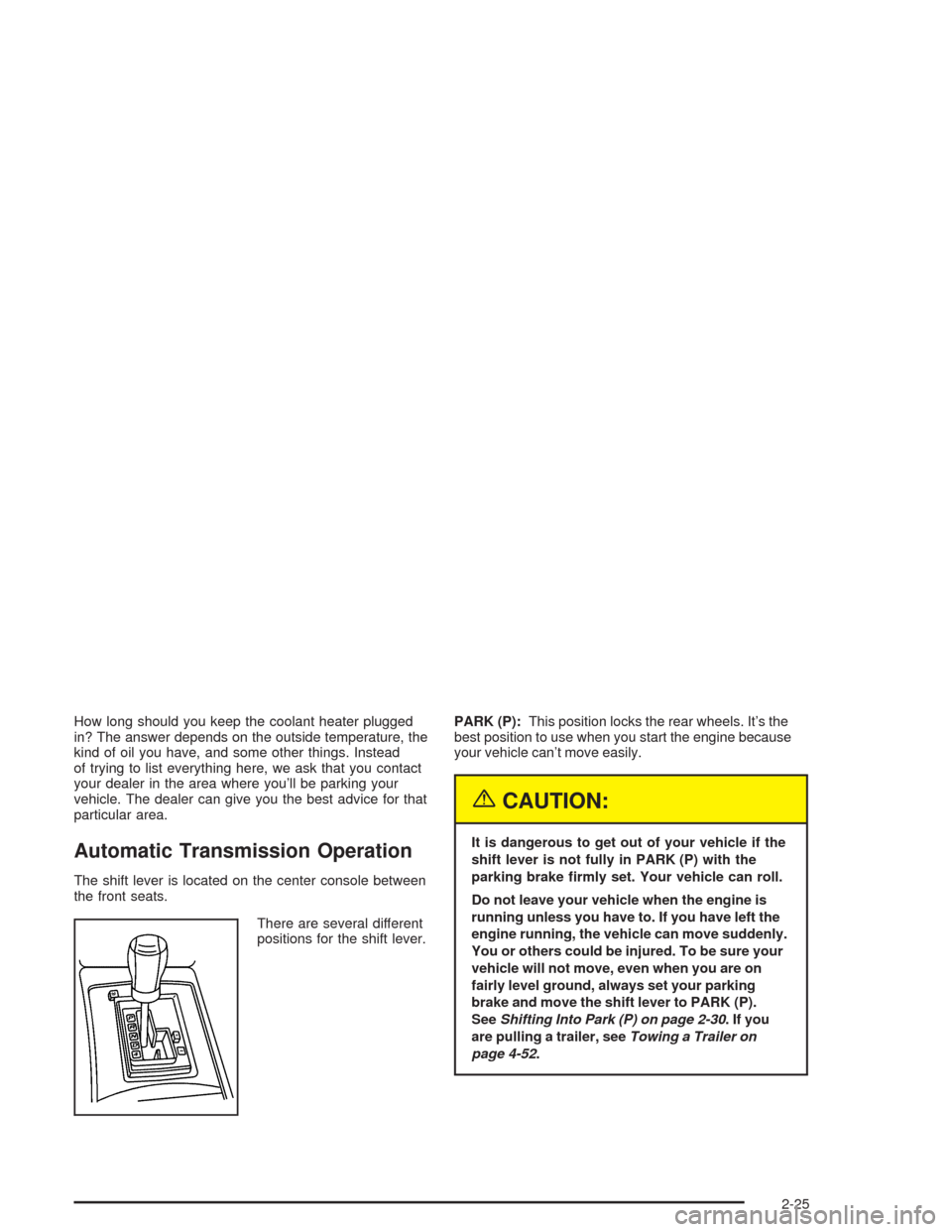
The shift lever is located on the center console between
the front seats.
There are several different
positions for the shift lever.PARK (P):This position locks the rear wheels. It’s the
best position to use when you start the engine because
your vehicle can’t move easily.
{CAUTION:
It is dangerous to get out of your vehicle if the
shift lever is not fully in PARK (P) with the
parking brake rmly set. Your vehicle can roll.
Do not leave your vehicle when the engine is
running unless you have to. If you have left the
engine running, the vehicle can move suddenly.
You or others could be injured. To be sure your
vehicle will not move, even when you are on
fairly level ground, always set your parking
brake and move the shift lever to PARK (P).
SeeShifting Into Park (P) on page 2-30.Ifyou
are pulling a trailer, seeTowing a Trailer on
page 4-52.
2-25
Page 94 of 468
Ensure the shift lever is fully in PARK (P) before starting
the engine. Your vehicle has an automatic transmission
shift lock control system. You must fully apply your
regular brakes before you can shift from PARK (P) when
the ignition key is in ON. If you cannot shift out of
PARK (P), ease pressure on the shift lever. Push the
shift lever all the way into PARK (P) while pressing the
button on the shift lever as you maintain brake
application. Then move the shift lever into the gear you
wish. SeeShifting Out of Park (P) on page 2-32.
Notice:Shifting to REVERSE (R) while your vehicle
is moving forward could damage the transmission.
The repairs would not be covered by your warranty.
Shift to REVERSE (R) only after your vehicle is
stopped.
REVERSE (R):Use this gear to back up.
At low vehicle speeds, you can also use REVERSE (R)
to rock your vehicle back and forth to get out of
snow, ice or sand without damaging your transmission.
SeeIf You Are Stuck: In Sand, Mud, Ice or Snow on
page 4-44for additional information.NEUTRAL (N):In this position, the engine doesn’t
connect with the wheels. To restart when you’re already
moving, use NEUTRAL (N) only. You can also use
NEUTRAL (N) when your vehicle is being towed.
{CAUTION:
Shifting into a drive gear while your engine is
running at high speed is dangerous. Unless
your foot is rmly on the brake pedal, your
vehicle could move very rapidly. You could
lose control and hit people or objects. Do not
shift into a drive gear while your engine is
running at high speed.
Notice:Shifting out of PARK (P) or NEUTRAL (N)
with the engine running at high speed may damage
the transmission. The repairs would not be covered
by your warranty. Be sure the engine is not running
at high speed when shifting your vehicle.
2-26
Page 96 of 468
Driver Shift Control (DSC)
Your automatic transmission has a Driver Shift Control
(DSC) feature that allows you to change gears similar to
a manual transmission. To use the DCS feature:
1. Slide the shift lever over from AUTOMATIC
OVERDRIVE (D) to the right DSC area.
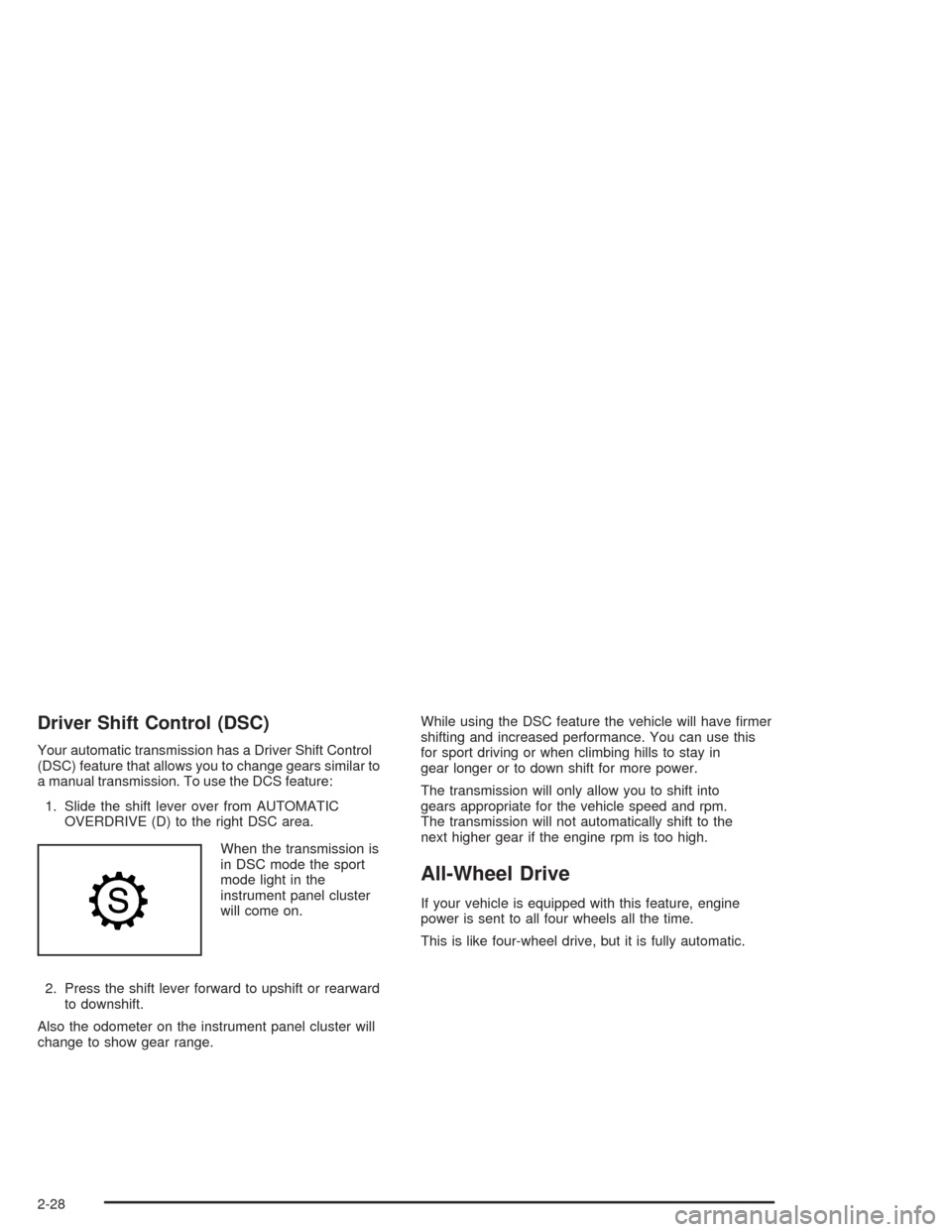
When the transmission is
in DSC mode the sport
mode light in the
instrument panel cluster
will come on.
2. Press the shift lever forward to upshift or rearward
to downshift.
Also the odometer on the instrument panel cluster will
change to show gear range.While using the DSC feature the vehicle will have rmer
shifting and increased performance. You can use this
for sport driving or when climbing hills to stay in
gear longer or to down shift for more power.
The transmission will only allow you to shift into
gears appropriate for the vehicle speed and rpm.
The transmission will not automatically shift to the
next higher gear if the engine rpm is too high.
All-Wheel Drive
If your vehicle is equipped with this feature, engine
power is sent to all four wheels all the time.
This is like four-wheel drive, but it is fully automatic.
2-28
Page 97 of 468
Parking Brake
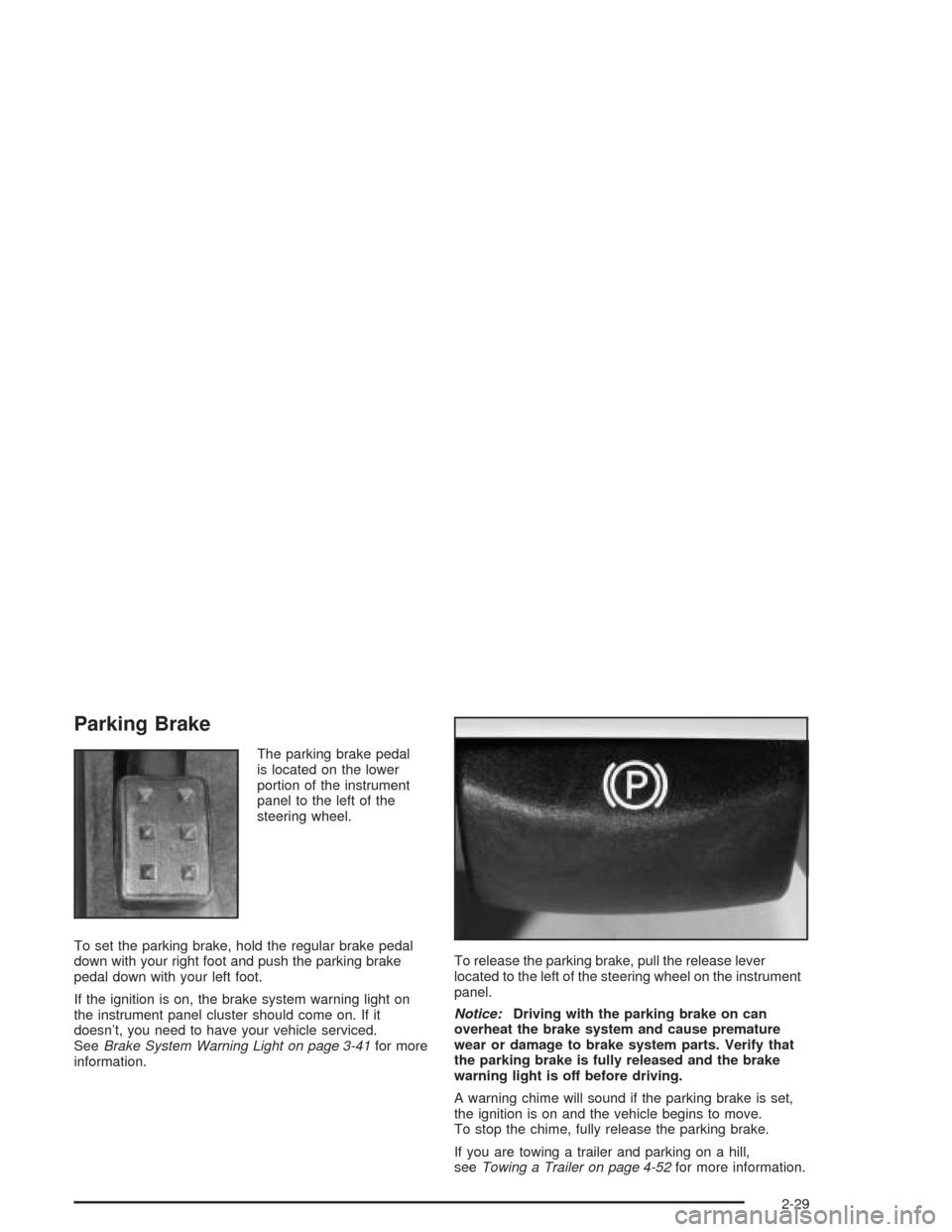
The parking brake pedal
is located on the lower
portion of the instrument
panel to the left of the
steering wheel.
To set the parking brake, hold the regular brake pedal
down with your right foot and push the parking brake
pedal down with your left foot.
If the ignition is on, the brake system warning light on
the instrument panel cluster should come on. If it
doesn’t, you need to have your vehicle serviced.
SeeBrake System Warning Light on page 3-41for more
information.To release the parking brake, pull the release lever
located to the left of the steering wheel on the instrument
panel.
Notice:Driving with the parking brake on can
overheat the brake system and cause premature
wear or damage to brake system parts. Verify that
the parking brake is fully released and the brake
warning light is off before driving.
A warning chime will sound if the parking brake is set,
the ignition is on and the vehicle begins to move.
To stop the chime, fully release the parking brake.
If you are towing a trailer and parking on a hill,
seeTowing a Trailer on page 4-52for more information.
2-29
Page 109 of 468
Luxury and Leisure Plan
All Directions and Connections Plan services
Personal Concierge
OnStar®Personal Calling
With OnStar®Personal Calling, you have a safer way to
stay connected while driving. It’s a hands-free wireless
phone that’s integrated into your vehicle. You can place
calls nationwide using voice-activated dialing with no
contracts and no additional roaming charges. To nd out
more about OnStar
®Personal Calling, refer to the
OnStar®user’s guide in your vehicle’s glove box, or call
OnStar®at 1-888-4-ONSTAR (1-888-466-7827).
OnStar®Virtual Advisor
With OnStar®Virtual Advisor you can listen to the news,
entertainment and informative topics, such as traffic
and weather reports. You are able to listen and reply to
your e-mail through your vehicle’s speakers.
OnStar®Steering Wheel Controls
You can use the steering wheel controls to interact with
the OnStar®system. See the OnStar®manual provided
with your vehicle for more information. SeeAudio
Steering Wheel Controls on page 3-124.
HomeLink®Transmitter
If your vehicle has this
feature, the control buttons
are located on the
driver’s sun visor.
HomeLink
®a combined universal transmitter and
receiver, provides a way to replace up to three
hand-held transmitters used to activate devices such as
gate operators, garage door openers, entry door
locks, security systems and home lighting. Additional
HomeLink
®information can be found on the internet at
www.homelink.com or by calling 1-800-355-3515.
If your vehicle is equipped with the HomeLink
®
Transmitter, it complies with Part 15 of the FCC Rules.
Operation is subject to the following two conditions:
(1) this device may not cause harmful interference, and
(2) this device must accept any interference received,
including interference that may cause undesired
operation.
2-41
Page 123 of 468
Instrument Panel Overview...............................3-4
Hazard Warning Flashers................................3-6
Other Warning Devices...................................3-7
Horn.............................................................3-7
Tilt Wheel.....................................................3-7
Turn Signal/Multifunction Lever.........................3-8
Windshield Wiper Lever.................................3-14
Cruise Control..............................................3-17
Exterior Lamps.............................................3-18
Interior Lamps..............................................3-20
Ultrasonic Rear Parking Assist (URPA)............3-22
Accessory Power Outlets...............................3-24
Ashtrays and Cigarette Lighter........................3-25
Climate Controls............................................3-26
Dual Climate Control System..........................3-26
Outlet Adjustment.........................................3-31
Rear Air Conditioning System.........................3-33
Passenger Compartment Air Filter...................3-34
Warning Lights, Gages, and Indicators............3-35
Instrument Panel Cluster................................3-36
Speedometer and Odometer...........................3-37
Tachometer.................................................3-38
Safety Belt Reminder Light.............................3-39Air Bag Readiness Light................................3-39
Charging System Light..................................3-40
Brake System Warning Light..........................3-41
Anti-Lock Brake System Warning Light.............3-42
Traction Control System (TCS) Warning Light......3-42
Engine Coolant Temperature Warning Light........3-43
Engine Coolant Temperature Gage..................3-43
Tire Pressure Light.......................................3-44
Malfunction Indicator Lamp.............................3-44
Oil Pressure Light.........................................3-48
Sport Mode Light..........................................3-49
Security Light...............................................3-49
Fog Lamp Light............................................3-49
Lights On Reminder......................................3-49
Cruise Control Light......................................3-50
Highbeam On Light.......................................3-50
Fuel Gage...................................................3-50
Driver Information Center (DIC).......................3-51
System Controls...........................................3-51
Status of Vehicle Systems.............................3-53
DIC Main Menu............................................3-60
DIC Warnings and Messages.........................3-64
DIC Vehicle Personalization............................3-73
Section 3 Instrument Panel
3-1
Page 124 of 468
Audio System(s).............................................3-93
Setting the Time...........................................3-93
Radio with CD..............................................3-94
Navigation/Radio System..............................3-110
Rear Seat Entertainment System...................3-110
Theft-Deterrent Feature................................3-123Audio Steering Wheel Controls......................3-124
Radio Reception.........................................3-125
Care of Your CDs and DVDs........................3-126
Care of Your CD and DVD Player.................3-126
Diversity Antenna System.............................3-126
XM™ Satellite Radio Antenna System............3-127
Section 3 Instrument Panel
3-2
Page 127 of 468
The main components of the instrument panel are
the following:
A. Air Outlets. SeeOutlet Adjustment on page 3-31.
B. Turn Signal/Multifunction Lever. SeeTurn
Signal/Multifunction Lever on page 3-8.
C. Steering Wheel Controls. SeeAudio Steering Wheel
Controls on page 3-124.
D. Instrument Panel Cluster. SeeInstrument Panel
Cluster on page 3-36.
E. Windshield Wiper Lever. SeeWindshield Wiper
Lever on page 3-14.F. Hazard Warning Flasher Button. SeeHazard
Warning Flashers on page 3-6.
G. Audio/Navigation System. SeeAudio System(s) on
page 3-93.
H. Traction Control Button. SeeTraction Control
System (TCS) on page 4-9.
I. Automatic Transmission Shift Lever. SeeAutomatic
Transmission Operation on page 2-25.
J. Climate Control System. SeeDual Climate Control
System on page 3-26.
K. Glove Box. SeeGlove Box on page 2-45.
3-5
Page 129 of 468
Other Warning Devices
If you carry reective triangles, you can set one up at
the side of the road about 300 feet (100 m) behind your
vehicle.
Horn
Press on the pad near the horn symbols on the steering
wheel to sound the horn.
Tilt Wheel
A tilt wheel allows you to adjust the steering wheel
before you drive. You can raise it to the highest level to
give your legs more room when you exit and enter
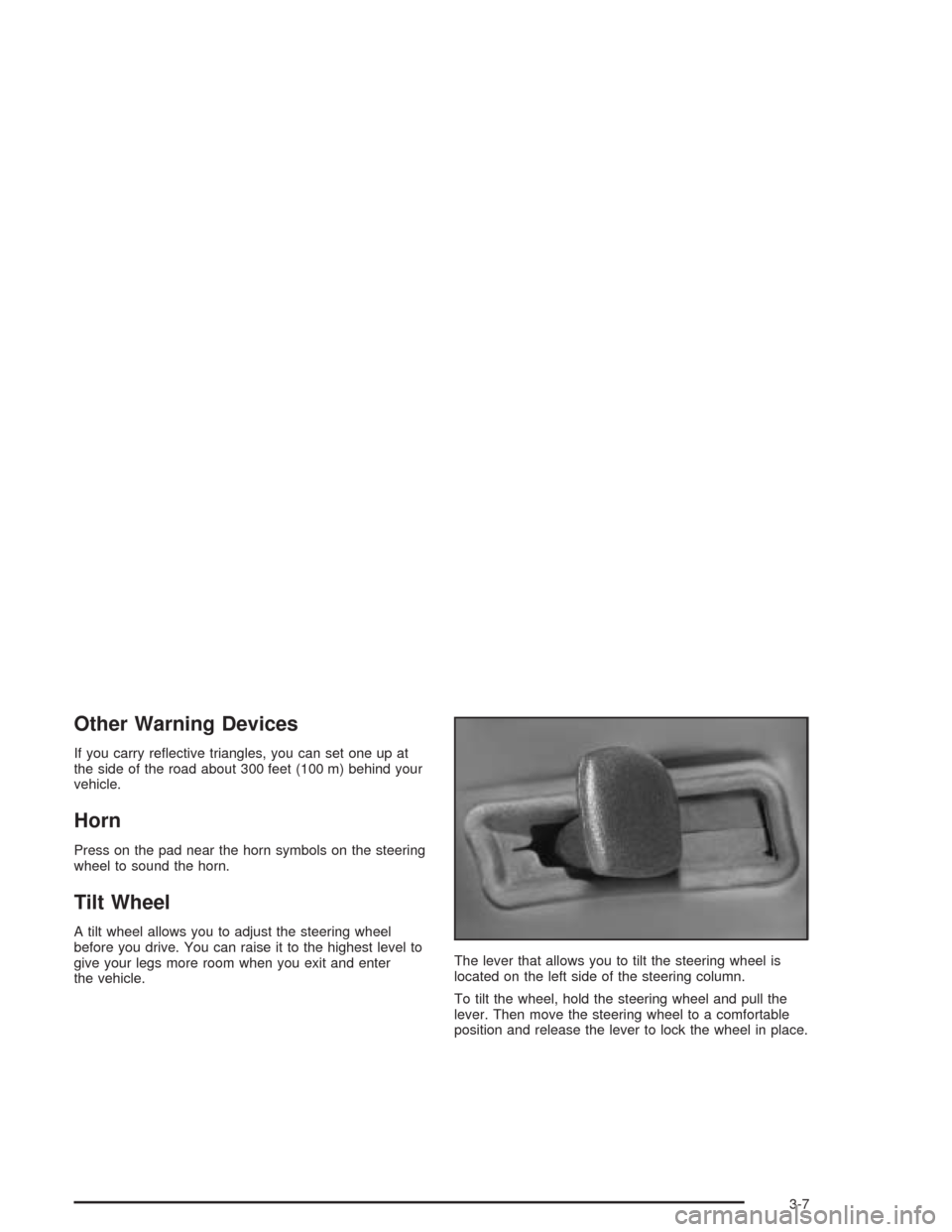
the vehicle.The lever that allows you to tilt the steering wheel is
located on the left side of the steering column.
To tilt the wheel, hold the steering wheel and pull the
lever. Then move the steering wheel to a comfortable
position and release the lever to lock the wheel in place.
3-7
Page 134 of 468
If you apply your brakes, the cruise control will shut off.
{CAUTION:
Cruise control can be dangerous where you
can not drive safely at a steady speed. So,
do not use your cruise control on winding
roads or in heavy traffic.
Cruise control can be dangerous on slippery
roads. On such roads, fast changes in tire
traction can cause needless wheel spinning,
and you could lose control. Do not use cruise
control on slippery roads.
If your vehicle is in cruise control when the traction
control system begins to limit wheel spin, the cruise
control will automatically disengage. SeeTraction
Control System (TCS) on page 4-9andStabilitrak
®
System on page 4-11. When road conditions allow you
to safely use it again, you may turn the cruise control
back on.
Setting Cruise Control
{CAUTION:
If you leave your cruise control on when you
are not using cruise, you might hit a button
and go into cruise when you do not want to.
You could be startled and even lose control.
Keep the cruise control switch off until you
want to use cruise control.
1. Move the cruise control switch to on.
2. Get up to the speed you want.
3. Press in the set button at the end of the lever and
release it.
4. Take your foot off the accelerator pedal.
This light on the instrument
panel cluster will come on
while cruise control is on.
3-12