wheel CADILLAC SRX 2004 1.G Owner's Manual
[x] Cancel search | Manufacturer: CADILLAC, Model Year: 2004, Model line: SRX, Model: CADILLAC SRX 2004 1.GPages: 468, PDF Size: 2.92 MB
Page 151 of 468
Sensors
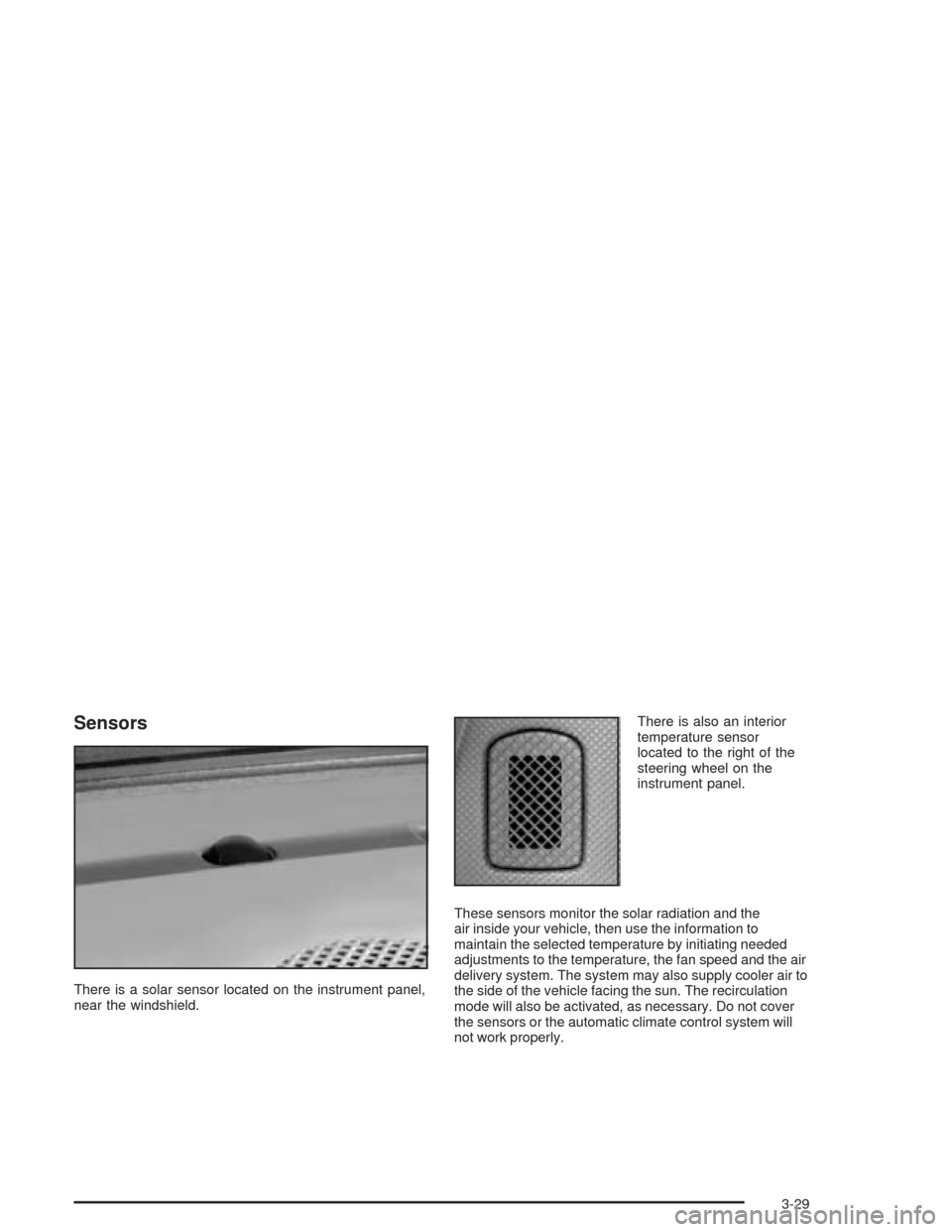
There is a solar sensor located on the instrument panel,
near the windshield.There is also an interior
temperature sensor
located to the right of the
steering wheel on the
instrument panel.
These sensors monitor the solar radiation and the
air inside your vehicle, then use the information to
maintain the selected temperature by initiating needed
adjustments to the temperature, the fan speed and the air
delivery system. The system may also supply cooler air to
the side of the vehicle facing the sun. The recirculation
mode will also be activated, as necessary. Do not cover
the sensors or the automatic climate control system will
not work properly.
3-29
Page 152 of 468
Defogging and Defrosting
Fog on the inside of windows is a result of high humidity
(moisture) condensing on the cool window glass.
This can be minimized if the climate control system is
used properly. There are two modes to clear fog
from your windshield. Use the defog mode to clear the
windows of fog or moisture and warm the passengers.
Use the defrost mode to remove fog or frost from
the windshield more quickly.
yNz(Mode):Press this button until defog appears
on the display.
-(Defog):This mode directs the air between the
windshield, oor outlets and side windows. When you
select this mode, the system turns off recirculation
and runs the air-conditioning compressor unless
the outside temperature is at or below freezing.
The recirculation mode is cancelled when you enter
defog mode. If you select recirculation while in defog
mode, it will be cancelled after 10 minutes.If you have fogging on the side windows, turn the
thumbwheel on the outboard outlets to the side window
defog position. SeeOutlet Adjustment on page 3-31
for more information.
0(Defrost):Pressing defrost directs most of the air
to the windshield, with some air directed to the side
windows. In this mode, the system will automatically
turn off recirculation and run the air-conditioning
compressor, unless the outside temperature is at or
below freezing. Recirculation cannot be selected while
in the defrost mode.
This mode may also cause the fan speed and air
temperature to increase.
If you have fogging on the side windows, turn the
thumbwheel on the outboard outlets to the side window
defog position. SeeOutlet Adjustment on page 3-31
for more information. Do not drive the vehicle until all the
windows are clear.
3-30
Page 153 of 468
Rear Window Defogger
The rear window defogger uses a warming grid to
remove fog or frost from the rear window.
The rear window defogger will only work when the
ignition is in ON.
=(Rear Window Defogger):Press this button to
turn the rear window defogger on or off. Be sure to clear
as much snow from the rear window as possible.
The rear window defogger will turn off about 10 minutes
after the button is pressed. Or, if the vehicle’s speed
is above 30 mph (48 km/h), the rear defogger will stay
on continuously. If turned on again, the defogger
will only run for about ve minutes before turning off.
The defogger can also be turned off by pressing
the button again or by turning off the engine.The heated outside rearview mirrors will heat to help
clear fog or frost from the surface of the mirror when the
rear window defogger button is on.
Notice:Using a razor blade or sharp object to clear
the inside rear window may damage the rear
window defogger. Repairs would not be covered by
your warranty. Do not clear the inside of the rear
window with sharp objects.
Outlet Adjustment
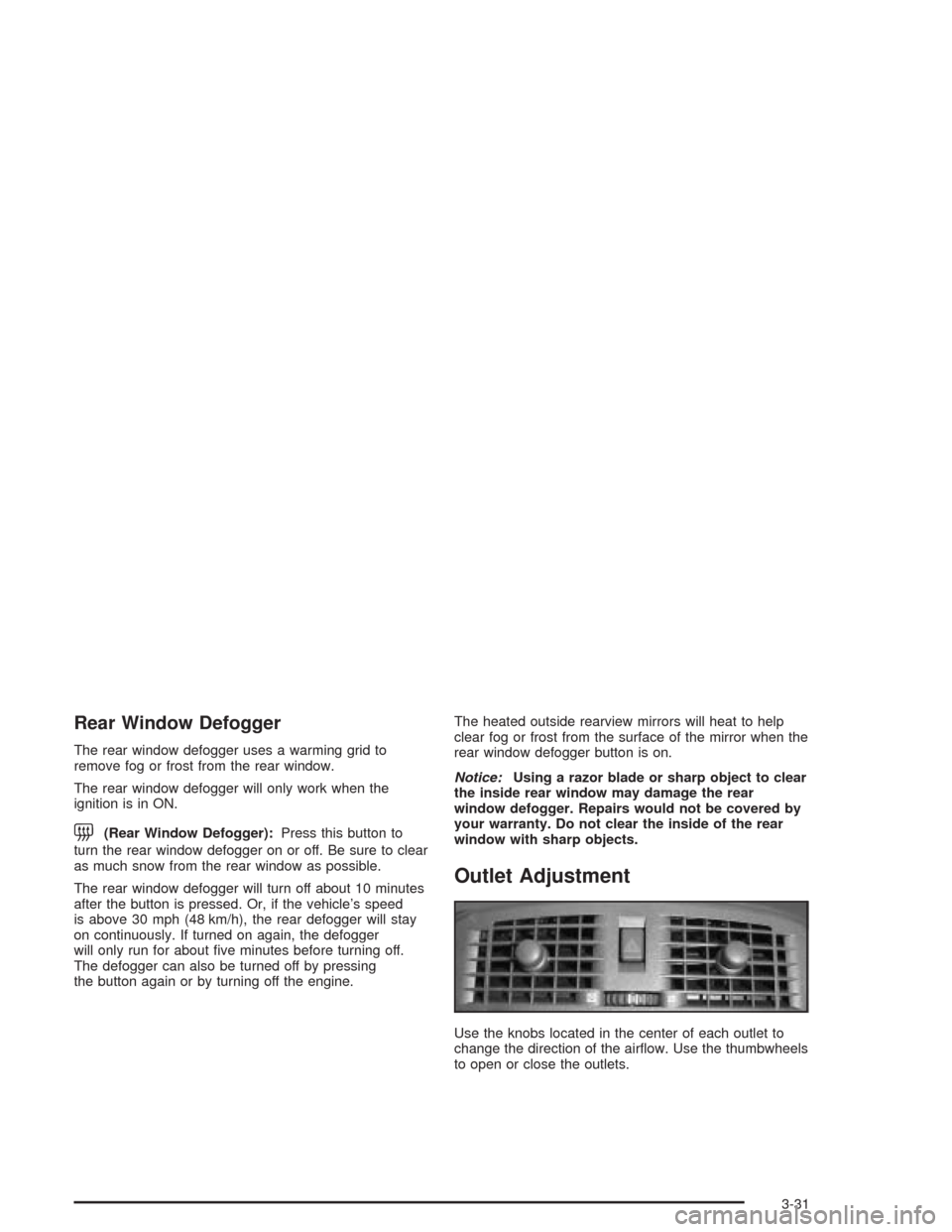
Use the knobs located in the center of each outlet to
change the direction of the airow. Use the thumbwheels
to open or close the outlets.
3-31
Page 154 of 468
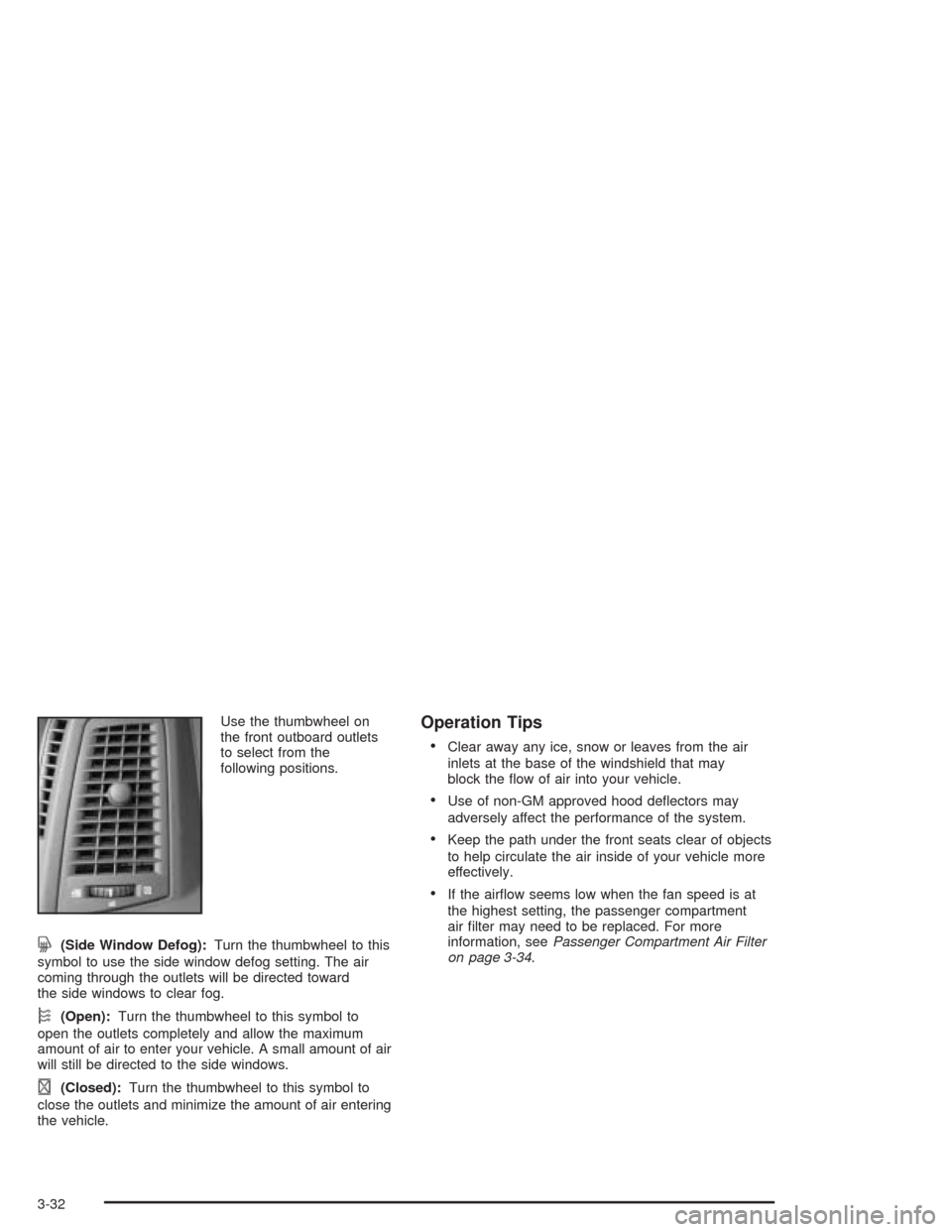
Use the thumbwheel on
the front outboard outlets
to select from the
following positions.
j(Side Window Defog):Turn the thumbwheel to this
symbol to use the side window defog setting. The air
coming through the outlets will be directed toward
the side windows to clear fog.
k(Open):Turn the thumbwheel to this symbol to
open the outlets completely and allow the maximum
amount of air to enter your vehicle. A small amount of air
will still be directed to the side windows.
l(Closed):Turn the thumbwheel to this symbol to
close the outlets and minimize the amount of air entering
the vehicle.
Operation Tips
Clear away any ice, snow or leaves from the air
inlets at the base of the windshield that may
block the ow of air into your vehicle.
Use of non-GM approved hood deectors may
adversely affect the performance of the system.
Keep the path under the front seats clear of objects
to help circulate the air inside of your vehicle more
effectively.
If the airow seems low when the fan speed is at
the highest setting, the passenger compartment
air lter may need to be replaced. For more
information, seePassenger Compartment Air Filter
on page 3-34.
3-32
Page 194 of 468

Starting Disabled – Throttle Problem
This message appears when your vehicle’s throttle
system is not functioning properly. Have your vehicle
serviced at your dealership.
Theft Attempted
This message is displayed if the content theft-deterrent
system has detected a break-in attempt while you
were away from your vehicle.
Top Speed – Fuel Cut Off
This message will appear when the Engine Control
Module (ECM) detects that the maximum speed for your
vehicle has been reached. Your vehicle’s top speed is
based on the top speed rating of the tires. This ensures
that your vehicle stays in a safe operating range for
the tires.
Traction Engaged
This message will appear when the traction control
system is actively limiting wheel spin. Slippery
road conditions may exist if this message is displayed,
so adjust your driving accordingly. The message will
stay on for a few seconds after the traction control
system stops limiting wheel spin. SeeTraction Control
System (TCS) on page 4-9for more information.
Traction Suspended
This message will appear when the traction control
system has been temporarily shut off because
your vehicle’s brakes have overheated. This message
does not indicate a problem with your vehicle’s
traction control system. SeeTraction Control
System (TCS) on page 4-9for more information.
Trans (Transmission) Hot – Idle Engine
This message indicates that the transmission uid in
your vehicle is too hot. Stop the vehicle and allow it to
idle until the transmission cools down or until this
message is removed.
Turn Signal On
If you drive your vehicle for more than about 1 mile
(1.6 km) with a turn signal on, this message will appear
as a reminder to turn off the turn signal. A multiple
chime will sound when this message is displayed.
3-72
Page 246 of 468

Audio Steering Wheel Controls
Some audio controls can be adjusted at the steering
wheel. They include the following:
>(Mute):Press this button to silence the system.
Press this button again, or any other radio button, to turn
the sound on.
SRCE (Source):Press this button to switch between
FM1, FM2, AM, or XM1 or XM2 (if equipped), radio,
or CD.
g(OnStar/Voice Recognition):If your vehicle has
the Radio with CD or Radio with Six-Disc CD audio
system, press this button to interact with the OnStar
®
system. See the OnStar®manual provided with
your vehicle for more information.
If your vehicle has the navigation system, press this
button to initiate voice recognition. See “Voice
Recognition” in the Navigation System manual for more
information. You may be able to interact with the
OnStar
®system using this button. See the OnStar®
manual provided with your vehicle for more information.
1–6 (Preset Stations):Press this button to play
stations that are programmed on the radio preset
pushbuttons. The radio will only seek preset stations
with a strong signal that are in the selected band.
When a CD is playing, press this button to go to the
next track.
When a CD is playing in the six-disc CD changer, press
this button to go to the next available CD, if multiple
CDs are loaded.
+
u— (Volume):Press this button to increase or to
decrease the volume.
3-124
Page 247 of 468

+tu— (Seek):Press either arrow to go to the
next or the previous radio station and stay there.
The radio will only seek stations with a strong signal
that are in the selected band.
When a CD is playing, press the minus sign to go to the
start of the current track, if more than 10 seconds
have played. Press the plus sign to go to the next track.
If either the minus or the plus button are pressed
more than once, the player will continue moving
backward or forward through the CD.
Press and hold the SEEK plus or minus button, until
you hear a beep. The CD will fast forward or fast reverse
through the CD. Press either button again to play the
passage.
If you have the navigation system, some of the audio
steering wheel controls work when a DVD is playing in
the navigation radio. See the Navigation System
manual for more information.Radio Reception
AM
The range for most AM stations is greater than for FM,
especially at night. The longer range can cause
station frequencies to interfere with each other.
Static can occur on AM stations caused by things like
storms and power lines. Try reducing the treble to
reduce this noise.
FM Stereo
FM stereo will give the best sound, but FM signals will
reach only about 10 to 40 miles (16 to 65 km).
Tall buildings or hills can interfere with FM signals,
causing the sound to fade in and out.
XM™ Satellite Radio Service
XM™ Satellite Radio Service gives digital radio
reception from coast to coast. Just as with FM, tall
buildings or hills can interfere with satellite radio signals,
causing the sound to fade in and out. The radio may
display NO XM SIGNAL to indicate interference.
3-125
Page 251 of 468
Your Driving, the Road, and Your Vehicle..........4-2
Defensive Driving...........................................4-2
Drunken Driving.............................................4-3
Control of a Vehicle........................................4-6
Braking.........................................................4-6
Traction Control System (TCS).........................4-9
Magnetic Ride Control...................................4-10
Stabilitrak
®System.......................................4-11
Panic Brake Assist........................................4-11
Steering......................................................4-12
Off-Road Recovery.......................................4-14
Passing.......................................................4-14
Loss of Control.............................................4-16
Operating Your All-Wheel-Drive Vehicle
Off Paved Roads.......................................4-17
Driving at Night............................................4-30Driving in Rain and on Wet Roads..................4-32
City Driving..................................................4-35
Freeway Driving...........................................4-36
Before Leaving on a Long Trip.......................4-37
Highway Hypnosis........................................4-38
Hill and Mountain Roads................................4-38
Winter Driving..............................................4-40
If You Are Stuck: In Sand, Mud,
Ice or Snow..............................................4-44
Towing..........................................................4-45
Towing Your Vehicle.....................................4-45
Recreational Vehicle Towing...........................4-45
Loading Your Vehicle....................................4-47
Level Control...............................................4-52
Towing a Trailer...........................................4-52
Section 4 Driving Your Vehicle
4-1
Page 258 of 468
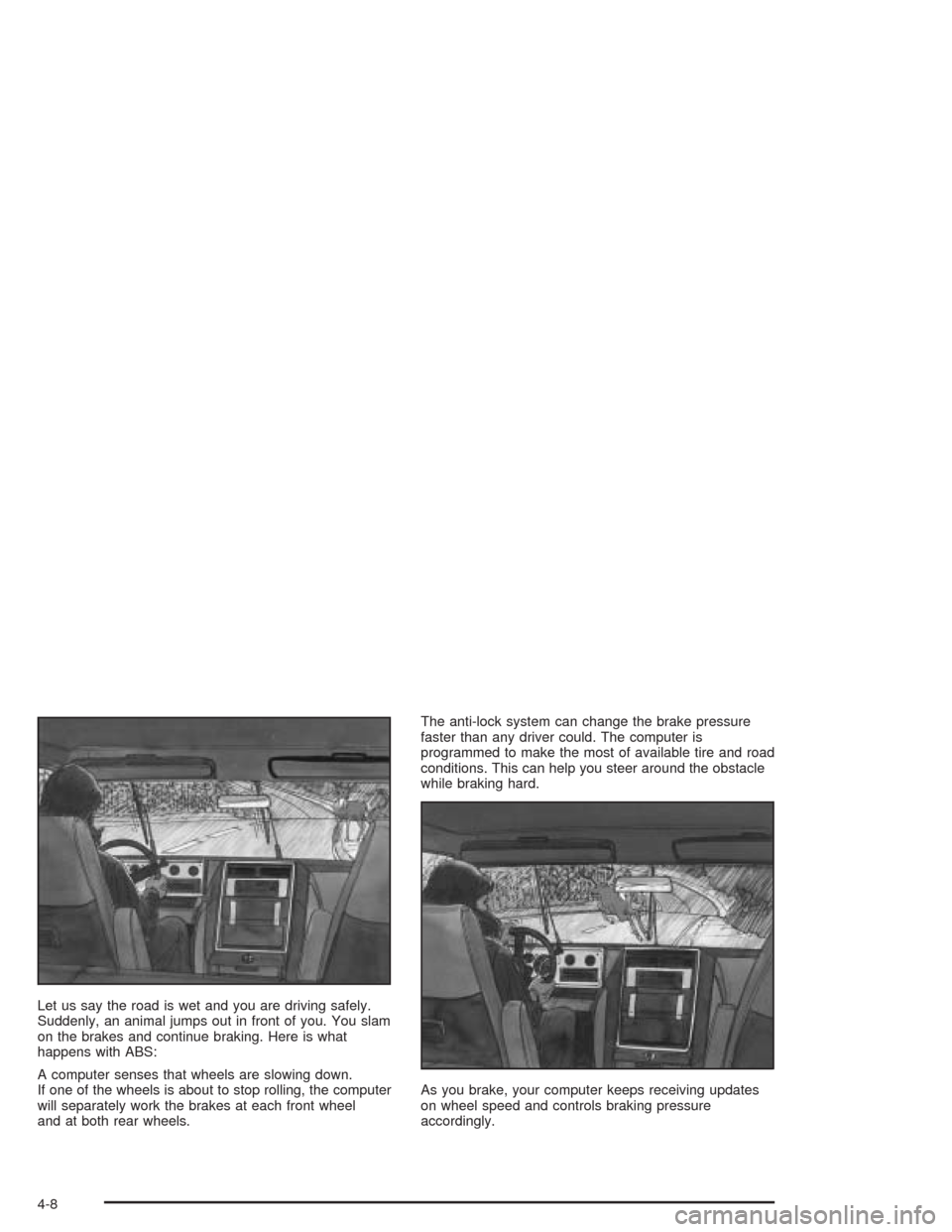
Let us say the road is wet and you are driving safely.
Suddenly, an animal jumps out in front of you. You slam
on the brakes and continue braking. Here is what
happens with ABS:
A computer senses that wheels are slowing down.
If one of the wheels is about to stop rolling, the computer
will separately work the brakes at each front wheel
and at both rear wheels.The anti-lock system can change the brake pressure
faster than any driver could. The computer is
programmed to make the most of available tire and road
conditions. This can help you steer around the obstacle
while braking hard.
As you brake, your computer keeps receiving updates
on wheel speed and controls braking pressure
accordingly.
4-8
Page 259 of 468
Remember: Anti-lock does not change the time you
need to get your foot up to the brake pedal or always
decrease stopping distance. If you get too close to
the vehicle in front of you, you will not have time to apply
your brakes if that vehicle suddenly slows or stops.
Always leave enough room up ahead to stop, even
though you have anti-lock brakes.
Using Anti-Lock
Do not pump the brakes. Just hold the brake pedal
down rmly and let anti-lock work for you. You may feel
the brakes vibrate, or you may notice some noise,
but this is normal.
Braking in Emergencies
With anti-lock, you can steer and brake at the same
time. In many emergencies, steering can help you more
than even the very best braking.
Traction Control System (TCS)
Your vehicle has a traction control system that limits
wheel spin. This is especially useful in slippery
road conditions. On a rear-wheel-drive vehicle, the
system operates if it senses that one or both of the
rear wheels are spinning or beginning to lose traction.
On an All-Wheel-Drive (AWD) vehicle the system
will operate if it senses that any of the wheels are
spinning or beginning to lose traction. When this
happens, the system brakes the spinning wheel(s)
and/or reduces engine power to limit wheel spin.
You may feel or hear the system working, but this is
normal.
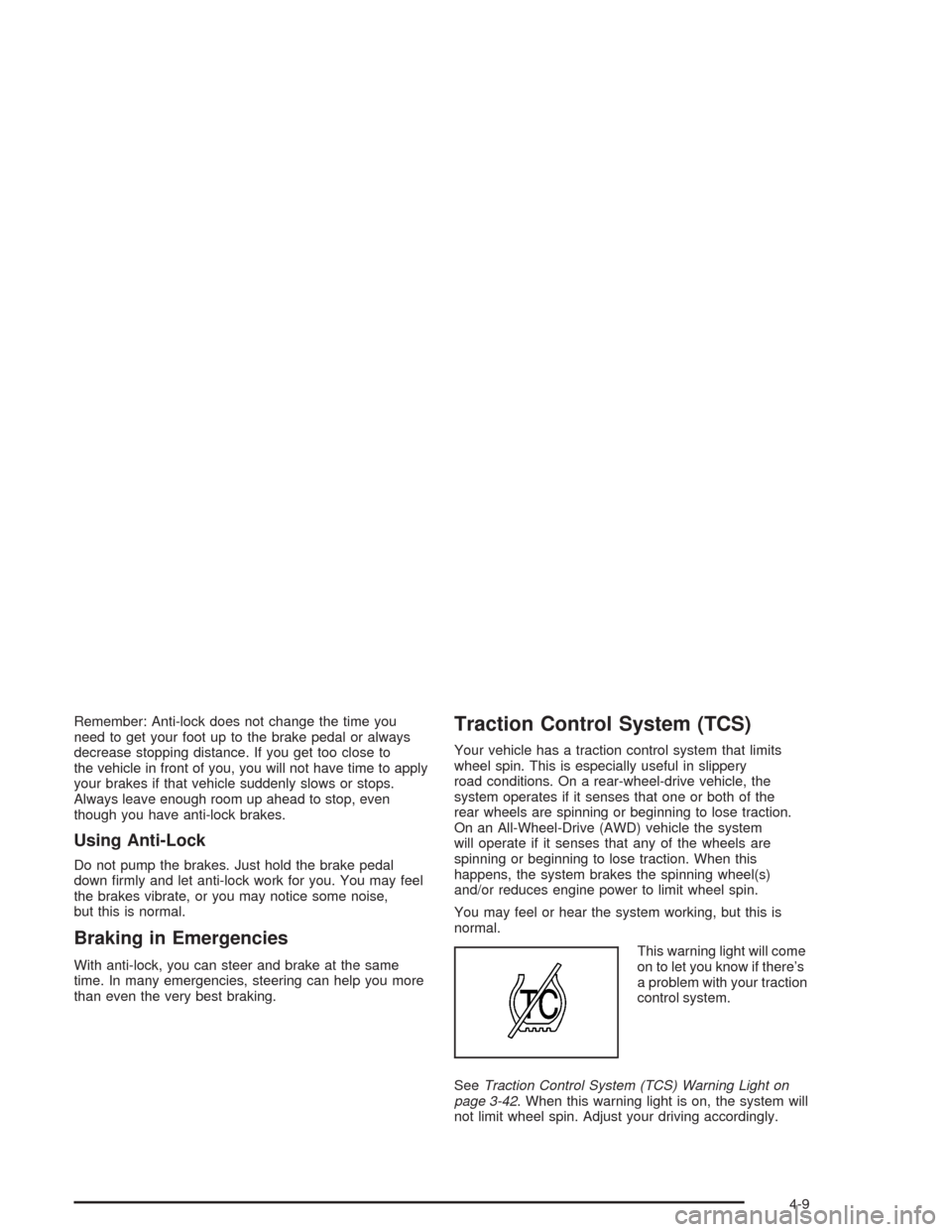
This warning light will come
on to let you know if there’s
a problem with your traction
control system.
SeeTraction Control System (TCS) Warning Light on
page 3-42. When this warning light is on, the system will
not limit wheel spin. Adjust your driving accordingly.
4-9