tire pressure CADILLAC SRX 2004 1.G Owners Manual
[x] Cancel search | Manufacturer: CADILLAC, Model Year: 2004, Model line: SRX, Model: CADILLAC SRX 2004 1.GPages: 468, PDF Size: 2.92 MB
Page 123 of 468
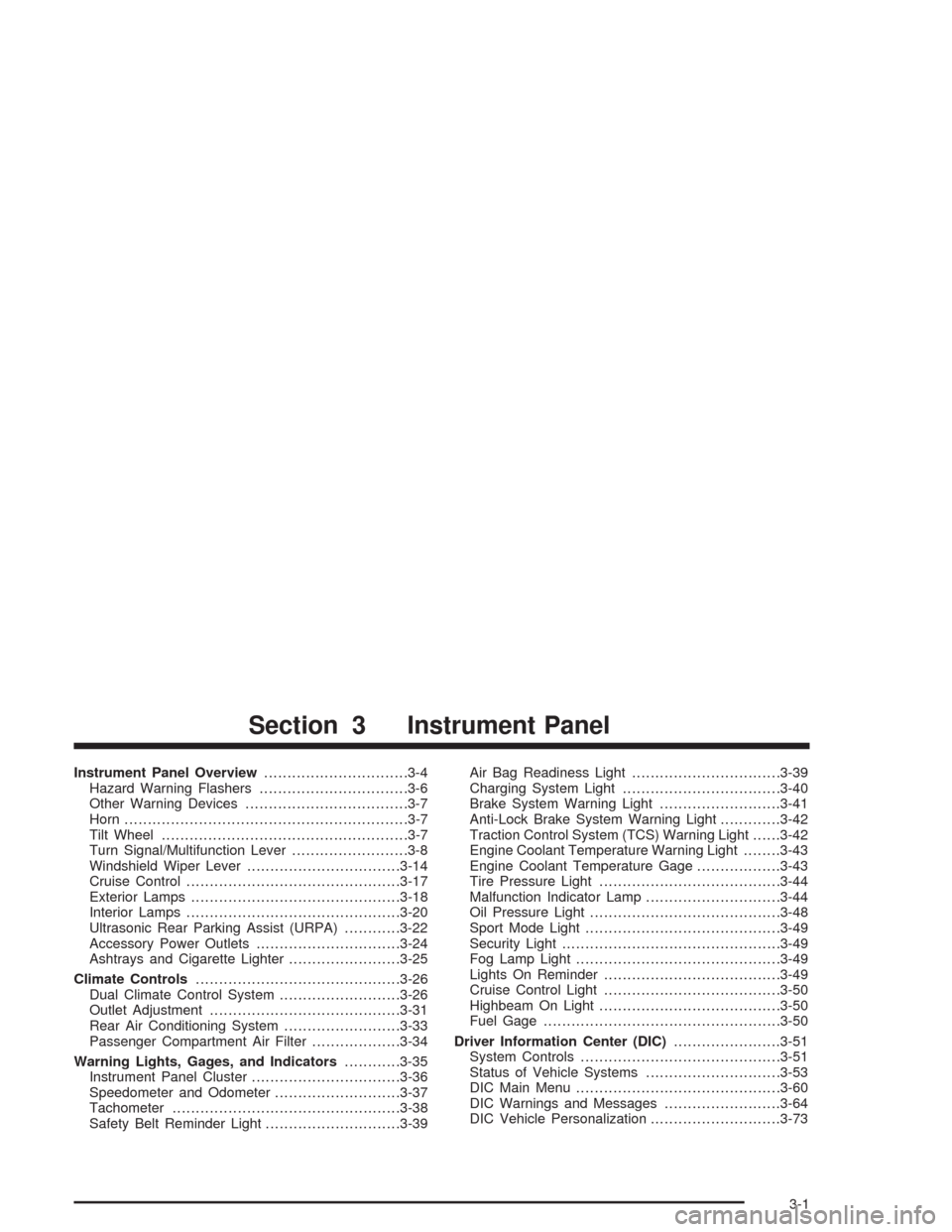
Instrument Panel Overview...............................3-4
Hazard Warning Flashers................................3-6
Other Warning Devices...................................3-7
Horn.............................................................3-7
Tilt Wheel.....................................................3-7
Turn Signal/Multifunction Lever.........................3-8
Windshield Wiper Lever.................................3-14
Cruise Control..............................................3-17
Exterior Lamps.............................................3-18
Interior Lamps..............................................3-20
Ultrasonic Rear Parking Assist (URPA)............3-22
Accessory Power Outlets...............................3-24
Ashtrays and Cigarette Lighter........................3-25
Climate Controls............................................3-26
Dual Climate Control System..........................3-26
Outlet Adjustment.........................................3-31
Rear Air Conditioning System.........................3-33
Passenger Compartment Air Filter...................3-34
Warning Lights, Gages, and Indicators............3-35
Instrument Panel Cluster................................3-36
Speedometer and Odometer...........................3-37
Tachometer.................................................3-38
Safety Belt Reminder Light.............................3-39Air Bag Readiness Light................................3-39
Charging System Light..................................3-40
Brake System Warning Light..........................3-41
Anti-Lock Brake System Warning Light.............3-42
Traction Control System (TCS) Warning Light......3-42
Engine Coolant Temperature Warning Light........3-43
Engine Coolant Temperature Gage..................3-43
Tire Pressure Light.......................................3-44
Malfunction Indicator Lamp.............................3-44
Oil Pressure Light.........................................3-48
Sport Mode Light..........................................3-49
Security Light...............................................3-49
Fog Lamp Light............................................3-49
Lights On Reminder......................................3-49
Cruise Control Light......................................3-50
Highbeam On Light.......................................3-50
Fuel Gage...................................................3-50
Driver Information Center (DIC).......................3-51
System Controls...........................................3-51
Status of Vehicle Systems.............................3-53
DIC Main Menu............................................3-60
DIC Warnings and Messages.........................3-64
DIC Vehicle Personalization............................3-73
Section 3 Instrument Panel
3-1
Page 166 of 468

Tire Pressure Light
If your vehicle has the Tire
Pressure Monitor (TPM)
System, this light will come
on if the system detects
low tire pressure.
This light will also come on for a bulb check when the
vehicle is started.
SeeTire Pressure Monitor System on page 5-69for
more information.
For more information on the proper tire pressure,
seeLoading Your Vehicle on page 4-47. For more
information on your tires, seeTires on page 5-61.
Malfunction Indicator Lamp
Check Engine Light
Your vehicle is equipped
with a computer which
monitors operation of the
fuel, ignition and emission
control systems.
This system is called OBD II (On-Board Diagnostics-
Second Generation) and is intended to assure that
emissions are at acceptable levels for the life of
the vehicle, helping to produce a cleaner environment.
The check engine light comes on to indicate that
there is a problem and service is required. Malfunctions
often will be indicated by the system before any
problem is apparent. This may prevent more serious
damage to your vehicle. This system is also designed to
assist your service technician in correctly diagnosing
any malfunction.
3-44
Page 175 of 468

Status of Vehicle Systems
You can view the status of several vehicle systems
using the DIC. Depending upon whether or not
your vehicle has the Navigation system, the menu items
will vary slightly.
Vehicle Information Menu
(Base Audio System)
To access this menu using the Base audio system,
press the up or down arrow on the INFO switch located
to the right of the display.
The following items are available when the ignition is in
RUN. These items will not be available when the
ignition is in accessory. The tire pressure menu items
are only available if your vehicle has the Tire Pressure
Monitor (TPM) System:
OUTSIDE TEMP
MI TRIP A*
MI TRIP B*
MILES RANGE
MPG AVG*
MPG INST
GAL FUEL USED*
AVG MPH*
TIMER*
BATTERY VOLTS
ENGINE OIL LIFE*
TRANS FLUID LIFE*
PSI LF TIRE
PSI RF TIRE
PSI RR TIRE
PSI LR TIRE
BLANK LINE
*These items can be reset. Each one must be reset
individually. For a detailed description of the menu items
and how to reset them, see “Vehicle Information
Menu Item Descriptions” later in this section.
You can view any of these items at any time, but only
one item can be displayed at a time.
3-53
Page 176 of 468
Vehicle Information Menu
(Navigation System)
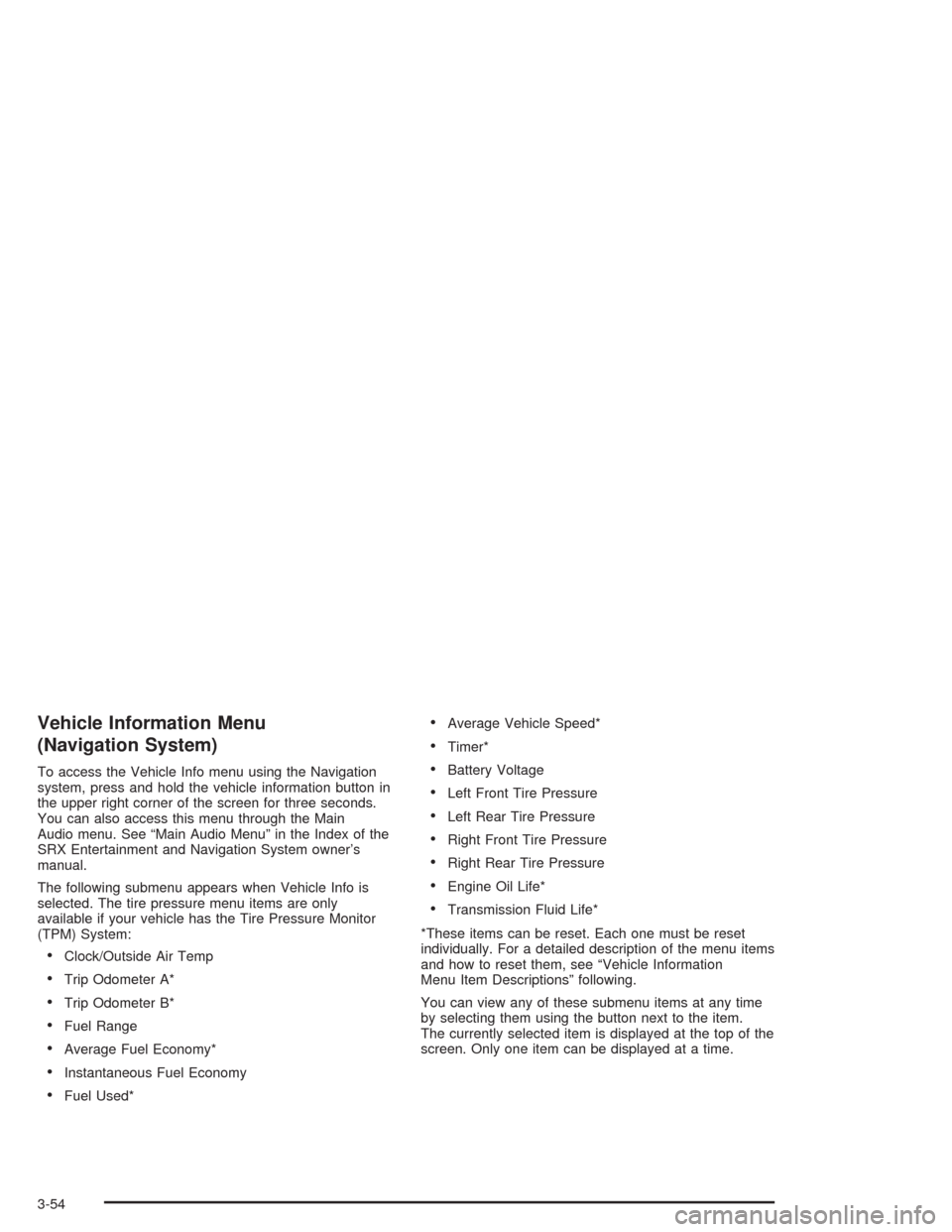
To access the Vehicle Info menu using the Navigation
system, press and hold the vehicle information button in
the upper right corner of the screen for three seconds.
You can also access this menu through the Main
Audio menu. See “Main Audio Menu” in the Index of the
SRX Entertainment and Navigation System owner’s
manual.
The following submenu appears when Vehicle Info is
selected. The tire pressure menu items are only
available if your vehicle has the Tire Pressure Monitor
(TPM) System:
Clock/Outside Air Temp
Trip Odometer A*
Trip Odometer B*
Fuel Range
Average Fuel Economy*
Instantaneous Fuel Economy
Fuel Used*
Average Vehicle Speed*
Timer*
Battery Voltage
Left Front Tire Pressure
Left Rear Tire Pressure
Right Front Tire Pressure
Right Rear Tire Pressure
Engine Oil Life*
Transmission Fluid Life*
*These items can be reset. Each one must be reset
individually. For a detailed description of the menu items
and how to reset them, see “Vehicle Information
Menu Item Descriptions” following.
You can view any of these submenu items at any time
by selecting them using the button next to the item.
The currently selected item is displayed at the top of the
screen. Only one item can be displayed at a time.
3-54
Page 180 of 468
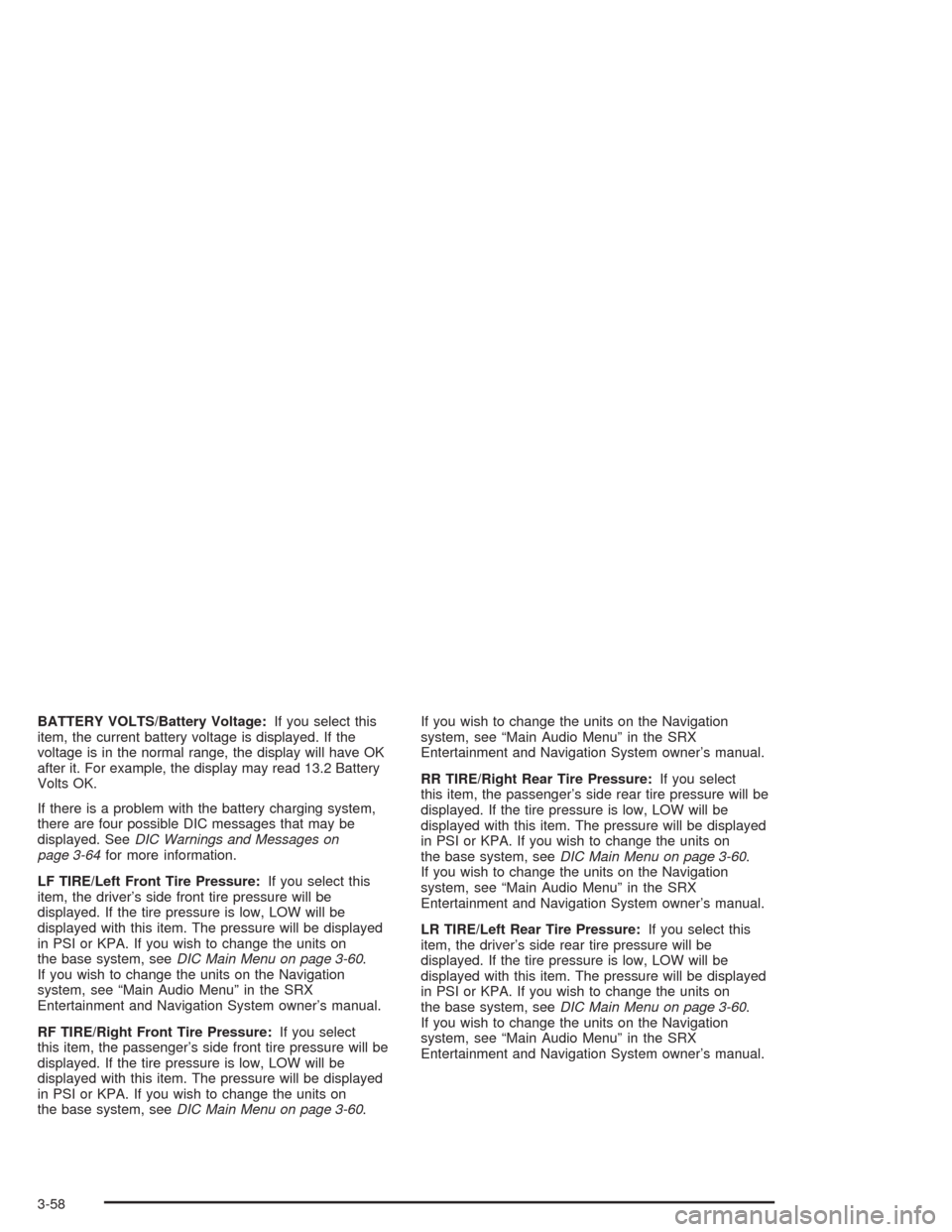
BATTERY VOLTS/Battery Voltage:If you select this
item, the current battery voltage is displayed. If the
voltage is in the normal range, the display will have OK
after it. For example, the display may read 13.2 Battery
Volts OK.
If there is a problem with the battery charging system,
there are four possible DIC messages that may be
displayed. SeeDIC Warnings and Messages on
page 3-64for more information.
LF TIRE/Left Front Tire Pressure:If you select this
item, the driver’s side front tire pressure will be
displayed. If the tire pressure is low, LOW will be
displayed with this item. The pressure will be displayed
in PSI or KPA. If you wish to change the units on
the base system, seeDIC Main Menu on page 3-60.
If you wish to change the units on the Navigation
system, see “Main Audio Menu” in the SRX
Entertainment and Navigation System owner’s manual.
RF TIRE/Right Front Tire Pressure:If you select
this item, the passenger’s side front tire pressure will be
displayed. If the tire pressure is low, LOW will be
displayed with this item. The pressure will be displayed
in PSI or KPA. If you wish to change the units on
the base system, seeDIC Main Menu on page 3-60.If you wish to change the units on the Navigation
system, see “Main Audio Menu” in the SRX
Entertainment and Navigation System owner’s manual.
RR TIRE/Right Rear Tire Pressure:If you select
this item, the passenger’s side rear tire pressure will be
displayed. If the tire pressure is low, LOW will be
displayed with this item. The pressure will be displayed
in PSI or KPA. If you wish to change the units on
the base system, seeDIC Main Menu on page 3-60.
If you wish to change the units on the Navigation
system, see “Main Audio Menu” in the SRX
Entertainment and Navigation System owner’s manual.
LR TIRE/Left Rear Tire Pressure:If you select this
item, the driver’s side rear tire pressure will be
displayed. If the tire pressure is low, LOW will be
displayed with this item. The pressure will be displayed
in PSI or KPA. If you wish to change the units on
the base system, seeDIC Main Menu on page 3-60.
If you wish to change the units on the Navigation
system, see “Main Audio Menu” in the SRX
Entertainment and Navigation System owner’s manual.
3-58
Page 187 of 468
Battery Voltage Low
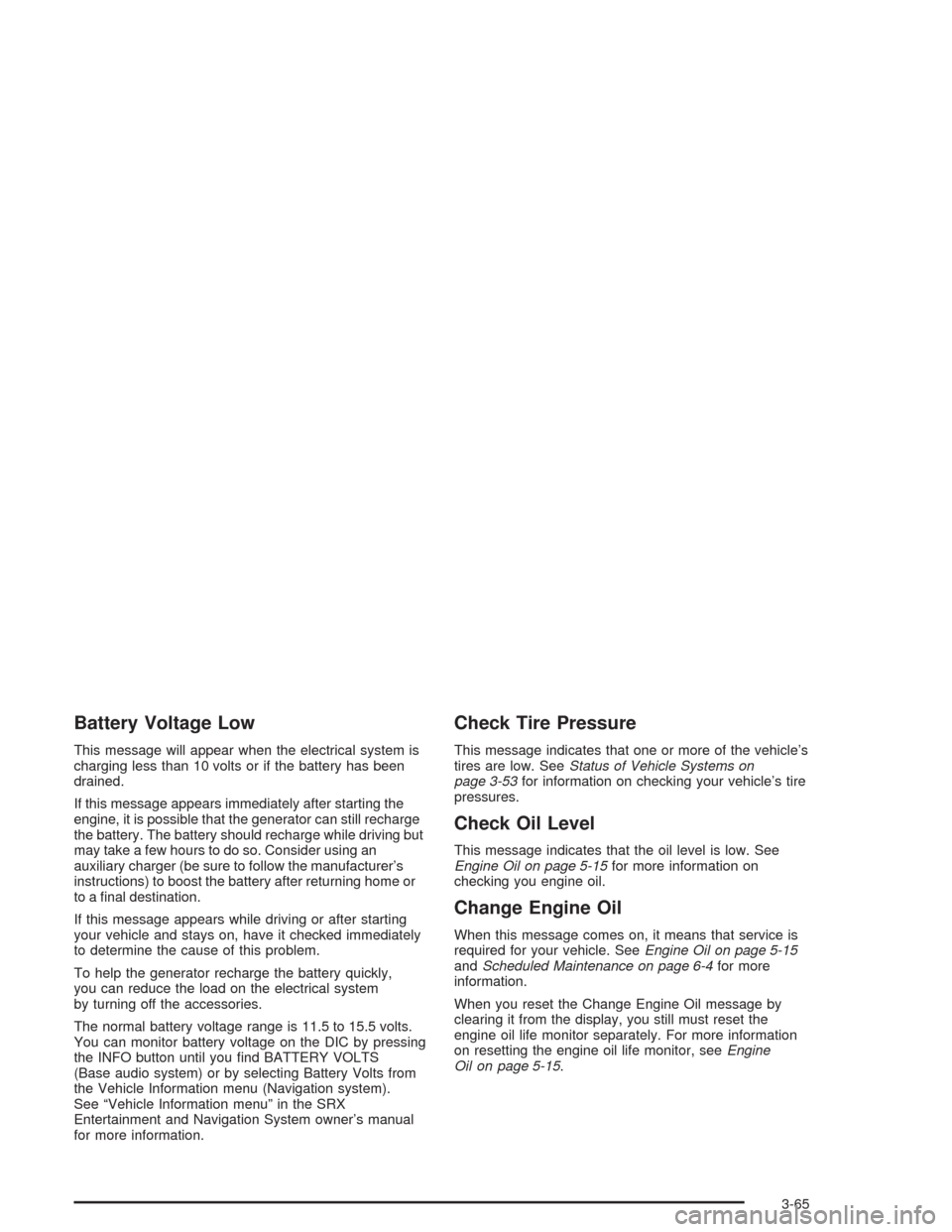
This message will appear when the electrical system is
charging less than 10 volts or if the battery has been
drained.
If this message appears immediately after starting the
engine, it is possible that the generator can still recharge
the battery. The battery should recharge while driving but
may take a few hours to do so. Consider using an
auxiliary charger (be sure to follow the manufacturer’s
instructions) to boost the battery after returning home or
to a nal destination.
If this message appears while driving or after starting
your vehicle and stays on, have it checked immediately
to determine the cause of this problem.
To help the generator recharge the battery quickly,
you can reduce the load on the electrical system
by turning off the accessories.
The normal battery voltage range is 11.5 to 15.5 volts.
You can monitor battery voltage on the DIC by pressing
the INFO button until you nd BATTERY VOLTS
(Base audio system) or by selecting Battery Volts from
the Vehicle Information menu (Navigation system).
See “Vehicle Information menu” in the SRX
Entertainment and Navigation System owner’s manual
for more information.
Check Tire Pressure
This message indicates that one or more of the vehicle’s
tires are low. SeeStatus of Vehicle Systems on
page 3-53for information on checking your vehicle’s tire
pressures.
Check Oil Level
This message indicates that the oil level is low. See
Engine Oil on page 5-15for more information on
checking you engine oil.
Change Engine Oil
When this message comes on, it means that service is
required for your vehicle. SeeEngine Oil on page 5-15
andScheduled Maintenance on page 6-4for more
information.
When you reset the Change Engine Oil message by
clearing it from the display, you still must reset the
engine oil life monitor separately. For more information
on resetting the engine oil life monitor, seeEngine
Oil on page 5-15.
3-65
Page 193 of 468

Service Steering System
Your vehicle may be equipped with a speed variable
assist steering system. SeeSteering on page 4-12.
The Service Steering System message will be displayed
if a problem is detected with the speed variable assist
steering system. When this message is displayed,
you may notice that the effort required to steer
the vehicle increases or feels “heavier,” but you will still
be able to steer the vehicle.
Service Suspension System
This message is displayed to indicate that the suspension
system is not operating properly. Have your vehicle
serviced at your dealership.
Service Theft System
This message means there is a problem with the
Immobilizer. SeeImmobilizer on page 2-18for more
information. A fault has been detected in the system
which means that the system is disabled and is
not protecting the vehicle. The vehicle usually restarts,
however, you may want to take your vehicle to your
dealer before turning off the engine.
Service Tire Monitor System
This message will appear if the Tire Pressure Monitor
(TPM) system is not working properly. Have your vehicle
serviced at the dealership as soon as possible.
Service Transmission
There is a problem with the transmission of your
vehicle. Have your vehicle serviced at your dealership.
Service Vehicle Soon
This message is displayed when a non-emissions
related powertrain malfunction occurs. Have your vehicle
serviced at your dealership as soon as possible.
Starting Disabled – Remove Key
This message will appear when the vehicle
theft-deterrent system detects that an improper ignition
key is being used to try to start the vehicle. Check the
ignition key for damage. If it is damaged, it may need to
be replaced. If it is not damaged, remove the key and
try to start the vehicle again. If it still does not start,
try another ignition key or have your vehicle serviced at
your dealership.
3-71
Page 258 of 468
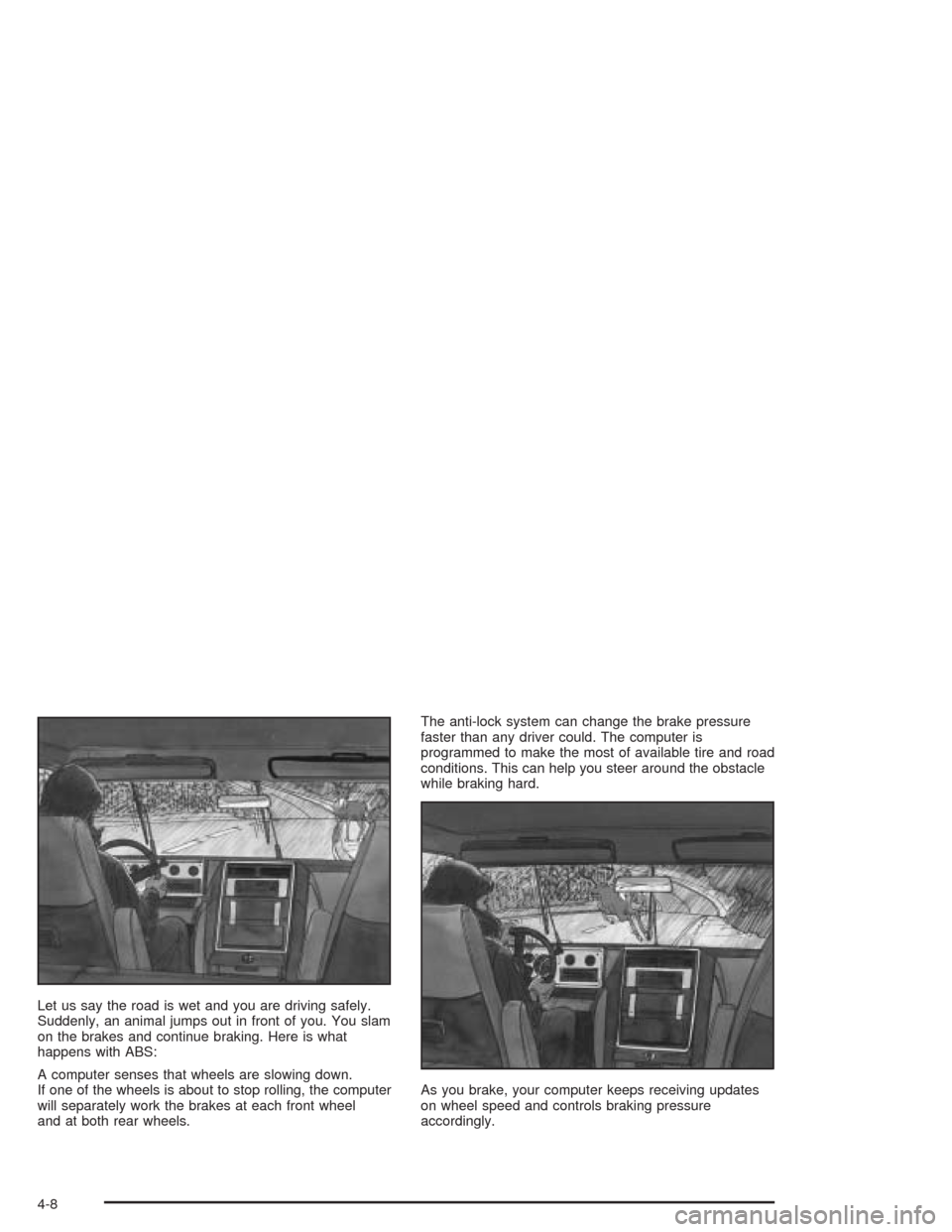
Let us say the road is wet and you are driving safely.
Suddenly, an animal jumps out in front of you. You slam
on the brakes and continue braking. Here is what
happens with ABS:
A computer senses that wheels are slowing down.
If one of the wheels is about to stop rolling, the computer
will separately work the brakes at each front wheel
and at both rear wheels.The anti-lock system can change the brake pressure
faster than any driver could. The computer is
programmed to make the most of available tire and road
conditions. This can help you steer around the obstacle
while braking hard.
As you brake, your computer keeps receiving updates
on wheel speed and controls braking pressure
accordingly.
4-8
Page 283 of 468
Driving too fast through large water puddles or even
going through some car washes can cause problems,
too. The water may affect your brakes. Try to avoid
puddles. But if you can not, try to slow down before you
hit them.
{CAUTION:
Wet brakes can cause accidents. They will not
work as well in a quick stop and may cause
pulling to one side. You could lose control of
the vehicle.
After driving through a large puddle of water
or a car wash, apply your brake pedal lightly
until your brakes work normally.
Hydroplaning
Hydroplaning is dangerous. So much water can build up
under your tires that they can actually ride on the
water. This can happen if the road is wet enough and
you are going fast enough. When your vehicle is
hydroplaning, it has little or no contact with the road.
Hydroplaning does not happen often. But it can if your
tires do not have much tread or if the pressure in
one or more is low. It can happen if a lot of water is
standing on the road. If you can see reections
from trees, telephone poles or other vehicles, and
raindrops “dimple” the water’s surface, there could be
hydroplaning.
Hydroplaning usually happens at higher speeds.
There just is not a hard and fast rule about hydroplaning.
The best advice is to slow down when it is raining.
4-33
Page 287 of 468

When you want to leave the freeway, move to the
proper lane well in advance. If you miss your exit,
do not, under any circumstances, stop and back up.
Drive on to the next exit.
The exit ramp can be curved, sometimes quite sharply.
The exit speed is usually posted.
Reduce your speed according to your speedometer, not
to your sense of motion. After driving for any distance
at higher speeds, you may tend to think you are
going slower than you actually are.
Before Leaving on a Long Trip
Make sure you are ready. Try to be well rested. If you
must start when you are not fresh — such as after
a day’s work — do not plan to make too many miles that
rst part of the journey. Wear comfortable clothing
and shoes you can easily drive in.
Is your vehicle ready for a long trip? If you keep it
serviced and maintained, it is ready to go. If it needs
service, have it done before starting out. Of course, you
will nd experienced and able service experts in GM
dealerships all across North America. They will be ready
and willing to help if you need it.Here are some things you can check before a trip:
Windshield Washer Fluid:Is the reservoir full?
Are all windows clean inside and outside?
Wiper Blades:Are they in good shape?
Fuel, Engine Oil, Other Fluids:Have you checked
all levels?
Lamps:Are they all working? Are the lenses clean?
Tires:They are vitally important to a safe,
trouble-free trip. Is the tread good enough for
long-distance driving? Are the tires all inated to
the recommended pressure?
Weather Forecasts:What is the weather outlook
along your route? Should you delay your trip a
short time to avoid a major storm system?
Maps:Do you have up-to-date maps?
4-37