traction control CADILLAC SRX 2004 1.G Owners Manual
[x] Cancel search | Manufacturer: CADILLAC, Model Year: 2004, Model line: SRX, Model: CADILLAC SRX 2004 1.GPages: 468, PDF Size: 2.92 MB
Page 123 of 468
Instrument Panel Overview...............................3-4
Hazard Warning Flashers................................3-6
Other Warning Devices...................................3-7
Horn.............................................................3-7
Tilt Wheel.....................................................3-7
Turn Signal/Multifunction Lever.........................3-8
Windshield Wiper Lever.................................3-14
Cruise Control..............................................3-17
Exterior Lamps.............................................3-18
Interior Lamps..............................................3-20
Ultrasonic Rear Parking Assist (URPA)............3-22
Accessory Power Outlets...............................3-24
Ashtrays and Cigarette Lighter........................3-25
Climate Controls............................................3-26
Dual Climate Control System..........................3-26
Outlet Adjustment.........................................3-31
Rear Air Conditioning System.........................3-33
Passenger Compartment Air Filter...................3-34
Warning Lights, Gages, and Indicators............3-35
Instrument Panel Cluster................................3-36
Speedometer and Odometer...........................3-37
Tachometer.................................................3-38
Safety Belt Reminder Light.............................3-39Air Bag Readiness Light................................3-39
Charging System Light..................................3-40
Brake System Warning Light..........................3-41
Anti-Lock Brake System Warning Light.............3-42
Traction Control System (TCS) Warning Light......3-42
Engine Coolant Temperature Warning Light........3-43
Engine Coolant Temperature Gage..................3-43
Tire Pressure Light.......................................3-44
Malfunction Indicator Lamp.............................3-44
Oil Pressure Light.........................................3-48
Sport Mode Light..........................................3-49
Security Light...............................................3-49
Fog Lamp Light............................................3-49
Lights On Reminder......................................3-49
Cruise Control Light......................................3-50
Highbeam On Light.......................................3-50
Fuel Gage...................................................3-50
Driver Information Center (DIC).......................3-51
System Controls...........................................3-51
Status of Vehicle Systems.............................3-53
DIC Main Menu............................................3-60
DIC Warnings and Messages.........................3-64
DIC Vehicle Personalization............................3-73
Section 3 Instrument Panel
3-1
Page 127 of 468
The main components of the instrument panel are
the following:
A. Air Outlets. SeeOutlet Adjustment on page 3-31.
B. Turn Signal/Multifunction Lever. SeeTurn
Signal/Multifunction Lever on page 3-8.
C. Steering Wheel Controls. SeeAudio Steering Wheel
Controls on page 3-124.
D. Instrument Panel Cluster. SeeInstrument Panel
Cluster on page 3-36.
E. Windshield Wiper Lever. SeeWindshield Wiper
Lever on page 3-14.F. Hazard Warning Flasher Button. SeeHazard
Warning Flashers on page 3-6.
G. Audio/Navigation System. SeeAudio System(s) on
page 3-93.
H. Traction Control Button. SeeTraction Control
System (TCS) on page 4-9.
I. Automatic Transmission Shift Lever. SeeAutomatic
Transmission Operation on page 2-25.
J. Climate Control System. SeeDual Climate Control
System on page 3-26.
K. Glove Box. SeeGlove Box on page 2-45.
3-5
Page 134 of 468
If you apply your brakes, the cruise control will shut off.
{CAUTION:
Cruise control can be dangerous where you
can not drive safely at a steady speed. So,
do not use your cruise control on winding
roads or in heavy traffic.
Cruise control can be dangerous on slippery
roads. On such roads, fast changes in tire
traction can cause needless wheel spinning,
and you could lose control. Do not use cruise
control on slippery roads.
If your vehicle is in cruise control when the traction
control system begins to limit wheel spin, the cruise
control will automatically disengage. SeeTraction
Control System (TCS) on page 4-9andStabilitrak
®
System on page 4-11. When road conditions allow you
to safely use it again, you may turn the cruise control
back on.
Setting Cruise Control
{CAUTION:
If you leave your cruise control on when you
are not using cruise, you might hit a button
and go into cruise when you do not want to.
You could be startled and even lose control.
Keep the cruise control switch off until you
want to use cruise control.
1. Move the cruise control switch to on.
2. Get up to the speed you want.
3. Press in the set button at the end of the lever and
release it.
4. Take your foot off the accelerator pedal.
This light on the instrument
panel cluster will come on
while cruise control is on.
3-12
Page 164 of 468
Anti-Lock Brake System
Warning Light
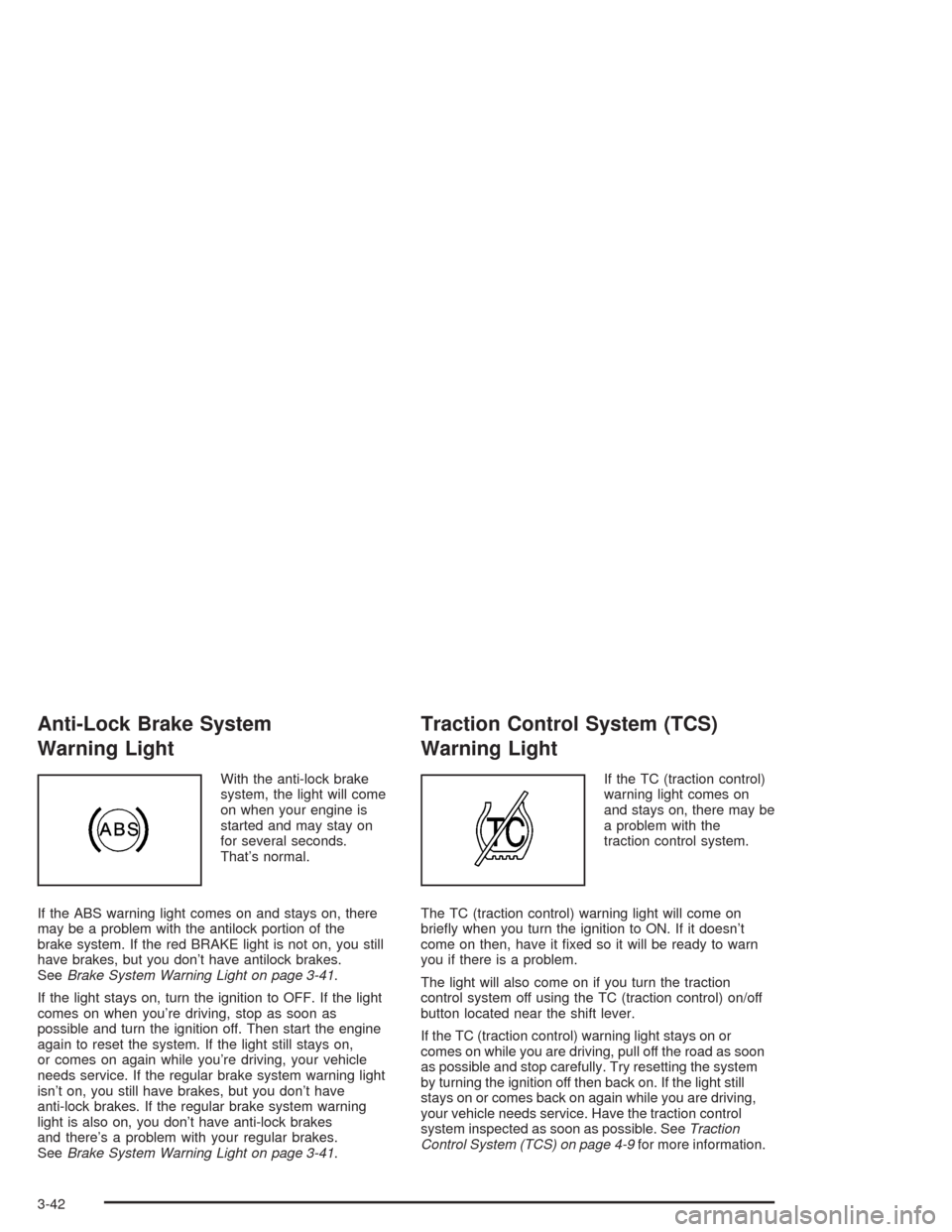
With the anti-lock brake
system, the light will come
on when your engine is
started and may stay on
for several seconds.
That’s normal.
If the ABS warning light comes on and stays on, there
may be a problem with the antilock portion of the
brake system. If the red BRAKE light is not on, you still
have brakes, but you don’t have antilock brakes.
SeeBrake System Warning Light on page 3-41.
If the light stays on, turn the ignition to OFF. If the light
comes on when you’re driving, stop as soon as
possible and turn the ignition off. Then start the engine
again to reset the system. If the light still stays on,
or comes on again while you’re driving, your vehicle
needs service. If the regular brake system warning light
isn’t on, you still have brakes, but you don’t have
anti-lock brakes. If the regular brake system warning
light is also on, you don’t have anti-lock brakes
and there’s a problem with your regular brakes.
SeeBrake System Warning Light on page 3-41.
Traction Control System (TCS)
Warning Light
If the TC (traction control)
warning light comes on
and stays on, there may be
a problem with the
traction control system.
The TC (traction control) warning light will come on
briey when you turn the ignition to ON. If it doesn’t
come on then, have it xed so it will be ready to warn
you if there is a problem.
The light will also come on if you turn the traction
control system off using the TC (traction control) on/off
button located near the shift lever.
If the TC (traction control) warning light stays on or
comes on while you are driving, pull off the road as soon
as possible and stop carefully. Try resetting the system
by turning the ignition off then back on. If the light still
stays on or comes back on again while you are driving,
your vehicle needs service. Have the traction control
system inspected as soon as possible. SeeTraction
Control System (TCS) on page 4-9for more information.
3-42
Page 185 of 468

9(English/Metric Units):Use this menu item to
adjust the measurement units.
You can choose between ENGLISH UNITS and
METRIC UNITS. To switch between the two, press the
TUNE/SEL knob. Once your choice is displayed,
turn the knob to set your choice and continue scrolling
through the main menu.
The measurement units that you choose will be reected
on all the vehicle system displays, not just the DIC
information. For example, the climate control panel will
display degrees Celsius if you choose METRIC UNITS.
TCS (Traction Control System):You can enable or
disable the traction control system using this menu item.
Press the TUNE/SEL knob to switch between on and off.
You can also turn the traction control system off using the
traction control button located near the shift lever.
When you disable the traction control system, the
Traction Suspended message will appear on the DIC and
the traction control system warning light on the instrument
panel cluster will come on. SeeDIC Warnings and
Messages on page 3-64andTraction Control System
(TCS) Warning Light on page 3-42for more information.8(Clock):Use this menu item to set the time on the
vehicle’s clock.
SeeSetting the Time on page 3-93for more information.
8/4(Clock/Information Display):Use this menu
item to toggle between the clock display and the XM™
Information (Song, Artist, Title), if available.
SeeAudio System(s) on page 3-93for more information.
SETUP:When you select this menu item, the following
submenu is available:
Personalization
Language
Congure Display Keys
To change the language displayed on the radio,
select LANGUAGE by pressing the TUNE/SEL knob.
Turn the TUNE/SEL knob to scroll through the available
languages and press the knob to make your selection.
If you accidentally select a language that you did
not want, ENGLISH is always at the top of the
language list.
For more information on the other items in the SETUP
menu, seeDIC Vehicle Personalization on page 3-73.
3-63
Page 192 of 468
Service Fuel System
The Powertrain Control Module (PCM) has detected a
problem within the fuel system when this message
appears. Have your vehicle serviced by your dealership.
Service Idle Control
A problem with the idle control has occurred when this
message displays. Have your vehicle serviced by
your dealership.
Service Stability System Message
Your vehicle is equipped with a vehicle stability
enhancement system called Stabilitrak®.
SeeStabilitrak
®System on page 4-11. The Service
Stability System message will be displayed if there has
been a problem detected with Stabilitrak
®.
If the Service Stability System message comes on while
you are driving, pull off the road as soon as possible
and stop carefully. Try resetting the system by turning
the ignition off then back on. If the Service Stability
System message still stays on or comes back on again
while you are driving, your vehicle needs service.
Have the Stabilitrak
®System inspected as soon as
possible.
Stability System Engaged Message
The Stability System Engaged message will be
displayed any time Stabilitrak®is actively assisting you
with directional control of the vehicle. Slippery road
conditions may exist when this message is displayed,
so adjust your driving accordingly. This message
may stay on for a few seconds after Stabilitrak
®stops
assisting you with directional control of the vehicle.
Stability System Off Message
The Stability System Off message will be displayed any
time you turn off Stabilitrak®using the TC (traction
control) on/off button. SeeTraction Control System
(TCS) on page 4-9for more information. When this
message has been displayed, Stabilitrak
®is no longer
available to assist you with directional control of the
vehicle. Adjust your driving accordingly.
Stability System Ready Message
The Stability System Ready message will be displayed
any time you turn back on Stabilitrak®using the TC
(traction control) on/off button. SeeTraction Control
System (TCS) on page 4-9for more information.
When this message has been displayed, Stabilitrak
®is
ready to assist you with directional control of the
vehicle if needed.
3-70
Page 194 of 468

Starting Disabled – Throttle Problem
This message appears when your vehicle’s throttle
system is not functioning properly. Have your vehicle
serviced at your dealership.
Theft Attempted
This message is displayed if the content theft-deterrent
system has detected a break-in attempt while you
were away from your vehicle.
Top Speed – Fuel Cut Off
This message will appear when the Engine Control
Module (ECM) detects that the maximum speed for your
vehicle has been reached. Your vehicle’s top speed is
based on the top speed rating of the tires. This ensures
that your vehicle stays in a safe operating range for
the tires.
Traction Engaged
This message will appear when the traction control
system is actively limiting wheel spin. Slippery
road conditions may exist if this message is displayed,
so adjust your driving accordingly. The message will
stay on for a few seconds after the traction control
system stops limiting wheel spin. SeeTraction Control
System (TCS) on page 4-9for more information.
Traction Suspended
This message will appear when the traction control
system has been temporarily shut off because
your vehicle’s brakes have overheated. This message
does not indicate a problem with your vehicle’s
traction control system. SeeTraction Control
System (TCS) on page 4-9for more information.
Trans (Transmission) Hot – Idle Engine
This message indicates that the transmission uid in
your vehicle is too hot. Stop the vehicle and allow it to
idle until the transmission cools down or until this
message is removed.
Turn Signal On
If you drive your vehicle for more than about 1 mile
(1.6 km) with a turn signal on, this message will appear
as a reminder to turn off the turn signal. A multiple
chime will sound when this message is displayed.
3-72
Page 251 of 468
Your Driving, the Road, and Your Vehicle..........4-2
Defensive Driving...........................................4-2
Drunken Driving.............................................4-3
Control of a Vehicle........................................4-6
Braking.........................................................4-6
Traction Control System (TCS).........................4-9
Magnetic Ride Control...................................4-10
Stabilitrak
®System.......................................4-11
Panic Brake Assist........................................4-11
Steering......................................................4-12
Off-Road Recovery.......................................4-14
Passing.......................................................4-14
Loss of Control.............................................4-16
Operating Your All-Wheel-Drive Vehicle
Off Paved Roads.......................................4-17
Driving at Night............................................4-30Driving in Rain and on Wet Roads..................4-32
City Driving..................................................4-35
Freeway Driving...........................................4-36
Before Leaving on a Long Trip.......................4-37
Highway Hypnosis........................................4-38
Hill and Mountain Roads................................4-38
Winter Driving..............................................4-40
If You Are Stuck: In Sand, Mud,
Ice or Snow..............................................4-44
Towing..........................................................4-45
Towing Your Vehicle.....................................4-45
Recreational Vehicle Towing...........................4-45
Loading Your Vehicle....................................4-47
Level Control...............................................4-52
Towing a Trailer...........................................4-52
Section 4 Driving Your Vehicle
4-1
Page 259 of 468
Remember: Anti-lock does not change the time you
need to get your foot up to the brake pedal or always
decrease stopping distance. If you get too close to
the vehicle in front of you, you will not have time to apply
your brakes if that vehicle suddenly slows or stops.
Always leave enough room up ahead to stop, even
though you have anti-lock brakes.
Using Anti-Lock
Do not pump the brakes. Just hold the brake pedal
down rmly and let anti-lock work for you. You may feel
the brakes vibrate, or you may notice some noise,
but this is normal.
Braking in Emergencies
With anti-lock, you can steer and brake at the same
time. In many emergencies, steering can help you more
than even the very best braking.
Traction Control System (TCS)
Your vehicle has a traction control system that limits
wheel spin. This is especially useful in slippery
road conditions. On a rear-wheel-drive vehicle, the
system operates if it senses that one or both of the
rear wheels are spinning or beginning to lose traction.
On an All-Wheel-Drive (AWD) vehicle the system
will operate if it senses that any of the wheels are
spinning or beginning to lose traction. When this
happens, the system brakes the spinning wheel(s)
and/or reduces engine power to limit wheel spin.
You may feel or hear the system working, but this is
normal.
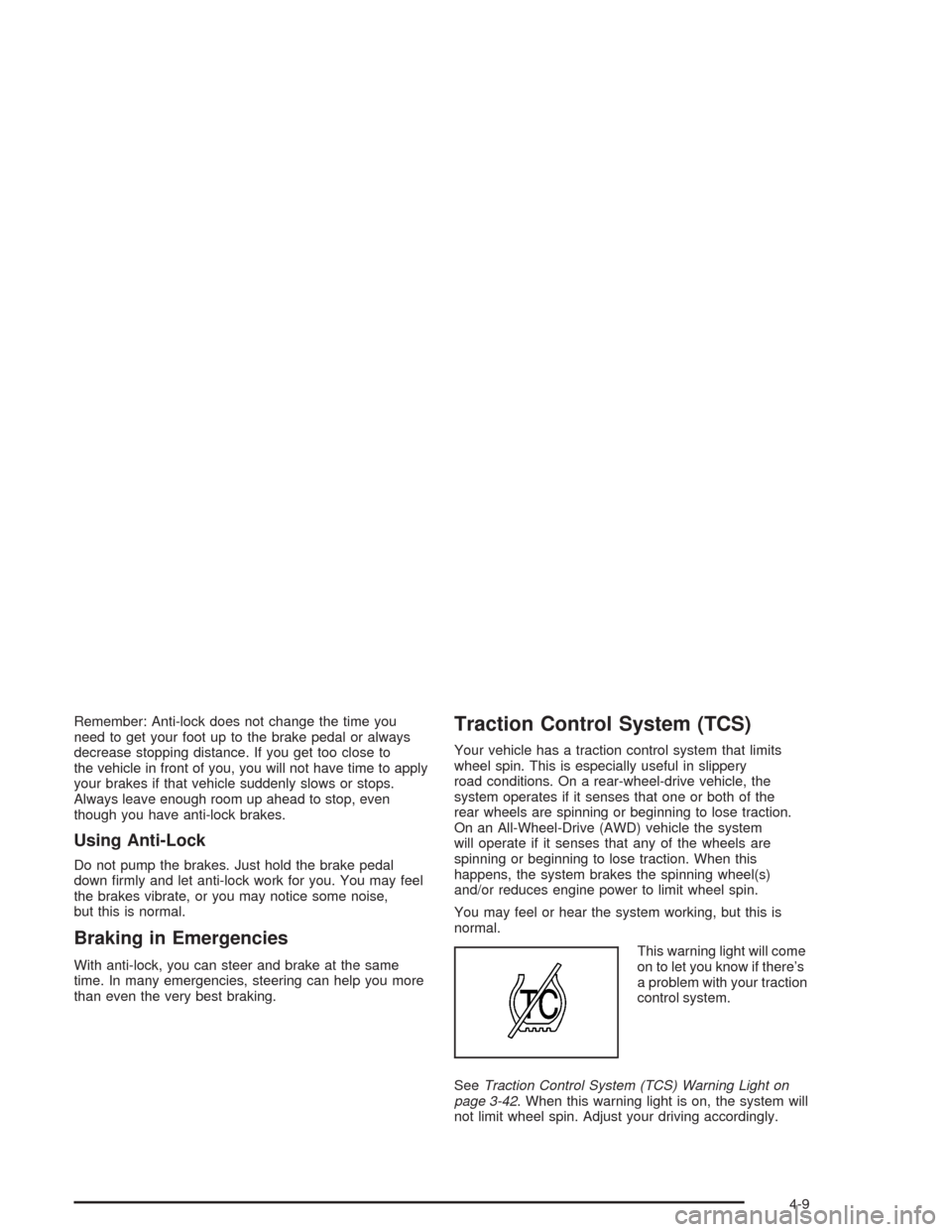
This warning light will come
on to let you know if there’s
a problem with your traction
control system.
SeeTraction Control System (TCS) Warning Light on
page 3-42. When this warning light is on, the system will
not limit wheel spin. Adjust your driving accordingly.
4-9
Page 260 of 468

The traction control system automatically comes on
whenever you start your vehicle. To limit wheel
spin, especially in slippery road conditions, you should
always leave the system on. But you can turn the
traction control system off if you ever need to.
Notice:Do not repeatedly brake or accelerate
heavily when the TCS is off. You could damage your
vehicle’s driveline.
When the TCS is switched off on AWD vehicles, you
may still feel the system working. This is normal
and necessary with the AWD hardware on your vehicle.
You should turn the system off if your vehicle ever
gets stuck in sand, mud or snow and rocking the vehicle
is required. See “Rocking Your Vehicle” underIf You
Are Stuck: In Sand, Mud, Ice or Snow on page 4-44for
more information. See alsoWinter Driving on page 4-40
for information on using TCS when driving in snowy
or icy conditions.
To turn the system off,
press the TC (traction
control) button located
near the shift lever.If you press the TC button once, the traction control
system will turn off and the traction control system
warning light will come on. Press the TC button again to
turn the system back on. If you press and hold the
TC button for ve seconds, the Stabilitrak
®system and
the traction control system will turn off. Press the
TC button again to turn Stabilitrak
®back on. For more
information, seeStabilitrak®System on page 4-11.
Magnetic Ride Control
Your vehicle may have Magnetic Ride Control that
automatically adjusts the ride of your vehicle.
Automatic ride control is achieved through a computer
used to control and monitor the suspension system.
The controller receives input from various sensors
to determine the proper system response. If the
controller detects a problem within the system, the DIC
will display a Service Suspension System message.
SeeDIC Warnings and Messages on page 3-64
for more information. See your dealer for service.
4-10