warning CADILLAC SRX 2011 2.G Repair Manual
[x] Cancel search | Manufacturer: CADILLAC, Model Year: 2011, Model line: SRX, Model: CADILLAC SRX 2011 2.GPages: 498, PDF Size: 7.62 MB
Page 153 of 498
Black plate (7,1)Cadillac SRX Owner Manual - 2011
Instruments and Controls 5-7
SeeWasher Fluid on page 10‑24 for
information on filling the windshield
washer fluid.
{WARNING
In freezing weather, do not
use your washer until the
windshield is warmed. Otherwise
the washer fluid can form ice on
the windshield, blocking your
vision.
Compass
The vehicle may have a compass
display on the Driver Information
Center (DIC). The compass
receives its heading and other
information from Global Positioning
System (GPS) antenna, StabiliTrak,
and vehicle speed information. Avoid covering the GPS antenna
for long periods of time with objects
that may interfere with the antenna's
ability to receive a satellite signal.
See
Multi-Band Antenna on
page 7‑19 for the location of the
vehicle's antennas. The compass
system is designed to operate for a
certain number of miles or degrees
of turn before needing a signal
from the GPS satellites. When the
compass display shows CAL, drive
the vehicle for a short distance in
an open area where it can receive
a GPS signal. The compass system
will automatically determine when
GPS signal is restored and provide
a heading again. See Compass
Messages on page 5‑34 for more
information on the messages that
may be displayed for the compass.
Clock (Analog Clock)
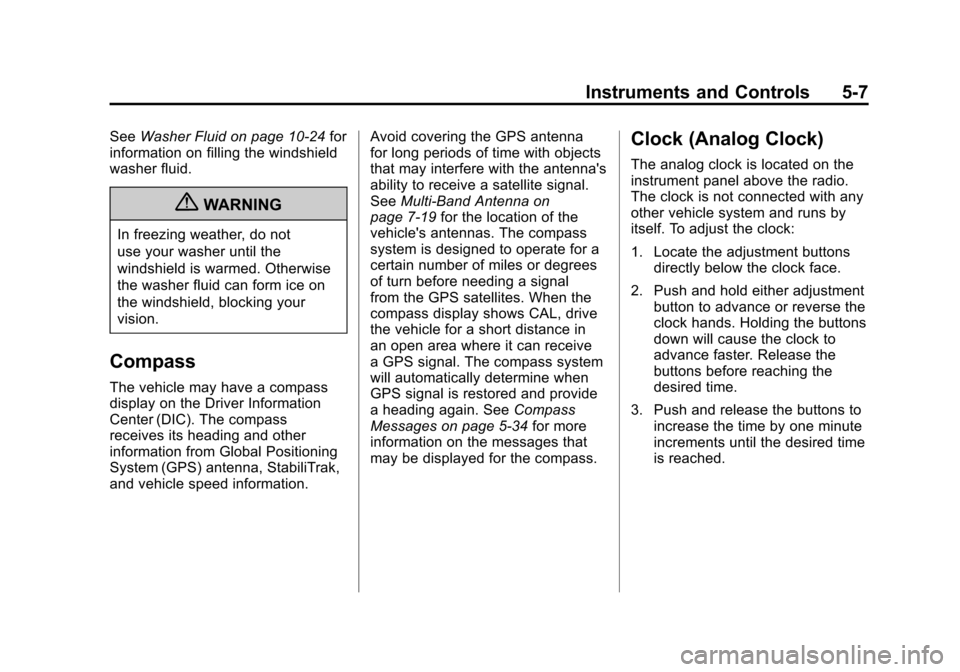
The analog clock is located on the
instrument panel above the radio.
The clock is not connected with any
other vehicle system and runs by
itself. To adjust the clock:
1. Locate the adjustment buttons directly below the clock face.
2. Push and hold either adjustment button to advance or reverse the
clock hands. Holding the buttons
down will cause the clock to
advance faster. Release the
buttons before reaching the
desired time.
3. Push and release the buttons to increase the time by one minute
increments until the desired time
is reached.
Page 156 of 498
Black plate (10,1)Cadillac SRX Owner Manual - 2011
5-10 Instruments and Controls
Ashtrays
There may be an ashtray located
under the climate control system
on the instrument panel. Press the
door to release the ashtray.
To empty the ashtray, remove it
from the instrument panel by holding
the edges and pulling straight out.
To reinstall, push the tray back into
place.
There may also be ashtrays located
on the center floor console behind
the shift lever and in the rear doors.
Notice:If papers, pins, or other
flammable items are put in the
ashtray, hot cigarettes or other
smoking materials could ignite
them and possibly damage the
vehicle. Never put flammable
items in the ashtray.
Warning Lights,
Gauges, and
Indicators
Warning lights and gauges can
signal that something is wrong
before it becomes serious enough
to cause an expensive repair or
replacement. Paying attention to
the warning lights and gauges
could prevent injury.
Warning lights come on when there
could be a problem with a vehicle
function. Some warning lights come
on briefly when the engine is started
to indicate they are working. Gauges can indicate when there
could be a problem with a vehicle
function. Often gauges and warning
lights work together to indicate a
problem with the vehicle.
When one of the warning lights
comes on and stays on while
driving, or when one of the gauges
shows there may be a problem,
check the section that explains what
to do. Follow this manual's advice.
Waiting to do repairs can be costly
and even dangerous.
Page 158 of 498
Black plate (12,1)Cadillac SRX Owner Manual - 2011
5-12 Instruments and Controls
Speedometer
The speedometer shows the
vehicle's speed in either kilometers
per hour (km/h) or miles per
hour (mph).
Odometer
The odometer shows how far the
vehicle has been driven, in either
kilometers or miles.
This vehicle has a tamper-resistant
odometer. If the vehicle needs a
new odometer installed, the new
one is set to the mileage of the old
odometer. If this is not possible, it is
set at zero and a label is put on the
driver door to show the old mileage
reading.
Tachometer
The tachometer displays the
engine speed in revolutions per
minute (rpm).
Notice:If the engine is operated
with the tachometer in the shaded
warning area, the vehicle could
be damaged, and the damages
would not be covered by the
vehicle warranty. Do not operate
the engine with the tachometer
in the shaded warning area.
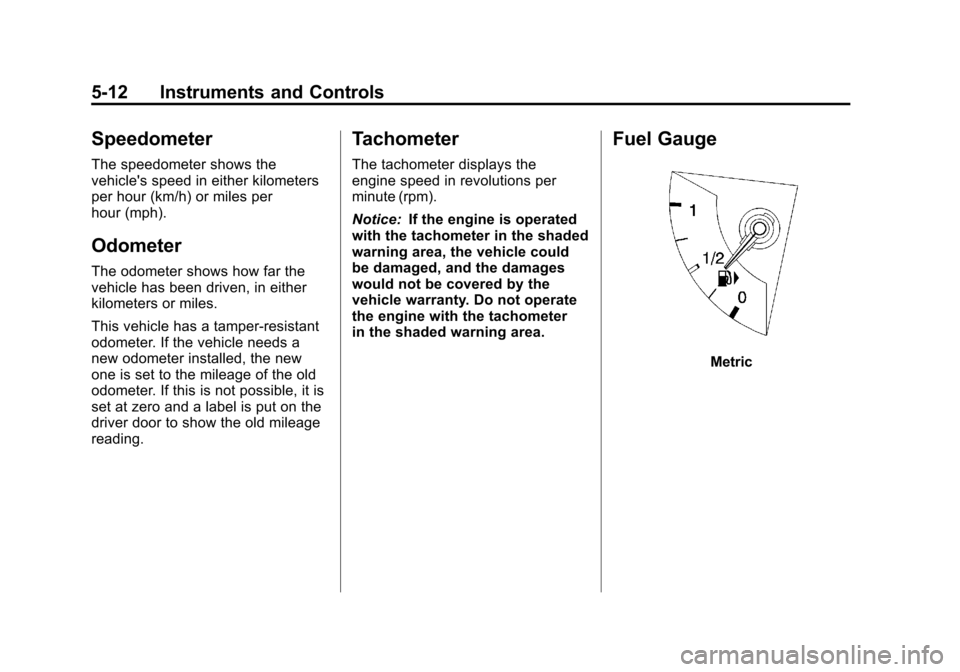
Fuel Gauge
Metric
Page 162 of 498
Black plate (16,1)Cadillac SRX Owner Manual - 2011
5-16 Instruments and Controls
Passenger Safety Belt
Reminder Light
When the engine is started this light
and the chime come on and stay on
for several seconds to remind the
passenger to fasten their safety belt.
The light also begins to flash.
This cycle repeats if the passenger
remains unbuckled and the vehicle
is moving.If the passenger safety belt is
buckled, neither the chime nor the
light comes on.
The front passenger safety belt
warning light and chime may turn on
if an object is put on the seat such
as a briefcase, handbag, grocery
bag, laptop or other electronic
device. To turn off the warning light
and/or chime, remove the object
from the seat or buckle the
safety belt.
Second Row Passenger Belt
Reminder Light
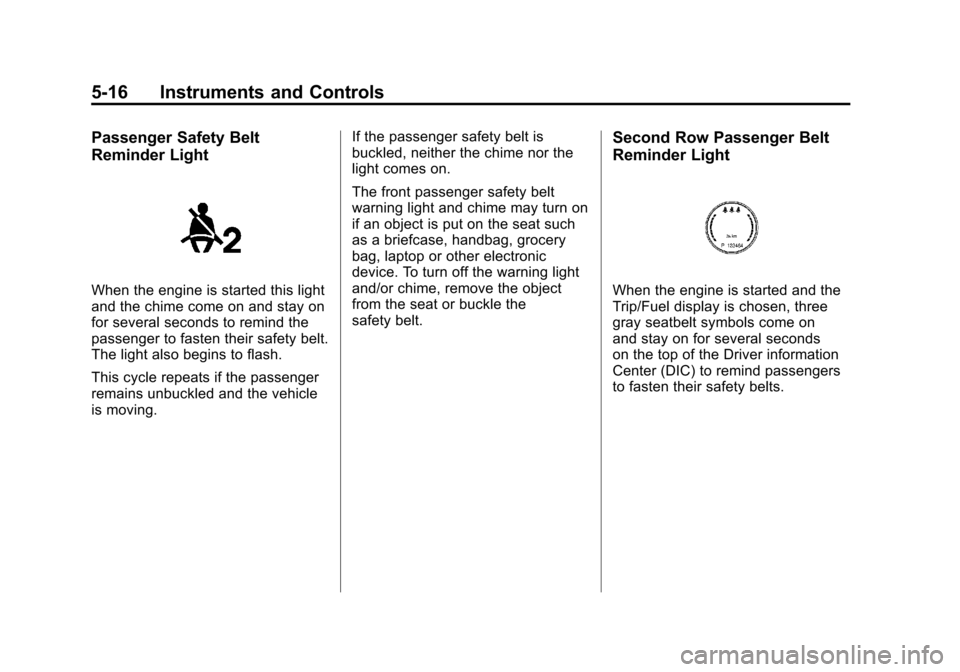
When the engine is started and the
Trip/Fuel display is chosen, three
gray seatbelt symbols come on
and stay on for several seconds
on the top of the Driver information
Center (DIC) to remind passengers
to fasten their safety belts.
Page 163 of 498
Black plate (17,1)Cadillac SRX Owner Manual - 2011
Instruments and Controls 5-17
If the Vehicle Information display
is selected, a full page screen
displays at start-up that has the
three seatbelt symbols.
Once the passenger seatbelt is
buckled, the corresponding seat
belt symbol in the DIC turns green.
There are no seat position sensors
in the seat. If a seatbelt is not
initially buckled, the cluster
continues to show the gray
seatbelt icon.
While the vehicle is moving, if a
second row passenger that was
previously buckled becomes
unbuckled, a full screen warning
displays with the corresponding
seat belt indicator flashing red.
A chime may sound.
Acknowledge warning messages by
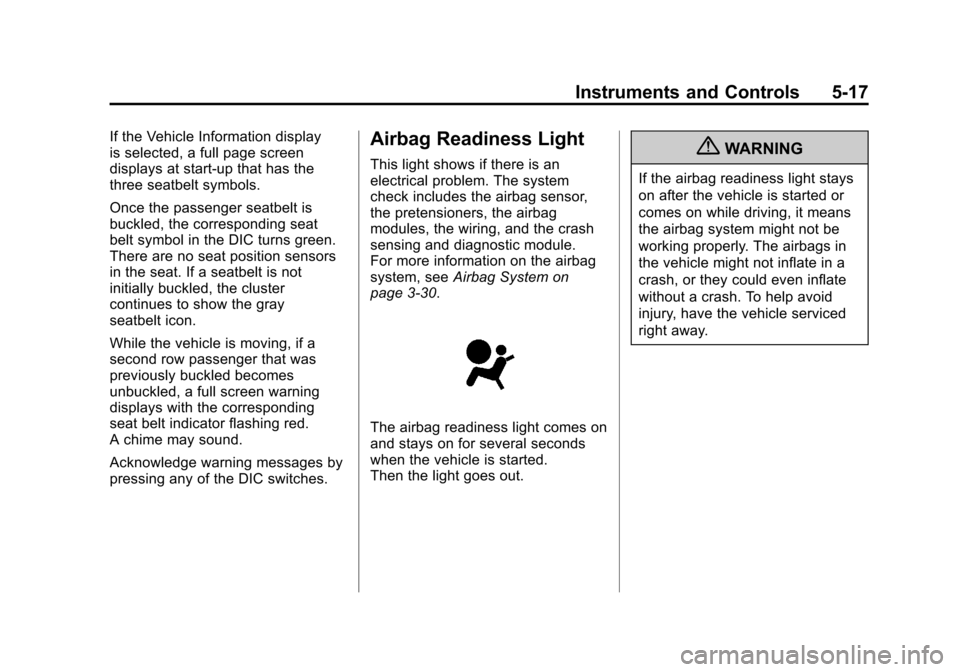
pressing any of the DIC switches.Airbag Readiness Light
This light shows if there is an
electrical problem. The system
check includes the airbag sensor,
the pretensioners, the airbag
modules, the wiring, and the crash
sensing and diagnostic module.
For more information on the airbag
system, seeAirbag System on
page 3‑30.
The airbag readiness light comes on
and stays on for several seconds
when the vehicle is started.
Then the light goes out.
{WARNING
If the airbag readiness light stays
on after the vehicle is started or
comes on while driving, it means
the airbag system might not be
working properly. The airbags in
the vehicle might not inflate in a
crash, or they could even inflate
without a crash. To help avoid
injury, have the vehicle serviced
right away.
Page 164 of 498
Black plate (18,1)Cadillac SRX Owner Manual - 2011
5-18 Instruments and Controls
Passenger Airbag Status
Indicator
The vehicle has a passenger
sensing system. SeePassenger
Sensing System on page 3‑39
for important safety information.
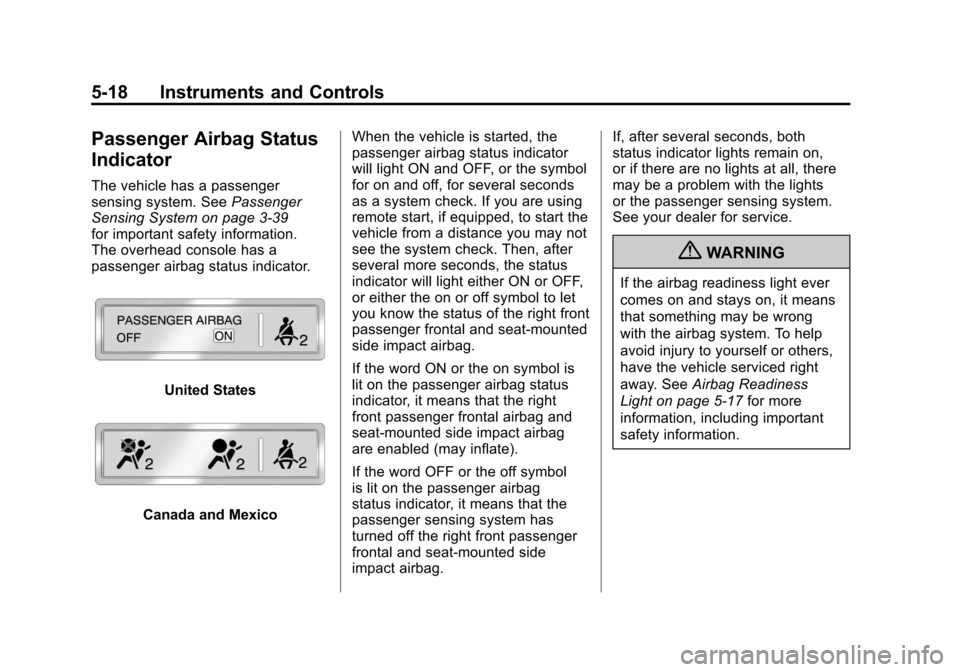
The overhead console has a
passenger airbag status indicator.
United States
Canada and Mexico When the vehicle is started, the
passenger airbag status indicator
will light ON and OFF, or the symbol
for on and off, for several seconds
as a system check. If you are using
remote start, if equipped, to start the
vehicle from a distance you may not
see the system check. Then, after
several more seconds, the status
indicator will light either ON or OFF,
or either the on or off symbol to let
you know the status of the right front
passenger frontal and seat‐mounted
side impact airbag.
If the word ON or the on symbol is
lit on the passenger airbag status
indicator, it means that the right
front passenger frontal airbag and
seat‐mounted side impact airbag
are enabled (may inflate).
If the word OFF or the off symbol
is lit on the passenger airbag
status indicator, it means that the
passenger sensing system has
turned off the right front passenger
frontal and seat‐mounted side
impact airbag. If, after several seconds, both
status indicator lights remain on,
or if there are no lights at all, there
may be a problem with the lights
or the passenger sensing system.
See your dealer for service.
{WARNING
If the airbag readiness light ever
comes on and stays on, it means
that something may be wrong
with the airbag system. To help
avoid injury to yourself or others,
have the vehicle serviced right
away. See
Airbag Readiness
Light on page 5‑17 for more
information, including important
safety information.
Page 168 of 498
Black plate (22,1)Cadillac SRX Owner Manual - 2011
5-22 Instruments and Controls
The vehicle may not pass
inspection if:
.The malfunction indicator lamp is
on with the engine running, or if
the light does not come on when
the ignition is turned to ON/RUN
while the engine is off.
.The critical emission control
systems have not been
completely diagnosed by the
system. This can happen if
the battery has recently been
replaced or if the battery has
run down. The diagnostic
system evaluates critical
emission control systems
during normal driving. This can
take several days of routine
driving. If this has been done
and the vehicle still does not
pass the inspection, your dealer
can prepare the vehicle for
inspection.
Brake System Warning
Light
The vehicle brake system
consists of two hydraulic circuits.
If one circuit is not working, the
remaining circuit can still work to
stop the vehicle. For normal braking
performance, both circuits need to
be working.
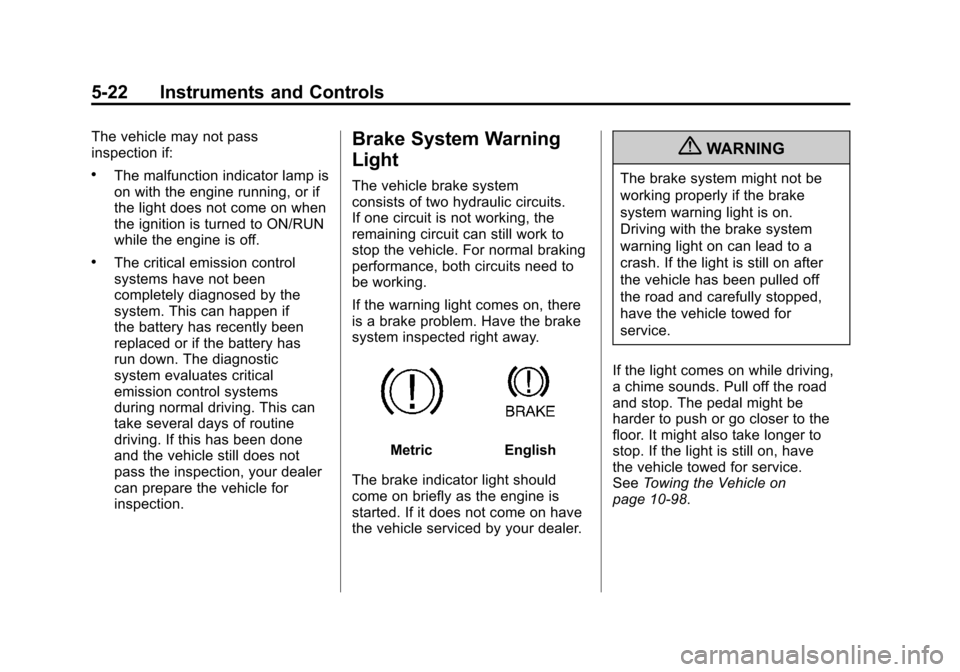
If the warning light comes on, there
is a brake problem. Have the brake
system inspected right away.
MetricEnglish
The brake indicator light should
come on briefly as the engine is
started. If it does not come on have
the vehicle serviced by your dealer.
{WARNING
The brake system might not be
working properly if the brake
system warning light is on.
Driving with the brake system
warning light on can lead to a
crash. If the light is still on after
the vehicle has been pulled off
the road and carefully stopped,
have the vehicle towed for
service.
If the light comes on while driving,
a chime sounds. Pull off the road
and stop. The pedal might be
harder to push or go closer to the
floor. It might also take longer to
stop. If the light is still on, have
the vehicle towed for service.
See Towing the Vehicle on
page 10‑98.
Page 169 of 498
Black plate (23,1)Cadillac SRX Owner Manual - 2011
Instruments and Controls 5-23
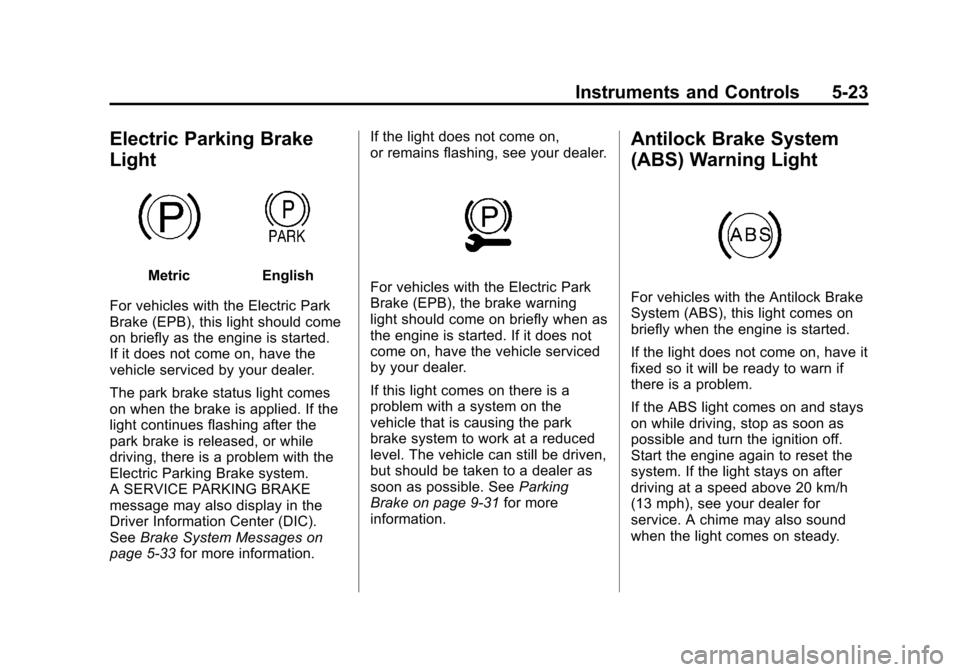
Electric Parking Brake
Light
MetricEnglish
For vehicles with the Electric Park
Brake (EPB), this light should come
on briefly as the engine is started.
If it does not come on, have the
vehicle serviced by your dealer.
The park brake status light comes
on when the brake is applied. If the
light continues flashing after the
park brake is released, or while
driving, there is a problem with the
Electric Parking Brake system.
A SERVICE PARKING BRAKE
message may also display in the
Driver Information Center (DIC).
See Brake System Messages on
page 5‑33 for more information. If the light does not come on,
or remains flashing, see your dealer.For vehicles with the Electric Park
Brake (EPB), the brake warning
light should come on briefly when as
the engine is started. If it does not
come on, have the vehicle serviced
by your dealer.
If this light comes on there is a
problem with a system on the
vehicle that is causing the park
brake system to work at a reduced
level. The vehicle can still be driven,
but should be taken to a dealer as
soon as possible. See
Parking
Brake on page 9‑31 for more
information.
Antilock Brake System
(ABS) Warning Light
For vehicles with the Antilock Brake
System (ABS), this light comes on
briefly when the engine is started.
If the light does not come on, have it
fixed so it will be ready to warn if
there is a problem.
If the ABS light comes on and stays
on while driving, stop as soon as
possible and turn the ignition off.
Start the engine again to reset the
system. If the light stays on after
driving at a speed above 20 km/h
(13 mph), see your dealer for
service. A chime may also sound
when the light comes on steady.
Page 170 of 498
Black plate (24,1)Cadillac SRX Owner Manual - 2011
5-24 Instruments and Controls
If the regular brake system warning
light is not on, the vehicle still has
brakes, but not antilock brakes.
If the regular brake system warning
light is also on, the vehicle does not
have antilock brakes and there is
a problem with the regular brakes.
SeeBrake System Warning Light on
page 5‑22.
See Brake System Messages on
page 5‑33 for all brake‐related DIC
messages.
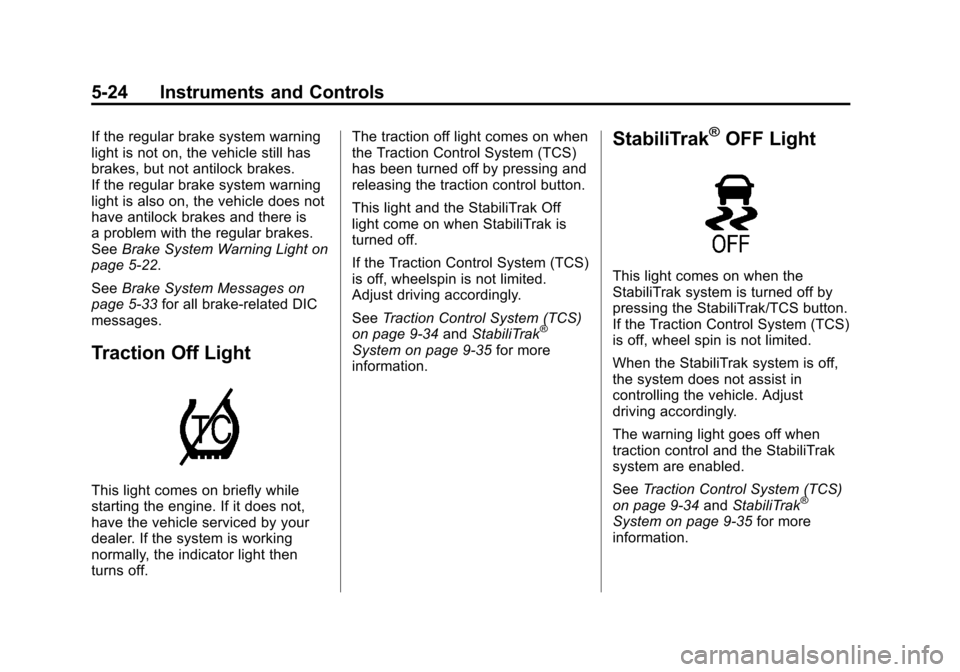
Traction Off Light
This light comes on briefly while
starting the engine. If it does not,
have the vehicle serviced by your
dealer. If the system is working
normally, the indicator light then
turns off. The traction off light comes on when
the Traction Control System (TCS)
has been turned off by pressing and
releasing the traction control button.
This light and the StabiliTrak Off
light come on when StabiliTrak is
turned off.
If the Traction Control System (TCS)
is off, wheelspin is not limited.
Adjust driving accordingly.
See
Traction Control System (TCS)
on page 9‑34 andStabiliTrak
®
System on page 9‑35 for more
information.
StabiliTrak®OFF Light
This light comes on when the
StabiliTrak system is turned off by
pressing the StabiliTrak/TCS button.
If the Traction Control System (TCS)
is off, wheel spin is not limited.
When the StabiliTrak system is off,
the system does not assist in
controlling the vehicle. Adjust
driving accordingly.
The warning light goes off when
traction control and the StabiliTrak
system are enabled.
See Traction Control System (TCS)
on page 9‑34 andStabiliTrak
®
System on page 9‑35 for more
information.
Page 171 of 498
Black plate (25,1)Cadillac SRX Owner Manual - 2011
Instruments and Controls 5-25
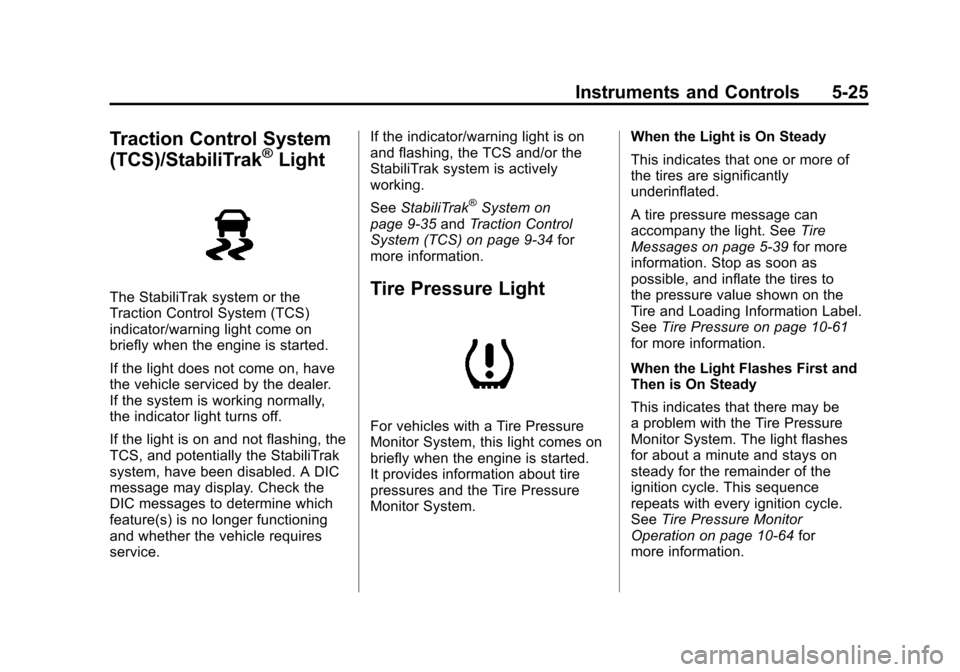
Traction Control System
(TCS)/StabiliTrak®Light
The StabiliTrak system or the
Traction Control System (TCS)
indicator/warning light come on
briefly when the engine is started.
If the light does not come on, have
the vehicle serviced by the dealer.
If the system is working normally,
the indicator light turns off.
If the light is on and not flashing, the
TCS, and potentially the StabiliTrak
system, have been disabled. A DIC
message may display. Check the
DIC messages to determine which
feature(s) is no longer functioning
and whether the vehicle requires
service.If the indicator/warning light is on
and flashing, the TCS and/or the
StabiliTrak system is actively
working.
See
StabiliTrak
®System on
page 9‑35 andTraction Control
System (TCS) on page 9‑34 for
more information.
Tire Pressure Light
For vehicles with a Tire Pressure
Monitor System, this light comes on
briefly when the engine is started.
It provides information about tire
pressures and the Tire Pressure
Monitor System. When the Light is On Steady
This indicates that one or more of
the tires are significantly
underinflated.
A tire pressure message can
accompany the light. See
Tire
Messages on page 5‑39 for more
information. Stop as soon as
possible, and inflate the tires to
the pressure value shown on the
Tire and Loading Information Label.
See Tire Pressure on page 10‑61
for more information.
When the Light Flashes First and
Then is On Steady
This indicates that there may be
a problem with the Tire Pressure
Monitor System. The light flashes
for about a minute and stays on
steady for the remainder of the
ignition cycle. This sequence
repeats with every ignition cycle.
See Tire Pressure Monitor
Operation on page 10‑64 for
more information.