light CADILLAC XLR 2005 1.G User Guide
[x] Cancel search | Manufacturer: CADILLAC, Model Year: 2005, Model line: XLR, Model: CADILLAC XLR 2005 1.GPages: 438, PDF Size: 3.69 MB
Page 61 of 438
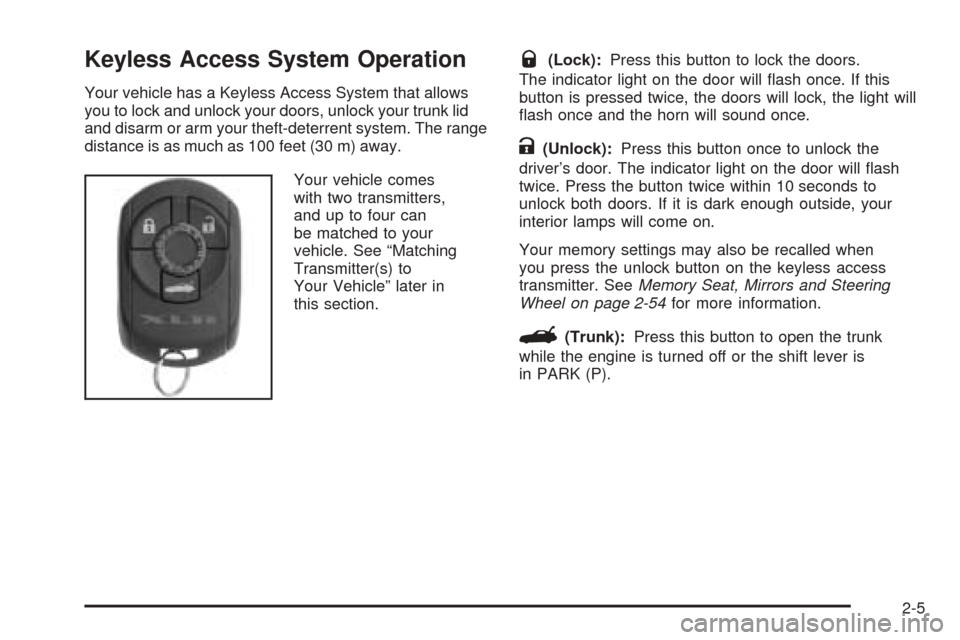
Keyless Access System Operation
Your vehicle has a Keyless Access System that allows
you to lock and unlock your doors, unlock your trunk lid
and disarm or arm your theft-deterrent system. The range
distance is as much as 100 feet (30 m) away.
Your vehicle comes
with two transmitters,
and up to four can
be matched to your
vehicle. See “Matching
Transmitter(s) to
Your Vehicle” later in
this section.
Q(Lock):Press this button to lock the doors.
The indicator light on the door will ash once. If this
button is pressed twice, the doors will lock, the light will
ash once and the horn will sound once.
K(Unlock):Press this button once to unlock the
driver’s door. The indicator light on the door will ash
twice. Press the button twice within 10 seconds to
unlock both doors. If it is dark enough outside, your
interior lamps will come on.
Your memory settings may also be recalled when
you press the unlock button on the keyless access
transmitter. SeeMemory Seat, Mirrors and Steering
Wheel on page 2-54for more information.
G(Trunk):Press this button to open the trunk
while the engine is turned off or the shift lever is
in PARK (P).
2-5
Page 67 of 438
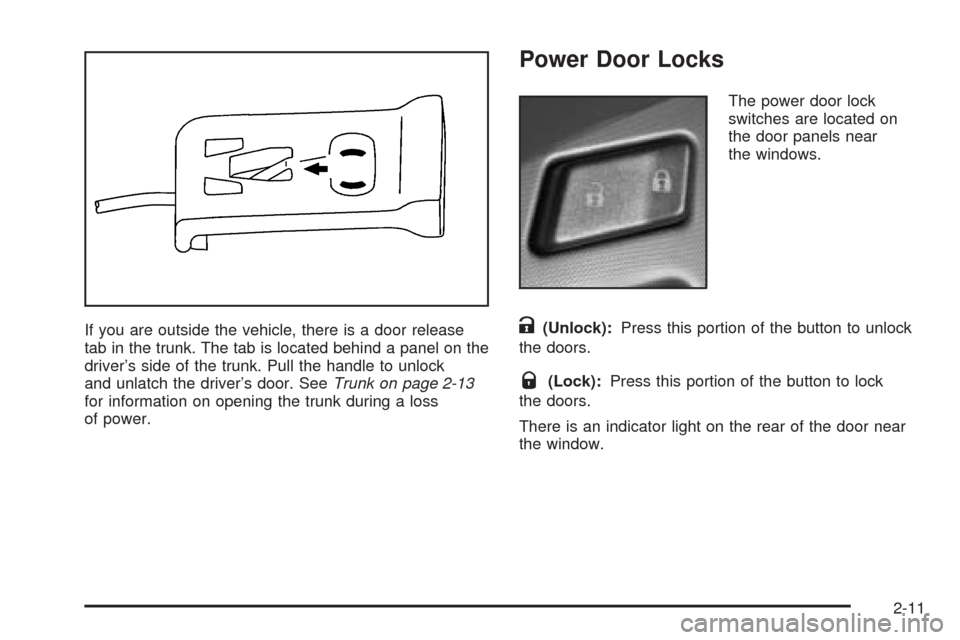
If you are outside the vehicle, there is a door release
tab in the trunk. The tab is located behind a panel on the
driver’s side of the trunk. Pull the handle to unlock
and unlatch the driver’s door. SeeTrunk on page 2-13
for information on opening the trunk during a loss
of power.
Power Door Locks
The power door lock
switches are located on
the door panels near
the windows.
K(Unlock):Press this portion of the button to unlock
the doors.
Q(Lock):Press this portion of the button to lock
the doors.
There is an indicator light on the rear of the door near
the window.
2-11
Page 68 of 438
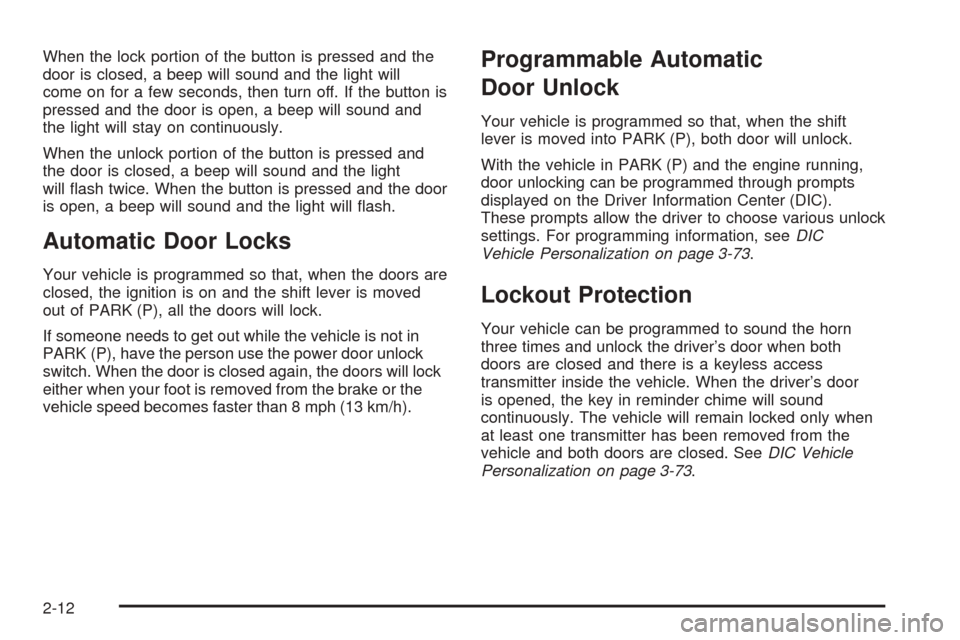
When the lock portion of the button is pressed and the
door is closed, a beep will sound and the light will
come on for a few seconds, then turn off. If the button is
pressed and the door is open, a beep will sound and
the light will stay on continuously.
When the unlock portion of the button is pressed and
the door is closed, a beep will sound and the light
will ash twice. When the button is pressed and the door
is open, a beep will sound and the light will ash.
Automatic Door Locks
Your vehicle is programmed so that, when the doors are
closed, the ignition is on and the shift lever is moved
out of PARK (P), all the doors will lock.
If someone needs to get out while the vehicle is not in
PARK (P), have the person use the power door unlock
switch. When the door is closed again, the doors will lock
either when your foot is removed from the brake or the
vehicle speed becomes faster than 8 mph (13 km/h).
Programmable Automatic
Door Unlock
Your vehicle is programmed so that, when the shift
lever is moved into PARK (P), both door will unlock.
With the vehicle in PARK (P) and the engine running,
door unlocking can be programmed through prompts
displayed on the Driver Information Center (DIC).
These prompts allow the driver to choose various unlock
settings. For programming information, seeDIC
Vehicle Personalization on page 3-73.
Lockout Protection
Your vehicle can be programmed to sound the horn
three times and unlock the driver’s door when both
doors are closed and there is a keyless access
transmitter inside the vehicle. When the driver’s door
is opened, the key in reminder chime will sound
continuously. The vehicle will remain locked only when
at least one transmitter has been removed from the
vehicle and both doors are closed. SeeDIC Vehicle
Personalization on page 3-73.
2-12
Page 71 of 438
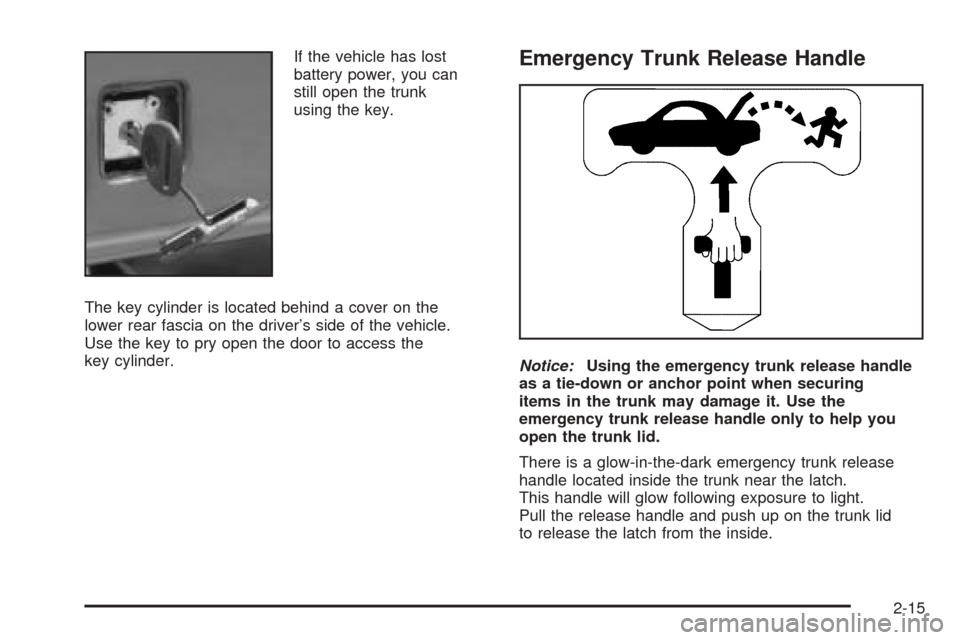
If the vehicle has lost
battery power, you can
still open the trunk
using the key.
The key cylinder is located behind a cover on the
lower rear fascia on the driver’s side of the vehicle.
Use the key to pry open the door to access the
key cylinder.Emergency Trunk Release Handle
Notice:Using the emergency trunk release handle
as a tie-down or anchor point when securing
items in the trunk may damage it. Use the
emergency trunk release handle only to help you
open the trunk lid.
There is a glow-in-the-dark emergency trunk release
handle located inside the trunk near the latch.
This handle will glow following exposure to light.
Pull the release handle and push up on the trunk lid
to release the latch from the inside.
2-15
Page 74 of 438
Anti-Pinch Feature
If any object is in the path of the window when the
express-up is active, the window will stop at the
obstruction and auto-reverse to a preset factory position.
Weather conditions such as severe icing may also
cause the window to auto-reverse. The window
will return to normal operation once the obstruction or
condition is removed.
{CAUTION:
If express override is activated, the window
will not reverse automatically. You or others
could be injured and the window could be
damaged. Before you use express override,
make sure that all people and obstructions are
clear of the window path.
Express Window Override
A condition may exist that causes auto-reversal of the
window due to weather or an obstruction. In an
emergency, the anti-pinch feature can be overridden in
a supervised mode. Hold the window switch all the
way down in the express position. The window will rise
for as long as the switch is held. Once the switch is
released, the express mode is re-activated.
In this mode, the window can still close on an object in
its path. Use care when using the override mode.
Window Indexing
This feature automatically lowers the window a small
amount when the door is opened. Then, when the door
is closed, the window will raise to its full up position.
Sun Visors
Swing down the visor to block out glare. It can also be
detached from the center mount and moved to the side.
Lighted Visor Vanity Mirrors
Swing the visor down and lift the cover. The lamp will
automatically come on when the cover is opened.
2-18
Page 75 of 438
Theft-Deterrent Systems
Vehicle theft is big business, especially in some cities.
Although your vehicle has a number of theft-deterrent
features, we know that nothing we put on it can make it
impossible to steal.
Theft-Deterrent System
Your vehicle is equipped with a theft-deterrent alarm
system.
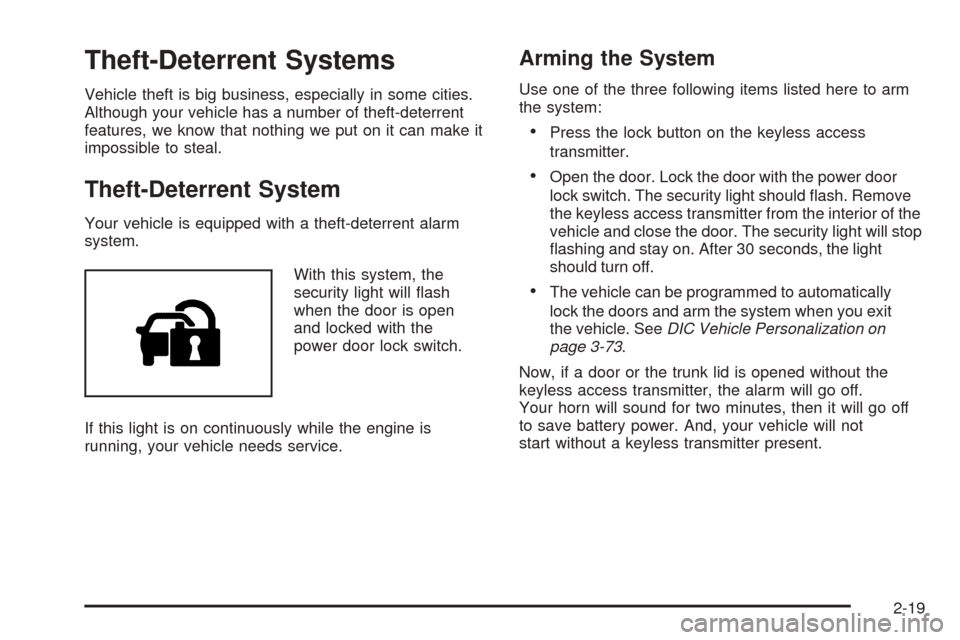
With this system, the
security light will ash
when the door is open
and locked with the
power door lock switch.
If this light is on continuously while the engine is
running, your vehicle needs service.
Arming the System
Use one of the three following items listed here to arm
the system:
Press the lock button on the keyless access
transmitter.
Open the door. Lock the door with the power door
lock switch. The security light should ash. Remove
the keyless access transmitter from the interior of the
vehicle and close the door. The security light will stop
ashing and stay on. After 30 seconds, the light
should turn off.
The vehicle can be programmed to automatically
lock the doors and arm the system when you exit
the vehicle. SeeDIC Vehicle Personalization on
page 3-73.
Now, if a door or the trunk lid is opened without the
keyless access transmitter, the alarm will go off.
Your horn will sound for two minutes, then it will go off
to save battery power. And, your vehicle will not
start without a keyless transmitter present.
2-19
Page 84 of 438
Some automatic downshifts may occur to maintain
minimum engine speed. This will only occur if you leave
the vehicle in too high of a gear range for the speed
the vehicle is traveling. For example, if you have been
driving in fth gear range and come to a stop without
manually downshifting, fth gear range will continue to
display in the HUD. The transmission will automatically
downshift to second gear. As you begin to drive
and accelerate, the transmission will automatically
upshift as quickly as possible to the selected fth
gear range.
In higher gear ranges, an automatic downshift will
occur if you press the accelerator pedal to the oor.
This feature provides you with adequate acceleration
capabilities if you forget to downshift manually.
Automatic upshifts and downshifts will not display in
the HUD.
Driver shift control is available while the cruise control is
engaged. The shift behavior of the transmission will
react differently than when cruise control is not engaged.
This is not a malfunction and is necessary to allow
proper operation of the cruise control.
To return to fully automatic operation, move the shift
lever to the right and back into the AUTOMATIC
OVERDRIVE (D).Parking Brake
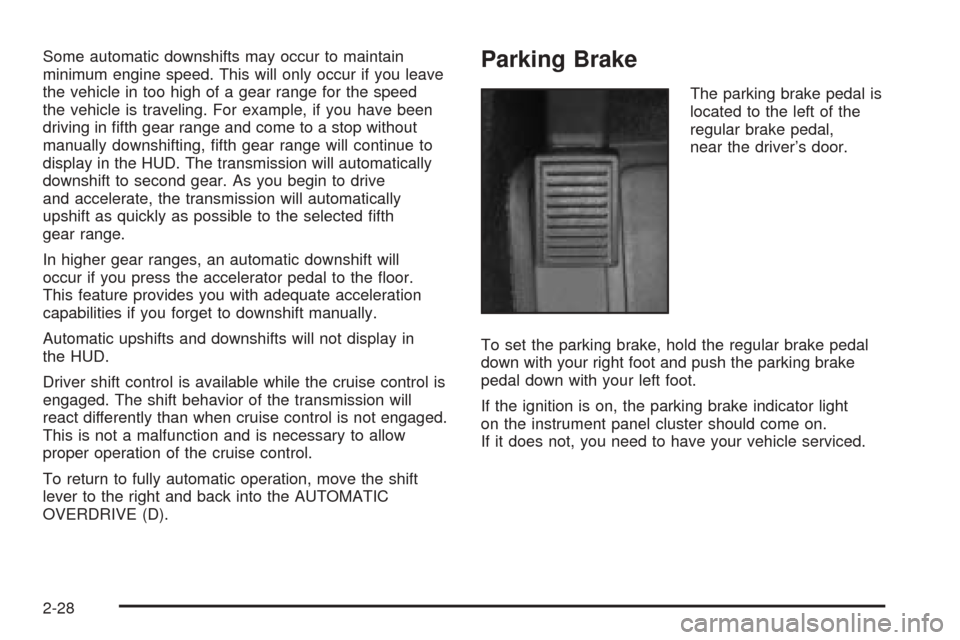
The parking brake pedal is
located to the left of the
regular brake pedal,
near the driver’s door.
To set the parking brake, hold the regular brake pedal
down with your right foot and push the parking brake
pedal down with your left foot.
If the ignition is on, the parking brake indicator light
on the instrument panel cluster should come on.
If it does not, you need to have your vehicle serviced.
2-28
Page 85 of 438
When you move out of PARK (P) or NEUTRAL (N) and
the engine is running, the parking brake should
release. If the parking brake has not been fully released
and you try to drive off with the parking brake on, the
parking brake indicator light will come on and stay on.
If the parking brake does not fully release, you can
manually release the pedal. However, be sure to read
the following paragraphs:
{CAUTION:
Always shift to PARK (P) before pulling the
manual release lever. If your hand or arm is
in the way of the pedal you could be hurt.
The pedal springs back quickly. Keep your
hand and arm away when you use the manual
release lever.
Before releasing the manual parking brake, be sure to
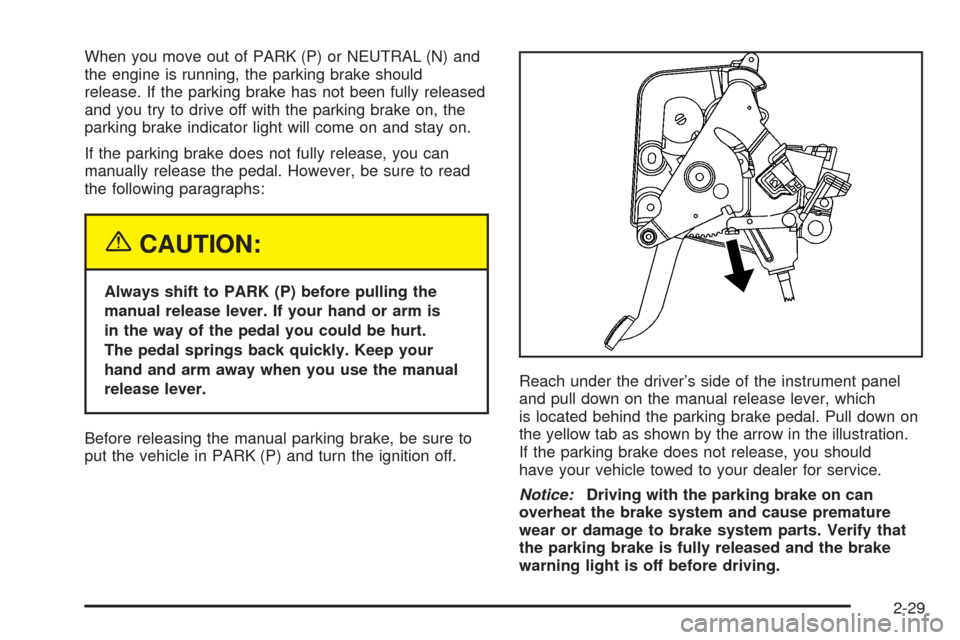
put the vehicle in PARK (P) and turn the ignition off.Reach under the driver’s side of the instrument panel
and pull down on the manual release lever, which
is located behind the parking brake pedal. Pull down on
the yellow tab as shown by the arrow in the illustration.
If the parking brake does not release, you should
have your vehicle towed to your dealer for service.
Notice:Driving with the parking brake on can
overheat the brake system and cause premature
wear or damage to brake system parts. Verify that
the parking brake is fully released and the brake
warning light is off before driving.
2-29
Page 90 of 438
Mirrors
Automatic Dimming Rearview Mirror
with OnStar
®
Your vehicle has an automatic dimming inside rearview
mirror. The mirror also contains OnStar®controls.
For more information about OnStar®, seeOnStar®
System on page 2-36.
O(On/Off):This button, located on the lower left side
of the mirror, is for the automatic dimming functions.
Mirror Operation
The automatic dimming feature is active each time the
vehicle is started.
To turn the automatic dimming feature on or off, press
and release the on/off button. The indicator light will
illuminate when this feature is active.
Cleaning the Mirror
When cleaning the mirror, use a paper towel or similar
material dampened with glass cleaner. Do not spray
glass cleaner directly on the mirror as that may cause
the liquid cleaner to enter the mirror housing.
Outside Power Heated Mirrors
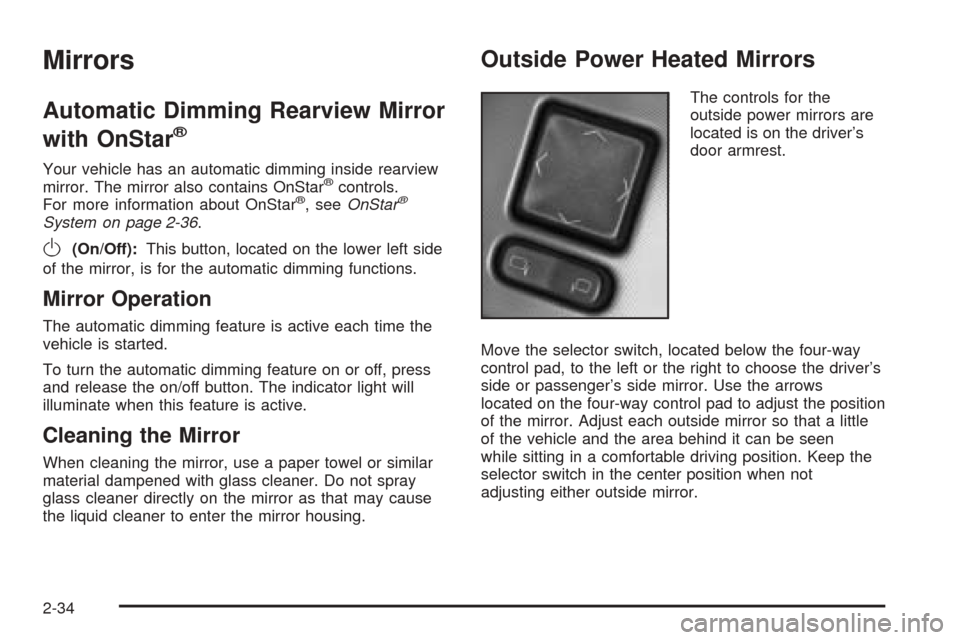
The controls for the
outside power mirrors are
located is on the driver’s
door armrest.
Move the selector switch, located below the four-way
control pad, to the left or the right to choose the driver’s
side or passenger’s side mirror. Use the arrows
located on the four-way control pad to adjust the position
of the mirror. Adjust each outside mirror so that a little
of the vehicle and the area behind it can be seen
while sitting in a comfortable driving position. Keep the
selector switch in the center position when not
adjusting either outside mirror.
2-34
Page 94 of 438
HomeLink®Transmitter
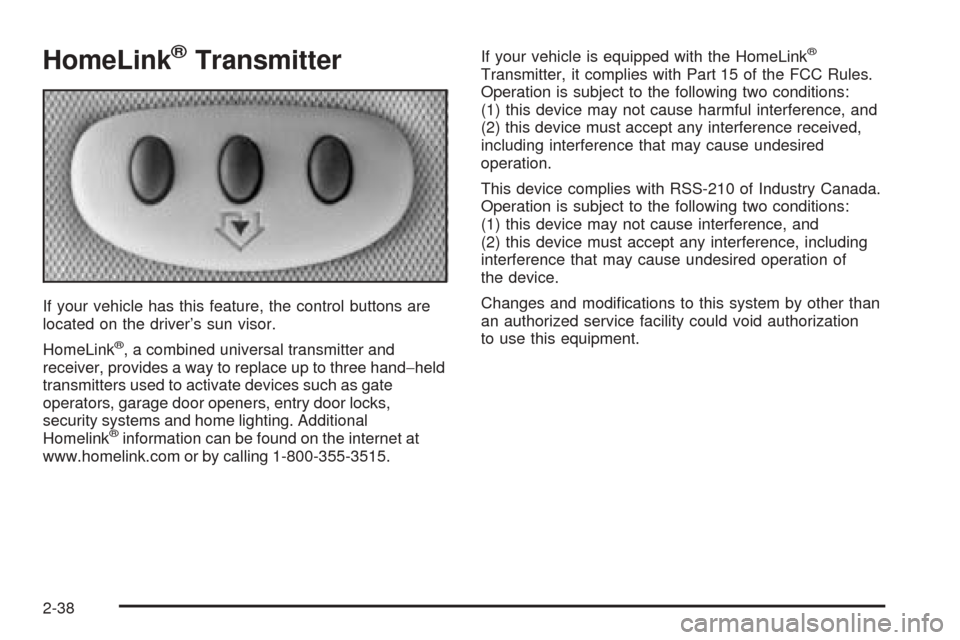
If your vehicle has this feature, the control buttons are
located on the driver’s sun visor.
HomeLink
®, a combined universal transmitter and
receiver, provides a way to replace up to three hand−held
transmitters used to activate devices such as gate
operators, garage door openers, entry door locks,
security systems and home lighting. Additional
Homelink
®information can be found on the internet at
www.homelink.com or by calling 1-800-355-3515.If your vehicle is equipped with the HomeLink
®
Transmitter, it complies with Part 15 of the FCC Rules.
Operation is subject to the following two conditions:
(1) this device may not cause harmful interference, and
(2) this device must accept any interference received,
including interference that may cause undesired
operation.
This device complies with RSS-210 of Industry Canada.
Operation is subject to the following two conditions:
(1) this device may not cause interference, and
(2) this device must accept any interference, including
interference that may cause undesired operation of
the device.
Changes and modications to this system by other than
an authorized service facility could void authorization
to use this equipment.
2-38