CD changer CADILLAC XLR 2005 1.G Owners Manual
[x] Cancel search | Manufacturer: CADILLAC, Model Year: 2005, Model line: XLR, Model: CADILLAC XLR 2005 1.GPages: 438, PDF Size: 3.69 MB
Page 113 of 438
Instrument Panel Overview...............................3-4
Hazard Warning Flashers................................3-6
Other Warning Devices...................................3-6
Horn.............................................................3-6
Power Tilt Wheel and Telescopic Steering
Column......................................................3-7
Turn Signal/Multifunction Lever.........................3-7
Turn and Lane-Change Signals........................3-8
Headlamp High/Low-Beam Changer..................3-8
Flash-to-Pass.................................................3-9
Windshield Wipers..........................................3-9
Rainsense™ Wipers......................................3-10
Windshield Washer.......................................3-12
Headlamp Washer........................................3-12
Cruise Control..............................................3-12
Adaptive Cruise Control.................................3-16
Exterior Lamps.............................................3-28
Wiper Activated Headlamps............................3-29
Headlamps on Reminder................................3-29
Daytime Running Lamps (DRL).......................3-30
Fog Lamps..................................................3-31
Twilight Sentinel
®..........................................3-31
Exterior Lighting Battery Saver........................3-32
Instrument Panel Brightness...........................3-32
Courtesy Lamps...........................................3-33
Entry/Exit Lighting.........................................3-33
Reading Lamps............................................3-33Battery Run-Down Protection..........................3-33
Head-Up Display (HUD).................................3-34
Ultrasonic Rear Parking Assist (URPA)............3-37
Accessory Power Outlets...............................3-38
Ashtrays and Cigarette Lighter........................3-39
Climate Controls............................................3-40
Dual Climate Control System..........................3-40
Outlet Adjustment.........................................3-45
Passenger Compartment Air Filter...................3-45
Warning Lights, Gages, and Indicators............3-46
Instrument Panel Cluster................................3-46
Speedometer and Odometer...........................3-48
Trip Odometer..............................................3-48
Tachometer.................................................3-48
Safety Belt Reminder Light.............................3-48
Airbag Readiness Light..................................3-49
Airbag Off Light............................................3-50
Voltmeter Gage............................................3-51
Brake System Warning Light..........................3-52
Anti-Lock Brake System Warning Light.............3-53
Traction Control System (TCS) Warning Light......3-53
Engine Coolant Temperature Gage..................3-54
Tire Pressure Light.......................................3-55
Malfunction Indicator Lamp.............................3-55
Engine Oil Pressure Gage.............................3-58
Section 3 Instrument Panel
3-1
Page 119 of 438
Power Tilt Wheel and Telescopic
Steering Column
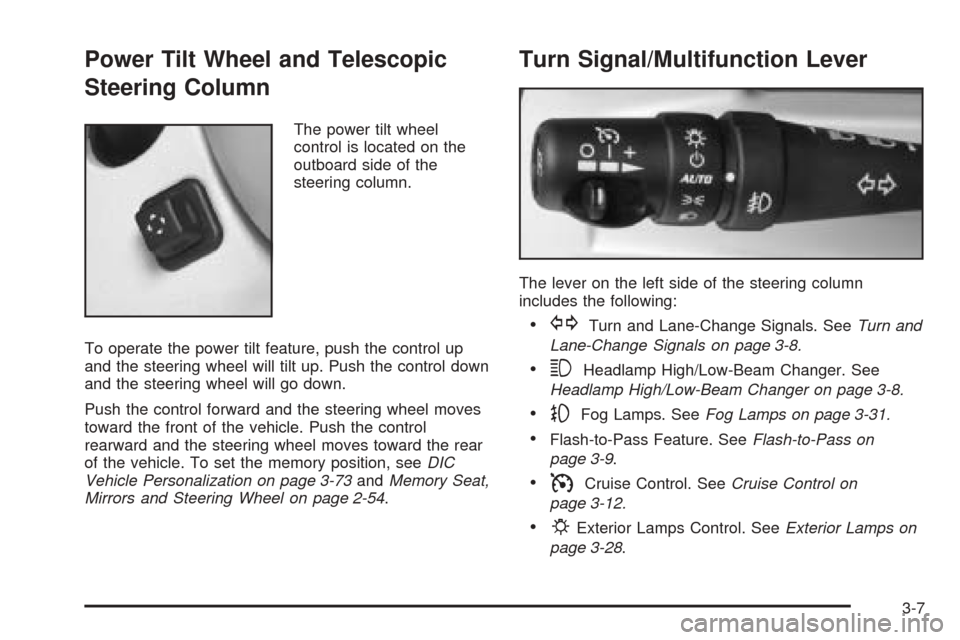
The power tilt wheel
control is located on the
outboard side of the
steering column.
To operate the power tilt feature, push the control up
and the steering wheel will tilt up. Push the control down
and the steering wheel will go down.
Push the control forward and the steering wheel moves
toward the front of the vehicle. Push the control
rearward and the steering wheel moves toward the rear
of the vehicle. To set the memory position, seeDIC
Vehicle Personalization on page 3-73andMemory Seat,
Mirrors and Steering Wheel on page 2-54.
Turn Signal/Multifunction Lever
The lever on the left side of the steering column
includes the following:
GTurn and Lane-Change Signals. SeeTurn and
Lane-Change Signals on page 3-8.
3Headlamp High/Low-Beam Changer. See
Headlamp High/Low-Beam Changer on page 3-8.
-Fog Lamps. SeeFog Lamps on page 3-31.
Flash-to-Pass Feature. SeeFlash-to-Pass on
page 3-9.
ICruise Control. SeeCruise Control on
page 3-12.
PExterior Lamps Control. SeeExterior Lamps on
page 3-28.
3-7
Page 120 of 438
Turn and Lane-Change Signals
The turn signal has two upward (for right) and two
downward (for left) positions. These positions allow you
to signal a turn or a lane change.
To signal a turn, move the multifunction lever all the
way up or down. When the turn is nished, the lever will
return automatically.
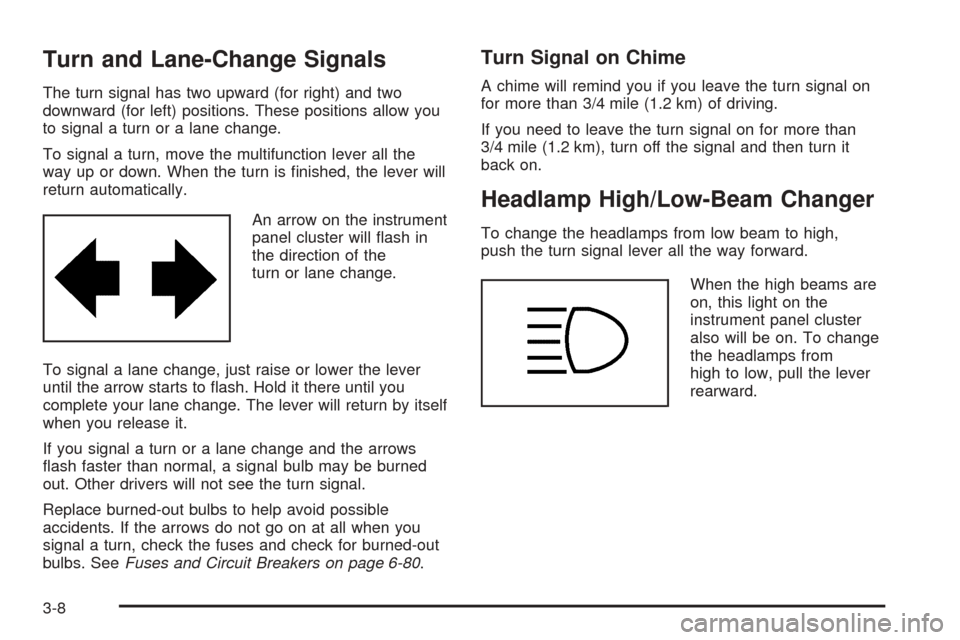
An arrow on the instrument
panel cluster will ash in
the direction of the
turn or lane change.
To signal a lane change, just raise or lower the lever
until the arrow starts to ash. Hold it there until you
complete your lane change. The lever will return by itself
when you release it.
If you signal a turn or a lane change and the arrows
ash faster than normal, a signal bulb may be burned
out. Other drivers will not see the turn signal.
Replace burned-out bulbs to help avoid possible
accidents. If the arrows do not go on at all when you
signal a turn, check the fuses and check for burned-out
bulbs. SeeFuses and Circuit Breakers on page 6-80.
Turn Signal on Chime
A chime will remind you if you leave the turn signal on
for more than 3/4 mile (1.2 km) of driving.
If you need to leave the turn signal on for more than
3/4 mile (1.2 km), turn off the signal and then turn it
back on.
Headlamp High/Low-Beam Changer
To change the headlamps from low beam to high,
push the turn signal lever all the way forward.
When the high beams are
on, this light on the
instrument panel cluster
also will be on. To change
the headlamps from
high to low, pull the lever
rearward.
3-8
Page 171 of 438
Security Light
For information regarding
this light, see
Theft-Deterrent Systems
on page 2-19.
Fog Lamp Light
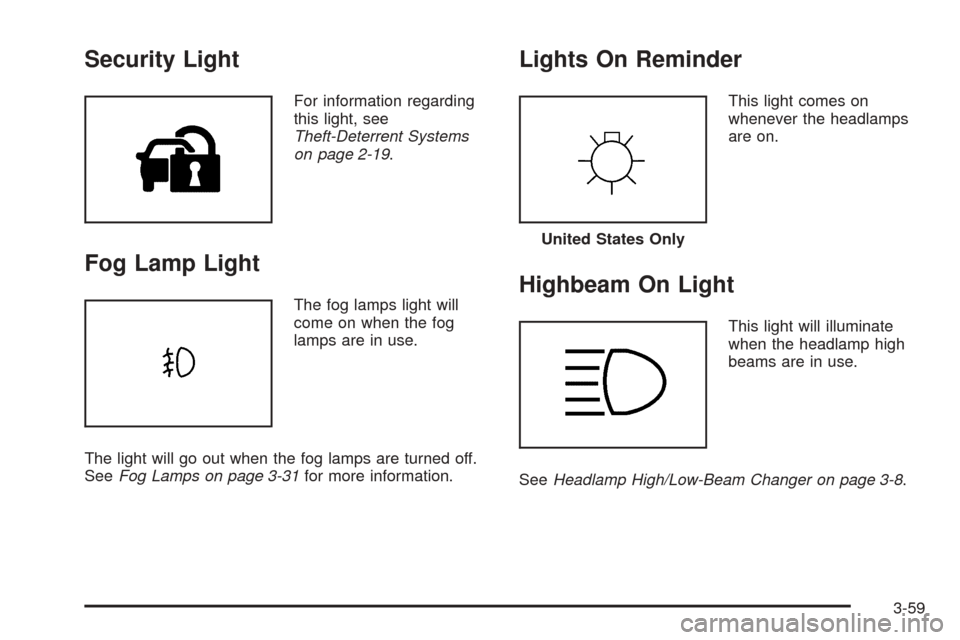
The fog lamps light will
come on when the fog
lamps are in use.
The light will go out when the fog lamps are turned off.
SeeFog Lamps on page 3-31for more information.
Lights On Reminder
This light comes on
whenever the headlamps
are on.
Highbeam On Light
This light will illuminate
when the headlamp high
beams are in use.
SeeHeadlamp High/Low-Beam Changer on page 3-8.
United States Only
3-59
Page 195 of 438
Overview.........................................................4-2
Navigation System Overview............................4-2
Getting Started...............................................4-4
Features and Controls......................................4-4
Using the Navigation System...........................4-4
Setup Menu...................................................4-7
Plan Route..................................................4-13
Edit Memory Point........................................4-13
Edit Waypoint...............................................4-17
Edit Avoid Point/Area....................................4-20
Enter Destination..........................................4-21
Route Preference..........................................4-31
Maps..........................................................4-33
Symbols......................................................4-36Remote Keyless Entry System........................4-42
OnStar®System...........................................4-42
Global Positioning System (GPS)....................4-42
Vehicle Positioning........................................4-43
Problems with Route Guidance.......................4-44
If the System Needs Service..........................4-45
Ordering Map DVDs......................................4-45
Database Coverage Explanations....................4-45
Navigation Audio System................................4-45
Six-Disc CD Changer....................................4-61
CD/DVD Player............................................4-63
Radio Personalization with Home and
Away Feature...........................................4-69
Voice Recognition..........................................4-69
Section 4 Navigation System
4-1
Page 199 of 438
Hard Keys
The following hard keys are located to the left of the
navigation screen:
BAND:Press the BAND key to access the band screen
and switch between AM, FM1, FM2, XM1, XM2, and
WX, if equipped. See “Finding a Station” under
Navigation Audio System on page 4-45.
CD:Press the CD key to play a CD. The CD screen
will be displayed. SeeSix-Disc CD Changer on
page 4-61orCD/DVD Player on page 4-63.
DVD:Press the DVD key to play a DVD. The DVD
screen will be displayed. SeeCD/DVD Player on
page 4-63.
yTUNE/SEEKz:Press the TUNE/SEEK up or
down arrows to go to the next or previous radio station
and stay there. See “Finding a Station” under
Navigation Audio System on page 4-45.
e/z:Press the audio/adjust key to view the main
audio menu. See “Main Audio Menu” underNavigation
Audio System on page 4-45.PWR-VOL (Power/Volume Knob):Press the
power/volume knob to turn the audio and navigation
systems on and off. Turn the knob to increase or
decrease the volume to the audio system.
The following hard keys are located to the right of the
navigation screen:
RPT:Press the repeat key to repeat the current voice
guidance navigation prompt.
MAP:Press the MAP key to view the map screen
showing current vehicle position.
The map screen can also display the following
information:
North or Heading Up symbol. SeeSymbols on
page 4-36.
Map scale. SeeMaps on page 4-33.
Distance to destination.
GPS symbol if GPS signal is not being received. See
Global Positioning System (GPS) on page 4-42.
Options you have selected for reaching your current
destination.
Driver Information.
Radio band and presets.
4-5
Page 255 of 438

Six-Disc CD Changer
With the compact disc changer, you can play up to six
normal size discs continuously.
When the radio is turned on, the changer will begin
checking for discs. This will continue for up to one and
a half minutes, depending on the number of discs
loaded. You may hear noise, but this is normal. The CD
changer is initializing.
Press the CD hard key to access the six-disc CD
changer screen. You can also use the system’s DVD
player for single CD play once the map DVD is removed.
SeeCD/DVD Player on page 4-63for more information.
If no CD is loaded in the CD/DVD Player and you
press the CD hard key, the message “No CD Loaded”
will appear on the display.Once you access the CD changer screen, you can
select one of the numbered buttons to go from
one compact disc to another among those loaded in the
CD changer and use the arrows to rewind or fast
forward through the disc selected.CD Changer Screen
4-61
Page 256 of 438

The following features are also available from this screen:
LOAD
EJECT
SCAN THE DISCS or SCAN THE TRACKS
and RANDOM ALL or RANDOM DISC.
The numbered buttons (1 through 6) represent the order
of the discs loaded in the changer. If there are only
two CDs loaded, buttons 1 and 2 will only be available
to choose from.
LOAD:Touch this button once each time you wish to
load a CD into the changer. It may take up to
10 seconds for the changer to accept the CD into the
slot depending on the changer initializing. Repeat
this procedure for loading up to six discs. Press and
hold the LOAD button until a beep is heard to put
the changer in LOAD ALL mode. Once the Insert CD
message is displayed, you can load all six discs,
one after the other.
r(Play):Touch this button to begin playing a CD.
RANDOM DISC:Touch this button to hear the tracks in
random, rather than sequential, order on the disc
selected. Press the TUNE/SEEK hard key to randomly
seek through the tracks on this disc. Touch RANDOM
DISC again to turn off random play mode.SCAN TRACKS:Touch this button to hear the rst
10 seconds of each track on the selected disc. Touch
this button again to stop scanning. The CD will mute
while scanning.
r(Rewind):Touch this button to rewind quickly
through a track selection.
EJECT:Touch this button once to eject the chosen CD.
The chosen CD may be selected by rst touching one
of the numbered buttons from 1 to 6. Repeat this
procedure for ejecting up to six discs from the changer.
If you press and hold the EJECT button until a beep
is heard, The system will begin to eject all of the discs
from the player. Once the CD is removed the next
will come out until they are all ejected.
j(Pause):Touch this button to pause CD play.
Touch it again to resume play or touch the play button.
RANDOM ALL:Touch this button to hear the tracks
on all of the discs in the CD changer in random, rather
than sequential, order. Press the TUNE/SEEK hard
key while RANDOM ALL is on to randomly seek within
that disc. Touch RANDOM ALL again to turn off
random mode.
SCAN DISCS:Touch this button to hear the rst
10 seconds of rst track on each disc. Touch this button
again to stop scanning. The CD will mute while scanning.
4-62
Page 257 of 438

[(Forward):Touch this button to fast forward quickly
through a track selection.
«TUNE SEEKª:Press the up arrow on the TUNE/
SEEK switch to seek to the next selection on the compact
disc. If playing last track of disc, pressing the up arrow will
seek to the rst track of the next disc. Press the down
arrow to seek to the previous selection on the compact
disc. If playing the rst track of disc, pressing the down
arrow will seek to the last track on the selected disc. The
sound will mute while seeking.
RDS (Radio Data Systems):See “Radio Data Systems
(RDS)” listed previously for information on this button.
SOUND:See “Sound Menu (Tone, DSP, Fade and
Balance)” for information on this button.
DSP (Digital Signal Processing):See “Adjusting the
Speakers” listed previously for information on this button.
CD Changer Errors
CDX ERROR could be displayed for the following:
The road is too rough. The disc should play when
the road is smoother.
The disc is dirty, scratched, wet or not loaded label
side up.
The air is very humid. If so, wait about an hour and
try again.
If any error occurs repeatedly or if an error cannot be
corrected, please contact your dealer dealer. If your
audio system displays an error number, write it down
and provide this information to your dealer when
reporting the problem.
CD/DVD Player
The player that is used for the navigation map DVD can
also be used as a single music CD player or a video
DVD player.
4-63
Page 258 of 438

CD Player
To use the player as a single music CD player, you
must rst remove the navigation map DVD. While
playing a CD in the CD/DVD Player, the navigation
system is not available. The message “The disc installed
is not a map DVD” will appear on the display if any of
the navigation hard keys are pressed.
To remove the navigation map DVD and load a music
CD, use the following steps:
1. Start the vehicle.
2. Press the TILT hard key until you hear a beep. This
will open the faceplate of the system.
3. If one is loaded, the navigation map DVD will eject
from the slot.
4. Gently remove the navigation map DVD from the
slot and return it to its case.
5. Insert the music CD into the slot. The system will
pull the CD into the player.
6. Press and release the TILT hard key to close the
faceplate.Notice:Shifting out of PARK (P) with the system’s
faceplate open will cause the faceplate to close
automatically. This could cause damage to a
CD, DVD or the system if it is partially loaded. Before
shifting out of PARK (P), make sure that the DVD
or CD is loaded properly. The vehicle must be
shifted back into PARK (P) to close the faceplate.
Once a music CD is loaded, the CD player menu will
appear on the display. When using the system as
a single CD player, the CD hard key will alternate
between the CD player and the six-disc CD changer if
CDs are loaded.CD Player Screen
4-64