wheel CADILLAC XLR 2007 1.G Owner's Manual
[x] Cancel search | Manufacturer: CADILLAC, Model Year: 2007, Model line: XLR, Model: CADILLAC XLR 2007 1.GPages: 512, PDF Size: 3.84 MB
Page 140 of 512
P. Retractable Hardtop Button. SeeRetractable
Hardtop on page 124.
Q. Cupholders. SeeCupholder(s) on page 122.
R. Cigarette Lighter. SeeAshtray(s) and Cigarette
Lighter on page 178.
S. Climate Controls. SeeDual Climate Control
System on page 178.
T. Audio/Navigation System. SeeNavigation
System Overview on page 232.
U. Glove Box. SeeGlove Box on page 121.
Hazard Warning Flashers
Your hazard warning ashers let you warn others.
They also let police know you have a problem.
Your front and rear turn signal lamps will ash on
and off.
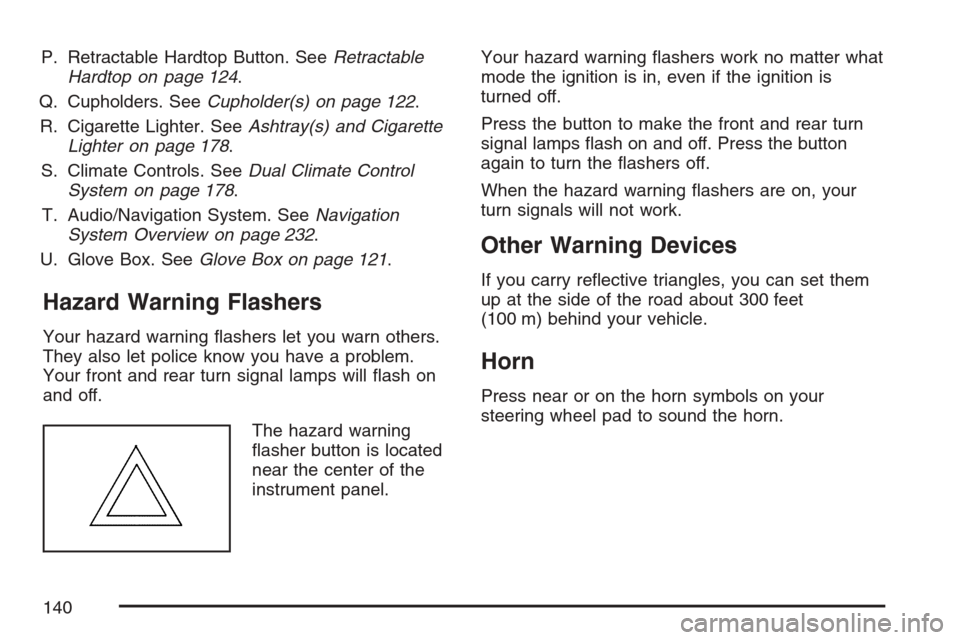
The hazard warning
asher button is located
near the center of the
instrument panel.Your hazard warning ashers work no matter what
mode the ignition is in, even if the ignition is
turned off.
Press the button to make the front and rear turn
signal lamps ash on and off. Press the button
again to turn the ashers off.
When the hazard warning ashers are on, your
turn signals will not work.
Other Warning Devices
If you carry reective triangles, you can set them
up at the side of the road about 300 feet
(100 m) behind your vehicle.
Horn
Press near or on the horn symbols on your
steering wheel pad to sound the horn.
140
Page 141 of 512
Power Tilt Wheel and Telescopic
Steering Column
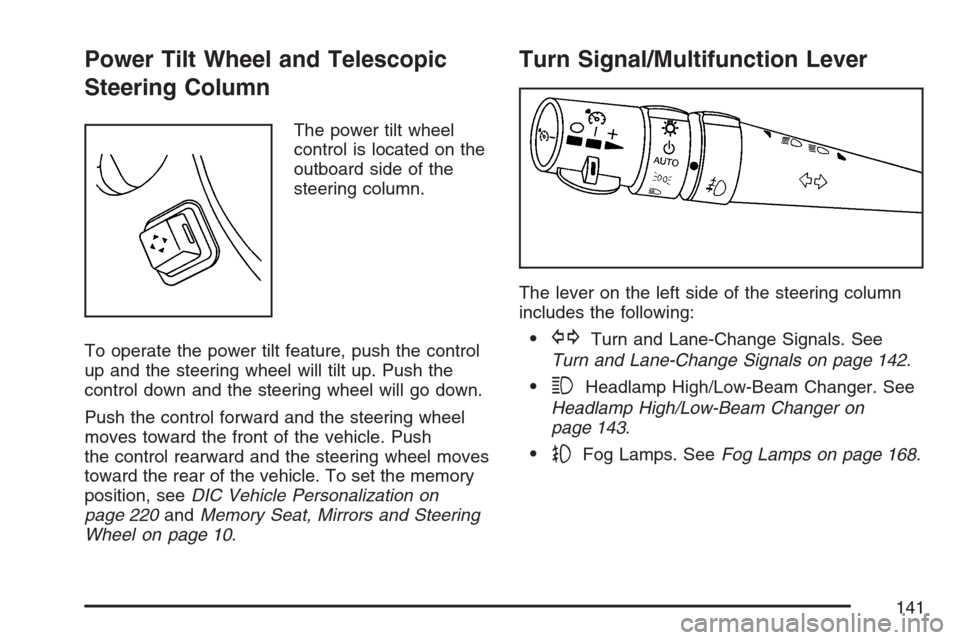
The power tilt wheel
control is located on the
outboard side of the
steering column.
To operate the power tilt feature, push the control
up and the steering wheel will tilt up. Push the
control down and the steering wheel will go down.
Push the control forward and the steering wheel
moves toward the front of the vehicle. Push
the control rearward and the steering wheel moves
toward the rear of the vehicle. To set the memory
position, seeDIC Vehicle Personalization on
page 220andMemory Seat, Mirrors and Steering
Wheel on page 10.
Turn Signal/Multifunction Lever
The lever on the left side of the steering column
includes the following:
GTurn and Lane-Change Signals. See
Turn and Lane-Change Signals on page 142.
3Headlamp High/Low-Beam Changer. See
Headlamp High/Low-Beam Changer on
page 143.
-Fog Lamps. SeeFog Lamps on page 168.
141
Page 147 of 512
Cruise Control
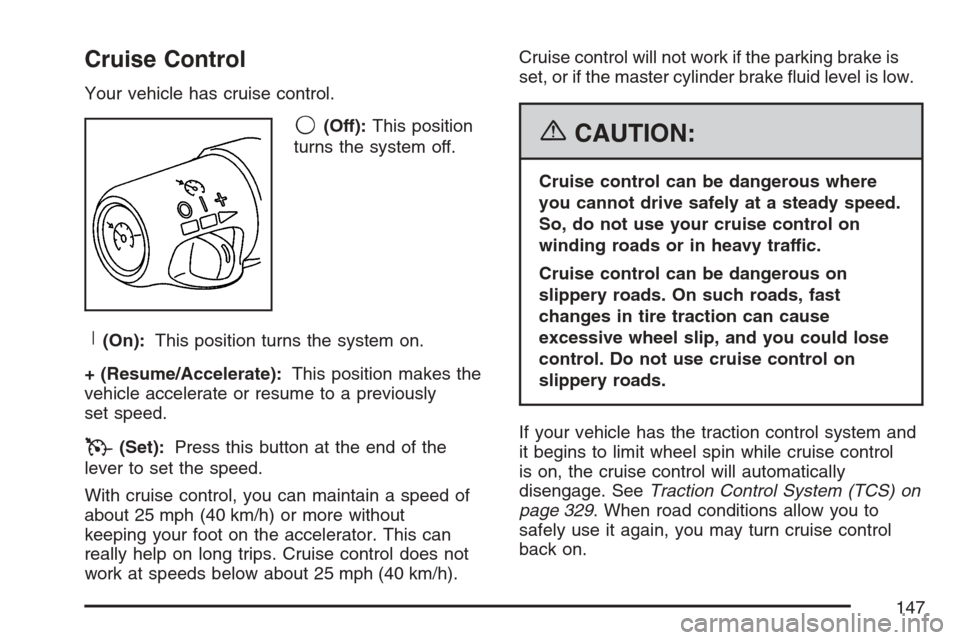
Your vehicle has cruise control.
9(Off):This position
turns the system off.
R(On):This position turns the system on.
+ (Resume/Accelerate):This position makes the
vehicle accelerate or resume to a previously
set speed.
T(Set):Press this button at the end of the
lever to set the speed.
With cruise control, you can maintain a speed of
about 25 mph (40 km/h) or more without
keeping your foot on the accelerator. This can
really help on long trips. Cruise control does not
work at speeds below about 25 mph (40 km/h).Cruise control will not work if the parking brake is
set, or if the master cylinder brake uid level is low.
{CAUTION:
Cruise control can be dangerous where
you cannot drive safely at a steady speed.
So, do not use your cruise control on
winding roads or in heavy traffic.
Cruise control can be dangerous on
slippery roads. On such roads, fast
changes in tire traction can cause
excessive wheel slip, and you could lose
control. Do not use cruise control on
slippery roads.
If your vehicle has the traction control system and
it begins to limit wheel spin while cruise control
is on, the cruise control will automatically
disengage. SeeTraction Control System (TCS) on
page 329. When road conditions allow you to
safely use it again, you may turn cruise control
back on.
147
Page 152 of 512
{CAUTION:
On winding roads, Adaptive Cruise
Control may not detect a vehicle
ahead. You could crash into a vehicle
ahead of you. Do not use Adaptive
Cruise Control on winding roads.
Adaptive Cruise Control may not have
time to slow your vehicle enough to
avoid a crash when you are driving in
conditions where vehicles may
suddenly slow or stop ahead of you,
enter your lane, or cross your vehicle’s
path. If you are driving in these
conditions, do not use Adaptive Cruise
Control. The warning beep and alert
symbol may indicate that you are
driving in conditions where Adaptive
Cruise Control should not be used. See
“Alerting the Driver” in this section.
CAUTION: (Continued)
CAUTION: (Continued)
On slippery roads, fast changes in tire
traction can cause needless wheel
spinning, and you could lose control.
Do not use cruise control on slippery
roads.
When weather limits visibility, such as
when in fog, rain, or snow conditions,
Adaptive Cruise Control performance
is limited. There may not be enough
distance to adapt to the changing
traffic conditions. Do not use cruise
control when visibility is low.
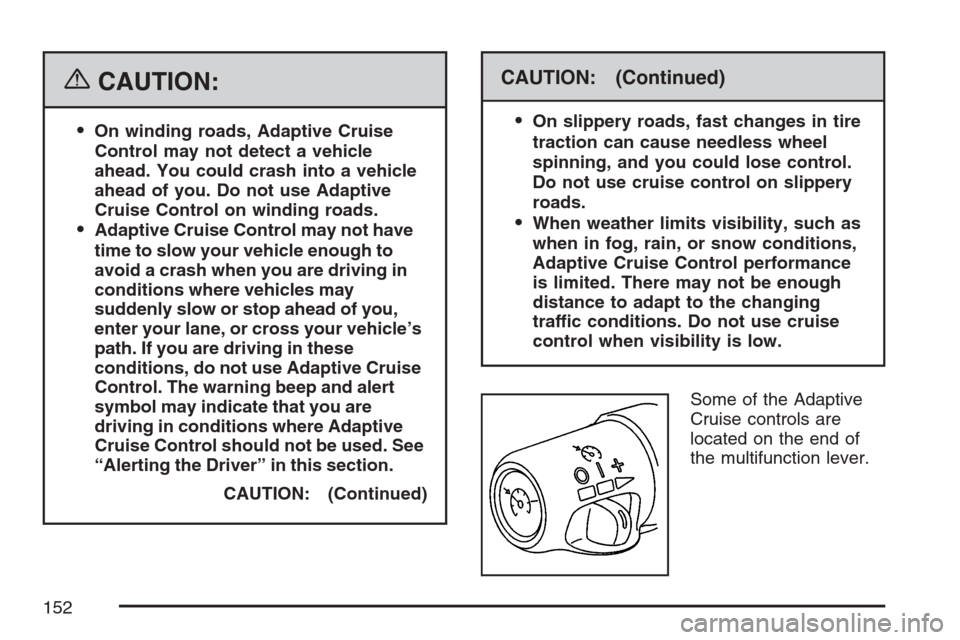
Some of the Adaptive
Cruise controls are
located on the end of
the multifunction lever.
152
Page 154 of 512

3. Get up to the speed you want.
4. Press in the set button at the end of the lever
and release it.
5. Take your foot off the accelerator pedal.
Once Adaptive Cruise Control is set, it may
immediately apply the brakes if it detects a vehicle
ahead is too close or moving slower than your
vehicle.
This symbol will appear
on the Head-Up Display
(HUD) to indicate that
Adaptive Cruise
Control is active.
SeeHead-Up Display (HUD) on page 171for
more information.
Make sure the set speed is visible on the HUD so
you know the speed your vehicle will accelerate to if
a vehicle is not detected in your path. Keep in mind
speed limits, surrounding traffic speeds and
weather conditions when adjusting your set speed.If your vehicle is in Adaptive Cruise Control when
the traction control system begins to limit wheel
spin, the Adaptive Cruise Control will automatically
disengage. SeeTraction Control System (TCS)
on page 329andStabiliTrak
®System on page 331.
When road conditions allow you to safely use
it again, you may turn the Adaptive Cruise Control
back on.
Increasing Set Speed While Using Adaptive
Cruise Control
There are two ways to increase the set speed:
Use the accelerator to get to the higher speed.
Press the set button at the end of the lever,
then release the button and the accelerator
pedal. You will now cruise at the higher speed.
Move the Adaptive Cruise Control switch from
on to resume/increase. Hold it there until the
desired set speed is displayed in the HUD,
then release the switch. To increase your set
speed in very small amounts, move the
switch briey to resume/increase. Each time
you do this, your vehicle set speed will
increase by 1 mph (1.6 km/h).
154
Page 155 of 512
Your vehicle will not reach the set speed until the
system determines there is not a vehicle in
front of you. At that point, your vehicle speed will
increase to the set speed.
Decreasing Set Speed While Using
Adaptive Cruise Control
Press in the set/decrease button on the end of the
lever until you reach the lower speed you want,
then release it.
To slow down in very small amounts, briey press
the set/decrease button. Each time you do this,
your set speed will be 1 mph (1.6 km/h) slower.
Resuming a Set Speed
Suppose you set your Adaptive Cruise Control at
a desired speed and then you apply the brake.
This will disengage the Adaptive Cruise Control.
But you do not need to reset it.
Once you are going about 25 mph (40 km/h) or
more, you can move the Adaptive Cruise Control
switch briey from on to resume/increase.
Adaptive Cruise Control will be engaged with the
previously chosen set speed.
Selecting the Follow Distance (GAP)
When the system detects a slower moving vehicle,
it will adjust your vehicle’s speed and maintain
the follow distance (gap) you select.
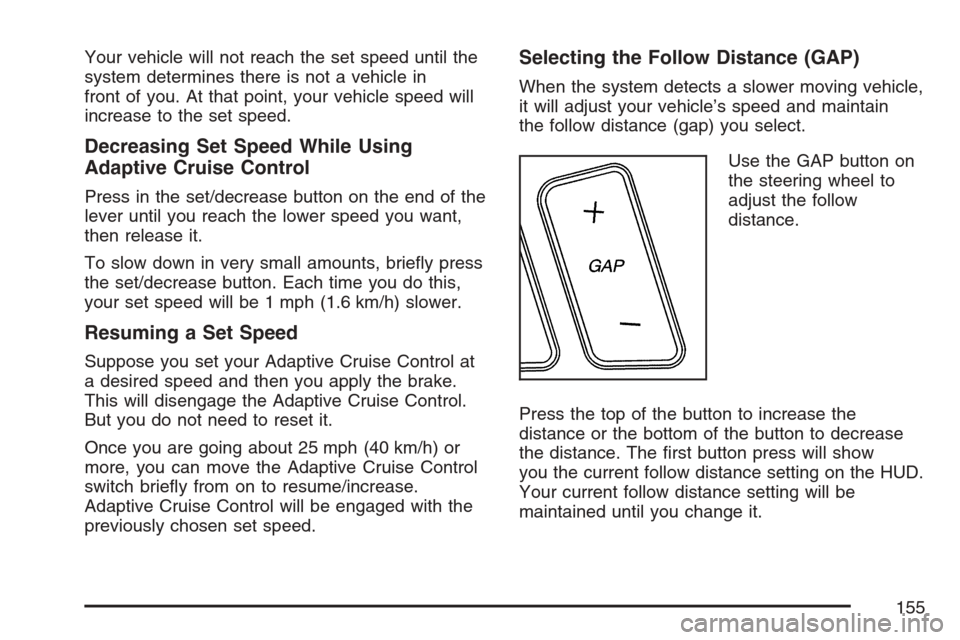
Use the GAP button on
the steering wheel to
adjust the follow
distance.
Press the top of the button to increase the
distance or the bottom of the button to decrease
the distance. The rst button press will show
you the current follow distance setting on the HUD.
Your current follow distance setting will be
maintained until you change it.
155
Page 164 of 512
Cleaning the System
The radar can become blocked by snow, ice or
dirt. If so, you may need to turn off the engine and
clean the lens.
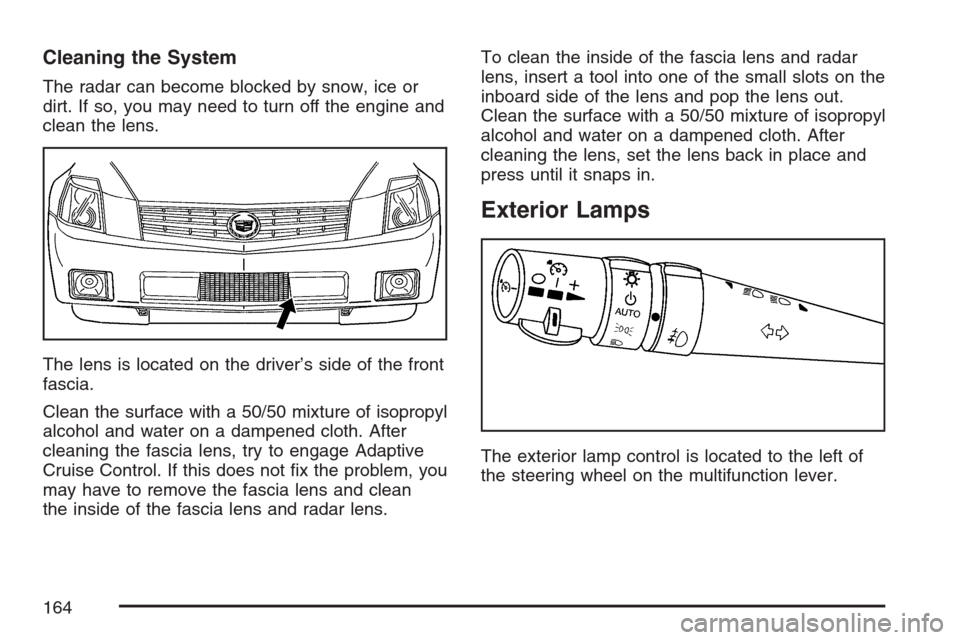
The lens is located on the driver’s side of the front
fascia.
Clean the surface with a 50/50 mixture of isopropyl
alcohol and water on a dampened cloth. After
cleaning the fascia lens, try to engage Adaptive
Cruise Control. If this does not x the problem, you
may have to remove the fascia lens and clean
the inside of the fascia lens and radar lens.To clean the inside of the fascia lens and radar
lens, insert a tool into one of the small slots on the
inboard side of the lens and pop the lens out.
Clean the surface with a 50/50 mixture of isopropyl
alcohol and water on a dampened cloth. After
cleaning the lens, set the lens back in place and
press until it snaps in.
Exterior Lamps
The exterior lamp control is located to the left of
the steering wheel on the multifunction lever.
164
Page 173 of 512
The HUD controls are
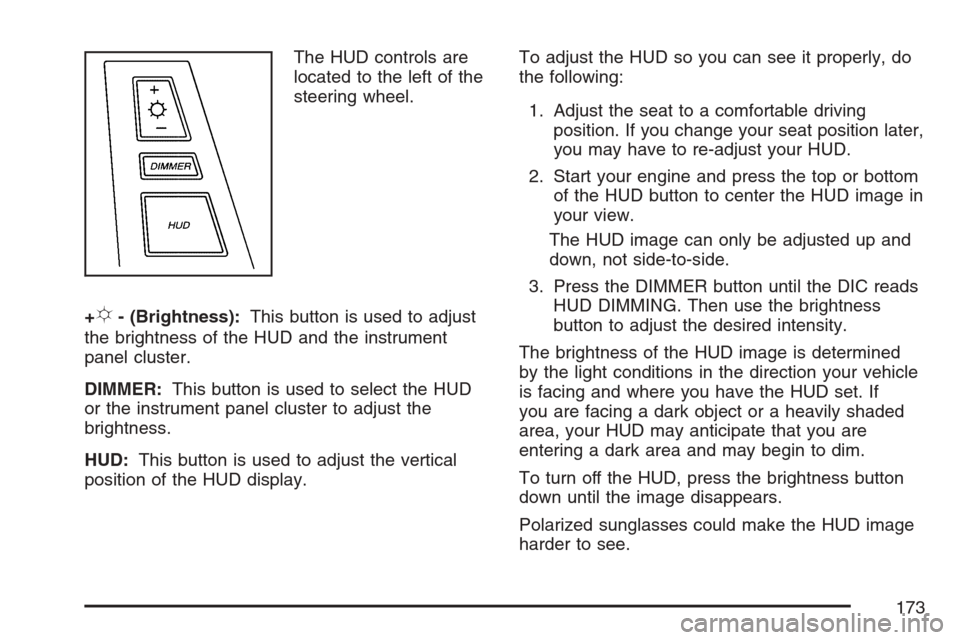
located to the left of the
steering wheel.
+
!- (Brightness):This button is used to adjust
the brightness of the HUD and the instrument
panel cluster.
DIMMER:This button is used to select the HUD
or the instrument panel cluster to adjust the
brightness.
HUD:This button is used to adjust the vertical
position of the HUD display.To adjust the HUD so you can see it properly, do
the following:
1. Adjust the seat to a comfortable driving
position. If you change your seat position later,
you may have to re-adjust your HUD.
2. Start your engine and press the top or bottom
of the HUD button to center the HUD image in
your view.
The HUD image can only be adjusted up and
down, not side-to-side.
3. Press the DIMMER button until the DIC reads
HUD DIMMING. Then use the brightness
button to adjust the desired intensity.
The brightness of the HUD image is determined
by the light conditions in the direction your vehicle
is facing and where you have the HUD set. If
you are facing a dark object or a heavily shaded
area, your HUD may anticipate that you are
entering a dark area and may begin to dim.
To turn off the HUD, press the brightness button
down until the image disappears.
Polarized sunglasses could make the HUD image
harder to see.
173
Page 184 of 512

Outlet Adjustment
Use the thumbwheel to open or close the outlets.
Operation Tips
Clear away any ice, snow or leaves from the
air inlets at the base of the windshield that
may block the ow of air into your vehicle.
Use of non-GM approved hood deectors may
adversely affect the performance of the
system.
Keep the area around the base of the
instrument panel console and air path under
the seats clear of objects to help circulate
the air inside of your vehicle more effectively.
Passenger Compartment Air Filter
The passenger compartment air lter removes
certain particles from the air, including pollen and
dust particles. Reductions in airow, which
may occur more often in dusty areas, indicate that
the lter may need to be replaced early.
The lter should be replaced as part of the routine
scheduled maintenance. SeeScheduled
Maintenance on page 465for more information.
To check or replace the air lter, do the following:
1. With the hood open, unlatch and remove
the access panel.
The passenger compartment air lter and
access panel are located on the passenger’s
side of the engine compartment near the
battery. SeeEngine Compartment Overview
on page 374for more information on location.
2. Pull the old lter out of the housing.
3. Insert the new lter into the housing.
4. Reinstall the air lter access panel.
184
Page 194 of 512

Traction Control System (TCS)
Warning Light
This light should come
on briey as you start
the engine.
If the light does not come on then, have it xed so
it will be ready to warn you if there is a problem.
The light will also come on while the StabiliTrak
®
system warms up and the STABILITRAK
WARMING message will be displayed in the
Driver Information Center (DIC).
If it stays on, or comes on and the DIC shows a
SERVICE TRACTION SYS message when you are
driving, there is a problem with your Traction
Control System (TCS) and your vehicle needs
service. When this light is on, the system will not
limit wheel spin. Adjust your driving accordingly.If the driver turns off TCS by pressing the button
on the console, the TCS light will come on and the
TRACTION SYSTEM OFF message will show
on the DIC.
If the light stays on or comes on while you are
driving, a chime sounds and a SERVICE
STABILITRAK message appears on the DIC,
there is a problem with your StabiliTrak
®and the
vehicle needs service.
You can acknowledge this message by pressing
the RESET button. When the SERVICE
STABILITRAK message is displayed, the
StabiliTrak
®system will not assist you in
controlling the vehicle. You should have the
system serviced as soon as possible. Adjust your
driving accordingly.
When the system is working, you will see the
STABILITRAK ACTIVE message displayed in the
DIC. You may also feel of hear the system
working. This is normal.
194