tow CADILLAC XLR 2008 1.G User Guide
[x] Cancel search | Manufacturer: CADILLAC, Model Year: 2008, Model line: XLR, Model: CADILLAC XLR 2008 1.GPages: 470, PDF Size: 8.39 MB
Page 96 of 470

Mirrors
Automatic Dimming Rearview Mirror
with OnStar
®
Your vehicle has an automatic dimming inside rearview
mirror. The mirror also contains OnStar®controls.
For more information about OnStar®, seeOnStar®
System on page 2-41.
O(On/Off):This button, located on the lower left side
of the mirror, is for the automatic dimming functions.
Mirror Operation
The automatic dimming feature is active each time the
vehicle is started.
To turn the automatic dimming feature on or off, press
and release the on/off button. The indicator light will
illuminate when this feature is active.
Cleaning the Mirror
When cleaning the mirror, use a paper towel or similar
material dampened with glass cleaner. Do not spray
glass cleaner directly on the mirror as that may cause
the liquid cleaner to enter the mirror housing.
Outside Power Heated Mirrors
The controls for the
outside power mirrors are
located is on the driver’s
door armrest.
Move the selector switch, located below the four-way
control pad, to the left or the right to choose the driver’s
side or passenger’s side mirror. Use the arrows
located on the four-way control pad to adjust the position
of the mirror. Adjust each outside mirror so that a little
of the vehicle and the area behind it can be seen
while sitting in a comfortable driving position. Keep the
selector switch in the center position when not
adjusting either outside mirror.
2-36
Page 97 of 470
Both mirrors have a heated feature to rid them of snow,
ice, or condensation. They will heat when the rear
window defogger is turned on. See “Rear Window
Defogger” underDual Climate Control System on
page 3-38. If the vehicle has the memory option, the
preferred mirror position can be stored. SeeMemory
Seat, Mirrors and Steering Wheel on page 1-3.
Both mirrors can be manually folded inward by pulling
them toward the vehicle. This feature may be useful
when going through a car wash or a conned space.
Push the mirrors away from the vehicle, to the normal
position, before driving.
Outside Automatic Dimming Mirror
The driver’s side mirror will adjust for the glare of
headlamps behind you. This feature is controlled by the
on and off settings on the inside automatic dimming
rearview mirror. SeeAutomatic Dimming Rearview
Mirror with OnStar
®on page 2-36.
Park Assist Mirror
The passenger’s side mirror is also capable of
performing the curb view assist feature. This feature will
cause the mirror to tilt to a factory programmed
position when the vehicle is in REVERSE (R). This
feature may be useful in allowing you to view the curb
when you are parallel parking.
If further adjustment is needed after the mirror is tilted,
the mirror switch may be used. The mirror will then
return to this new position when the vehicle is shifted
into REVERSE (R).
When the vehicle is shifted out of REVERSE (R) and
a ve-second delay has occurred, the passenger’s side
mirror will return to its original position.
This feature can be enabled/disabled through the Driver
Information Center (DIC). See “Park Assist” under
DIC Vehicle Personalization on page 3-76for more
information.
2-37
Page 129 of 470

Power Tilt Wheel and Telescopic
Steering Column
The power tilt and
telescope wheel control is
located on the outboard
side of the steering
column.
To operate the power tilt feature, push the control up
and the steering wheel tilts up. Push the control
down and the steering wheel goes down.
Push the control forward and the steering wheel moves
toward the front of the vehicle. Push the control
rearward and the steering wheel moves toward the rear
of the vehicle. To set the memory position, seeDIC
Vehicle Personalization on page 3-76andMemory Seat,
Mirrors and Steering Wheel on page 1-3.
Heated Steering Wheel
Your vehicle may have a heated steering wheel.
The button with this
symbol is located on the
left side of the steering
wheel.
Press the button to turn the heated steering wheel on or
off. A light on the button will display when the feature
is turned on.
The steering wheel will take about three minutes to
start heating.
3-7
Page 131 of 470
Turn Signal on Chime
A chime will remind you if you leave the turn signal on
for more than 3/4 mile (1.2 km) of driving.
If you need to leave the turn signal on for more than
3/4 mile (1.2 km), turn off the signal and then turn
it back on.
Headlamp High/Low-Beam Changer
To change the headlamps from low beam to high,
push the turn signal lever all the way forward.
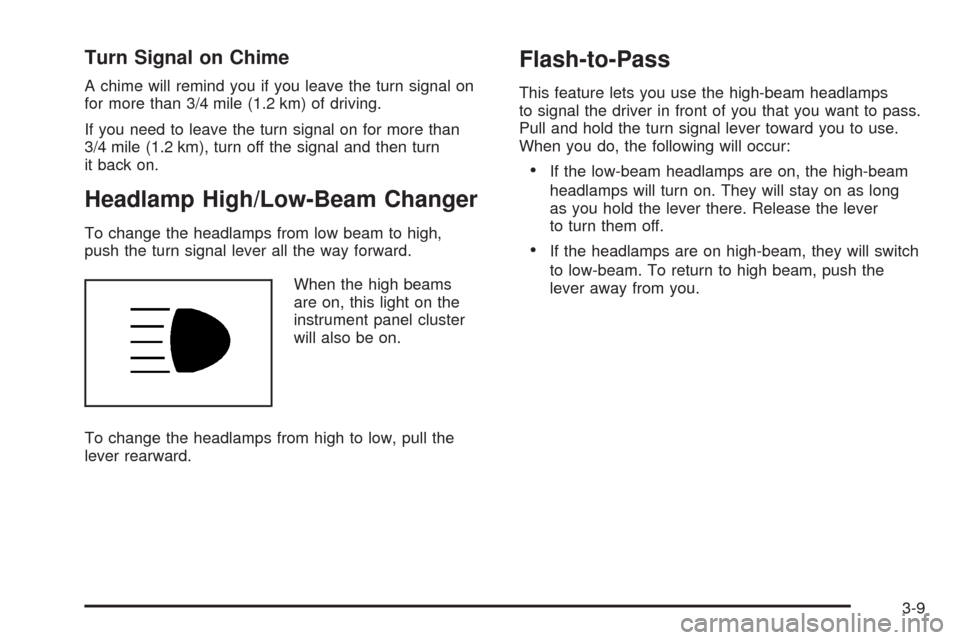
When the high beams
are on, this light on the
instrument panel cluster
will also be on.
To change the headlamps from high to low, pull the
lever rearward.
Flash-to-Pass
This feature lets you use the high-beam headlamps
to signal the driver in front of you that you want to pass.
Pull and hold the turn signal lever toward you to use.
When you do, the following will occur:
If the low-beam headlamps are on, the high-beam
headlamps will turn on. They will stay on as long
as you hold the lever there. Release the lever
to turn them off.
If the headlamps are on high-beam, they will switch
to low-beam. To return to high beam, push the
lever away from you.
3-9
Page 145 of 470
Stationary or Very Slow-Moving Objects
{CAUTION:
Adaptive Cruise Control may not detect and
react to stationary or slow-moving vehicles or
other objects ahead of you. You could crash
into an object ahead of you. Do not use
Adaptive Cruise Control when approaching
stationary or slow-moving vehicles or other
objects.
{CAUTION:
Adaptive Cruise Control may not detect and
react to stationary or slow-moving vehicles or
other objects ahead of you. Your vehicle may
accelerate toward objects, such as a stopped
vehicle that suddenly appears after the lead
vehicle changes lanes. Your complete attention
is always required while driving and you should
be ready to take action and apply the brakes.
Low-Speed Deactivation
If your speed falls below 20 mph (32 km/h) while
following a vehicle ahead, Adaptive Cruise Control
begins to disengage. The driver alert symbol on
the HUD ashes and the warning beep sounds.
The driver must take action since Adaptive Cruise
Control will not slow the vehicle to a stop.
Passing a Vehicle
To increase speed to pass a vehicle, use the accelerator
pedal. While your foot is on the accelerator pedal,
the system will not automatically apply the brakes.
Once you pass the vehicle and remove your foot from
the accelerator pedal, Adaptive Cruise Control returns
to normal operation and the brakes can be applied,
if needed.
{CAUTION:
If you rest your foot on the accelerator pedal,
the system will not automatically apply the
brakes. You could crash into a vehicle ahead
of you. Do not rest your foot on the accelerator
pedal when using Adaptive Cruise Control.
3-23
Page 155 of 470

Battery Run-Down Protection
Your vehicle has a feature to help prevent the battery
from being drained, in case the underhood lamp, vanity
mirror lamps, cargo lamps, reading lamps, console, or
glove box lamps are accidentally left on, or something is
left plugged into the accessory power outlet or cigarette
lighter. If any of the accessory lamps are left on, they will
automatically time-out after about 10 minutes. To reset
the battery protection, all of the above lamps must be
turned off or the ignition must be in the Acc. position.
Head-Up Display (HUD)
{CAUTION:
If the HUD image is too bright, or too high in
your eld of view, it may take you more time to
see things you need to see when it is dark
outside. Be sure to keep the HUD image dim
and placed low in your eld of view.
The Head-Up Display (HUD) allows you to see some of
the driver information that appears on your instrument
panel cluster.The information may be displayed in English or metric
units and appears as an image focused out toward
the front of your vehicle. To change from English
to metric units, seeDriver Information Center (DIC)
on page 3-60.
The HUD consists of the following information:
Speedometer
Turn Signal Indicators
High-Beam Indicator Symbol
Tap-Up/Tap-Down Transmission Feature
Check Gages Icon
Adaptive Cruise Control Features and Indicators
Radio Features
3-33
Page 173 of 470
If the light comes on while you are driving and you have
a LOW BRAKE FLUID message showing on the DIC,
pull off the road and stop carefully. You may notice
that the pedal is harder to push. Or, the pedal may
go closer to the oor. It may take longer to stop.
If the light is still on, have the vehicle towed for service.
SeeTowing Your Vehicle on page 5-27.
{CAUTION:
Your brake system may not be working
properly if the brake system warning light is
on. Driving with the brake system warning
light on can lead to an accident. If the light
is still on after you have pulled off the road
and stopped carefully, have the vehicle towed
for service.
Antilock Brake System
Warning Light
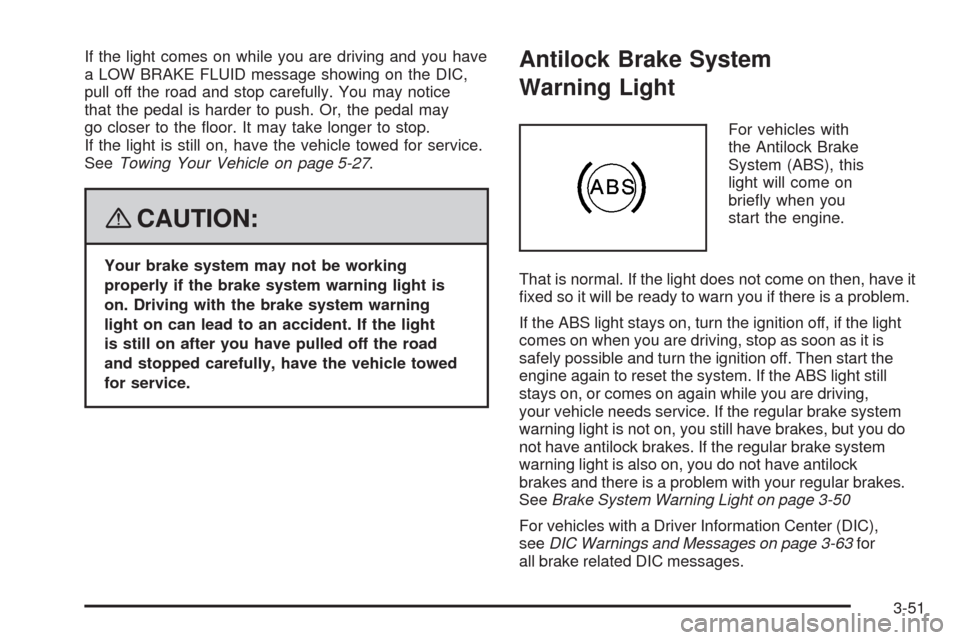
For vehicles with
the Antilock Brake
System (ABS), this
light will come on
briey when you
start the engine.
That is normal. If the light does not come on then, have it
xed so it will be ready to warn you if there is a problem.
If the ABS light stays on, turn the ignition off, if the light
comes on when you are driving, stop as soon as it is
safely possible and turn the ignition off. Then start the
engine again to reset the system. If the ABS light still
stays on, or comes on again while you are driving,
your vehicle needs service. If the regular brake system
warning light is not on, you still have brakes, but you do
not have antilock brakes. If the regular brake system
warning light is also on, you do not have antilock
brakes and there is a problem with your regular brakes.
SeeBrake System Warning Light on page 3-50
For vehicles with a Driver Information Center (DIC),
seeDIC Warnings and Messages on page 3-63for
all brake related DIC messages.
3-51
Page 237 of 470

Easy Planning Route
With this destination entry method, you can select a
destination using the scroll symbol on the map screen.
SeeMaps on page 4-39.
To use this destination entry method, do the following:
1. Press the MAP key.
2. Touch the map screen twice for the scroll symbol to
appear. Touch the map or drag the scroll symbol
toward your destination.3. Touch the map screen continuously to scroll
through the map faster. The address of the location
on the map will appear at the top of the screen.
If needed, use the zoom feature to locate your
destination. See “Map Scales” underMaps
on page 4-39for more information.
4. Touch ENT DEST to set this location as your
destination. You may also touch MARK to store this
location as a memory point.
5. Touch Enter to plan your route.
4-29
Page 283 of 470
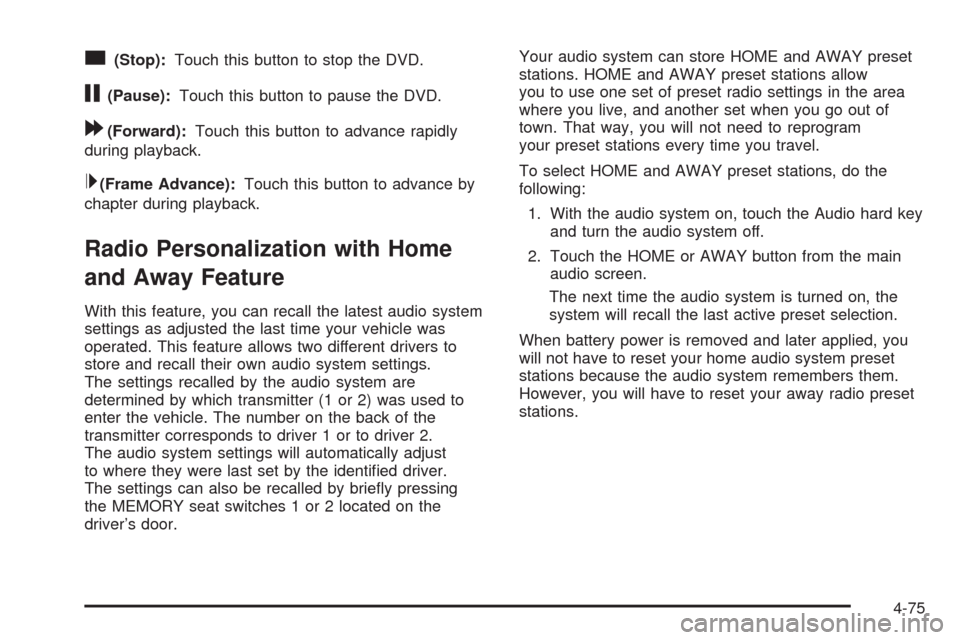
c(Stop):Touch this button to stop the DVD.
j(Pause):Touch this button to pause the DVD.
[(Forward):Touch this button to advance rapidly
during playback.
L(Frame Advance):Touch this button to advance by
chapter during playback.
Radio Personalization with Home
and Away Feature
With this feature, you can recall the latest audio system
settings as adjusted the last time your vehicle was
operated. This feature allows two different drivers to
store and recall their own audio system settings.
The settings recalled by the audio system are
determined by which transmitter (1 or 2) was used to
enter the vehicle. The number on the back of the
transmitter corresponds to driver 1 or to driver 2.
The audio system settings will automatically adjust
to where they were last set by the identied driver.
The settings can also be recalled by briey pressing
the MEMORY seat switches 1 or 2 located on the
driver’s door.Your audio system can store HOME and AWAY preset
stations. HOME and AWAY preset stations allow
you to use one set of preset radio settings in the area
where you live, and another set when you go out of
town. That way, you will not need to reprogram
your preset stations every time you travel.
To select HOME and AWAY preset stations, do the
following:
1. With the audio system on, touch the Audio hard key
and turn the audio system off.
2. Touch the HOME or AWAY button from the main
audio screen.
The next time the audio system is turned on, the
system will recall the last active preset selection.
When battery power is removed and later applied, you
will not have to reset your home audio system preset
stations because the audio system remembers them.
However, you will have to reset your away radio preset
stations.
4-75
Page 293 of 470
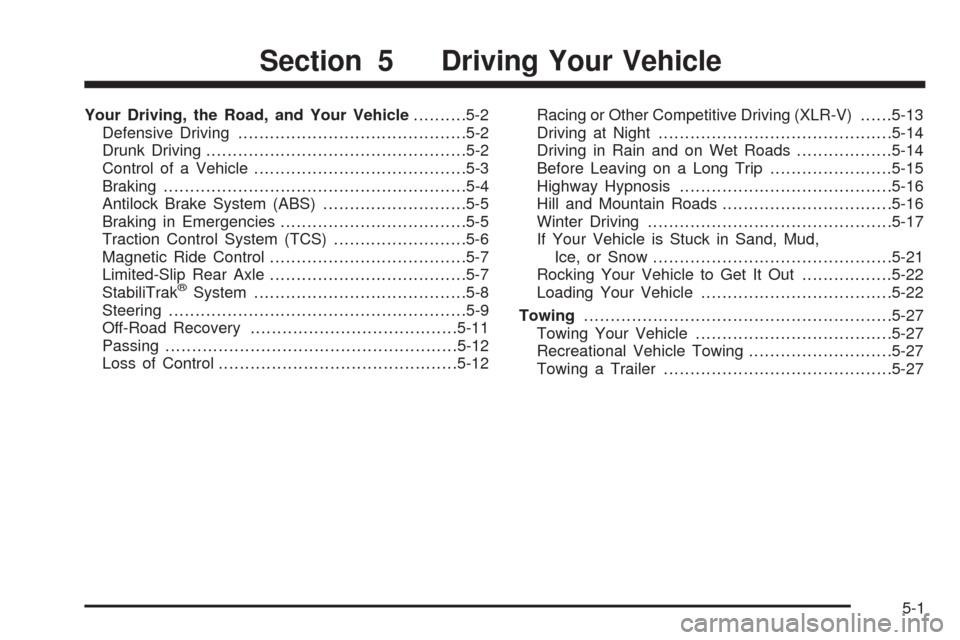
Your Driving, the Road, and Your Vehicle..........5-2
Defensive Driving...........................................5-2
Drunk Driving.................................................5-2
Control of a Vehicle........................................5-3
Braking.........................................................5-4
Antilock Brake System (ABS)...........................5-5
Braking in Emergencies...................................5-5
Traction Control System (TCS).........................5-6
Magnetic Ride Control.....................................5-7
Limited-Slip Rear Axle.....................................5-7
StabiliTrak
®System........................................5-8
Steering........................................................5-9
Off-Road Recovery.......................................5-11
Passing.......................................................5-12
Loss of Control.............................................5-12Racing or Other Competitive Driving (XLR-V)......5-13
Driving at Night............................................5-14
Driving in Rain and on Wet Roads..................5-14
Before Leaving on a Long Trip.......................5-15
Highway Hypnosis........................................5-16
Hill and Mountain Roads................................5-16
Winter Driving..............................................5-17
If Your Vehicle is Stuck in Sand, Mud,
Ice, or Snow.............................................5-21
Rocking Your Vehicle to Get It Out.................5-22
Loading Your Vehicle....................................5-22
Towing..........................................................5-27
Towing Your Vehicle.....................................5-27
Recreational Vehicle Towing...........................5-27
Towing a Trailer...........................................5-27
Section 5 Driving Your Vehicle
5-1