warning light CADILLAC XLR 2008 1.G Owner's Manual
[x] Cancel search | Manufacturer: CADILLAC, Model Year: 2008, Model line: XLR, Model: CADILLAC XLR 2008 1.GPages: 470, PDF Size: 8.39 MB
Page 297 of 470
Antilock Brake System (ABS)
Your vehicle has the Antilock Brake System (ABS), an
advanced electronic braking system that will help
prevent a braking skid.
When you start the engine and begin to drive away,
ABS will check itself. You might hear a momentary
motor or clicking noise while this test is going on, and
you might even notice that the brake pedal moves
a little. This is normal.
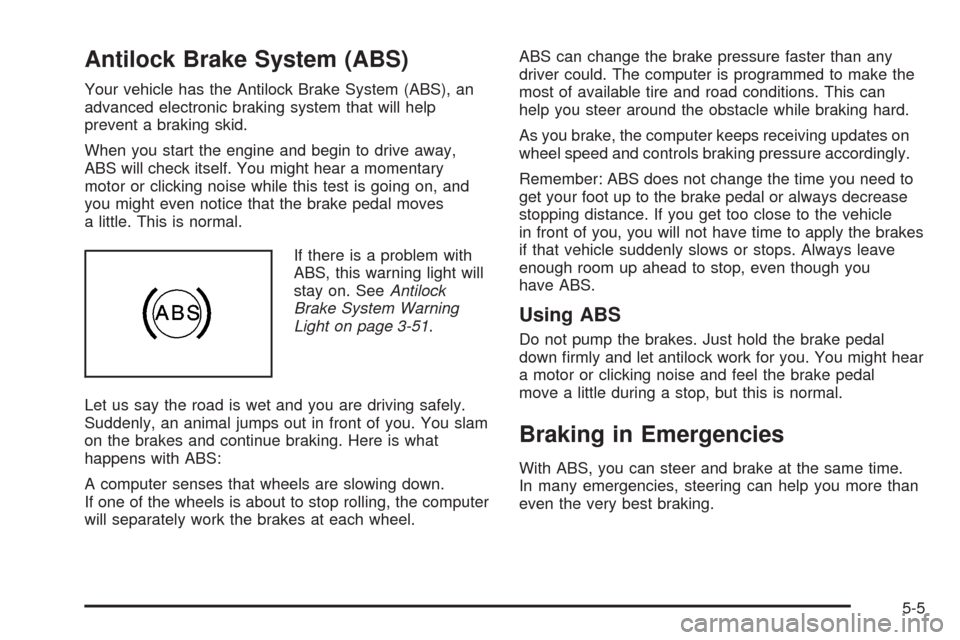
If there is a problem with
ABS, this warning light will
stay on. SeeAntilock
Brake System Warning
Light on page 3-51.
Let us say the road is wet and you are driving safely.
Suddenly, an animal jumps out in front of you. You slam
on the brakes and continue braking. Here is what
happens with ABS:
A computer senses that wheels are slowing down.
If one of the wheels is about to stop rolling, the computer
will separately work the brakes at each wheel.ABS can change the brake pressure faster than any
driver could. The computer is programmed to make the
most of available tire and road conditions. This can
help you steer around the obstacle while braking hard.
As you brake, the computer keeps receiving updates on
wheel speed and controls braking pressure accordingly.
Remember: ABS does not change the time you need to
get your foot up to the brake pedal or always decrease
stopping distance. If you get too close to the vehicle
in front of you, you will not have time to apply the brakes
if that vehicle suddenly slows or stops. Always leave
enough room up ahead to stop, even though you
have ABS.
Using ABS
Do not pump the brakes. Just hold the brake pedal
down rmly and let antilock work for you. You might hear
a motor or clicking noise and feel the brake pedal
move a little during a stop, but this is normal.
Braking in Emergencies
With ABS, you can steer and brake at the same time.
In many emergencies, steering can help you more than
even the very best braking.
5-5
Page 298 of 470

Traction Control System (TCS)
Your vehicle has a traction control system that limits
wheel spin. This is especially useful in slippery
road conditions. The system operates only if it senses
that one or both of the rear wheels are spinning or
beginning to lose traction. When this happens,
the system works the rear brakes and reduces engine
power to limit wheel spin.
The TRAC SYSTEM ACTIVE message will display on
the Driver Information Center (DIC) when the traction
control system is limiting wheel spin. SeeDIC Warnings
and Messages on page 3-63. You may feel or hear
the system working, but this is normal.
If your vehicle is in cruise control when the traction
control system begins to limit wheel spin, the cruise
control will automatically disengage. When road
conditions allow you to safely use it again, you may
reengage the cruise control. SeeAdaptive Cruise
Control on page 3-15orCruise Control on page 3-12for
more information.This warning light will
come on to let you know
if there is a problem
with your traction
control system.
SeeTraction Control System (TCS) Warning Light on
page 3-52. When this warning light is on, the system will
not limit wheel spin. Adjust your driving accordingly.
The traction control system automatically comes
on whenever you start your vehicle. To limit wheel spin,
especially in slippery road conditions, you should
always leave the system on. But you can turn the
traction control system off if you ever need to. You
should turn the system off if your vehicle ever gets stuck
in sand, mud or snow and rocking the vehicle is
required. SeeRocking Your Vehicle to Get It Out on
page 5-22andIf Your Vehicle is Stuck in Sand,
Mud, Ice, or Snow on page 5-21for more information.
5-6
Page 299 of 470
To turn the system off,
press the front part of the
traction control button
located on the center
console.
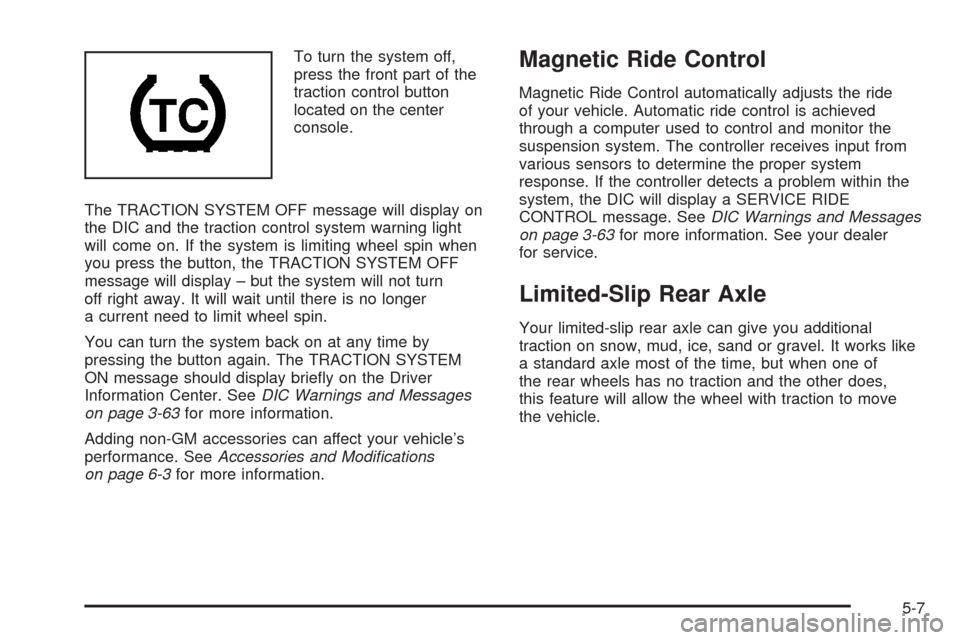
The TRACTION SYSTEM OFF message will display on
the DIC and the traction control system warning light
will come on. If the system is limiting wheel spin when
you press the button, the TRACTION SYSTEM OFF
message will display – but the system will not turn
off right away. It will wait until there is no longer
a current need to limit wheel spin.
You can turn the system back on at any time by
pressing the button again. The TRACTION SYSTEM
ON message should display briey on the Driver
Information Center. SeeDIC Warnings and Messages
on page 3-63for more information.
Adding non-GM accessories can affect your vehicle’s
performance. SeeAccessories and Modifications
on page 6-3for more information.Magnetic Ride Control
Magnetic Ride Control automatically adjusts the ride
of your vehicle. Automatic ride control is achieved
through a computer used to control and monitor the
suspension system. The controller receives input from
various sensors to determine the proper system
response. If the controller detects a problem within the
system, the DIC will display a SERVICE RIDE
CONTROL message. SeeDIC Warnings and Messages
on page 3-63for more information. See your dealer
for service.
Limited-Slip Rear Axle
Your limited-slip rear axle can give you additional
traction on snow, mud, ice, sand or gravel. It works like
a standard axle most of the time, but when one of
the rear wheels has no traction and the other does,
this feature will allow the wheel with traction to move
the vehicle.
5-7
Page 300 of 470
StabiliTrak®System
The StabiliTrak®System is a computer controlled
system that helps the driver maintain directional control
of the vehicle in difficult driving conditions. This is
accomplished by selectively applying any one of the
vehicle’s brakes.
When you rst start your vehicle and begin to drive
away (6 mph (10 km/h)), especially during cold weather,
the message STABILITRAK WARMING may be
displayed in the Driver Information Center (DIC), the
instrument panel cluster light will be on, and a chime
will sound. This is normal. You can acknowledge
this message by pressing the RESET button.
The StabiliTrak
®System performance is affected until
the message, STABILITRAK READY, is displayed in the
DIC. This can take up to 15 minutes.
The WAIT FOR STABILITRAK message may be
displayed in the DIC after exceeding 19 mph (30 km/h)
for 10 seconds if the steering is not centered.
The system is off until the STABILITRAK ACTIVE
message is displayed.The STABILITRAK ACTIVE message will come on
when the system is operating. SeeDIC Warnings and
Messages on page 3-63for more information. You
may also feel or hear the system working. This
is normal.
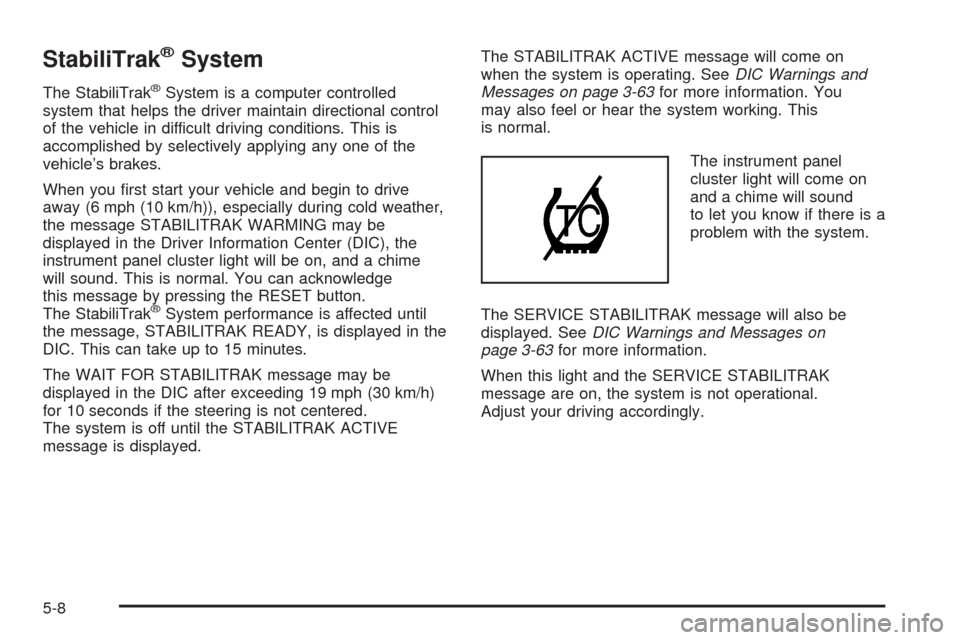
The instrument panel
cluster light will come on
and a chime will sound
to let you know if there is a
problem with the system.
The SERVICE STABILITRAK message will also be
displayed. SeeDIC Warnings and Messages on
page 3-63for more information.
When this light and the SERVICE STABILITRAK
message are on, the system is not operational.
Adjust your driving accordingly.
5-8
Page 306 of 470
Driving at Night
Night driving is more dangerous than day driving because
some drivers are likely to be impaired — by alcohol or
drugs, with night vision problems, or by fatigue.
Night driving tips include:
Drive defensively.
Do not drink and drive.
Reduce headlamp glare by adjusting the inside
rearview mirror.
Slow down and keep more space between you and
other vehicles because your headlamps can only
light up so much road ahead.
Watch for animals.
When tired, pull off the road.
Do not wear sunglasses.
Avoid staring directly into approaching headlamps.
Keep the windshield and all glass on your vehicle
clean — inside and out.
Keep your eyes moving, especially during turns
or curves.
No one can see as well at night as in the daytime.
But, as we get older, these differences increase.
A 50-year-old driver might need at least twice as much
light to see the same thing at night as a 20-year-old.
Driving in Rain and on Wet Roads
Rain and wet roads can reduce vehicle traction
and affect your ability to stop and accelerate. Always
drive slower in these types of driving conditions
and avoid driving through large puddles and
deep-standing or owing water.
{CAUTION:
Wet brakes can cause accidents. They might
not work as well in a quick stop and could
cause pulling to one side. You could lose
control of the vehicle.
After driving through a large puddle of water
or a car/vehicle wash, lightly apply the brake
pedal until the brakes work normally.
Flowing or rushing water creates strong
forces. Driving through owing water could
cause your vehicle to be carried away. If this
happens, you and other vehicle occupants
could drown. Do not ignore police warnings
and be very cautious about trying to drive
through owing water.
5-14
Page 309 of 470
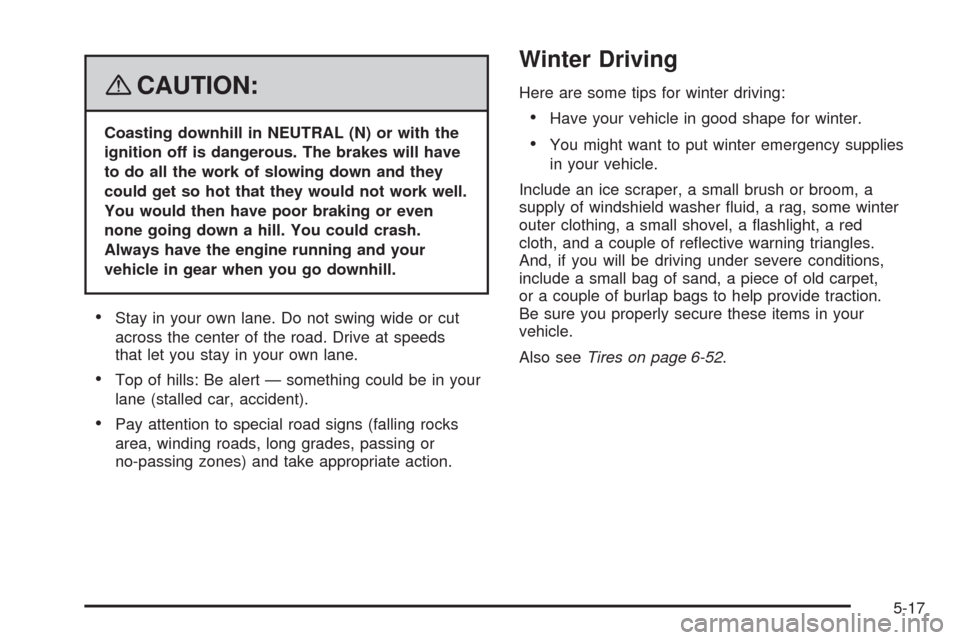
{CAUTION:
Coasting downhill in NEUTRAL (N) or with the
ignition off is dangerous. The brakes will have
to do all the work of slowing down and they
could get so hot that they would not work well.
You would then have poor braking or even
none going down a hill. You could crash.
Always have the engine running and your
vehicle in gear when you go downhill.
Stay in your own lane. Do not swing wide or cut
across the center of the road. Drive at speeds
that let you stay in your own lane.
Top of hills: Be alert — something could be in your
lane (stalled car, accident).
Pay attention to special road signs (falling rocks
area, winding roads, long grades, passing or
no-passing zones) and take appropriate action.
Winter Driving
Here are some tips for winter driving:
Have your vehicle in good shape for winter.
You might want to put winter emergency supplies
in your vehicle.
Include an ice scraper, a small brush or broom, a
supply of windshield washer uid, a rag, some winter
outer clothing, a small shovel, a ashlight, a red
cloth, and a couple of reective warning triangles.
And, if you will be driving under severe conditions,
include a small bag of sand, a piece of old carpet,
or a couple of burlap bags to help provide traction.
Be sure you properly secure these items in your
vehicle.
Also seeTires on page 6-52.
5-17
Page 341 of 470

How to Reset the Engine Oil Life
System and the Oil Life Indicator
The Engine Oil Life System calculates when to change
the engine oil and lter based on vehicle use.
Whenever the oil is changed, reset the system so it can
calculate when the next oil change is required. If a
situation occurs where you change the oil prior
to a CHANGE OIL NOW message in the DIC being
turned on, reset the system.
After the oil has been changed, the CHANGE OIL NOW
message and the oil life indicator must be reset. To
reset the message:
1. Press the up or down arrow to scroll the DIC to
show OIL LIFE.
2. Once the XXX% ENGINE OIL LIFE menu item is
highlighted, press and hold the RESET button until
the percentage shows 100%.
If the percentage does not return to 100% or if the
CHANGE OIL NOW message comes back on
when you start your vehicle, the engine oil
life system has not reset. Repeat the procedure.
What to Do with Used Oil
Used engine oil contains certain elements that can be
unhealthy for your skin and could even cause cancer.
Do not let used oil stay on your skin for very long. Clean
your skin and nails with soap and water, or a good
hand cleaner. Wash or properly dispose of clothing or
rags containing used engine oil. See the manufacturer’s
warnings about the use and disposal of oil products.
Used oil can be a threat to the environment. If you
change your own oil, be sure to drain all the oil from the
lter before disposal. Never dispose of oil by putting it
in the trash, pouring it on the ground, into sewers, or into
streams or bodies of water. Instead, recycle it by
taking it to a place that collects used oil. If you have a
problem properly disposing of used oil, ask your
dealer/retailer, a service station, or a local recycling
center for help.
6-21
Page 344 of 470
Automatic Transmission Fluid
How to Check Automatic Transmission
Fluid
It is not necessary to check the transmission uid level.
A transmission uid leak is the only reason for uid
loss. If a leak occurs, take the vehicle to the
dealer/retailer service department and have it repaired
as soon as possible.
There is a special procedure for checking and changing
the transmission uid. Because this procedure is difficult,
you should have this done at the dealer/retailer service
department. Contact your dealer/retailer for additional
information or the procedure can be found in the service
manual. To purchase a service manual, seeService
Publications Ordering Information on page 8-16.
Notice:Use of the incorrect automatic transmission
uid may damage your vehicle, and the damages
may not be covered by your warranty. Always
use the automatic transmission uid listed in
Recommended Fluids and Lubricants on page 7-11.
Change the uid and lter at the intervals listed in
Additional Required Services on page 7-5, and be sure
to use the uid listed inRecommended Fluids and
Lubricants on page 7-11.
Engine Coolant
The cooling system in your vehicle is lled with
DEX-COOL®engine coolant. This coolant is designed
to remain in your vehicle for ve years or 150,000 miles
(240 000 km), whichever occurs rst, if you add only
DEX-COOL
®extended life coolant.
The following explains your cooling system and how to
add coolant when it is low. If you have a problem with
engine overheating, seeEngine Overheating on
page 6-27.
A 50/50 mixture of clean, drinkable water and
DEX-COOL
®coolant will:
Giving freezing protection down to−34°F (−37°C).
Give boiling protection up to 265°F (129°C).
Protect against rust and corrosion.
Help keep the proper engine temperature.
Let the warning lights and gages work as they
should.
Notice:Using coolant other than DEX-COOL
®may
cause premature engine, heater core, or radiator
corrosion. In addition, the engine coolant may
require changing sooner, at the rst maintenance
service after each 30,000 miles (50 000 km) or
24 months, whichever occurs rst. Any repairs
would not be covered by your warranty. Always use
DEX-COOL
®(silicate-free) coolant in your vehicle.
6-24
Page 359 of 470

Brake Wear
Your vehicle has disc brakes. Disc brake pads have
built-in wear indicators that make a high-pitched warning
sound when the brake pads are worn and new pads
are needed. The sound can come and go or be heard all
the time your vehicle is moving, except when you are
pushing on the brake pedal rmly.
{CAUTION:
The brake wear warning sound means that soon
the brakes will not work well. That could lead to
an accident. When you hear the brake wear
warning sound, have your vehicle serviced.
Notice:Continuing to drive with worn-out brake
pads could result in costly brake repair.
Some driving conditions or climates can cause a brake
squeal when the brakes are rst applied or lightly
applied. This does not mean something is wrong with
the brakes.
Brake linings should always be replaced as complete
axle sets.
Brake Pedal Travel
See your dealer/retailer if the brake pedal does not
return to normal height, or if there is a rapid increase in
pedal travel. This could be a sign that brake service
might be required.
Brake Adjustment
As you make brake stops, the disc brakes automatically
adjust for wear.
Replacing Brake System Parts
The braking system on a vehicle is complex. Its many
parts have to be of top quality and work well together
if the vehicle is to have really good braking.
Your vehicle was designed and tested with top-quality
brake parts. When you replace parts of the braking
system — for example, when the brake linings wear
down and you need new ones put in — be sure you get
new approved replacement parts. If you do not, the
brakes might not work properly. For example, if
someone puts in brake linings that are wrong for your
vehicle, the balance between the front and rear
brakes can change — for the worse. The braking
performance you have come to expect can change in
many other ways if someone puts in the wrong
replacement brake parts.
6-39
Page 378 of 470
Treadwear Indicators:Narrow bands, sometimes
called wear bars, that show across the tread of
a tire when only 1/16 inch (1.6 mm) of tread
remains. SeeWhen It Is Time for New Tires on
page 6-66.
UTQGS (Uniform Tire Quality Grading
Standards)
:A tire information system that
provides consumers with ratings for a tire’s
traction, temperature, and treadwear. Ratings are
determined by tire manufacturers using
government testing procedures. The ratings are
molded into the sidewall of the tire. SeeUniform
Tire Quality Grading on page 6-69.
Vehicle Capacity Weight
:The number of
designated seating positions multiplied by
150 lbs (68 kg) plus the rated cargo load.
SeeLoading Your Vehicle on page 5-22.
Vehicle Maximum Load on the Tire
:Load on
an individual tire due to curb weight, accessory
weight, occupant weight, and cargo weight.
Vehicle Placard
:A label permanently attached to
a vehicle showing the vehicle’s capacity weight
and the original equipment tire size and
recommended ination pressure. See “Tire and
Loading Information Label” underLoading
Your Vehicle on page 5-22.
Run-Flat Tires
Your vehicle, when new, had run-at tires. There is no
spare tire, no tire changing equipment, and no place
to store a tire in the vehicle. Run-at tires perform
so well without any air that a Tire Pressure Monitor
System (TPMS) is used to alert you if a tire has
lost pressure.
{CAUTION:
When the low tire warning light is displayed on
the instrument panel cluster, your vehicle’s
handling capabilities will be reduced during
severe maneuvers. If you drive too fast, you
could lose control of your vehicle. You or others
could be injured. Do not drive over 55 mph
(90 km/h) when the low tire warning light is
displayed. Drive cautiously and check your tire
pressures as soon as you can.
If a tire goes at, you will not need to stop on the side
of the road to change the tire. You can just keep on
driving. The shorter the distance you drive and the
slower the speed, the greater the chance that the tire
6-58