ignition CADILLAC XLR 2009 1.G Owner's Manual
[x] Cancel search | Manufacturer: CADILLAC, Model Year: 2009, Model line: XLR, Model: CADILLAC XLR 2009 1.GPages: 462, PDF Size: 3.72 MB
Page 149 of 462
Wiper Activated Headlamps
This feature activates the headlamps and parking lamps
after the windshield wipers have been in use for
approximately six seconds and the multifunction lever is
in the AUTO position. SeeExterior Lamps on page 3-26.
When the exterior lamp control has been turned off or is
in the parking lamp position and the wiper control is
on delay, low speed or high speed, the HEADLAMPS
SUGGESTED message will appear on the Driver
Information Center (DIC).
When the ignition is turned off, the wiper-activated
headlamps will immediately turn off.
Headlamps on Reminder
A warning chime will sound if the exterior lamp control
is left on in either the headlamp or parking lamp position
and the driver’s door is opened with the ignition off.
Daytime Running Lamps (DRL)
Daytime Running Lamps (DRL) can make it easier for
others to see the front of your vehicle during the
day. Fully functional DRL are required on all vehicles
rst sold in Canada.The DRL system comes on when the following
conditions are met:
It is still daylight and the ignition is on.
The exterior lamp control is in the off position.
The transmission is not in P (Park).
When DRL are on, only the front turn signal lamps are
on. No other exterior lamps such as the parking
lamps, taillamps, etc. are on when the DRL are used.
The instrument panel is not be lit up either.
When it is dark enough outside, the front turn signal
lamps turn off and normal low-beam headlamps turn on.
When it is bright enough outside, the regular lamps
go off, and the front turn signal lamps take over. If the
vehicle is started in a dark garage, the automatic
headlamp system comes on immediately. Once the
vehicle leaves the garage, it takes about one minute for
the automatic headlamp system to change to DRL if
it is light outside. During that delay, the instrument panel
cluster might not be as bright as usual. Make sure the
instrument panel brightness knob is in the full bright
position. SeeInstrument Panel Brightness on page 3-30
for more information.
3-27
Page 150 of 462
If it is dark enough outside and the exterior lamp control
is off, a HEADLAMPS SUGGESTED message displays
on the Driver’s Information Center (DIC). This message
informs the driver that turning on the exterior lamps is
recommended. SeeDIC Warnings and Messages on
page 3-60.
Turn the exterior lamp control off a second time,
or turn on the headlamps to turn off the HEADLAMPS
SUGGESTED message in the DIC. If the parking
lamps or the fog lamps were turned on instead, the
HEADLAMPS SUGGESTED message continues to
display.
The regular headlamp system should be turned on
when needed.
Adaptive Forward Lighting System
The Adaptive Forward Lighting System (AFS) swivels
the headlamps horizontally to provide greater road
illumination while turning. AFS will operate when the
vehicle speed is greater than 2 mph (3 km/h). AFS will
not operate when the transmission is in R (Reverse).
AFS is not immediately operable after starting the
vehicle; driving a short distance is required to calibratethe AFS. To enable AFS, set the exterior lamp switch
on the multifunction lever to the AUTO position.
Moving the switch out of the AUTO position will
deactivate the system. SeeExterior Lamps on
page 3-26.
Fog Lamps
Use fog lamps for better vision in foggy or misty
conditions.
The fog lamps control is located on the multifunction
lever next to the exterior lamp control.
#(Fog Lamps):Turn the band to turn the fog lamps on.
The fog lamp light appears on the instrument panel
cluster to indicate that the fog lamps and the parking
lamps are on.
If you turn the high-beam headlamps on, the fog lamps
will turn off. They will turn on again when you switch
to low-beam headlamps.
The ignition must be on for the fog lamps to operate.
The fog lamps will turn off when the ignition is turned off.
Some localities have laws that require the headlamps
to be on along with the fog lamps.
3-28
Page 151 of 462

Twilight Sentinel®
This feature can turn the lamps on and off for you.
A light sensor on top of the instrument panel makes the
Twilight Sentinel
®work, so be sure it is not covered.
With Twilight Sentinel
®you will see the following happen:
When it is dark enough outside, the front turn signal
lamps (DRL) will go off, and the headlamps and
parking lamps will come on. The other lamps that
come on with headlamps will also come on.
When it is bright enough outside, the headlamps will
go off, and the front turn signal lamps (DRL) will
come on, as long as the exterior lamp switch is in the
AUTO position.
If the vehicle is started in a dark garage, the automatic
headlamp system will come on immediately. Once the
vehicle leaves the garage, it takes about one minute for
the automatic headlamp system to change to DRL if
it is light outside. During that delay, the instrument panel
cluster may not be as bright as usual. Make sure the
instrument panel brightness control is in full bright
position. SeeInstrument Panel Brightness on page 3-30
for more information.You can idle the vehicle with the lamps off, even when
it is dark outside. After starting the vehicle, turn the
exterior lamp control band to off, then release it.
The lamps will remain off until you turn the control
band to off again.
Twilight Sentinel
®also provides exterior illumination as
you leave the vehicle. If Twilight Sentinel®has turned
on the lamps when you turn off the ignition, the
lamps will remain on until:
The exterior lamp switch is moved from OFF to the
parking lamp position, or
the delay time selected has elapsed.
SeeDriver Information Center (DIC) on page 3-57to
select the delay time. You can also select no delay time.
If the ignition is turned off with the exterior lamp switch
in the parking lamp or headlamp position, the Twilight
Sentinel
®delay will not occur. The lamps will turn off as
soon as the switch is turned off.
The regular headlamp system should be turned on
when needed.
3-29
Page 152 of 462

Exterior Lighting Battery Saver
If the manual parking lamps or headlamps have been
left on, the exterior lamps will turn off as soon as
the ignition is turned off or Retained Accessory Power
(RAP) is active. This protects against draining the
battery in case you have accidentally left the headlamps
or parking lamps on. The battery saver does not work
if the headlamps are turned on after the ignition switch is
turned to off.
If you need to leave the lamps on, use the exterior lamp
control to turn the lamps back on.
Instrument Panel Brightness
The button for this feature is located on the instrument
panel to the left of the steering column.
+
!- (Brightness):Press to change the brightness of
the instrument panel lights.
Press the DIMMER button until PANEL DIMMING
appears on the Driver Information Center (DIC). Then
use the brightness button to adjust the instrument panel
brightness. Press the top or bottom of the button to
brighten or dim the lights. SeeHead-Up Display (HUD)
on page 3-31for more information.Be sure not to have the brightness turned all the way
down with the lamps on during the day. The DIC
may not be visible.
Courtesy Lamps
When any door or the trunk lid is opened, the interior
lamps will go on unless it is bright outside.
Press the interior lamp button on the right side of the
instrument panel, to turn the courtesy lamps on or off.
Entry/Exit Lighting
With entry lighting, the interior lamps will come on when
entering the vehicle. The interior lamps will come on
for about 20 seconds when the engine is turned off.
You can turn exit and entry lighting off by quickly turning
the courtesy lamps on and off.
Reading Lamps
The inside rearview mirror includes two reading lamps.
The lamps will go on when a door is opened. When
the doors are closed, each lamp can be turned on
individually by pressing the button for that lamp.
3-30
Page 153 of 462
Battery Run-Down Protection
The vehicle has a feature to help prevent the battery
from being drained, in case the underhood lamp, vanity
mirror lamps, cargo lamps, reading lamps, console,
or glove box lamps are accidentally left on, or something
is left plugged into the accessory power outlet or
cigarette lighter. If any of the accessory lamps are
left on, they will automatically time-out after about
10 minutes. To reset the battery protection, all of the
above lamps must be turned off or the ignition must be
in the ACC/ACCESSORY position.
Head-Up Display (HUD)
{CAUTION:
If the HUD image is too bright, or too high in your
eld of view, it may take you more time to see
things you need to see when it is dark outside.
Be sure to keep the HUD image dim and placed
low in your eld of view.The Head-Up Display (HUD) allows you to see some of
the driver information that appears on the instrument
panel cluster.
The information may be displayed in English or metric
units and appears as an image focused out toward
the front of the vehicle. To change from English to metric
units, seeDriver Information Center (DIC) on page 3-57.
The HUD consists of the following information:
Speedometer
Turn Signal Indicators
High-Beam Indicator Symbol
Tap-Up/Tap-Down Transmission Feature
Check Gages Message
Adaptive Cruise Control Features and Indicators
Radio Features
3-31
Page 155 of 462

To adjust the HUD so you can see it properly, do the
following:
1. Adjust the seat to a comfortable driving position.
If you change the seat position later, you may
have to re-adjust the HUD.
2. Start the engine and press the top or bottom of the
HUD button to center the HUD image in your view.
The HUD image can only be adjusted up and
down, not side-to-side.
3. Press the DIMMER button until the DIC reads
HUD DIMMING. Then use the brightness button
to adjust the desired intensity.
The brightness of the HUD image is determined by the
light conditions in the direction the vehicle is facing
and where you have the HUD set. If you are facing a
dark object or a heavily shaded area, the HUD may
anticipate that you are entering a dark area and may
begin to dim.
To turn off the HUD, press the brightness button down
until the image disappears.
Polarized sunglasses could make the HUD image
harder to see.
As light shines out from the HUD, it is possible for light
to shine back in. In rare occurrences, when the sun
is at a specic angle and position, the sun’s rays canshine back into the HUD. When this occurs, the display
device within the HUD will be temporarily illuminated.
The event will end when the vehicle’s angle to the
sun changes.
Clean the inside of the windshield as needed to remove
any dirt or lm that reduces the sharpness or clarity
of the HUD image.
To clean the HUD, spray household glass cleaner on a
soft, clean cloth. Wipe the HUD lens gently, then dry
it. Do not spray cleaner directly on the lens because the
cleaner could leak into the unit.
If the ignition is on and you cannot see the HUD image,
check to see if:
Something is covering the HUD unit.
The brightness is adjusted properly.
The HUD image is adjusted to the proper height.
Ambient light in the direction the vehicle is facing
is low.
A fuse is blown. SeeFuses and Circuit Breakers
on page 6-83.
Keep in mind that the windshield is part of the HUD
system. SeeWindshield Replacement on page 6-45.
3-33
Page 162 of 462
There is also a sensor located behind the front bumper.
This sensor reads the outside air temperature and
helps maintain the temperature inside the vehicle.
The outside temperature will be displayed in the
navigation system only when the engine is running.
Any cover on the front of the vehicle could give a false
reading of the temperature.
If the outside temperature goes up, the display
temperature will not change until:
The vehicle’s speed is above 15 mph (24 km/h)
for ve minutes.
The vehicle’s speed is above 32 mph (51 km/h)
for two and one-half minutes.
These delays prevent false readings. If the temperature
goes down, the outside temperature will be shown
when the vehicle is started. If it has been turned off for
less than three hours, the temperature will be recalled
from the previous vehicle operation.
There is also an inside temperature sensor located to
the left of the ignition button. The automatic climate
control system uses this sensor to receive information,
so if it is blocked or covered, the system will not
function properly.
Outlet Adjustment
Use the thumbwheel to open or close the outlets.
Operation Tips
Clear away any ice, snow or leaves from the air
inlets at the base of the windshield that may
block the ow of air into the vehicle.
Use of non-GM approved hood deectors may
adversely affect the performance of the system.
Keep the area around the base of the instrument
panel console and air path under the seats clear
of objects to help circulate the air inside of the
vehicle more effectively.
3-40
Page 168 of 462
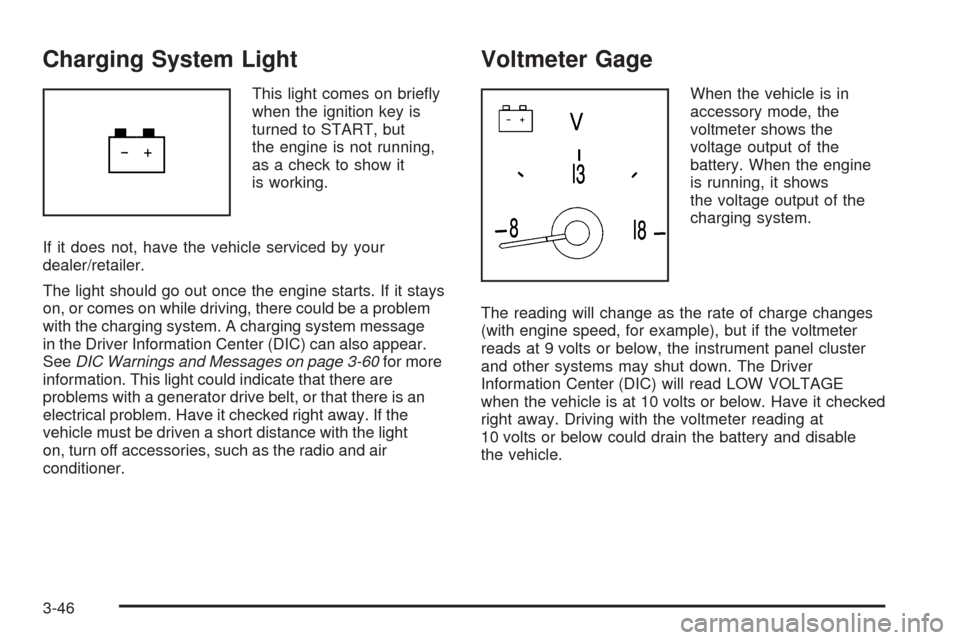
Charging System Light
This light comes on briey
when the ignition key is
turned to START, but
the engine is not running,
as a check to show it
is working.
If it does not, have the vehicle serviced by your
dealer/retailer.
The light should go out once the engine starts. If it stays
on, or comes on while driving, there could be a problem
with the charging system. A charging system message
in the Driver Information Center (DIC) can also appear.
SeeDIC Warnings and Messages on page 3-60for more
information. This light could indicate that there are
problems with a generator drive belt, or that there is an
electrical problem. Have it checked right away. If the
vehicle must be driven a short distance with the light
on, turn off accessories, such as the radio and air
conditioner.
Voltmeter Gage
When the vehicle is in
accessory mode, the
voltmeter shows the
voltage output of the
battery. When the engine
is running, it shows
the voltage output of the
charging system.
The reading will change as the rate of charge changes
(with engine speed, for example), but if the voltmeter
reads at 9 volts or below, the instrument panel cluster
and other systems may shut down. The Driver
Information Center (DIC) will read LOW VOLTAGE
when the vehicle is at 10 volts or below. Have it checked
right away. Driving with the voltmeter reading at
10 volts or below could drain the battery and disable
the vehicle.
3-46
Page 170 of 462
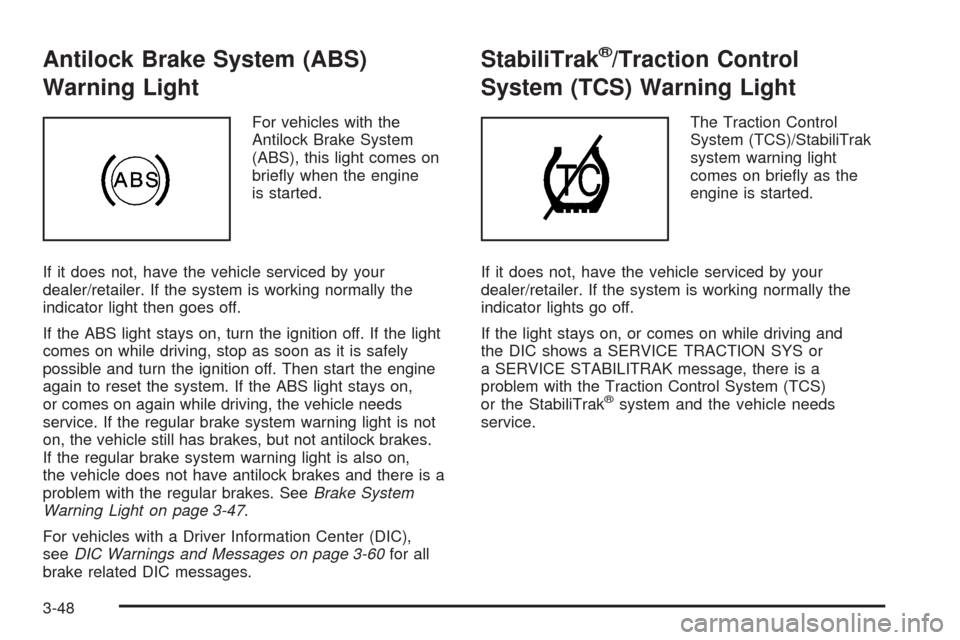
Antilock Brake System (ABS)
Warning Light
For vehicles with the
Antilock Brake System
(ABS), this light comes on
briey when the engine
is started.
If it does not, have the vehicle serviced by your
dealer/retailer. If the system is working normally the
indicator light then goes off.
If the ABS light stays on, turn the ignition off. If the light
comes on while driving, stop as soon as it is safely
possible and turn the ignition off. Then start the engine
again to reset the system. If the ABS light stays on,
or comes on again while driving, the vehicle needs
service. If the regular brake system warning light is not
on, the vehicle still has brakes, but not antilock brakes.
If the regular brake system warning light is also on,
the vehicle does not have antilock brakes and there is a
problem with the regular brakes. SeeBrake System
Warning Light on page 3-47.
For vehicles with a Driver Information Center (DIC),
seeDIC Warnings and Messages on page 3-60for all
brake related DIC messages.
StabiliTrak®/Traction Control
System (TCS) Warning Light
The Traction Control
System (TCS)/StabiliTrak
system warning light
comes on briey as the
engine is started.
If it does not, have the vehicle serviced by your
dealer/retailer. If the system is working normally the
indicator lights go off.
If the light stays on, or comes on while driving and
the DIC shows a SERVICE TRACTION SYS or
a SERVICE STABILITRAK message, there is a
problem with the Traction Control System (TCS)
or the StabiliTrak
®system and the vehicle needs
service.
3-48
Page 172 of 462
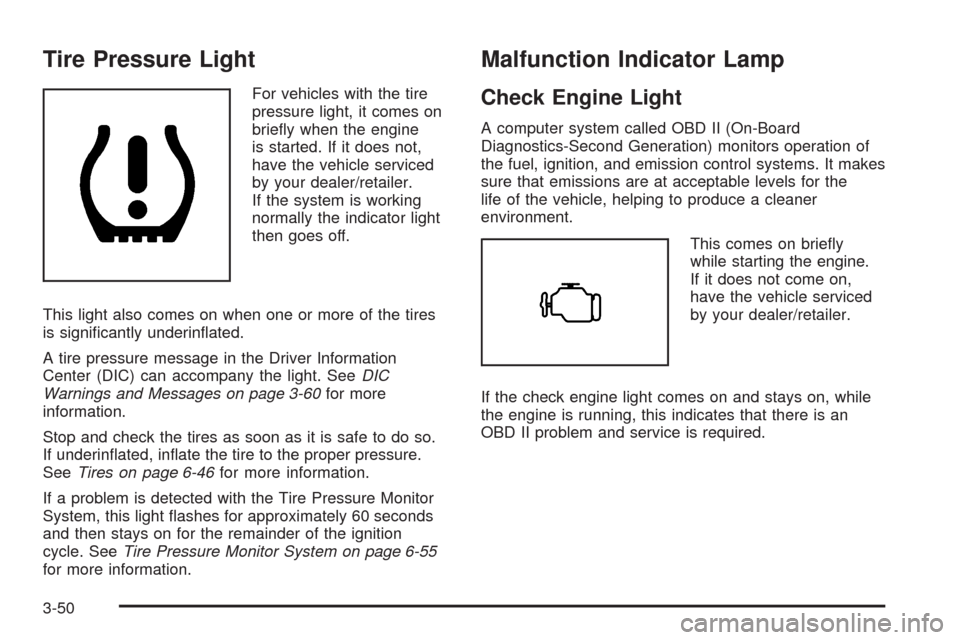
Tire Pressure Light
For vehicles with the tire
pressure light, it comes on
briey when the engine
is started. If it does not,
have the vehicle serviced
by your dealer/retailer.
If the system is working
normally the indicator light
then goes off.
This light also comes on when one or more of the tires
is signicantly underinated.
A tire pressure message in the Driver Information
Center (DIC) can accompany the light. SeeDIC
Warnings and Messages on page 3-60for more
information.
Stop and check the tires as soon as it is safe to do so.
If underinated, inate the tire to the proper pressure.
SeeTires on page 6-46for more information.
If a problem is detected with the Tire Pressure Monitor
System, this light ashes for approximately 60 seconds
and then stays on for the remainder of the ignition
cycle. SeeTire Pressure Monitor System on page 6-55
for more information.
Malfunction Indicator Lamp
Check Engine Light
A computer system called OBD II (On-Board
Diagnostics-Second Generation) monitors operation of
the fuel, ignition, and emission control systems. It makes
sure that emissions are at acceptable levels for the
life of the vehicle, helping to produce a cleaner
environment.
This comes on briey
while starting the engine.
If it does not come on,
have the vehicle serviced
by your dealer/retailer.
If the check engine light comes on and stays on, while
the engine is running, this indicates that there is an
OBD II problem and service is required.
3-50