wheel CHEVROLET ASTRO 1997 2.G User Guide
[x] Cancel search | Manufacturer: CHEVROLET, Model Year: 1997, Model line: ASTRO, Model: CHEVROLET ASTRO 1997 2.GPages: 404, PDF Size: 20.63 MB
Page 95 of 404
Downloaded from www.Manualslib.com manuals search engine NEUTRAL (N): In this position, your engine doesn’t
connect with the wheels.
To restart when you’re
already moving,
use NEUTRAL (N) only. Also, use
NEUTRAL (N) when your vehicle is being towed.
I
Shifting out of PARK (P) or NEU’I AL (N) while
your engine is “racing” (running at high speed)
is
dangerous. Unless your foot is firmly on the
brake pedal, your vehicle could move very
rapidly.
You could lose control and hit people or
objects. Don’t shift out of PARK (P) or
NEUTRAL
(N) while your engine is racing.
NOTICE:
Damage to your transmission caused by shifting
out of PARK (P) or NEUTRAL
(N) with the
engine racing isn’t covered by your warranty. DRIVE
(D):
This position is for normal driving. If you
need more power for passing, and you’re:
0 Going less than about 35 mph (56 kmk), push your
accelerator pedal about halfway down.
0 Going about 35 mph (56 kdh) or more, push the
accelerator pedal all the way down. You’ll shift
down
to the next gear and have more power.
DRIVE
(D) should be used for normal towing.
THIRD (3): This position is also used for normal
driving, however
it offers more power and lower fuel
economy than DRIVE (D).
You should use THIRD (3)
when carrying a heavy load or driving on steep hills.
SECOND (2): This position gives you more power but
lower
fuel economy. You can use SECOND (2) on hills.
It can help control your speed as
you go down steep
mountain roads, but then
you would also want to use
your brakes
off and on.
If you manually select SECOND
(2), the transmission
will drive in second gear.
You may use this feature
for reducing torque to the rear wheels when you are
trying
to start your vehicle from a stop on slippery
road surfaces.
2-21
Page 96 of 404
Downloaded from www.Manualslib.com manuals search engine FIRST (1): This position gives you even more power
(but lower fuel economy) than
SECOND (2). You can
use it
on very steep hills, or in deep snow or mud. If the
selector lever is put in FIRST
(l), the transmission
won’t shift into first gear until the vehicle is going
slow enough.
NOTICE:
If your rear wheels can’t rotate, don’t try to
drive. This might happen if you were stuck in
very deep sand or mud or were up against
a solid
object. You could damage your transmission or
transfer case or both.
Also, if you stop when going uphill, don’t hold
your vehicle there with only the accelerator
pedal. This could overheat and damage the transmission. Use your brakes or shift into
PARK
(P) to hold your vehicle in position
on a hill.
Locking Rear Axle
If you have this feature, your rear axle can give you
additional traction on snow, mud, ice, sand or gravel. It
works like a standard axle most of the time, but when
one
of the rear wheels has no traction and the other does,
the locking feature will allow the wheel with traction to
move the vehicle.
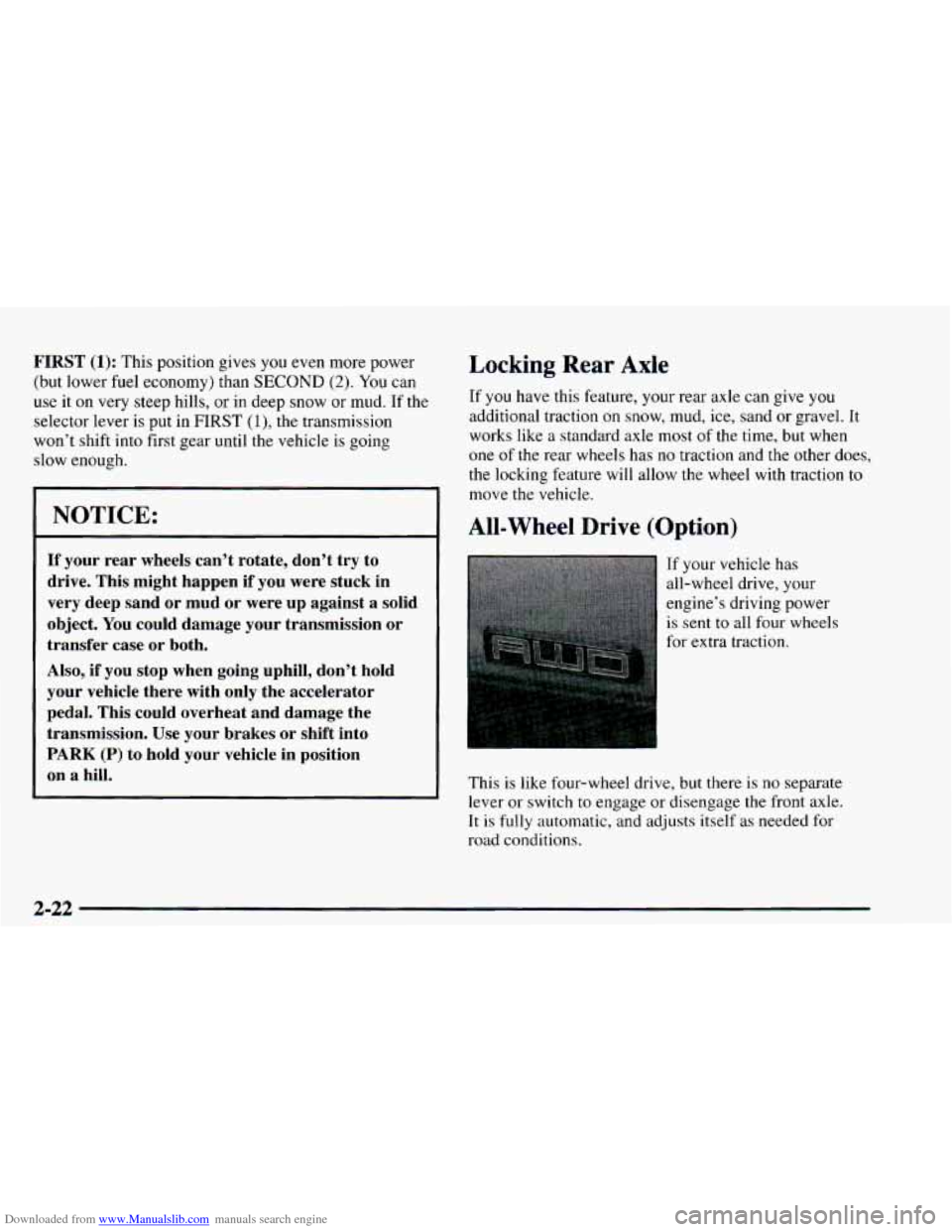
All-Wheel Drive (Option)
If your vehicle has
all-wheel drive, your
engine’s driving power
is sent to all four wheels
for extra traction.
This is like four-wheel drive, but there is
no separate
lever
or switch to engage or disengage the front axle.
It is fully automatic, and adjusts itself as needed
for
road conditions.
2-22
Page 105 of 404
Downloaded from www.Manualslib.com manuals search engine Horn
To sound the horn, press the horn symbols on the
steering wheel.
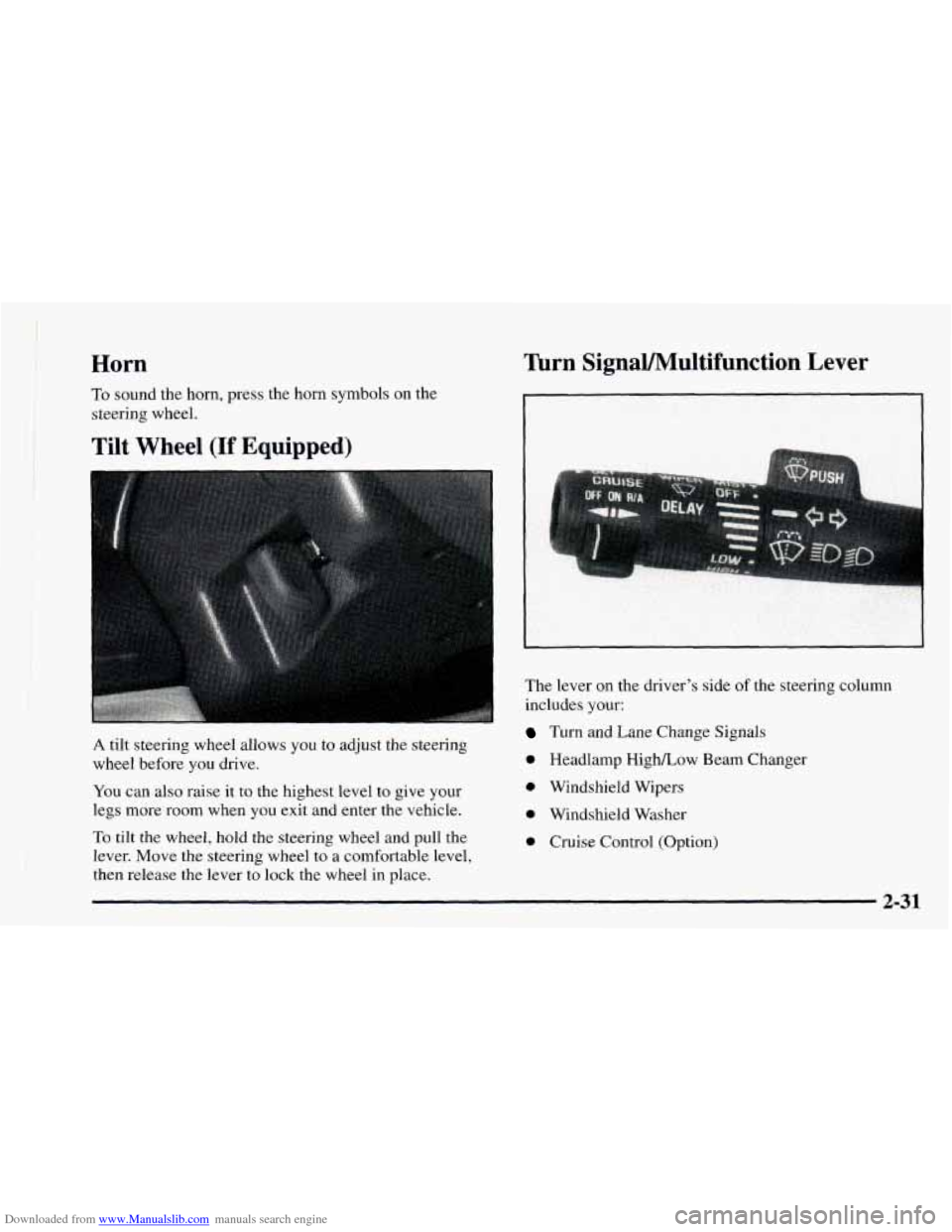
Tilt Wheel (If Equipped)
A tilt steering wheel allows you to adjust the steering
wheel before you drive.
You can also raise it to the highest level to give your
legs more room when you exit and enter the vehicle.
Turn SignaVMultifunction Lever
The lever on the driver’s side of the steering column
includes your:
Turn and Lane Change Signals
0 Headlamp HighLow Beam Changer
0 Windshield Wipers
0 Windshield Washer
0 Cruise Control (Option) To tilt the wheel, hold the steering wheel and pull the
lever. Move the steering wheel
to a comfortable level,
then release the lever to lock the wheel in place.
2-31
Page 108 of 404
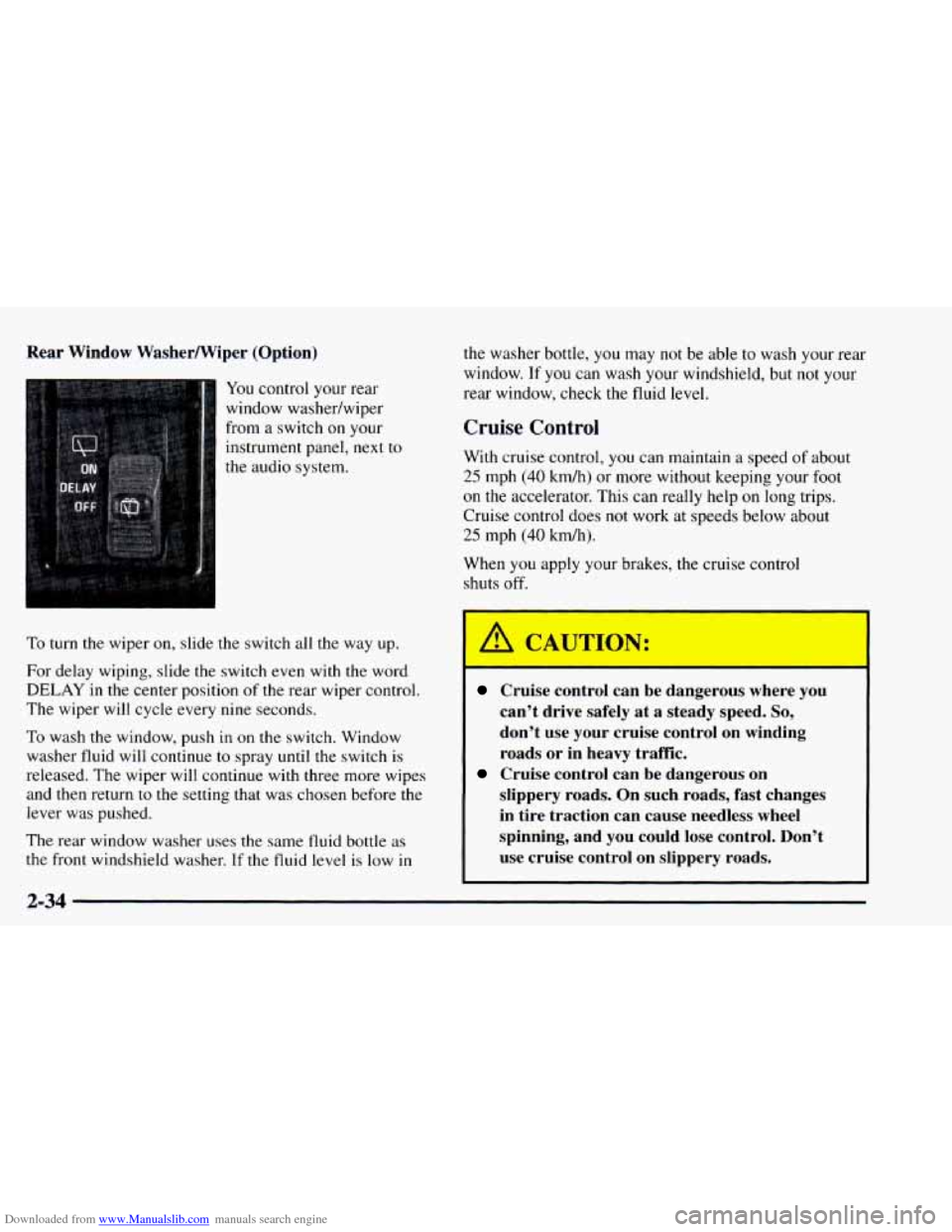
Downloaded from www.Manualslib.com manuals search engine Rear Window WasherWiper (Option)
You control your rear
window washedwiper
from a switch on your
instrument panel, next to
the audio system.
To turn the wiper on, slide the switch all the way up.
For delay wiping, slide the switch even with the word
DELAY in the center position of the rear wiper control.
The wiper will cycle every
nine seconds.
To wash the window, push in on the switch, Window
washer fluid will continue to spray until the switch is
released. The wiper will continue with three more wipes
and then return to
the setting that was chosen before the
lever was pushed.
The rear window washer uses the same fluid bottle as
the front windshield washer. If the fluid level is low in
the washer bottle, you may not be able to wash your rear
window. If
you can wash your windshield, but not your
rear window, check the fluid level.
Cruise Control
With cruise control, you can maintain a speed of about
25 mph (40 kmh) or more without keeping your foot
on the accelerator. This can really help on long trips.
Cruise control does not work at speeds below about
25 mph (40 km/h).
When
you apply your brakes, the cruise control
shuts off.
Cruise control can be dangerous where you
can’t drive safely at a steady speed.
So,
don’t use your cruise control on winding
roads or in heavy traffic.
slippery roads. On such roads, fast changes
in tire traction can cause needless wheel
spinning, and you could lose control. Don’t
use cruise control on slippery roads.
Cruise control can be dangerous on
2-34
Page 185 of 404
Downloaded from www.Manualslib.com manuals search engine Remember: Anti-lock doesn’t change the time you need
to get your foot up to the brake pedal or always decrease
stopping distance.
If you get too close to the vehicle in
front of you, you won’t have time to apply your brakes
if that vehicle suddenly slows or stops. Always leave
enough room up ahead to stop,
even though you have
anti-lock brakes.
Using Anti-Lock
Don’t pump the brakes. Just hold the brake pedal down
and let anti-lock work for
you. You may feel the brakes
vibrate, or you may notice some noise, but
* ‘.s is normal.
Braking in Emergencies
With anti-lock, you can steer and brake at the same
time. In many emergencies, steering can help you more
than even the very best braking.
Steering
Power Steering
If you lose power steering assist because the engine
stops or the system
is not functioning, you can steer but
it will take much more effort.
Steering Tips
Driving on Curves
It’s important to take curves at a reasonable speed.
A lot of the “driver lost control’’ accidents mentioned on
the news happen on curves. Here’s why:
Experienced driver or beginner, each
of us is subject to
the same laws of physics when driving on curves. The
traction
of the tires against the road surface makes it
possible for the vehicle to change its path when you turn
the front wheels. If there’s no traction, inertia will keep
the vehicle going in the same direction.
If you’ve ever
tried
to steer a vehicle on wet ice, you’ll understand this.
The traction
you can get in a curve depends on the
condition of your tires and the road surface,
the angle at
which the curve is banked, and your speed. While you’re
in a curve, speed is the one Factor you can control.
Suppose you’re steering through
a sharp curve. Then you
suddenly accelerate. Both control systems -- steering and
acceleration
-- have to do their work where the tires meet
the road. Adding the sudden acceleration can demand too much
of those places. You can lose control.
4-9
Page 186 of 404
Downloaded from www.Manualslib.com manuals search engine What should you do if this ever happens? Ease up on the
accelerator pedal, steer the vehicle the way
you want it
to go, and slow down.
Speed limit signs near curves warn that
you should
adjust your speed. Of course, the posted speeds are
based
on good weather and road conditions. Under less
favorable conditions you’ll want
to go slower.
If you need
to reduce your speed as you approach a
curve,
do it before you enter the curve, while your front
wheels are straight ahead.
Try to adjust your speed
so you can “drive” through the
curve. Maintain a reasonable, steady speed. Wait to
accelerate until you are
out of the curve, and then
accelerate gently into the straightaway.
Steering in Emergencies
There are times when steering can be more effective than
braking. For example,
you come over a hill and find a
truck stopped in your
lane, or a car suddenly pulls out
from nowhere, or a child darts out from between parked
cars and stops right in front
of you. You can avoid these
problems
by braking -- if you can stop in time. But
sometimes you can’t; there isn’t room, That’s the time for
evasive action
-- steering around the problem.
Your vehicle can perform very well in emergencies like
these. First apply your brakes. (See “Braking in
Emergencies” earlier in this section.)
It is better to
remove as much speed as you can from a possible
collision. Then steer around
the problem, to the left or
right depending on the space available.
4-10
Page 187 of 404
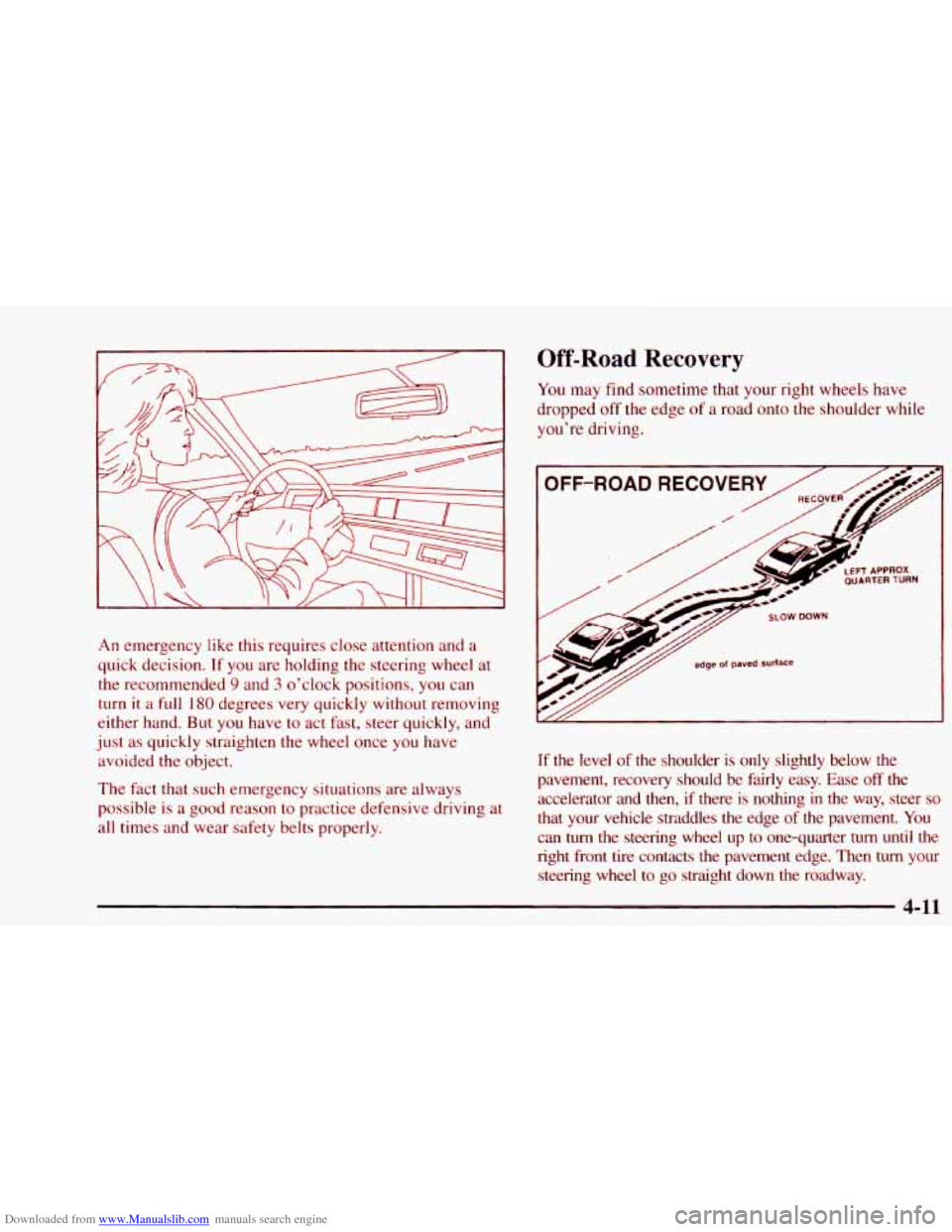
Downloaded from www.Manualslib.com manuals search engine An emergency like this requires close attention and a
quick decision.
If you are holding the steering wheel at
the recommended
9 and 3 o’clock positions, you can
turn it a full 180 degrees very quickly without removing
either hand. But
you have to act fast, steer quickly, and
just as quickly straighten the wheel once you have
avoided the object.
The fact that such emergency situations are always
possible is a good reason to practice defensive driving at
all times and wear safety belts properly.
Off-Road Recovery
You may find sometime that your right wheels have
dropped off the edge of a road onto the shoulder while
you’re driving.
If the level of the shoulder is only slightly below the
pavement, recovery should be fairly easy. Ease
off the
accelerator and then, if there is nothing in the way, steer
so
that your vehicle straddles the edge of the pavement. You
can turn the steering wheel up to one-quarter turn until the
right front tire contacts the pavement edge. Then turn your
steering wheel
to go straight down the roadway.
Page 189 of 404
Downloaded from www.Manualslib.com manuals search engine 0 Check your mirrors, glance over your shoulder and
start your left lane change signal before moving out
of the right lane to pass. When you
are far enough
ahead of the passed vehicle to see its front in your
inside mirror, activate your right lane change signal
and move back
into the right lane. (Remember that
your right outside mirror is convex. The vehicle
you
just passed may seem to be farther away from you
than
it really is.)
0 Try not to pass more than one vehicle at a time on
two-lane roads. Reconsider before passing the
next vehicle.
Don’t overtake a slowly moving vehicle too rapidly.
Even though the brake lamps are not flashing, it may
be slowing down or starting
to turn.
If you’re being passed, make it easy for the
following driver to get ahead of you. Perhaps you
can ease a little to the right.
Loss of Control
Let’s review what driving experts say about what
happens when the three control systems (brakes, steering
and acceleration) don’t have enough friction where the
tires meet the road to do what the driver has asked.
In any emergency, don’t give up. Keep trying to steer and
constantly seek
an escape route or area of less danger.
Skidding
In a skid, a driver can lose control of the vehicle.
Defensive drivers avoid most skids by taking reasonable
care suited to existing conditions, and by not
“overdriving” those conditions. But skids are
always possible.
The three types
of skids correspond to your vehicle’s
three control systems. In the braking skid, your wheels
aren’t rolling, In the steering or cornering skid, too
much speed or steering in a curve causes tires to slip and
lose cornering force. And in the acceleration skid, too
much throttle causes
the driving wheels to spin.
4-13
Page 197 of 404
Downloaded from www.Manualslib.com manuals search engine Before Leaving on a Long Trip
Make sure you’re ready. Try to be well rested. If you
must start when you’re not fresh -- such as after a day’s
work
-- don’t plan to make too many miles that first part
of the journey. Wear comfortable clothing and shoes you
can easily drive in.
Is your vehicle ready for a long trip? If you keep it
serviced and maintained, it’s ready to go. If it needs
service, have it done before starting
out. Of course,
you’ll find experienced and able service experts
in GM
dealerships all across North America. They’ll be ready
and willing
to help if you need it.
Here are some things
you can check before a trip:
Windshield Washer Fluid: Is the reservoir full? Are
all windows clean inside and outside?
0 Wiper Blades: Are they in good shape?
Fuel, Engine Oil, Other Fluids: Have you checked
all levels?
Lamps: Are they all working? Are the lenses clean?
Tires: They are vitally important to a safe,
trouble-free trip.
Is the tread good enough for
long-distance driving? Are the tires all inflated
to the
recommended pressure?
Weather Forecasts: What’s the wei----er outlook
along your route? Should
you delay your trip a short
time to avoid
a major storm system?
0 Maps: Do you have up-to-date maps?
Highway Hypnosis
Is there actually such a condition as “highway hypnosis”?
Or is it just
plain falling asleep at the wheel? Call it
highway hypnosis, lack of awareness, or whatever.
There is something about an easy stretch of road with the
same scenery, along
with the hum of the tires on the road,
the
drone of the engine, and the rush of the wind against
the vehicle that can make you sleepy. Don’t
let it happen
to you! If it does, your vehicle can leave the road in
less
than a second, and you could crash and be injured.
4-21
Page 201 of 404
Downloaded from www.Manualslib.com manuals search engine ..... ...... ’E.. ..___.. -1 !$ .I....... ..... ....
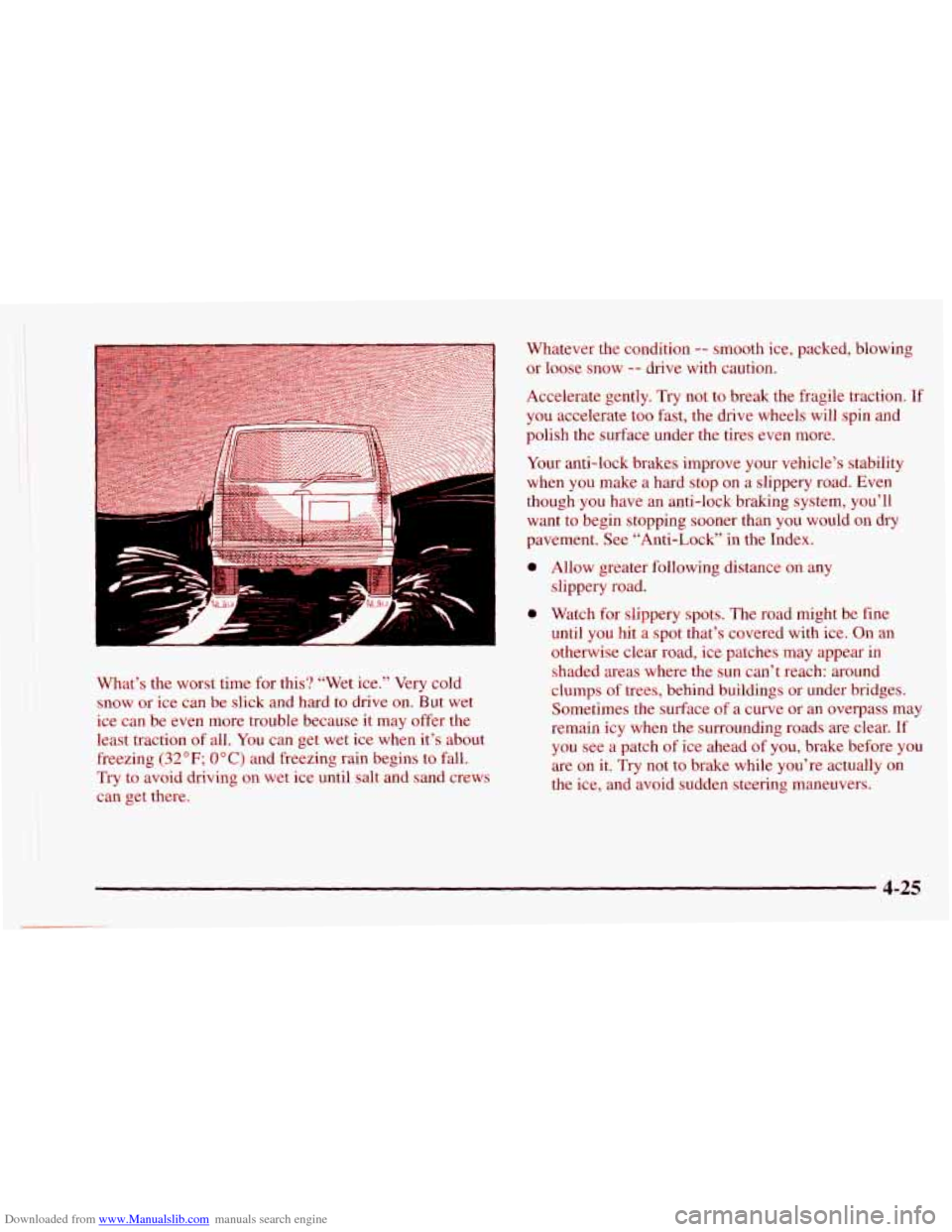
What’s the worst time for this? “Wet ice.” Very cold
snow or
ice can be slick and hard to drive on. But wet
ice can be even more trouble because it may offer the
least traction of all.
You can get wet ice when it’s about
freezing
(32°F; OOC) and freezing rain begins to fall.
Try to avoid driving on wet ice until salt and sand crews
can get there. Whatever the condition
-- smooth ice, packed, blowing
or loose snow -- drive with caution.
Accelerate gently.
Try not to break the fragile traction. If
you accelerate too fast, the drive wheels will spin and
polish the surface under the tires even more.
Your anti-lock brakes improve
your vehicle’s stability
when
you make a hard stop on a slippery road. Even
though you have an anti-lock braking system, you’ll
want to begin stopping sooner than
you would on dry
pavement. See “Anti-Lock” in the Index.
a
a
Allow greater following distance on any
slippery road.
Watch for slippery spots. The road might be fine
until you hit a spot that’s covered with ice. On an
otherwise clear road,
ice patches may appear in
shaded areas where the sun can’t reach: around
clumps
of trees, behind buildings or under bridges.
Sometimes the surface of a curve or
an overpass may
remain icy when the surrounding roads are clear. If
you see a patch of ice ahead of you, brake before you
are on it. Try not to brake while you’re actually on
the ice, and avoid sudden steering maneuvers.
4-25