key CHEVROLET ASTRO CARGO VAN 1995 2.G User Guide
[x] Cancel search | Manufacturer: CHEVROLET, Model Year: 1995, Model line: ASTRO CARGO VAN, Model: CHEVROLET ASTRO CARGO VAN 1995 2.GPages: 342, PDF Size: 17.57 MB
Page 67 of 342
Downloaded from www.Manualslib.com manuals search engine Parking at Night
Parking
Lots
If you park in a lot where someone will be watching your vehicle, it’s best
to lock it up and take your keys. But what
if you have to leave your ignition
key? What if you have to leave something valuable in your vehicle?
0 Put your valuables in a storage area out of sight.
0 Lock all the doors except the driver’s.
0 Then take the door key with you.
New Vehicle “Break-In”
NOTICE:
Your modern vehicle doesn’t need an elaborate “break-in.” But
it will perform better in the long run if you follow these
guidelines:
Keep your speed at 55 mph (88 kmh) or less for the first 500
miles (804 km).
0 Don’t drive at any one speed - fast or slow - for the first
500 miles (804 km). Don’t make full-throttle starts.
0 Avoid making hard stops for the first 200 miles (322 km) or
so. During this time your new brake linings aren’t yet broken
in. Hard stops with new linings can mean premature wear and
earlier replacement. Follow this “breaking-in” guideline
every time you get new brake linings.
Don’t tow a trailer during “break-in.” See “Towing a Trailer”
in the Index for more information.
2-13
Page 68 of 342
Downloaded from www.Manualslib.com manuals search engine Ignition Switch
2
Use your ignition key to start your vehicle. The ignition key lets you turn
the ignition switch to five different positions.
1. OFF
2. RUN
3. START
4. ACC
5. LOCK 5
ACC (Accessory) - ACC lets you use things like the radio and the
windshield wipers when the engine is
off. To get into ACC, push in the key
and turn it toward you. Your steering wheel will remain locked, just
as it
was before you inserted
the key.
NOTICE:
Don’t operate accessories in the ACC position for long perio\
ds
of time. Prolonged operation of accessories in the ACC position
could drain your battery and prevent you from starting your
vehicle.
LOCK
- This position locks your ignition, steering wheel and
transmission. It’s
a theft deterrent feature. You will only be able to remove
your key when the ignition is turned
to LOCK.
OFF - This position lets you turn off the engine but still turn the steering
wheel. Use
OFF if you must have your vehicle in motion while the engine is
off (for example, if your vehicle is being pushed).
RUN - This is the position for driving.
START - This starts your engine.
2- 14
Page 69 of 342
Downloaded from www.Manualslib.com manuals search engine NOTICE:
If your key seems stuck in LOCK and you can’t turn it, be sure
it is
all the way in. If it is, then turn the steering wheel left and
right while you turn the key hard. But turn the key only with
your hand. Using
a tool to force it could break the key or the
ignition switch.
If none of this works, then your vehicle needs
service.
Starting Your Engine
Move your shift lever to PARK (P) or NEUTRAL (N). Your engine won’t
start
in any other position - that’s a safety feature. To restart when you’re
already moving, use
NEUTRAL (N) only.
NOTICE:
Don’t try to shift to PARK (P) if your vehicle is moving. If you
do, you could damage the transmission. Shift to PARK
(P) only
when your vehicle is stopped.
1. Without pushing the accelerator pedal, turn your ignition key to
START. When the engine starts, let go of the key. The idle speed will
go down
as your engine gets warm.
NOTICE:
Holding your key in START for longer than 15 seconds at a time
will cause your battery
to be drained much sooner. And the
excessive heat can damage your starter motor.
2. If it doesn’t start right away, hold your key in START. If it doesn’t start
in ten seconds, push the accelerator pedal about one-quarter of the way
down
for five more seconds, or until it starts.
2-15
Page 70 of 342
Downloaded from www.Manualslib.com manuals search engine 3. If your engine still won’t start, wait 15 seconds to let the starter motor
cool down and do it all again.
When the engine starts,
let go of the key and the accelerator pedal.
NOTICE:
Your engine is designed to work with the electronics in your
vehicle.
If you add electrical parts or accessories, you could
change the
way the fuel injection system operates. Before adding
electrical equipment, check with your dealer. If you don’t, your
engine might not perform properly.
If you ever have to have your vehicle towed, see the part of this
manual that tells how to do it without damaging your vehicle.
See “Towing Your Vehicle” in the Index.
Fuel Regulator
You have a fuel regulator that shuts the fuel off when the engine reaches
5,600 rpm.
Driving Through Deep Standing Water
NOTICE:
If you drive too quickly through deep puddles or standing water,
water can come in through your engine’s air intake and badly
damage your engine. Never drive through water that is slightly \
lower than the underbody
of your vehicle. If you can’t avoid
deep puddles or standing water, drive through them very slowly.
2-16
Page 73 of 342
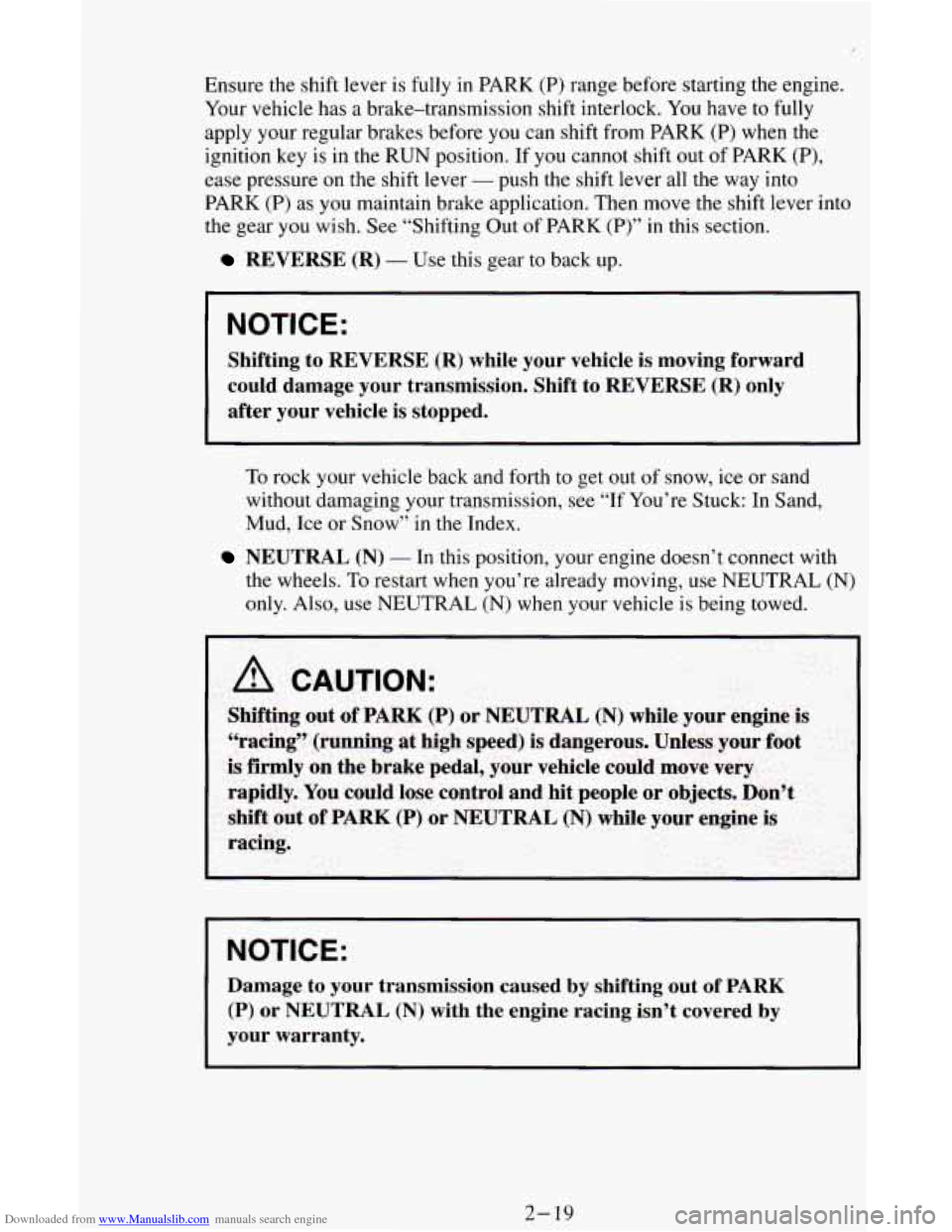
Downloaded from www.Manualslib.com manuals search engine Ensure the shift lever is fully in PARK (P) range before starting the engine.
Your vehicle has a brake-transmission shift interlock. You have
to fully
apply your regular brakes before you can shift from PARK
(P) when the
ignition key is in the RUN position. If you cannot
shift out of PARK (P),
ease pressure
on the shift lever - push the shift lever all the way into
PARK
(P) as you maintain brake application. Then move the shift lever into
the gear you wish. See “Shifting Out of PARK (P)” in this section.
REVERSE (R) - Use this gear to back up.
NOTICE:
Shifting to REVERSE (R) while your vehicle is moving forward
could damage your transmission. Shift to REVERSE
(R) only
after your vehicle is stopped.
To rock your vehicle back and forth to get out of snow, ice or sand
without damaging your transmission, see “If You’re Stuck: In Sand,
Mud, Ice or
Snow’’ in the Index.
NEUTRAL (N) - In this position, your engine doesn’t connect with
the wheels.
To restart when you’re already moving, use NEUTRAL (N)
only. Also, use NEUTRAL
(N) when your vehicle is being towed.
A CAUTION:
Shifting out of PARK (P) or NEUTRAL (N) while your engine is
“racing” (running at high speed) is dangerous. Unless your foot
is firmly on the brake pedal, your vehicle could move very
rapidly. You could lose control and hit people or objects. Don’t
shift out
of PARK (P) or NEUTRAL (N) while your engine is
racing.
NOTICE:
Damage to your transmission caused by shifting out of PARK
(P) or NEUTRAL (N) with the engine racing isn’t covered by
your warranty.
2- 19
Page 76 of 342
Downloaded from www.Manualslib.com manuals search engine Locking Rear Axle
If you have this feature, your rear axle can give you additional traction on
snow, mud, ice, sand or gravel. It works like a standard axle most of the
time, but when one of the rear wheels has
no traction and the other does, the
locking feature will allow the wheel
with traction to move the vehicle.
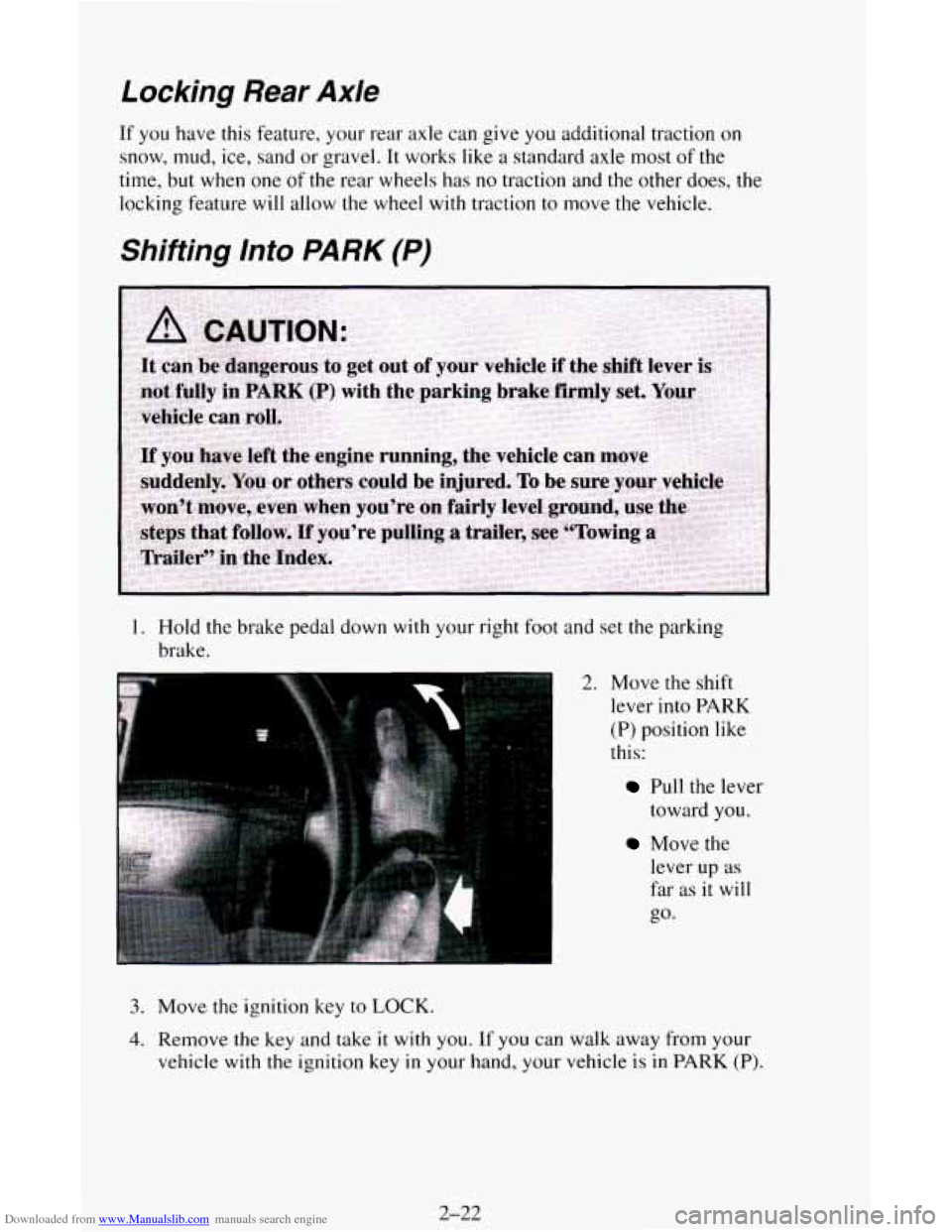
Shifting Into PARK (P)
1. Hold the brake pedal down with your right foot and set the parking
brake.
2. Move the shift
lever
into PARK
(P) position like
this:
Pull the lever
toward
you.
lever up as
far as
it will
go.
Move the
3. Move the ignition key to LOCK.
4. Remove the key and take it with you. If you can walk away from your
vehicle
with the ignition key in your hand, your vehicle is in PARK (P).
2-22
Page 78 of 342
Downloaded from www.Manualslib.com manuals search engine Shifting Out of PARK (P)
Your vehicle has a brake-transmission shift interlock. You have to fully
apply your regular brake before you can shift from PARK (P) when the
ignition is in the RUN position.
See “Automatic Transmission” in the Index,
If you cannot shift out
of PARK (P), ease pressure on the shift lever - push
the shift lever all the way into PARK (P) as you maintain brake application.
Then move the shift lever into the gear you want.
If you ever hold the brake pedal down but still can’t shift out of PARK (P),
try this:
1. Turn the key to OFF.
2. Apply and hold the brake until the end of Step 4.
3. Shift to NEUTRAL (N).
4. Start the vehicle and then shift to the drive gear you want.
5. Have the vehicle fixed as soon as you can.
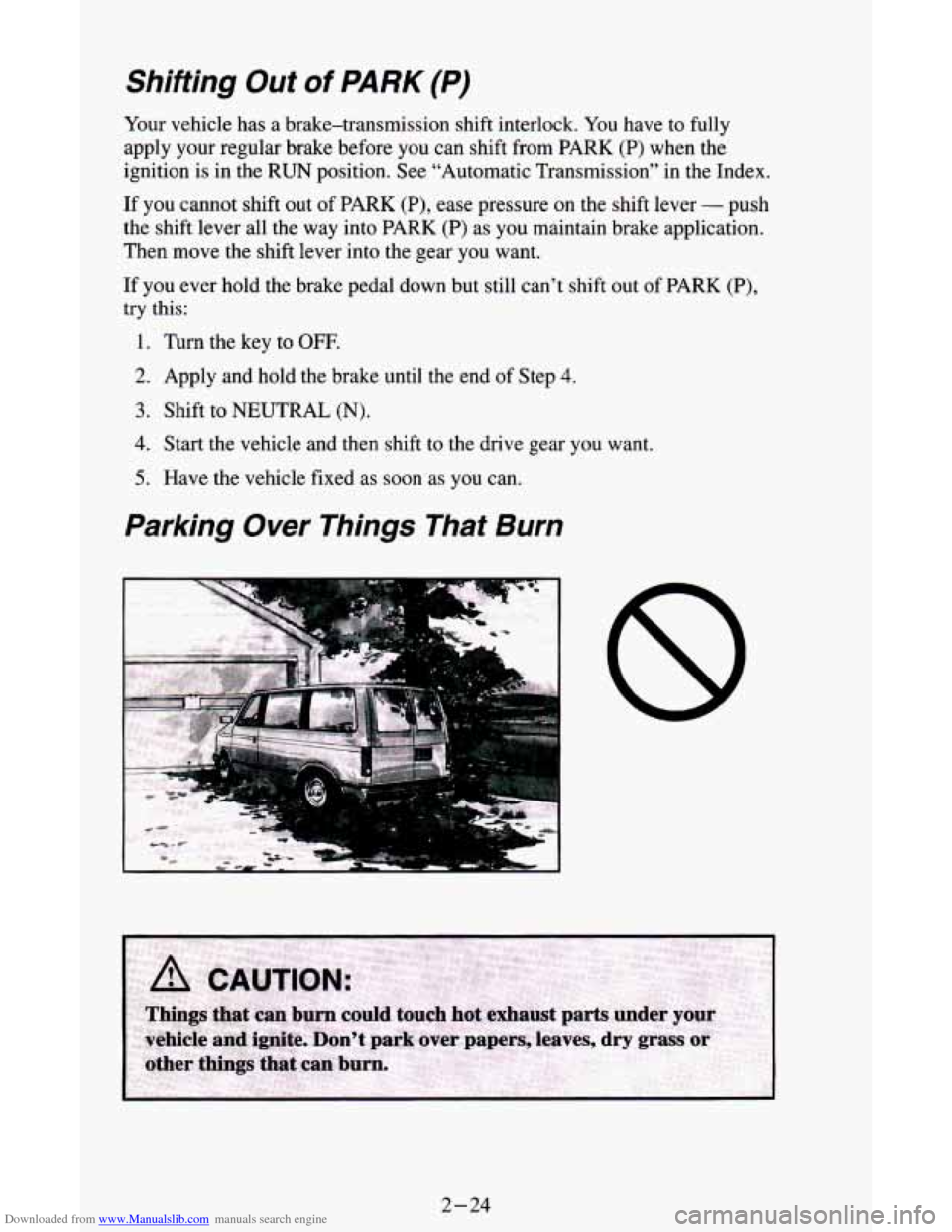
Parking Over Things That Burn
2-24
Page 97 of 342
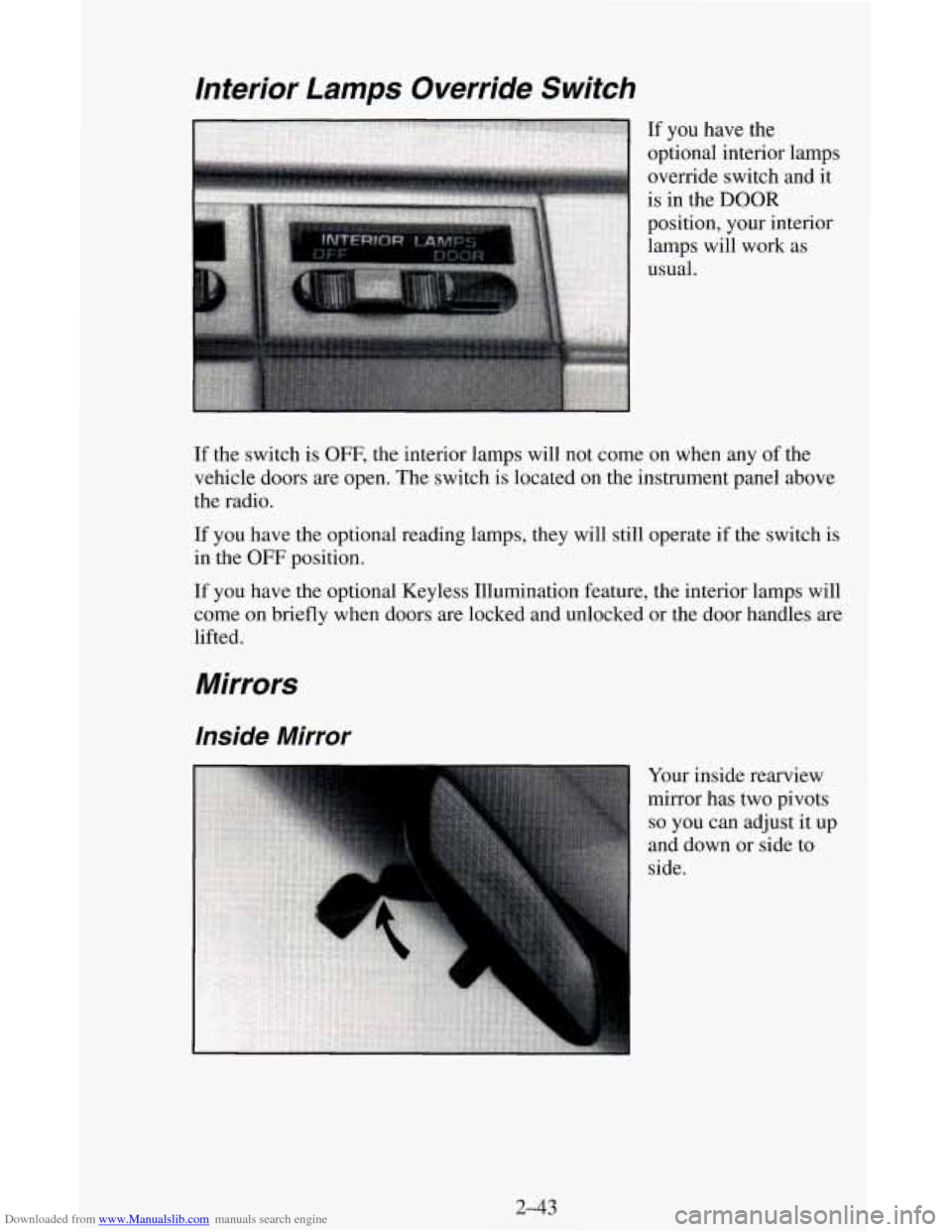
Downloaded from www.Manualslib.com manuals search engine If the switch is OFF, the interior lamps will not come on when any of the
vehicle doors are open. The switch is located on the instrument panel above
the radio.
If
you have the optional reading lamps, they will still operate if the switch is
in the OFF position.
If you have the optional Keyless Illumination feature, the interior lamps will
come on briefly when doors are locked and unlocked or the door handles are
lifted.
Mirrors
Inside Mirror
Your inside rearview
mirror has two pivots
so you can adjust it up
and down or side to
side.
2-43
Page 106 of 342
Downloaded from www.Manualslib.com manuals search engine you know they’re working. If you are familiar with this section, you should
not be alarmed when this happens.
Gages can indicate when there may be or
is a problem with one of your
vehicle’s functions. Often gages and warning lights work together
to let you
know when there’s a problem with your vehicle.
When one of the warning lights comes
on and stays on when you are
driving, or when
one of the gages shows there may be a problem, check the
section that tells you what to do about
it. Please follow this manual’s advice.
Waiting
to do repairs can be costly - and even dangerous. So please get to
know your warning lights and gages. They’re
a big help.
Safety Beit Reminder Light
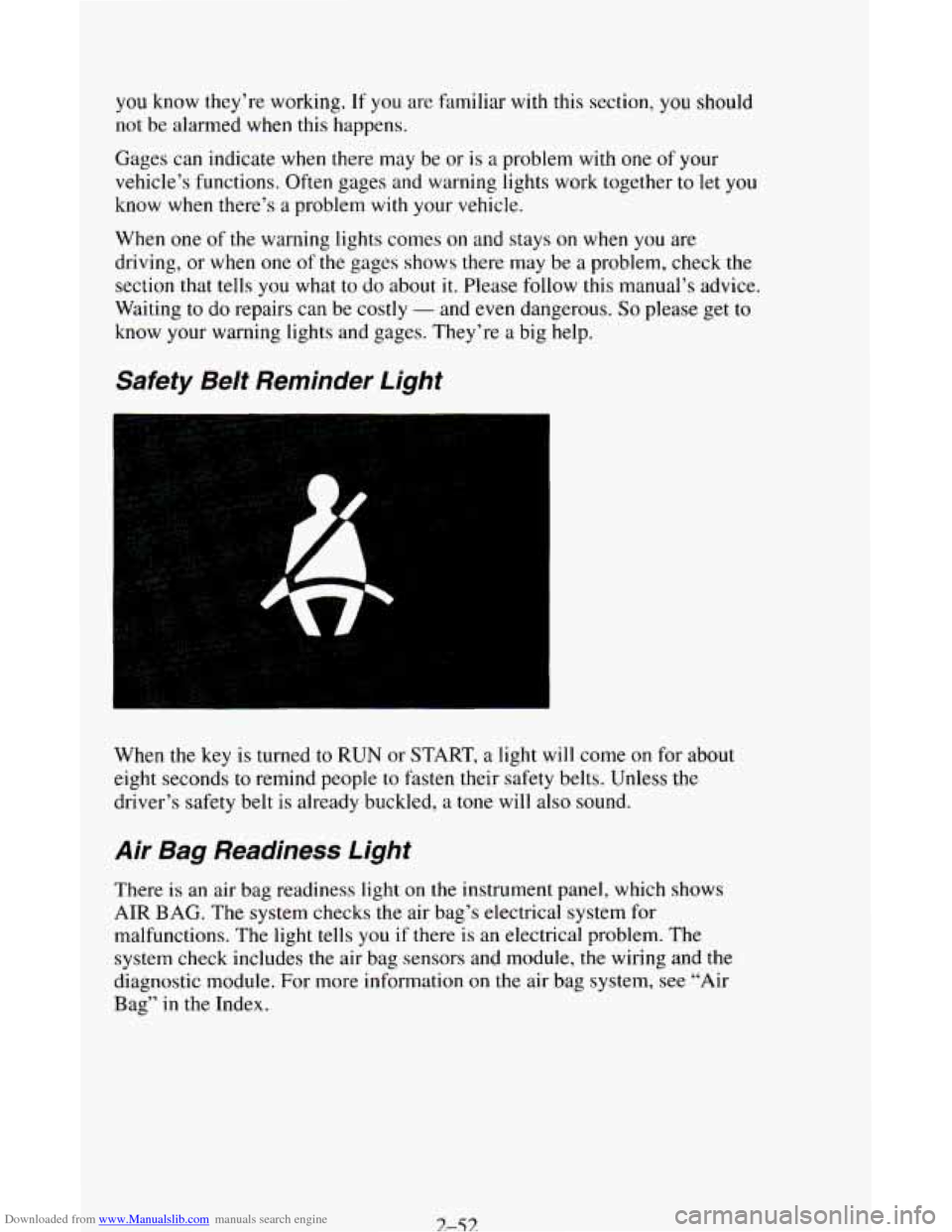
When the key is turned to RUN or START, a light will come on for about
eight seconds to remind people
to fasten their safety belts. Unless the
driver’s safety belt is already buckled,
a tone will also sound.
Air Bag Readiness Light
There is an air bag readiness light on the instrument panel, which shows
AIR BAG. The system checks the air bag’s electrical system for
malfunctions. The light tells
you if there is an electrical problem. The
system check includes the air bag sensors and module, the wiring and the
diagnostic module. For more information on the air bag system,
see “Air
Bag”
in the Index.
3-53
Page 134 of 342
Downloaded from www.Manualslib.com manuals search engine If the disc player is very hot, or if you’re driving on a very rough road, a
disc may come out or just
not play. If you see the word HOT on the display,
the disc player is
too hot to play the disc. Press RCL to make the word HOT
go
off the display.
When things get back to normal, the disc should play again. If the disc
comes back out, check whether:
The disc is upside down.
It is dirty, scratched, or wet.
Too much moisture is in the air. (If there is, wait about one hour and try
again.)
RCL
- Press RCL to see what track is playing. Press it again within 5
seconds to see how long it has been playing. The track number also appears
when you change the volume or when a new track starts to play.
COMP
- Press the COMP button to make soft and loud passages more
nearly equal in volume. “COMP” will appear in the display while using this
control.
RDM
- The RDM button means random and when it is pressed, it causes
the CD mechanism to play the tracks in a random order rather than in the
sequential
1, 2’3 order. “RDM” will appear in the display while using this
control.
To return to normal sequence, press RDM again.
REV
- Press and hold the REV button to quickly return to a favorite
passage. Release it to display the passage. The counter reading will be
displayed while using this control.
FWD
- Press and hold the FWD button to advance quickly within a track.
Release it to resume playing. Watch the display
to stop at a specific passage.
SCAN
- Press SCAN to sample each track for approximately 10 seconds.
Scanning will continue until the RDM, SCAN
or any other motion button is
pressed again.
PREV
- Hold the PREV (4 SEEK) button, or press it more than once, and
the disc will return to previous tracks.
NEXT - Press NEXT (SEEK ,) to hear the next track now instead of
waiting until the present track is finished. If you hold this button or press it
more than once, the disc will advance further.
ST-PL
- Press ST-PL (Stop-Play) to make the disc stop and the radio
play. Press ST-PL again to restart the disc at the point where it stopped.
Press PWR or turn the ignition key
off to stop the disc player. The disc stays
in the player and will resume playing at the point where it stopped.
Press EJCT to eject the disc and make
the radio play. The disc will start at
track
1 when you reinsert it.
3-16