instrument panel CHEVROLET BLAZER 1995 2.G User Guide
[x] Cancel search | Manufacturer: CHEVROLET, Model Year: 1995, Model line: BLAZER, Model: CHEVROLET BLAZER 1995 2.GPages: 380, PDF Size: 20.04 MB
Page 99 of 380
Downloaded from www.Manualslib.com manuals search engine Lamps
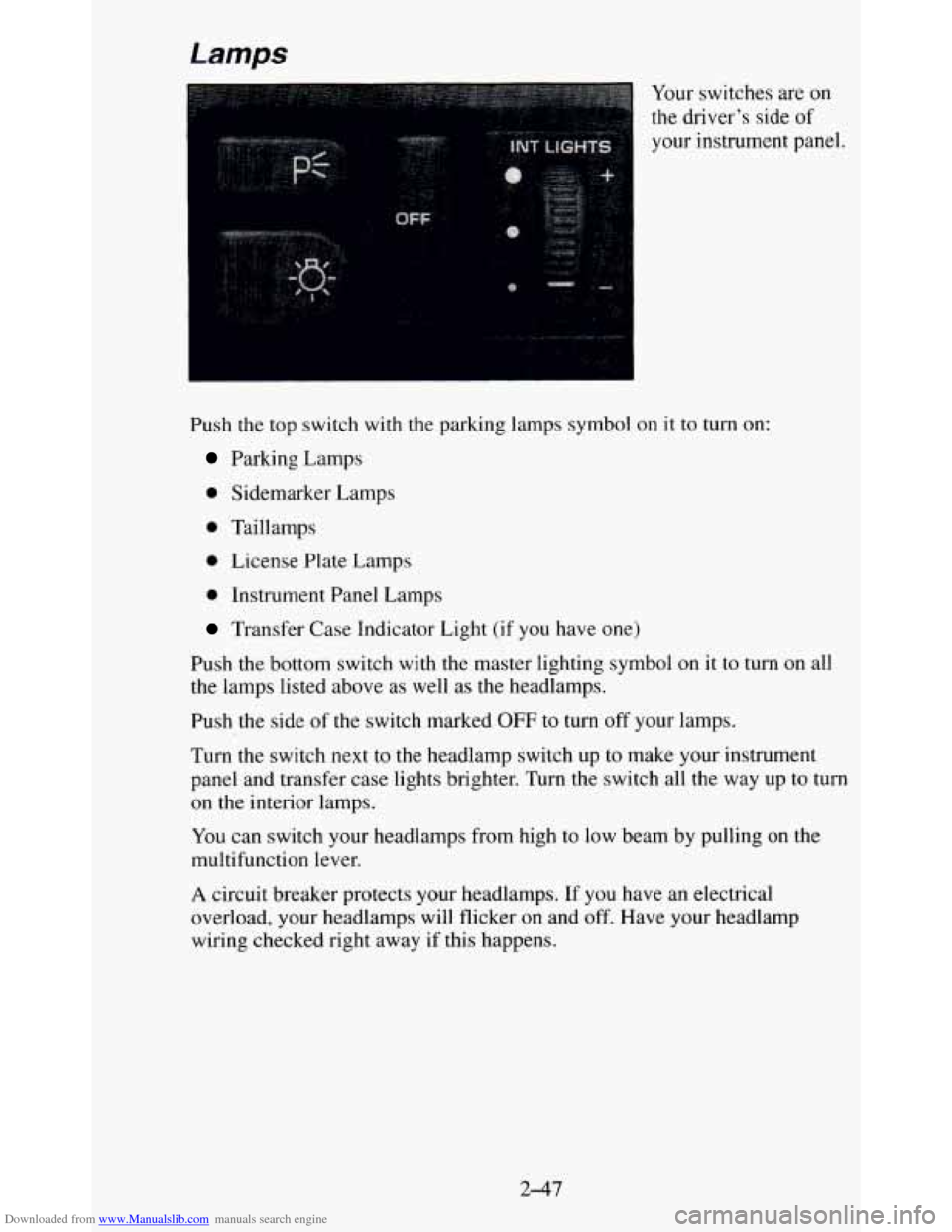
Push the top switch with the parking lamps symbol
Parking Lamps
0 Sidemarker Lamps
0 Taillamps
0 License Plate Lamps
0 Instrument Panel Lamps Your
switches are
on
the driver’s side of
your instrument panel.
on it
to turn on:
Transfer Case Indicator Light (if you have one)
Push the bottom switch with the master lighting symbol
on it to turn on all
the lamps listed above as well as the headlamps.
Push the side
of the switch marked OFF to turn off your lamps.
Turn the switch next to the headlamp switch up to make your \
instrument panel and transfer case lights brighter. Turn the switch all the way up to turn
on the interior lamps.
You can switch your headlamps from high to low beam by pulling on the
multifunction lever.
A circuit breaker protects your headlamps. If you have an electrical
overload, your headlamps will flicker on and
off. Have your headlamp
wiring checked right away if this happens.
2-47
Page 100 of 380
Downloaded from www.Manualslib.com manuals search engine Fog Lamps (Option)
Use your fog lamps
for better vision in
foggy or misty
conditions. Your
parking lights and/or
low beam headlamps
must be on or your
fog lamps won’t work.
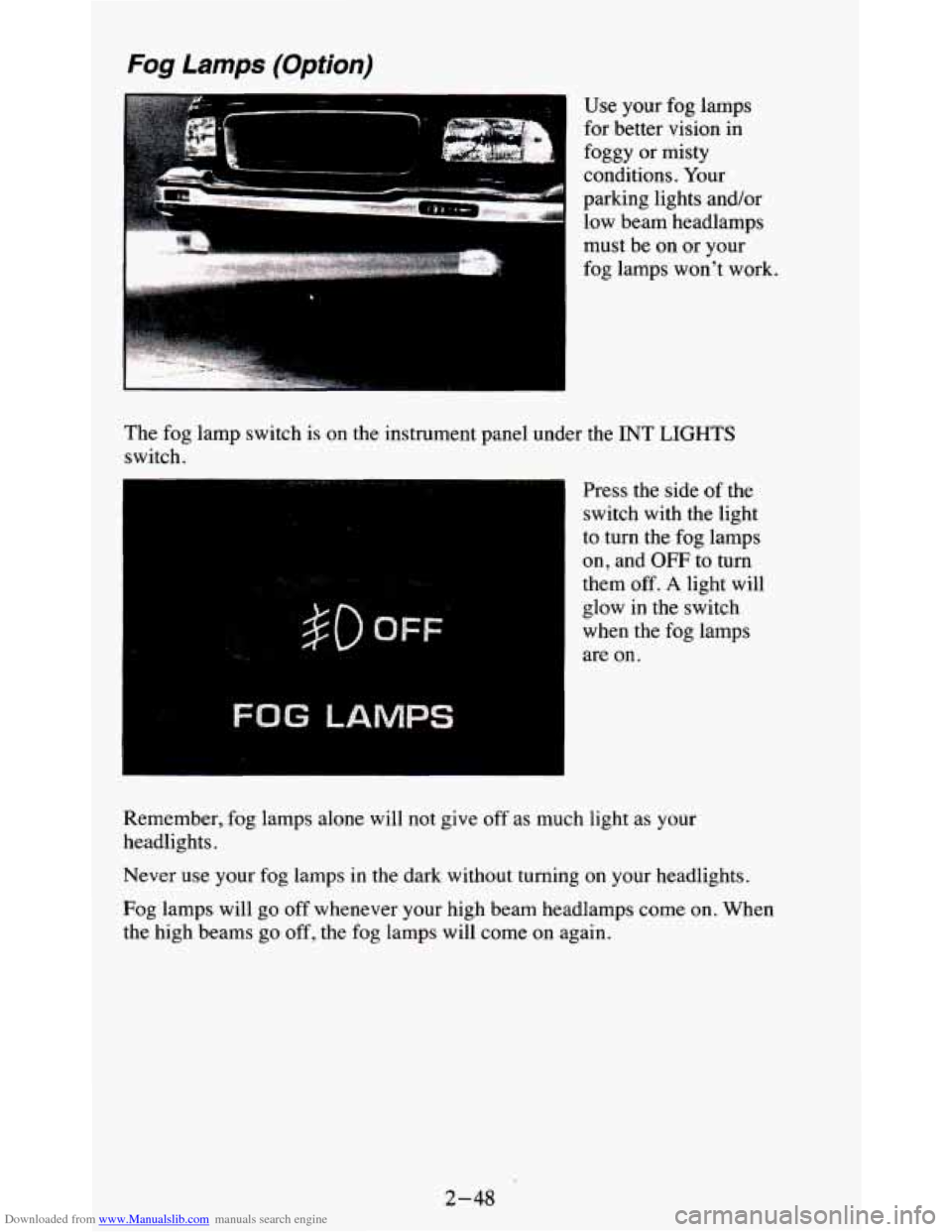
The fog lamp switch is on the instrument panel under the INT
LIGHTS
switch I
$0 OFF-
FOG LAMPS
Press the side of the
switch with the light
to turn the fog lamps
on, and OFF
to turn
them
off. A light will
glow
in the switch
when the fog lamps
are on.
Remember, fog lamps alone will not give
off as much light as your
headlights.
Never
use your fog lamps in the dark without turning on your headlights.
Fog lamps will
go off whenever your high beam headlamps come on. When
the high beams go
off, the fog lamps will come on again.
2-48
Page 101 of 380
Downloaded from www.Manualslib.com manuals search engine Daytime Running Lamps (DRL) Indicator Light
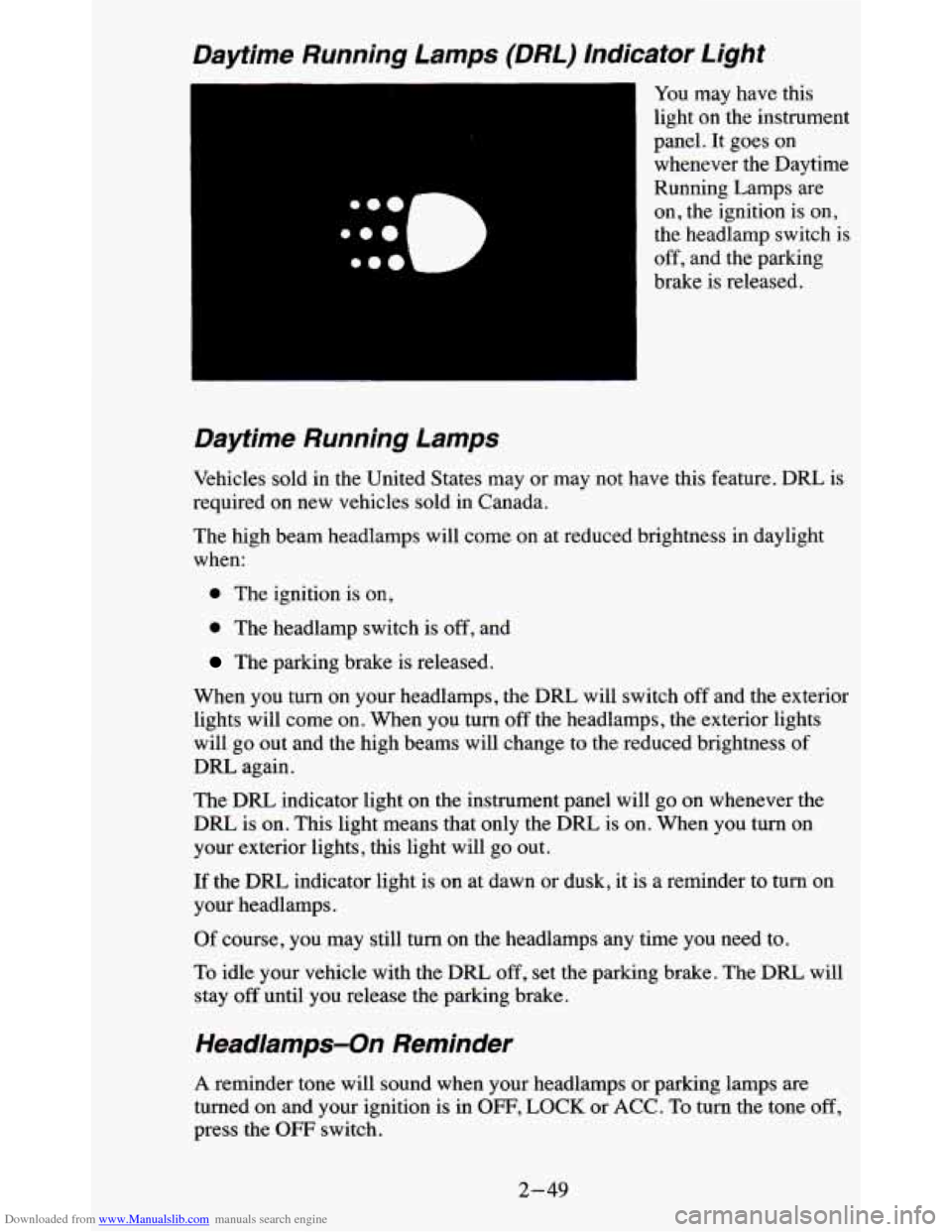
You may have this
light on the instrument
panel. It goes on whenever the Daytime
Running Lamps are
on, the ignition is on,
the headlamp switch is
off, and the parking
brake is released.
Daytime Running Lamps
Vehicles sold in the United States may or may not have this feature. DRL is
required on new vehicles sold in Canada.
The high beam headlamps will come on at reduced brightness in daylight
when:
0 The ignition is on,
0 The headlamp switch is off, and
The parking brake is released.
When you turn on your headlamps, the DRL will switch
off and the exterior
lights will come
on. When you turn off the headlamps, the exterior lights
will go out and the high beams will change to the reduced brightness
of
DRL again.
The
DRL indicator light on the instrument panel will go on whenever the
DRL is
on. This light means that only the DRL is on. When you turn on
your exterior lights, this light will go out.
If the DRL indicator light is on at dawn or dusk, it is a reminder to turn on
your headlamps.
Of course, you may still turn on the headlamps any time you need to.
To idle your vehicle with the
DRL, off, set the parking brake. The DRL will
stay
off until you release the parking brake.
Headlamps-On Reminder
A reminder tone will sound when your headlamps or parking lamps are
turned on and your ignition is in OFF, LOCK or ACC. To turn the tone off,
press the OFF switch.
2-49
Page 117 of 380
Downloaded from www.Manualslib.com manuals search engine Instrument Panel
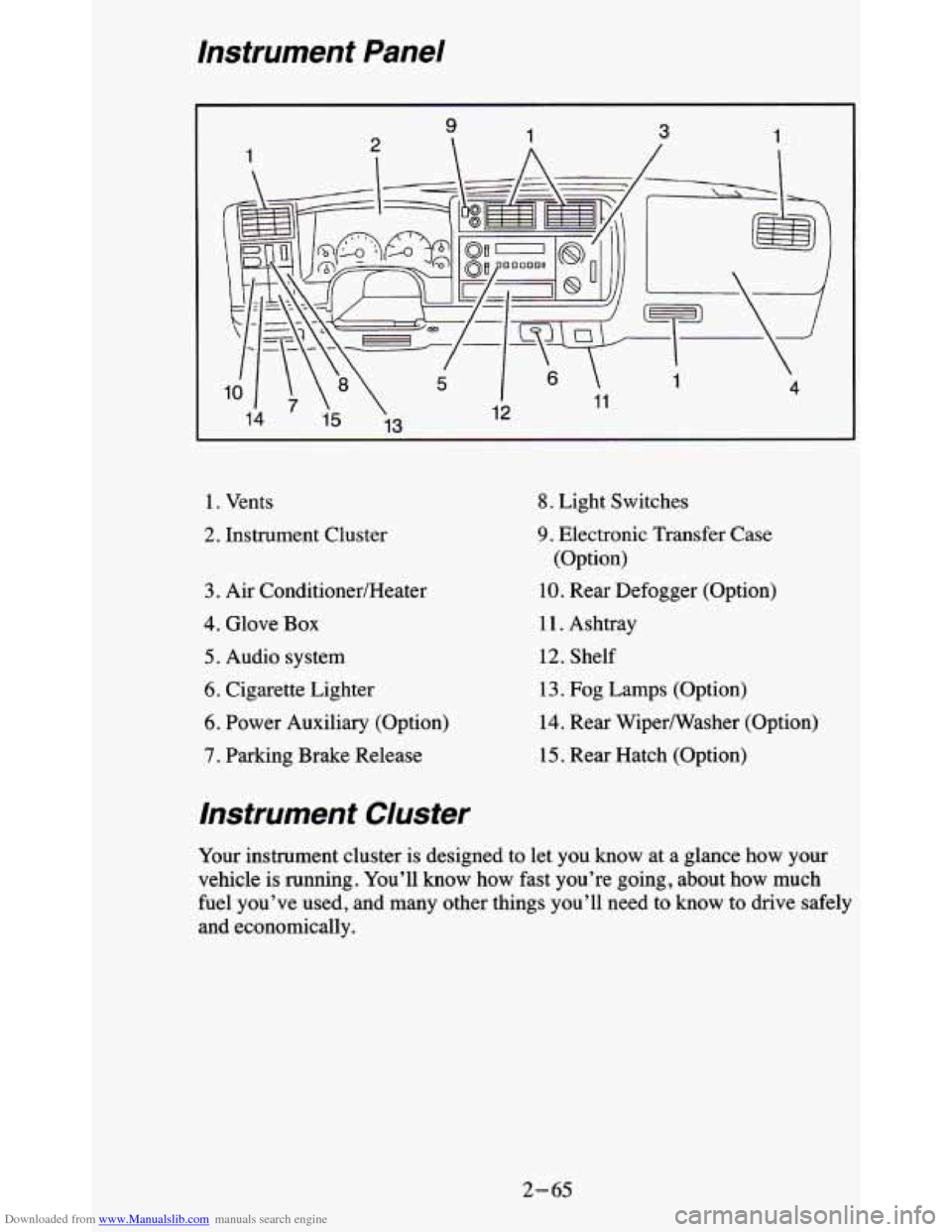
1. Vents
2. Instrument Cluster
3. Air ConditionedHeater
4. Glove Box
5. Audio system
6. Cigarette Lighter
6. Power Auxiliary (Option)
7. Parking Brake Release
8. Light Switches
9. Electronic Transfer Case
(Option)
10. Rear Defogger (Option)
11. Ashtray
12. Shelf
13. Fog Lamps (Option)
14. Rear Wipermasher (Option)
15. Rear Hatch (Option)
Instrument Cluster
Your instrument cluster is designed to let you know at a glance how your
vehicle
is running. You’ll know how fast you’re going, about how much
fuel you’ve used, and many other things you’ll need to know to drive safely
and economically.
2- 65
Page 121 of 380
Downloaded from www.Manualslib.com manuals search engine Safety Be/t Reminder Light
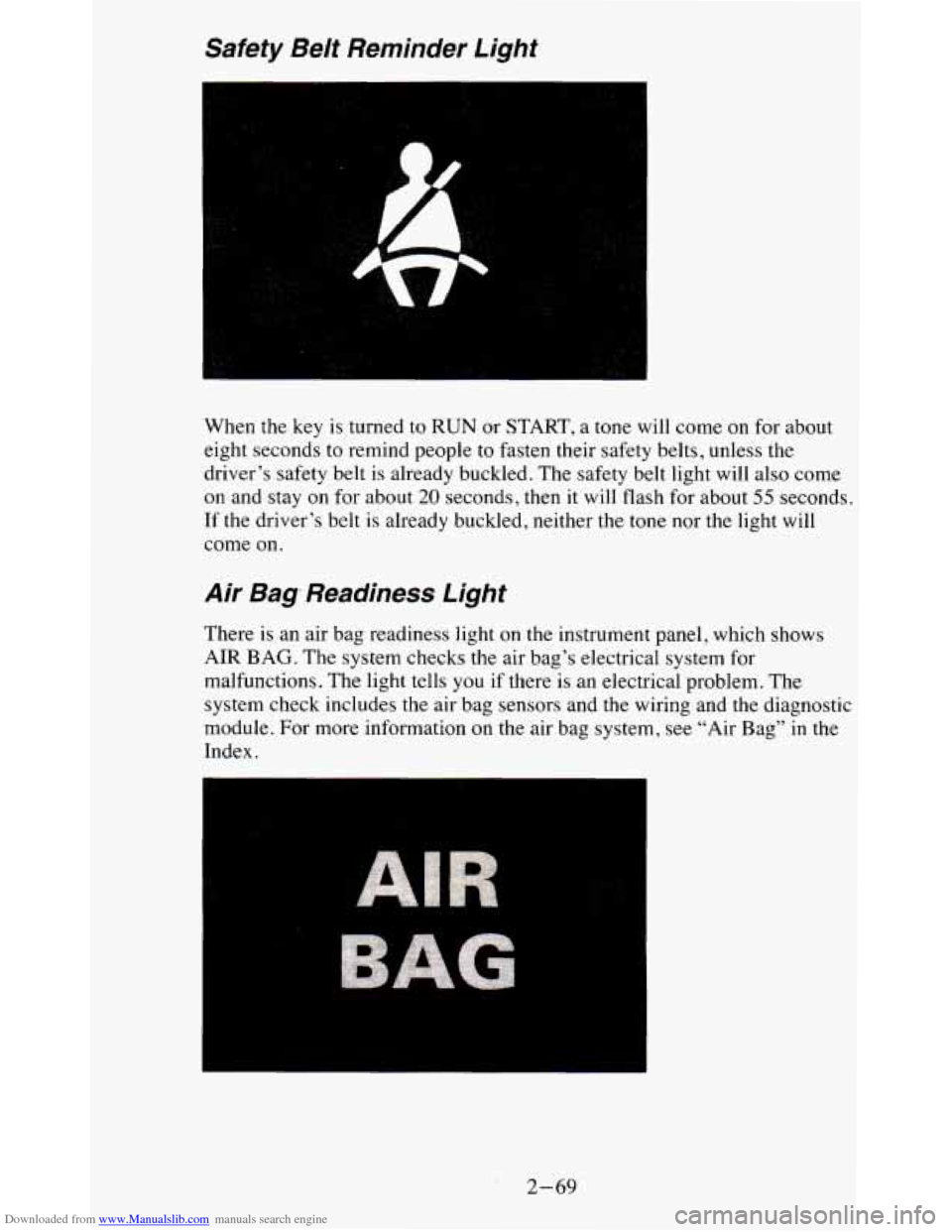
When the key is turned to RUN or START, a tone will come on for about
eight seconds to remind people to fasten their safety belts, u\
nless the
driver’s safety belt is already buckled. The safety belt light
will also come
on and stay on for about
20 seconds, then it will flash for about 55 seconds.
If the driver’s belt
is already buckled, neither the tone nor the light will
come on.
Air Bag, Readiness Light
There is an air bag readiness light on the instrument panel, which shows
AIR BAG. The system checks the air bag’s electrical system for
malfunctions. The light tells you
if there is an electrical problem. The
system check includes the air bag sensors and
the wiring and the diagnostic
module. For more information on the air bag system, see “Air Bag”
in the
Index.
2-69
Page 124 of 380
Downloaded from www.Manualslib.com manuals search engine Malfunction Indicator Lamp (SERVICE ENGINE SOON
Light)
I
SERVICE
ENGINE
SOON
The amber
Malfunction Indicator
Lamp (SERVICE
ENGINE SOON
Light) is located at the
top
of your instrument
panel.
A computer monitors operation of your fuel, ignition and emission control
systems. This light should come on when the ignition is on, but the engine is
not running,
as a check to show you it is working. If it does not come on at
all, have it fixed right away. If it
stays on, or it comes on while you are
driving, the computer is indicating that
you have a problem. You should
take your vehicle in for service soon.
NOTICE:
If you keep driving your vehicle with this light on, after awhile\
the emission controls won’t work
as well, your fuel economy
won’t be as good and your engine may not run as smoothly.
This
could lead to costly repairs not covered by your warranty.
If Your Vehicle is Equipped with 08D 11
Certain vehicles are equipped with a new emission diagnostic sy\
stem. You
can
tell whether your vehicle has this system by reading your tune-up l\
abel
located under the hood. If the label says “OBD
11” on it, the following
instructions apply.
Malfunction Indicator Lamp (SERVICE ENGINE SOON Light)
Your vehicle is equipped with an onboard computer which monitors
operation
of the emission control system. This system is called OBD I1
(On-Board Diagnostics-Second Generation) and is intended
to assure that
emissions are at acceptable levels for the life
of the vehicle, helping to
produce a cleaner environment. The “SERVICE ENGINE
SOON’ light
comes on to indicate when service is required. Malfunctions oft\
en will be
2-72
Page 136 of 380
Downloaded from www.Manualslib.com manuals search engine The upper knob changes the air temperature. Turn the knob clockwise for
warmer air. Turn the knob counterclockwise for cooler air.
The lower knob selects the heater
or air conditioning function and
determines which outlets the air will flow through (instrument panel,
defroster, heater, etc
.).
OFF - This setting turns off all heating functions. Some outside air will
still come
out of the heater outlet whenever the vehicle is moving forward.
MAX A/C - Air inside your vehicle is recirculated to maximize your air
conditioner’s performance and your vehicle’s fuel economy. This setting
cools the air the fastest and should be used to keep “unwanted odors” and/or
dust from entering the vehicle.
NORM A/C - This setting cools outside air and directs it through the
instrument panel vents. This setting is useful for normal cooling on hot
days.
BI-LEV A/C
- Air is delivered through the heater floor vents as well as
the instrument panel vents. This setting is useful in cool weather with bright
sunlight.
VENT
- Airflow is through the instrument panel vents. Set the upper knob
to the temperature desired. This setting
is useful for mild outside
temperatures, when little heating or cooling is desired. The air conditioner
does not run.
HEAT
- Heated air comes out through the heater floor vents and
windshield defroster vents. This setting is useful for cold weather.
BLEND
- Airflow is divided equally between the heater floor vent and the
windshield defroster vents. This setting is useful in cool weather when you
have fog or ice on the windshield or side windows.
DEF - This setting directs most air through the windshield defroster vents
and some through the heater vents. This setting is useful when you have fog
or ice on the windshield.
Engine Coolant Heater (Option)
If you use the optional engine coolant heater before starting your engine,
your heating system will produce warmer air faster, to heat the passenger
compartment in cold weather. See “Engine Coolant Heater” in the Index.
3-2
Page 137 of 380
Downloaded from www.Manualslib.com manuals search engine Rear Window Defogger (Option)
If your vehicle has this option, the rear window will have lines running
across the glass. These lines heat your window.
For best results, clear the window of as much snow or ice as possible before
using the rear window defogger.
REAR DEFOG
-
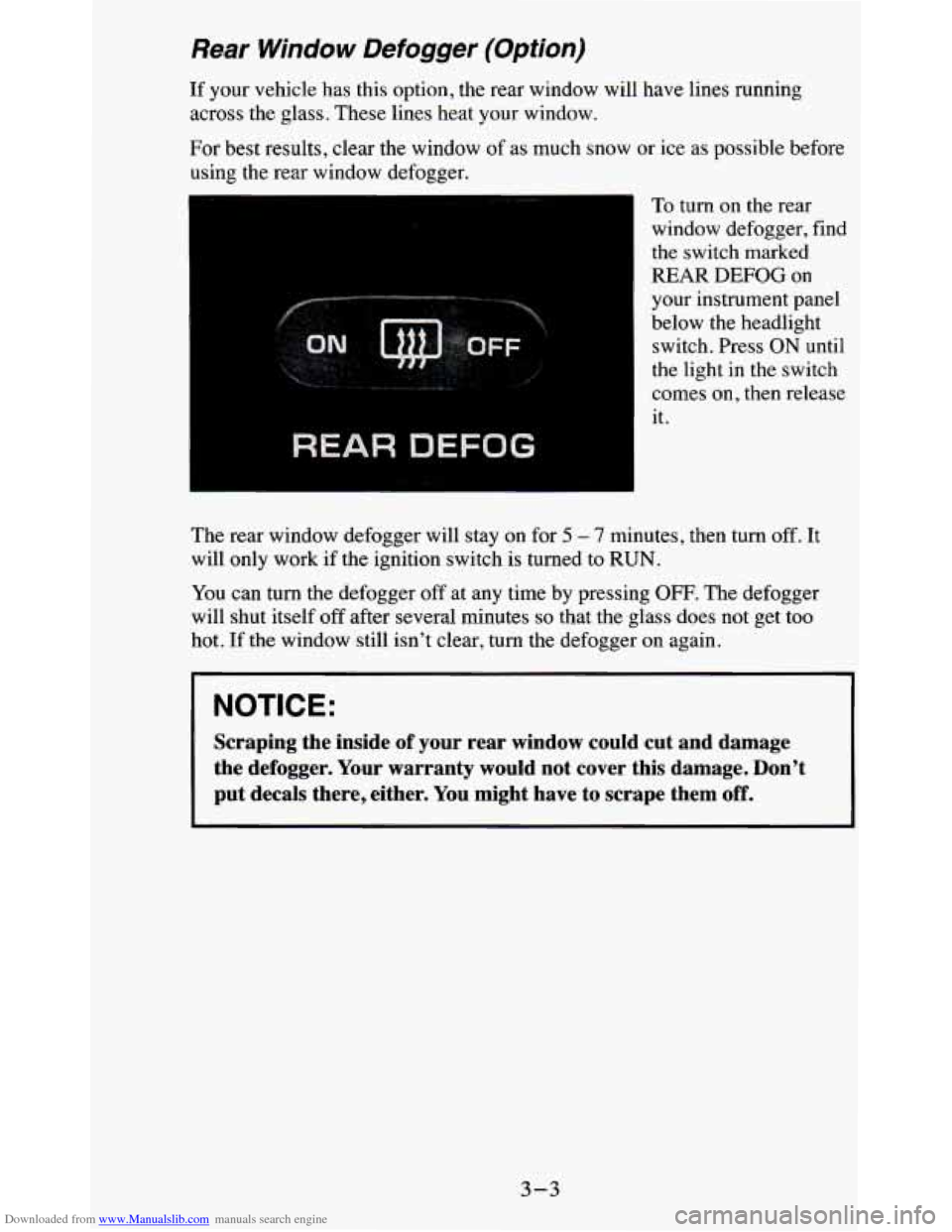
To turn on the rear
window defogger, find
the switch marked
REAR
DEFOG on
your instrument panel
below the headlight switch. Press ON until
the light in the switch
comes on, then release
it.
The rear window defogger will stay on for
5 - 7 minutes, then turn off. It
will only work if the ignition switch is turned to RUN.
You can
turn the defogger off at any time by pressing OFF. The defogger
will shut itself off after several minutes
so that the glass does not get too
hot.
If the window still isn’t clear, turn the defogger on again.
NOTICE:
Scraping the inside of your rear window could cut and damage
the defogger. Your warranty would not cover this damage. Don’\
t
put decals there, either. You might have to scrape them
off.
3-3
Page 139 of 380
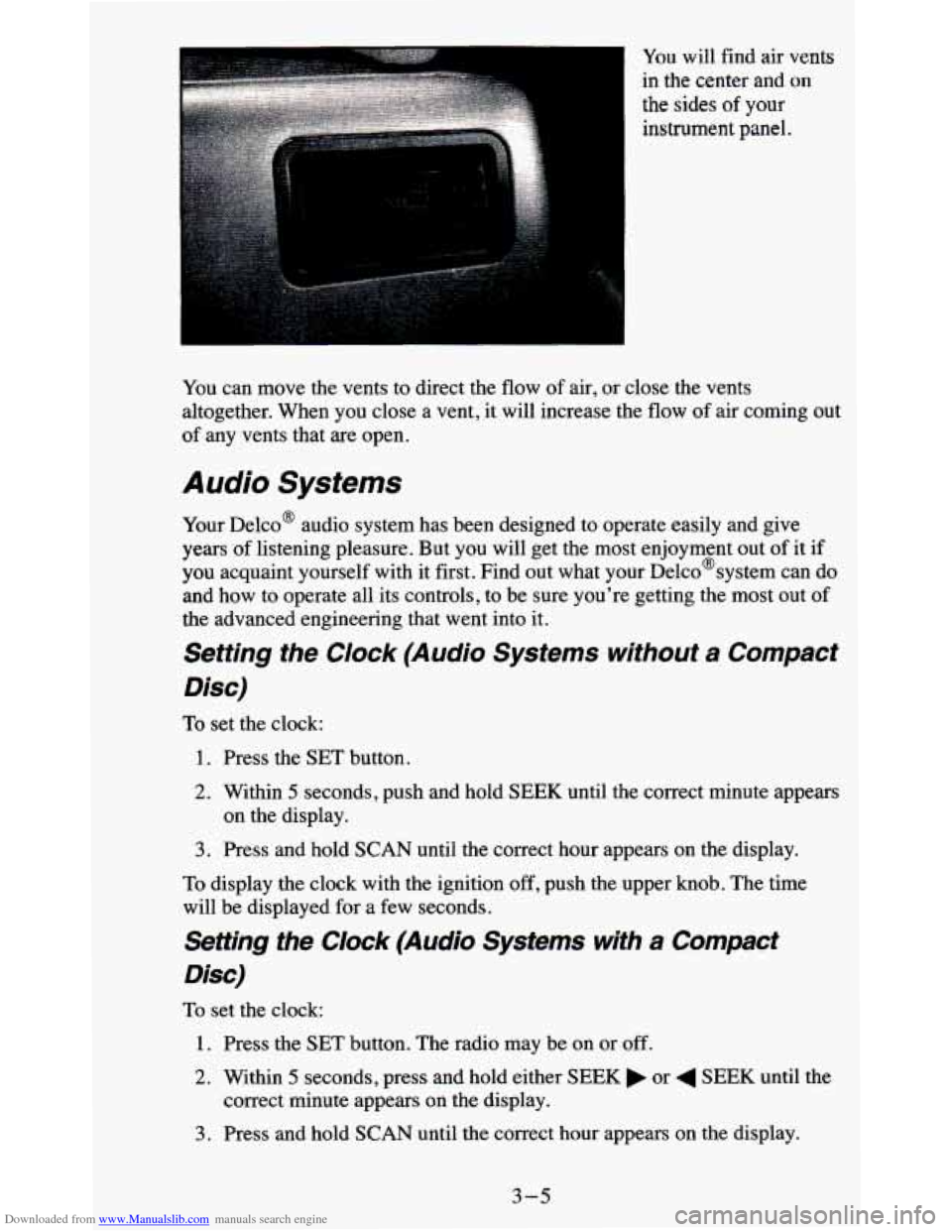
Downloaded from www.Manualslib.com manuals search engine You will find air vents
in the center and
on
the sides of your
instrument panel.
You can move the vents to direct the
flow of air, or close the vents
altogether. When you close a vent, it will increase the flow of air coming out
of any vents that are open.
Audio Systems
Your Delco@ audio system has been designed to operate easily and give
years of listening pleasure. But you will get the most enjoyment out of it if
you acquaint yourself with it first. Find out what your Delco@system can do
and how to operate all its controls, to be sure you're getting the most out of
the advanced engineering that went into it.
Setting the Clock (Audio Systems without a Compact
Disc)
To set the clock:
1. Press the SET button.
2. Within 5 seconds, push and hold SEEK until the correct minute appears
3. Press and hold SCAN until the correct hour appears on the display.
on the display.
To display the clock with the ignition off, push the upper knob. The time
will be displayed for a few seconds.
Setting the Clock (Audio Systems with a Compact
Disc)
To set the clock:
1. Press the SET button. The radio may be on or off.
2. Within 5 seconds, press and hold either SEEK or 4 SEEK until the
correct minute appears
on the display.
3. Press and hold SCAN until the correct hour appears on the display.
3-5
Page 199 of 380
Downloaded from www.Manualslib.com manuals search engine Passing
You’ll need more passing distance up ahead when you’re towing a trailer.
And, because you’re a good deal longer, you’ll need to go much farther
beyond the passed vehicle before you can return to your lane.
Backing Up
Hold the bottom of the steering wheel with one hand. Then, to move the
trailer to the left, just move that hand to the left. To move the trailer to the
right, move your hand to the right. Always back up slowly and, if possible,
have someone guide you.
Making Turns
NOTICE:
Making very sharp turns while trailering could cause the traile\
r
to come in contact with the vehicle. Your vehicle could be
damaged. Avoid making very sharp turns while trailering.
When you’re turning with a trailer, make wider turns than normal. Do this
so your trailer won’t strike soft shoulders, curbs, road signs, trees, or other
objects. Avoid jerky or sudden maneuvers. Signal well in advance.
Turn Signals When Towing a Trailer
When you tow a trailer, your vehicle has to have extra wiring and a
heavy-duty
turn signal flasher (included in the optional trailering package).
The green arrows on your instrument panel will flash whenever you signal a
turn or lane change. Properly hooked up, the trailer lamps will also flash,
telling other drivers you’re about to turn, change lanes or stop.
When towing a trailer, the green arrows on your instrument panel will flash
for turns even if the bulbs on the trailer are burned out. Thus, you may think
drivers behind you are seeing your signal when they are not. It’s important
to check occasionally to be sure the trailer bulbs are still working.
Driving On Grades
Reduce speed and shift to a lower gear before you start down a long or steep
downgrade. If you don’t shift down, you might have to use your brakes
so
much that they would get hot and no longer work well.
On a long uphill grade, shift down and reduce your speed to around 45 mph
(70 Wh) to reduce the possibility of engine and transmission overheating.
4-45