instrument panel CHEVROLET BLAZER 1995 2.G Owners Manual
[x] Cancel search | Manufacturer: CHEVROLET, Model Year: 1995, Model line: BLAZER, Model: CHEVROLET BLAZER 1995 2.GPages: 380, PDF Size: 20.04 MB
Page 20 of 380
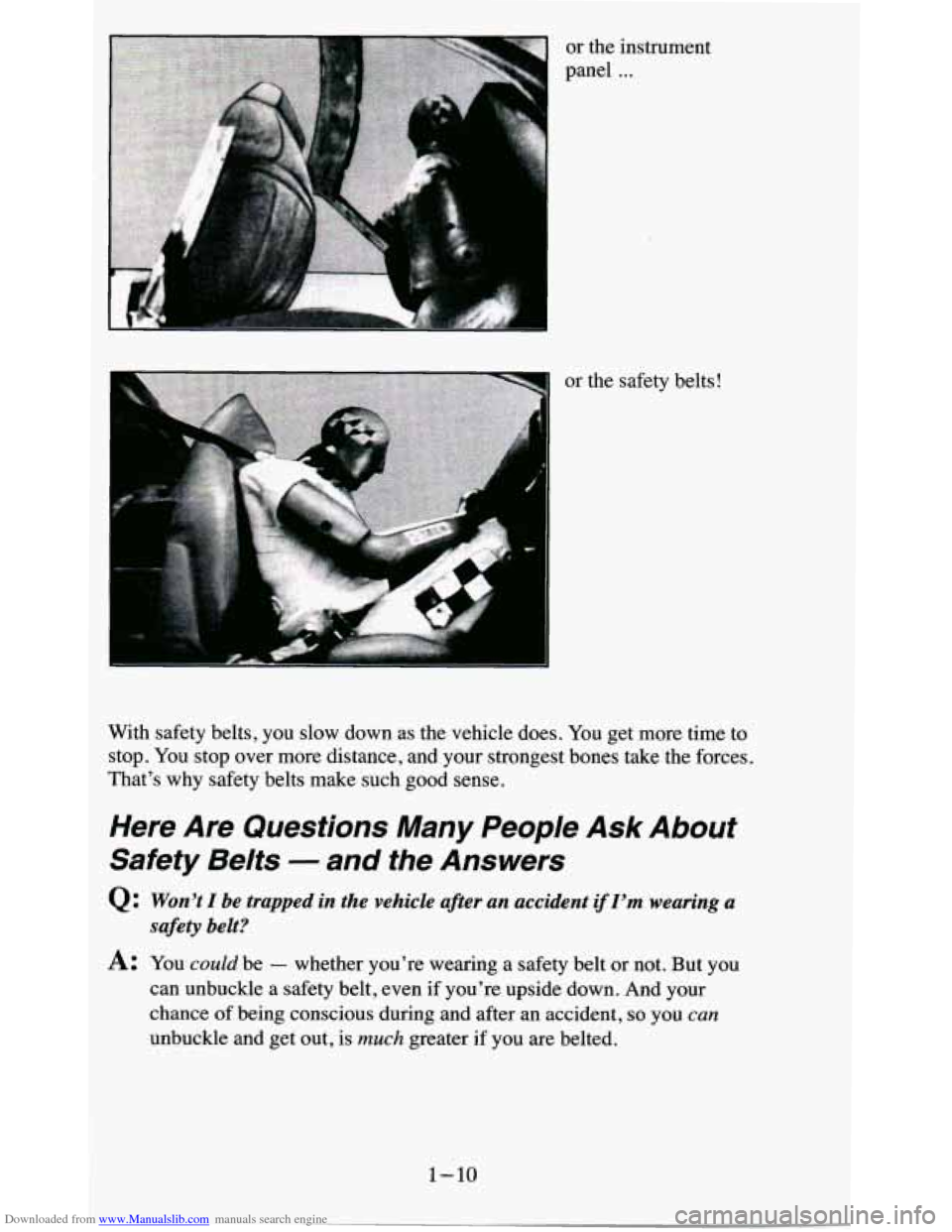
Downloaded from www.Manualslib.com manuals search engine or the instrument
panel
...
I
, F “ P ..
a
or the safety belts!
With safety belts, you slow down as the vehicle does.
You get more time to
stop. You stop over more distance, and your strongest bones take the forces.
That’s why safety belts make such good sense.
Here Are Questions Many People Ask About
Safety Belts
- and the Answers
Q Won’t I be trapped in the vehicle after an accident if I’m wearing a
A: You could be - whether you’re wearing a safety belt or not. But you
can unbuckle a safety belt,
even if you’re upside down. And your
chance of being conscious during and after an accident,
so you can
unbuckle and get out, is much greater if you are belted.
safety belt?
1-10
Page 28 of 380
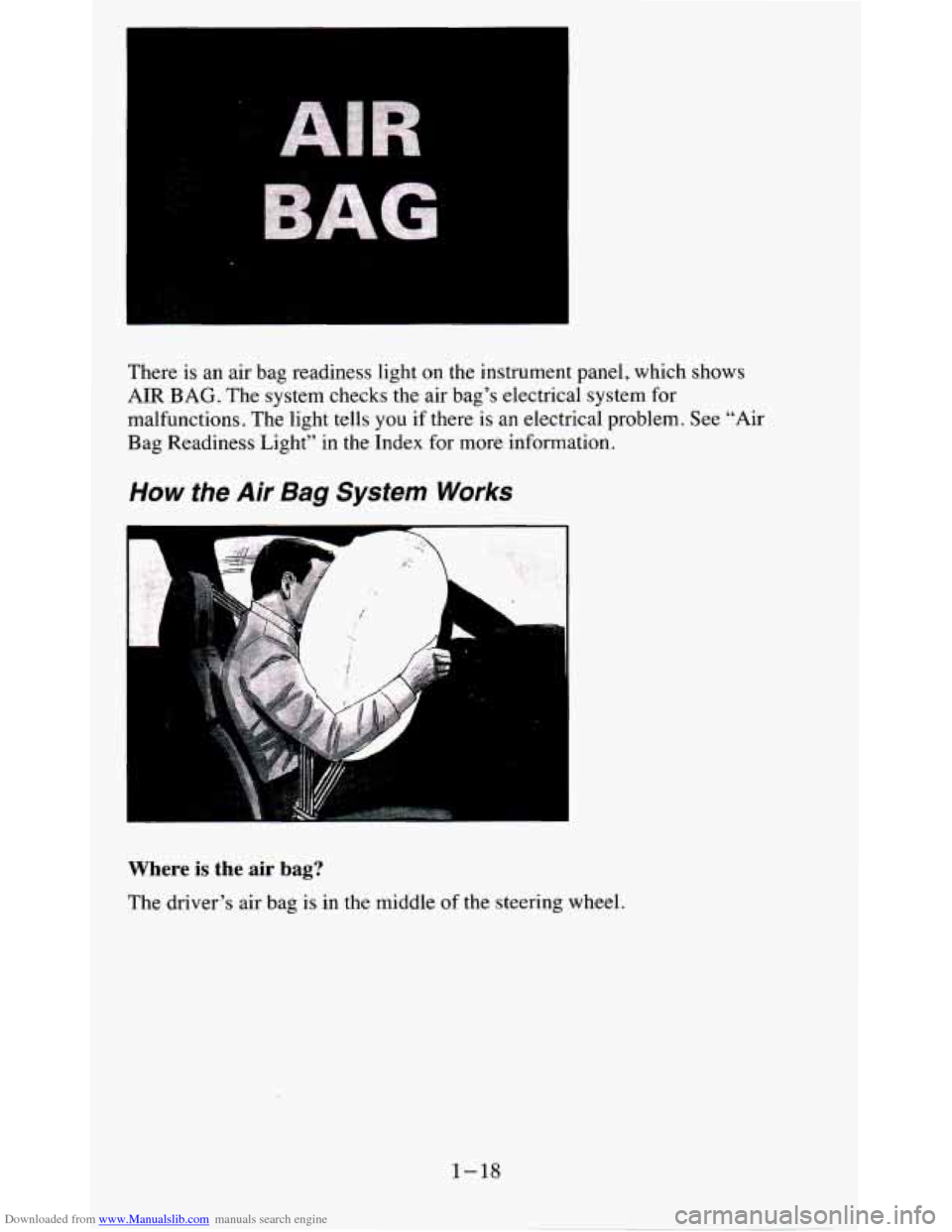
Downloaded from www.Manualslib.com manuals search engine There is an air bag readiness light on the instrument panel, which shows
AIR BAG. The system checks the air bag’s electrical system for
malfunctions. The light tells
you if there is an electrical problem. See “Air
Bag Readiness Light’’ in the Index for more information.
How the Air Bag System Works
1 .. ..
Where is the air bag?
The driver’s air bag is in the middle of the steering wheel.
1-18
Page 53 of 380
Downloaded from www.Manualslib.com manuals search engine Features & Controls
Section
Here you can learn about the many standard and optional features on your
vehicle, and information on starting, shifting and braking.
Also explained
are the instrument panel and the warning systems that tell you if everything
is working properly
- and what to do if you have a problem.
Keys
2-1
Page 68 of 380
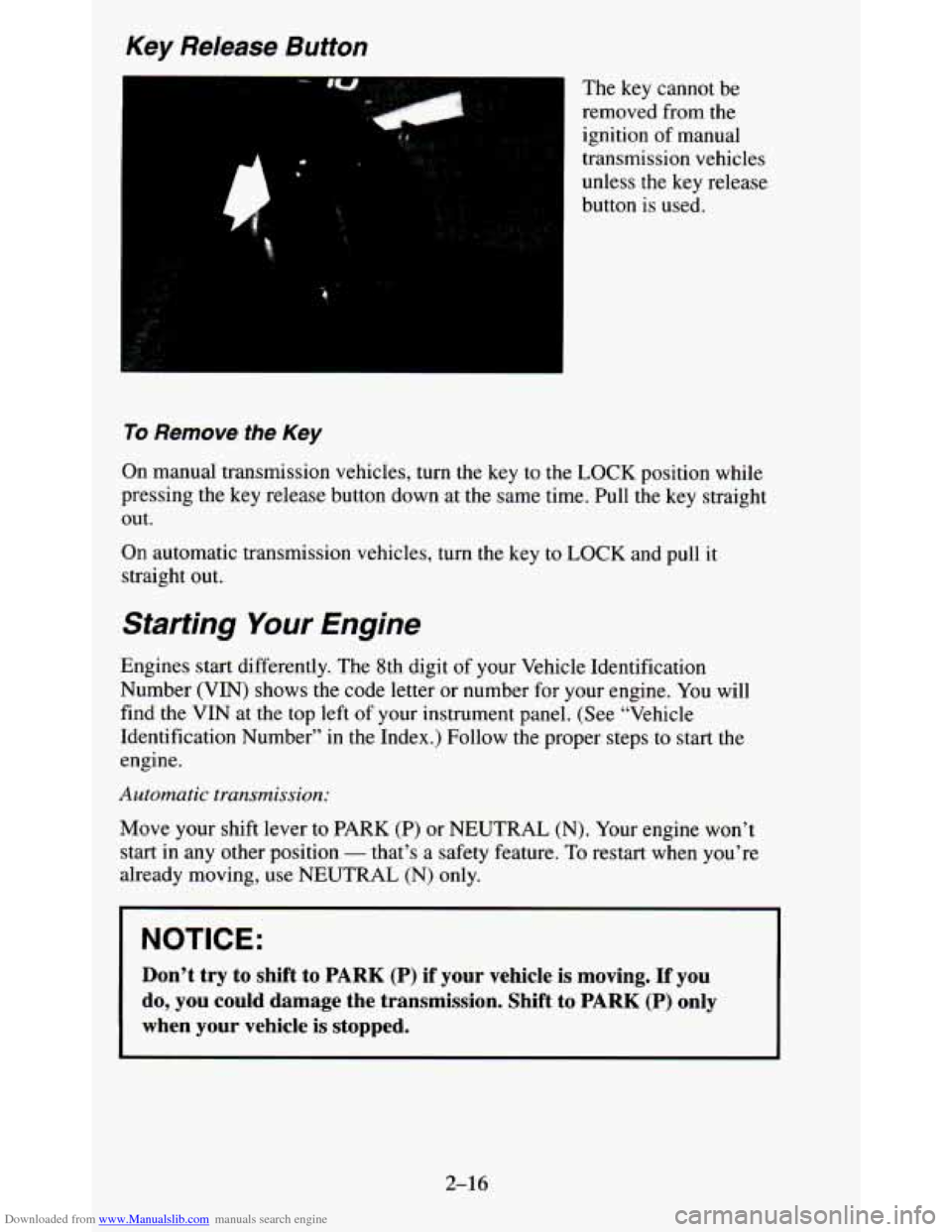
Downloaded from www.Manualslib.com manuals search engine Key Release Button
“1
The key cannot be
removed from the
ignition of manual
transmission vehicles
unless the key release
button is used.
To Remove the Key
On manual transmission vehicles, turn the key to the LOCK position while
pressing the key release button down at the same time. Pull t\
he key straight
out.
On automatic transmission vehicles, turn
the key to LOCK and pull it
straight out.
Starting Your Engine
Engines start differently. The 8th digit of your Vehicle Identification
Number
(VIN) shows the code letter or number for your engine. You will
find the VIN at the top left of your instrument panel. (See \
“Vehicle
Identification Number” in the Index.) Follow the proper step\
s
to start the
engine.
Automatic transmission:
Move your shift lever to PARK (P) or NEUTRAL (N). Your engine won’t
start in any other position
- that’s a safety feature. To restart when you’re
already moving, use NEUTRAL
(N) only.
NOTICE:
Don’t try to shift to PARK (P) if your vehicle is moving. If you
do, you could damage the transmission. Shift to
PARK (P) only
when your vehicle is stopped.
2-16
Page 76 of 380
Downloaded from www.Manualslib.com manuals search engine While you accelerate, it is normal for the light to go on and off if you
quickly change the position of the accelerator. Ignore the SHIFT light when
you downshift.
Four- Wheel Drive Vehicles Only:
If your vehicle has four-wheel drive and is equipped with a manual
transmission, disregard the shift light when the transfer case is in
4LO.
Locking Rear Axle
If you have this feature, your rear axle can give you additional traction on
snow, mud, ice, sand or gravel. It works like a standard axle most
of the
time, but when one
of the rear wheels has no traction and the other does, the
locking feature will allow
the wheel with traction to move the vehicle.
Parking Brake
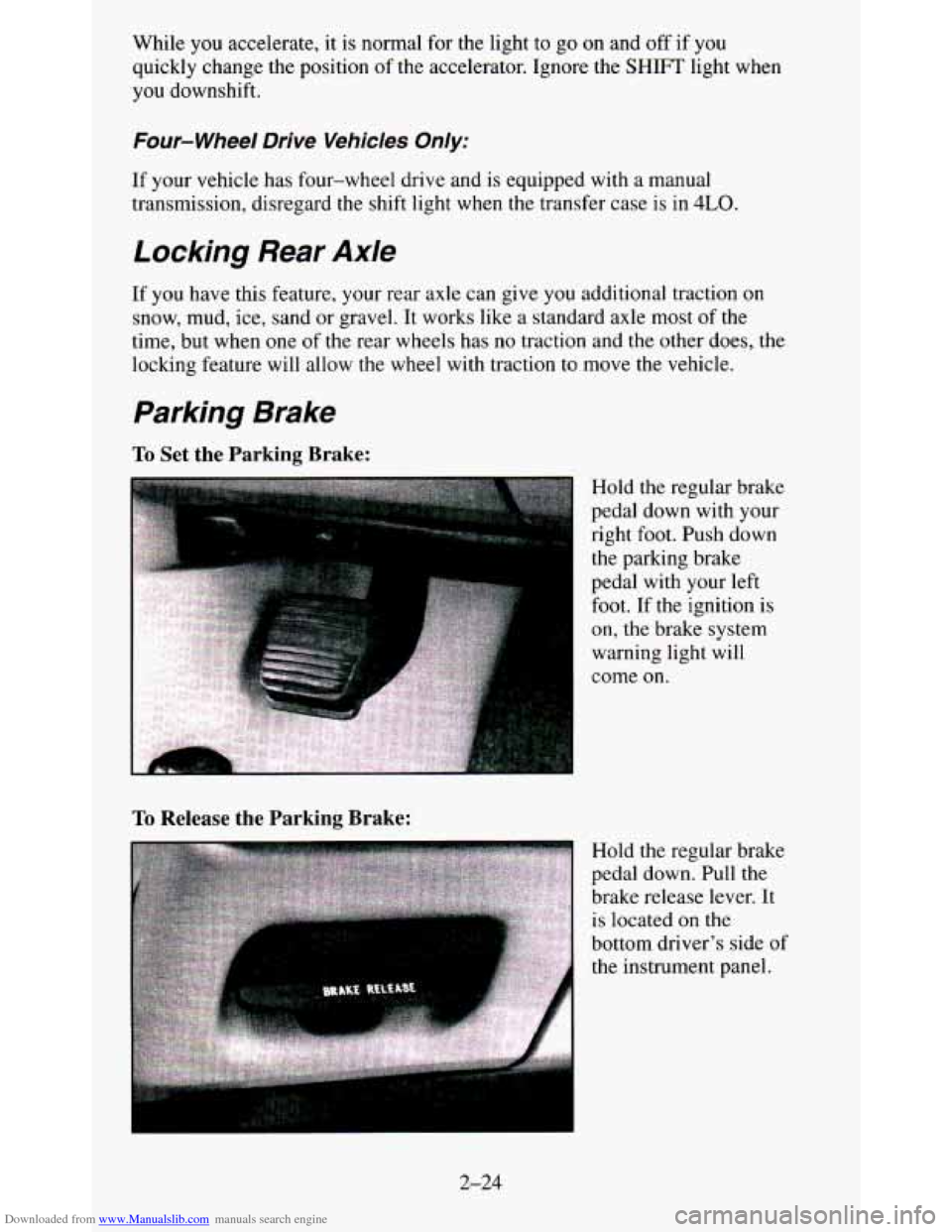
To Set the Parking Brake:
To Release the Parking Brake:
Hold the regular brake
pedal down with your
right
foot. Push down
the parking brake
pedal with your left
foot. If the ignition is
on, the brake system
warning light will
come
on.
Hold the regular brake
pedal down. Pull the
brake release lever. It
is located
on the
bottom driver's side
of
the instrument panel.
2-24
Page 83 of 380
Downloaded from www.Manualslib.com manuals search engine dealer check your system. Turn the INT LIGHTS switch located to the righl
of your headlight switch to dim your transfer case indicator light when you1
headlights or parking lights are on. This will also cause your instrument
panel lights to dim.
2HI - This setting is for driving in most street and highway situations.
Your front axle is not engaged in two-wheel drive.
4HI - This setting engages your front axle to help drive your vehicle. Use
4HI when you need extra traction, such as on snowy or icy roads, or in mos
off-road situations.
N SET PARK BRAKE - Shift to this neutral setting only when your
vehicle needs to be towed.
4LO - This setting also engages your front axle to give you extra traction
and provides extra gear reduction. You may never need 4LO. It sends the
maximum power to all four wheels. You might choose 4LO if
you were
driving off-road in sand, mud, or deep snow and climbing or descending
steep hills.
You can shift from 2HI to 4HI or from 4HI to 2HI while the vehicle is
moving.
Do not press the transfer case shift lever button when shifting fron
2HI to 4HI or from 4HI to 2HI. Your front axle will engage faster
if you
take your foot off
of the accelerator for a few seconds after you shift.
To shift your transfer case into N SET PARK BRAKE:
1. Stop the vehicle and shift your transmission into NEUTRAL (N).
2. Set the parking brake. Your vehicle can roll unless the brakes are
3. Pull the transfer case shift lever into N SET PARK BRAKE.
applied.
To shift into or out
of 4LO:
1. The vehicle must be stopped or moving less than 3 mph (4.8 kdh)
with the transmission in NEUTRAL
(N) for an automatic transmission
or the clutch pedal depressed with a manual transmission.
2. Press the transfer case shift button and shift in one continuous motion.
Don’t pause in
N SET PARK BRAKE as you shift into or out of 4L0, or
your gears could clash.
Remember that driving in 4HI or 4LO may reduce fuel economy. Also,
driving in four-wheel
drive on dry pavement could cause your tires to wea
faster and make your transfer case harder to shift and reduce powertrain
longevity.
2-31
Page 84 of 380
Downloaded from www.Manualslib.com manuals search engine Electronic Transfer Case
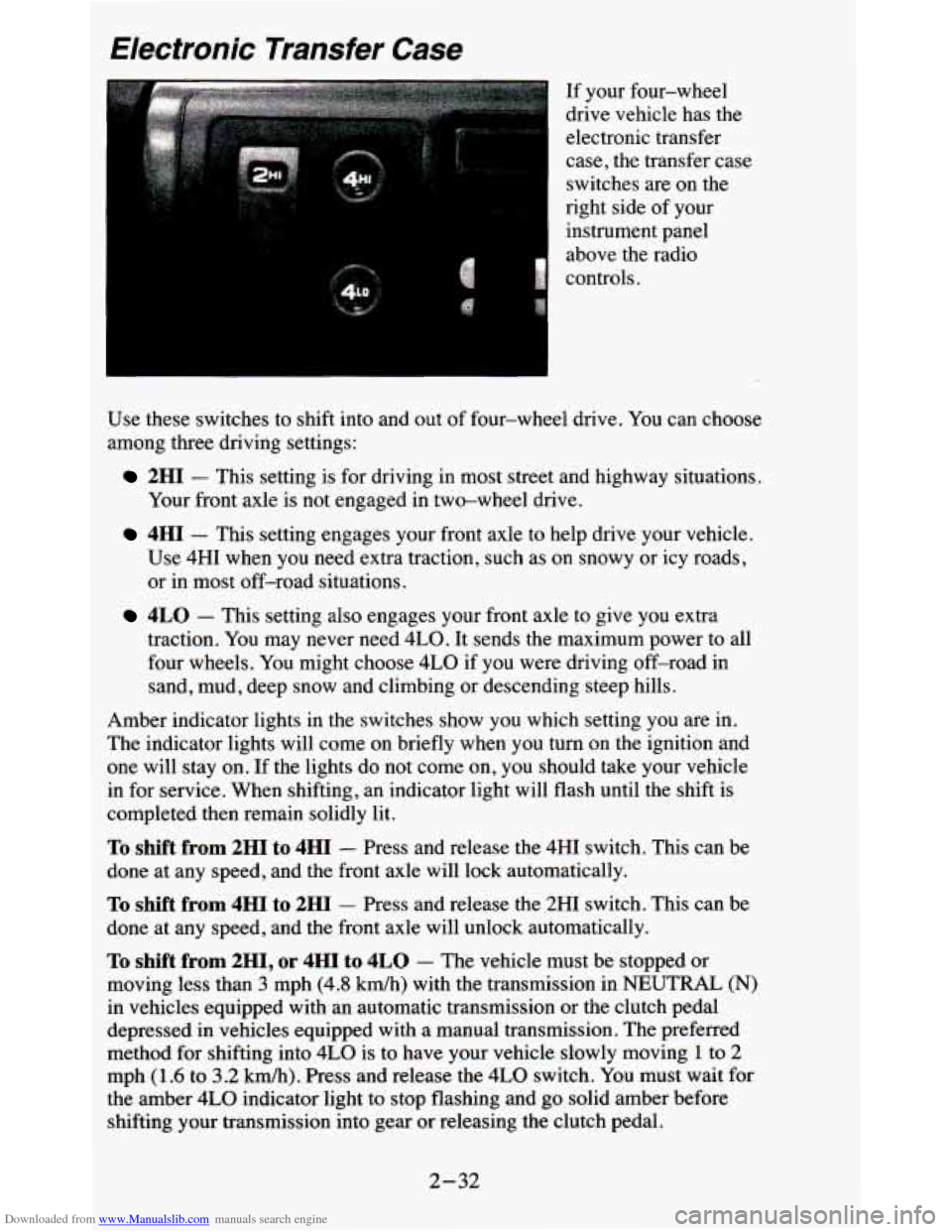
If your four-wheel
drive vehicle has the
electronic transfer
case, the transfer case
switches are on the
right side of your
instrument panel
above
the radio
controls.
Use these switches to shift into and out
of four-wheel drive. You can choose
among three driving settings:
2HI - This setting is for driving in most street and highway situations.
Your front axle is not engaged in two-wheel drive.
4HI - This setting engages your front axle to help drive your vehicle.
Use 4HI when you need extra traction, such as on snowy or icy roads,
or in most off-road situations.
4LO - This setting also engages your front axle to give you extra
traction. You may never need 4LO. It sends the maximum power to all
four wheels. You might choose
4LO if you were driving off-road in
sand, mud, deep snow and climbing or descending steep hills.
Amber indicator lights
in the switches show you which setting you are in.
The indicator lights will come on briefly when you turn on the ignition and
one will stay on. If the lights do not come on,
you should take your vehicle
in for service. When shifting,
an indicator light will flash until the shift is
completed then remain solidly lit.
To shift from 2HI to 4HI - Press and release the 4HI switch. This can be
done at any speed, and the front axle will lock automatically.
To shift from 4HI to 2HI - Press and release the 2HI switch. This can be
done at any speed, and the front axle will unlock automatically.
To shift from 2H1, or 4HI to 4LO - The vehicle must be stopped or
moving less than
3 mph (4.8 km/h) with the transmission in NEUTRAL (N)
in vehicles equipped with an automatic transmission or the clutch pedal
depressed
in vehicles equipped with a manual transmission. The preferred
method for shifting into
4LO is to have your vehicle slowly moving 1 to 2
mph (1.6 to 3.2 km/h). Press and release the 4LO switch. You must wait for
the amber
4LO indicator light to stop flashing and go solid amber before
shifting your transmission into gear or releasing the clutch pedal.
2-32
Page 90 of 380
Downloaded from www.Manualslib.com manuals search engine A green arrow on the
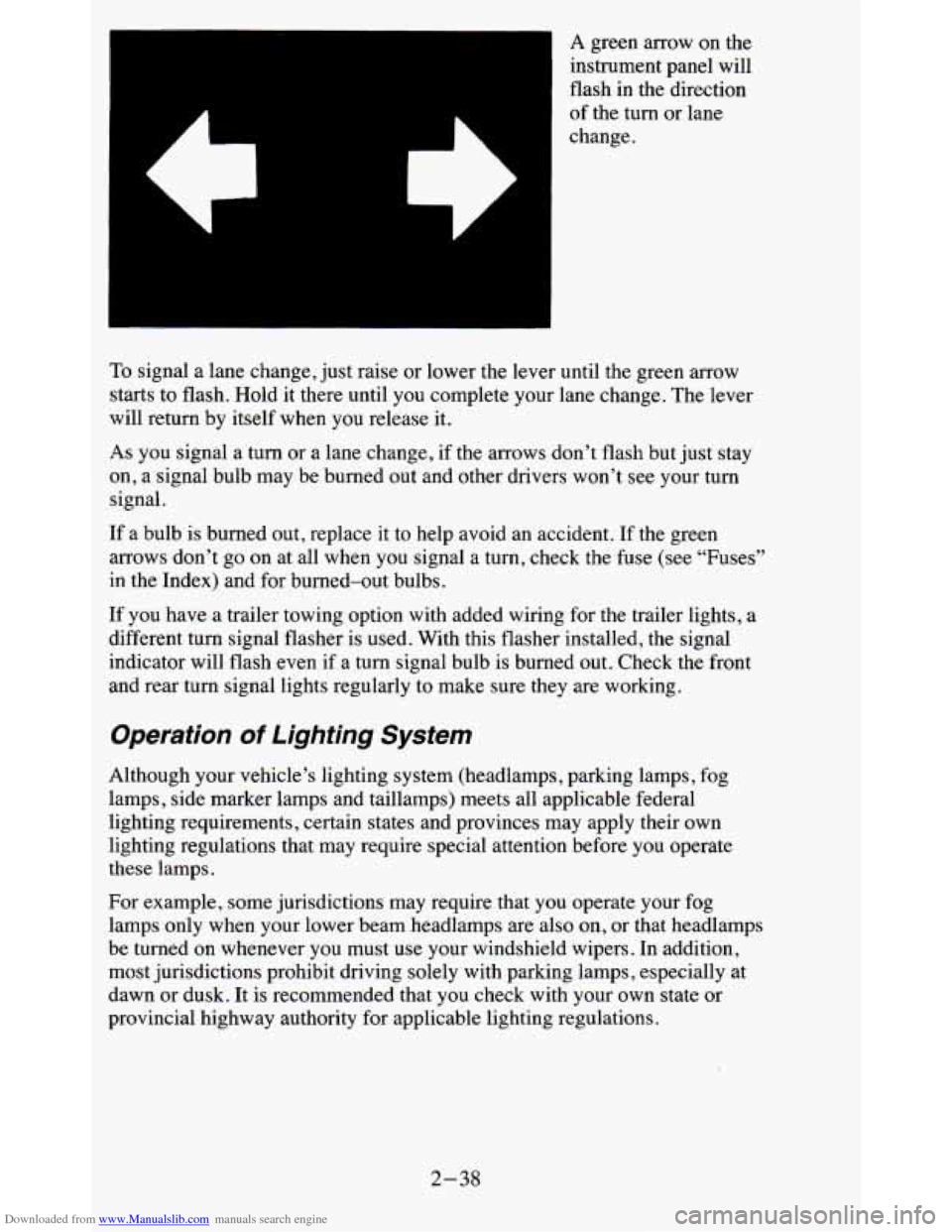
instrument panel will
flash
in the direction
of the turn or lane
change.
To signal a lane change, just raise or lower the lever until the green arrow
starts to flash. Hold it there until you complete your lane change. The lever
will return by itself when you release it.
As you signal a turn or a lane change, if the arrows don’t flash but just stay
on, a signal bulb may be burned out and other drivers won’t see your turn
signal.
If a bulb is burned out, replace it to help avoid an accident. If the green
arrows don’t go on at all when
you signal a turn, check the fuse (see “Fuses”
in the Index) and for burned-out bulbs.
If you have a trailer towing option with added wiring for the trailer lights, a
different turn signal flasher is used. With this flasher instal\
led, the signal
indicator will flash even if
a turn signal bulb is burned out. Check the front
and rear turn signal lights regularly to make sure they are w\
orking.
Operation of Lighting System
Although your vehicle’s lighting system (headlamps, parking lamps, fog
lamps, side marker lamps and taillamps) meets all applicable federal
lighting requirements, certain states and provinces may apply their own
lighting regulations that may require special attention before you operate
these lamps.
For example, some jurisdictions may require that you operate your fog
lamps only when your lower beam headlamps are also on,
or that headlamps
be turned on whenever you must use your windshield wipers. In \
addition,
most jurisdictions prohibit driving solely with parking lamps, especially at
dawn or dusk. It is recommended that you check with your own state or
provincial highway authority for applicable lighting regulations.
2-38
Page 91 of 380
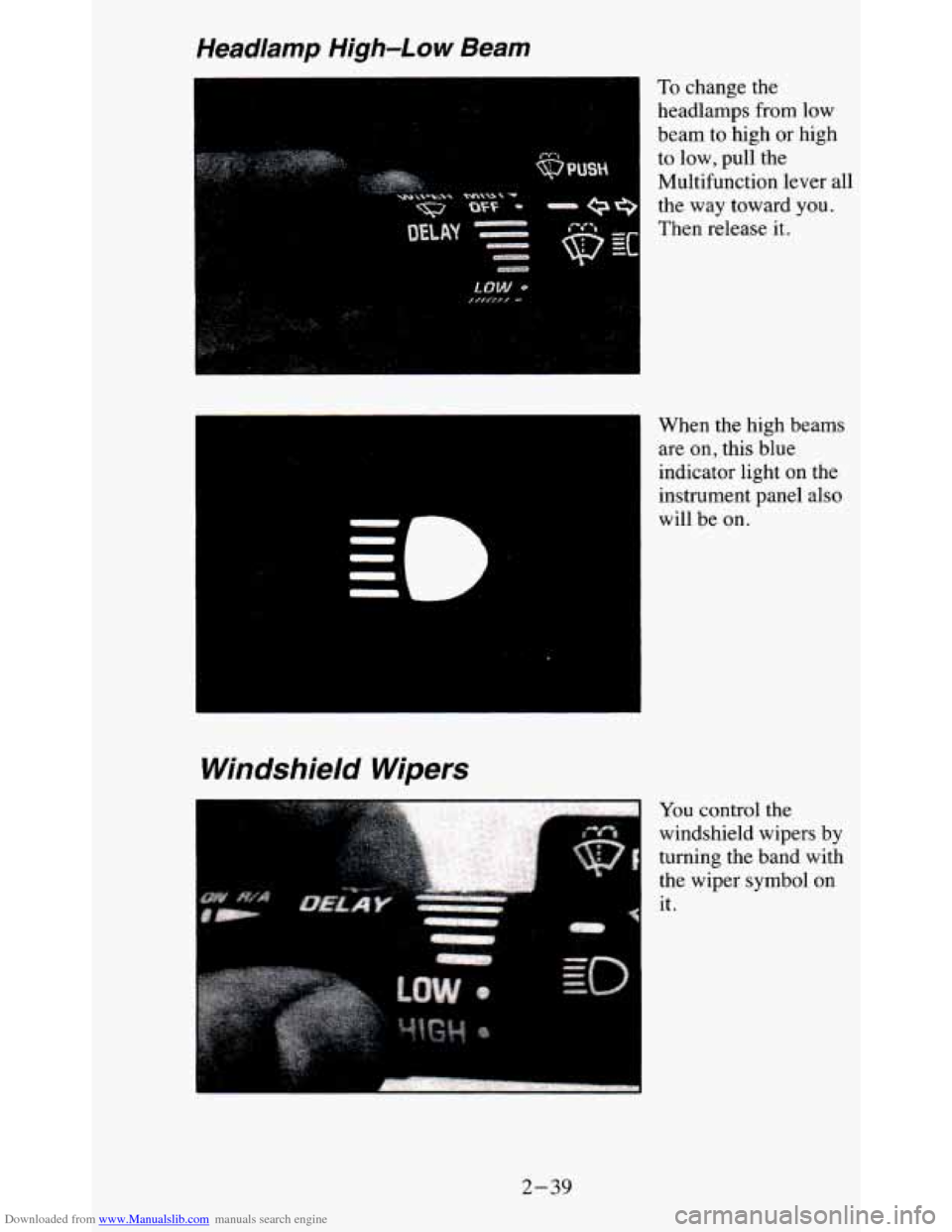
Downloaded from www.Manualslib.com manuals search engine To change the
headlamps from low
beam to high or high
to low, pull the
Multifunction lever all
the
way toward you.
Then release it.
When the high beams are on, this blue
indicator light on the
instrument panel also
will be on.
Windshield Wipers
--
QI
You control the
windshield wipers by
turning the band with
the wiper symbol on
it.
2-39
Page 93 of 380
Downloaded from www.Manualslib.com manuals search engine NOTICE:
When using concentrated washer fluid, follow the
manufacturer’s instructions for adding water.
Don’t mix water with ready-to-use washer fluid. Water can
cause the solution to freeze and damage your washer fluid
tank and other parts of the washer system. Also, water
doesn’t clean
as well as washer fluid.
Fill your washer fluid tank only 3/4 full when it’s very cold.
This allows for expansion, which could damage the tank if it is
completely full.
Don’t use radiator antifreeze in your windshield washer. It
can damage your washer system and paint.
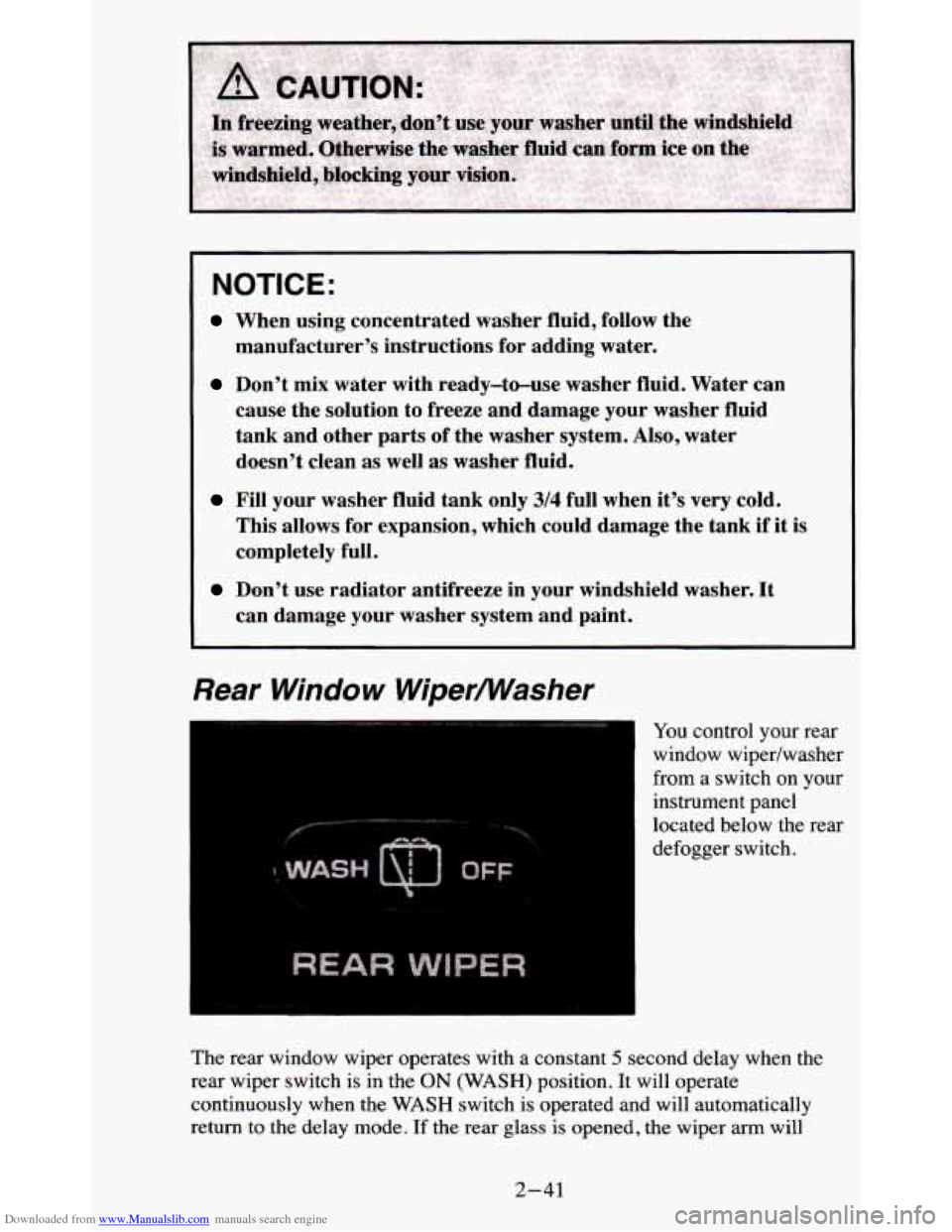
Rear Window WiperMasher
’ You control your rear
window wipedwasher
from a switch on your
instrument panel
located below the rear
defogger switch.
The rear window wiper operates with
a constant 5 second delay when the
rear wiper switch is in the
ON (WASH) position. It will operate
continuously when the
WASH switch is operated and will automatically
return to
the delay mode. If the rear glass is opened, the wiper arm will
2-41