ignition CHEVROLET BLAZER 1995 2.G Owner's Guide
[x] Cancel search | Manufacturer: CHEVROLET, Model Year: 1995, Model line: BLAZER, Model: CHEVROLET BLAZER 1995 2.GPages: 380, PDF Size: 20.04 MB
Page 150 of 380
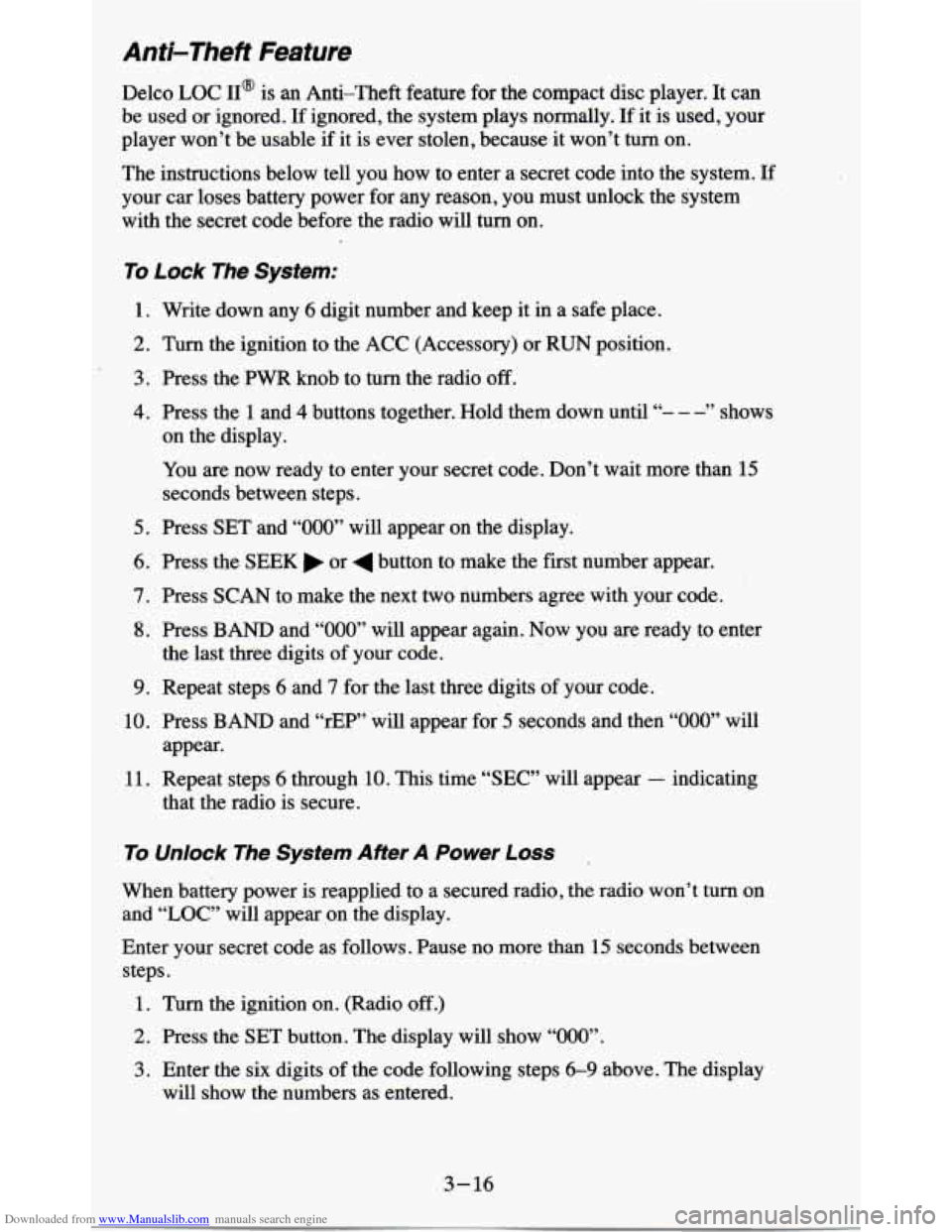
Downloaded from www.Manualslib.com manuals search engine Anti-Theft Feature
Delco LOC II@ is an Anti-Theft feature for the compact disc player. It can
be
used or ignored. If ignored, the system plays normally. If it is used, your
player won’t be usable
if it is ever stolen, because it won’t turn on.
The instructions below tell you how to enter a secret code into the system. If
your car loses battery power for any reason, you must unlock the system
with the secret code before the radio will turn
on.
To Lock The System:
1. Write down any 6 digit number and keep it in a safe place.
2. Turn the ignition to the ACC (Accessory) or RUN position.
3. Press the PWR knob to turn the radio off.
4. Press the 1 and 4 buttons together. Hold them down until “- - - ” shows
on the display.
You are now ready to enter your secret code. Don’t wait more than
15
seconds between steps.
5. Press SET and “000” will appear on the display.
6. Press the SEEK or 4 button to make the first number appear.
7. Press SCAN to make the next two numbers agree with your code.
8. Press BAND and “000” will appear again. Now you are ready to enter
9. Repeat steps 6 and 7 for the last three digits of your code.
the
last three digits of your code.
10. Press BAND and “rEF”’ will appear for 5 seconds and then “000” will
11. Repeat steps 6 through 10. This time “SEC” will appear - indicating
appear.
that the radio is
secure.
To Unlock The System After A Power Loss
When battery power is reapplied to a secured radio, the radio won’t turn on
and
“LOC” will appear,on the display.
Enter your secret code as follows. Pause
no more than 15 seconds between
steps.
1. Turn the ignition on. (Radio off.)
2. Press the SET button. The display will show “000”.
3. Enter the six digits of the code following steps 6-9 above. The display
will show the numbers as entered.
3-16
Page 151 of 380
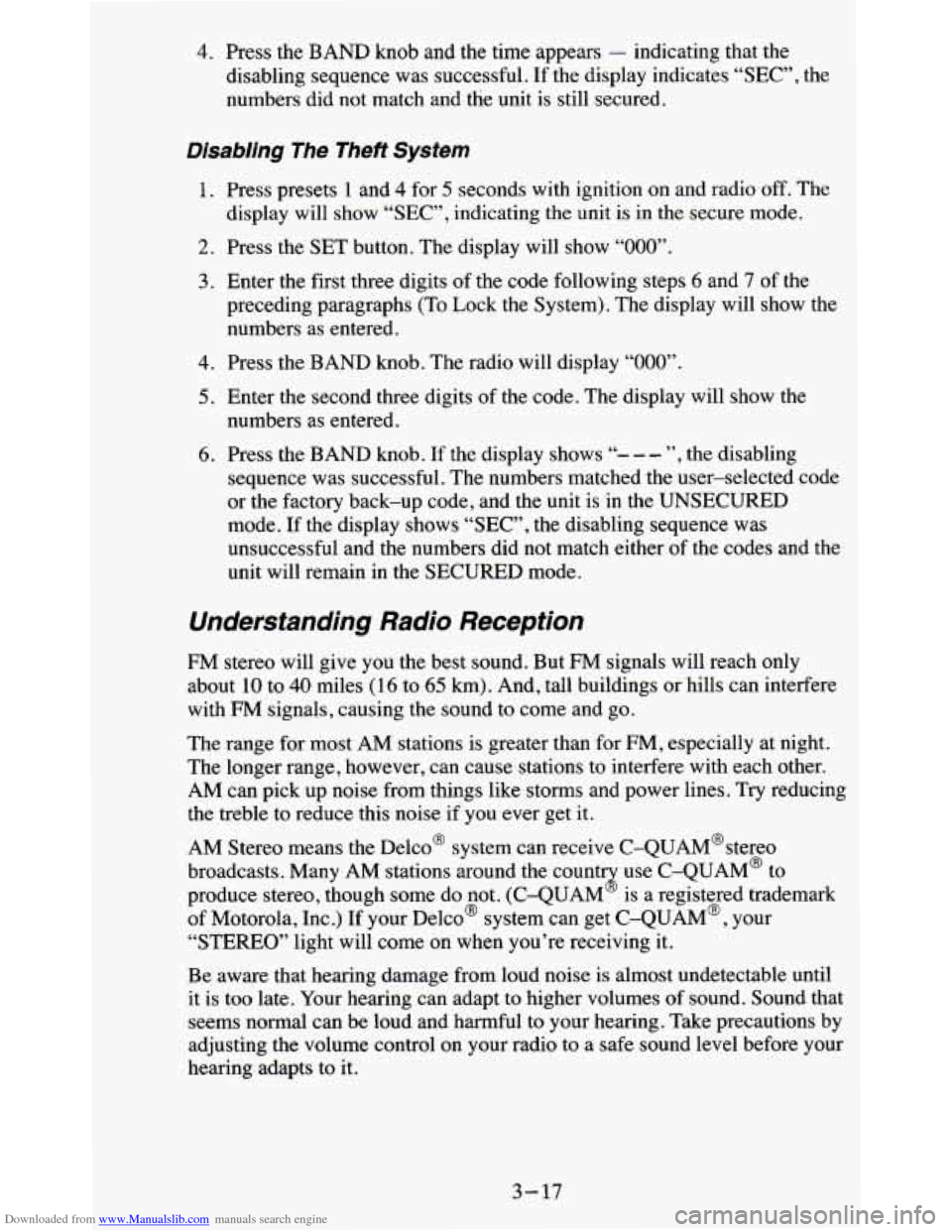
Downloaded from www.Manualslib.com manuals search engine 4. Press the BAND knob and the time appears - indicating that the
disabling sequence was successful.
If the display indicates “SEC”, the
numbers did not match and the unit is still secured.
Disabling The Theft System
1. Press presets 1 and 4 for 5 seconds with ignition on and radio off. The
display will
show “SEC”, indicating the unit is in the secure mode.
2. Press the SET button. The display will show “000”.
3. Enter the first three digits of the code following steps 6 and 7 of the
preceding paragraphs (To Lock the System). The display will show the
numbers as entered.
4. Press the BAND knob. The radio will display “000”.
5. Enter the second three digits of the code. The display will show the
numbers as entered.
6. Press the BAND knob. If the display shows “- - - ”, the disabling
sequence was successful. The numbers matched the user-selected code
or the factory back-up code, and the unit is in the UNSECURED
mode. If the display shows “SEC”, the disabling sequence was
unsuccessful and the numbers did not match either of the codes and the
unit will remain in the SECURED mode.
Understanding Radio Reception
FM stereo will give you the best sound. But FM signals will reach only
about
10 to 40 miles (16 to 65 km). And, tall buildings or hills can interfere
with
FM signals, causing the sound to come and go.
The range for most AM stations is greater than for
FM, especially at night.
The longer range, however, can cause stations to interfere with each other.
AM can pick up noise from things like storms and power lines.
Try reducing
the treble
to reduce this noise if you ever get it.
AM Stereo means the Delco@ system can receive C-QUAM@stereo
broadcasts. Many AM stations around the count use C-QUAM@ to
produce stereo, though some do not. (C-QUAM
2 is a registered trademark
of Motorola, Inc.)
If your DelcoB system can get C-QUAM@, your
“STEREO” light will come on when you’re receiving it.
Be aware that hearing damage from loud noise is almost undetectable until
it is too late. Your hearing can adapt to higher volumes of sound. Sound that
seems normal can be loud and harmful to your hearing. Take precautions by
adjusting the volume control on your radio to a safe sound level before your
hearing adapts to it.
3-17
Page 177 of 380

Downloaded from www.Manualslib.com manuals search engine Driving In .Water
Light rain causes no special off-road driving problems. But hea\
vy rain can
mean flash flooding, and flood waters demand extreme caution.
Find out how deep the water is before you drive through it. If it’s deep
enough to cover your wheel hubs, axles, or exhaust pipe, don’t
try it - you
probably won’t get through. Also, water that deep can damage your axle and
other vehicle parts.
If the water isn’t too deep, then drive through it slowly. At fast speeas, water
splashes on your ignition system and your vehicle can stall. Stalling can also
occur if you get your tailpipe under water. And, as long as your tailpipe is
under water, you’ll never be able to start your engine. When you
go through
water, remember that when your brakes get wet, it may take
you longer to
stop.
After Off-Road Driving
Remove any brush or debris that has collected on the underbody, chassis or
under the hood. These accumulations can be a fire hazard.
After operation in mud or sand, have the brake linings cleaned and checked.
These substances can cause glazing and uneven braking. Check th\
e body
structure, steering, suspension, wheels, tires, and exhaust system for
damage. Also, check the fuel lines and cooling system for any leakage.
Your vehicle will require more frequent service due to off-road use. Refer
to the Maintenance Schedule for additional information.
4-23
Page 191 of 380
Downloaded from www.Manualslib.com manuals search engine 2. Insert the ignition key into the ignition switch and turn it one notch
forward of the
LOCK position. This places the key into the OFF
position, which unlocks the steering column while preventing battery
drain. Unlocking the steering column
will allow for proper movement
of the front wheeldtires during towing.
I NOTICE:
I You should exercise extra care whenever towing another vehicle. \
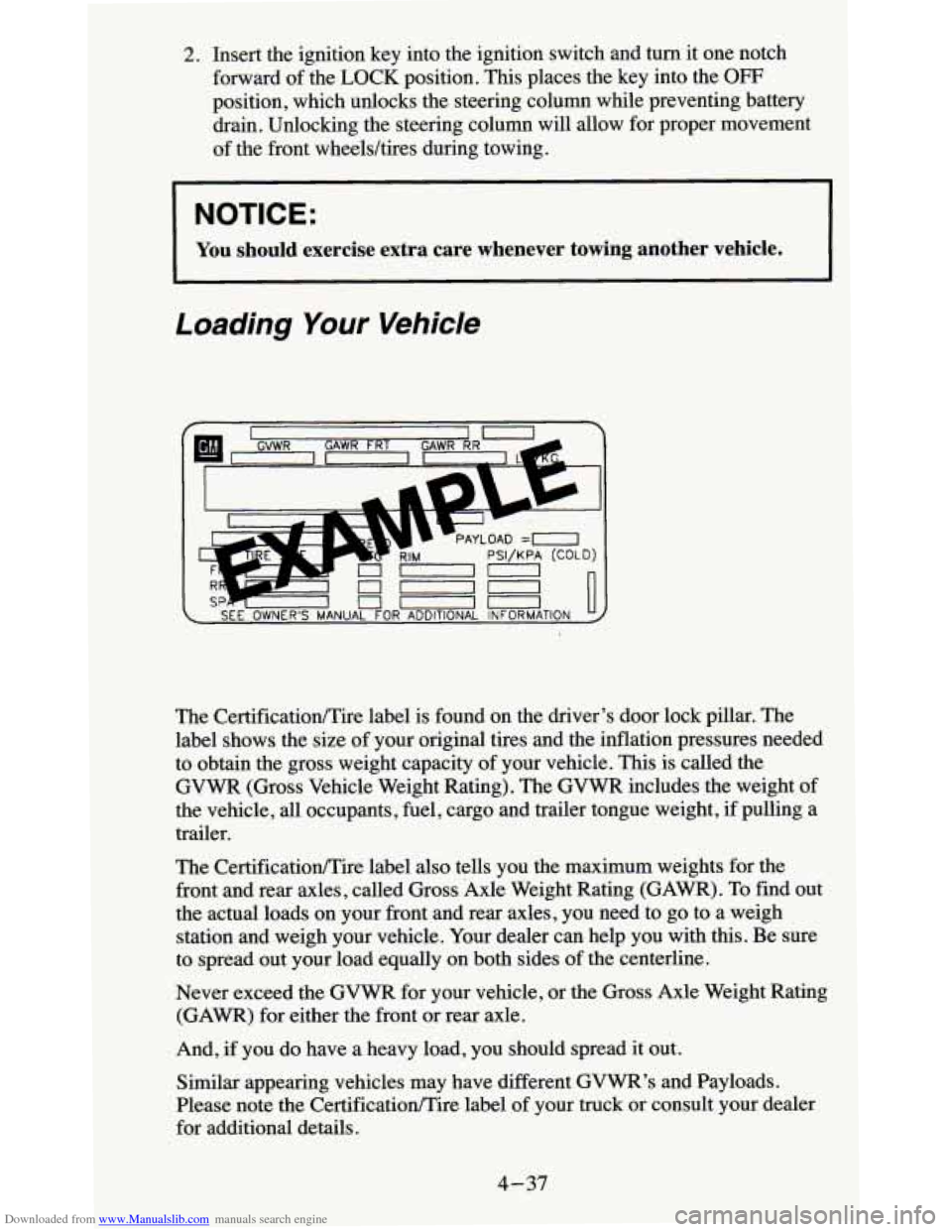
Loading Your Vehicle
The CertificationEire label also tells you the maximum weights for the
front and rear axles, called Gross Axle Weight Rating (GAWR). To find out
the actual loads on your front and rear axles, you need to go to a weigh
station and weigh your vehicle. Your dealer can help
you with this. Be sure
to spread out your load equally on both sides
of the centerline.
Never exceed the
GVWR for your vehicle, or the Gross Axle Weight Rating
(GAWR) for either the front or rear axle.
And, if you do have
a heavy load, you should spread it out.
Similar appearing vehicles may have different
GVWR’s and Payloads.
Please note the CertificationEire label
of your truck or consult your dealer
for additional details.
4-37
Page 206 of 380
Downloaded from www.Manualslib.com manuals search engine You could be injured if the vehicles roll. Set the parking brake firmly
on each vehicle. Put an automatic transmission in PARK (P) or a
manual transmission in NEUTRAL
(N). If you have a
four-wheel-drive vehicle with a manual transfer case shift lever, be
sure the transfer case
is not in NEUTRAL (N).
3. Turn off the ignition on both vehicles. Turn off all lights that aren’t
needed, and radios. This will avoid sparks and help save both batteries
And it could save your radio!
NOTICE:
If you leave your radio on, it could be badly damaged. The
repair wouldn’t be covered by your warranty.
~~
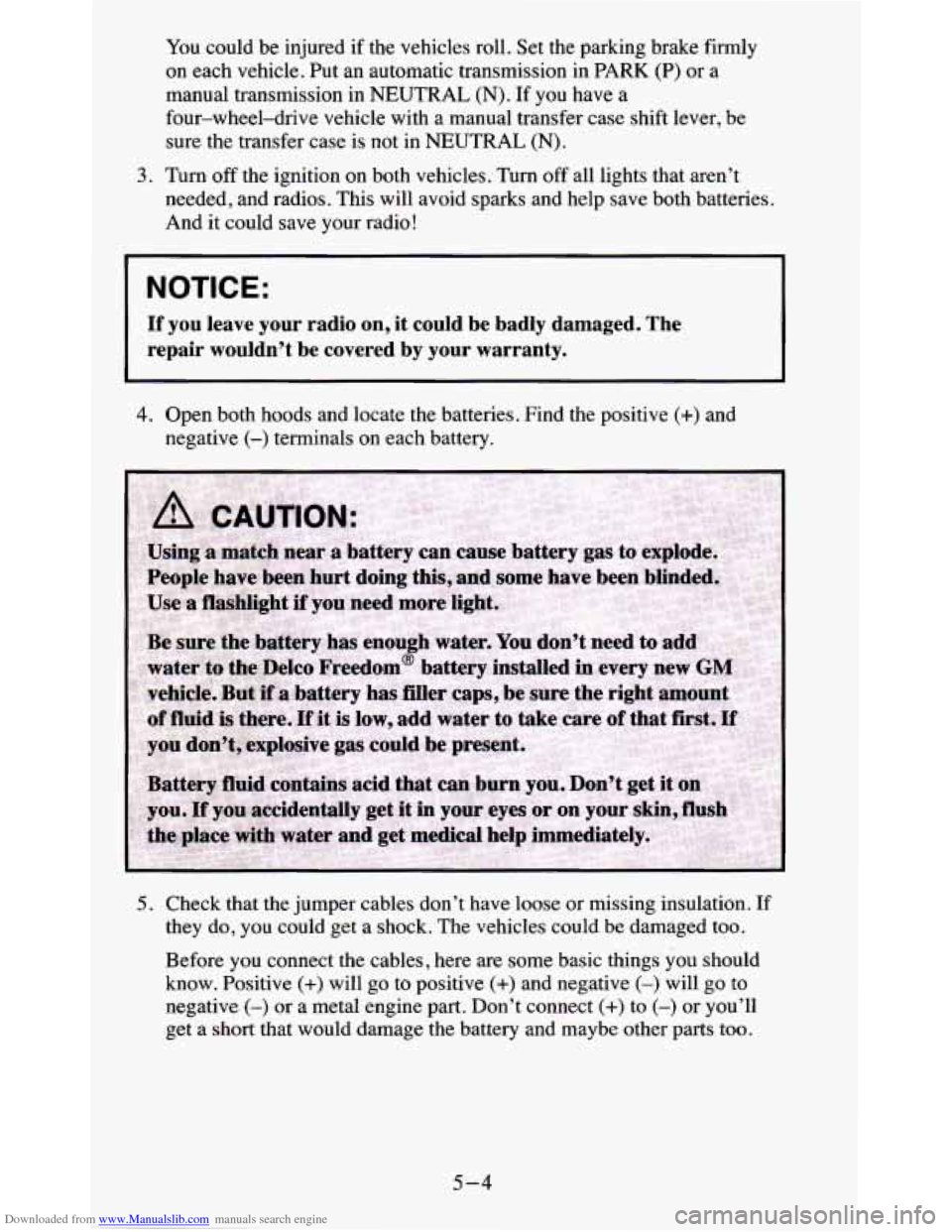
4. Open both hoods and locate the batteries. Find the positive (+) and
negative
(-) terminals on each battery.
5. Check that the jumper cables don’t have loose or missing insulation. If
they do, you could get a shock. The vehicles could be damaged too.
Before you connect the cables, here are some basic things you should
know. Positive (+) will go to positive (+) and negative (-) will go to
negative
(-) or a metal engine part. Don’t connect (+) to (-) or you’ll
get a
short that would damage the battery and maybe other parts too.
5-4
Page 210 of 380
Downloaded from www.Manualslib.com manuals search engine When your vehicle is being towed, have the ignition key off. The steering
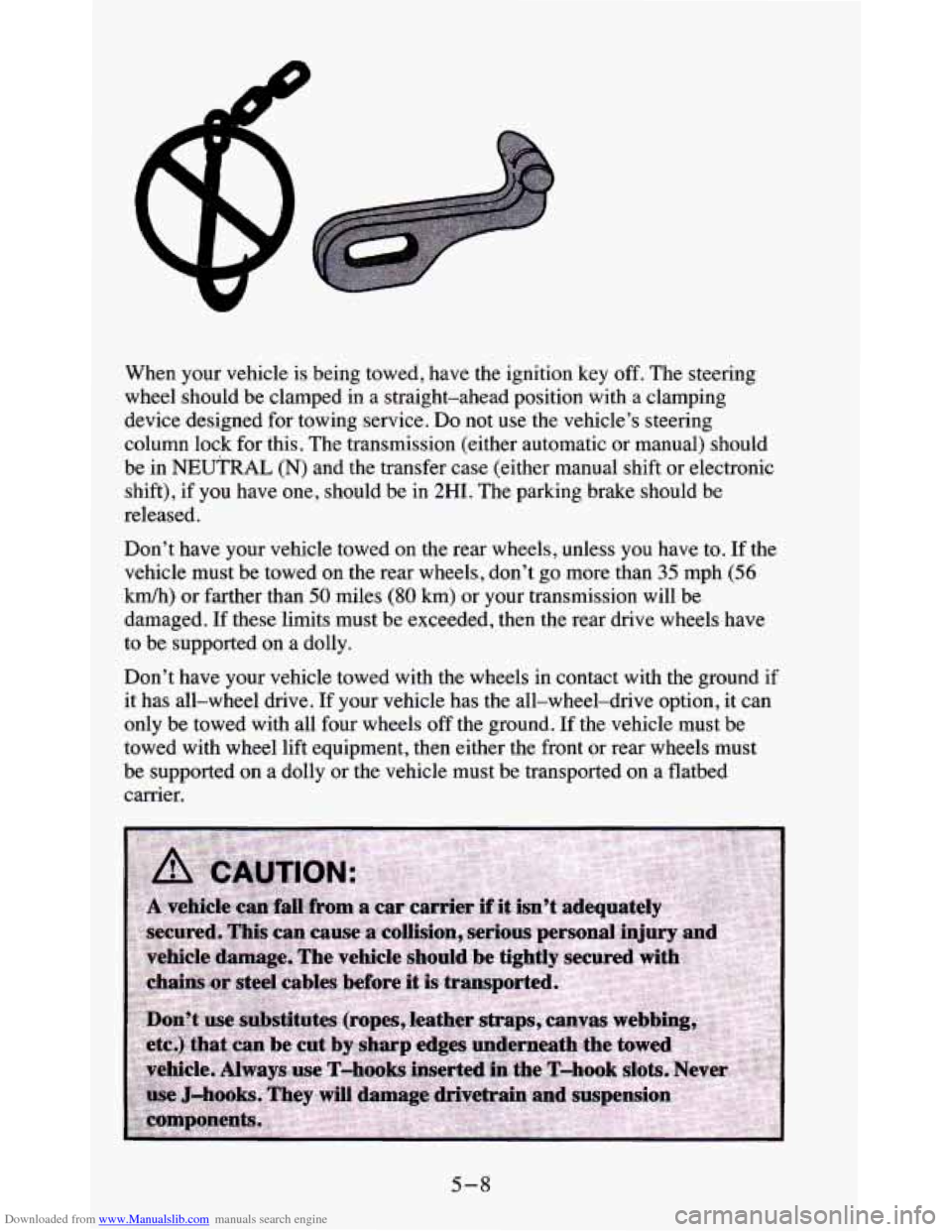
wheel should be clamped in a straight-ahead position with a clamping
device designed for towing service. Do not use the vehicle’s steering
column lock
for this. The transmission (either automatic or manual) should
be
in NEUTRAL (N) and the transfer case (either manual shift or electronic
shift), if you have one, should be in
2HI. The parking brake should be
released.
Don’t have your vehicle towed
on the rear wheels, unless you have to. If the
velucle must be towed
on the rear wheels, don’t go more than 35 mph (56
Mh) or farther than 50 miles (80 km) or your transmission will be
damaged. If these limits must be exceeded, then the rear drive wheels have
to be supported on a dolly.
Don’t have your vehicle towed with the wheels in contact with the ground if
it has all-wheel drive. If your vehicle has the all-wheel-drive option,
it can
only be towed with all four wheels off the ground. If the vehicle must be
towed with wheel lift equipment, then either the front or rear wheels must
be supported
on a dolly or the vehicle must be transported on a flatbed
carrier.
5-8
Page 308 of 380
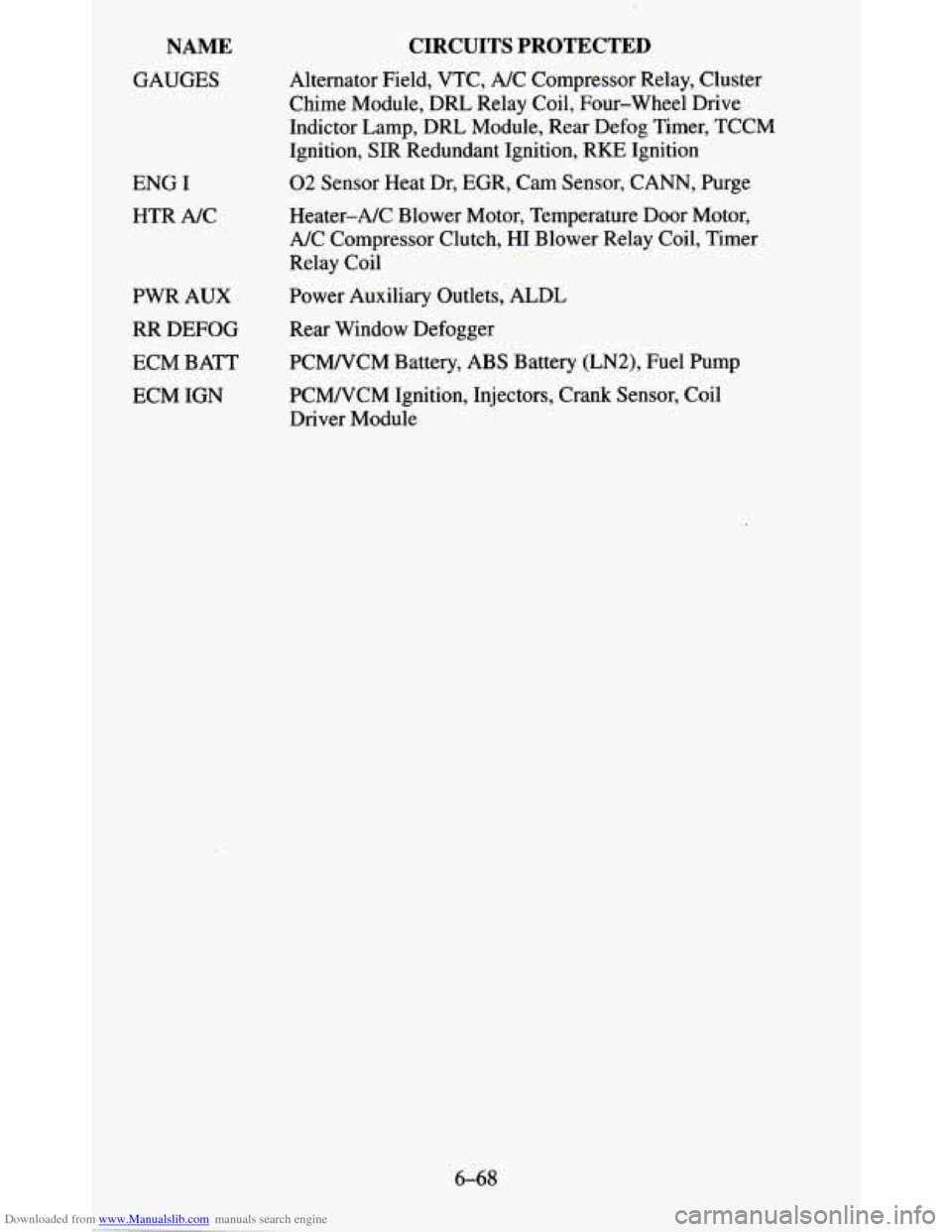
Downloaded from www.Manualslib.com manuals search engine NAME
GAUGES
ENG I HTR NC
PWR AUX
RR DEFOG
ECM BATT
ECM IGN
CIRCUITS PROTECTED
Alternator Field, VTC, A/C Compressor Relay, Cluster
Chime Module, DRL Relay Coil, Four-wheel Drive
Indictor Lamp, DRL Module, Rear Defog Timer, TCCM
Ignition,
SIR Redundant Ignition, RKE Ignition
02 Sensor Heat Dr, EGR, Cam Sensor, CANN, Purge
Heater-A/C Blower Motor, Temperature Door Motor,
A/C Compressor Clutch, HI Blower Relay Coil, Timer
Relay Coil
Power Auxiliary Outlets, ALDL
Rear Window Defogger
PCMNCM Battery, ABS Battery (LN2), Fuel Pump
PCMNCM Ignition, Injectors, Crank Sensor, Coil
Driver Module
6-68
Page 373 of 380
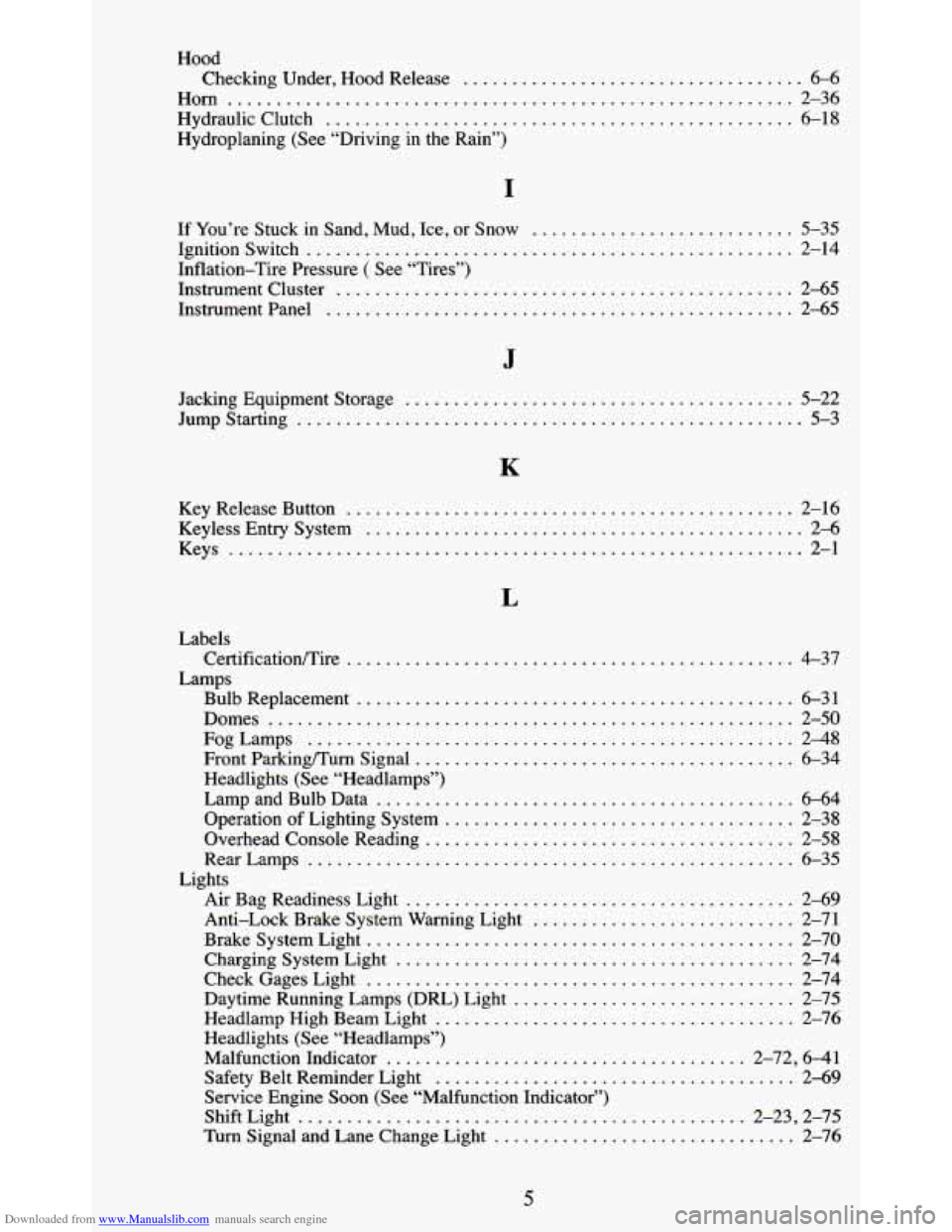
Downloaded from www.Manualslib.com manuals search engine Hood Checking Under. Hood Release
................................... 6-6
Horn .......................................................... 2-36
Hydraulic Clutch ................................................ 6-18
Hydroplaning (See “Driving in the Rain”)
I
If You’re Stuck in Sand. Mud. Ice. or Snow ........................... 5-35
Ignitionswitch .................................................. 2-14
Inflation-Tire Pressure ( See “Tires”)
Instrument Cluster
............................................... 2-65
Instrument Panel ................................................ 2-65
J
Jacking Equipment Storage ........................................ 5-22
Jump Starting .......... ....................................... 5-3
K
Key Release Button .............................................. 2-16
Keyless Entry System ............................................. 2-6
Keys ........................................................... 2-1
L
Labels
Lamps CertificatiodTire
.............................................. 4-37
Bulb Replacement ............................................. 6-31
Domes ...................................................... 2-50
FogLamps .................................................. 2-48
Front
Parkingmum Signal ....................................... 6-34
Headlights (See “Headlamps”)
Lamp and Bulb Data
........................................... 6-64
Operation of Lighting System .................................... 2-38
Overhead Console Reading ...................................... 2-58
RearLamps .................................................. 6-35
Air Bag Readiness Light ........................................ 2-69
Anti-Lock Brake System Warning Light ........................... 2-71
BrakeSystemLight ............................................ 2-70
Charging System Light ......................................... 2-74
CheckGagesLight ............................................ 2-74
Daytime Running Lamps (DRL) Light ............................. 2-75
Headlamp High Beam Light ..................................... 2-76
Headlights (See “Headlamps”)
Malfunction Indicator
..................................... 2-72. 641
Safety Belt Reminder Light ..................................... 2-69
Service Engine Soon (See “Malfunction Indicator”)
ShiftLight
.............................................. 2-23. 2-75
Turn Signal and Lane Change Light ............................... 2-76
Lights
5