ignition CHEVROLET BLAZER 1997 2.G User Guide
[x] Cancel search | Manufacturer: CHEVROLET, Model Year: 1997, Model line: BLAZER, Model: CHEVROLET BLAZER 1997 2.GPages: 402, PDF Size: 21.93 MB
Page 76 of 402

Downloaded from www.Manualslib.com manuals search engine Ensure the shift lever is fully in PARK (P) range before
starting
the engine. Your vehicle has a brake-transmission
shift interlock.
You have to fully apply your regular brakes
before you can shift from
PARK (P) when the ignition
key is
in the RUN position. If you cannot shift out of
PARK (P), ease pressure on the shift lever -- push the shift
lever all
the way into PARK (P) (press the button in on the
console shift lever)
as you maintain brake application.
Then move the shift lever into
the gear you wish. See
“Shifting Out
of PARK (P)” in the Index.
REVERSE
(R): Use this gear to back up.
NOTICE:
Shifting to REVERSE (R) while your vehicle
is moving forward could damage your
transmission. Shift to REVERSE (R) only
after your vehicle is stopped.
To rock your vehicle back and forth to get out of snow,
ice or sand without damaging your transmission, see
“Stuck: In Sand, Mud, Ice or
Snow” in the Index. NEUTRAL
(N): In this position, your engine doesn’t
connect with the wheels.
To restart when you’re already
moving, use
NEUTRAL (N) only.
I A CAUTION:
Shifting out of PARK (P) or NEUTRAL (N) while
your engine is “racing” (running at high speed)
is
dangerous. Unless your foot is firmly on the
brake pedal, your vehicle could move very
rapidly.
You could lose control and hit people or
objects. Don’t shift
out of PARK (P) or
NEUTRAL
(N) while your engine is racing.
I NOTICE:
Damage to your transmission caused by shifting
out of
PARK (P) or NEUTRAL (N) with the
engine racing isn’t covered by your warranty.
2-19
Page 84 of 402
Downloaded from www.Manualslib.com manuals search engine 4LO: This setting also engages your front axle to give
you extra traction. You may never need
4LO. It sends
the maximum power
to all four wheels. You might
choose
4LO if you were driving off-road in sand, mud
or deep snow and climbing or descending steep hills.
Indicator lights
in the switches show you which setting
you are
in. The indicator lights will come on briefly when
you
turn on the ignition and one will stay on. If the lights
do not come on, you should take your vehicle in for
service. An indicator light
will flash while shifting. It will
remain illuminated when the shift is completed.
Shifting from 2HI to 4HI
Press and release the 4HI switch. This can be done at
any speed, and the front axle will lock automatically.
Shifting from 4HI to 2HI
Press and release the 2HI switch. This can be done at
any speed.
and the front axle will unlock automatically.
Shifting from 2HI or JHI to 4LO
To shift tiom ZHI or -!HI to 4L0, the vehicle must be
stopped or mo\fing less than 3 mph (4.8 kmk) with the
transmission
in NEUTRAL (N) in vehicles equipped with
an automatic transmission or the clutch pedal engaged in
vehicles equipped with a manual transmission.
The
preferred method for shifting into 4LO is to have your
vehicle moving
1 to 2 mph (1.6 to 3.2 km/h). Press
and release the
4LO switch. You must wait for the
4LO indicator light to stop flashing and remain
illuminated before shifting your transmission into
gear or releasing the clutch pedal.
If
the 4LO switch is pressed when your vehicle is in
gear and/or moving, the
4LO indicator light will flash
for
30 seconds and not complete the shift unless your
vehicle is moving slower than 3 mph (4.8
kmk) and
the transmission is in
NEUTRAL (N) or the clutch
pedal engaged.
On automatic transmission equipped vehicles,
if your
transfer case does not shift into 4L0, your transmission
indicator switch may require adjustment. With your
transmission in
NEUTRAL (N), press and release the
4LO switch. While the
4LO indicator light is flashing,
shift
your transmission into PARK (P). Wait until the
4LO indicator light remains illuminated before shifting
your transmission into gear. This will get you into 4L0,
but you should take your vehicle in for service to restore
normal operation.
2-27
Page 86 of 402
Downloaded from www.Manualslib.com manuals search engine Parking Brake
To set the parking brake, hold the regular brake pedal
down with your right foot. Push down the parking brake
pedal with your left
foot. If the ignition is on, the brake
system warning light will come
on.
To release the parking brake hold the regular brake
pedal down.
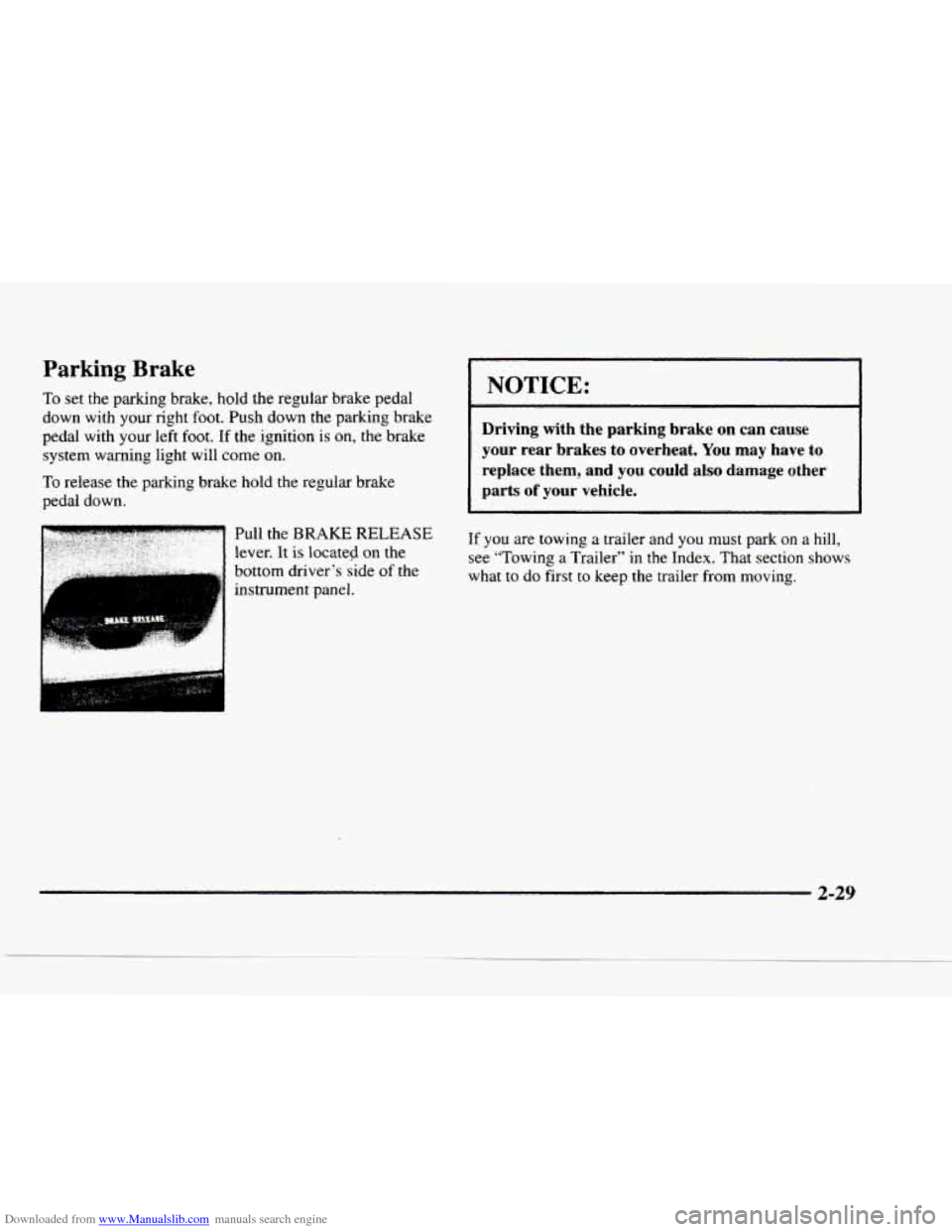
Pull the
BRAKE RELEASE
lever. It is located on the
bottom driver’s side
of the
instrument panel. ..
NOTICE:
r
Driving with the parking brake on can cause
your rear brakes to overheat.
You may have to
replace them, and you could also damage other
parts
of your vehicle.
If you are towing a trailer and you must park on a hill,
see “Towing a Trailer” in the Index. That section shows
what to do first to keep the trailer from moving.
2-29
Page 88 of 402
Downloaded from www.Manualslib.com manuals search engine F
3.
4.
5.
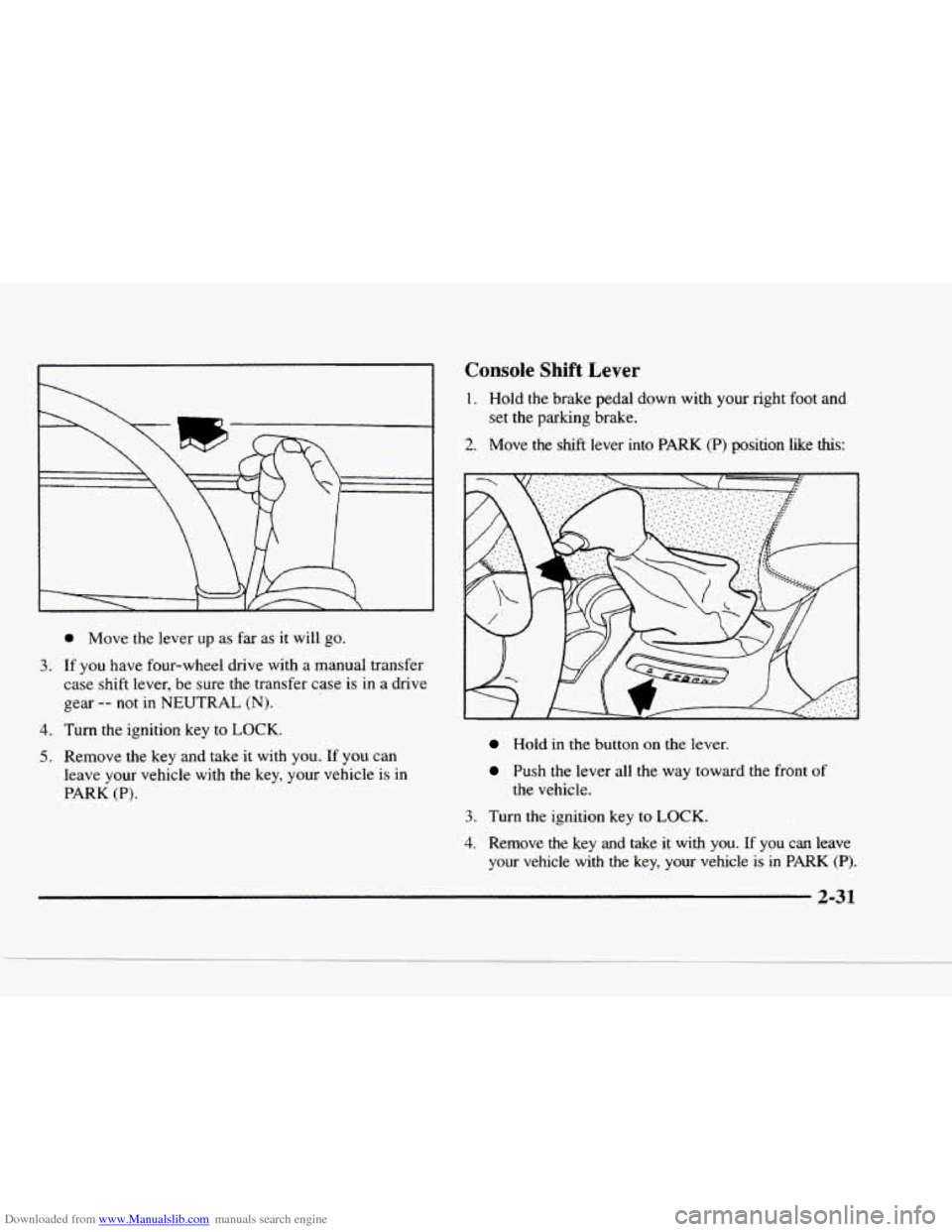
0 Move the lever up as far as it will go.
If you have four-wheel drive with a manual transfer
case shift lever, be sure the transfer case
is in a drive
gear
-- not in NEUTRAL (N).
Console Shift Lever
1. Hold the brake pedal down with your right foot and
set
the parking brake.
2. Move the shtft lever into PARK (P) position like this:
Turn the ignition key to LOCK.
Remove the key and take it with you. If you can
leave your vehicle with
the key, your vehicle is in
PARK (P).
Hold in the button on the lever.
Push the lever all the way toward the front of
the vehicle.
3. Turn the ignition key to LOCK.
4. Remove the key and take it with you. If you can leave
your vehcle with the key, your vehicle
is in PARK (P).
Page 90 of 402
Downloaded from www.Manualslib.com manuals search engine Shifting Out of PARK (P)
(Automatic Transmission)
Your vehicle has a brake-transmission shift interlock.
You have
to fully apply your regular brake before you
can shift from PARK (P) when the ignition is in the
RUN position. See “Automatic Transmission Operation”
in the Index.
If
you cannot shift out of PARK (P), ease pressure on
the shift lever
-- push the shift lever all the way into
PARK (P) as you maintain brake application. Then
move the shift lever into the gear
you want (you must
press the shift lever button if
you have the console
shift lever).
If you ever hold the brake pedal down but still can’t
shift out
of PARK (P), try this:
1. Turn the key to OFF.
2. Apply and hold the brake until the end of Step 4.
3. Shift to NEUTRAL (N).
4. Start the vehicle and then shift to the drive gear
you want.
5. Have the vehicle fixed as soon as you can.
Parking Your Vehicle (Manual
Transmission Models Only)
Before you get out of your vehicle, turn off your engine,
put your manual transmission in
REVERSE (R) and
firmly apply the parking brake.
If you have four-wheel drive with a manual transfer case
shift lever,
be sure your transfer case is in a drive gear.
Your vehicle could roll
if it isn’t.
If
you are parking on a hill, or if your vehicle is pulling
a trailer, see “Towing
a Trailer” in the Index.
2-33
Page 93 of 402
Downloaded from www.Manualslib.com manuals search engine Windows
Manual Windows
Turn the hand crank on each door to raise or lower your
manual side door windows.
Power Windows (If Equipped)
If you have the optional power windows, the controls
are
on each of the side doors. Your power windows will
only work when the ignition has been turned to RUN.
The driver's door has a switch for the passenger
windows
as well.
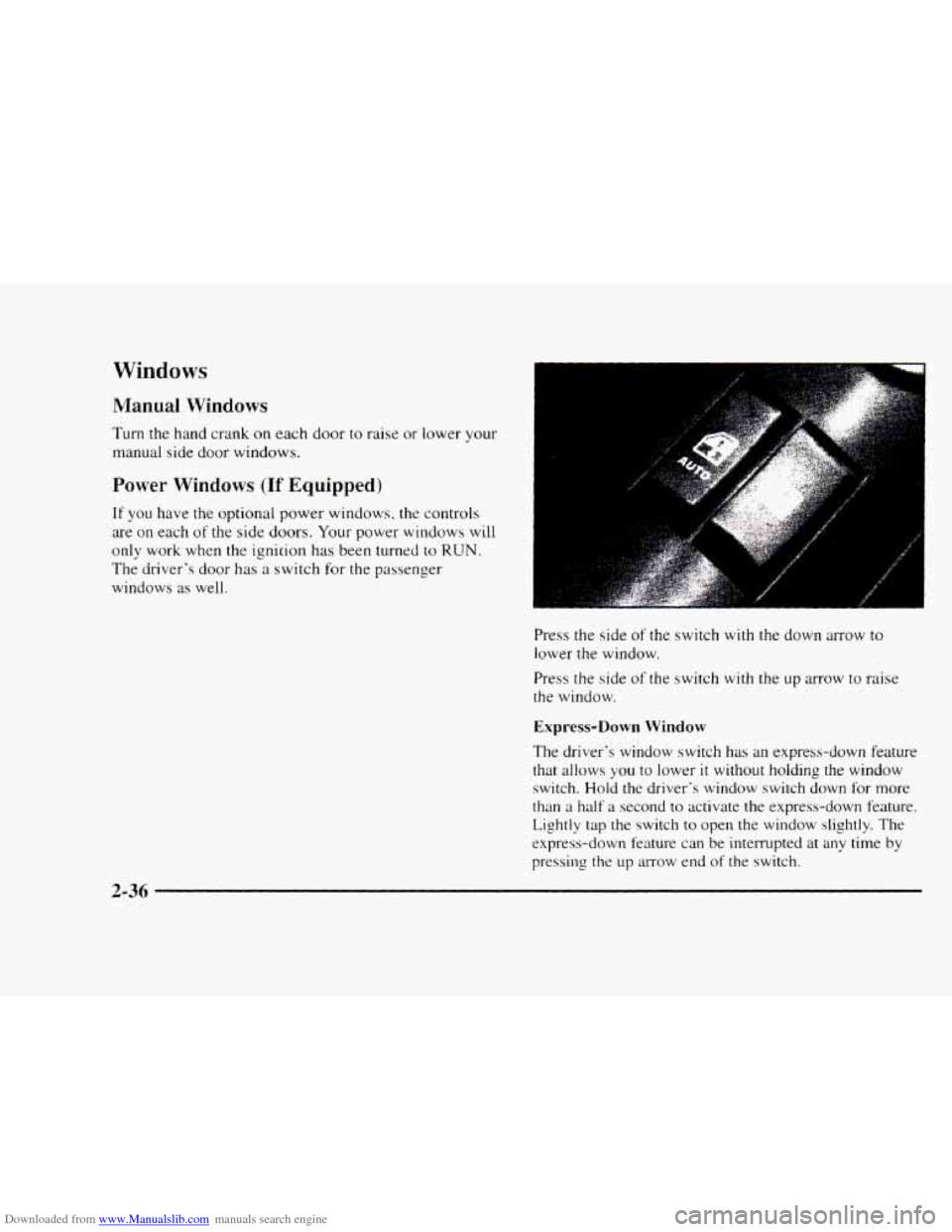
Press the side
of the switch with the down arrow to
lower the window.
Press the side
of the switch with the up arrow to raise
the window.
Express-Down Window
The driver's window switch has an express-down feature
that allows
you to lower it without holding the window
switch. Hold the driver's window switch down for more
than a half a second to activate the express-down feature.
Lightly tap the switch to open the window slightly. The
express-down feature can be interrupted
at any time by
pressing the up arrow end
of the switch.
2-36
Page 101 of 402
Downloaded from www.Manualslib.com manuals search engine Increasing Speed While Using Cruise Controi
There are two ways to go to a higher speed:
Use the accelerator pedal to get to the higher speed.
Press the button at the end of the lever, then release
the button and
the accelerator pedal. You'll now
cruise at the higher speed.
Move the cruise switch from ON to R/A. Hold it
there until you get up to the speed you want. and
then release the switch.
(To increase your speed in
very small amounts. move the switch to R/A. Each
time
you do this, your vehicle will go about 1 mph
(1.6
km/h) faster.)
Reducing Speed While Using Cruise Control
Press in the button at the end of the lever until you reach
the lower speed you want. then release it.
To slow down in very small amounts, press the button
for less than a half a second. Each time you do this.
you'll
go 1 mph ( I .6 kndh) slower.
Passing Another Vehicle While Using Cruise Control
Use the accelerator pedal tu increase your speed. When
you take your foot off the pedal. your vehicle \vi11 slow
down to the cruise control speed you set earlier.
Using Cruise Control on Hills
How well your cruise control will work on hills depends
upon your speed. load and the steepness
of the hills.
When going
up steep hills. you may want to step on the
accelerator pedal to maintain your speed. When going
downhill, you may have
to brake or shift to a lower gear
to keep your speed down. Of course. applying the brake
takes
you out of cruise control. Many drivers find this to
be too rnuch trouble and don't use cruise control on
steep hills.
Ending Cruise Control
There are two ways to turn off the cruise control:
Step lightly on the brake pedal or push the clutch
pedal,
if you have a manual transmission.
Move the cruise switch to OFF.
Erasing Speed Memory
When you turn oft' the cruise control or the ignition.
your cruise control set speed memory
is erased.
2-44
Page 103 of 402
Downloaded from www.Manualslib.com manuals search engine Lamps On Reminder
A reminder tone will sound when your headlamps or
parking lamps are turned on and your ignition
is in OFF,
LOCK or ACCESSORY. To turn the tone off, press the
OFF switch.
Daytime Running Lamps
Daytime Running Lamps (DRL) can make it easier for
others to see the front
of your vehicle during the day.
DRL can be helpful
in many different driving
conditions. but they can be especially helpful
in the
short periods after dawn and before sunset.
The DRL system will make your headlamps come on at
reduced brightness when:
the ignition is on,
the headlamp switch is off and
the parking brake is released. When
the DRL are
on, only your headlamps will be on.
The taillamps, sidemarker and other lamps won’t be on.
The instrument panel won’t be lit up either.
When it begins to get dark, your
DRL indicator light is a
reminder to turn your headlamp switch on. The other
lamps that come on with your headlamps will also
come
on.
When you turn the headlamp switch off, the regular
lamps will
go off, and your headlamps will change to
the reduced brightness
of DRL.
To idle your vehicle with the DRL off, set the parking
brake. The DRL will stay off until you release the
parking brake.
As with any vehicle, you should turn on the regular
headlamp system
when you need it.
2-46
Page 105 of 402
Downloaded from www.Manualslib.com manuals search engine Front Map Lamps (If Equipped)
If your vehicle has optional front map lamps, they
are located
on the inside rearview mirror. They will
automatically come
on for approximately 20 seconds
when either front door is opened or unlocked with the
Keyless Entry System,
if so equipped. or until the
ignition key
is turned to RUN or ACCESSORY. The
lamps
will also stay on for approximately 15 seconds
after you exit the vehicle.
They
will also stay on for I5 seconds when the INT
LIGHTS switch on the instrument panel is turned on
then off, while the ignition is off.
You can also turn the lamps on and off by pressing the
switch near each lamp.
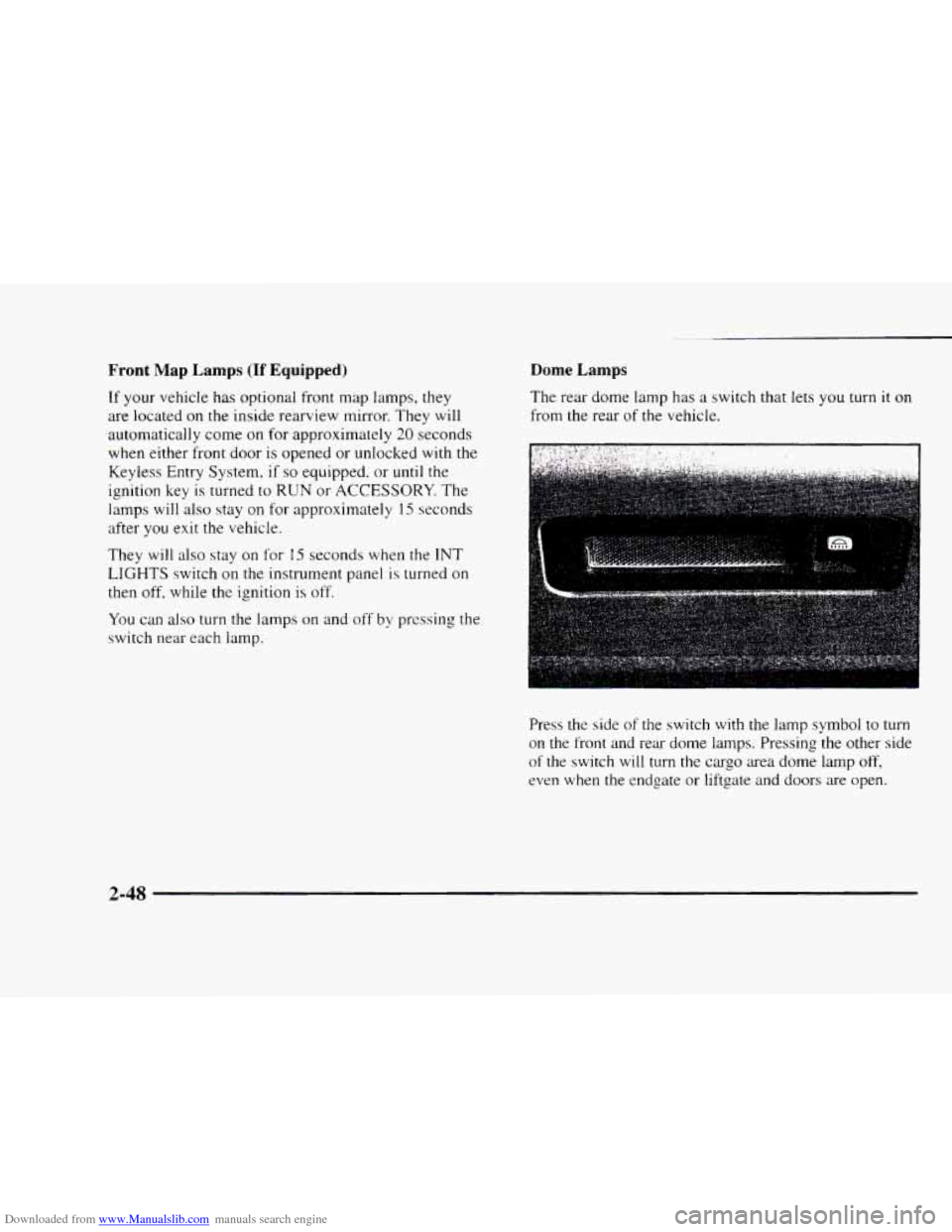
Dome Lamps
The rear dome lamp has a switch that lets you turn it on
from the rear of the vehicle.
Press the side
of the switch with the lamp symbol to turn
on the front and rear dome lamps. Pressing the other side
of the switch will turn the cargo area dome lamp off,
even when the endgate or liftgate and doors are open.
2-48
Page 110 of 402
Downloaded from www.Manualslib.com manuals search engine Temperature and Compass Display
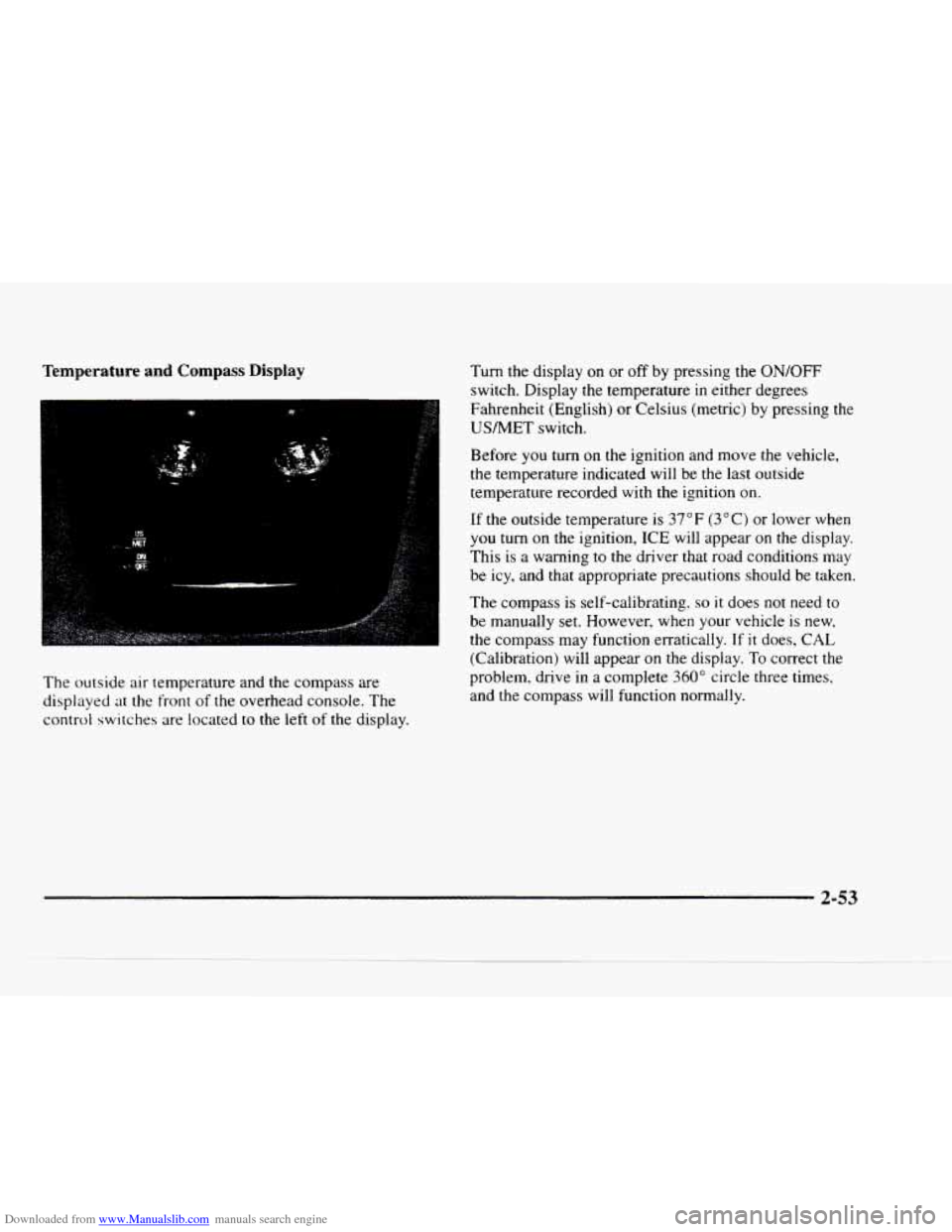
The outside air temperature and the compass are
displayed at the front
of the overhead console. The
control switches are located
to the left of the display.
Turn the display on or off by pressing the ON/OFF
switch. Display the temperature in either degrees
Fahrenheit (English) or Celsius (metric) by pressing the
USNET switch.
Before you
turn on the ignition and move the vehicle,
the temperature indicated will be the last outside
temperature recorded with the ignition on.
If the outside temperature is 37 OF (3 O C) or lower when
you turn on the ignition, ICE will appear on the display.
This is a warning to
the driver that road conditions may
be icy, and that appropriate precautions should be taken.
The compass is self-calibrating.
so it does not need to
be manually set. However, when your vehicle is new,
the compass may function erratically. If it does,
CAL
(Calibration) will appear on the display. To correct the
problem, drive
in a complete 360" circle three times,
and the compass will function normally.
2-53