lock CHEVROLET BLAZER 1998 2.G Service Manual
[x] Cancel search | Manufacturer: CHEVROLET, Model Year: 1998, Model line: BLAZER, Model: CHEVROLET BLAZER 1998 2.GPages: 416, PDF Size: 22.4 MB
Page 110 of 416
Downloaded from www.Manualslib.com manuals search engine Windshield Wipers
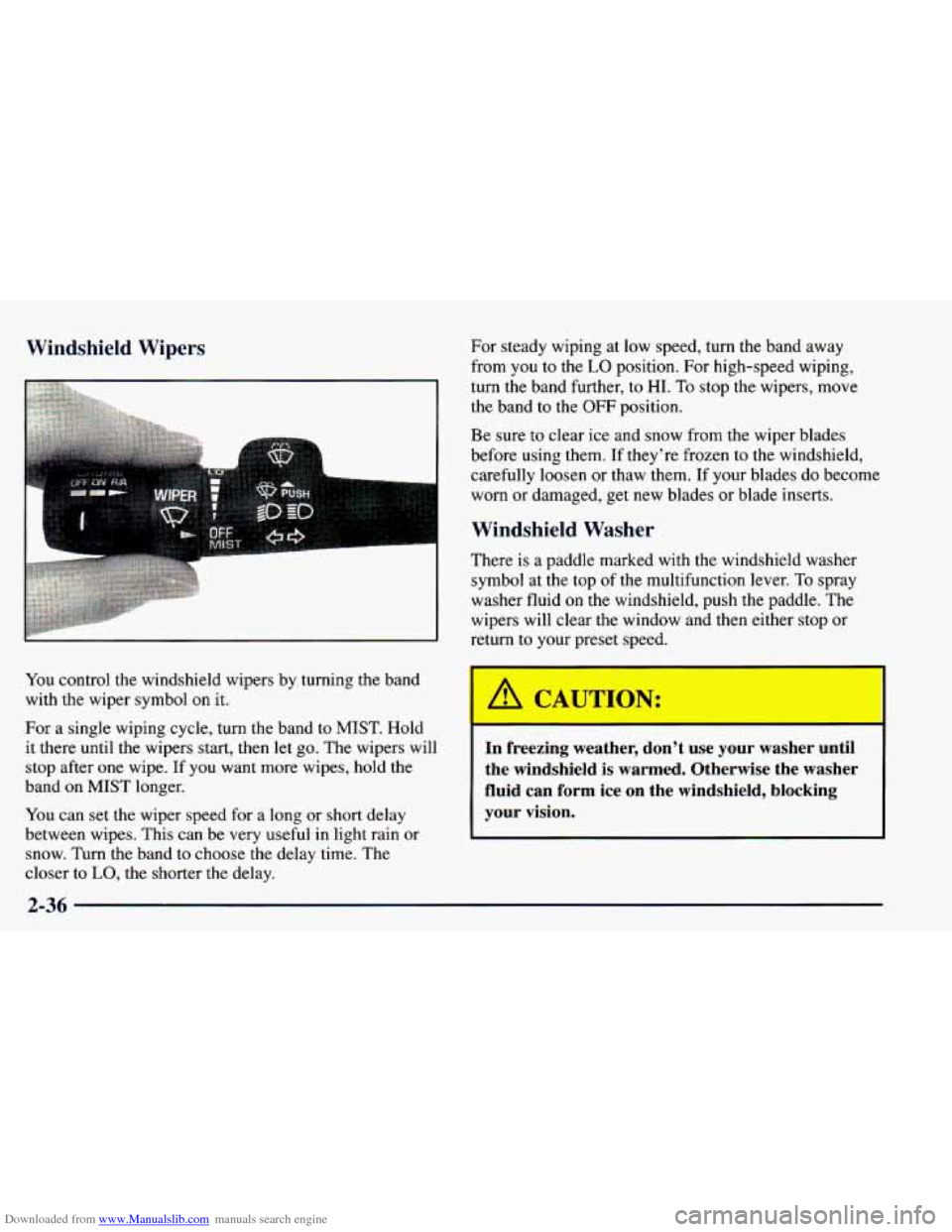
You control the windshield wipers by turning the band
with the wiper symbol on it.
For a single wiping cycle, turn the band to MIST. Hold
it there until the wipers start, then let go. The wipers will
stop after one wipe. If you want more wipes, hold the
band
on MIST longer.
You can set the wiper speed for
a long or short delay
between wipes. This can be very useful in light rain
or
snow. Turn the band to choose the delay time. The
closer to LO, the shorter the delay,
I
For steady wiping at low speed, turn the band away
from you to the
LO position. For high-speed wiping,
turn the band further, to HI.
To stop the wipers, move
the band to the
OFF position.
Be sure to clear ice and snow from the wiper blades
before using them. If they’re frozen to the windshield,
carefully
loosen or thaw them. If your blades do become
worn or damaged, get new blades or blade inserts.
Windshield Washer
There is a paddle marked with the windshield washer
symbol at the top of the multifunction lever.
To spray
washer fluid on the windshield, push the paddle. The
wipers will clear the window and then either stop or
return to your preset speed.
In freezing weather, don’t use your washer until
the windshield is warmed. Otherwise the washer
fluid can form ice
on the windshield, blocking
your vision.
2-36
Page 115 of 416
Downloaded from www.Manualslib.com manuals search engine Rotate the knob to the right to the master lamps symbol
to turn on all the lamps listed as well as the headlamps.
Rotate the knob all the
way to the left to turn off your
lamps and put the system in auto headlamp mode.
Automatic Headlamp System
When it is dark enough outside, your automatic
headlamp system will turn on your headlamps at the
normal brightness along with other lamps such as the
taillamps, sidemarker, parking lamps and the instrument
panel lights. The radio lights will also be dim.
Your vehicle is equipped with a light sensor on the top
of the instrument panel under the radio speaker grill so
be sure it is not covered, which will cause the system to
be on whenever the ignition is on.
The system may also turn on your headlamps when
driving through a parking garage, heavy overcast
weather, a tunnel or fueling your vehicle in a low-light
area. This is normal. There is
a delay in the transition between the daytime and
nighttime operation of the Daytime Running Lamps
(DRL) and the automatic headlamp systems so that driving
under bridges or bright overhead street lights does not
affect the system. The
DRL and automatic headlamp
system will
only be affected when the light sensor sees a
change in lighting lasting longer than the delay.
To idle your vehicle with the automatic headlamp
system off, set the parking brake while the ignition is
off. Then
start your vehicle. The automatic headlamp
system will stay off until you release the parking brake.
As with any vehicle, you should turn on the regular
headlamp system when you need it.
Lamps On Reminder
A reminder chime will sound when your headlamps or
parking lamps are manually turned on and your ignition
is in
OFF, LOCK or ACCESSORY. To turn the chime
off, turn the knob all the way to the left or turn the
instrument panel dimmer down to the fully dimmed
position. In the automatic mode, the headlamps turn off
once the ignition key is in
OFF.
2-41
Page 117 of 416
Downloaded from www.Manualslib.com manuals search engine Interior Lamps
Brightness Control
Turn the switch next to the headlamp switch up to make
your instrument panel lights brighter. Turn the switch
all
the way up to turn on the interior lamps.
Exit Lighting
With exit lighting, the interior lamps will come on when
you remove the key from the ignition to help you see
while exiting the vehicle. These lights will stay on for a
short period of time and then will go out.
Illuminated Entry
Your vehicle is equipped with an illuminated
entry feature.
When the doors are opened, the dome lamps will come
on if the DOME OVERRIDE button is out. When
all the doors are closed, or the front door handles are
lifted and released, the lamps will stay on for a short
period
of time and will then go out. When the
DOME OVERRIDE button is pressed in, the
lamps will go out immediately.
Front Reading Lamps (If Equipped)
Press the button near each lamp on the overhead console
to turn the reading lamps on and
off. The lamps can be
swiveled to point in the desired direction.
If you have the mini-console, press the lens on each
lamp to turn it
on or off.
Front Map Lamps (If Equipped)
If your vehicle has optional front map lamps, they are
located on the inside rearview mirror. They will
automatically come on for approximately
40 seconds when
the doors are unlocked with the keyless entry transmitter (if equipped) or until the ignition key is turned to RUN or\
ACCESSORY. The lamps will
also stay on for
approximately
40 seconds after you exit the vehicle unless
you lock the doors with the keyless entry transmitter.
You can also turn the lamps on and off by pressing the
switch near each lamp.
Dome Lamps
The dome lamps will come on when you open the doors.
You can also turn the dome lamps on by rotating the
thumb wheel, located next to the parking/headlamps
knob, all the way up
to the top detent position. In this
position, the dome lamps will remain on whether the
doors are opened or closed.
2-43
Page 131 of 416
Downloaded from www.Manualslib.com manuals search engine Ashtrays and Cigarette Lighter
Rotate the front ashtray door down to open it.
I NOTICE:
~
Don’t put papers and other things that burn into
your ashtray.
If you do, cigarettes or other
smoking materials could set them on fire
causing damage.
To remove the front ashtray, pull the bin upward.
To use the lighter, press it in all the way, and let go.
When it’s ready, it will pop back by itself.
I NOTICE:
Don’t hold a cigarette lighter in with your hand
while
it is heating. If you do, it won’t be able to
back away from the heating element when it’s
ready. That can make it overload, damaging the
lighter and the heating element.
Four-door vehicles have smaller ashtrays inside the rear
doors. Press
PUSH to turn the ashtray around for use.
Sun Visors
To block out glare, you can swing down the top and
bottom visors
(if your vehicle has one). You can also
swing the bottom visor from side-to-side. Your visors
may have an extension that
can be pulled out for
additional glare protection and a strap for holding small
items, such as maps.
2-57
Page 133 of 416
Downloaded from www.Manualslib.com manuals search engine Sunroof (If Equipped)
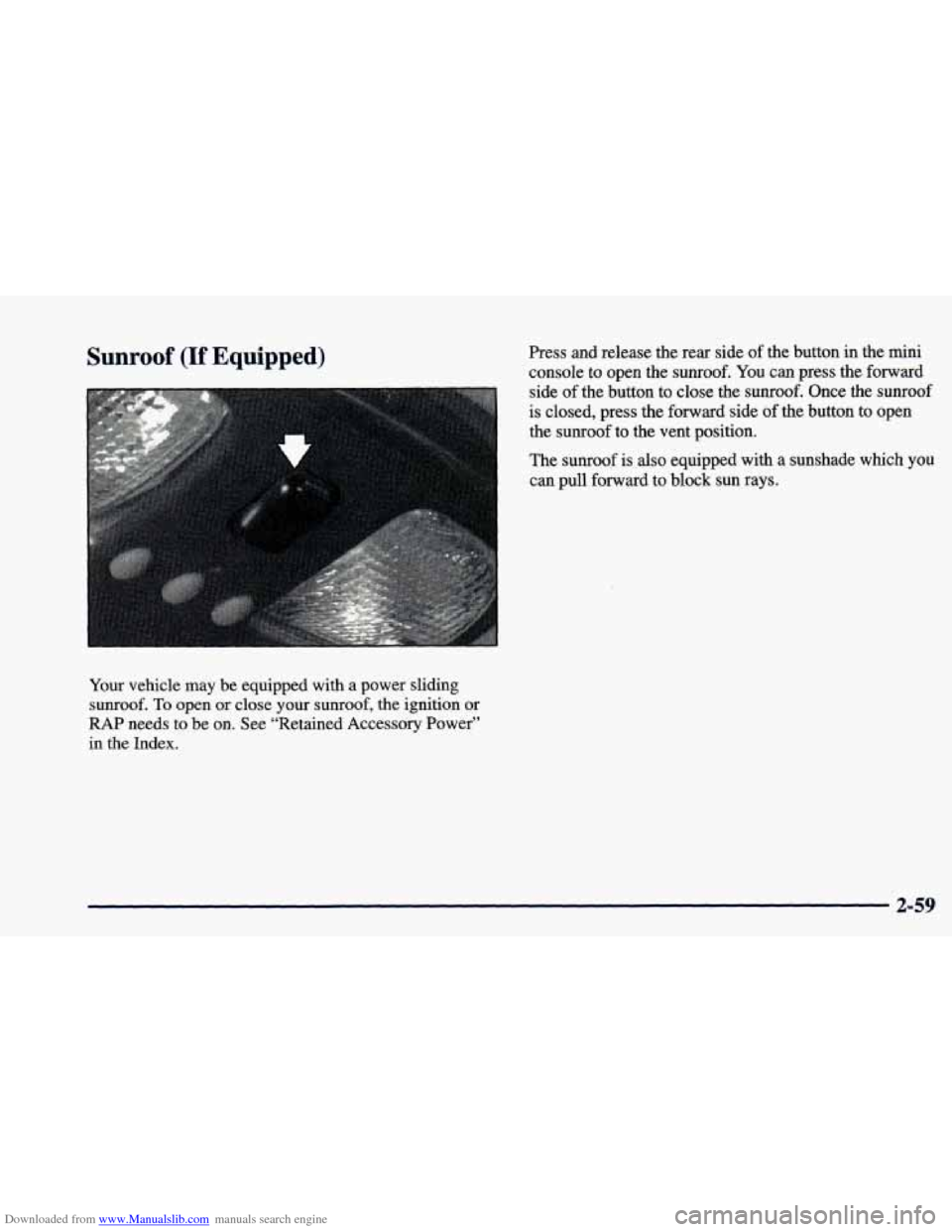
Your vehicle may be equipped with a power sliding
sunroof.
To open or close your sunroof, the ignition or
RAP needs to be on. See “Retained Accessory Power”
in the Index. Press and
release
the rear side of the button in the mini
console to open the sunroof. You can press the forward
side of the button to close the
sunroof. Once the sunroof
is closed, press the forward side of the button
to open
the sunroof
to the vent position.
The sunroof is also equipped with a sunshade
which you
can pull forward to block sun rays.
2-59
Page 146 of 416
Downloaded from www.Manualslib.com manuals search engine Anti-Lock Brake System Warning Light
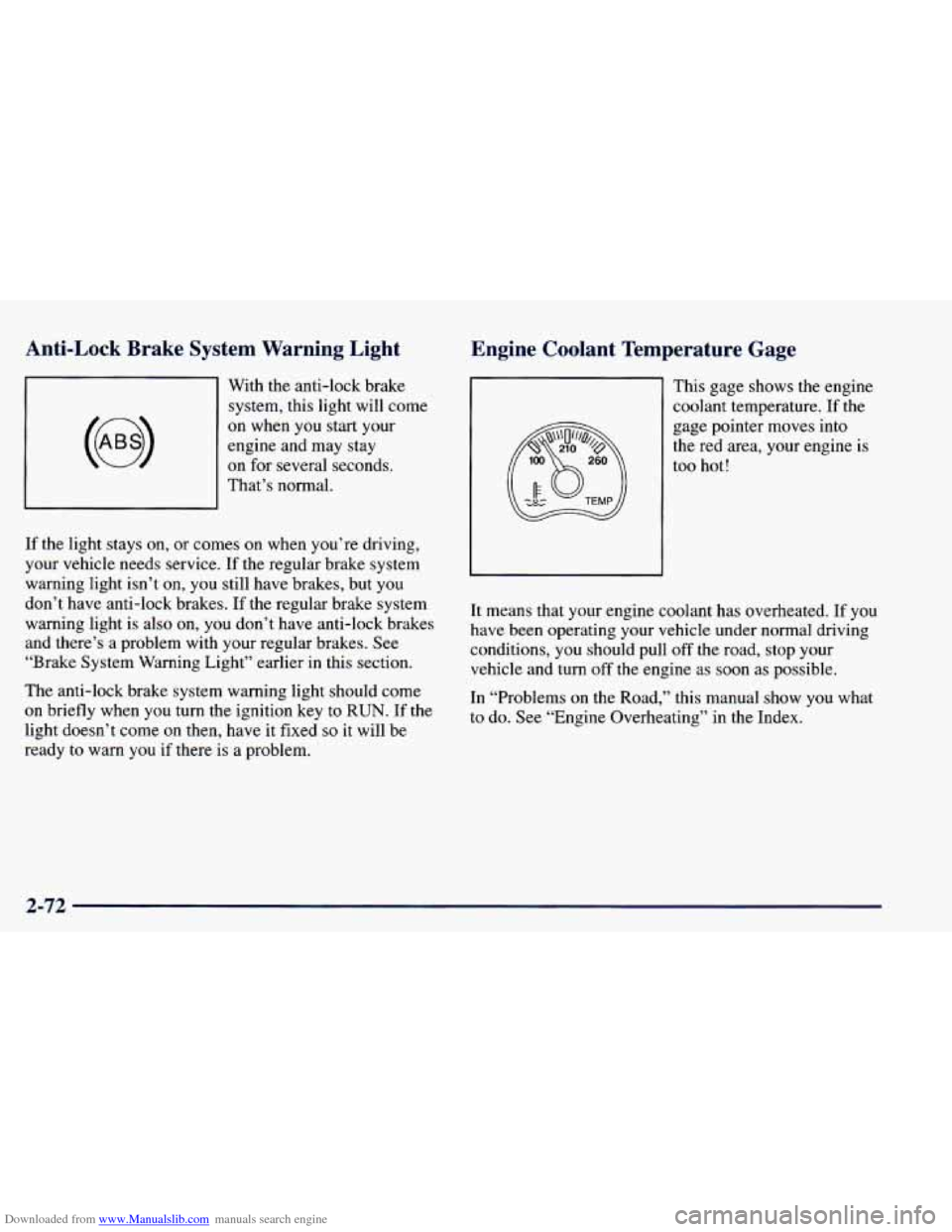
With the anti-lock brake system, this light will come
on when you start your
engine and may stay
on for several seconds.
That’s normal.
If the light stays
on, or comes on when you’re driving,
your vehicle needs service. If the regular brake system
warning light isn’t on,
you still have brakes, but you
don’t have anti-lock brakes. If the regular brake system
warning light is also on, you don’t have anti-lock brakes
and there’s a problem with your regular brakes.
See
“Brake System Warning Light” earlier in this section.
The anti-lock brake system warning light should come
on briefly when you turn the ignition key to RUN. If the
light doesn’t come on then, have it fixed
so it will be
ready to warn
you if there is a problem.
Engine Coolant Temperature Gage
This gage shows the engine
coolant temperature. If the
gage pointer moves into
the red area, your engine
is
too hot!
It means that your engine coolant has overheated. If
you
have been operating your vehicle under normal driving
conditions,
you should pull off the road, stop your
vehicle and turn off the engine as soon as possible.
In “Problems
on the Road,” this manual show you what
to do. See “Engine Overheating’’ in the Index.
2-72
Page 150 of 416
Downloaded from www.Manualslib.com manuals search engine A reading in the low pressure zone may be caused by a
dangerously low oil level or other problems causing low
oil pressure.
Don’t keep driving
if the oil pressure is low. If
you do, your engine can become so hot that it
catches fire.
You or others could be burned.
Check your oil
as soon as possible and have your
vehicle serviced.
I NOTICE:
Security Warning Light
Damage to your engine from neglected oil
problems can be costly and is not covered by
your warranty.
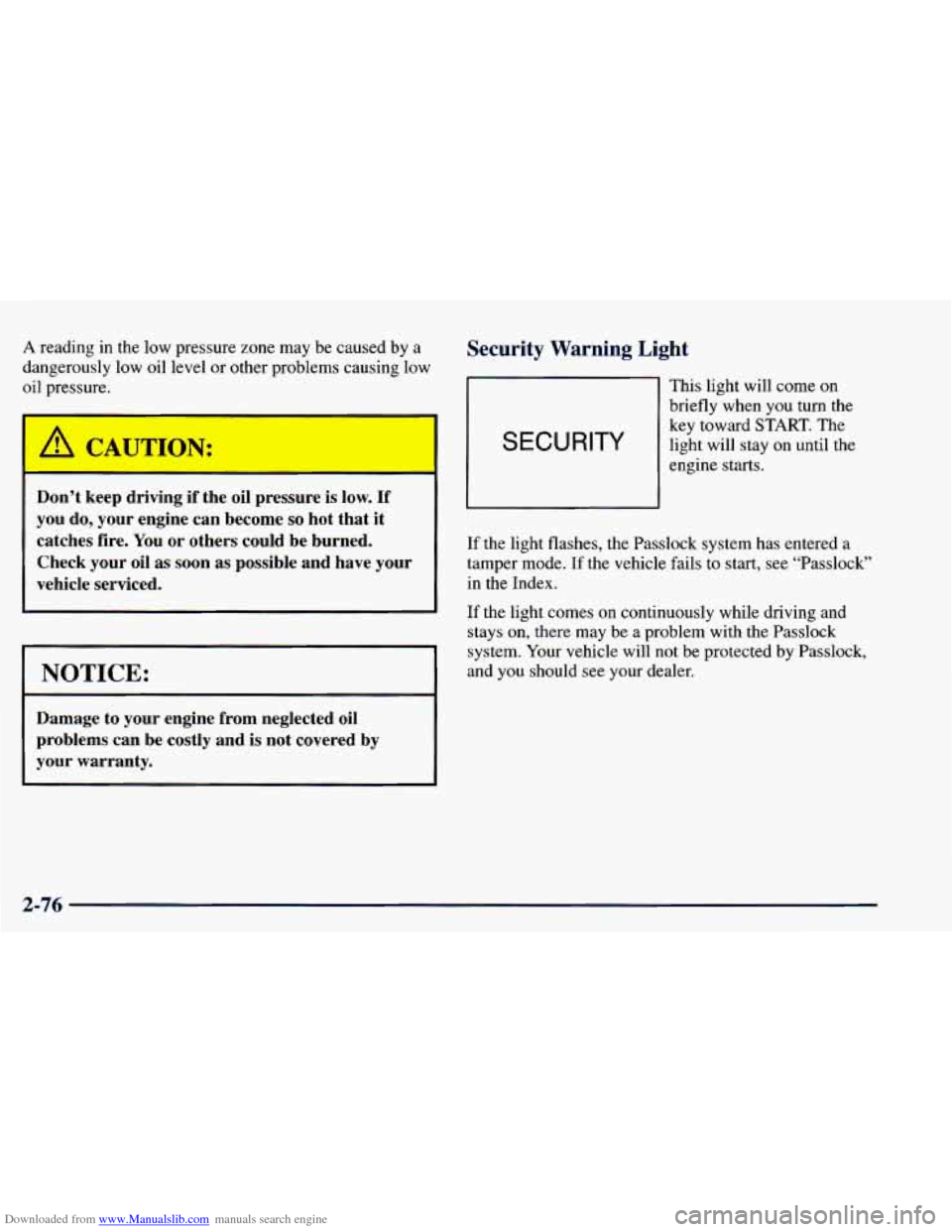
SECURITY
This light will come on
briefly when
you turn the
key toward START. The
light will stay
on until the
engine starts.
If the light flashes, the Passlock
system has entered a
tamper mode. If the vehicle fails
to start, see “Passlock”
in the Index.
If the light comes on continuously while driving and
stays
on, there may be a problem with the Passlock
system. Your vehicle will not be protected bv Passlock,
and you should see your dealer.
2-76
Page 153 of 416
Downloaded from www.Manualslib.com manuals search engine Section 3 Cornfo-t Controls and Audio Systems
In this section, you’ll find out how to operate the comfort control and audio systems offered with your vehicle. Be
sure to read about the particular systems supplied with your vehicle.
3-2 3-2
3-3
3-7
3-7 3-7
3-8
3- 10
3- 10
3-10
3- 10
3-12 Comfort Controls
Standard Climate Control System
Electronic Climate Control (If Equipped)
Air Conditioning
Heating
Ventilation System
Defogging and Defrosting
Audio Systems
Setting the Clock for Systems without
Automatic Tone Control
Setting the Clock
for Systems with Automatic
Tone Control
AM-FM Stereo
AM-FM Stereo with Cassette Tape Player
(If Equipped) 3-15
3-20
3-24
3-26
3-28 3-28
3
-29
3-30
3-30
3-30 AM-FM
Stereo with Cassette Tape and
Automatic Tone Control (If Equipped)
AM-FM Stereo with Compact Disc Player and
Automatic Tone Control (If Equipped)
Remote Cassette Tape Player (If Equipped)
Theft-Deterrent Feature (If Equipped)
Understanding Radio Reception
Tips About Your Audio System
Care of Your Cassette Tape Player
Care of Your Compact Discs
Care of Your Compact Disc Player
Fixed Mast Antenna
Page 162 of 416
Downloaded from www.Manualslib.com manuals search engine Audio Systems
Your Delco Electronics audio system has been designed
to operate easily and give years
of listening pleasure.
You will get the most enjoyment out of it if you acquaint
yourself with it first. Find out what your Delco
Electronics system can do and how to operate all its
controls, to be sure you’re getting the most out
of the
advanced engineering that went into it.
Setting the Clock for Systems without
Automatic Tone
Control
Press SET. Within five seconds, press and hold the
SEEK right arrow until the correct minute appears on
the display. Press and hold the
SEEK left arrow until the
correct hour appears on the display.
Setting the Clock for Systems with
Automatic Tone Control
Press and hold HR until the correct hour appears on the
display. Press and hold
MN until the correct minute
appears
on the display. To display the clock with the
ignition off, press
RECALL or HR/MN and the time
will be displayed for a few seconds. There is an initial
two-second delay before the clock goes into the time-set mode.
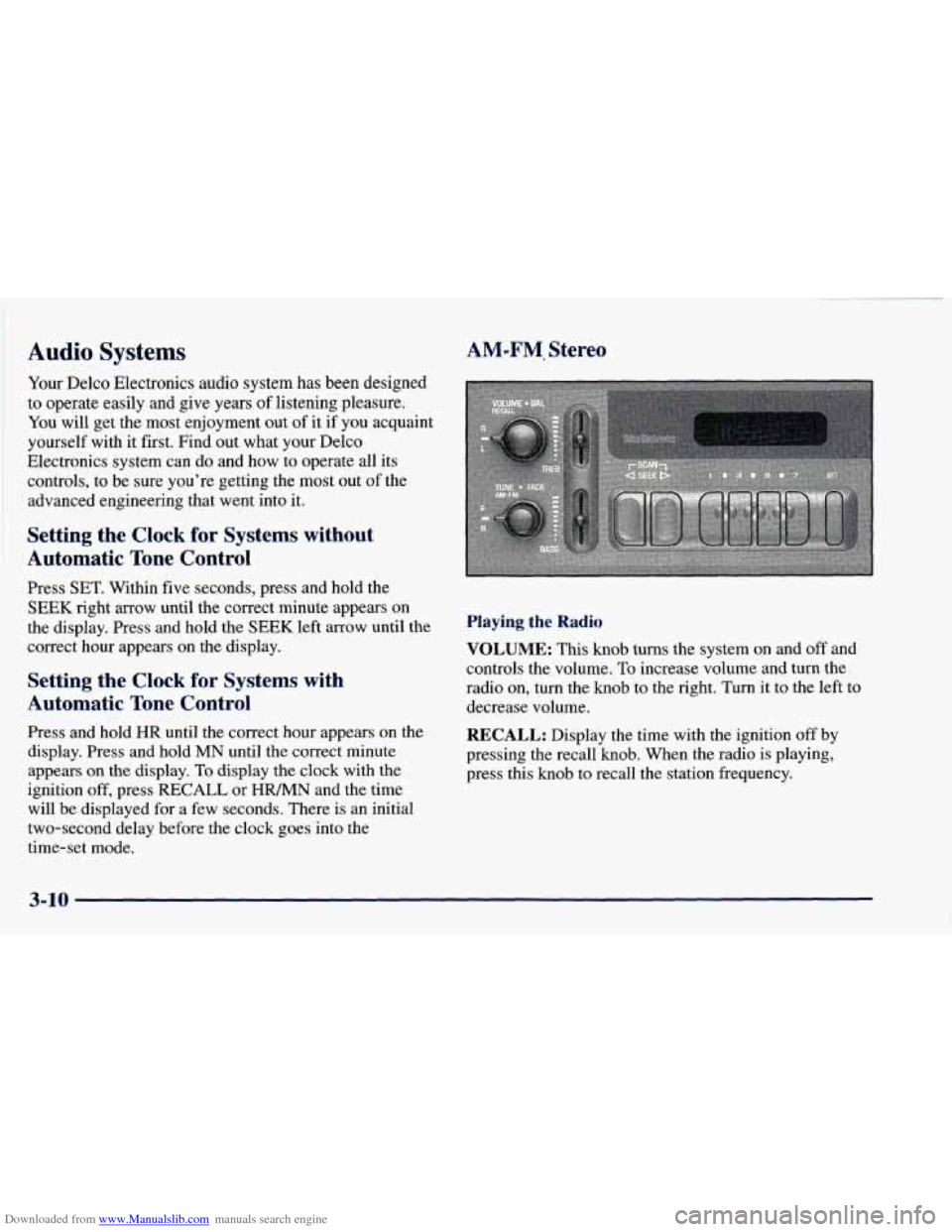
AM-FM. Stereo
Playing the Radio
VOLUME: This knob turns the system on and off and
controls the volume.
To increase volume and turn the
radio on, turn the knob to the right.
Turn it to the left to
decrease volume.
RECALL: Display the time with the ignition off by
pressing the recall knob. When the radio is playing,
press this knob
to recall the station frequency.
3-10
Page 178 of 416
Downloaded from www.Manualslib.com manuals search engine Theft-Deterrent Feature (If Equipped)
THEFTLOCK@ is designed to discourage theft of your
radio. It works by using a secret code to disable all radio
functions whenever battery power is removed. Your
audio system is equipped with THEFTLOCK if
THEFTLOCK is displayed
on the front of the radio.
The THEFTLOCK feature for the radio may be used or
ignored. If ignored, the system plays normally and the
radio is not protected by the feature. If THEFTLOCK is
activated, your radio will not operate if stolen.
When THEFTLOCK is activated, the radio will display
LOC
to indicate a locked condition anytime battery
power has been interrupted. If your battery loses power
for any reason,
you must unlock the radio with the secret
code before it will operate.
Activating the Theft-Deterrent Feature
The instructions which follow explain how to enter your
secret code to activate the THEFTLOCK system. It is
recommended that
you read through all nine steps
before starting the procedure.
NOTE: If
you allow more than 15 seconds to elapse
between any steps, the radio automatically reverts to
time and you must start the procedure over at Step 4. 1.
2.
3.
4.
5.
6.
7.
8.
9.
Write down any
three or four-digit number from
000 to 1999 and keep it in a safe place separate from
the vehicle.
Turn the ignition to ACCESSORY or RUN.
Turn the radio off.
Press the 1 and
4 buttons together. Hold them down
until
--- shows on the display. Next you will use the
secret code number which
you have written down.
Press MN and
000 will appear on the display.
Press MN again to make the last two digits agree
with your code.
Press HR to make the first one or two digits agree
with your code.
Press AM-FM after
you have confirmed that the
code matches the secret code
you have written down.
The display will show REP to let
you know that you
need to repeat Steps 5 through 7 to confirm your
secret code.
Press AM-FM and this time the display will show
SEC to let you know that your radio is secure. The
indicator by the volume control will begin flashing
when the ignition is turned
off.
3-26