ignition CHEVROLET CAMARO 1996 4.G Service Manual
[x] Cancel search | Manufacturer: CHEVROLET, Model Year: 1996, Model line: CAMARO, Model: CHEVROLET CAMARO 1996 4.GPages: 402, PDF Size: 21.38 MB
Page 137 of 402
Downloaded from www.Manualslib.com manuals search engine Low Coolant Light (VI3 Engine)
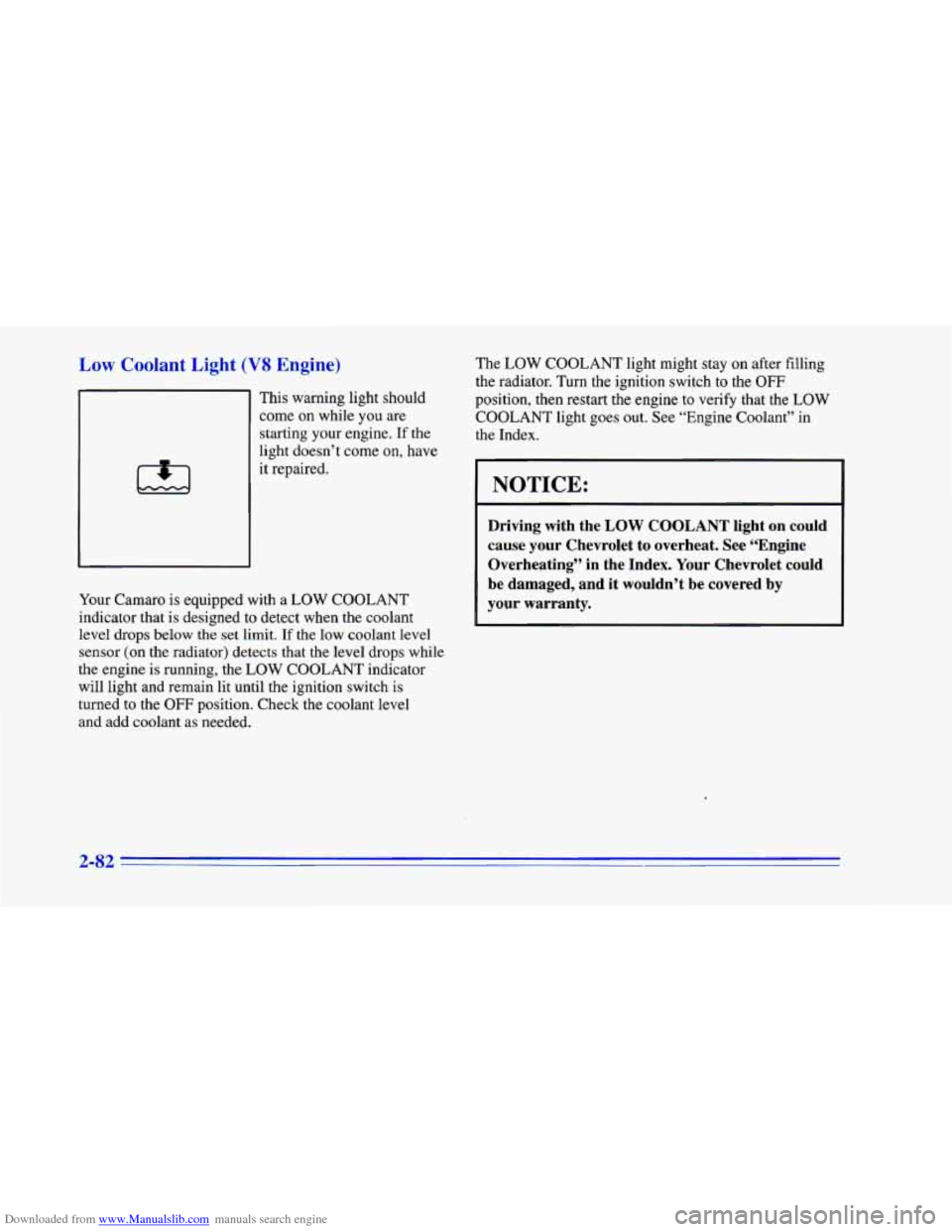
This warning light should
come on while you are
starting
your engine. If the
light doesn’t come on, have
it repaired.
Your Camaro
is equipped with a LOW COOLANT
indicator that is designed to detect when the coolant
level
drops below the set limit. If the low coolant level
sensor (on
the radiator) detects that the level drops while
the engine is running, the
LOW COOLANT indicator
will light and remain lit until the ignition switch is
turned to the
OFF position. Check the coolant level
and add coolant as needed. The
LOW COOLANT
light might stay on after filling
the radiator. Turn the ignition switch to the
OFF
position, then restart the engine to verify that the LOW
COOLANT light goes out. See “Engine Coolant” in
the Index.
1 NOTICE:
Driving with the LOW COOLANT light on could
cause your Chevrolet to overheat. See “Engine
Overheating” in the Index.
Your Chevrolet could
be damaged, and it wouldn’t be covered by
your warranty.
2-82
Page 138 of 402
Downloaded from www.Manualslib.com manuals search engine Malfunction Indicator Lamp
(Service Engine Soon
Light)
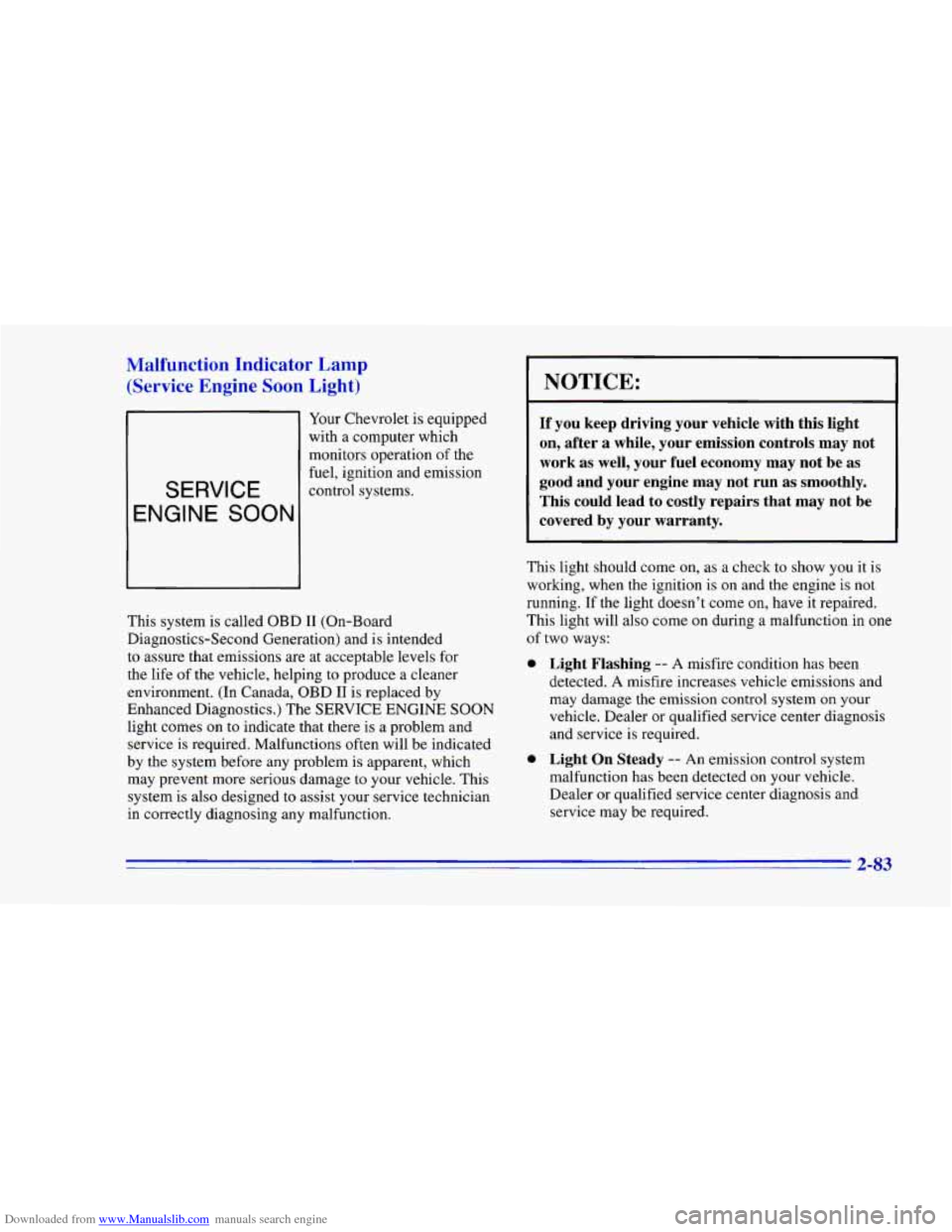
Your Chevrolet is equipped
with a computer which
monitors operation
of the
SERVICE
fuel, ignition and emission
control systems.
This system is called OBD I1 (On-Board
Diagnostics-Second Generation) and is intended
to assure that emissions are at acceptable levels for
the life of the vehicle, helping to produce a cleaner
environment. (In Canada, OBD
I1 is replaced by
Enhanced Diagnostics.) The SERVICE ENGINE SOON
light comes on to indicate that there is a problem and
service is required. Malfunctions often will be indicated
by the system before any problem is apparent, which
may prevent more serious damage to your vehicle. This
system is also designed to assist your service technician
in correctly diagnosing any malfunction.
NOTICE:
If you keep driving your vehicle with this light
on, after a while, your emission controls may not
work as well, your fuel economy may not be as
good and your engine may not run as smoothly.
This could lead to costly repairs that may not be
covered by your warranty.
This light should come on, as a check to show you it is
working, when the ignition is
on and the engine is not
running. If the light doesn’t come on, have it repaired.
This light will
also come on during a malfunction in one
of two ways:
0
0
Light Flashing -- A misfire condition has been
detected. A misfire increases vehicle emissions and
may damage the emission control system on your
vehicle. Dealer or qualified service center diagnosis
and service is required.
Light On Steady -- An emission control system
malfunction has been detected on your vehicle.
Dealer or qualified service center diagnosis and
service may be required.
2-83
Page 142 of 402
Downloaded from www.Manualslib.com manuals search engine Check Gages Light
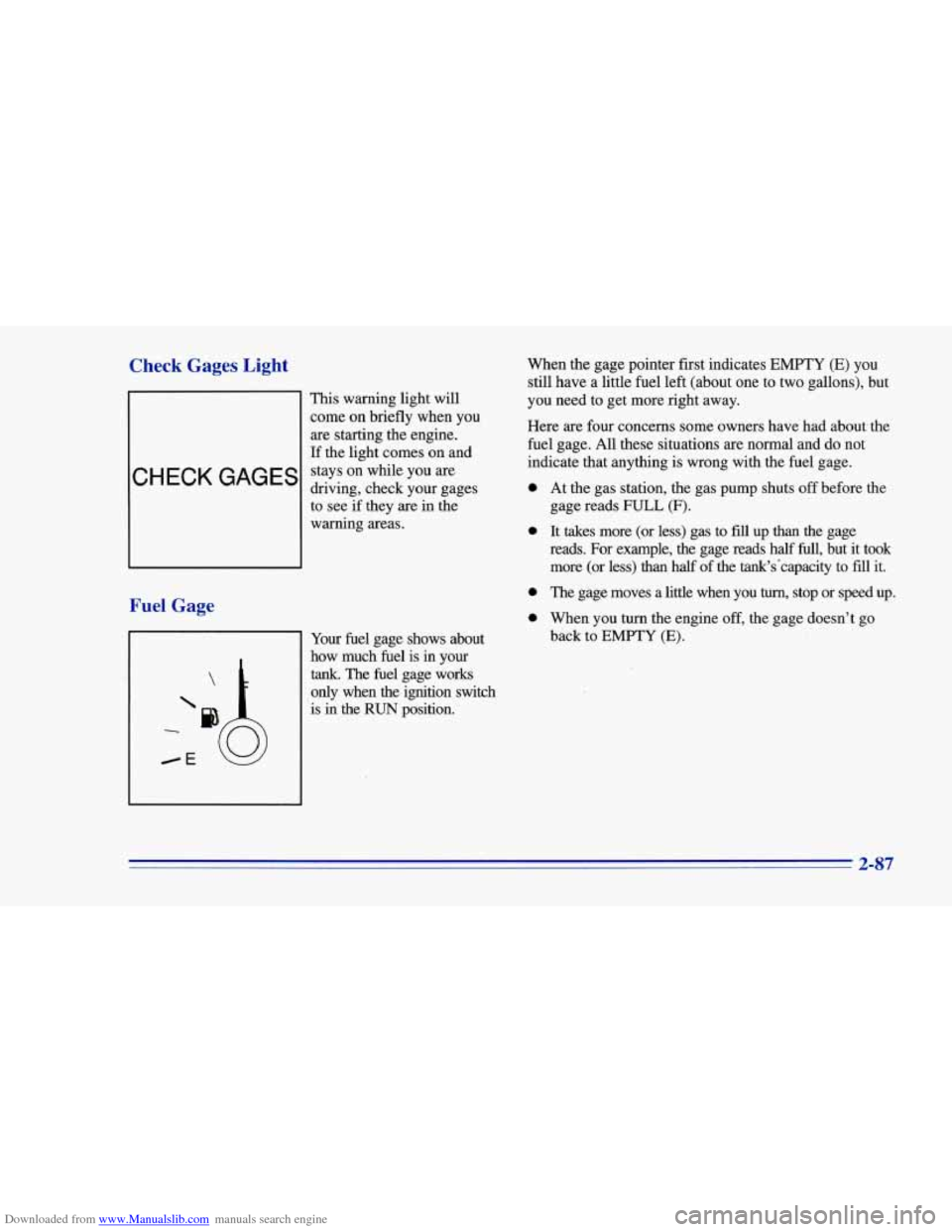
This warning light will
come on briefly when you
are starting the engine.
If the light comes on and
stays on while you are
driving, check your gages
to see if they are in the
warning areas.
Fuel Gage
When the gage pointer first indicates EMPTY (E) you
still have a little fuel left (about one to two gallons), but
you need to get more right away.
Here are four concerns some owners have had about the
fuel gage. All these situations are normal and do not
indicate that anything is wrong with the fuel gage.
0
0
0
0
Your fuel gage shows about
how much fuel is in your
tank. The fuel gage works
only when
the ignition switch
is in the
RUN position. At
the gas station, the gas pump shuts
off before me
gage reads FULL (F).
It takes more (or less) gas to fill up than the gage
reads. For example, the gage reads half
full, but it took
more (or less) than half of the tank's'capacity to
fill it.
The gage moves a little when you
turn, stop or speed up.
When you turn the engine
off, the gage doesn't go
back to
EMPTY (E).
2-87
Page 149 of 402
Downloaded from www.Manualslib.com manuals search engine Audio Systems
Your Delco@ audio system has been designed to operate
easily and give years of listening pleasure. You will get
the most enjoyment out
of it if you acquaint yourself
with it first. Find
out what your Delco system can do
and how to operate all its controls, to be sure you’re
getting the most out of the advanced engineering that
went into it.
If you have power door locks, your vehicle has a feature
called Retained Accessory Power (RAP). With RAP you
can play your audio system even after the ignition is off.
See “Retained Accessory Power” in the Index.
Setting the Clock for AM-FM Stereo with
Cassette Tape Player
Press SET. Within five seconds, press and hold the SEEK
down arrow until the correct hour appears. Press and hold
the
SEEK up arrow until the correct minute appears.
Setting the Clock for Delco-Base@ AM-FM
Stereo with Cassette Tape Player
Press SET. Within five seconds, press and hold SEEK
down arrow until the correct hour appears. Press and
hold
SEEK up arrow until the correct minute appears.
Setting the Clock for AM-FM Stereo with
Compact Disc Player
Press SET. Within five seconds, press SCAN until the
correct hour appears. Press and hold the
SEEK left or
right arrow until the correct minute appears.
3-6
Page 152 of 402
Downloaded from www.Manualslib.com manuals search engine APS: This stands for Automatic Program Search. When
you press this button, it changes the function
of the
SEEK arrow buttons.
When the APS.button is pressed, press the
SEEK arrow
that is opposite of the lit direction arrow to repeat the
current selection or skip to the previous selection. The
tape will rapidly reverse until it reaches the beginning
of
a selection. Once it finds the selection, it will change to
play mode.
Press the
SEEK arrow button that is the same as the lit
direction arrow
to skip to the next selection. The tape
will rapidly advance until it reaches the beginning
of a
selection. Once it finds the selection, it will change to
play mode.
PROG-RCL: Press the upper knob to change tape
direction when a tape is inserted.
STOP-E JECT Press this button to remove the tape or
stop playing the tape and switch to the radio.
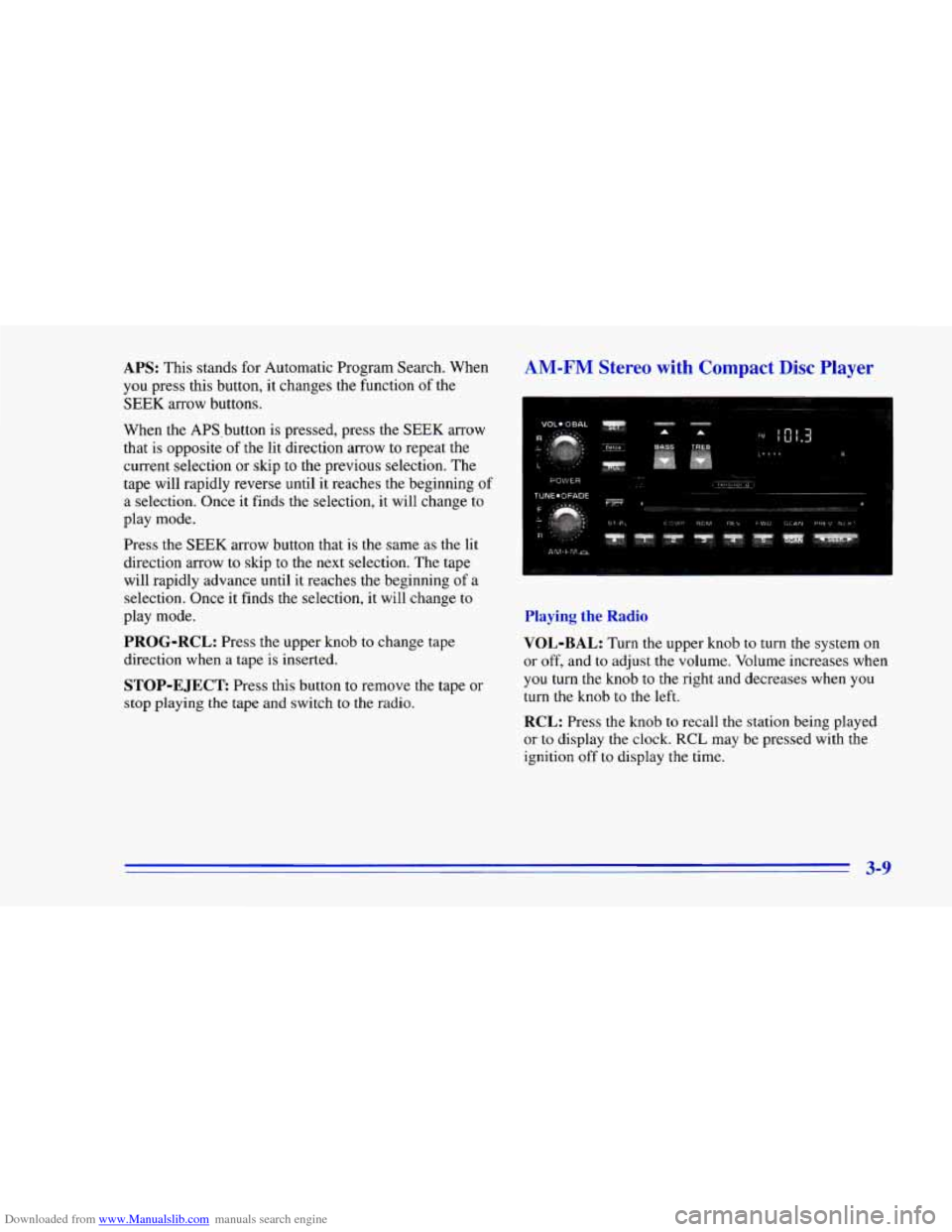
AM-FM Stereo with Compact Disc Player
Playing the Radio
VOL-BAL:
Turn the upper knob to turn the system on
or off, and
to adjust the volume. Volume increases when
you turn the knob to the right and decreases when you
turn the knob to the left.
RCL: Press the knob to recall the station being played
or to display the clock. RCL may be pressed with the
ignition off
to display the time.
3-9
Page 154 of 402
Downloaded from www.Manualslib.com manuals search engine If you’re driving on a very rough road or if it’s very hot,
the disc may not play and ERR (error) may appear on
the display. Press RECALL to take ERR off the display.
When things get back to normal, the disc should play.
If
the disc comes out, it could be that:
0 The disc is upside down.
0 It is dirty, scratched or wet.
0 It is very humid. (If so, wait about an hour and
RCL: Press this button to see which track is playing.
Press it again within five seconds to see how long it has
been playing. The track number will also appear on the
display when you change volume or when a new track
starts playing.
try again.)
COMP: Press this button to make loud and soft
passages more nearly equal in volume. COMP will
appear on the display.
RDM: Press this button to hear the tracks in
random, rather than sequential, order. RDM will
appear on the display. Press this button again to return
to normal sequence.
REV: Press and hold this button to return to a
previously played passage rapidly. Release the button to
play the passage. The counter reading will appear on
the display.
FWD: Press and hold this button to fast forward or
advance through passages. Release the button to play
the passage.
SCAN: Press this button to listen to each track for about
10 seconds. Press RDM or SCAN to stop scanning.
PREV: Press this button to hear a track again. If you
press and hold this button or press
it more than once, the
disc will return to previous tracks.
NEXT: Press this button to hear the next track
now instead of waiting until
the current track is
finished playing.
Stopping the Disc Player
Turn the power off or turn the ignition key off. The disc
stays
in the player and will resume playing at the point
where
it stopped.
ST-PL: Press this button to stop playing the disc and
switch to the radio. Press
it again to restart the disc at
the point where it stopped.
EJCT: Press this button to eject the disc and switch to
the radio. The disc will start playing track one when you
reinsert
it.
3-11
Page 155 of 402
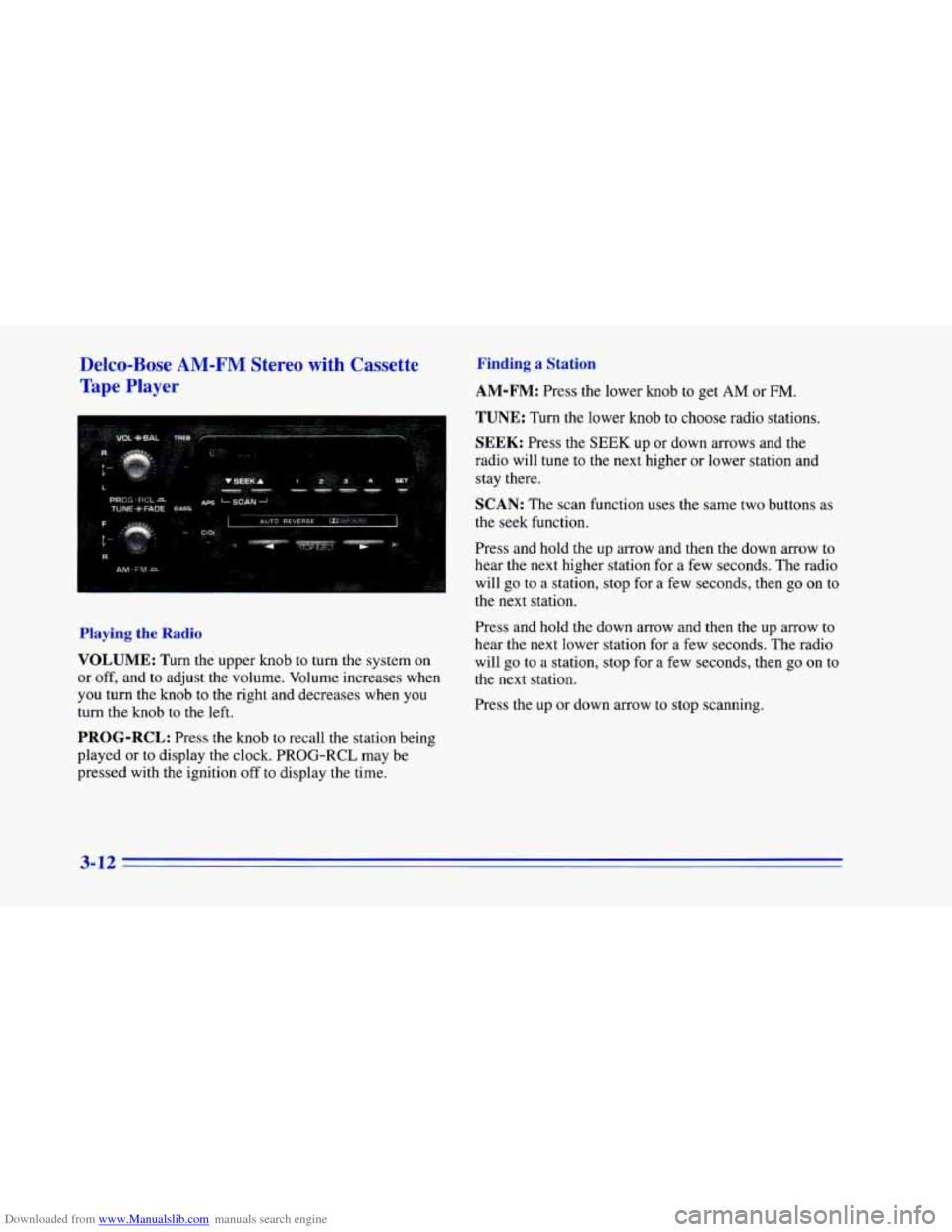
Downloaded from www.Manualslib.com manuals search engine Delco-Bose AM-FM Stereo with Cassette
Tape Player Finding a Station
AM-FM: Press the lower knob to get AM or FM.
I TUNE: Turn the lower knob to choose radio stations.
SEEK: Press the SEEK up or down arrows and the
radio will tune to the next higher or lower station and
stay there.
SCAN: The scan function uses the same two buttons as
the seek function.
Press and hold the up arrow and then the down arrow to
hear the next higher station for a few seconds. The radio
will go
to a station, stop for a few seconds, then go on to
the next station.
Playing the Radio
VOLUME: Turn the upper knob to turn the system on
or off, and to adjust the volume. Volume increases when
you turn the knob to the right and decreases when you
turn the knob
to the left,
PROG-RCL: Press the knob to recall the station being
played
or to display the clock. PROG-RCL may be
pressed with the ignition
off to display the time. Press and hold
the down arrow and then
the up arrow to
hear the
next lower station for a few seconds. The radio
will go to a station, stop for
a few seconds, then go on to
the next station.
Press the
up or down arrow to stop scanning.
3-12
Page 158 of 402
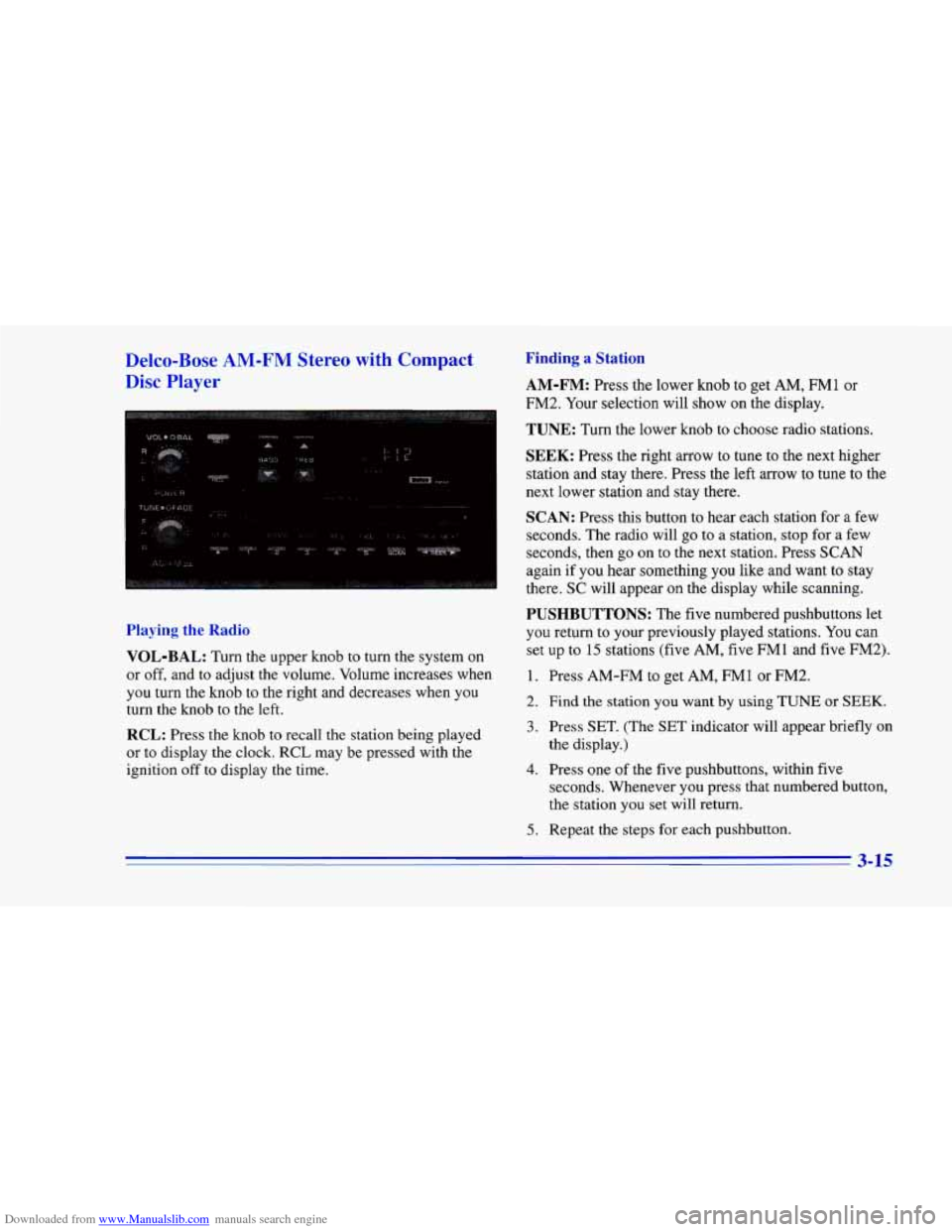
Downloaded from www.Manualslib.com manuals search engine Delco-Bose AM-FM Stereo with Compact
Disc Player
Playing the Radio
VOL-BAL:
Turn the upper knob to turn the system on
or off, and to adjust the volume. Volume increases when
you turn the knob to the right and decreases when you
turn the knob to the left.
RCL: Press the knob to recall the station being played
or to display the clock, RCL may be pressed with the
ignition off to display the time.
Finding a Station
AM-FM: Press the lower knob to get AM, r(nll1 or
FM2. Your selection will show on the display.
TUNE: Turn the lower knob to choose radio stations.
SEEK: Press the right arrow to tune to the next higher
station and stay there. Press the left arrow to tune to the
next lower station and stay there.
SCAN: Press this button to hear each station for a few
seconds. The radio will
go to a station, stop for a few
seconds, then go on to the next station. Press SCAN
again
if you hear something you like and want to stay
there.
SC will appear on the display while scanning.
PUSHBUTTONS: The five numbered pushbuttons let
you return to your previously played stations. You can
set up to 15 stations (five AM,
five FMl and five FM2).
1. Press AM-FM to get AM, FM1 or FM2.
2. Find the station you want by using TUNE or SEEK.
3. Press SET. (The SET indicator will appear briefly on
the display.)
seconds. Whenever you press that numbered button,
the station you set will return.
4. Press one of the five pushbuttons, within five
5. Repeat the steps for each pushbutton.
3-15
Page 160 of 402
Downloaded from www.Manualslib.com manuals search engine FWD: Press and hold this button to fast forward or
advance through passages. Release the button
to play
the passage.
SCAN: Press this button to listen to each track for about
10 seconds. Press RDM or SCAN to stop scanning.
PREV: Press this button to hear a track again. If you
press and hold this button or press it more than once, the
disc will return to previous tracks.
NEXT Press this button to hear the next track
now instead of waiting until the current track is
finished playing.
Stopping the Disc Player
Turn the power off or turn the ignition key off. The disc
stays in the player and will resume playing at the point
where it stopped.
ST-PL: Press this button to stop playing the disc and
switch to the radio. Press
it again to restart the disc at
the point where it stopped.
EJCT Press this button to eject the disc and switch to
the radio. The disc will start playing track one when
you
reinsert it.
Theft-Deterrent Feature
Delco-Loc II@ is a security feature for the compact disc
player. It may be used or ignored. If ignored, the system
plays normally and the radio is not protected by the
feature, If Delco-Loc
I1 is activated, your radio will not
operate if stolen.
If your vehicle loses battery power for any reason, you
must enter your secret code again before the system will
turn on.
Activating the Theft-Deterre::* Feature
The instructions which follow explain how to enter your
secret code
to activate the Delco-Loc I1 system. It is
recommended that
you read through all of the steps
before starting the procedure.
NOTE: If you allow more than 15 seconds to elapse
between
any steps, the radio automatically reverts to
time and you must start the procedure over at Step 4.
1. Write down any six-digit number and keep it in a
safe place separate from the vehicle.
2. Turn the ignition to the ACC or RUN position.
3-17
Page 161 of 402
Downloaded from www.Manualslib.com manuals search engine 3. Press the 1 and 4 buttons together. Hold them down
until
--- shows on the display. Next you will use the
secret code number which you have written down.
4. Press SET and 000 will appear on the display.
5. Press SCAN to make the first digit of your
code appear.
6. Press the SEEK right or left arrow to make the
second and third digits of your code appear.
7. Press AM-FM and 000 will appear on the display
again.
Now you are ready to enter the last three
digits of your code.
code appear.
two digits
of your code appear,
8. Press SCAN to make the fourth digit of your
9. Press the SEEK right or left arrow to make the last
10. Press AM-FM and REP will appear on the
display for five seconds, and then
000 will appear
on the display.
1 1. For verification, repeat Steps 6 through 11. If SEC
appears on the display, your audio system is
secured. If
--- shows on the display, your system is
not secured.
You must restart the entire procedure
again from
Step 4.
Unlocking the 1
Power Loss
Enter your secret code as follows; pause no more than
15 seconds between steps:
1. Turn the ignition on. (The radio should be
off. LOC
will appear
on the display.)
2. Press SET and 000 will appear on the display.
3. Press the SCAN to make the first digit of your
code appear.
4. Press the SEEK right or left arrow to make the
second and third digits
of your code appear.
5. Press AM-FM and 000 will appear on the display
again. Now you are ready to enter the last three
digits of your code.
6. Press SCAN to make the fourth digit of your
code appear.
7. Press the SEEK right or left arrow to make the last
two digits of your code appear.
8. Press AM-FM. If the time appears, the unlocking
sequence was successful. If the display shows
SEC,
the digits did not match and the unit is still secured.
If you lose or forget your code, contact your dealer.
3-18 -