ignition CHEVROLET CAMARO SS 2010 User Guide
[x] Cancel search | Manufacturer: CHEVROLET, Model Year: 2010, Model line: CAMARO SS, Model: CHEVROLET CAMARO SS 2010Pages: 372, PDF Size: 1.91 MB
Page 89 of 372
Power Outlets
The vehicle has two accessory
power outlets; one is located below
the climate control system and
the other is inside the center storage
console.
The accessory power outlets do not
work when the key is removed
from the ignition and the driver door
is opened, this helps to preserve
the battery life of the vehicle.
Certain power accessory plugs may
not be compatible to the accessory
power outlet and could result in
blown vehicle or adapter fuses.
If you experience a problem,
see your dealer/retailer for additional
information on the accessory
power plugs.Notice:Adding any electrical
equipment to the vehicle can
damage it or keep other
components from working as
they should. The repairs would
not be covered by the vehicle
warranty. Each outlet is rated to
a maximum output of 120W.
Usage of equipment exceeding
an amperage rating of 20A may
require fuse replacement. Check
with your dealer/retailer before
adding electrical equipment.
When adding electrical equipment,
be sure to follow the proper
installation instructions included
with the equipment.
Notice:Improper use of the
power outlet can cause damage
not covered by the warranty.
Do not hang any type of
accessory or accessory bracket
from the plug because the
power outlets are designed for
accessory power plugs only.
Warning Lights,
Gages, and Indicators
Warning lights come on when
there could be a problem with a
vehicle function. Some warning
lights come on briefly when
the engine is started to indicate
they are working.
Gages can indicate when there
could be a problem with a vehicle
function. Often gages and warning
lights work together to indicate
a problem with the vehicle.
When one of the warning lights
comes on and stays on while
driving, or when one of the gages
shows there may be a problem,
check the section that explains what
to do. Follow this manual’s advice.
Waiting to do repairs can be
costly and even dangerous.
Instruments and Controls 4-9
Page 91 of 372
Speedometer
The speedometer shows the
vehicle’s speed in both kilometers
per hour (km/h) and miles per
hour (mph).
Odometer
The odometer shows how far the
vehicle has been driven, in
either kilometers or miles.
This vehicle has a tamper-resistant
odometer. If the vehicle needs a
new odometer installed, the new
one is set to the mileage of the old
odometer. If this is not possible, it is
set at zero and a label is put on the
driver’s door to show the old mileage
reading.
Trip Odometer
The trip odometer shows how far the
vehicle has been driven since the trip
odometer was last set to zero.
Set the odometer using the Driver
Information Center (DIC).To set the trip odometer to zero,
press and hold the SET button while
the trip odometer display is showing.
Tachometer
The tachometer displays the
engine speed in revolutions per
minute (rpm).
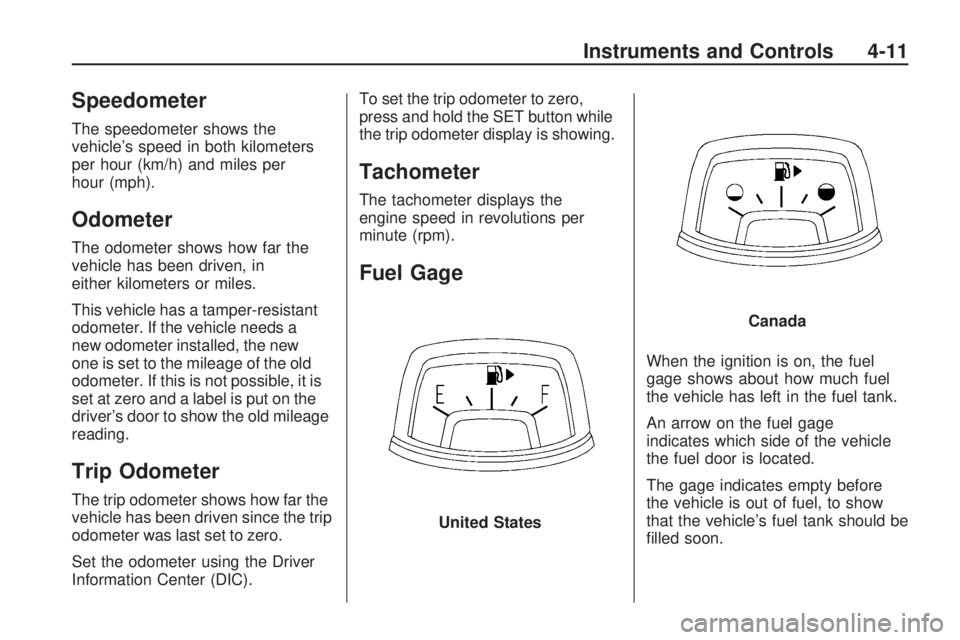
Fuel Gage
When the ignition is on, the fuel
gage shows about how much fuel
the vehicle has left in the fuel tank.
An arrow on the fuel gage
indicates which side of the vehicle
the fuel door is located.
The gage indicates empty before
the vehicle is out of fuel, to show
that the vehicle’s fuel tank should be
filled soon. United States
Canada
Instruments and Controls 4-11
Page 92 of 372
When the fuel tank is low on fuel,
a Fuel Level Low message will
appear on the Driver Information
Center (DIC). For more information
seeFuel System Messages on
page 4-33.
Here are some situations that can
occur with the fuel gage. None of
these indicate a problem with
the fuel gage.
•At the gas station, the fuel pump
shuts off before the gage
reads full.
•It takes a little more or less fuel to
fill up than the fuel gage indicated.
For example, the gage may have
indicated the tank was half full,
but it actually took a little more or
less than half the tank’s capacity
to fill the tank.
•The pointer on the fuel gage is on
empty when the ignition is off.
Engine Oil
Pressure Gage
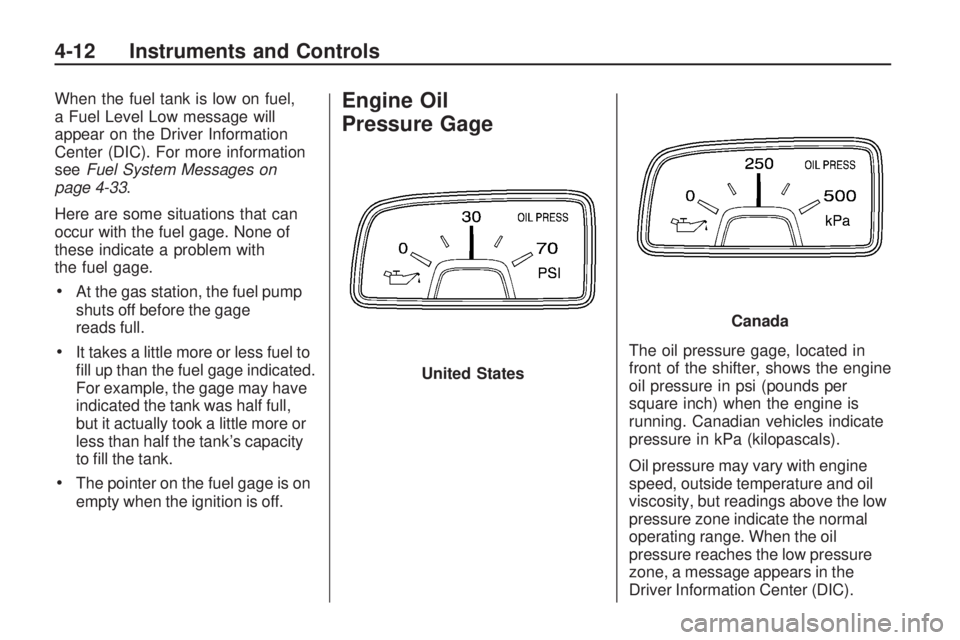
The oil pressure gage, located in
front of the shifter, shows the engine
oil pressure in psi (pounds per
square inch) when the engine is
running. Canadian vehicles indicate
pressure in kPa (kilopascals).
Oil pressure may vary with engine
speed, outside temperature and oil
viscosity, but readings above the low
pressure zone indicate the normal
operating range. When the oil
pressure reaches the low pressure
zone, a message appears in the
Driver Information Center (DIC). United States
Canada
4-12 Instruments and Controls
Page 95 of 372

This gage, located in front of the
shifter, shows the transmission
oil temperature when the ignition is
on. If the gage is reading in the
red area and/or a message appears
in the DIC, the vehicle must be
stopped and the cause checked.
One possible cause is a low level in
the transmission.For information on the DIC
messages seeTransmission
Messages on page 4-36.
Notice:If the vehicle is driven
with the transmission temperature
gage above the normal operating
range, the transmission can be
damaged. This could lead to
costly repairs that would not be
covered by the vehicle warranty.
Do not drive the vehicle while the
transmission temperature gage
reading is above normal. See your
dealer/retailer for service.
Voltmeter Gage
This gage, located in front of the
shifter, shows the battery’s state of
charge in DC volts.
When the engine is running, but the
ignition is on, this gage shows
the condition of the charging system.
The vehicle’s charging system
regulates voltage based on the state
of charge of the battery. It is normal
for the voltmeter to fluctuate. Canada
United States Version Shown,
Canada Similar
Instruments and Controls 4-15
Page 99 of 372
Charging System Light
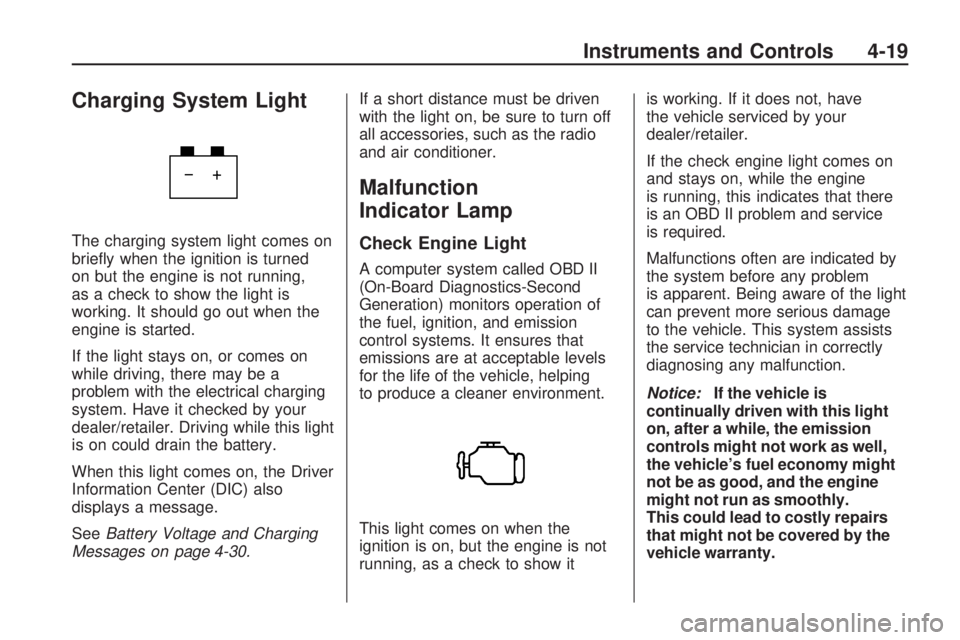
The charging system light comes on
briefly when the ignition is turned
on but the engine is not running,
as a check to show the light is
working. It should go out when the
engine is started.
If the light stays on, or comes on
while driving, there may be a
problem with the electrical charging
system. Have it checked by your
dealer/retailer. Driving while this light
is on could drain the battery.
When this light comes on, the Driver
Information Center (DIC) also
displays a message.
SeeBattery Voltage and Charging
Messages on page 4-30.If a short distance must be driven
with the light on, be sure to turn off
all accessories, such as the radio
and air conditioner.
Malfunction
Indicator Lamp
Check Engine Light
A computer system called OBD II
(On-Board Diagnostics-Second
Generation) monitors operation of
the fuel, ignition, and emission
control systems. It ensures that
emissions are at acceptable levels
for the life of the vehicle, helping
to produce a cleaner environment.
This light comes on when the
ignition is on, but the engine is not
running, as a check to show itis working. If it does not, have
the vehicle serviced by your
dealer/retailer.
If the check engine light comes on
and stays on, while the engine
is running, this indicates that there
is an OBD II problem and service
is required.
Malfunctions often are indicated by
the system before any problem
is apparent. Being aware of the light
can prevent more serious damage
to the vehicle. This system assists
the service technician in correctly
diagnosing any malfunction.
Notice:If the vehicle is
continually driven with this light
on, after a while, the emission
controls might not work as well,
the vehicle’s fuel economy might
not be as good, and the engine
might not run as smoothly.
This could lead to costly repairs
that might not be covered by the
vehicle warranty.
Instruments and Controls 4-19
Page 102 of 372
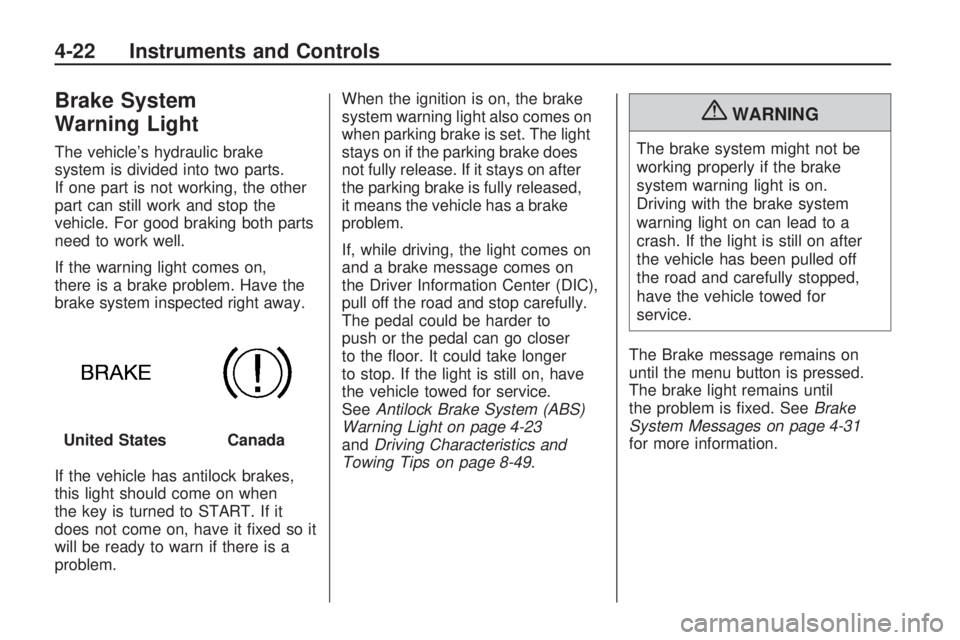
Brake System
Warning Light
The vehicle’s hydraulic brake
system is divided into two parts.
If one part is not working, the other
part can still work and stop the
vehicle. For good braking both parts
need to work well.
If the warning light comes on,
there is a brake problem. Have the
brake system inspected right away.
If the vehicle has antilock brakes,
this light should come on when
the key is turned to START. If it
does not come on, have it fixed so it
will be ready to warn if there is a
problem.When the ignition is on, the brake
system warning light also comes on
when parking brake is set. The light
stays on if the parking brake does
not fully release. If it stays on after
the parking brake is fully released,
it means the vehicle has a brake
problem.
If, while driving, the light comes on
and a brake message comes on
the Driver Information Center (DIC),
pull off the road and stop carefully.
The pedal could be harder to
push or the pedal can go closer
to the floor. It could take longer
to stop. If the light is still on, have
the vehicle towed for service.
SeeAntilock Brake System (ABS)
Warning Light on page 4-23
andDriving Characteristics and
Towing Tips on page 8-49.
{WARNING
The brake system might not be
working properly if the brake
system warning light is on.
Driving with the brake system
warning light on can lead to a
crash. If the light is still on after
the vehicle has been pulled off
the road and carefully stopped,
have the vehicle towed for
service.
The Brake message remains on
until the menu button is pressed.
The brake light remains until
the problem is fixed. SeeBrake
System Messages on page 4-31
for more information. United States
Canada
4-22 Instruments and Controls
Page 103 of 372
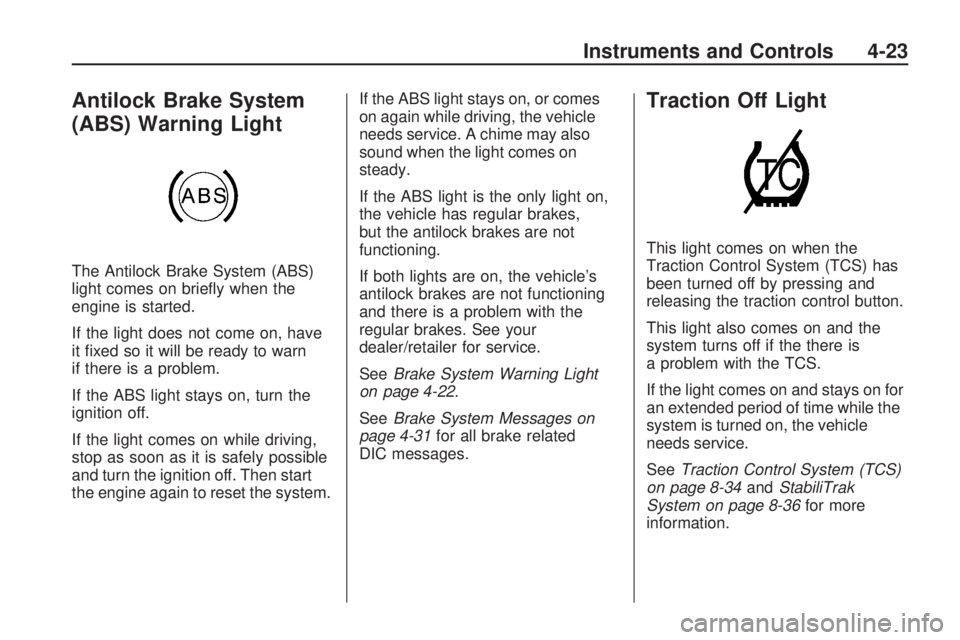
Antilock Brake System
(ABS) Warning Light
The Antilock Brake System (ABS)
light comes on briefly when the
engine is started.
If the light does not come on, have
it fixed so it will be ready to warn
if there is a problem.
If the ABS light stays on, turn the
ignition off.
If the light comes on while driving,
stop as soon as it is safely possible
and turn the ignition off. Then start
the engine again to reset the system.If the ABS light stays on, or comes
on again while driving, the vehicle
needs service. A chime may also
sound when the light comes on
steady.
If the ABS light is the only light on,
the vehicle has regular brakes,
but the antilock brakes are not
functioning.
If both lights are on, the vehicle’s
antilock brakes are not functioning
and there is a problem with the
regular brakes. See your
dealer/retailer for service.
SeeBrake System Warning Light
on page 4-22.
SeeBrake System Messages on
page 4-31for all brake related
DIC messages.
Traction Off Light
This light comes on when the
Traction Control System (TCS) has
been turned off by pressing and
releasing the traction control button.
This light also comes on and the
system turns off if the there is
a problem with the TCS.
If the light comes on and stays on for
an extended period of time while the
system is turned on, the vehicle
needs service.
SeeTraction Control System (TCS)
on page 8-34andStabiliTrak
System on page 8-36for more
information.
Instruments and Controls 4-23
Page 105 of 372
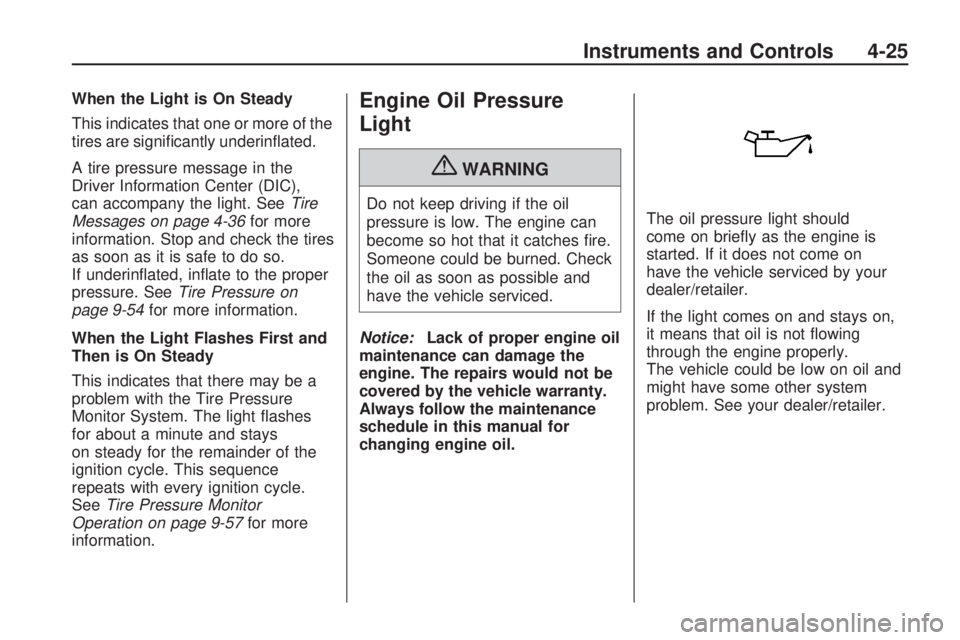
When the Light is On Steady
This indicates that one or more of the
tires are significantly underinflated.
A tire pressure message in the
Driver Information Center (DIC),
can accompany the light. SeeTire
Messages on page 4-36for more
information. Stop and check the tires
as soon as it is safe to do so.
If underinflated, inflate to the proper
pressure. SeeTire Pressure on
page 9-54for more information.
When the Light Flashes First and
Then is On Steady
This indicates that there may be a
problem with the Tire Pressure
Monitor System. The light flashes
for about a minute and stays
on steady for the remainder of the
ignition cycle. This sequence
repeats with every ignition cycle.
SeeTire Pressure Monitor
Operation on page 9-57for more
information.Engine Oil Pressure
Light
{WARNING
Do not keep driving if the oil
pressure is low. The engine can
become so hot that it catches fire.
Someone could be burned. Check
the oil as soon as possible and
have the vehicle serviced.
Notice:Lack of proper engine oil
maintenance can damage the
engine. The repairs would not be
covered by the vehicle warranty.
Always follow the maintenance
schedule in this manual for
changing engine oil.The oil pressure light should
come on briefly as the engine is
started. If it does not come on
have the vehicle serviced by your
dealer/retailer.
If the light comes on and stays on,
it means that oil is not flowing
through the engine properly.
The vehicle could be low on oil and
might have some other system
problem. See your dealer/retailer.
Instruments and Controls 4-25
Page 106 of 372

Immobilizer Light
The immobilizer light should come
on briefly as the engine is started.
If it does not come on have the
vehicle serviced by your dealer/
retailer. If the system is working
normally the indicator light will go off.
This light comes on when the
ignition is turned from OFF to ON
and stays on if the vehicle is
immobilized. This happens when an
incorrect key or an unprogrammed
key is used to start the vehicle.
If the light stays on and the engine
does not start, there could be a
problem with the theft-deterrent
system. SeeImmobilizer Operation
on page 1-11for more information.
Fog Lamp Light
The fog lamp light comes on when
the fog lamps are in use.
The light goes out when the fog
lamps are turned off. SeeFront
Fog Lamps on page 5-5for more
information.
Taillamp Indicator Light
This light comes on when the
taillamps are on.
Cruise Control Light
This light is white when the cruise
control is set and will be green when
the system is active.
The light goes out when the cruise
control is turned off. SeeCruise
Control on page 8-38for more
information.
4-26 Instruments and Controls
Page 115 of 372
Service Traction Control
This message displays when there
is a problem with the Traction
Control System (TCS). When this
message is displayed, the system
will not limit wheel spin. Adjust your
driving accordingly. See your
dealer/retailer for service.
Service StabiliTrak
This message displays if there is
a problem with the StabiliTrak®
system. If this message appears,
try to reset the system. Stop; turn off
the engine and remove the key
from the ignition; open and close the
driver door and wait for at least
one minute. During this time you
should notice the lights on the
cluster turn off. After a minute has
passed start the engine again.
If this message still comes on,
it means there is a problem.
See your dealer/retailer for service.
The vehicle is safe to drive,
however, you do not have the
benefit of StabiliTrak, so reduce
your speed and drive accordingly.
Airbag System Messages
Service Airbag
This message is displayed if there is
a problem with the airbag system.
Take the vehicle to your dealer/
retailer for service.
Safety Belt Messages
Buckle Seatbelt
This message displays as a
reminder when the safety belt is
not buckled.
Anti-Theft Alarm System
Messages
Theft Attempted
This message displays if the vehicle
detects a tamper condition.
Service Vehicle
Messages
Service AC System
This message is displayed if there is
a problem with the air conditioning
system. Take the vehicle to your
dealer/retailer for service.
Service Power Steering
This message is displayed if there is
a problem with the power steering
system. Take the vehicle to
your dealer/retailer for service.
Service Vehicle Soon
This message is displayed if
there is a problem with the vehicle.
Take the vehicle to your dealer/
retailer for service.
Instruments and Controls 4-35