instrument panel CHEVROLET CAMARO SS 2010 Owner's Manual
[x] Cancel search | Manufacturer: CHEVROLET, Model Year: 2010, Model line: CAMARO SS, Model: CHEVROLET CAMARO SS 2010Pages: 372, PDF Size: 1.91 MB
Page 135 of 372

The lever returns to its starting
position whenever it is released.
If after signaling a turn or lane
change the arrow flashes rapidly or
does not come on, a signal bulb
might be burned out.
Have the bulbs replaced. If the bulb
is not burned out, check the fuse.
SeeElectrical System Overload
on page 9-41.
Front Fog Lamps
For vehicles with front fog lamps,
the button is located on the exterior
lamp control, on the outboard
side of the steering wheel.
The ignition must be turned to
ON/RUN to turn on the fog lamps.
#:Press to turn the fog lamps
on or off. An indicator light on
the instrument panel cluster comes
on when the fog lamps are on.
The fog lamps come on together
with the parking and sidemarker
lamps.
If the high-beam headlamps are
turned on, the fog lamps will turn off.
If the high-beam headlamps are
turned off, the fog lamps will
turn back on again. For vehicles
with High Intensity Discharge (HID)
headlamps, the Daytime Running
Lamps (DRL) replace the fog lamps.
Some localities have laws that
require the headlamps to be
on along with the fog lamps.Interior Lighting
Instrument Panel
Illumination Control
This feature controls the brightness
of the instrument panel lights.
The thumbwheel is located next to
the exterior lamp control.
D(Instrument Panel Brightness):
Turn the thumbwheel up or down
to brighten or dim the instrument
panel lights.
Lighting 5-5
Page 174 of 372

Air Delivery Mode Control:
To change the current mode, select
one of the following:
F(Vent):Air is directed to the
instrument panel outlets.
*(Bi-Level):Air is directed to the
instrument panel outlets and the
floor outlets.
7(Floor):Air is directed to the
floor outlets.
W(Defog):Clears the windows of
fog or moisture. Air is directed to
the windshield and floor outlets.
0(Defrost):Clears the windshield
of fog or frost more quickly. Air is
directed to the windshield and side
window outlets.
For best results, clear all snow and
ice from the windshield before
defrosting.
Do not drive the vehicle until all the
windows are clear.
Air Conditioning
#(Air Conditioning):Press to
turn the air conditioning on or off.
An indicator light turns on. If the
fan is turned off or the outside
temperature falls below freezing,
the air conditioning will not work.
The air conditioning might
automatically come on when
0is
selected.
)(Recirculation):Press to turn on
the recirculation. An indicator light
comes on. Air is recirculated inside
the vehicle. It helps to quickly cool
the air inside the vehicle or prevent
outside air and odors from entering.
Operation in the recirculation mode
while the air conditioner is off
increases humidity and may
cause the windows to fog.
Recirculation is not available in the
defrost or defog modes.
Rear Window Defogger
<(Rear Defogger):Press to turn
the rear window defogger on or off.
The rear window defogger turns off
automatically after about 12 minutes.
It can also be turned off by turning
the ignition to ACC/ACCESSORY or
LOCK/OFF. If turned on again it runs
for about 6 minutes before turning
off. At higher vehicle speeds, the rear
defogger can stay on continuously.
Do not drive the vehicle until all the
windows are clear.
Notice:Do not use a razor blade
or sharp object to clear the inside
rear window. Do not adhere
anything to the defogger grid lines
in the rear glass. These actions
may damage the rear defogger.
Repairs would not be covered by
your warranty.
L/M(Heated Seats):Press to
turn on or off. SeeHeated Front
Seats on page 2-6.
7-2 Climate Controls
Page 175 of 372

Passenger Compartment
Air Filter
The passenger compartment air
filter removes most of the pollen
and dust from the air that enters
the vehicle. The filter will need
to be replaced periodically.
SeeScheduled Maintenance on
page 10-2.
Using the climate control system
without an air filter installed is
not recommended. Water or other
debris could enter the system
and result in leaks or noises.
Always install a new filter when
removing the old filter.
Air Vents
Use the air outlets located in the
center and on the side of the
instrument panel to direct the
airflow. Use the thumbwheels
near the center air outlets to
direct airflow to the left or right.
Operation Tips
•In defog or defrost mode, warm
air flows from the some air
outlets. To improve side window
defogging or defrosting, direct
side air outlets towards the side
windows.
•Clear away any ice, snow, or
leaves from air inlets at the
base of the windshield that
could block the flow of air into
the vehicle.
•Keep the path under the front
seats clear of objects to help
circulate the air inside of
the vehicle more effectively.
•Use of non-GM approved hood
deflectors can adversely affect
the performance of the system.
Check with your dealer/retailer
before adding equipment to
the outside of the vehicle.
Climate Controls 7-3
Page 187 of 372
WARNING (Continued)
•Fully open the air outlets on
or under the instrument panel.
•Adjust the Climate Control
system to a setting that
circulates the air inside
the vehicle and set the fan
speed to the highest setting.
See Climate Control System
in the Index.
For more information about carbon
monoxide, seeEngine Exhaust on
page 8-25.
Snow can trap exhaust gases
under your vehicle. This can cause
deadly CO (carbon monoxide) gas
to get inside. CO could overcome
you and kill you. You cannot see it
or smell it, so you might not know
it is in your vehicle. Clear away
snow from around the base of
your vehicle, especially any that
is blocking the exhaust.Run the engine for short periods
only as needed to keep warm,
but be careful.
To save fuel, run the engine for only
short periods as needed to warm the
vehicle and then shut the engine off
and close the window most of the
way to save heat. Repeat this until
help arrives but only when you feel
really uncomfortable from the cold.
Moving about to keep warm also
helps.
If it takes some time for help to
arrive, now and then when you run
the engine, push the accelerator
pedal slightly so the engine runs
faster than the idle speed. This
keeps the battery charged to restart
the vehicle and to signal for help with
the headlamps. Do this as little as
possible to save fuel.
If the Vehicle is Stuck
Slowly and cautiously spin the
wheels to free the vehicle when
stuck in sand, mud, ice, or snow.
If stuck too severely for the traction
system to free the vehicle, turn
the traction system off and use
the rocking method.
{WARNING
If you let your vehicle’s tires spin
at high speed, they can explode,
and you or others could be injured.
The vehicle can overheat, causing
an engine compartment fire or
other damage. Spin the wheels as
little as possible and avoid going
above 55 km/h (35 mph) as shown
on the speedometer.
For information about using tire
chains on the vehicle, seeTire
Chains on page 9-68.
Driving and Operating 8-11
Page 211 of 372
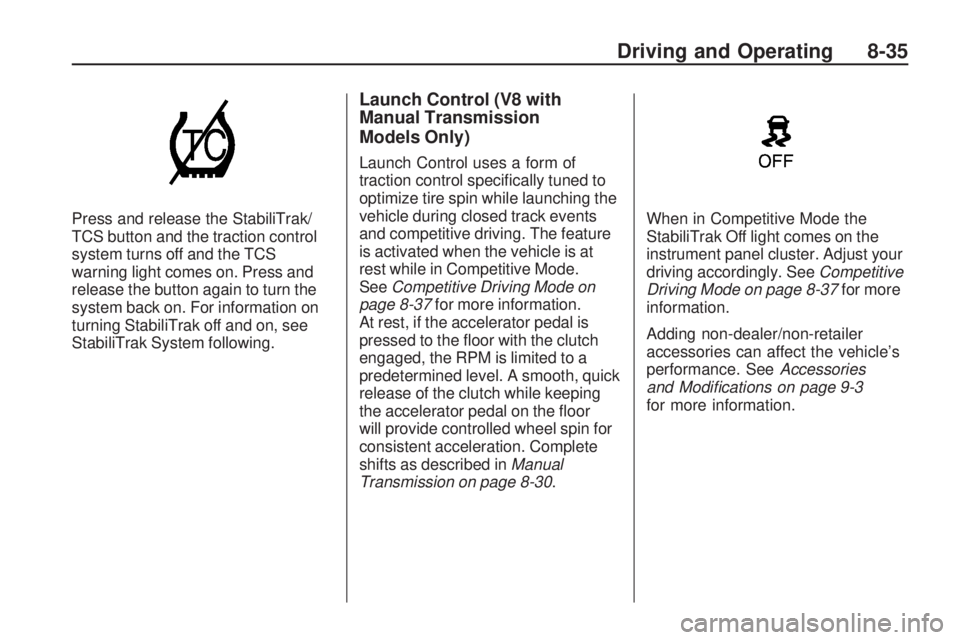
Press and release the StabiliTrak/
TCS button and the traction control
system turns off and the TCS
warning light comes on. Press and
release the button again to turn the
system back on. For information on
turning StabiliTrak off and on, see
StabiliTrak System following.
Launch Control (V8 with
Manual Transmission
Models Only)
Launch Control uses a form of
traction control specifically tuned to
optimize tire spin while launching the
vehicle during closed track events
and competitive driving. The feature
is activated when the vehicle is at
rest while in Competitive Mode.
SeeCompetitive Driving Mode on
page 8-37for more information.
At rest, if the accelerator pedal is
pressed to the floor with the clutch
engaged, the RPM is limited to a
predetermined level. A smooth, quick
release of the clutch while keeping
the accelerator pedal on the floor
will provide controlled wheel spin for
consistent acceleration. Complete
shifts as described inManual
Transmission on page 8-30.When in Competitive Mode the
StabiliTrak Off light comes on the
instrument panel cluster. Adjust your
driving accordingly. SeeCompetitive
Driving Mode on page 8-37for more
information.
Adding non-dealer/non-retailer
accessories can affect the vehicle’s
performance. SeeAccessories
and Modications on page 9-3
for more information.
Driving and Operating 8-35
Page 212 of 372
StabiliTrak System
The vehicle has an electronic
stability control system called
StabiliTrak. It is an advanced
computer controlled system that
assists with directional control of the
vehicle in difficult driving conditions.
StabiliTrak activates when the
computer senses a discrepancy
between the intended path and
the direction the vehicle is actually
traveling. StabiliTrak selectively
applies braking pressure at any
one of the vehicle’s brakes to help
steer the vehicle in the direction
which you are steering.
If cruise control is being used when
StabiliTrak activates, the cruise
control will automatically disengage.
Press the cruise control button to
reengage when road conditions
allow. SeeCruise Control on
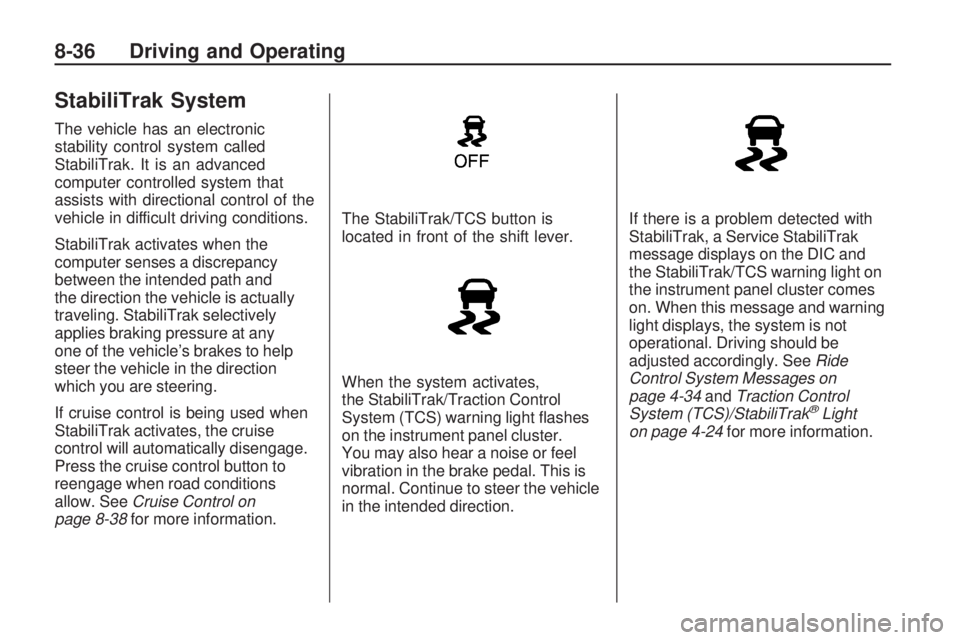
page 8-38for more information.The StabiliTrak/TCS button is
located in front of the shift lever.
When the system activates,
the StabiliTrak/Traction Control
System (TCS) warning light flashes
on the instrument panel cluster.
You may also hear a noise or feel
vibration in the brake pedal. This is
normal. Continue to steer the vehicle
in the intended direction.If there is a problem detected with
StabiliTrak, a Service StabiliTrak
message displays on the DIC and
the StabiliTrak/TCS warning light on
the instrument panel cluster comes
on. When this message and warning
light displays, the system is not
operational. Driving should be
adjusted accordingly. SeeRide
Control System Messages on
page 4-34andTraction Control
System (TCS)/StabiliTrak
®Light
on page 4-24for more information.
8-36 Driving and Operating
Page 213 of 372
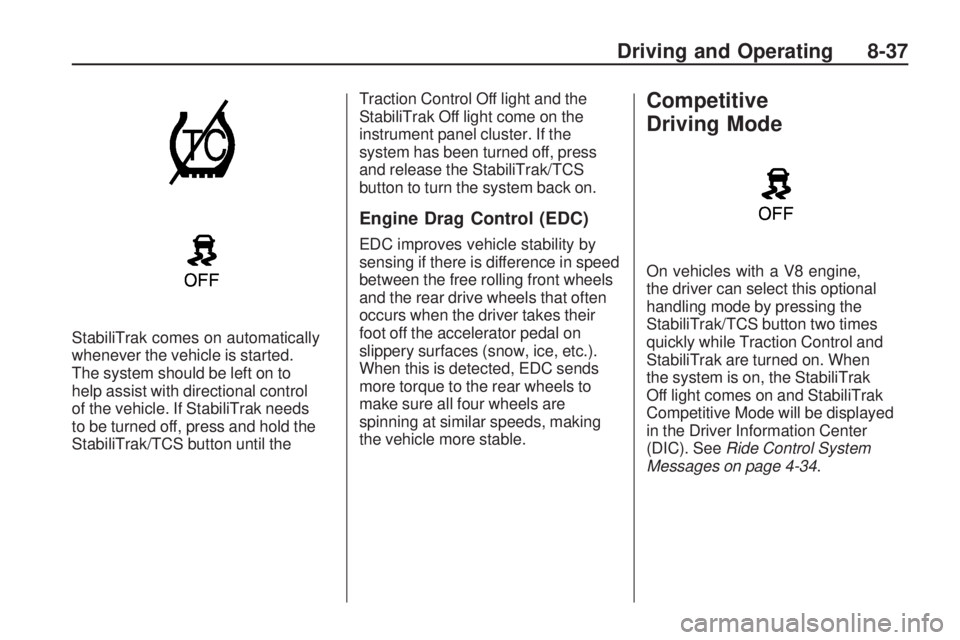
StabiliTrak comes on automatically
whenever the vehicle is started.
The system should be left on to
help assist with directional control
of the vehicle. If StabiliTrak needs
to be turned off, press and hold the
StabiliTrak/TCS button until theTraction Control Off light and the
StabiliTrak Off light come on the
instrument panel cluster. If the
system has been turned off, press
and release the StabiliTrak/TCS
button to turn the system back on.
Engine Drag Control (EDC)
EDC improves vehicle stability by
sensing if there is difference in speed
between the free rolling front wheels
and the rear drive wheels that often
occurs when the driver takes their
foot off the accelerator pedal on
slippery surfaces (snow, ice, etc.).
When this is detected, EDC sends
more torque to the rear wheels to
make sure all four wheels are
spinning at similar speeds, making
the vehicle more stable.
Competitive
Driving Mode
On vehicles with a V8 engine,
the driver can select this optional
handling mode by pressing the
StabiliTrak/TCS button two times
quickly while Traction Control and
StabiliTrak are turned on. When
the system is on, the StabiliTrak
Off light comes on and StabiliTrak
Competitive Mode will be displayed
in the Driver Information Center
(DIC). SeeRide Control System
Messages on page 4-34.
Driving and Operating 8-37
Page 215 of 372
Setting Cruise Control
{WARNING
If you leave your cruise control
on when you are not using cruise,
you might hit a button and go into
cruise when you do not want to.
You could be startled and even
lose control. Keep the cruise
control switch off until you want
to use cruise control.
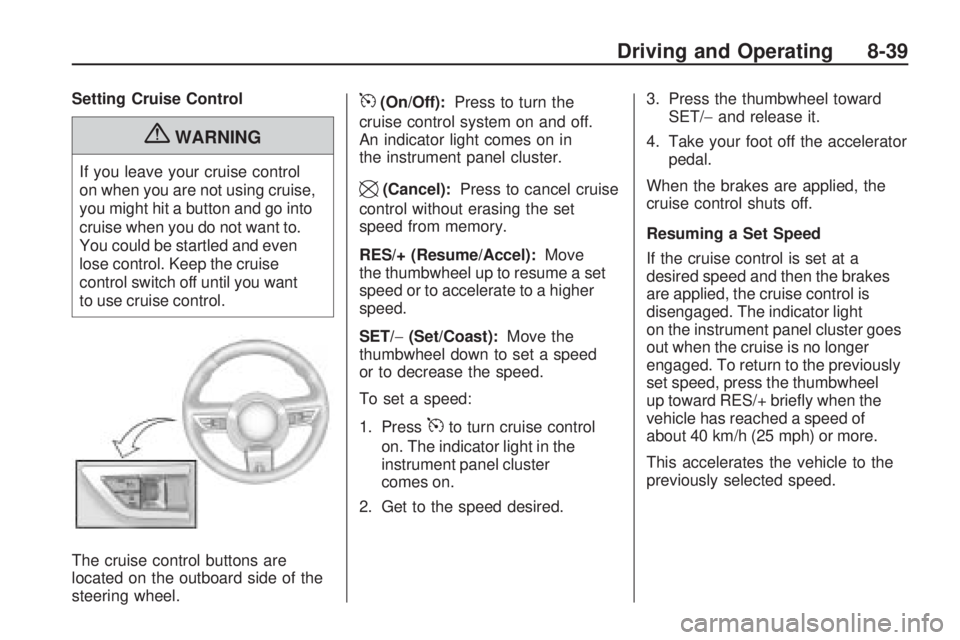
The cruise control buttons are
located on the outboard side of the
steering wheel.
5(On/Off):Press to turn the
cruise control system on and off.
An indicator light comes on in
the instrument panel cluster.
\(Cancel):Press to cancel cruise
control without erasing the set
speed from memory.
RES/+ (Resume/Accel):Move
the thumbwheel up to resume a set
speed or to accelerate to a higher
speed.
SET/−(Set/Coast):Move the
thumbwheel down to set a speed
or to decrease the speed.
To set a speed:
1. Press
5to turn cruise control
on. The indicator light in the
instrument panel cluster
comes on.
2. Get to the speed desired.3. Press the thumbwheel toward
SET/−and release it.
4. Take your foot off the accelerator
pedal.
When the brakes are applied, the
cruise control shuts off.
Resuming a Set Speed
If the cruise control is set at a
desired speed and then the brakes
are applied, the cruise control is
disengaged. The indicator light
on the instrument panel cluster goes
out when the cruise is no longer
engaged. To return to the previously
set speed, press the thumbwheel
up toward RES/+ briefly when the
vehicle has reached a speed of
about 40 km/h (25 mph) or more.
This accelerates the vehicle to the
previously selected speed.
Driving and Operating 8-39
Page 216 of 372
Increasing Speed While Using
Cruise Control
There are two ways to go to a
higher speed.
•Disengage the cruise control,
but do not turn it off.
•If the cruise control system is
already engaged, press the
thumbwheel up toward RES/+
and hold it until the vehicle
accelerates to the desired speed,
and then release the switch.
To increase the speed in small
amounts, press the thumbwheel
up toward RES/+ briefly and then
release it. Each time this is done,
the vehicle goes about 1.6 km/h
(1 mph) faster.
Reducing Speed While Using
Cruise Control
If the cruise control system is
already engaged,
•Push the thumbwheel toward
SET/−and hold until the desired
lower speed is reached, then
release it.
•To slow down in very small
amounts, push the thumbwheel
toward SET/−briefly. Each time
this is done, the vehicle goes
about 1.6 km/h (1 mph) slower.
Passing Another Vehicle While
Using Cruise Control
Use the accelerator pedal to
increase the vehicle’s speed.
When you take your foot off the
pedal, the vehicle will slow down
to the previously set cruise control
speed.
Using Cruise Control on Hills
How well the cruise control works
on hills depends upon the vehicle’s
speed, load, and the steepness of
the hills. When going up steep hills,
you might have to step on the
accelerator pedal to maintain the
vehicle’s speed. When going
downhill, you might have to brake
or shift to a lower gear to maintain
the vehicle’s speed. When the
brakes are applied the cruise
control shuts off.Ending Cruise Control
There are three ways to end the
cruise control:
•Step lightly on the brake pedal
or clutch; when cruise control
disengages, the indicator light
on the instrument panel cluster
goes out.
•Press5to turn off the cruise
control system.
•Press\to disengage the cruise
control.
Erasing Speed Memory
The cruise control set speed
memory is erased when the cruise
control or the ignition is turned off.
8-40 Driving and Operating
Page 220 of 372
The 8th digit of the Vehicle
Identification Number (VIN) shows
the code letter or number that
identifies the vehicle’s engine.
The VIN is at the top left of the
instrument panel. SeeVehicle
Identication Number (VIN) on
page 11-1.
Recommended Fuel
If the vehicle has the 3.6L V6 engine
(VIN Code V), use regular unleaded
gasoline with a posted octane rating
of 87 or higher. If the octane rating is
less than 87, you might notice an
audible knocking noise when you
drive, commonly referred to as spark
knock. If this occurs, use a gasoline
rated at 87 octane or higher as soon
as possible. If you are using gasoline
rated at 87 octane or higher and you
hear heavy knocking, the engine
needs service.
If the vehicle has the 6.2L V8 engine
(VIN Code W) or the 6.2L V8 engine
(VIN Code J), use premium unleaded
gasoline with a posted octane
rating of 91 or higher. For best
performance, use premium unleaded
gasoline with a posted octane
rating of 93. You can also use
regular unleaded gasoline rated at
87 octane or higher, but the vehicle’s
acceleration could be slightly
reduced, and you might notice aslight audible knocking noise,
commonly referred to as a spark
knock. If the octane is less than 87,
you might notice a heavy knocking
noise when you drive. If this occurs,
use a gasoline rated at 87 octane
or higher as soon as possible.
Otherwise, you could damage the
engine. If you are using gasoline
rated at 87 octane or higher and you
hear heavy knocking, the engine
needs service.
Gasoline Specications
At a minimum, gasoline
should meet ASTM specification
D 4814 in the United States or
CAN/CGSB-3.5 or 3.511 in Canada.
Some gasolines contain an
octane-enhancing additive called
methylcyclopentadienyl manganese
tricarbonyl (MMT). We recommend
against the use of gasolines
containing MMT. SeeFuel
Additives on page 8-45for
additional information.
8-44 Driving and Operating