lock CHEVROLET CAVALIER 1993 1.G User Guide
[x] Cancel search | Manufacturer: CHEVROLET, Model Year: 1993, Model line: CAVALIER, Model: CHEVROLET CAVALIER 1993 1.GPages: 308, PDF Size: 15.62 MB
Page 27 of 308
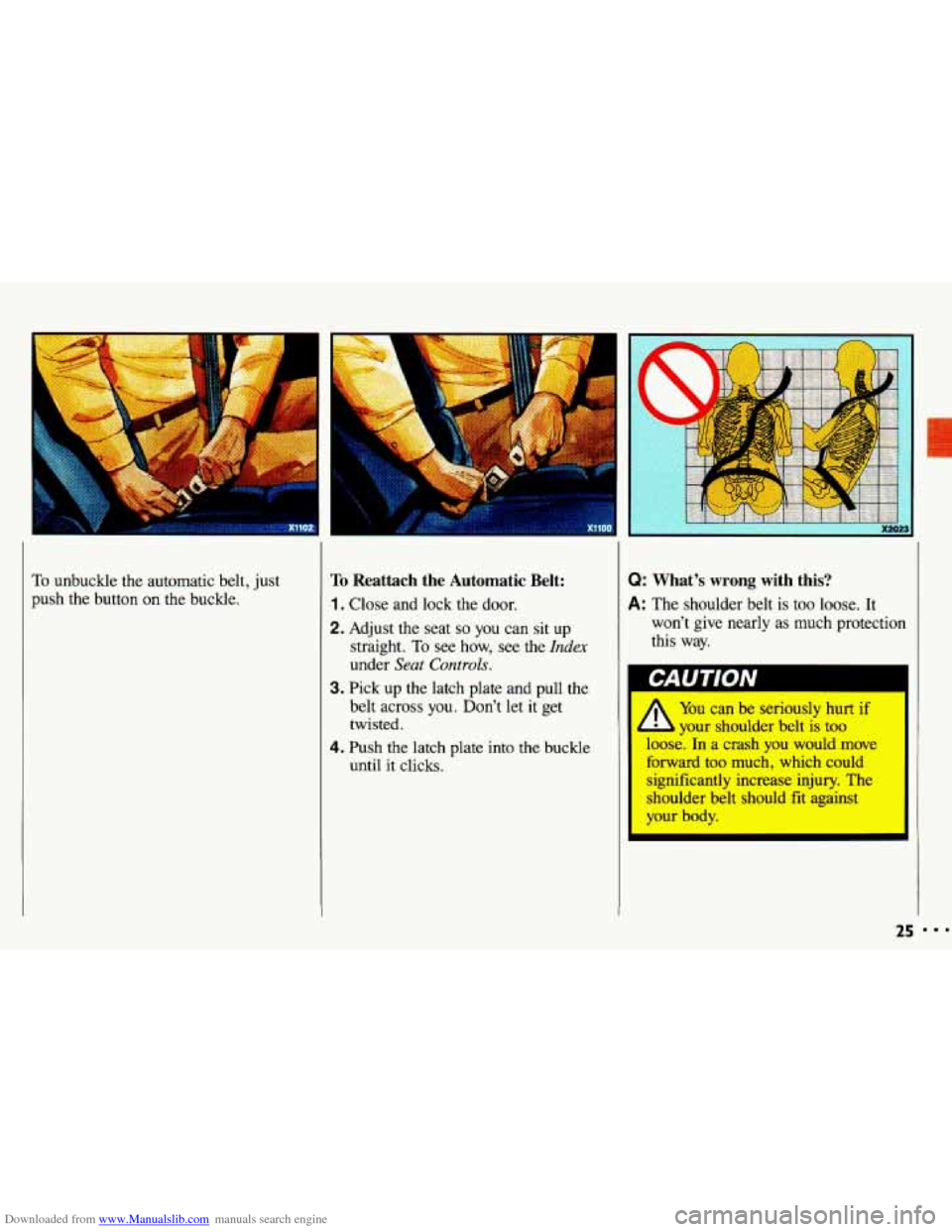
Downloaded from www.Manualslib.com manuals search engine To unbuckle the automatic belt, just
push the button
on the buckle.
To Reattach the Automatic Belt:
1. Close and lock the door.
2. Adjust the seat so you can sit up
straight. To see how, see the
Index
under Seat Controls.
3. Pick up the latch plate and pull the
belt across
you. Don’t let it get
twisted.
4. Push the latch plate into the buckle
until it clicks.
Q: What’s wrong with this?
A: The shoulder belt is too loose. It
won’t give nearly as much protection
this way.
A
You can be seriously hurt if
your shoulder belt is too
loose. In a crash
you would move
forward too much, which could
significantly increase injury. The
shoulder belt should fit against
your body.
I
25
Page 32 of 308
Downloaded from www.Manualslib.com manuals search engine ..I
Seats & Safety Belts
?ear Seat Outside Passenger
Dositions
(CONT.)
The safety belt locks if there's a sudden
'top or a crash.
CAUTION I
A
You can be seriously hurt if
your shoulder belt
is too
loose. In
a crash you would move
forward too much, which could
increase injury. The shoulder belt
should fit against
your body.
D
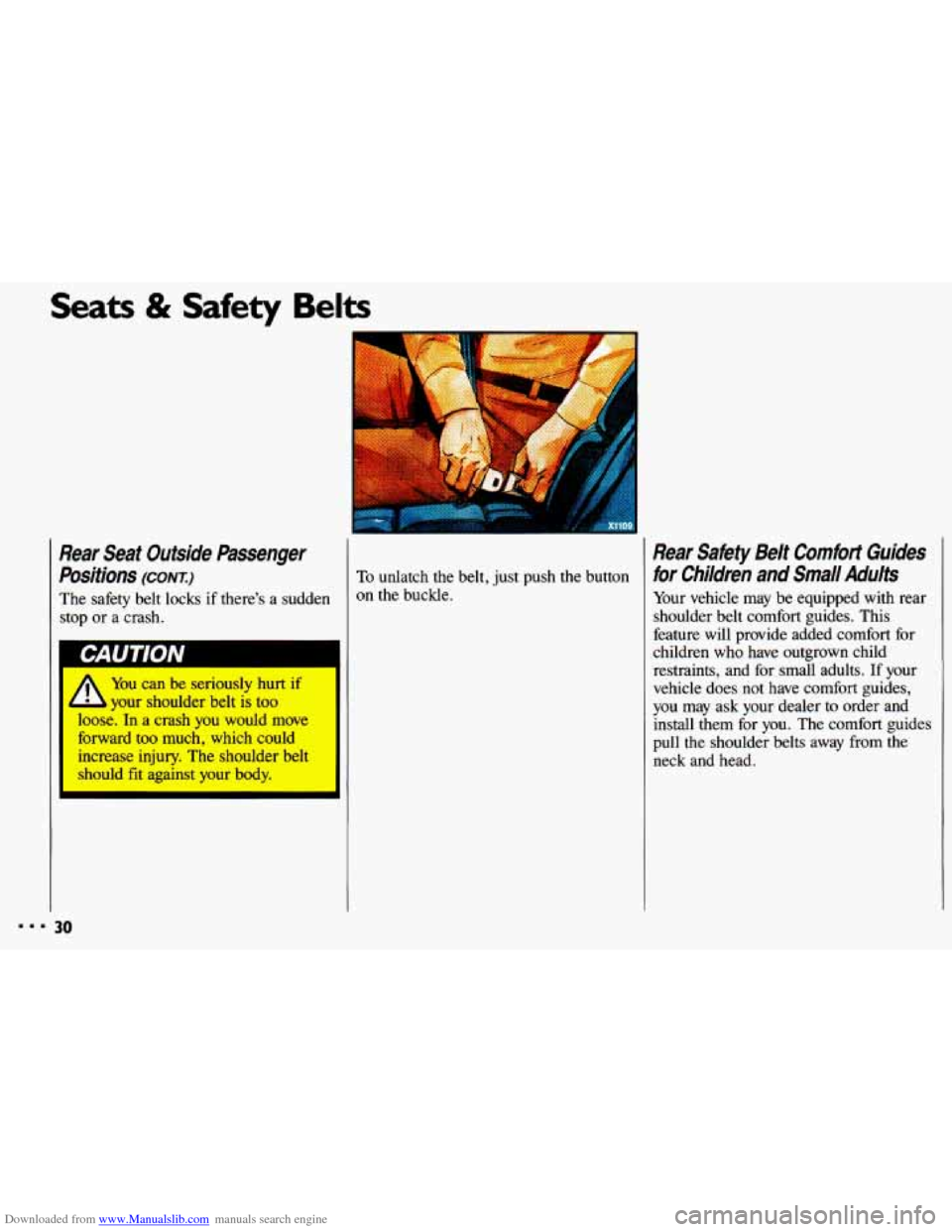
To unlatch the belt, just push the button
on the buckle.
Rear Safety Belt Comfort Guides
for Children and Small Adults
Your vehicle may be equipped with rear
shoulder belt comfort guides. This
feature will provide added comfort for
children who have outgrown child
restraints, and for small adults. If your
vehicle does not have comfort guides,
you may ask your dealer
to order and
install them for you. The comfort guides
pull the shoulder belts away from the
neck and head.
Page 49 of 308
Downloaded from www.Manualslib.com manuals search engine ..
.; . I
Here you can learn about the
many standard and optional features
on your Chevrolet. and information
on starting. shifting and braking
.
Also explained are the instrument
panel and the warning systems that
tell you
if everything is working
properly-and what to
do if you have
a problem
.
Part 2
Features & Controls
Keys ............................................................ 48
Locks ........................................................... 49
GloveBox ....................................................... 53
Ignition ......................................................... 55
StartingYourEngine ............................................... 56
Engine Block Heater ............................................... 59
Shifting the Transaxle
.............................................. 60
ParkingBrake .................................................... 66
ShiftingintoPark .................................................. 67
Windows
........................................................ 71
Turn SignaVHeadlight Beam Lever
................................... -73
Cruisecontrol
.................................................... 74
Headlights
....................................................... 78
Interior Lights
.................................................... 81
Windshield Wipers
................................................ 83
Windshield Washer
................................................ 84
Mirrors
......................................................... 85
Ashtrays and Lighter
............................................... 87
Sunroof ......................................................... 88
Instrumentpanel .................................................. 93
Warning Lights, Gages and Indicators
.................................. 96
47
c
...
Page 50 of 308
Downloaded from www.Manualslib.com manuals search engine Features & Controls
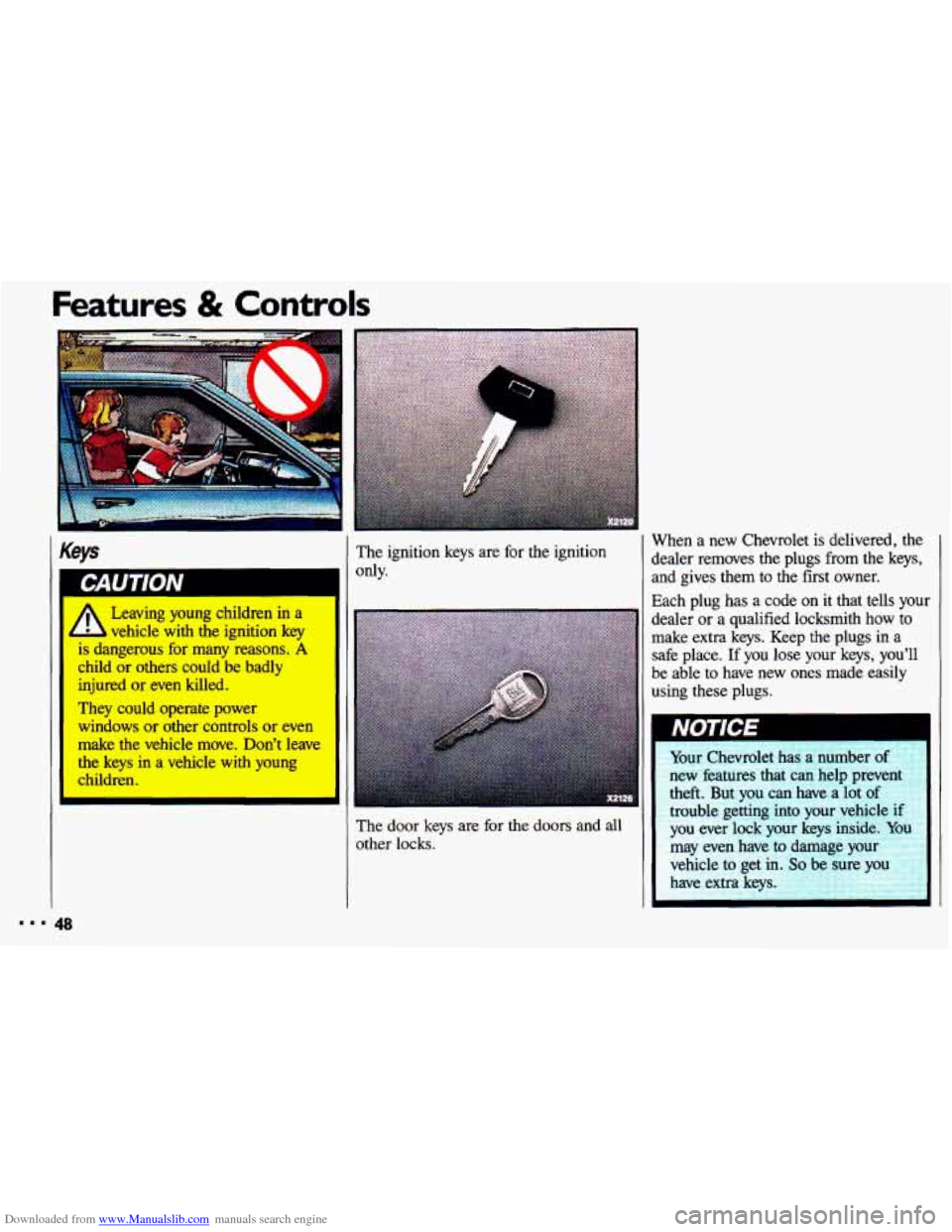
Keys
vehicle-with the ignition key
is dangerous for many reasons. A
child or others could be badly
injured or even killed.
They could operate power
windows
or other controls or even
make the vehicle move. Don’t leave
the
keys in a vehicle with young
children. The
ignition keys are for the ignition
only. When
a new Chevrolet is delivered, the
dealer removes the plugs from the keys, and gives them to the first owner.
Each plug has a code on it that tells your
dealer
or a qualified locksmith how to
make extra keys. Keep the plugs in a
safe place.
If you lose your keys, you’ll
be able
to have new ones made easily
using these
plugs.
The door keys are for the doors and all
other locks.
Page 51 of 308
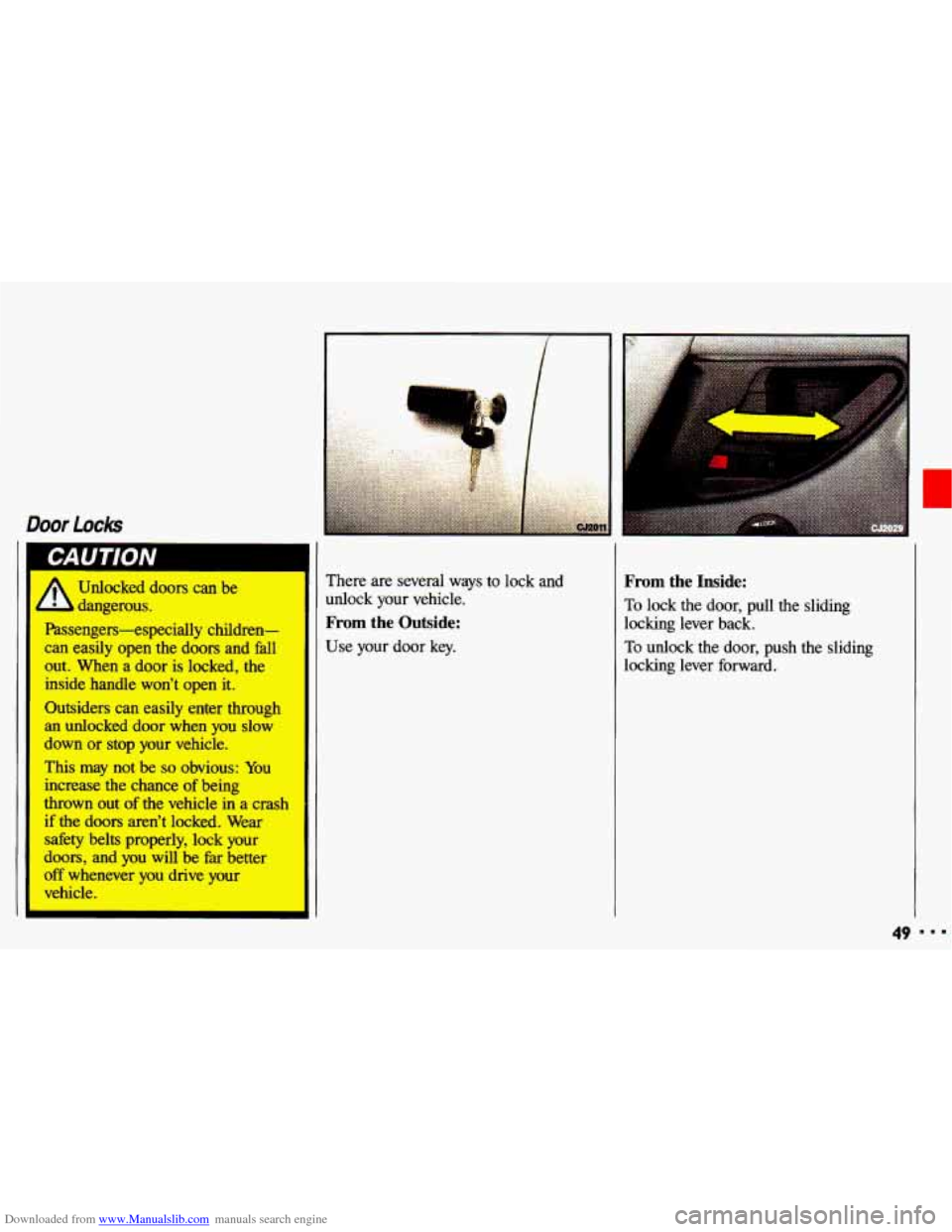
Downloaded from www.Manualslib.com manuals search engine Door Lock
A~ Unlocked doors can be
- dangerous.
Passengers-especially children-
can easily open the doors and fall
out. When
a door is locked, the
inside handle won't open it.
Outsiders can easily enter
through
an unlocked door when you slow
down or stop your vehicle.
This may not be so obvious: You
increase
the chance of being
thrown
out of the vehicle in a crash
if the doors aren't locked. Wear
dty belts properly, lock your
doors, and you will be fat better
off whenever you drive your
vehicle. There
are several ways to
lock and
unlock your vehicle.
From the Outside:
Use your door key.
From the Inside:
To lock the door, pull the sliding
locking lever back.
To unlock the door, push the sliding
locking lever forward.
49
Page 52 of 308
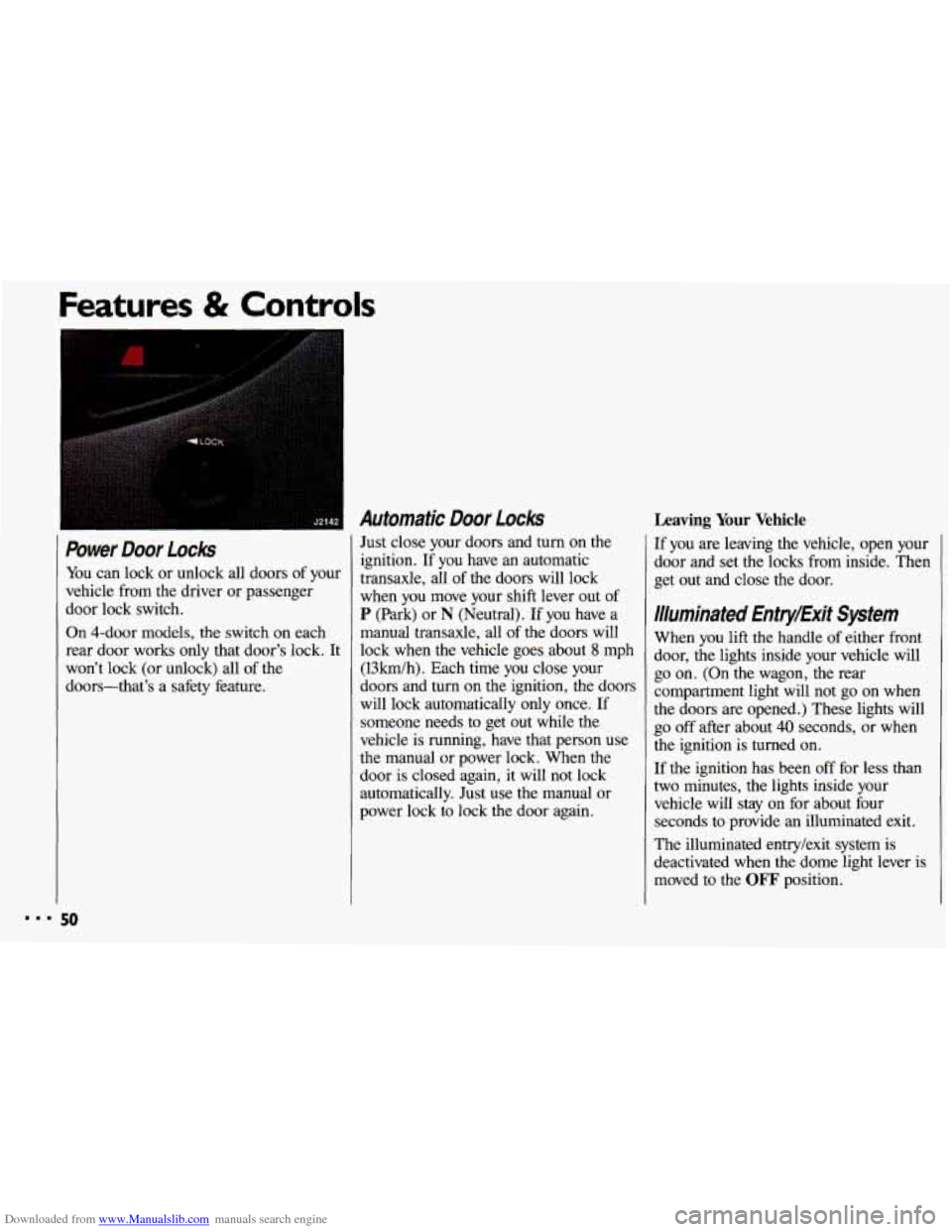
Downloaded from www.Manualslib.com manuals search engine Power Door Locks
You can lock or unlock all doors of your
vehicle from the driver or passenger
door lock switch.
On 4-door models, the switch on each rear door works only that door’s lock. It
won’t lock (or unlock) all of the
doors-that’s a safety feature.
Automatic Door Locks
Just close your doors and turn on the
ignition. If you have an automatic
transaxle, all
of the doors will lock
when you move your shift lever out of
P (Park) or N (Neutral). If you have a
manual transaxle, all of the doors will
lock when the vehicle goes about
8 mph
(13km/h). Each time you close your
doors and turn on the ignition, the doors
will lock automatically only once. If
someone needs to get out while the
vehicle is running, have that person use
the manual or power lock. When the
door
is closed again, it will not lock
automatically. Just use the manual or
power lock to lock the door again.
ures & Controls
Leaving Your Vehicle
If you are leaving the vehicle, open your
door and set the locks from inside. Then
get out and close the door.
Illuminated Entry/Exit System
When you lift the handle of either front
door, the lights inside your vehicle will
go on. (On the wagon, the rear
compartment light will not
go on when
the doors are opened.) These lights will
go off after about 40 seconds, or when
the ignition
is turned on.
If the ignition has been off for less than
two minutes, the lights inside your vehicle will stay on for about four
seconds to provide an illuminated exit.
The illuminated entry/exit system is
deactivated when the dome light lever is
moved to the
OFF position.
50
Page 53 of 308
Downloaded from www.Manualslib.com manuals search engine I
..
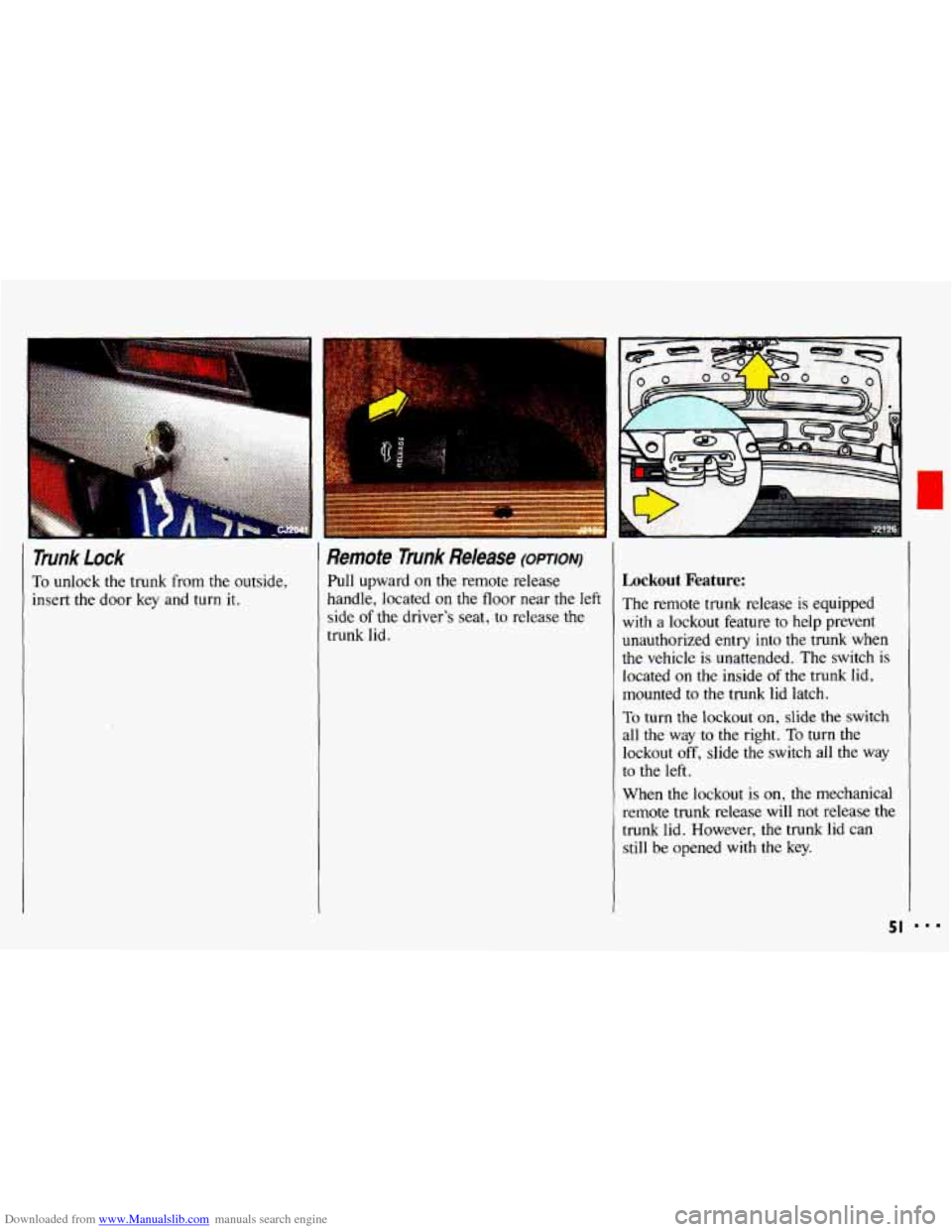
Trunk lock
To unlock the trunk from the outside,
insert the door
key and turn it.
Remote Trunk Release (OPTION)
Pull upward on the remote release
handle, located on the floor near the left
side
of the driver’s seat, to release the
trunk lid.
Lockout Feature:
The remote trunk release is equipped
with a lockout feature to help prevent
unauthorized entry into the trunk when
the vehicle is unattended. The switch
is
located on the inside of the trunk lid,
mounted
to the trunk lid latch.
To turn the lockout on, slide the switch
all the way to
the right. To turn the
lockout off, slide the switch all the way
to the
left.
When the lockout is on, the mechanical
remote trunk release will not release the
trunk lid. However, the trunk
lid can
still be opened with the key.
51
Page 54 of 308
Downloaded from www.Manualslib.com manuals search engine Features & Controls
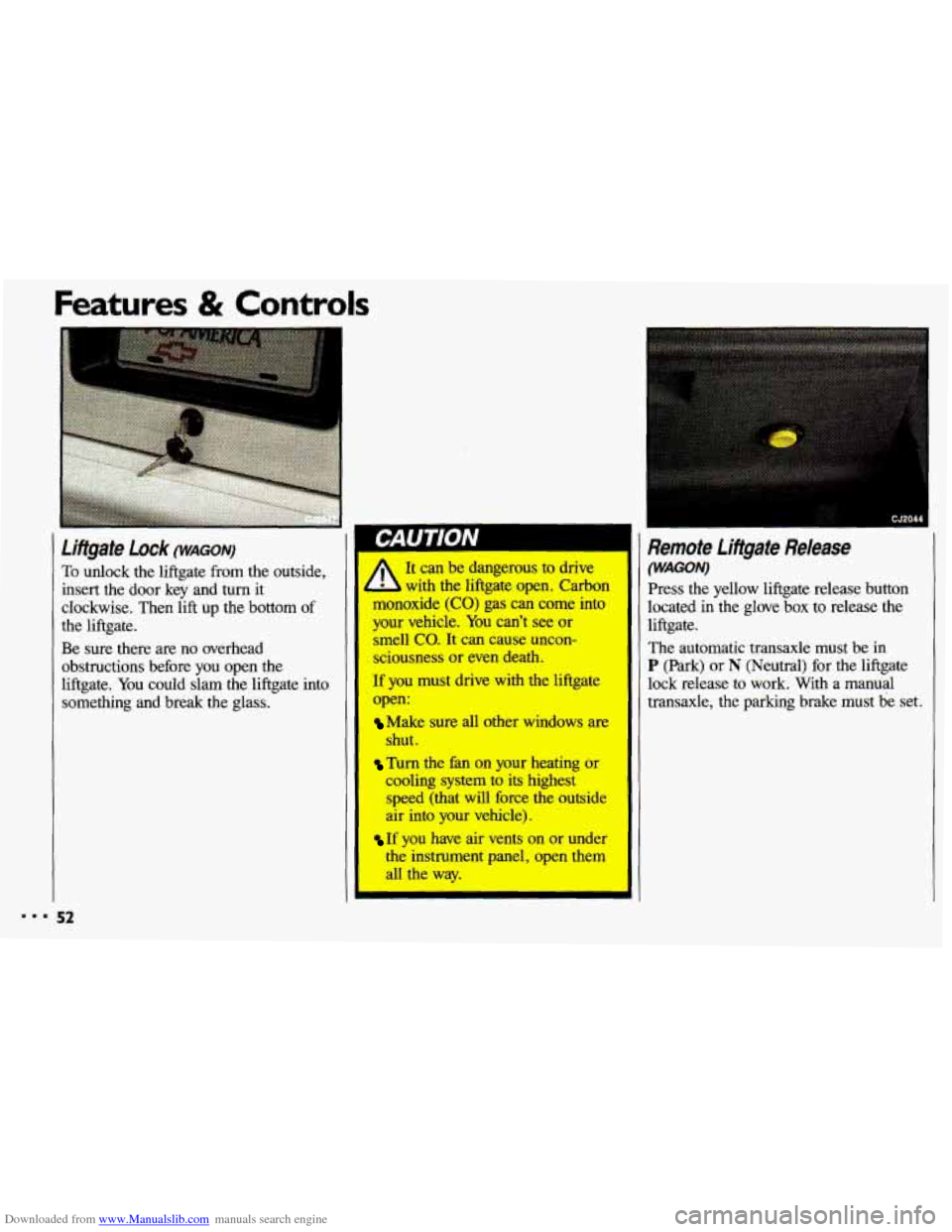
To &dock the liftgate from the outside,
insert the door key and turn it
clockwise. Then
lift up the bottom of
the liftgate.
Be sure there are no overhead
obstructions before you open the
liftgate. You could slam the liftgate into
something and break the glass.
I CJ2044
Remote Lifigate Release
(WAGON) It can be dangerous to drive
L with the liftgate open. Carbon
monoxide
(CO) gas can come into
your vehicle.
You can’t see or I smell co. It can cause uncon-
sciousness or even death.
If you must drive with the liftgate lock release to work. With a manual
open: transaxle, the parking brake must be set.
I
The automatic transaxle must be in
P (Park) or N (Neutral) for the liftgate
Make sure all other windows are
shut.
Turn the fan on your heating or
cooling system to its highest
speed (that will force the outside
air into your vehicle).
If you have air vents on or under
the instrument panel, open them
all the way. Press the
yellow liftgate release button
located in the glove box to release the
liftgate.
Page 55 of 308
Downloaded from www.Manualslib.com manuals search engine Theft
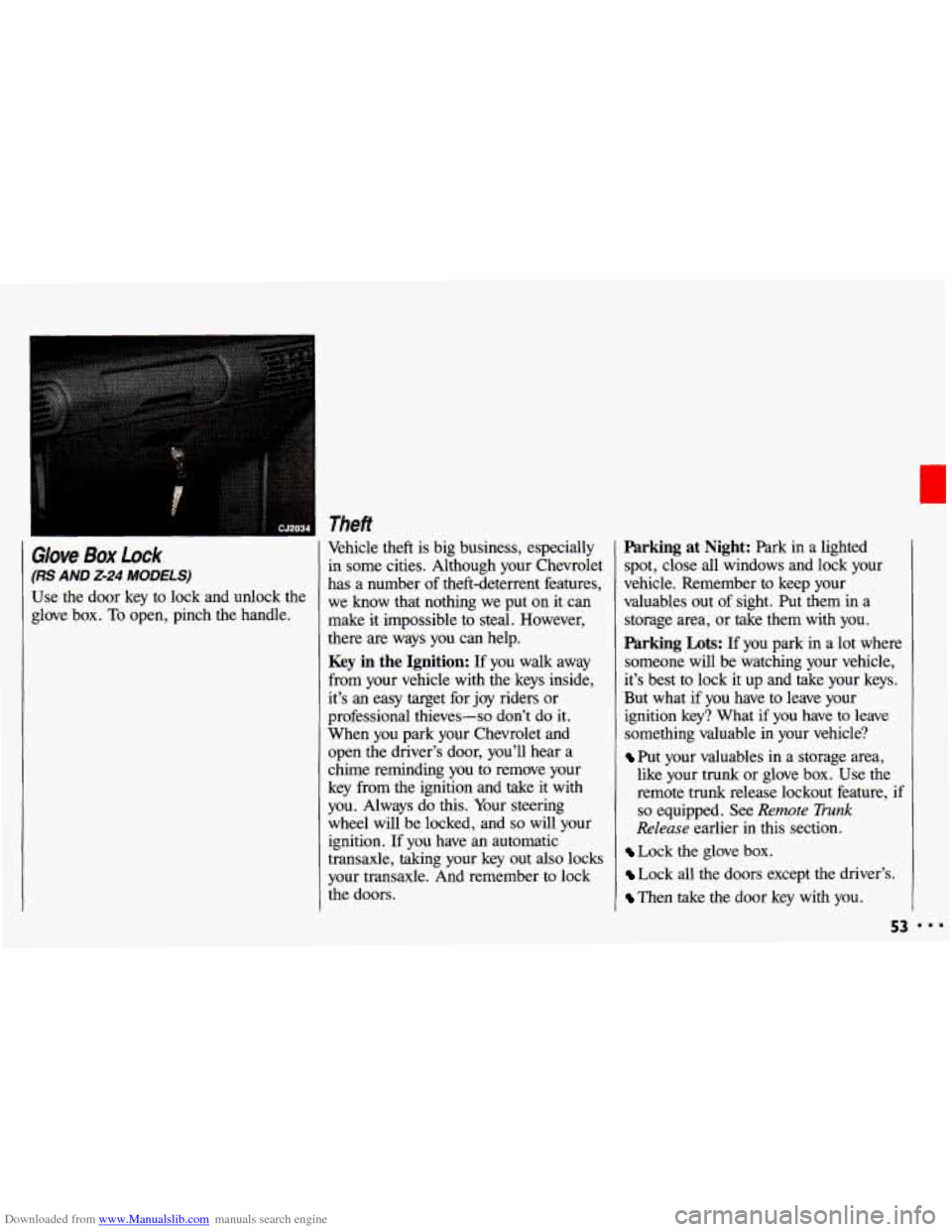
Glove Box Lock
(RS AND 2-24 MODELS)
Use the door key to lock and unlock the
glove box.
To open, pinch the handle, Vehicle theft
is big business, especially
in some cities. Although your Chevrolet
has a number of theft-deterrent features,
we know that nothing we put on it can
make it impossible to steal. However,
there are ways you can help.
Key in the Ignition: If you walk away
from your vehicle with the keys inside,
it’s an easy target for joy riders or
professional thieves-so don’t do it.
When you park your Chevrolet and
open the driver’s door, you’ll hear a
chime reminding you
to remove your
key from the ignition and take
it with
you. Always do this. Your steering
wheel will be locked, and
so will your
ignition. If you have an automatic
transaxle, taking your key out also locks
your transaxle. And remember to lock
the doors.
Parking at Night: Park in a lighted
spot, close all windows and lock your
vehicle. Remember to keep your
valuables out of sight. Put them in a
storage area, or take them with you.
Parking Lots: If you park in a lot where
someone will be watching your vehicle,
it’s best
to lock it up and take your keys.
But what if you have to leave your
ignition key? What if you have to leave
something valuable in your vehicle?
Put your valuables in a storage area,
like your trunk or glove box. Use the
remote trunk release lockout feature,
if
so equipped. See Remote Trunk
Release earlier in this section.
Lock the glove box.
Lock all the doors except the driver’s.
Then take the door key with you.
53
Page 57 of 308
Downloaded from www.Manualslib.com manuals search engine Ignition Switch
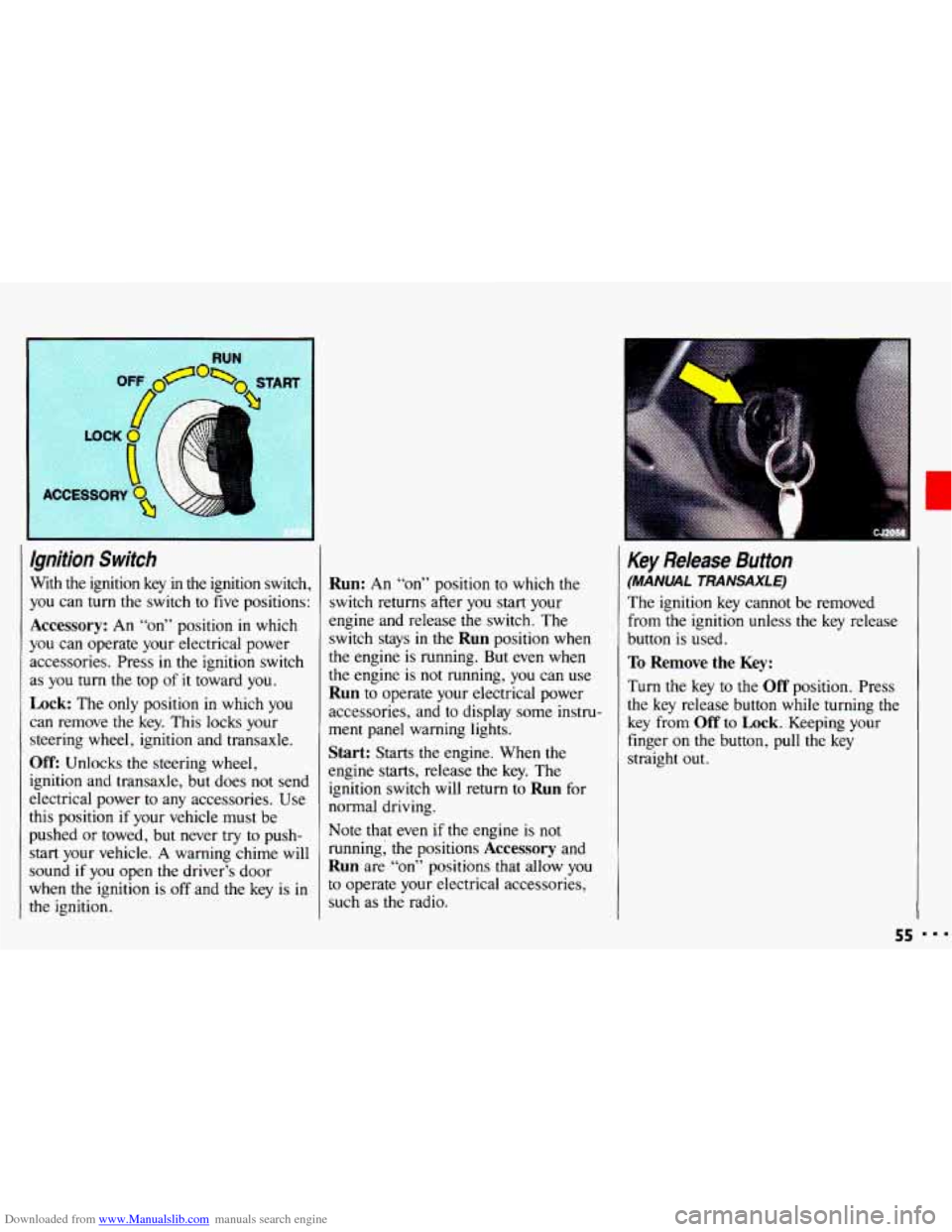
With the ignition key in the ignition switch,
you can
turn the switch to five positions:
Accessory: An “on” position in which
you can operate your electrical power
accessories. Press in the ignition switch
as
you turn the top of it toward you.
Lock: The only position in which you
can remove the key. This locks your
steering wheel, ignition and transaxle.
Off: Unlocks the steering wheel,
ignition and transaxle, but does not send
electrical power
to any accessories. Use
this position
if your vehicle must be
pushed
or towed, but never try to push-
start your vehicle.
A warning chime will
sound
if you open the driver’s door
when the ignition is
off and the key is in
the ignition.
Run: An “on” position to which the
switch returns after
you start your
engine and release the switch. The
switch stays in
the Run position when
the engine is running. But even when
the engine is not running, you can use
Run to operate your electrical power
accessories, and to display some instru-
ment panel warning lights.
Start: Starts the engine. When the
engine starts, release the key. The
ignition switch will return to
Run for
normal driving.
Note that even
if the engine is not
running; the positions
Accessory and
Run are “on” positions that allow you
to operate your electrical accessories,
such as the radio.
Key Release Button
(MANUAL TRANSAXLE)
The ignition key cannot be removed
from
the ignition unless the key release
button is used.
To Remove the Key:
Turn the key to the Off position. Press
the key release button while turning the
key from
Off to Lock. Keeping your
finger
on the button, pull the key
straight
out.
55