lock CHEVROLET CAVALIER 1993 1.G Service Manual
[x] Cancel search | Manufacturer: CHEVROLET, Model Year: 1993, Model line: CAVALIER, Model: CHEVROLET CAVALIER 1993 1.GPages: 308, PDF Size: 15.62 MB
Page 122 of 308
Downloaded from www.Manualslib.com manuals search engine Comfort Controls & Audio Systems
CD Player Anti-Theft kature
(CONT.)
To Disable the Anti-Theft System:
Enter your secret code by following
these steps
(you will have only 15
seconds between each step).
1. Turn the ignition on and the radio
off, then press station preset buttons
1 and 4. SEC will appear, showing
the radio is secure.
2. Press SET and 000 will appear on
the display.
3. Press SCAN until the first digit of
your secret code appears.
4. Press SEEK until the second and
third digits of your code appear.
5. Press the TUNE knob (000 will
appear
on the display).
I20
6. Press SCAN until the fourth digit of
your code appears.
7. Press SEEK until the fifth and sixth
digits
of your code appear.
8. Press the TUNE knob. If the display
shows
"- - -;' the radio is unsecured
and will play again. If the display
shows
SEC, the steps were not
successful and the numbers did not
match
the secret code.
If
you lose or forget your code, see your
dealer. If you
lose battery power, when
the
battery is reconnected the radio will not
turn on and LOC will appear. Follow
steps
1-8 for disabling your system, and
the time will appear if you are
successful.
If SEC appears, the numbers
did not match and your unit is still
locked.
Page 125 of 308
Downloaded from www.Manualslib.com manuals search engine Part 4
Here you’ll find information about
driving on different kinds of roads
and in varying weather conditions
.
We’ve also included many other
useful tips on driving
.
Your Driving and the Road
Roadsigns ...................................................... 124
Defensive Driving ................................................ 128
Drunken Driving ................................................. 129
Control of a Vehicle ............................................... 131
Braking ....................................................... 132
Anti-Lock Brakes ............................................... 134
Steering Tips ................................................... 138
Steering in Emergencies .......................................... 139
Passing ....................................................... 140
DrivingatNight
.................................................. 143
Driving in the Rain ............................................... 145
Driving in Fog, Mist and Haze ...................................... 148
CityDriving ...................................................... 149
Freeway Driving ................................................. 150
Driving a Long Distance ........................................... 152
HillandMountainRoads ........................................... 154
ParkingonHills .................................................. 155
Winter Driving ................................................... 157
TowingaTrailer .................................................. 161
I23
Page 136 of 308
Downloaded from www.Manualslib.com manuals search engine Your Driving and the Road
Anti-Lock Brakes (ABS)
Your Chevrolet has an advanced
electronic braking system that will help
prevent skidding.
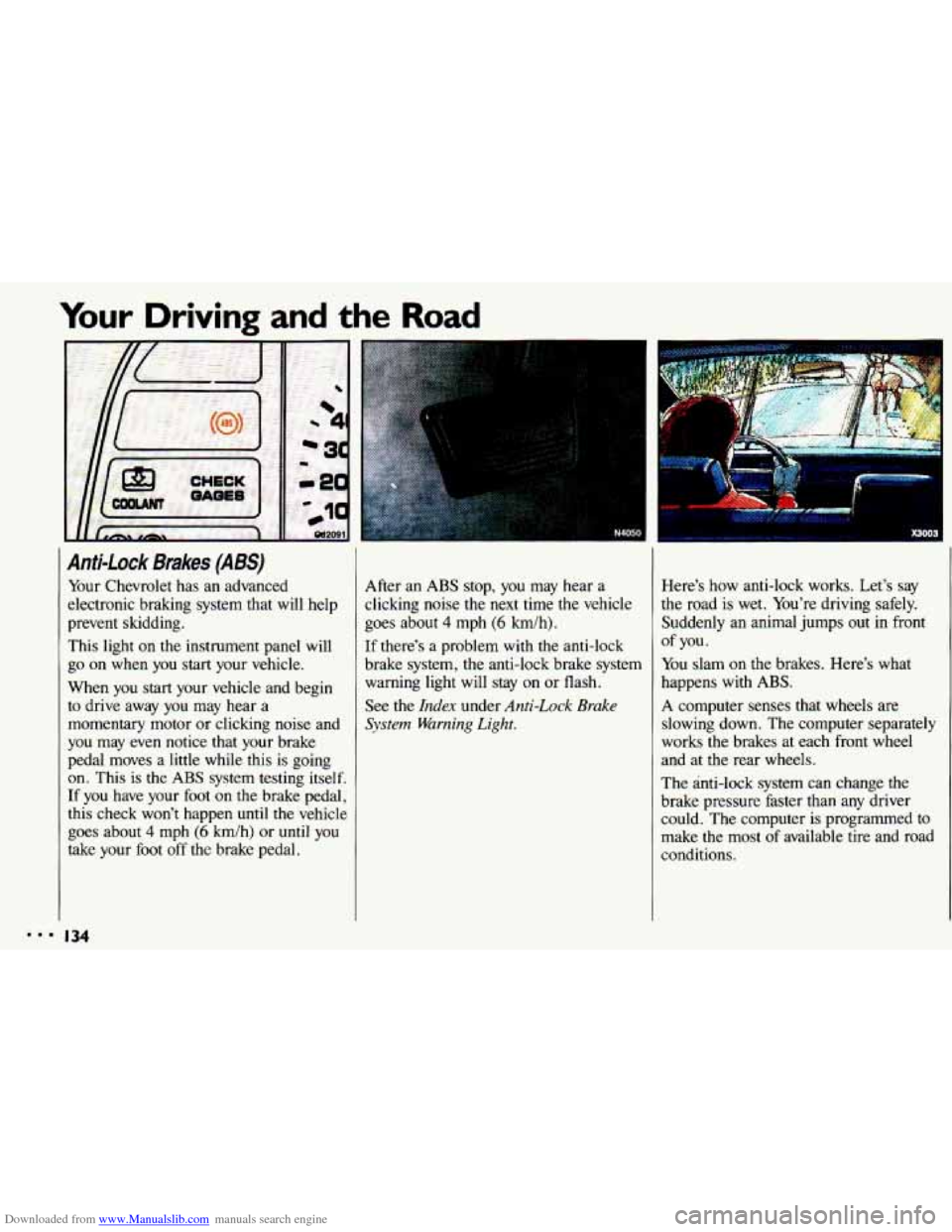
This light
on the instrument panel will
go
on when you start your vehicle.
When you start your vehicle and begin
to drive away you may hear a
momentary motor or clicking noise and
you may even notice that your brake
pedal moves a little while this is going
on. This is the ABS system testing itself.
If you have your foot on the brake pedal,
this check won’t happen
until the vehicle
goes about
4 mph (6 km/h) or until you
take your foot
off the brake pedal. After an
ABS stop,
you may hear a
clicking noise the next time the vehicle
goes about
4 mph (6 km/h).
If there’s a problem
with the anti-lock
brake system, the anti-lock brake system warning light will stay on or flash.
See
the Index under Anti-Lock Brake
System Warning Light.
Here’s how anti-lock works. Let’s say
the road is wet. You’re driving safely.
Suddenly an animal jumps out
in front
You slam
on the brakes. Here’s what
happens with ABS.
A computer senses that wheels are
slowing down. The computer separately
works the brakes at each front wheel
and at the rear wheels.
The anti-lock
system can change the
brake pressure faster than any driver
could. The computer is programmed to
make the most of available tire and road
conditions.
of you.
134
Page 137 of 308
Downloaded from www.Manualslib.com manuals search engine b~
W
P’
I
I
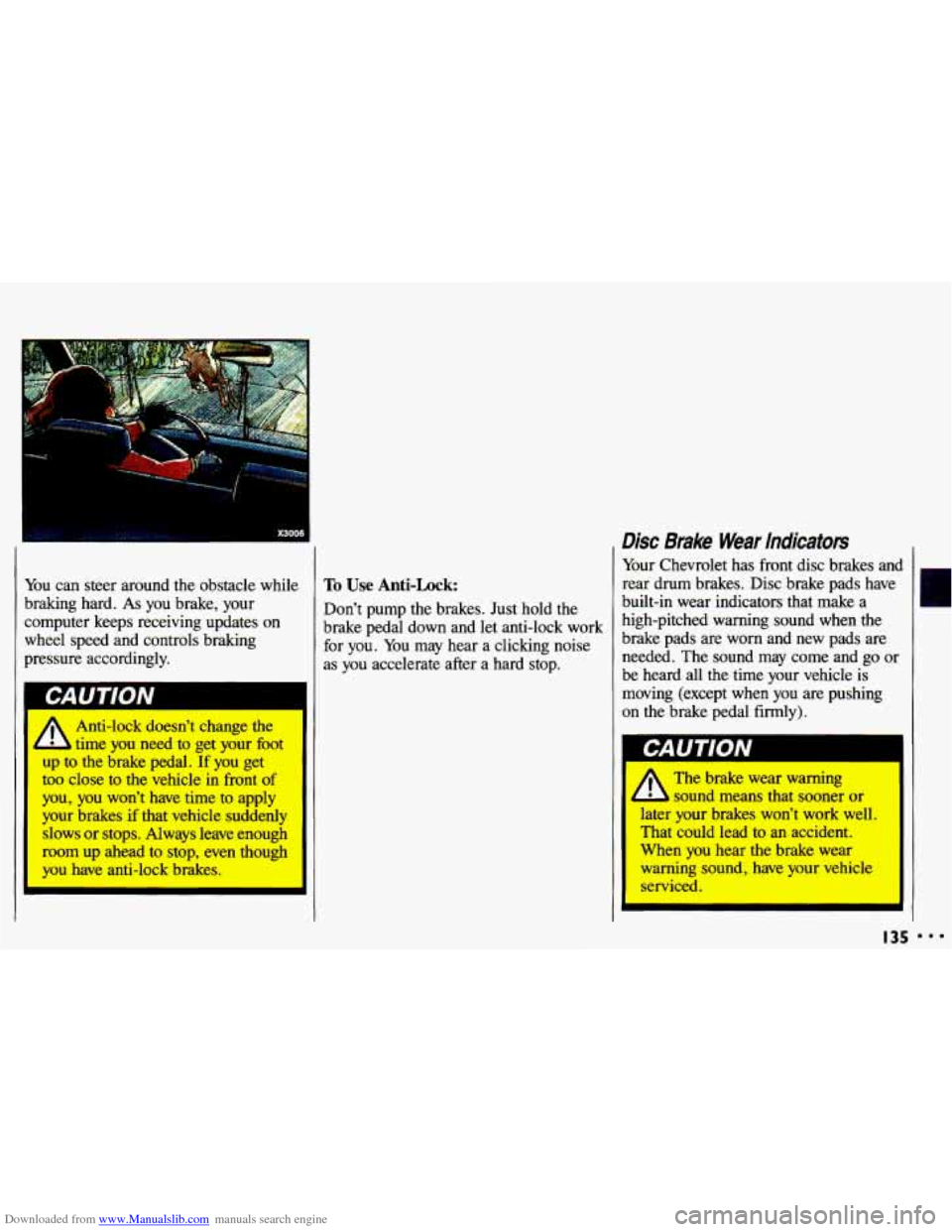
ou can steer around the obstacle while
raking hard.
As you brake, your
lmputer keeps receiving updates
on
thee1 speed and controls braking
ressure accordingly.
A Anti-lock doesn’t change the
L time you need to get your ht
to the brake pedal. If you get
too close to the vehicle in front of
you, you won’t have time to apply
your brakes if that vehicle suddenly
slows or stops. Always leave enough
morn up ahead to stop, even though ’
YOU have anti-l~~k brakes.
To Use Anti-Lock:
Don’t pump the brakes. Just hold the
brake pedal down and let anti-lock work for
you. You may hear a clicking noise
as you accelerate after a hard stop.
Disc Brake Wear indicators
Your Chevrolet has front disc brakes and
rear drum brakes. Disc brake pads have
built-in wear indicators that make a
high-pitched warning sound when the
brake pads are worn and new pads are
needed. The sound may come and
go or
be heard all the time your vehicle is
moving (except when you are pushing
on the brake pedal firmly).
The brake wear warning
4 L sound means that sooner or
later your brakes won’t work well,
That could lead to an accident.
When you hear the brake wear
warning sound, have your vehicle
serviced.
bAUIIUN
c
I35
r
888
Page 139 of 308
Downloaded from www.Manualslib.com manuals search engine Brake Adjustment
Every time you make a moderate brake
stop, your disc brakes adjust for wear. If
you rarely make
a moderate or heavier
stop, then your brakes might not adjust
correctly.
If you drive in that way,
then-very carefully-make a few
moderate brake stops about every
1,OOO
miles (1 600 km), so your brakes will
adjust properly. If your brake pedal goes
down farther than normal, your rear
drum brakes may need adjustment.
Adjust them by backing up and
firmly
applying the brakes a few times.
Braking In Emergencies
Use your anti-lock braking system when
you need to. With anti-lock,
you can
steer and brake at the same time. In
many emergencies, steering can help
you more than even the very best
braking.
Power Steering
If you lose power steering assist because
the engine stops or the system fails to
function, you can steer but it will take
much more effort.
I37
Page 141 of 308
Downloaded from www.Manualslib.com manuals search engine I
I
-
Steering in Emergencies
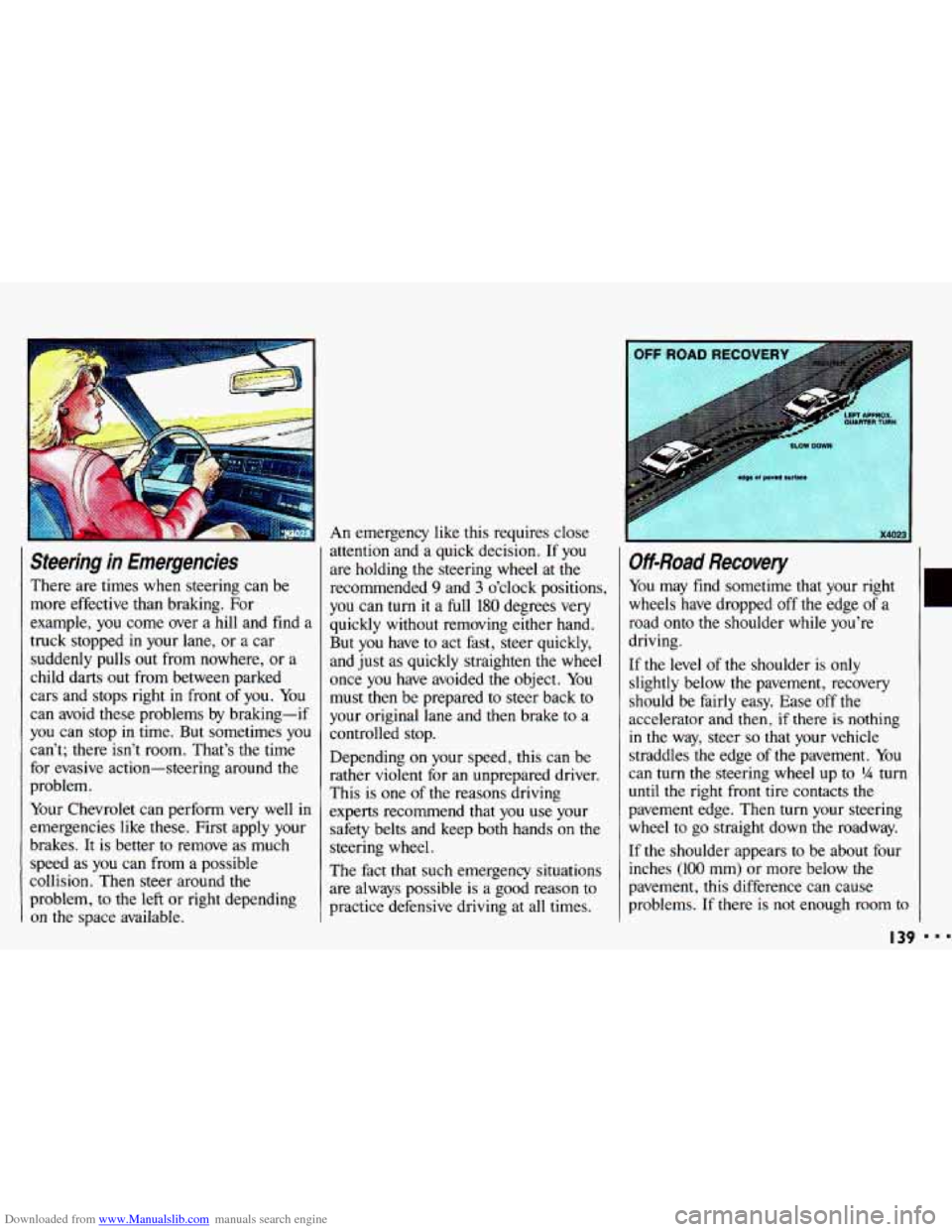
There are times when steering can be
more effective than braking. For
example,
you come over a hill and find a
truck stopped in your lane, or a car
suddenly pulls out from nowhere, or a
child darts out from between parked
cars and stops right
in front of you. You
can avoid these problems by braking-if
you can stop in time. But sometimes
you
can’t; there isn’t room. That’s the time
for evasive action-steering around the
problem.
Your Chevrolet can perform very well in
emergencies like these. First apply your
brakes.
It is better to remove as much
speed
as you can from a possible
collision. Then steer around the
problem,
to the left or right depending
on the space available.
An emergency like this requires close
attention and a quick decision. If
you
are holding the steering wheel at the
recommended
9 and 3 o’clock positions,
you can turn it a full
180 degrees very
quickly without removing either hand.
But you have to act fast, steer quickly,
and just as quickly straighten the wheel
once
you have avoided the object. You
must then be prepared to steer back to
your original lane and then brake
to a
controlled stop.
Depending
on your speed, this can be
rather violent for an unprepared driver.
This is
one of the reasons driving
experts recommend that you use your
safety belts and keep both hands on the
steering wheel.
The fact that such emergency situations
are always possible is a good reason to
practice defensive driving at all times.
Off-Road Recovery
You may find sometime that your right
wheels have dropped off
the edge of a
road onto the shoulder while you’re
driving.
If
the level of the shoulder is only
slightly below the pavement, recovery
should be fairly easy. Ease
off the
accelerator and then,
if there is nothing
in the way, steer so that your vehicle
straddles the edge of the pavement. You
can turn the steering wheel
up to ?4 turn
until the right front tire contacts the
pavement edge. Then turn your steering
wheel to go straight down the roadway.
If the shoulder appears
to be about four
inches
(100 mm) or more below the
pavement, this difference can cause
problems. If there is
not enough room to
I39
Page 145 of 308
Downloaded from www.Manualslib.com manuals search engine While driving on a surface with reduced
traction,
try your best to avoid sudden
steering, acceleration, or braking
(including engine braking by shifting
to
a lower gear). Any sudden changes
could cause the tires
to slide. You may
not realize
the surface is slippery until
your vehicle is skidding. Learn to
recognize warning clues-such as
enough water, ice or packed snow on
the road
to make a “mirrored
surface”-and slow down when you
have any doubt.
Remember: Any anti-lock braking
system (ABS) helps avoid only the
braking skid. Steer
the way you want to
go.
Driving at Night
Night driving is more dangerous than
day driving. One reason is that some
drivers are likely to be impaired-by
alcohol or drugs, with night vision
problems, or by fatigue.
Here are some tips on night driving.
Drive defensively. Remember, this is
the most dangerous time.
Don’t drink and drive. (See the index
under Drunken Driving for more on
this problem.)
Adjust your inside rearview mirror to
reduce the glare from headlights
behind you.
Since you can’t see as well, you may
need
to slow down and keep more
space between you and other vehicles.
It’s hard to
tell how fast the vehicle
ahead is going just by looking at its
taillights.
speed roads. Your headlights can light
up only
so much road ahead.
Slow down, especially on higher
In remote areas, watch for animals.
If you’re tired, pull off the road in a
safe place and rest.
I43
r
I..
Page 146 of 308
Downloaded from www.Manualslib.com manuals search engine Your Driving and the Road
‘I
Night Wsion
No one can see as well at night as in the
daytime. But as we get older these
differences increase. A SO-year-old
driver
may require at least twice as
much light to see the same thing at night
as a 20-year-old.
What you do in the daytime can
also
affect your night vision. For example, if
you spend the day in bright sunshine you
are wise to wear sunglasses. Your eyes
will have less trouble adjusting to night.
But if you’re driving, don’t wear
sunglasses at night. They may cut down
on glare from headlights, but they
also
make a lot of things invisible that should
remain visible-such as parked cars,
obstacles, pedestrians, or even trains
blocking railway crossings. You may
want to
put on your sunglasses after you
have pulled into a brightly-lighted
service or refreshment area. Eyes
I44
shielded from that glare may adjust
more quickly to darkness back on the
road. But be sure to remove your
sunglasses before you leave the service
area.
You can be temporarily blinded by
approaching lights. It can take a second
or two, or even several seconds, for your
eyes to readjust to the dark. When you
are faced with severe glare (as from a
driver who doesn’t lower the high
beams, or a vehicle with misaimed
headlights), slow down a little. Avoid
staring directly into the approaching
lights. If there is a line of opposing
traffic, make occasional glances over the line of headlights to make certain that
one
of the vehicles isn’t starting to move
into your lane. Once you are past the
bright lights, give your eyes time to readjust before resuming speed.
High Beams
If the vehicle approaching you has its
high beams on, signal by flicking yours
to high and then back to low beam. This is the usual signal to lower the headlight
beams.
If the other driver still doesn’t
lower the beams, resist the temptation to
put your high beams on.
This only
makes two half-blinded drivers.
On a freeway, use your high beams only
in remote areas where you won’t impair
approaching drivers.
In some places,
like cities, using high beams is illegal.
When you follow another vehicle on a
freeway or highway, use low beams.
True, most vehicles now have day-night
mirrors that enable the driver to reduce
glare. But outside mirrors are not of this
type and high beams from behind can
bother the driver ahead.
Page 159 of 308
Downloaded from www.Manualslib.com manuals search engine Torque Lock
(AUTOMATIC TRANSAXLE)
If you are parking on a hill and you
don’t shift
your transaxle into P (Park)
properly, the weight of the vehicle may
put too much force on the parking pawl
in the transaxle. You may find it difficult
to pull the
shift lever out of P (Park).
This
is called “torque lock.” To prevent
torque lock, always be sure to shift into
P (Park) properly before you leave the
driver’s seat.
To find out how, see the
Index under Shiftirtg Into P (Park),
When you are ready to drive, move the
shift lever out
of P (Park) before you
release the parking brake.
If torque lock does occur, you may need
to have another vehicle push yours a
little uphill to take some
of the pressure
from the transaxle,
so you can pull the
shift lever out
of P (Park).
Winter Driving
Here are some tips for winter driving:
Have your Chevrolet in good shape for
winter. Be sure your engine coolant
mix is correct.
Snow tires can help in loose snow, but
they may give you less traction on ice
than regular tires.
If you do not expect
to be driving in deep snow, but may
have to travel over ice,
you may not
want to switch to snow tires at all.
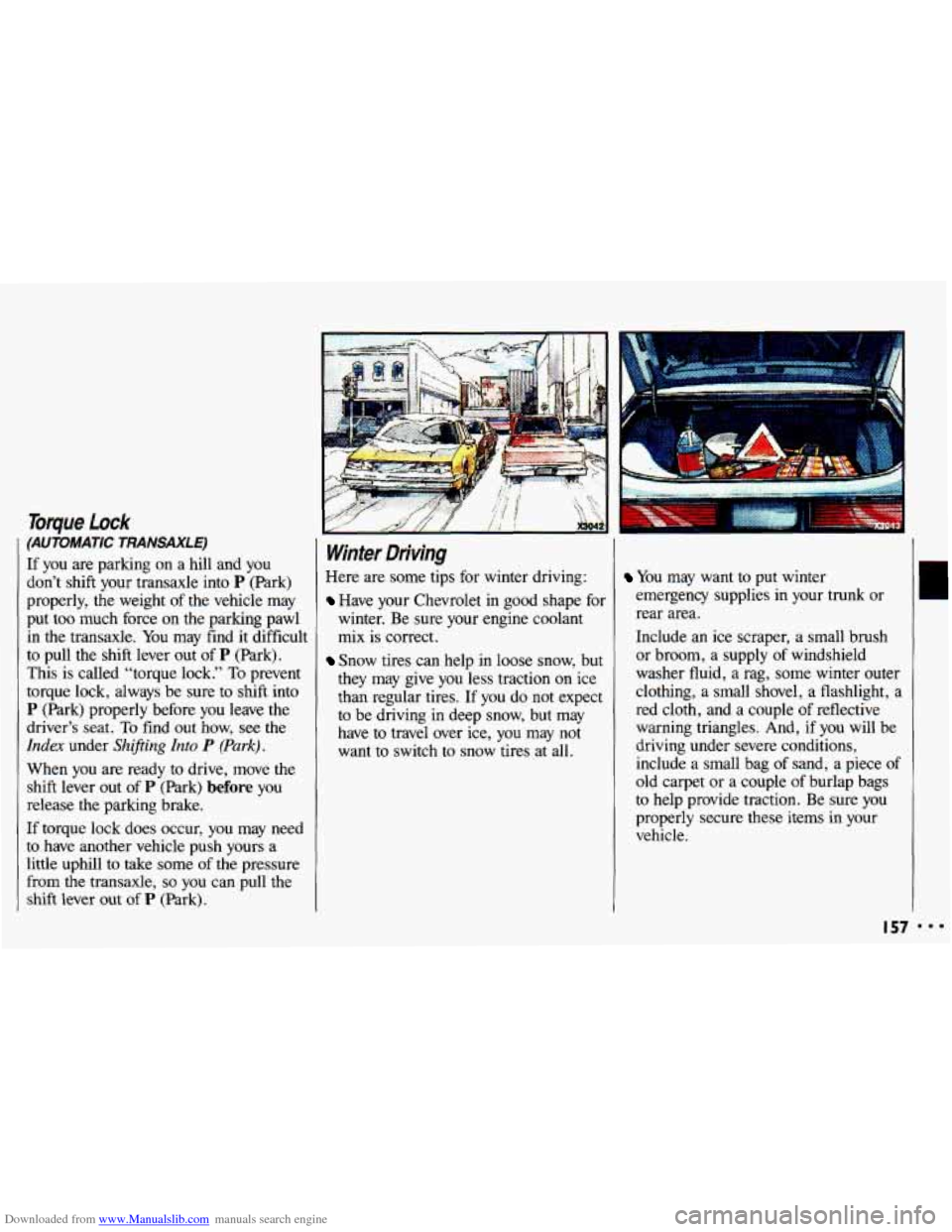
You may want to put winter
emergency supplies in your trunk or
rear area.
Include an ice scraper, a small brush
or broom, a supply of windshield
washer fluid, a rag, some winter outer
clothing, a small shovel, a flashlight,
a
red cloth, and a couple of reflective
warning triangles. And, if you will be
driving under severe conditions,
include a small bag
of sand, a piece of
old carpet or a couple
of burlap bags
to help provide traction. Be sure you
properly secure these items
in your
vehicle.
I57
Page 160 of 308
Downloaded from www.Manualslib.com manuals search engine ...
Your Driving and the Road
Driving on Snow or /ce
Most of the time, those places where
your tires meet the road probably have
good traction.
However,
if there is snow or ice
between your tires and the road, you can
have a very slippery situation. You’ll
have a lot less traction or “grip” and
will need to be very careful.
What’s the worst time for this? “Wet ice.”
Very cold snow or ice can be slick
and hard to drive on. But wet ice can be
even more trouble because
it may offer
the least traction
of all. You can get
“wet ice” when it’s about freezing
(32°F; OOC) and freezing rain begins to
fall. Try to avoid driving on
wet ice
until salt and sand crews can get there.
I58
Whatever the condition-smooth ice,
packed, blowing or loose snow-drive
with caution. Accelerate gently. Try not
to break the fragile traction.
If you
accelerate too fast, the drive wheels
will
spin and polish the surface under the
tires even more.
Your anti-lock brakes inlprove your
ability
to make a hard stop on a slippery
road. Even though you have the anti-
lock braking system, you’ll want to
begin stopping sooner than you would
on dry pavement. See the
Index under
Anti-Lock Bruke System.
Allow greater following distance on
any slippery road.
9 Watch for slippery spots. The road
might be fine
until you hit a spot that’s
covered with
ice. On an otherwise
clear road, ice patches may appear
in
shaded areas where the sun can’t
reach: around clumps of trees, behind
buildings, or under bridges.
Sometimes the surface of a curve or
an overpass may remain
icy when the
surrounding roads are clear. If you see
a patch of ice ahead of
you, brake
before
you are on it. Try not to brake
while you’re actually on the ice, and
avoid sudden steering maneuvers.