remove CHEVROLET CAVALIER 1993 1.G Owners Manual
[x] Cancel search | Manufacturer: CHEVROLET, Model Year: 1993, Model line: CAVALIER, Model: CHEVROLET CAVALIER 1993 1.GPages: 308, PDF Size: 15.62 MB
Page 33 of 308
Downloaded from www.Manualslib.com manuals search engine There is one guide for each outside
passenger position
in the rear seat. You
will find them tucked
in between the
seat back and the interior body, about
half-way down the edge
of the seat
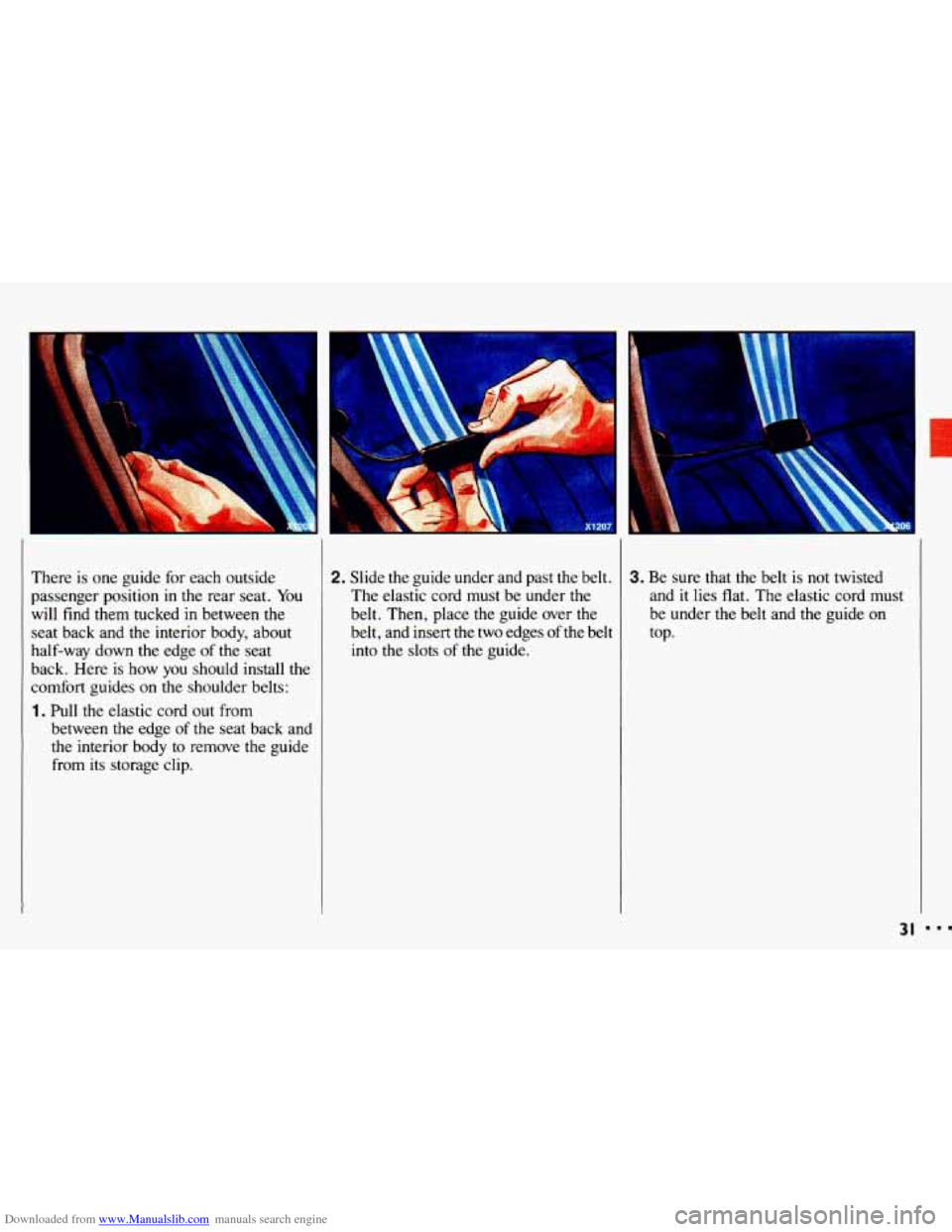
back. Here is how you should install the
comfort guides
on the shoulder belts:
1. Pull the elastic cord out from
between the edge of the seat back and
the interior body to remove
the guide
from its storage clip.
I
2. Slide the guide under and past the belt.
The elastic cord must be under the
belt. Then, place
the guide over the
belt, and insert the two edges of the belt
into the slots of the guide.
3. Be sure that the belt is not twisted
and
it lies flat. The elastic cord must
be under
the belt and the guide on
top.
31
Page 34 of 308
Downloaded from www.Manualslib.com manuals search engine Seats & Safety Belts
f-
Rear Safety Belt Comfort Guides
for Children and Small Aduits
(CONr.)
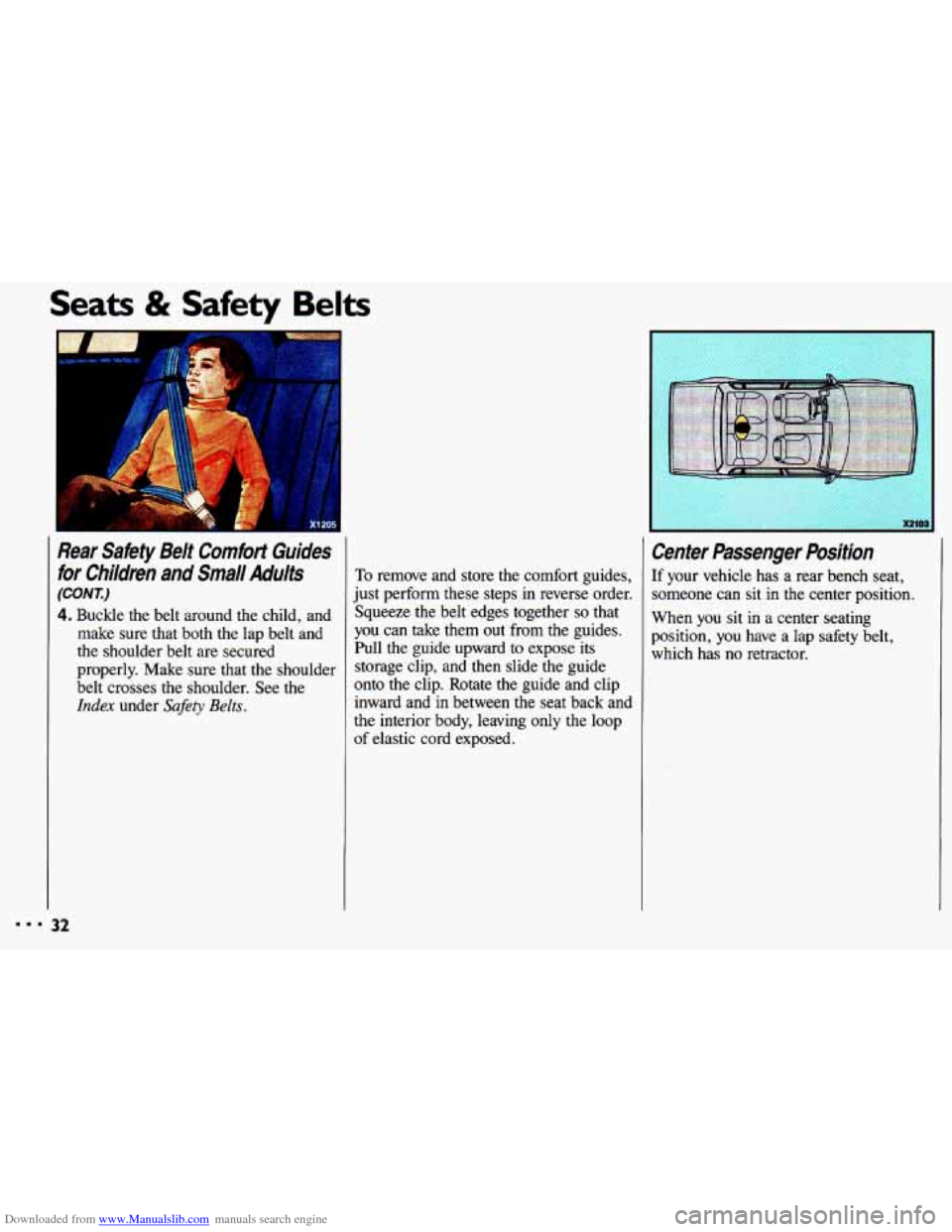
4. Buckle the belt around the child, and
make sure that both the lap belt and
the shoulder belt are secured
properly. Make sure that the shoulder
belt crosses the shoulder. See the
Index under Safety Belts.
To remove and store the comfort guides,
just perform these steps in reverse order.
Squeeze the belt edges together
so that
you can take them out from the guides.
Pull the guide upward to expose its
storage clip, and then slide the guide
onto the clip. Rotate the guide and clip
inward and
in between the seat back and
the interior body, leaving
only the loop
of elastic cord exposed.
Center Passenger Position
If your vehicle has a rear bench seat,
someone can sit in the center position.
When you sit
in a center seating
position, you have a lap safety belt,
which has
no retractor.
Page 39 of 308
Downloaded from www.Manualslib.com manuals search engine , ....
’. .
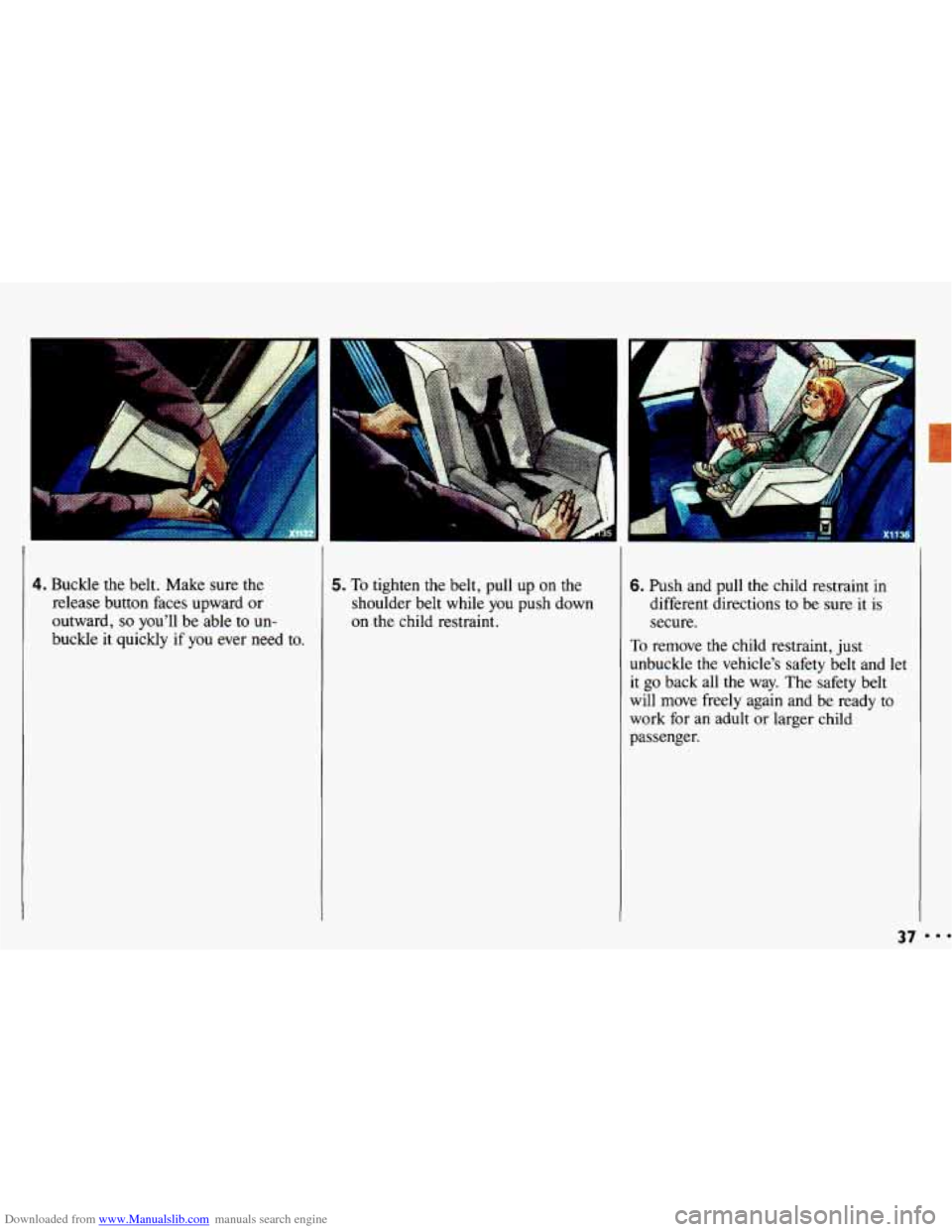
4. Buckle the belt. Make sure the 5. To tighten the belt, pull up on the
release button faces upward or shoulder belt while
you push down
outward,
so you’ll be able to un- on the child restraint.
buckle it quickly
if you ever need to.
6. Push and pull the child restraint in
different directions to be sure it is
secure.
To remove the child restraint, just
unbuckle the vehicle’s safety belt and let
it
go back all the way. The safety belt
will move freely again and be ready to
work for an adult or larger child
passenger.
37
Page 41 of 308
Downloaded from www.Manualslib.com manuals search engine 7. Push and pull the child restraint in different directions to be sure it is
secure. If the child restraint isn’t
secure, turn the latch plate over and
buckle it
again. Then see if it is
secure. If it isn’t, secure the restraint
in a different place
in the vehicle and
contact the child restraint maker for
their advice.
To remove the child restraint, just
unbuckle the vehicle’s safety belt. It will
be ready to work for an adult or larger
child passenger.
-
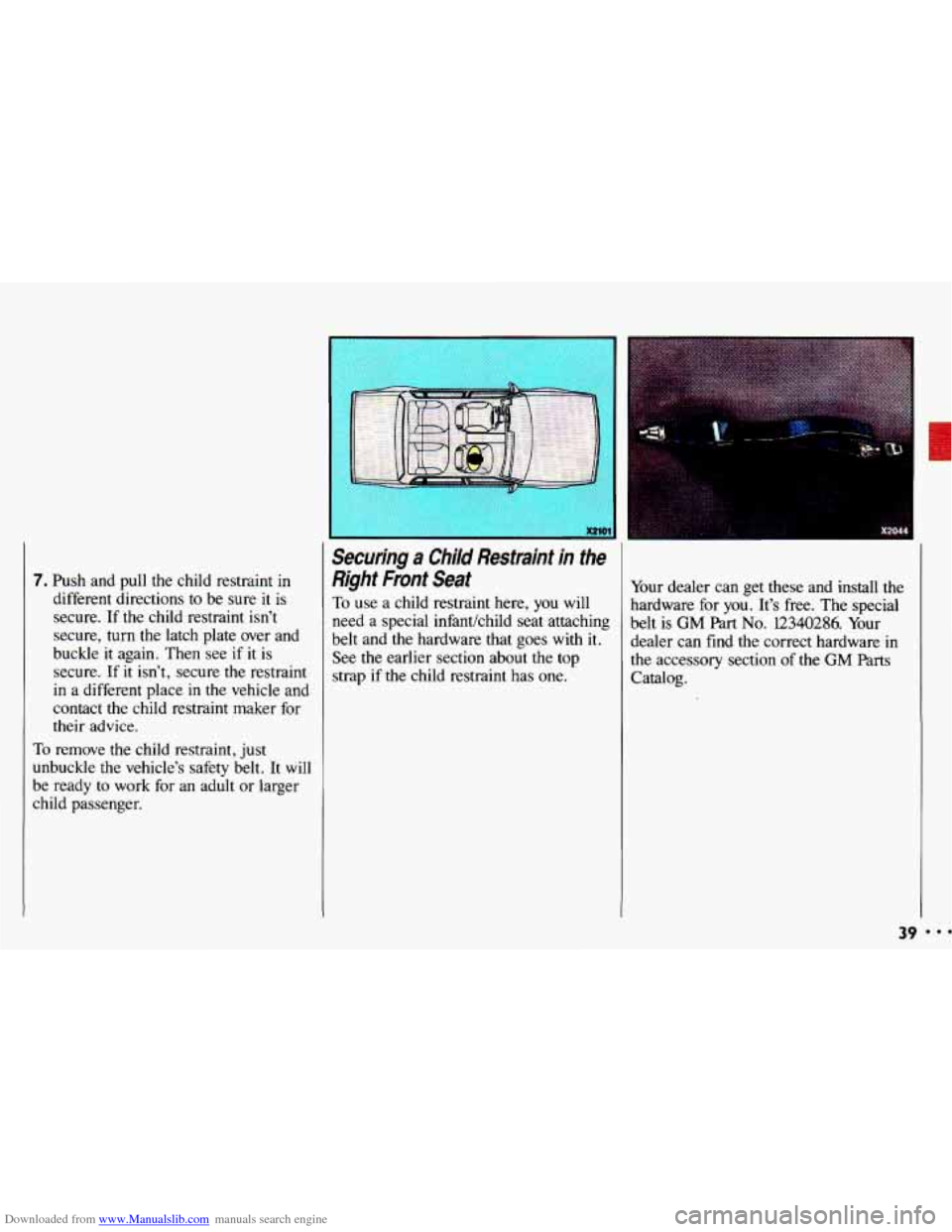
Securing a Child Restraint in the
Right Fmnt Seat
To use a child restraint here, you will
need
a special infantkhild seat attaching
belt and the hardware that goes with
it.
See the earlier section about the top
strap
if the child restraint has one. Your
dealer can get these and install the
hardware for you. It’s free. The special
belt is
GM Part No. 12340286. Your
dealer can find the correct hardware in
the accessory section of the
GM Parts
Catalog.
39 ...
Page 44 of 308
Downloaded from www.Manualslib.com manuals search engine Seats & Safety Belts
Securing a Child Restraint in the
7ight Front Seat
(CONX:)
9. To make it tight, pull the belt while
you push down on the child
restraint.
If the belt won’t stay tight,
switch
it end for end.
IO. Push and pull the child restraint in
different directions
to be sure it is
secure.
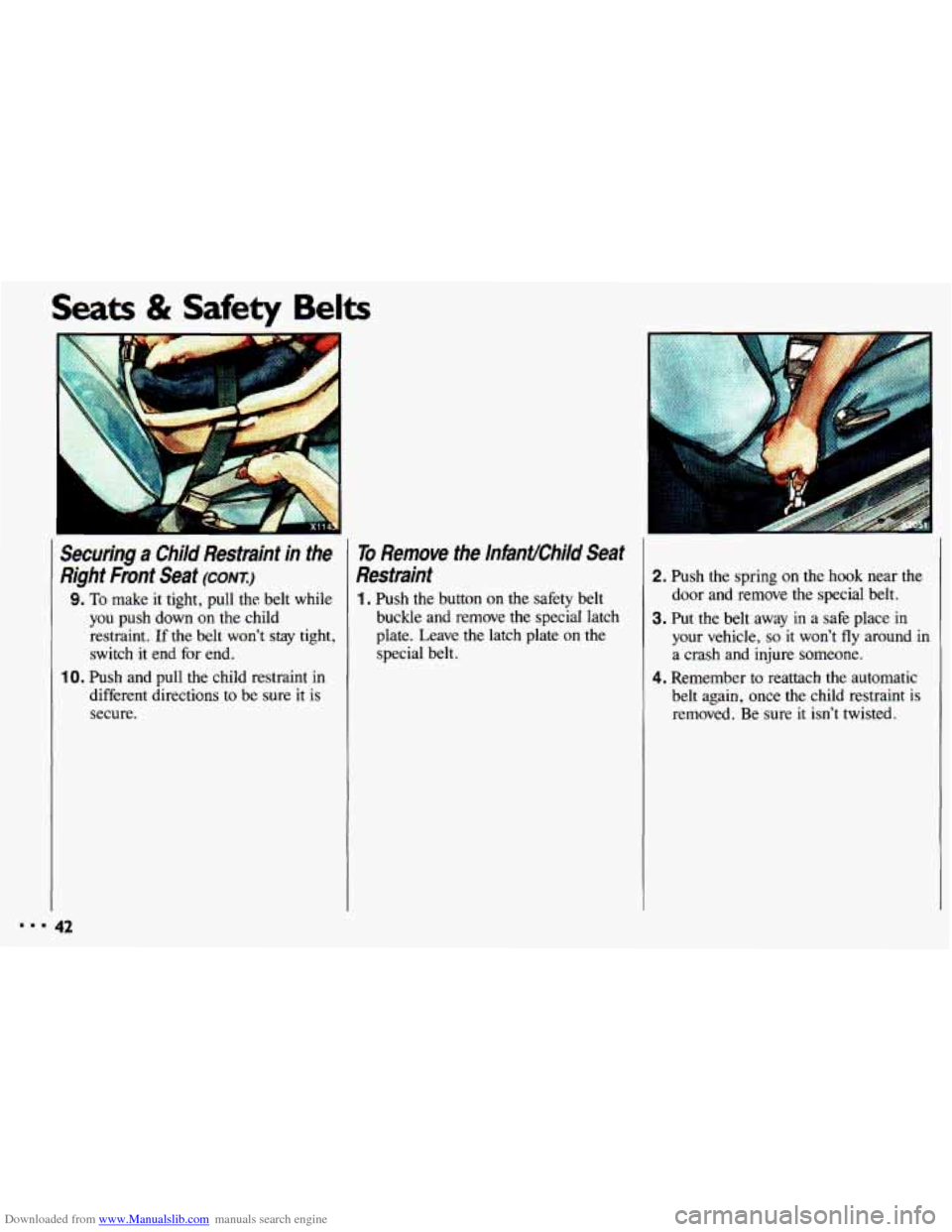
To Remove the InfanUChiId Seat
Restraint
1. Push the button on the safety belt
buckle and remove the special latch
plate. Leave the latch plate on the special belt.
2. Push the spring on the hook near the
door and remove the special belt.
3. Put the belt away in a safe place in
your vehicle, so it won’t fly around in
a crash and injure someone.
4. Remember to reattach the automatic
belt again, once the child restraint is
removed. Be sure it isn’t twisted.
Page 50 of 308
Downloaded from www.Manualslib.com manuals search engine Features & Controls
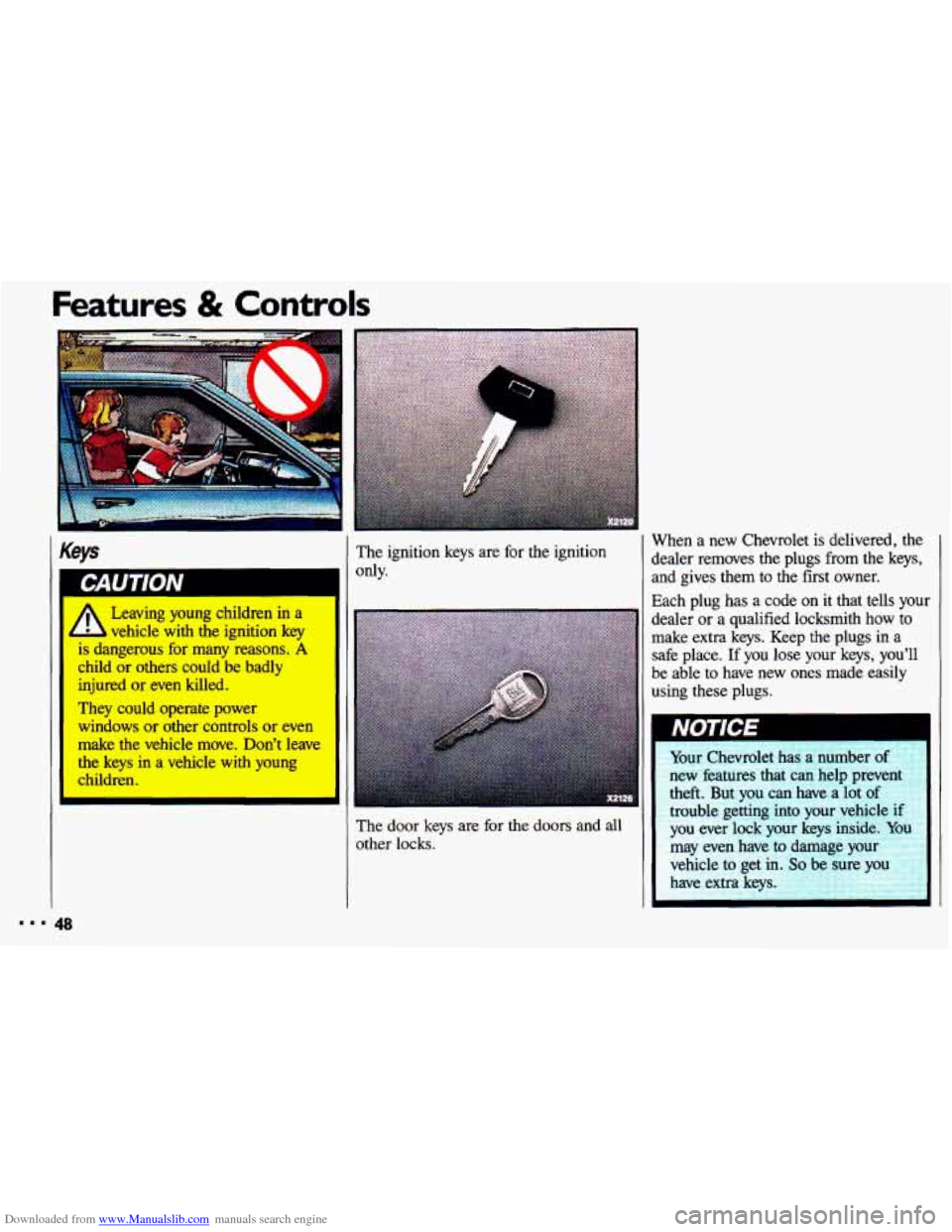
Keys
vehicle-with the ignition key
is dangerous for many reasons. A
child or others could be badly
injured or even killed.
They could operate power
windows
or other controls or even
make the vehicle move. Don’t leave
the
keys in a vehicle with young
children. The
ignition keys are for the ignition
only. When
a new Chevrolet is delivered, the
dealer removes the plugs from the keys, and gives them to the first owner.
Each plug has a code on it that tells your
dealer
or a qualified locksmith how to
make extra keys. Keep the plugs in a
safe place.
If you lose your keys, you’ll
be able
to have new ones made easily
using these
plugs.
The door keys are for the doors and all
other locks.
Page 55 of 308
Downloaded from www.Manualslib.com manuals search engine Theft
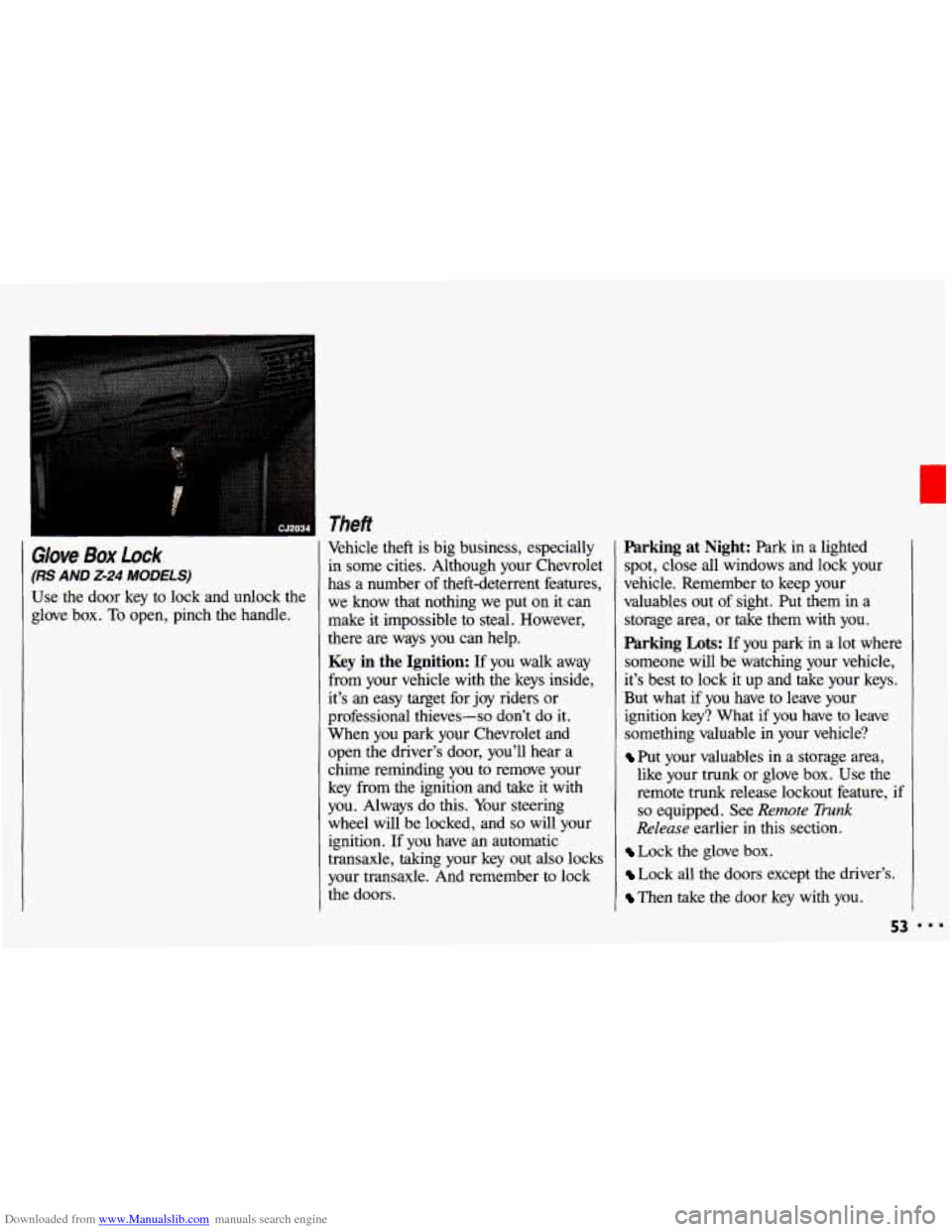
Glove Box Lock
(RS AND 2-24 MODELS)
Use the door key to lock and unlock the
glove box.
To open, pinch the handle, Vehicle theft
is big business, especially
in some cities. Although your Chevrolet
has a number of theft-deterrent features,
we know that nothing we put on it can
make it impossible to steal. However,
there are ways you can help.
Key in the Ignition: If you walk away
from your vehicle with the keys inside,
it’s an easy target for joy riders or
professional thieves-so don’t do it.
When you park your Chevrolet and
open the driver’s door, you’ll hear a
chime reminding you
to remove your
key from the ignition and take
it with
you. Always do this. Your steering
wheel will be locked, and
so will your
ignition. If you have an automatic
transaxle, taking your key out also locks
your transaxle. And remember to lock
the doors.
Parking at Night: Park in a lighted
spot, close all windows and lock your
vehicle. Remember to keep your
valuables out of sight. Put them in a
storage area, or take them with you.
Parking Lots: If you park in a lot where
someone will be watching your vehicle,
it’s best
to lock it up and take your keys.
But what if you have to leave your
ignition key? What if you have to leave
something valuable in your vehicle?
Put your valuables in a storage area,
like your trunk or glove box. Use the
remote trunk release lockout feature,
if
so equipped. See Remote Trunk
Release earlier in this section.
Lock the glove box.
Lock all the doors except the driver’s.
Then take the door key with you.
53
Page 57 of 308
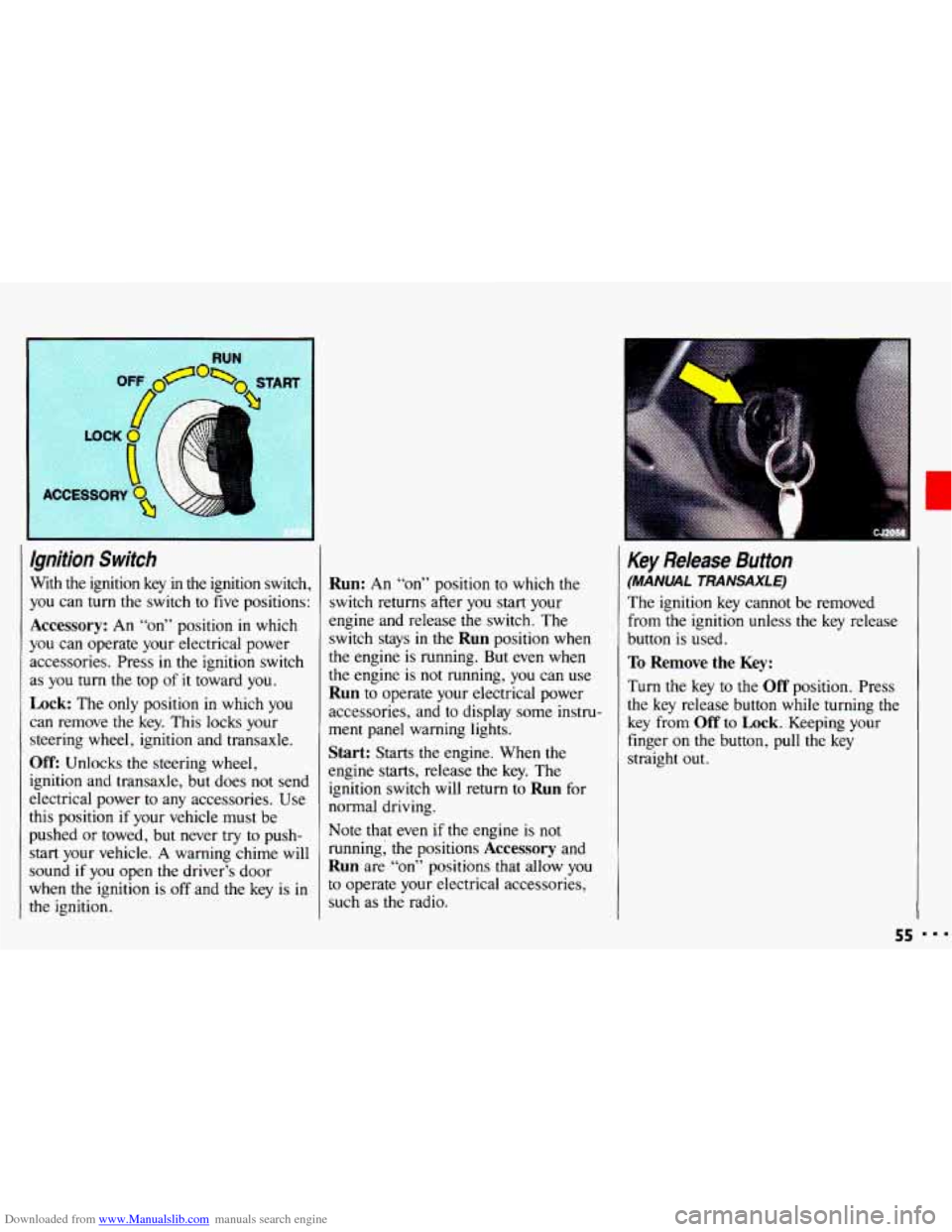
Downloaded from www.Manualslib.com manuals search engine Ignition Switch
With the ignition key in the ignition switch,
you can
turn the switch to five positions:
Accessory: An “on” position in which
you can operate your electrical power
accessories. Press in the ignition switch
as
you turn the top of it toward you.
Lock: The only position in which you
can remove the key. This locks your
steering wheel, ignition and transaxle.
Off: Unlocks the steering wheel,
ignition and transaxle, but does not send
electrical power
to any accessories. Use
this position
if your vehicle must be
pushed
or towed, but never try to push-
start your vehicle.
A warning chime will
sound
if you open the driver’s door
when the ignition is
off and the key is in
the ignition.
Run: An “on” position to which the
switch returns after
you start your
engine and release the switch. The
switch stays in
the Run position when
the engine is running. But even when
the engine is not running, you can use
Run to operate your electrical power
accessories, and to display some instru-
ment panel warning lights.
Start: Starts the engine. When the
engine starts, release the key. The
ignition switch will return to
Run for
normal driving.
Note that even
if the engine is not
running; the positions
Accessory and
Run are “on” positions that allow you
to operate your electrical accessories,
such as the radio.
Key Release Button
(MANUAL TRANSAXLE)
The ignition key cannot be removed
from
the ignition unless the key release
button is used.
To Remove the Key:
Turn the key to the Off position. Press
the key release button while turning the
key from
Off to Lock. Keeping your
finger
on the button, pull the key
straight
out.
55
Page 70 of 308
Downloaded from www.Manualslib.com manuals search engine Features & Controls
Shifting Into P (Park) (CONTI
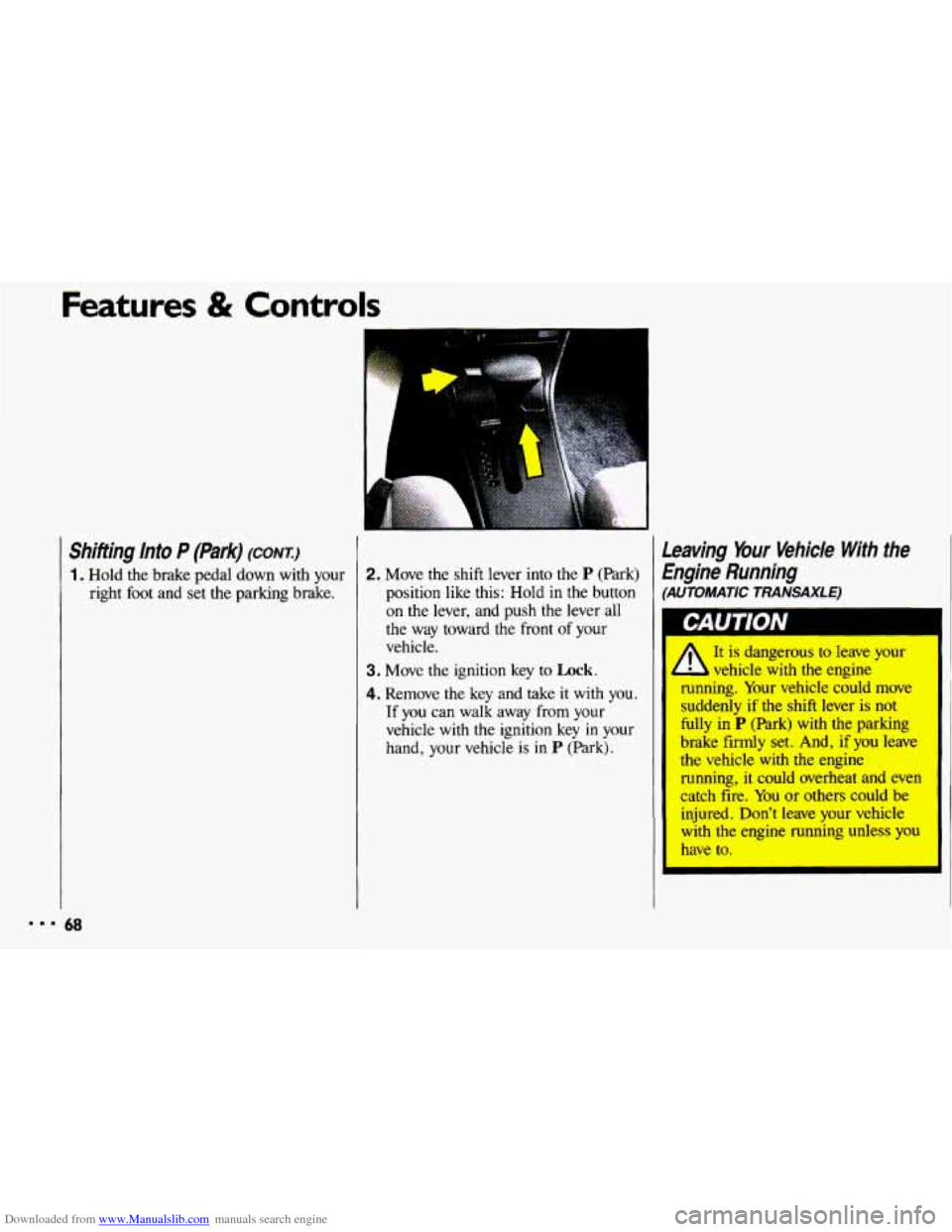
1. Hold the brake pedal down with your right foot and set the parking brake.
A
2. Move the shift lever into the P (Park)
position like this: Hold in the button on the lever, and push the lever all
the way toward the front of your
vehicle.
3. Move the ignition key to Lock.
4. Remove the key and take it with you.
If you can walk away
from your
vehicle with the ignition key
in your
hand, your vehicle is in
P (Park).
Leaving Your Vehicle With the
Engine Running
(AUTOMATIC TRANSAXLE)
It is dangerous to leave your
running. Your vehicle could move
suddenly
if the shift lever is not
fully in
P (Park) with the parking
brake
firmly set. And, if you leave
the vehicle
with the engine
running, it could overheat and even
catch fire. You
or others could be
injured. Don't leave your vehicle
with the engine running unless you
have to.
I I L vehicle with the engine
Page 90 of 308
Downloaded from www.Manualslib.com manuals search engine I,
Sunroof (omoN)
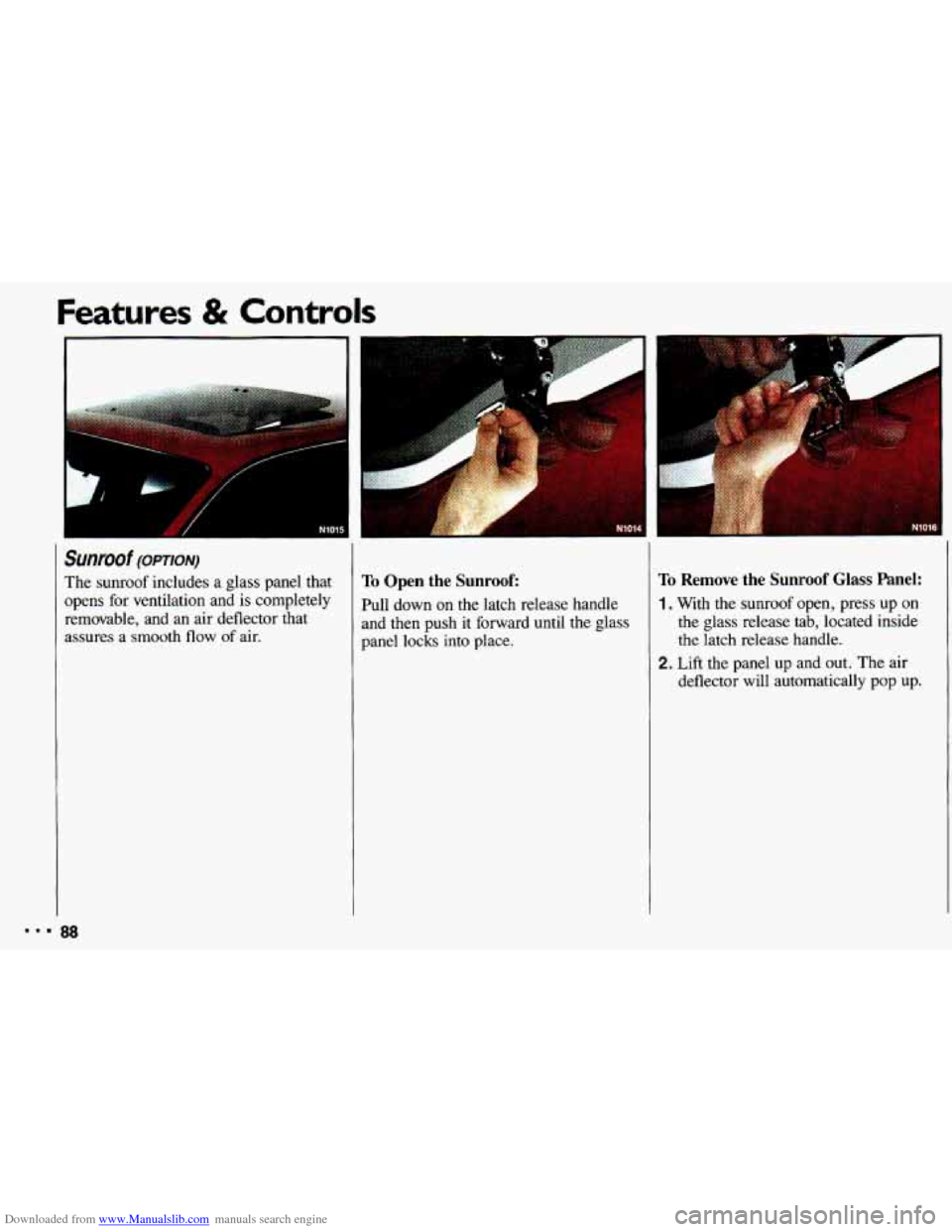
The sunroof includes a glass panel that
opens for ventilation and is completely
removable, and an air deflector that
assures a smooth flow of air. To Open the Sunroof:
Pull down on the latch release handle
and then push
it forward until the glass
panel locks into place.
To Remove the Sunroof Glass Panel:
1. With the sunroof open, press up on
the glass release tab, located inside
the latch release handle.
deflector will automatically pop up.
2. Lift the panel up and out. The air