instrument panel CHEVROLET CAVALIER 1995 3.G User Guide
[x] Cancel search | Manufacturer: CHEVROLET, Model Year: 1995, Model line: CAVALIER, Model: CHEVROLET CAVALIER 1995 3.GPages: 340, PDF Size: 17.09 MB
Page 93 of 340
Downloaded from www.Manualslib.com manuals search engine Lamp Controls
I I
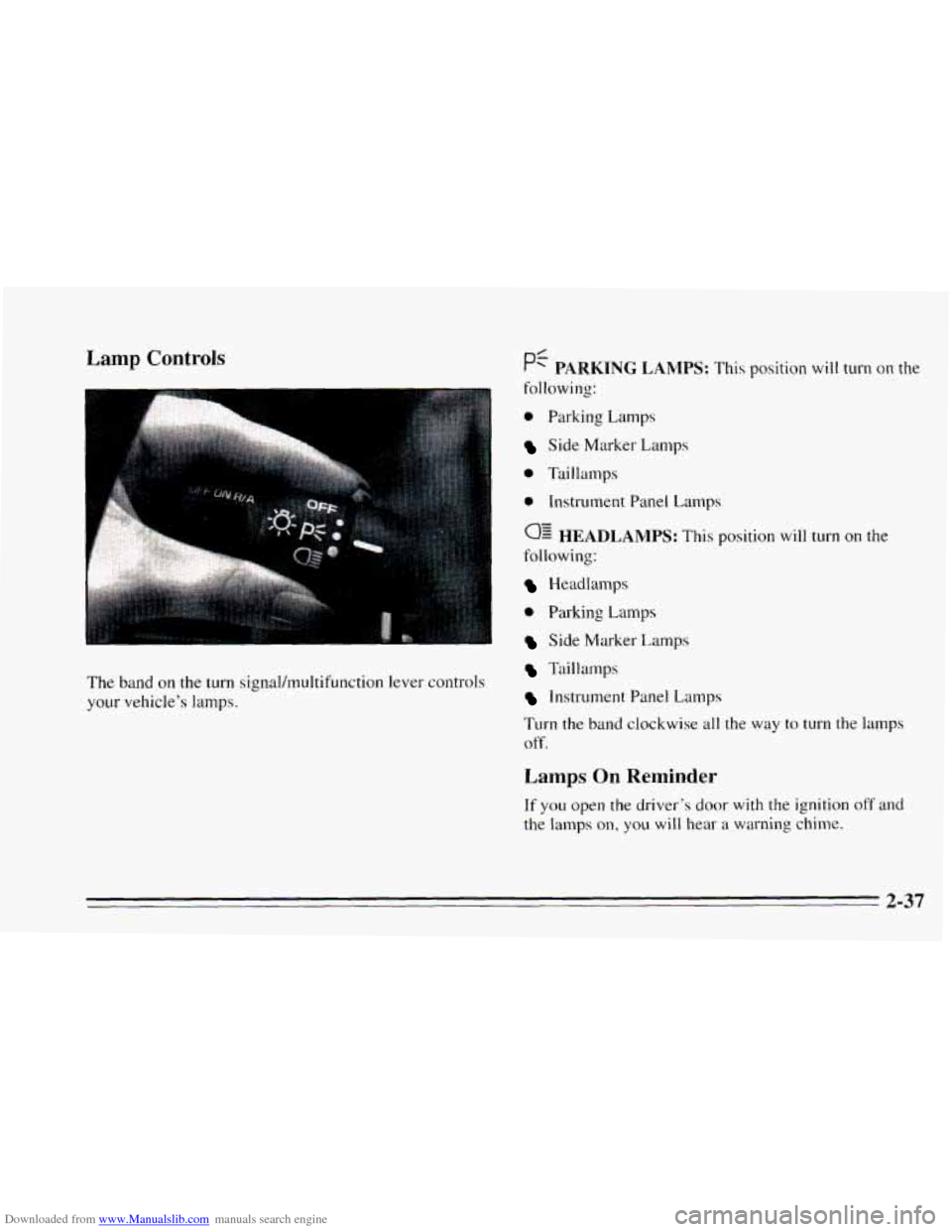
The band on the turn signal/multifunction lever controls
your vehicle’s lamps.
0 Parking Lamps
Side Marker Lamps
0 Taillamps
e Instrument Panel Lamps
0: HEADLAMPS: This position will turn on the
following:
Headlamps
0 Parking Lamps
Side Marker Lamps
Taillamps
Instrument Panel Lamps
Turn the
band clockwise all the way to turn the lamps
off.
Lamps On Reminder
If you open the driver’s door with the ignition off and
the lamps on, you will hear a warning chime.
2-37
Page 94 of 340
Downloaded from www.Manualslib.com manuals search engine Instrument Panel Intensity Control Daynme Running Lamps (Canada Only)
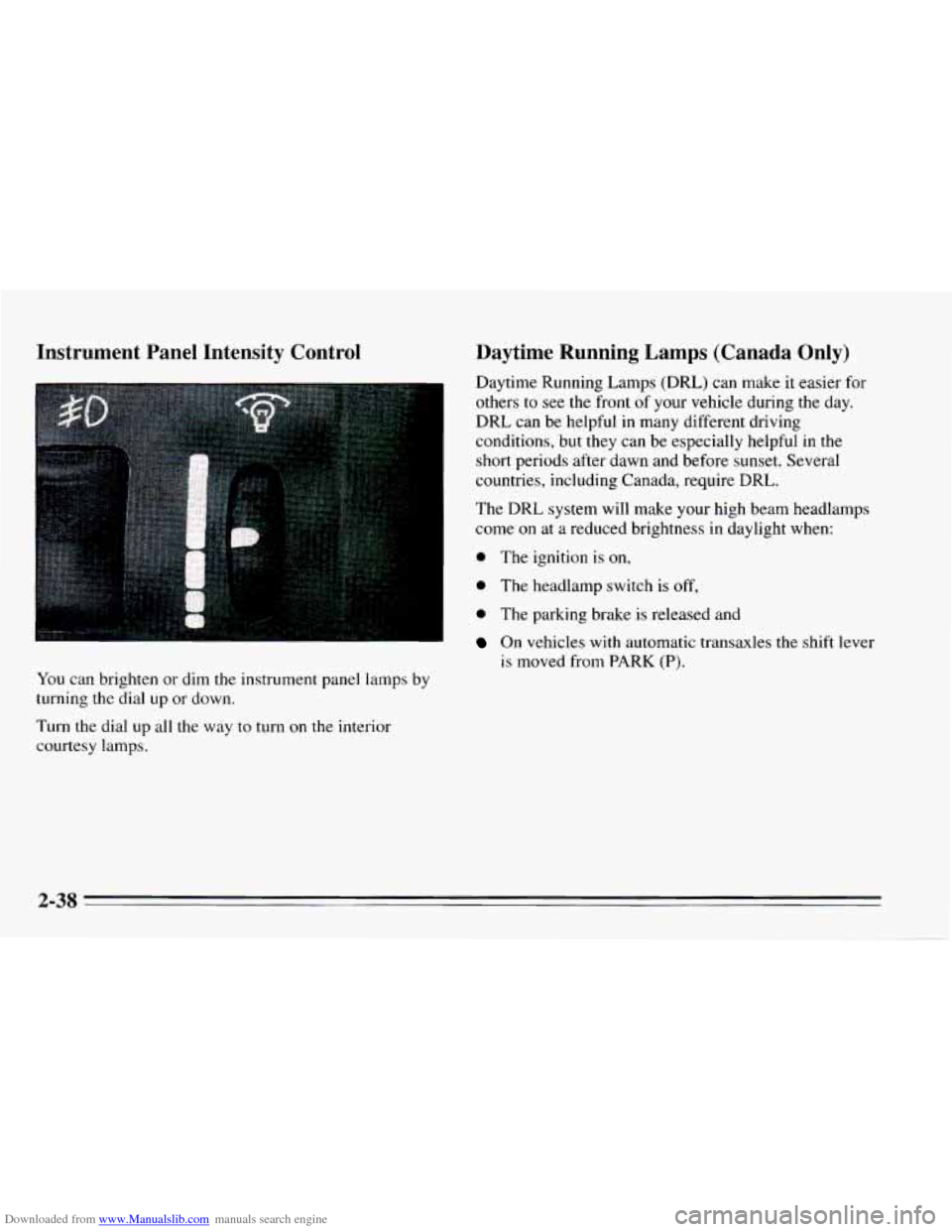
You can brighten or dim the instrument panel lamps by
turning the dial up
or down.
Turn the dial up all the way
to turn on the interior
courtesy lamps. Daytime Running Lamps (DRL) can make
it easier for
others
to see the front of your vehicle during the day.
DRL can be helpful
in many different driving
conditions, but they can be especially helpful in the
short periods after dawn and before sunset. Several
countries, including Canada, require DRL.
The DRL system will make your high beam headlamps
come
on at a reduced brightness in daylight when:
0 The ignition is on,
0 The headlamp switch is off,
0 The parking brake is released and
On vehicles with automatic transaxles the shift lever
is moved from PARK
(P).
2-38
~~ -.
Page 95 of 340
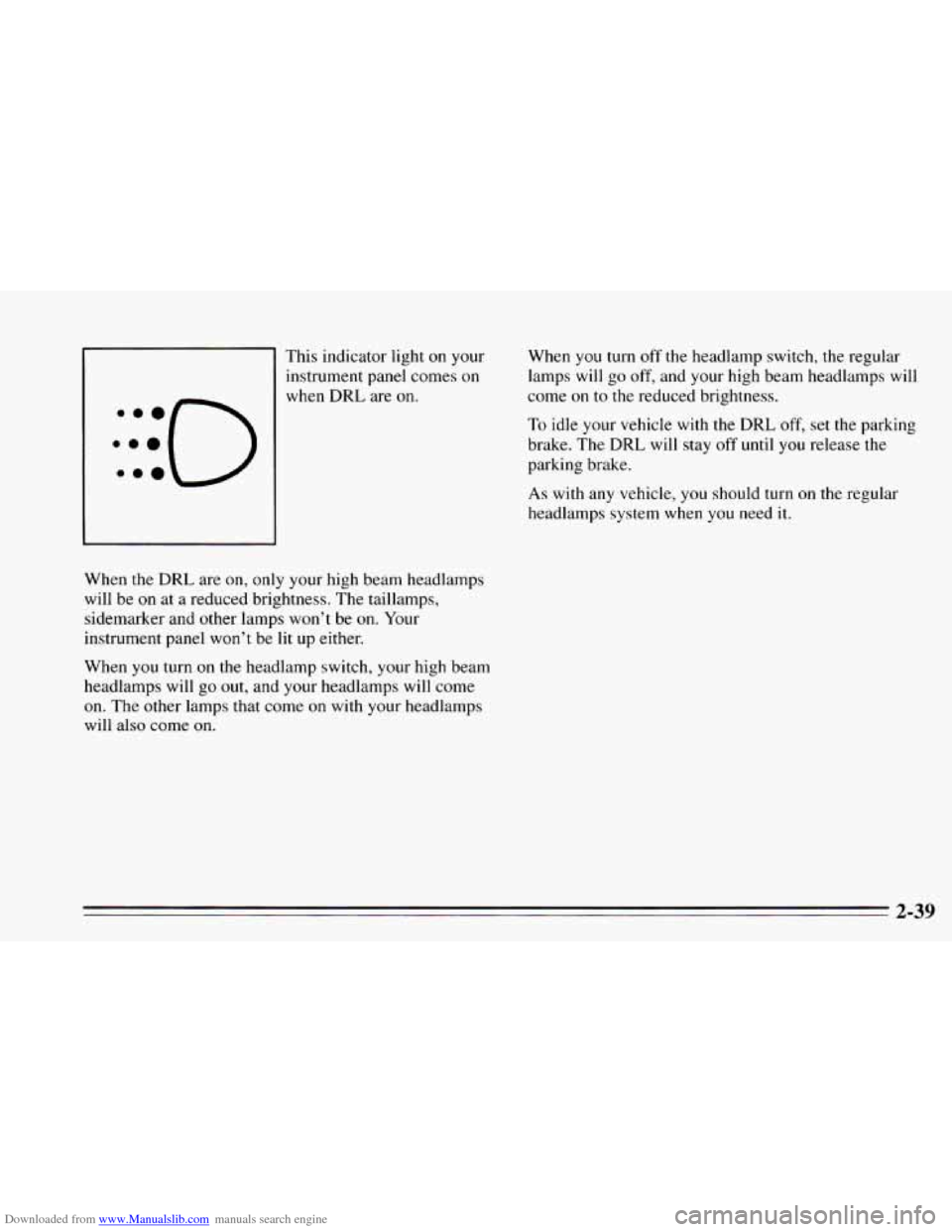
Downloaded from www.Manualslib.com manuals search engine This indicator light on your
instrument panel comes
on
when DRL are on. When
you turn
off the headlamp switch, the regular
lamps will
go off, and your high beam headlamps will
come on
to the reduced brightness.
To idle your vehicle with the DRL off, set the parking
brake. The
DRL will stay off until you release the
parking brake.
As with any vehicle, you should turn on the regular
headlamps system when you need it.
When the
DRL are on, only your high beam headlamps
will be on at a reduced brightness. The taillamps,
sidemarker and other lamps won’t be
on. Your
instrument panel won’t be lit up either.
When
you turn on the headlamp switch, your high beam
headlamps will go out, and your headlamps will come
on. The other lamps that come
on with your headlamps
will also come
on.
Page 96 of 340
Downloaded from www.Manualslib.com manuals search engine Fog Lamps (224 Model)
Use your fog lamps for better vision in foggy or misty
conditions.
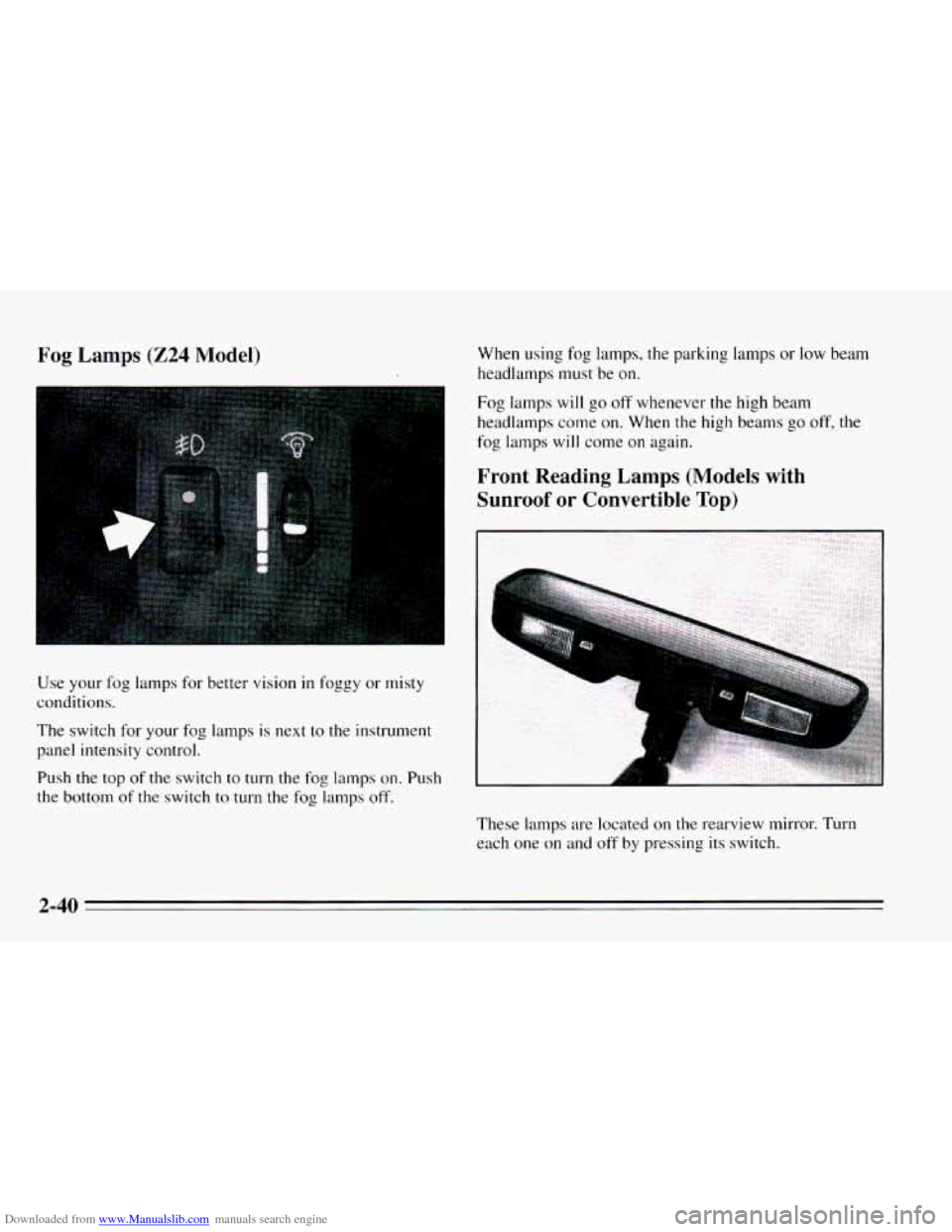
The switch
for your fog lamps is next to the instrument
panel intensity control.
Push the top of the switch to turn the
fog lamps on. Push
the bottom of the switch
to turn the fog lamps off. When
using fog lamps, the parking lamps
or low beam
headlamps must be
on.
Fog lamps will go off whenever the high beam
headlamps come on. When the high beams go off, the
fog lamps
will come on again.
Front Reading Lamps (Models with Sunroof
or Convertible Top)
These lamps are located on the rearview mirror. Turn
each one on and off by pressing its switch.
2-40
Page 112 of 340
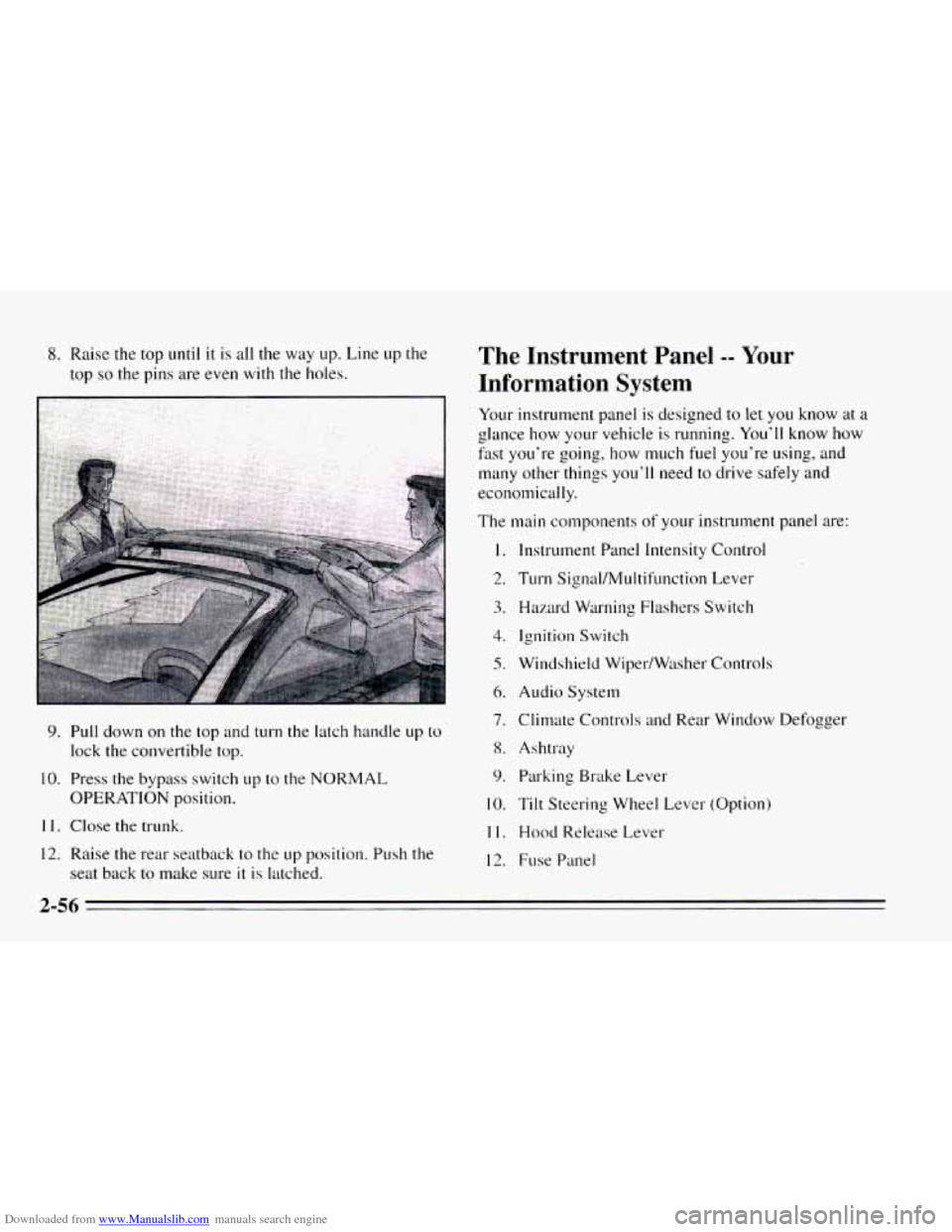
Downloaded from www.Manualslib.com manuals search engine 8. Raise the top until it is all the way up. Line up the
top
so the pins are even with the holes.
9. Pull down on the top and turn the latch handle up to
lock the convertible top.
10. Press the bypass switch up to the NORMAL
OPERATION position.
11. Close the trunk.
12. Raise the rear seatback to the up position. Push the
seat back to make sure
it is latched.
The Instrument Panel -- Your
Information System
Your instrument panel is designed to let you know at a
glance how your vehicle is running. You’ll know how
fast you‘re going, how much fuel you’re using, and
many other things you’ll need to drive safely and
economically.
The main components
of your instrutnent panel are:
1.
2.
3.
4.
5.
6.
7.
8.
9.
10.
11.
12.
Instrument Panel Intensity Control
Turn Signal/MuItifunction Lever
Hazard Warning Flashers Switch
Ignition Switch
Windshield Wiper/Wtlsher Controls
Audio System
Climate Controls
and Rear Window Defogger
Ashtray Parking Brake Lever
Tilt Steering Wheel Lever (Option)
Hood Release Lever
Fuse Panel
2-56
Page 114 of 340
Downloaded from www.Manualslib.com manuals search engine Instrument Panel Clusters
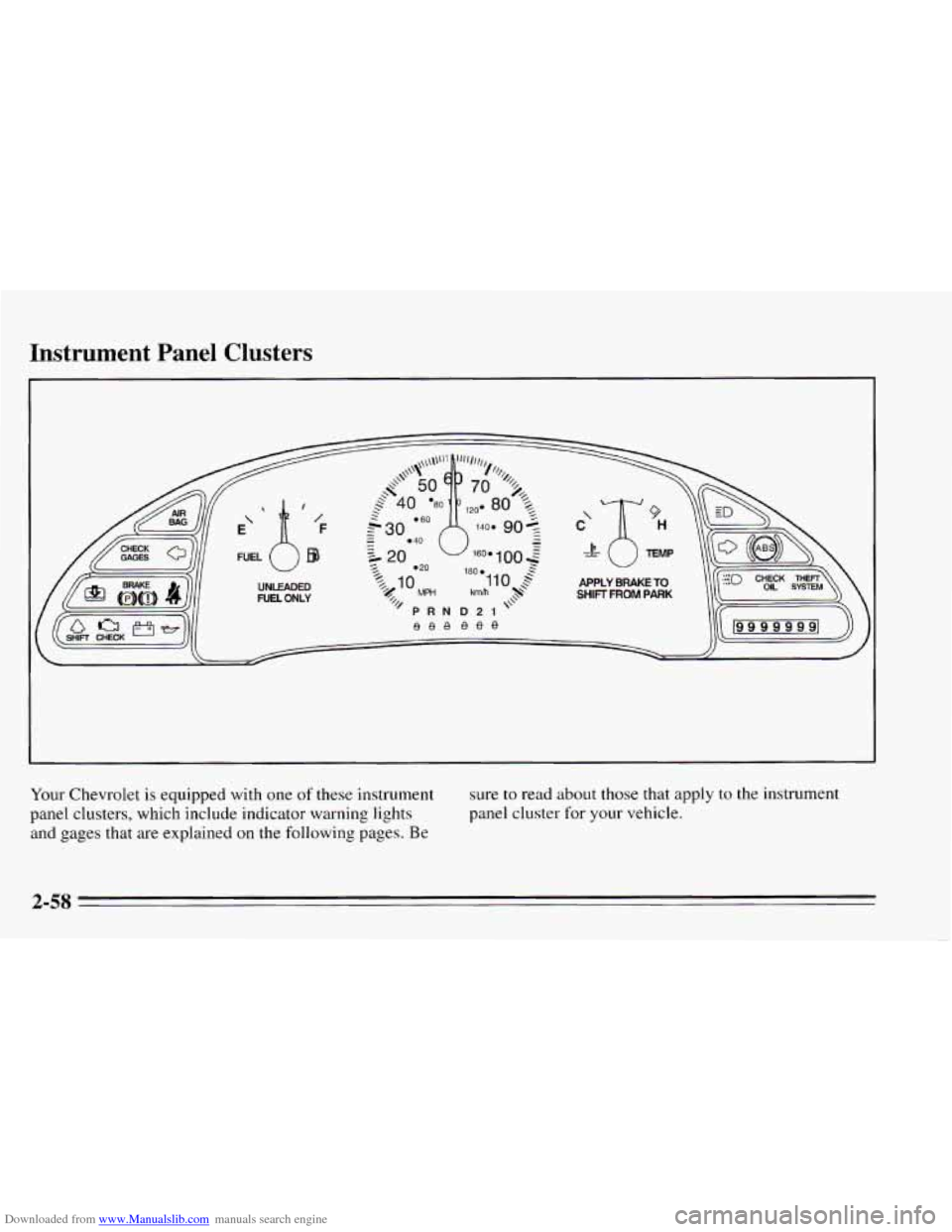
Your Chevrolet is equipped with one of these instrument
panel clusters, which include indicator warning lights
and gages that are explained
on the following pages. Be
sure to read about those that apply to the instrument
panel cluster for your vehicle.
2-58
Page 117 of 340
Downloaded from www.Manualslib.com manuals search engine When one of the warning lights comes on and stays on
when
you are driving, or when one of the gages shows
there may be a problem, check
the section that tells you
what to do about
it. Please follow this manual’s advice.
Waiting to do repairs can be costly
-- and even
dangerous.
So please get to know your warning lights
and gages. They’re
a big help.
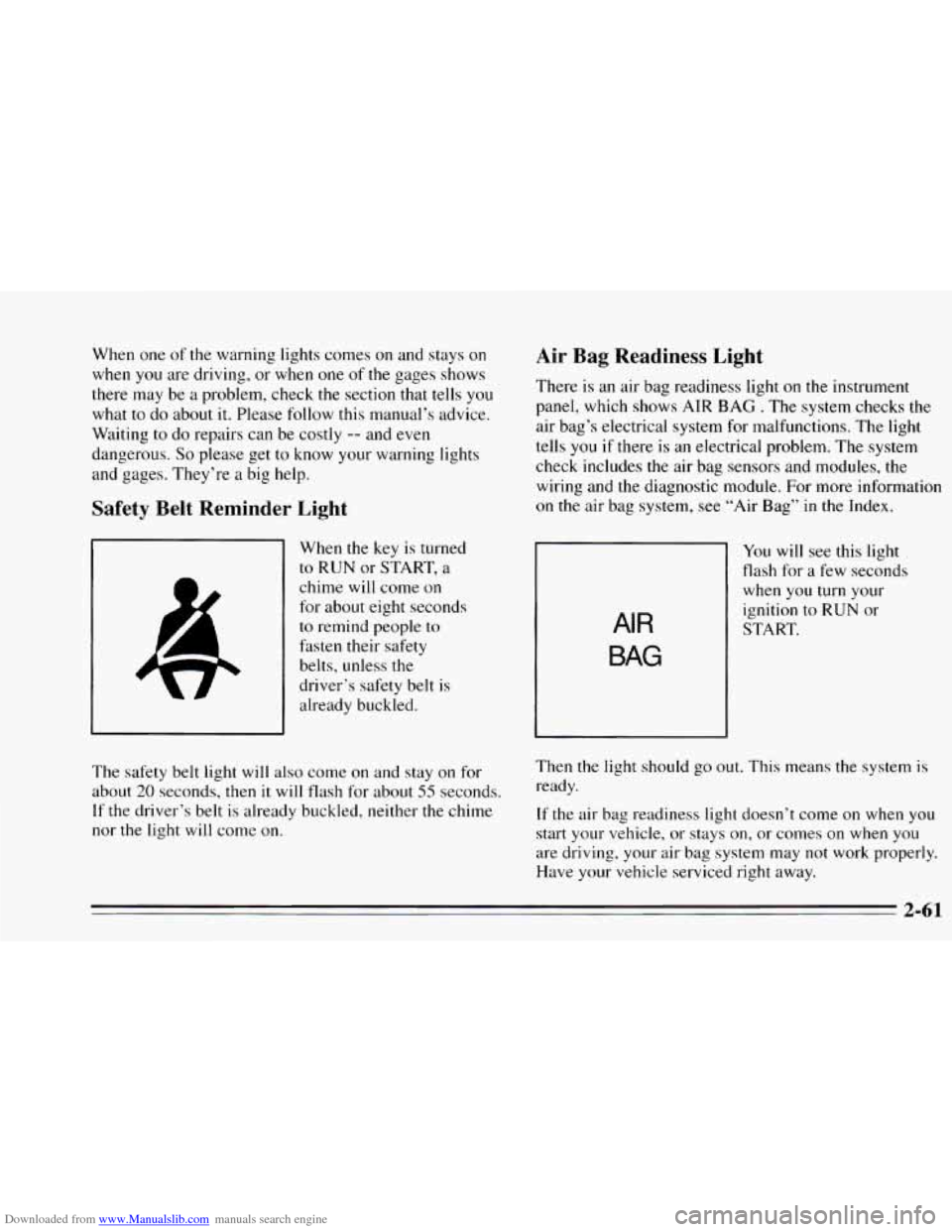
Safety Belt Reminder Light
When the key is turned
to RUN or START, a
chime will come on
for about eight seconds
to remind people to
fasten their safety
belts, unless
the
driver’s safety belt is
already buckled.
Air Bag Readiness Light
There is an air bag readiness light on the instrument
panel, which shows AIR
BAG . The system checks the
air bag’s electrical system for malfunctions. The light
tells
you if there is an electrical problem. The system
check includes the air bag sensors and modules, the
wiring and the diagnostic module.
For more information
on the air bag system, see “Air Bag” in the Index.
rl
You will see this light
flash for
a few seconds
when you turn your
ignition
to RUN or
AIR
BAG
START.
The safety belt light
will also come on and stay on for
about
20 seconds, then it will flash for about 55 seconds.
If the driver’s belt is already buckled, neither the chime
nor
the light will come on. Then
the light should
go out. This means the system is
ready.
If the air bag readiness light doesn’t come on when you
start your vehicle, or stays on, or comes on
when you
are driving. your air bag system may not work properly.
Have your vehicle serviced right away.
2-61
Page 128 of 340
Downloaded from www.Manualslib.com manuals search engine Mode Knob
The right knob has several settings to control the
direction
of air flow. For each setting, set the
temperature to a comfortable setting.
0 MAX (Option): This setting recirculates much of
the air inside your vehicle and sends it through the
instrument panel outlets. The air conditioning
compressor will run automatically
in this setting when it
is needed to help dry the air in the vehicle.
2 VENT: This setting brings in outside air and
directs it through the instrument panel.
BI-LEVEL: This setting brings in outside air and
directs
it two ways. Some air is directed through the
instrument panel outlets. Most of the air is directed
through the floor ducts and a little
to the defrost and side
window vents.
1j FLOOR: This setting sends most of the air through
the ducts near the floor. The rest comes
out of the
defroster and side window vents.
9 DEFOG: This setting allows half of the air to go to
the floor ducts and half to the defrost and side window
vents.
9 DEFROST: This setting directs most of the air
through the defroster and side window vents. Some
of
the air goes to the floor ducts. If your vehicle is
equipped with an
air conditioner, the air conditioning
compressor will
run automatically in this setting when it
is needed to help dry
the air in the vehicle.
Air Conditioning Compressor Button
Press the A/C button to operate the air conditioner
compressor. The indicator light above the button will
glow when the button
is pressed. You don’t have to
press
the button to run the compressor in MAX or
DEFROST.
Air Conditioning (Option)
On very hot days, open the windows long enough to let
hot, inside air escape. This reduces the time it takes for
your vehicle to cool down, which should help fuel
economy.
For quick cool-down on very hot days, use
MAX with
the temperature
knob all the way in the blue area. If this
3-2
Page 146 of 340

Downloaded from www.Manualslib.com manuals search engine Avoid needless heavy braking. Some people drive in
spurts
-- heavy acceleration followed by heavy braking
-- rather than keeping pace with traffic. This is a
mistake. Your brakes may not have time to cool between
hard stops. Your brakes will wear out much faster
if you
do a lot of heavy braking. If you keep pace with the
traffic and allow realistic following distances, you will
eliminate a lot
of unnecessary braking. That means
better braking and longer brake life.
If your engine ever stops while you’re driving, brake
normally but don’t pump
your brakes. If you do, the
pedal may get harder to push down. If your engine
stops,
you will still have some power brake assist. But
you will
use it when you brake. Once the power assist is
used up, it may take longer to stop and the brake pedal
will be harder to push.
Anti-Lock Brakes (ABS)
Your Chevrolet has an advanced electronic braking
system that will help prevent
a braking skid.
This light on
the
instrument panel will
come on briefly when
you start your vehicle.
When you start
your vehicle, or when you begin to drive
away,
you may hear a momentary motor or clicking
noise. And you may even notice that
your brake pedal
moves
a little while this is going on. This is the ABS
system testing itself. If there’s a problem with the
anti-lock brake system,
the anti-lock brake system
warning light will stay
on or flash.
See “Anti-Lock Brake System Warning Light” in the
Index.
Page 175 of 340
Downloaded from www.Manualslib.com manuals search engine Turn Signals When Towing a Trailer
When you tow a trailer, your vehicle has to have a
different turn signal flasher and extra wiring. The green
arrows on your instrument panel will flash whenever
you signal a turn or lane change. Properly hooked up,
the trailer lamps will also flash, telling other drivers
you‘re about
to turn, change lanes or stop.
When towing a trailer, the green arrows on
your
instrument panel will flash for turns even if the bulbs on
the trailer are burned out. Thus, you may think drivers
behind
you are seeing your signal when they are not. It’s
important
to check occasionally to be sure the trailer
bulbs are
still working.
Driving On Grades
Reduce speed and shift to a lower gear lwfot-e you start
down
a long or steep downgrade. If you don’t shift
down, you might have to use your brakes so much that
they would get hot and no longer work well.
On a long uphill grade, shift down and reduce your
speed
to around 45 mph (70 km/h) to reduce the
possibility of engine and transaxle overheating.
Parking on Hills
You really should not park your vehicle, with a trailer
attached,
on a hill. If something goes wrong, your rig
could start
to move. People can be injured, and both
your vehicle and
the trailer can be damaged.
But if you ever have to park your rig on a hill, here’s
how to do
it:
1. Apply your regular brakes, but don’t shift into
PARK (P) yet.
2. Have someone place chocks under the trailer wheels.
3. When the wheel chocks are in place, release the
regular brakes
until the chocks absorb the load.
4. Reapply the regular brakes. Then apply your parking
brake, and then shift
to PARK (P).
5. Release the regular brakes.
4-35