warning CHEVROLET CAVALIER 1995 3.G Owners Manual
[x] Cancel search | Manufacturer: CHEVROLET, Model Year: 1995, Model line: CAVALIER, Model: CHEVROLET CAVALIER 1995 3.GPages: 340, PDF Size: 17.09 MB
Page 8 of 340
Downloaded from www.Manualslib.com manuals search engine How to Use This Manual
Many people read their owner’s manual from beginning to end when they first receive their new vehicle. This
will help you learn about the features and controls for
your vehicle. In this manual, you’ll find that pictures and words work together to explain things quickly.
Index
A good place to look for what you need is the Index in
the back
of the manual. It’s an alphabetical list of all
that’s in the manual, and the page number where you’ll
find it.
Safety Warnings and Symbols
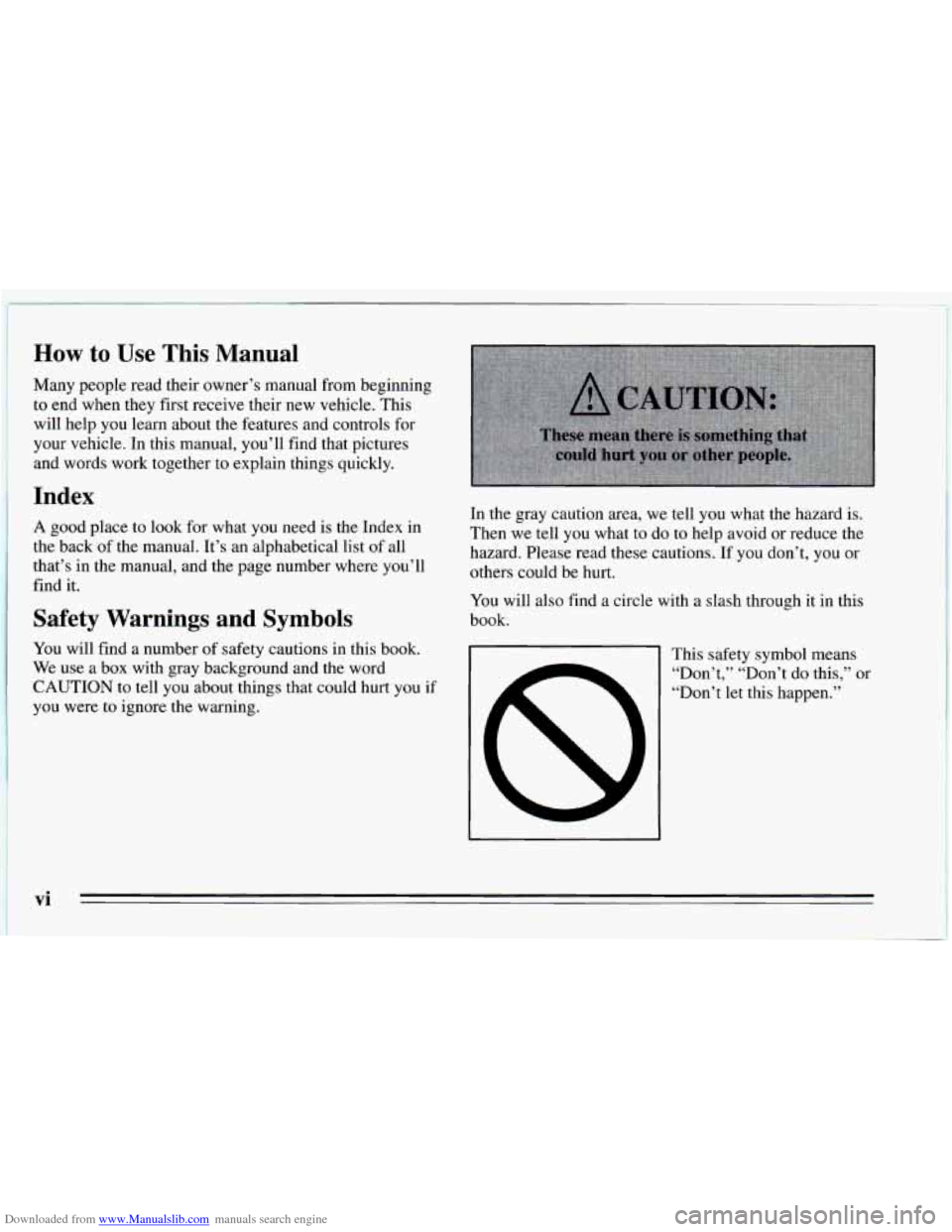
You will find a number of safety cautions in this book.
We use a box with gray background and the word
CAUTION to tell you about things that could hurt you if
you were to ignore the warning. In the gray caution area, we tell
you what the hazard
is.
Then we tell you what to do to help avoid or reduce the
hazard. Please read these cautions. If you don’t, you or
others could be hurt.
You will also find a circle with a slash through it in this
book.
This safety symbol means
“Don’t,’’ “Don’t do this,”
or
“Don’t let this happen.”
Page 9 of 340
Downloaded from www.Manualslib.com manuals search engine Vehicle Damage Warnings
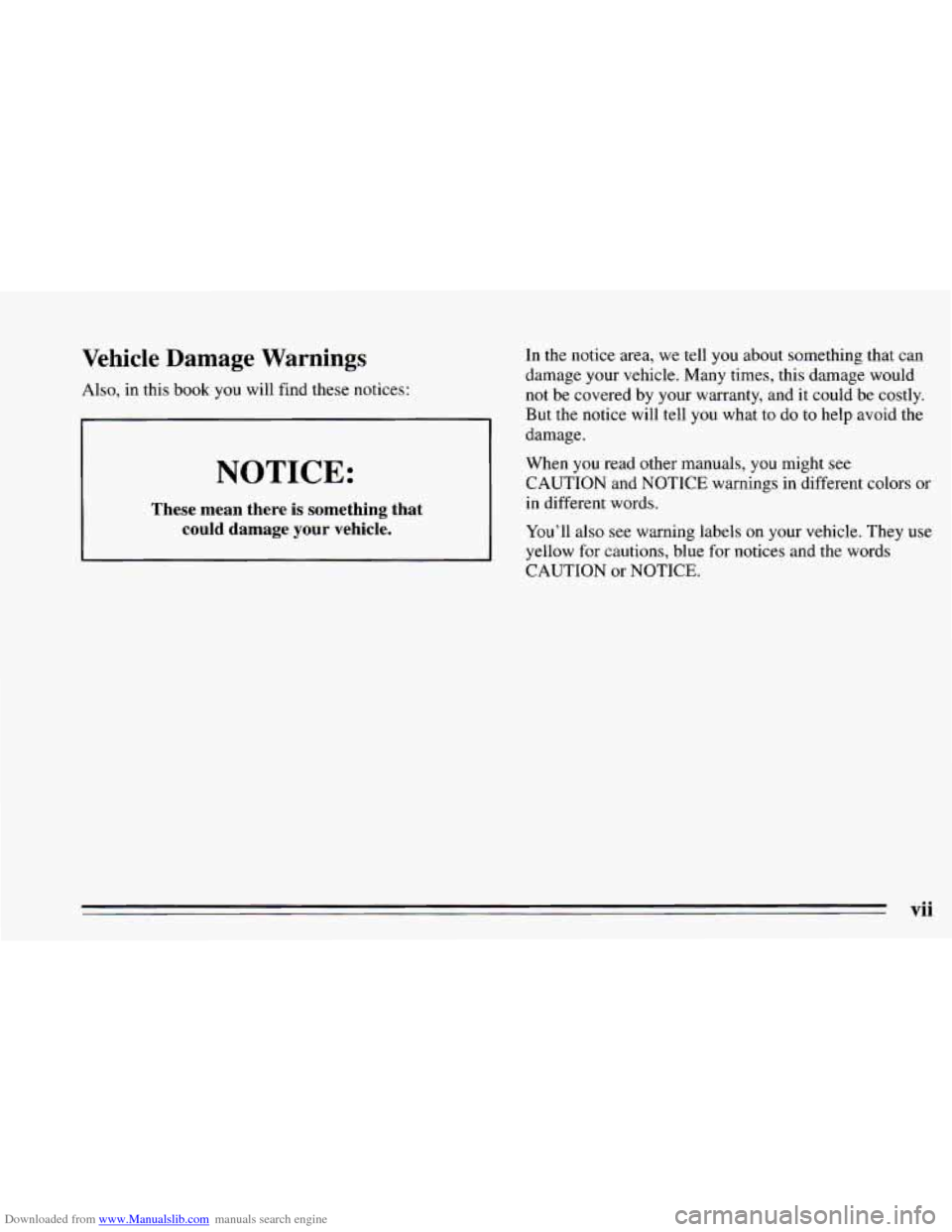
Also, in this book you will find these notices:
c
NOTICE:
These mean there is something that
could damage
your vehicle.
In the notice area, we tell you about something that can
damage your vehicle. Many times, this damage would
not be covered
by your warranty, and it could be costly.
But the notice will tell you what
to do to help avoid the
damage.
When
you read other manuals, you might see
CAUTION and NOTICE warnings in different colors or
in different
words.
You’ll also see warning labels on your vehicle. They use
yellow for cautions, blue for notices and the words
CAUTION or NOTICE.
vii
Page 10 of 340
Downloaded from www.Manualslib.com manuals search engine Vehicle Symbols
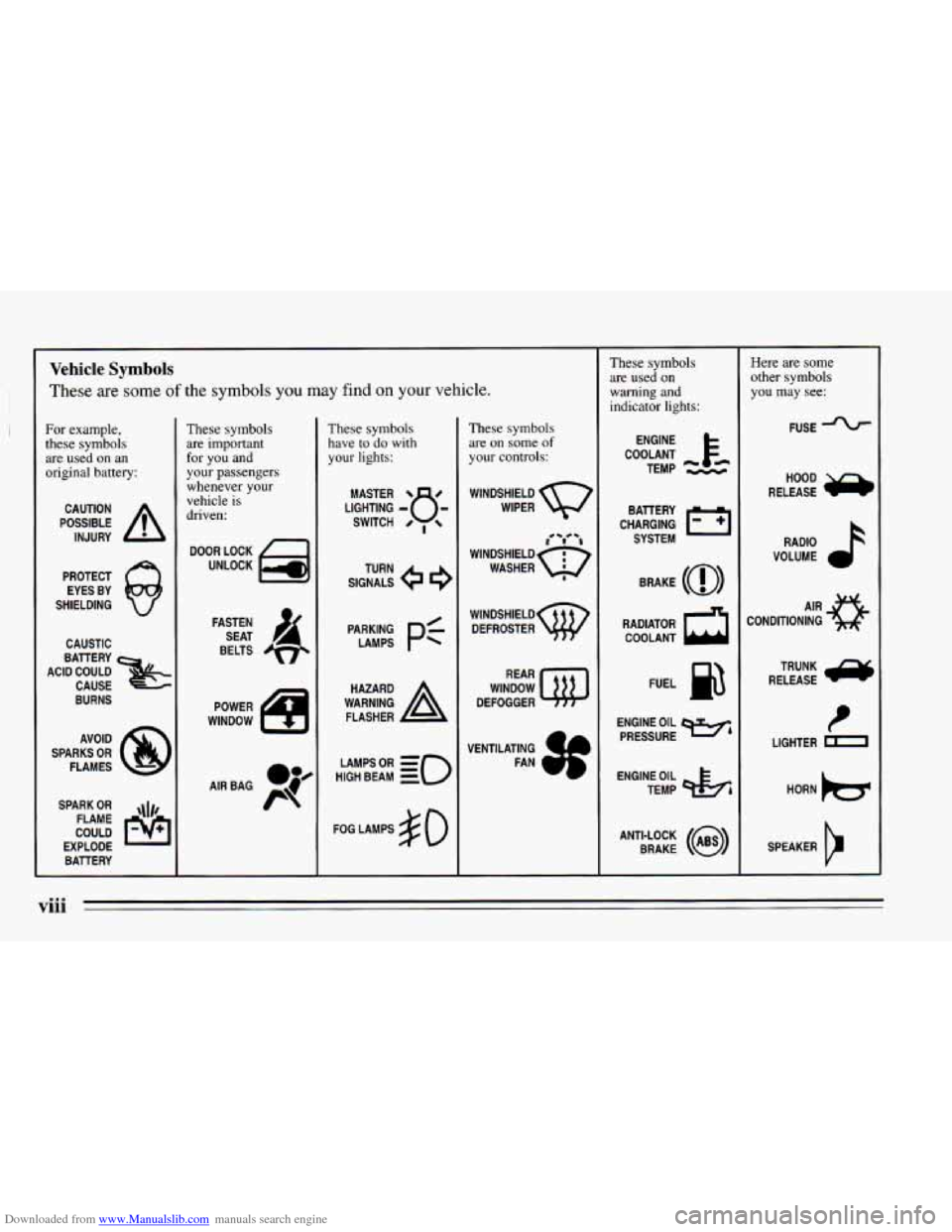
These are some of the symbols you may find on your vehicle.
For example,
these symbols are used on an
original battery:
POSSIBLE A
CAUTION
INJURY
PROTECT EYES BY
SHIELDING
Q
CAUSTIC
ACID COULD BATTERY
CAUSE
BURNS
AVOID
SPARKS
OR
FLAMES
SPARK
OR ,\I/,
COULD FLAME
EXPLODE BATTERY
These symbols
are important
for you and
your passengers
whenever your
vehicle is
driven:
DOOR LOCK
UNLOCK
FASTEN SEAT
4
BELTS
POWER
WINDOW
These symbols have to
do with
your lights:
SIGNALS 6
TURN
HIGH
LAMPSoR BEAM = =o
FOG LAMPS $0
These symbols
are on
some of
your controls:
WINDSHIELD
WIPER
i i
WINDSHIELD
WASHER I
WINDSHIELD DEFROSTER
WINDOW
DEFOGGER
VENTILATING FAN
These symbols are used on
warning and
indicator lights:
COOLANT F-
ENGINE
TEMP
--
CHARGING I-1
BATTERY SYSTEM
BRAKE
(0)
RADIATOR COOLANT
a
FUEL
ENGINE OIL
PRESSURE
Wb
TEMP OIL &
ANTI-LOCK (@)
BRAKE
Here are some
other symbols
you may
see:
FUSE
RELEASE
a
RADIO
VOLUME
CONDITIONING
AIR 43
LIGHTER HORN
)b.
SPEAKER
b
viii
Page 57 of 340
Downloaded from www.Manualslib.com manuals search engine 0 Section 2 Features and Controls
Here you can learn about the many standard and
optional features on your Chevrolet, and information on
starting, shifting and braking.
Also explained are the
instrument panel and the warning systems that tell you
if
everything is working properly -- and what to do if you
have a problem.
Keys
Page 64 of 340
Downloaded from www.Manualslib.com manuals search engine Ignition Switch
E
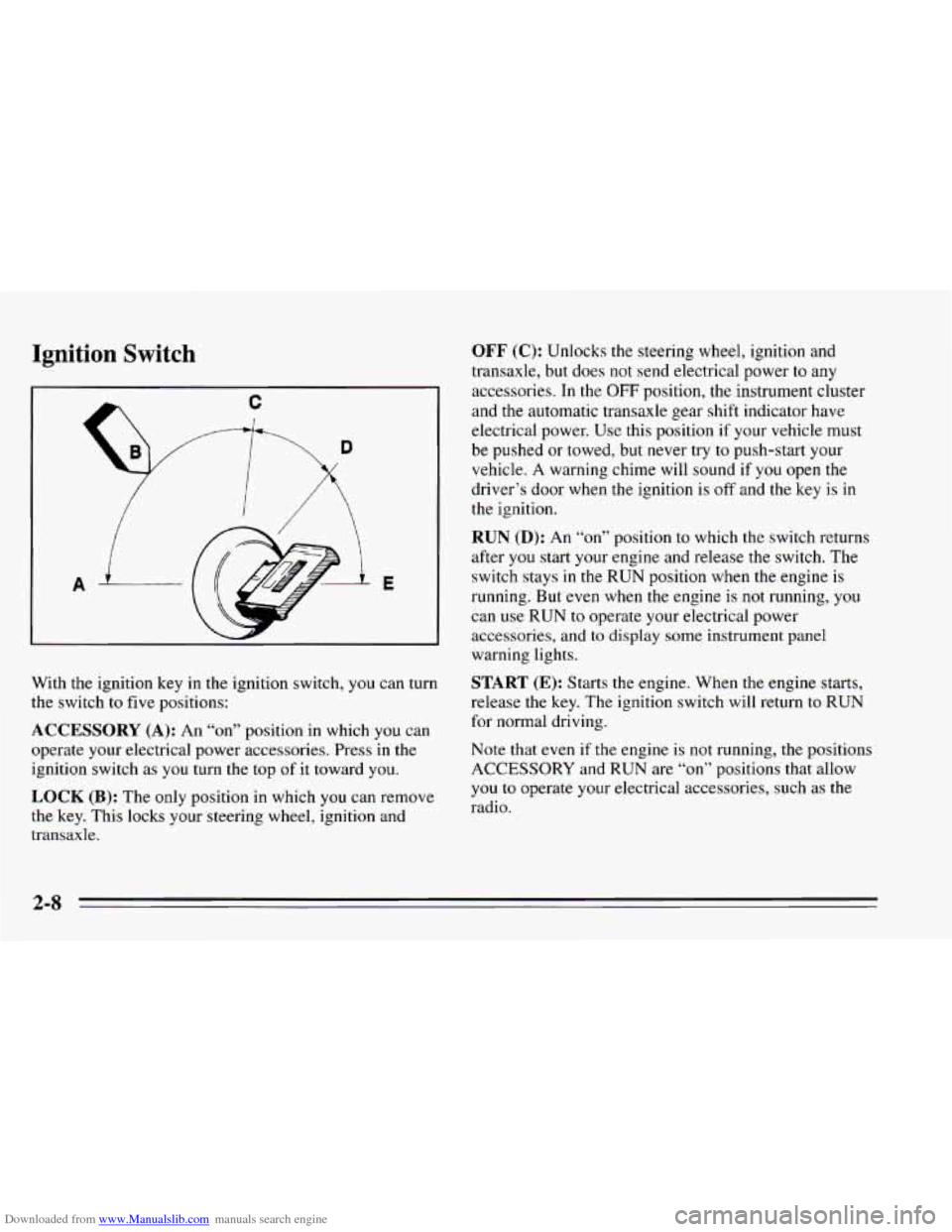
With the ignition key in the ignition switch, you can turn
the switch to five positions:
ACCESSORY (A): An “on” position in which you can
operate your electrical power accessories. Press in the
ignition switch as
you turn the top of it toward you.
LOCK (B): The only position in which you can remove
the key. This locks your steering wheel, ignition and
transaxle.
OFF (C): Unlocks the steering wheel, ignition and
transaxle, but does not send electrical power
to any
accessories. In the
OFF position, the instrument cluster
and the automatic transaxle gear shift indicator have
electrical power. Use this position if your vehicle must
be pushed or towed, but never try
to push-start your
vehicle. A warning chime will sound if
you open the
driver’s door when the ignition is
off and the key is in
the ignition.
RUN (D): An “on7’ position to which the switch returns
after
you start your engine and release the switch. The
switch stays
in the RUN position when the engine is
running. But
even when the engine is not running, you
can use
RUN to operate your electrical power
accessories,
and to display some instrument panel
warning lights.
START (E): Starts the engine. When the engine starts,
release the key. The ignition switch will return
to RUN
for normal driving.
Note that even if
the engine is not running, the positions
ACCESSORY and RUN are
“on” positions that allow
you
to operate your electrical accessories, such as the
radio.
Page 78 of 340
Downloaded from www.Manualslib.com manuals search engine To set the parking brake, hold the brake pedal down and
pull up on the parking brake lever. If the ignition
is on,
the brake system warning light will come on.
To release the parking brake, hold the brake pedal down.
Pull the parking brake lever up until you can press the
release button.
Hold the release button in as you move
the brake lever all the way down.
I NOTICE:
Driving with the parking brake on can cause
your rear brakes to overheat. You may have to
replace them, and you could also damage other
parts
of your vehicle.
If you are towing a trailer and are parking on any hill,
see “Towing a Trailer’’ in the Index. That section shows
what to
do first to keep the trailer from moving.
Shifting Pnto PARK (P) (Automatic
Transaxle Models Only)
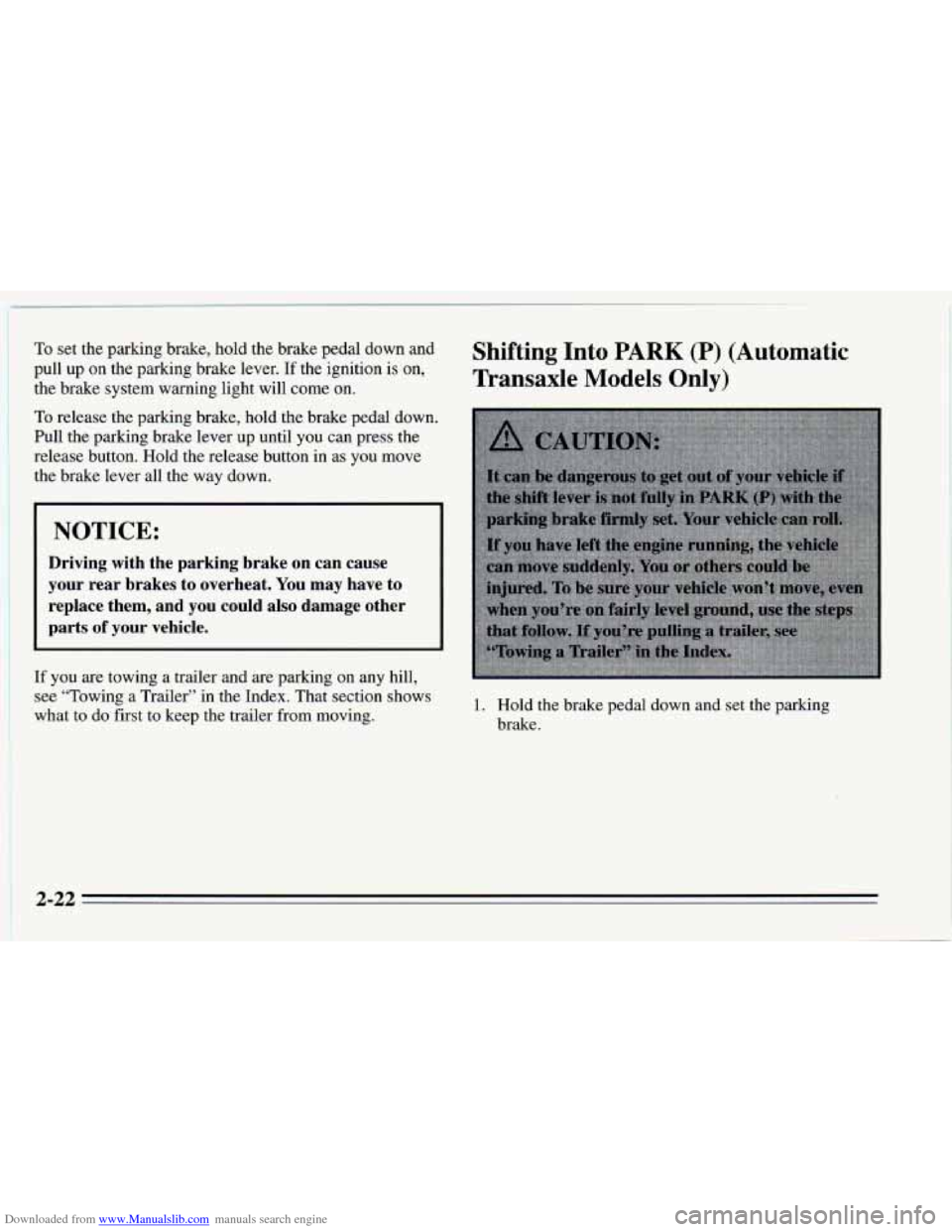
1. Hold the brake pedal down and set the parking
brake.
2-22
Page 93 of 340
Downloaded from www.Manualslib.com manuals search engine Lamp Controls
I I
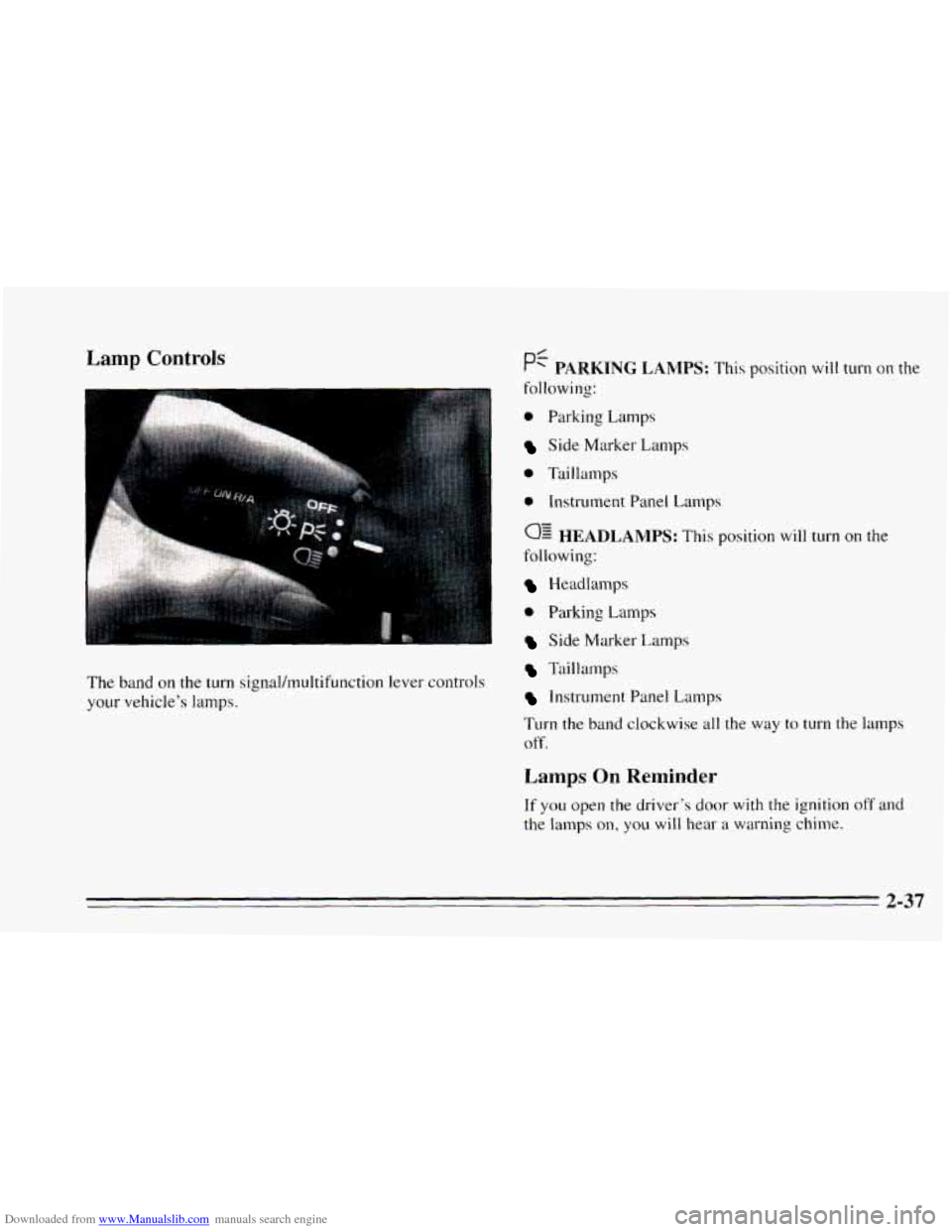
The band on the turn signal/multifunction lever controls
your vehicle’s lamps.
0 Parking Lamps
Side Marker Lamps
0 Taillamps
e Instrument Panel Lamps
0: HEADLAMPS: This position will turn on the
following:
Headlamps
0 Parking Lamps
Side Marker Lamps
Taillamps
Instrument Panel Lamps
Turn the
band clockwise all the way to turn the lamps
off.
Lamps On Reminder
If you open the driver’s door with the ignition off and
the lamps on, you will hear a warning chime.
2-37
Page 112 of 340
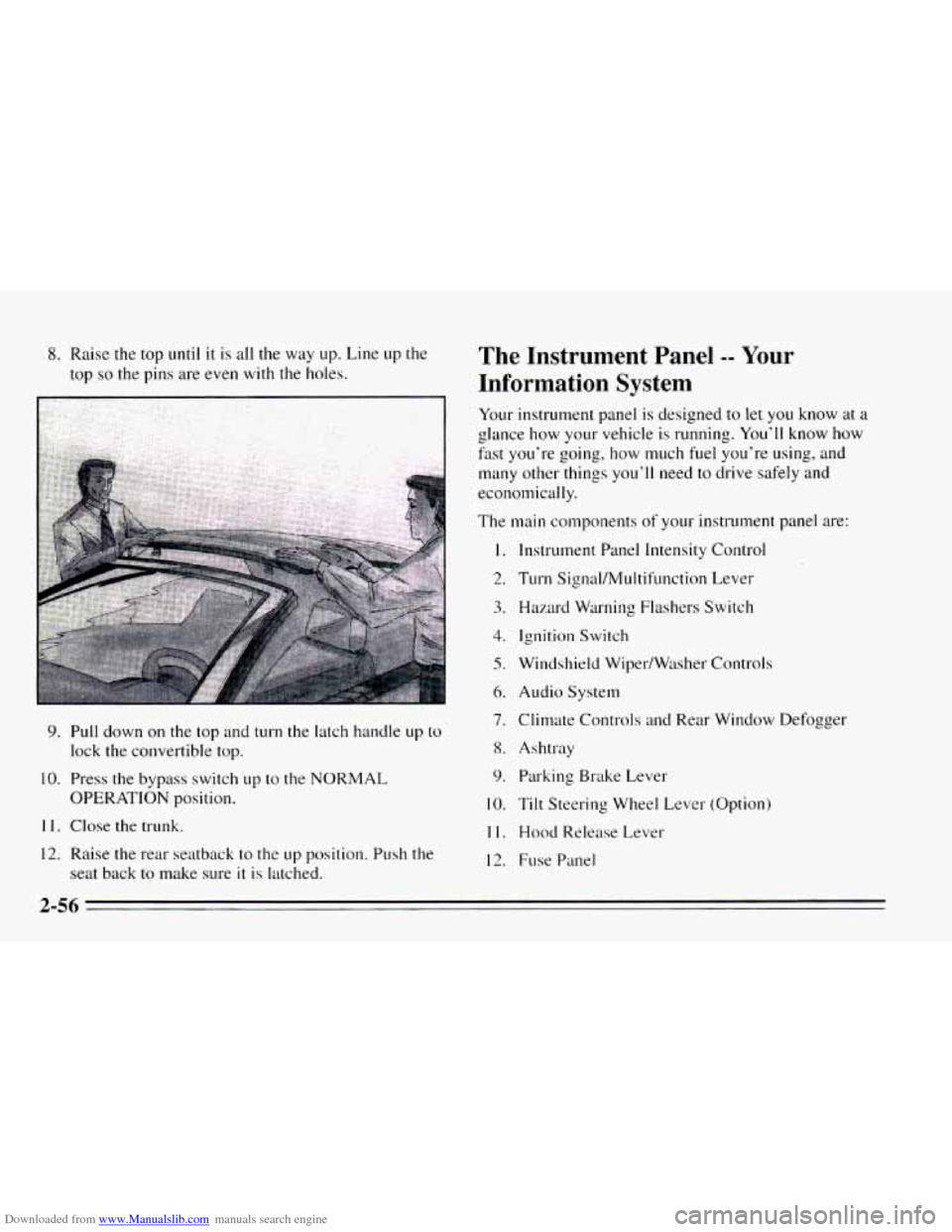
Downloaded from www.Manualslib.com manuals search engine 8. Raise the top until it is all the way up. Line up the
top
so the pins are even with the holes.
9. Pull down on the top and turn the latch handle up to
lock the convertible top.
10. Press the bypass switch up to the NORMAL
OPERATION position.
11. Close the trunk.
12. Raise the rear seatback to the up position. Push the
seat back to make sure
it is latched.
The Instrument Panel -- Your
Information System
Your instrument panel is designed to let you know at a
glance how your vehicle is running. You’ll know how
fast you‘re going, how much fuel you’re using, and
many other things you’ll need to drive safely and
economically.
The main components
of your instrutnent panel are:
1.
2.
3.
4.
5.
6.
7.
8.
9.
10.
11.
12.
Instrument Panel Intensity Control
Turn Signal/MuItifunction Lever
Hazard Warning Flashers Switch
Ignition Switch
Windshield Wiper/Wtlsher Controls
Audio System
Climate Controls
and Rear Window Defogger
Ashtray Parking Brake Lever
Tilt Steering Wheel Lever (Option)
Hood Release Lever
Fuse Panel
2-56
Page 114 of 340
Downloaded from www.Manualslib.com manuals search engine Instrument Panel Clusters
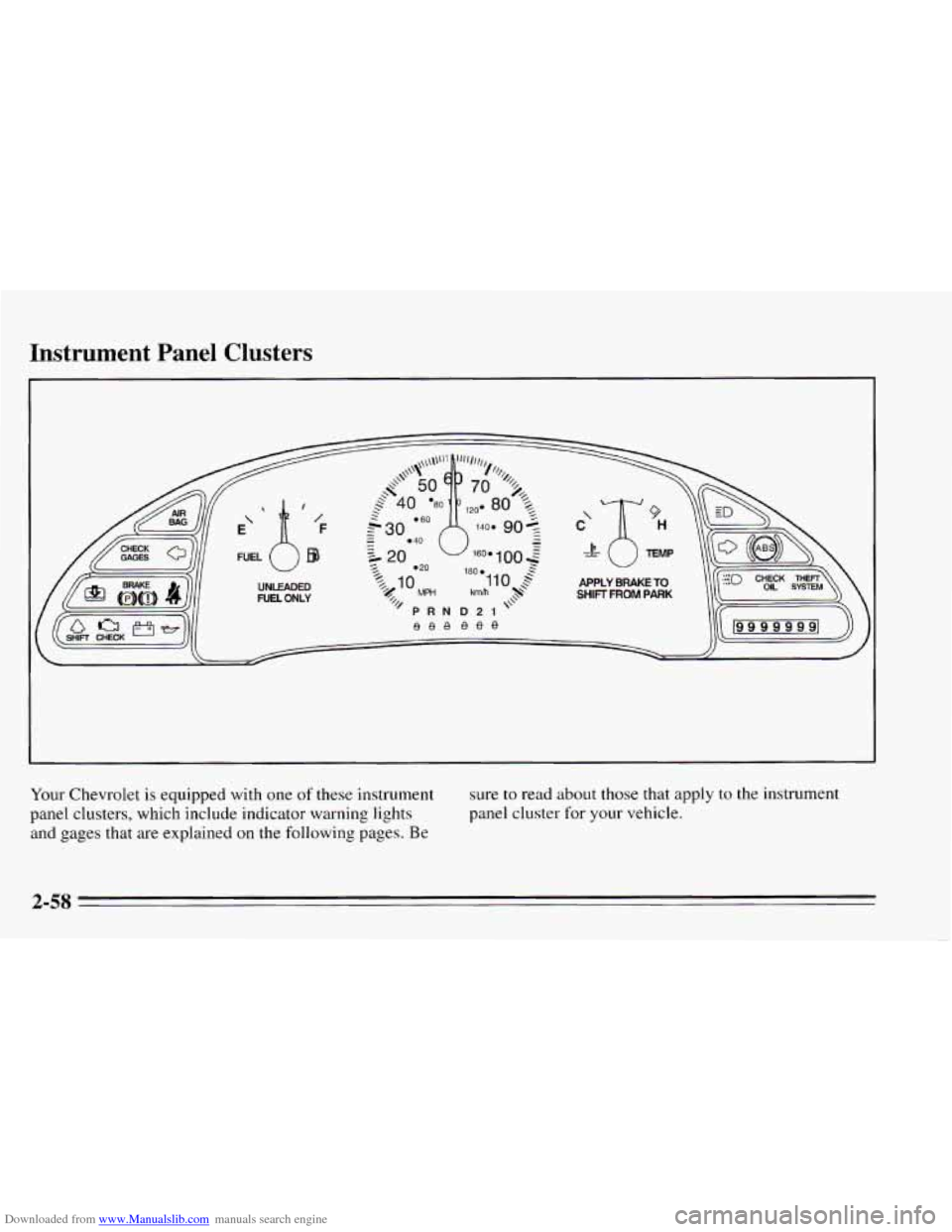
Your Chevrolet is equipped with one of these instrument
panel clusters, which include indicator warning lights
and gages that are explained
on the following pages. Be
sure to read about those that apply to the instrument
panel cluster for your vehicle.
2-58
Page 116 of 340
Downloaded from www.Manualslib.com manuals search engine You may wonder what happens if your vehicle needs a
new odometer installed.
If the new one can be set to the mileage total of the old
odometer, then it must be. But
if it can’t, then it’s set at
zero and
a label must be put on the driver’s door to show
the old mileage reading when the new odometer was
installed.
Trip Odometer (Option)
The trip odometer can tell you how far your vehicle has
been driven since
you last set the trip odometer to zero.
To set
the trip odometer to zero, press the knob to the
right
of it.
Tachometer (Option)
The tachometer displays the engine speed in revolutions
per minute (rpm).
I NOTICE:
I
Do not operate the engine with the tachometer in
the red area, or engine damage may
occur.
Warning Lights, Gages and
Indicators
This part describes the warning lights and gages that
may be
on your vehicle. The pictures will help you
locate them.
Warning lights and gages can signal that something is
wrong before
it becomes serious enough to cause an
expensive repair or replacement. Paying attention
to
your warning lights and gages could also save you or
others from injury.
Warning lights come
on when there may be or is a
problem with one of your vehicle’s functions.
As you
will
see in the details on the next few pages, some
warning lights come
on briefly when you start the
engine just to let you know they’re working. If you are
familiar with this section,
you should not be alarmed
when this happens.
Gages can indicate when there may be or is a problem
with one
of your vehicle’s functions. Often gages and
warning lights work together to let you know when
there’s a problem with your vehicle.
2-60