service CHEVROLET CAVALIER 1996 3.G User Guide
[x] Cancel search | Manufacturer: CHEVROLET, Model Year: 1996, Model line: CAVALIER, Model: CHEVROLET CAVALIER 1996 3.GPages: 372, PDF Size: 19.73 MB
Page 127 of 372
Downloaded from www.Manualslib.com manuals search engine The Enhanced Traction System warning light may come
on for the following reasons:
0 If you turn the system off by moving the shift lever to
a position other than THIRD
(3) or OVERDRIVE (a)?
the warning light will come on and stay on. To turn
the system back on, move the shift lever back to the
THIRD (3) or OVERDRIVE (a) position again. The
warning light should go
off. (See “Enhanced Traction
System”
in the Index for more information.)
The warning light will come on when you set your
parking brake with the engine running, and
it will
stay on if your parking brake doesn’t release fully.
If the transaxle shift lever is in the THIRD
(3) or
OVERDRIVE
(@) position and the warning light
stays on after your parking brake is fully released, it
means there’s
a problem with the system.
If the Enhanced Traction System warning light comes
on and stays on for an extended period
of time when
the transaxle shift lever is in the THIRD
(3) or
OVERDRIVE
(0) position and the parking brake is
fully released, your vehicle needs service.
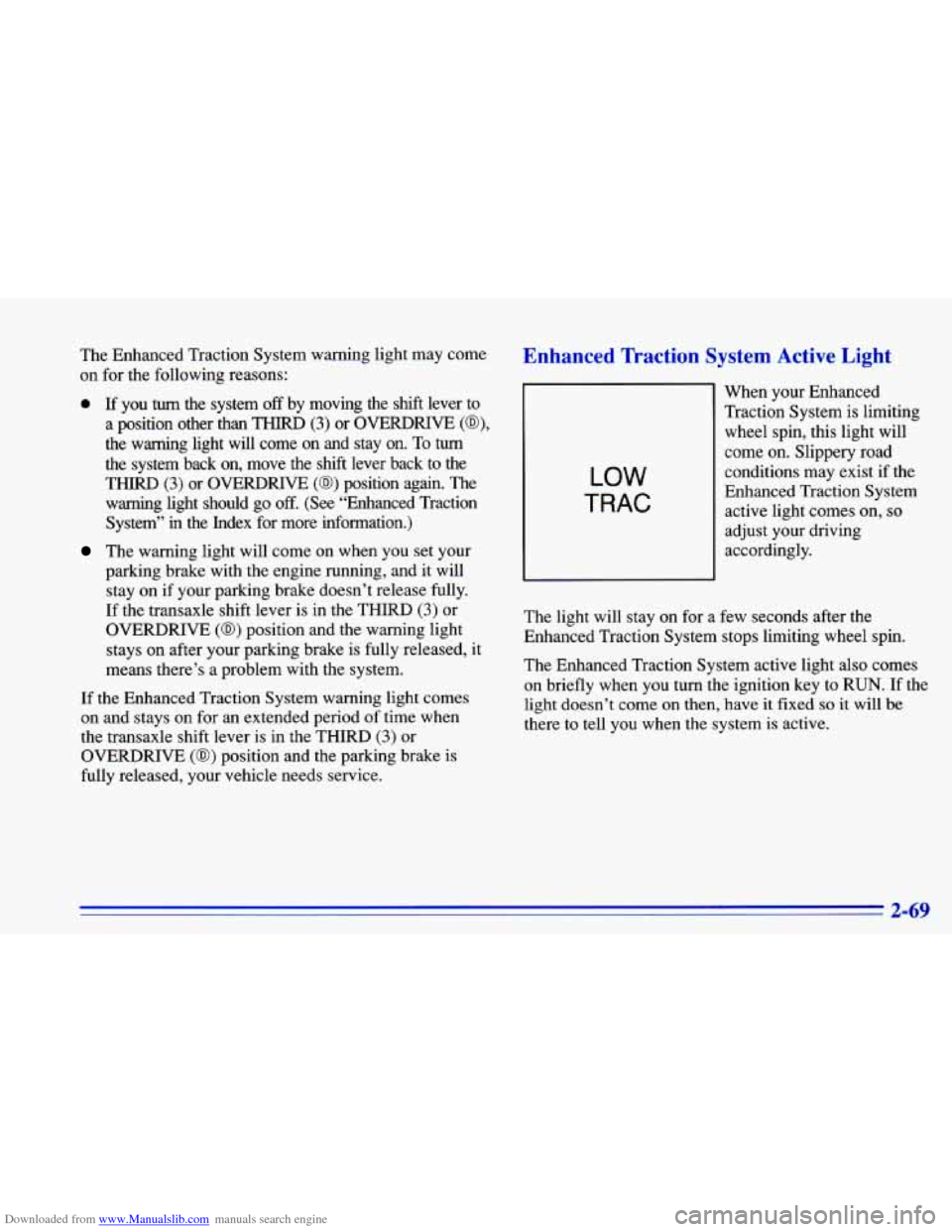
Enhanced Traction System Active Light
LOW
TRAC
When your Enhanced
Traction System is limiting wheel spin, this light will
come on. Slippery road
conditions may exist if the
Enhanced Traction System
active light comes on,
so
adjust your driving
accordingly.
The light will stay on for a few seconds after the
Enhanced Traction System stops limiting wheel spin.
The Enhanced Traction System active light also comes
on’briefly when you turn the ignition key
to RUN. If the
light doesn’t come on then, have it fixed so it will be
there to tell you when the system is active.
2-69
Page 128 of 372
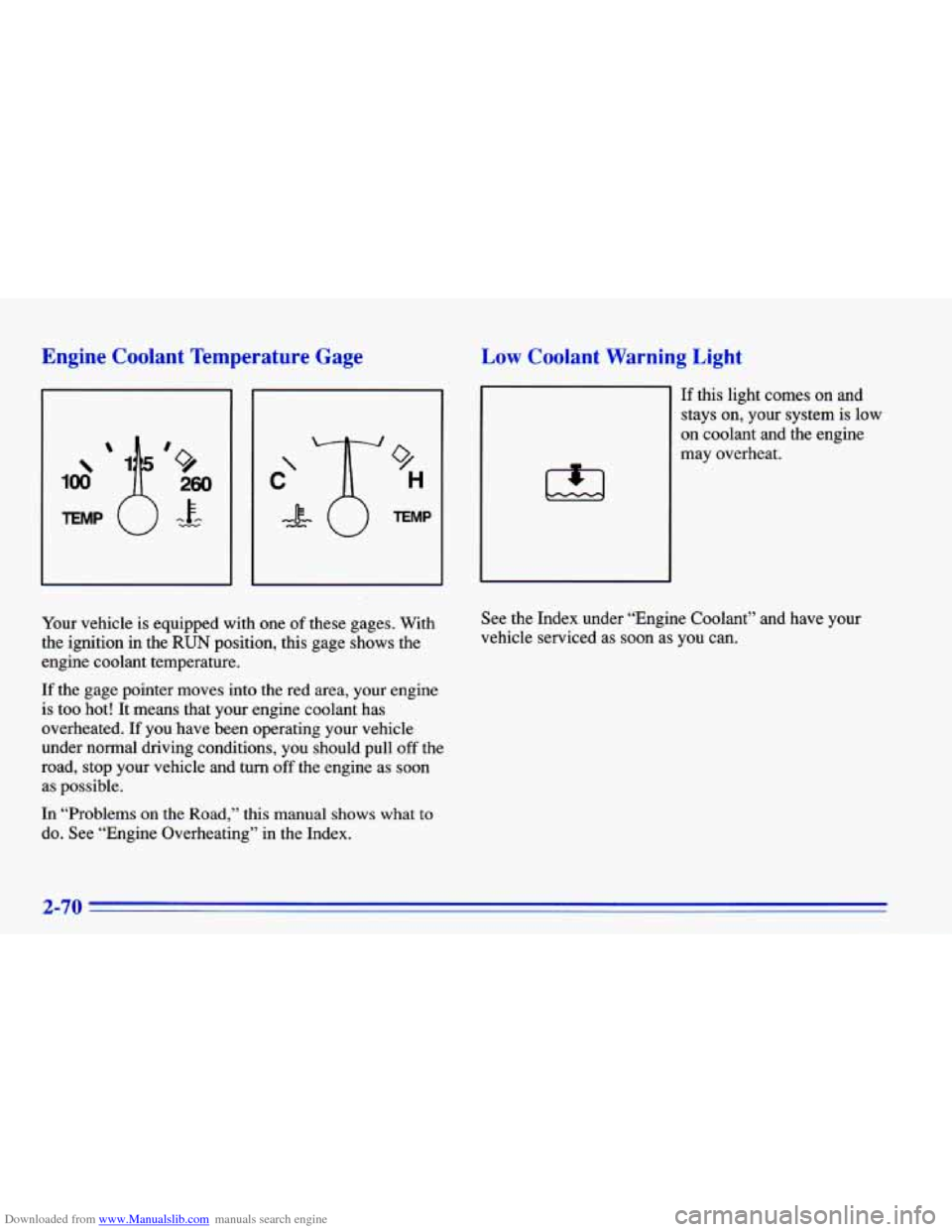
Downloaded from www.Manualslib.com manuals search engine Engine Coolant Temperature Gage
100
9
H
TEMP
Low Coolant Warning Light
1,1
If this light comes on and
stays on, your system is low
on coolant and the engine
may overheat.
Your vehicle
is equipped with one of these gages. With
the ignition in the
RUN position, this gage shows the
engine coolant temperature.
If the gage pointer moves into the red area, your engine
is too hot! It means that your engine coolant has
overheated.
If you have been operating your vehicle
under normal driving conditions,
you should pull off the
road, stop your vehicle and turn
off the engine as soon
as possible.
In “Problems on the Road,” this manual shows what
to
do. See “Engine Overheating” in the Index. See
the Index under “Engine Coolant” and have your
vehicle serviced
as soon as you can.
2-70
Page 129 of 372
Downloaded from www.Manualslib.com manuals search engine Malfunction Indicator Lamp (Check Engine Light)
Your Chevrolet is equipped
with a computer which
monitors operation of the
fuel, ignition and emission
CHECK
control systems.
This system is called OBD
I1 (On-Board
Diagnostics-Second Generation) and is intended
to
assure that emissions are at acceptable levels for the life
of the vehicle, helping to produce a cleaner
environment. (In Canada, OBD
I1 is replaced by
Enhanced Diagnostics.) The CHECK ENGINE light
comes on to indicate that there is a problem and service
is required. Malfunctions often will be indicated by the
system before any problem is apparent, which may
prevent more serious damage to your vehicle. This
system is also designed to assist your service technician
in correctly diagnosing any malfunction.
NOTICE:
If you keep driving your vehicle with this light
on, after a while, your emission controls may not
work as well, your fuel economy may not be as
good and your engine may not run as smoothly.
This could lead to costly repairs that may not be
covered by your warranty.
This light should come on, as a check to show you it is
working, when the ignition is on and the engine is not
running. If the light doesn’t come on, have it repaired.
This light will also come
on during a malfunction in one
af two ways:
Light Flashing -- A misfire condition has been
detected.
A misfire increases vehicle emissions and
may damage the emission control system on your
vehicle. Dealer or qualified service center diagnosis
and service is required.
Light On Steady -- An emission control system
malfunction has been detected on your vehicle. Dealer or qualified service center diagnosis and service may be required.
2-71
Page 130 of 372
Downloaded from www.Manualslib.com manuals search engine If the Light Is Flashing
The following may prevent more serious damage to
your vehicle:
0 Reduce vehicle speed.
0 Avoid hard accelerations.
Avoid steep uphill grades.
If towing a trailer, reduce the amount of cargo being
hauled as soon as it is possible.
If the light stops flashing and remains on steady, see “If
the Light Is On Steady” following.
If the light continues to flash, when it
is safe to do so,
stop the vehicle. Put your vehicle in PARK (P). Turn the
key off, wait at least
10 seconds and restart the engine.
If the light remains on steady, see “If the Light Is On
Steady” following. If the light is still flashing follow the
previous steps, and drive the vehicle to your dealer or
qualified service center for service,
If the Light Is On Steady
You may be able to correct the emission system
malfunction by considering the following:
Did you just put fuel into your vehicle?
If
so, reinstall the fuel cap, making sure to fully install
the cap. The diagnostic system can determine if the fuel
cap has been left off or improperly installed. This will
allow fuel to evaporate into the atmosphere. A few
driving trips should turn the light off.
Did you just drive through a deep puddle
of water?
If so, your electrical system may be wet. The condition
will usually be corrected when the electrical system
dries out. A few driving trips should
turn the light off.
Are you low
on fuel?
As your engine starts
to run out of fuel, your engine may
not run as efficiently as designed since small amounts of
air are sucked into the fuel line causing a misfire. The
system can detect this. Adding fuel should correct this
condition. Make sure to install the fuel cap properly. It
will
take a few driving trips to turn the light off.
2-72
Page 131 of 372
Downloaded from www.Manualslib.com manuals search engine Have you recently changed brands of fuel?
If
so, be sure to fuel your vehicle with quality fuel (see
“Fuel” in the Index).
Poor fuel quality will cause your
engine not to run as efficiently as designed. You may
notice this as stalling after start-up, stalling when you
put the vehicle into gear, misfiring, hesitation on
acceleration or stumbling on acceleration. (These
conditions may go away once the engine is warmed up.)
This will be detected by the system and cause the light
to turn on.
If you experience this condition, change the fuel brand
you use. It will require at least one full tank of the
proper
fuel to turn the light off.
If none of the above steps have made the light turn
off,
have your dealer or qualified service center check the
vehicle. Your dealer has the proper test equipment and
diagnostic tools to fix any mechanical or electrical
problems that may have developed.
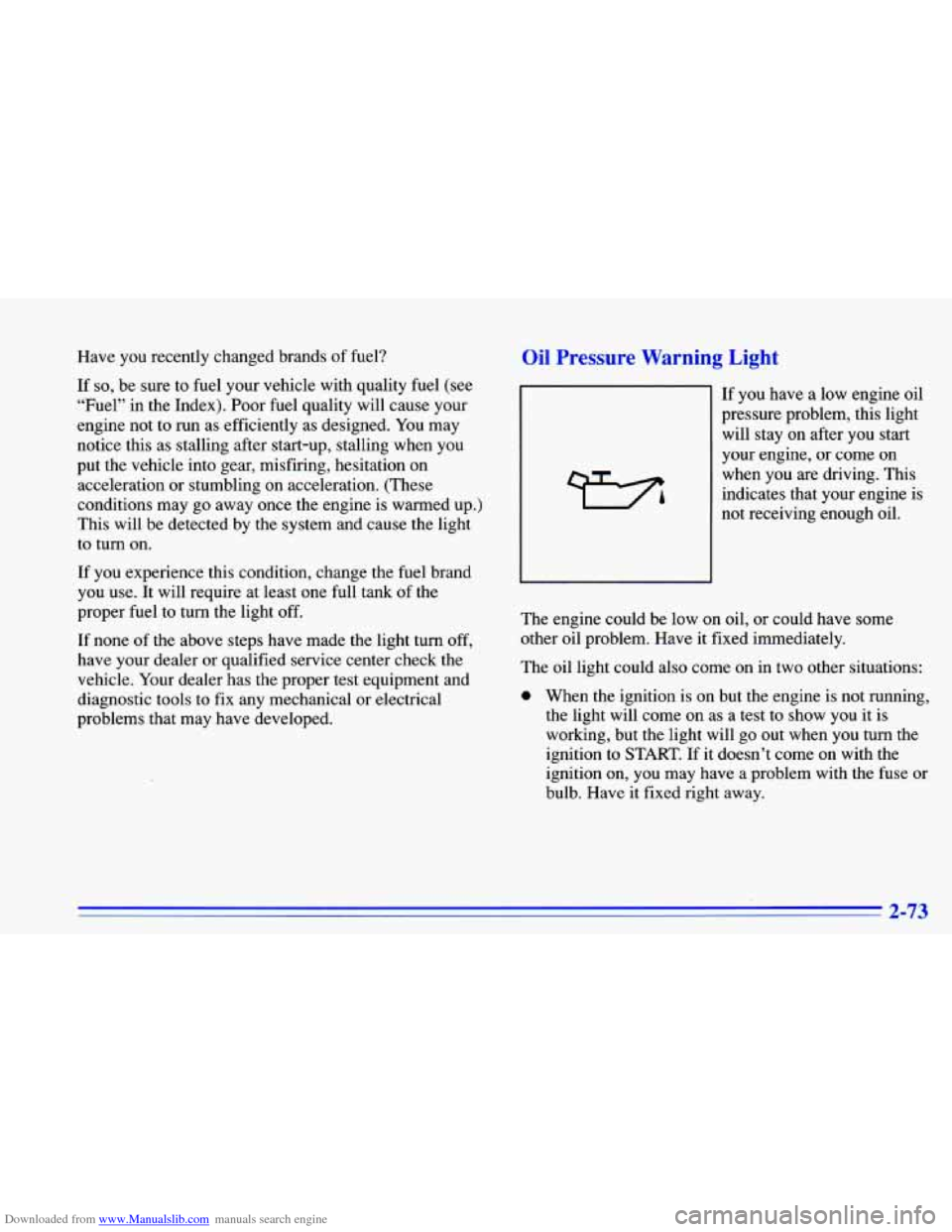
Oil Pressure Warning Light
If you have a low engine oil
pressure problem, this light
will stay on after you start
your engine, or come on
when you are driving. This
indicates that your engine is
not receiving enough oil.
The engine could be low on oil, or could have some
other oil problem. Have it fixed immediately.
The oil light could also come on in two other situations:
0 When the ignition is on but the engine is not running,
the light will come on as a test to show you it is
working, but the light will go out when you turn the
ignition to
START. If it doesn’t come on with the
ignition on, you may have a problem with the fuse or
bulb. Have it fixed right away.
2-73
Page 132 of 372
Downloaded from www.Manualslib.com manuals search engine If you’re idling at a stop sign, the light may blink on
If you make a hard stop, the light may come on for a
and then off.
moment. This is normal.
Don’t keep driving if the oil pressure is low. If
you do, your engine can become
so hot that it
catches fire.
You or others could be burned.
Check your
oil as soon as possible and have your
vehicle serviced.
I NOTICE:
Damage to your engine from neglected oil
problems can be costly and
is not covered by your
warranty.
Check Oil Light
CHECK
OIL
Prior to checking your oil le! This light should come
on
briefly while you are
starting your engine. If the
light doesn’t come on, have
it repaired.
‘If the light
comes on while starting and
stays on, your engine oil
level should be checked.
,el, be sure
yo bur vehicle has
been shut
off for several minutes and is on a level
surface. Check your oil level and bring it to the proper
level. See “Engine Oil” in the Index.
Note: A false CHECK
OIL light may. be generated when
parking on steep grades.
The oil level monitoring system only checks the oil
during the brief period between turning the key on and
engine start. It does not monitor the engine oil level
while the engine
is running. Additionally, an oil level
check is only performed
if the engine has been turned
off for a considerable period of time allowing the oil
normally in circulation to drain back into the oil pan.
Page 134 of 372
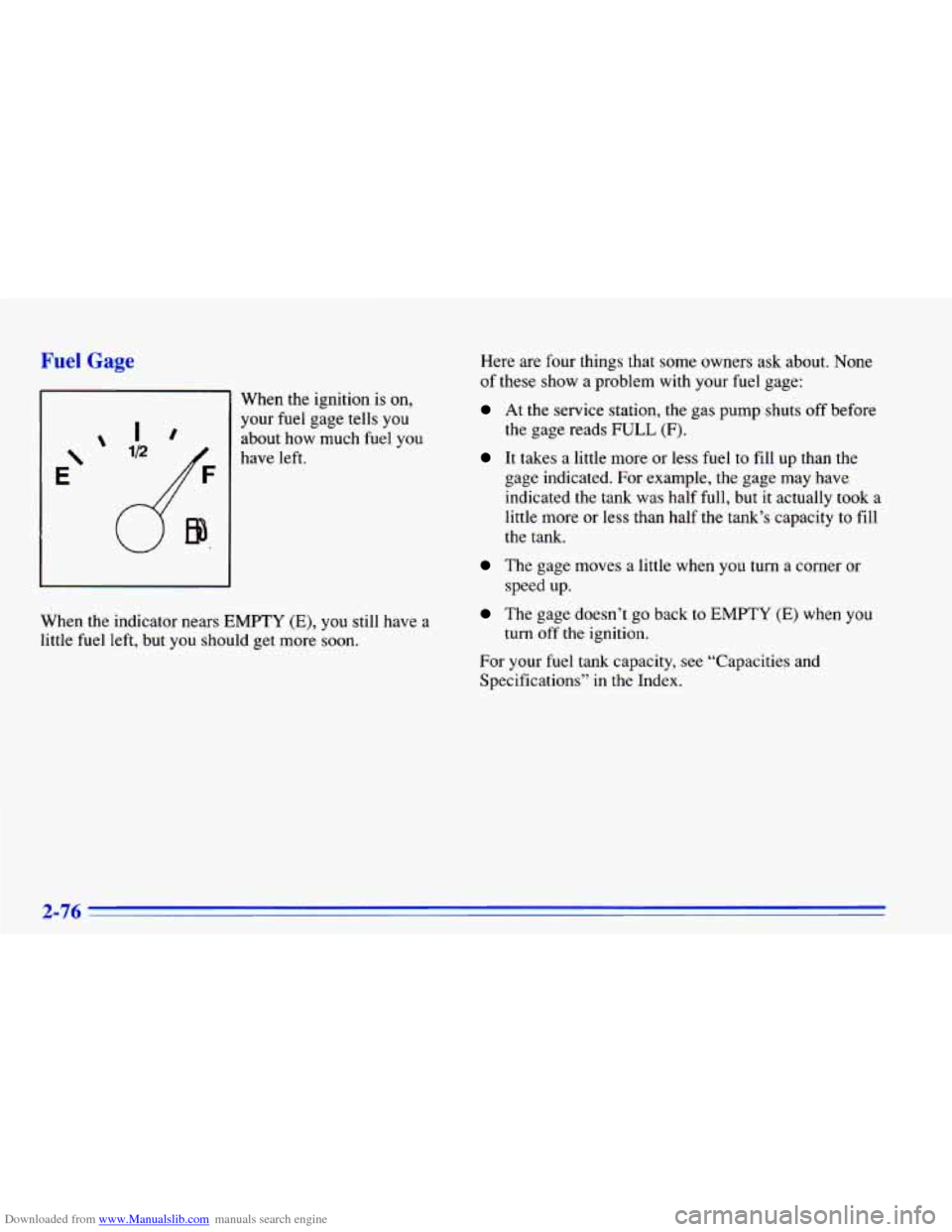
Downloaded from www.Manualslib.com manuals search engine Fuel Gage
When the ignition is on,
your fuel gage tells you
about how much fuel
you
have left.
When the indicator nears
EMPTY (E), you still have a
little fuel left, but
you should get more soon. Here are
four things that some owners ask about. None
of these show a problem with your fuel gage:
At the service station, the gas pump shuts off before
It takes a little more or less fuel to fill up than the
the gage reads FULL
(F).
gage indicated. For example, the gage may have
indicated
the tank was half
full, but it actually took a
little more or less than half the tank’s capacity to fill
the tank.
The gage moves a little when you turn a corner or
The gage doesn’t go back to EMPTY (E) when you
For your fuel tank capacity, see “Capacities and
Specifications” in the Index. speed up.
turn off’ the ignition.
2-76
Page 160 of 372
Downloaded from www.Manualslib.com manuals search engine Care of Your Cassette Tape Player
A tape player that is not cleaned regularly can cause
reduced sound quality, ruined cassettes or a damaged
mechanism. Cassette tapes should be stored in their
cases away from contaminants, direct sunlight and
extreme heat. If they aren’t, they may not operate
properly or may cause failure of the tape player.
Your tape player should be cleaned regularly after every
50 hours of use. Your radio may display CLN to indicate
that you have used
your tape player for 50 hours without
resetting the tape clean timer.
If you notice a reduction in
sound quality, try a known good cassette to see if the tape
or the tape player is at fault. If this other cassette has n\
o
improvement
in sound quality, clean the tape player.
Cleaning may be done with a scrubbing action,
non-abrasive cleaning cassette with pads which scrub
the tape head as the hubs
of the cleaner cassette turn.
It is normal for the cassette to eject while cleaning
because your unit is equipped with a cut tape feature.
To temporarily override this feature (for one insertion),
turn the radio
off and press and hold TAPE AUX until
the tape symbol flashes on the display, then insert the
cassette again. Insert the cassette at least three times to
ensure thorough cleaning. A scrubbing action cleaning cassette is available through your Chevrolet dealer.
You may also choose a non-scrubbing action, wet-type
cleaner which uses a cassette with
a fabric belt to clean the
tape head. This type of cleaning cassette will not eject. It
may not clean as thoroughly as the scrubbing
type cleaner.
Cassettes are subject to wear and the sound quality may
degrade over time. Always make sure that the cassette
tape is in good condition before you have your tape
player serviced.
Care of Your Compact Discs
Handle discs carefully. Store them in their original cases
or other protective cases and away from direct sunlight
and dust.
If the surface of a disc is soiled, dampen a
clean, soft cloth in a mild, neutral detergent solution and
clean it, wiping from the center to the edge.
Be sure never to touch the signal surface when handling
discs. Pick
up discs by grasping the outer edges or the
edge of the hole and the outer edge.
Fixed Mast Antenna
The fixed mast antenna can withstand most car washes
without being damaged.
If the mast should ever become
slightly bent, you can straighten it out by hand.
If the
mast is badly bent, as
it might be by vandals, you should
replace
it.
Check every once in a while to be sure the mast is still
tightened to the fender.
3-24
Page 184 of 372
Downloaded from www.Manualslib.com manuals search engine The exit speed is usually posted.
Reduce your speed according to your speedometer, not
to your sense of motion. After driving for any distance
at higher speeds, you may tend to think you are going
slower than you actually are.
Before Leaving on a Long Trip
Make sure you’re ready. Try to be well rested. If you
must start when you’re not fresh
-- such as after a day’s
work
-- don’t plan to make too many miles that first part
of the journey. Wear comfortable clothing and shoes you
can easily drive in.
Is your vehicle ready for a long trip?
If you keep it
serviced and maintained, it’s ready to
go. If it needs
service, have
it done before starting out. Of course,
you’ll find experienced and
able service experts in
Chevrolet dealerships all across North America. They’ll
be ready and willing to help if you need it. Here
are some things you can check before a trip:
0
0
0
0
0
0
0
Windshield Washer Fluid: Is the reservoir full?
Are all windows clean inside and outside?
Wiper Blades: Are they in good shape?
Fuel, Engine Oil, Other Fluids: Have you checked
all levels?
Lamps: Are they all working? Are the lenses clean?
Tires: They are vitally important to a safe,
trouble-free trip. Is the tread good enough for
long-distance driving? Are the tires all inflated to the
recommended pressure?
Weather Forecasts: What’s the weather outlook
along your route? Should you delay your trip a short
time to avoid a major storm system?
Maps: Do you have up-to-date maps?
4-22
Page 185 of 372
Downloaded from www.Manualslib.com manuals search engine Highway Hypnosis
Is there actually such a condition as “highway
hypnosis”? Or is it just plain falling asleep at the
wheel? Call it highway hypnosis, lack
of awareness,
or whatever.
There is something about an easy stretch of road with the
same scenery, along with the hum of the tires on the road,
the drone of the engine, and the rush
of the wind against
the vehicle that can make you sleepy. Don’t let it happen
to you!
If it does, your vehicle can leave the road in less
than a second, and you could crash and be injured.
What can you do about highway hypnosis? First, be
aware that it can happen.
Then here are some tips:
0 Make sure your vehicle is well ventilated, with a
0 Keep your eyes moving. Scan the road ahead and to
the sides. Check your rearview mirrors and your
instruments frequently. comfortably
cool interior.
0 If you get sleepy, pull off the road into a rest, service
or parking area and take a nap, get some exercise, or
both. For safety, treat drowsiness
on the highway as
an emergency.
Hill and Mountain Roads
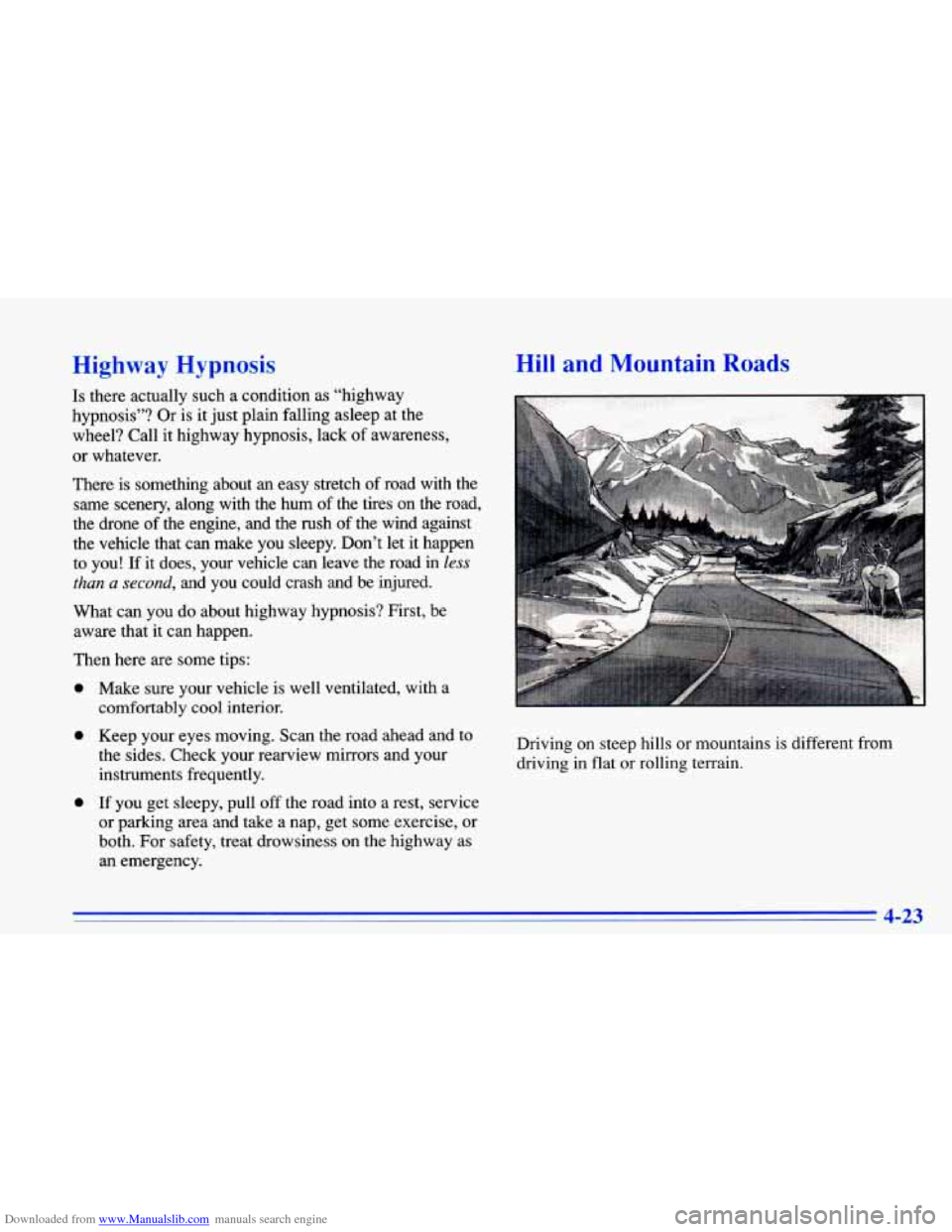
Driving on steep hills or mountains is different from
driving in flat or rolling terrain.
4-23