light CHEVROLET CAVALIER 1998 3.G Owner's Guide
[x] Cancel search | Manufacturer: CHEVROLET, Model Year: 1998, Model line: CAVALIER, Model: CHEVROLET CAVALIER 1998 3.GPages: 400, PDF Size: 20.74 MB
Page 149 of 400
Downloaded from www.Manualslib.com manuals search engine If the Light Is On Steady
You may be able to correct the emission system
malfunction by considering the following:
Did you recently put fuel into your vehicle?
If
so, reinstall the fuel cap, making sure to fully install
the cap. The diagnostic system can determine if the fuel
cap has been left off or improperly installed.
A loose or
missing fuel cap will allow fuel to evaporate into the
atmosphere.
A few driving trips with the cap properly
installed should turn the light off.
Did you just drive through a deep puddle of water?
If
so, your electrical system may be wet. The condition
will usually be corrected when the electrical system
dries out.
A few driving trips should turn the light off. Have you recently changed brands
of fuel?
If
so, be sure to fuel your vehicle with quality fuel (see
“Fuel” in the Index). Poor fuel quality will cause your
engine not to run as efficiently as designed.
You may
notice this as stalling after start-up, stalling when you
put the vehicle into gear, misfiring, hesitation on
acceleration or stumbling
on acceleration. (These
conditions may go away once the engine is warmed up.)
This will be detected by the system and cause the light
to turn on.
If you experience one or more of these conditions,
change the fuel brand you use. It will require at least one
full tank of the proper fuel to turn the light off.
If none of the above steps have made the light turn off,
have your dealer or qualified service center check the
vehicle. Your dealer has the proper test equipment and
diagnostic tools to
fix any mechanical or electrical
problems that may have developed.
2-73
Page 150 of 400
Downloaded from www.Manualslib.com manuals search engine Oil Pressure Light
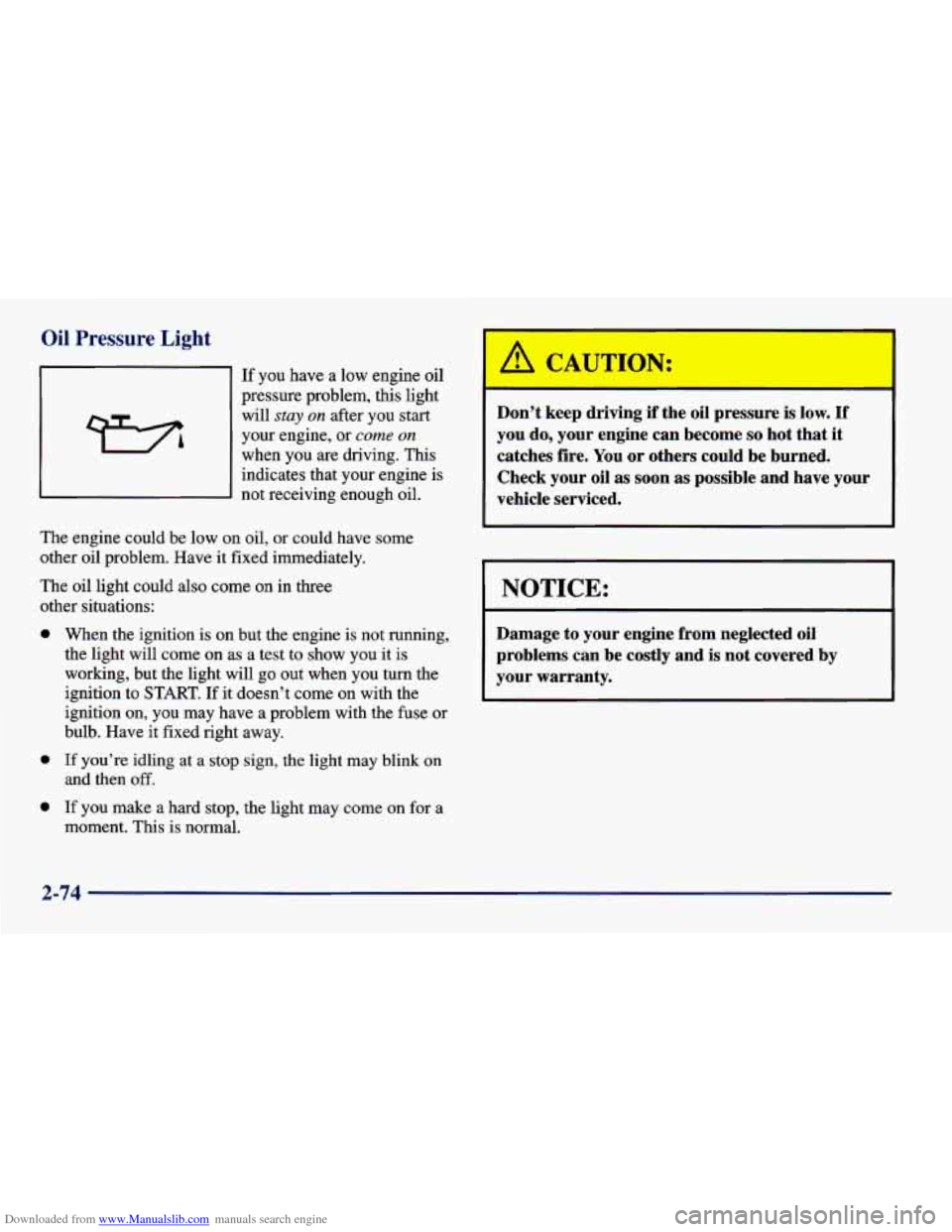
If you have a low engine oil
pressure problem, this light
will
stay on after you start
your engine, or
come on
when you are driving. This indicates that your engine is
not receiving enough oil.
The engine could be low on oil, or could have some
other oil problem. Have it fixed immediately.
The oil light could also come on in three
other situations:
0
0
0
When the ignition is on but the engine is not running,
the light will come on as a test to show you it is
working, but the light will go out when you turn the
ignition
to START. If it doesn’t come on with the
ignition on, you may have a problem with the fuse or
bulb. Have it fixed right away.
If you’re idling at a stop sign, the light may blink on
and then
off.
If you make a hard stop, the light may come on for a
moment. This is normal.
Don’t keep driving if the oil pressure is low. If
you do, your engine can become so hot that it
catches fire. You or others could be burned.
Check your oil
as soon as possible and have your
vehicle serviced.
NOTICE:
Damage to your engine from neglected oil
problems can be costly and is not covered by
your warranty.
2-74
Page 151 of 400
Downloaded from www.Manualslib.com manuals search engine Passlock Warning Light
THEFT
SYSTEM
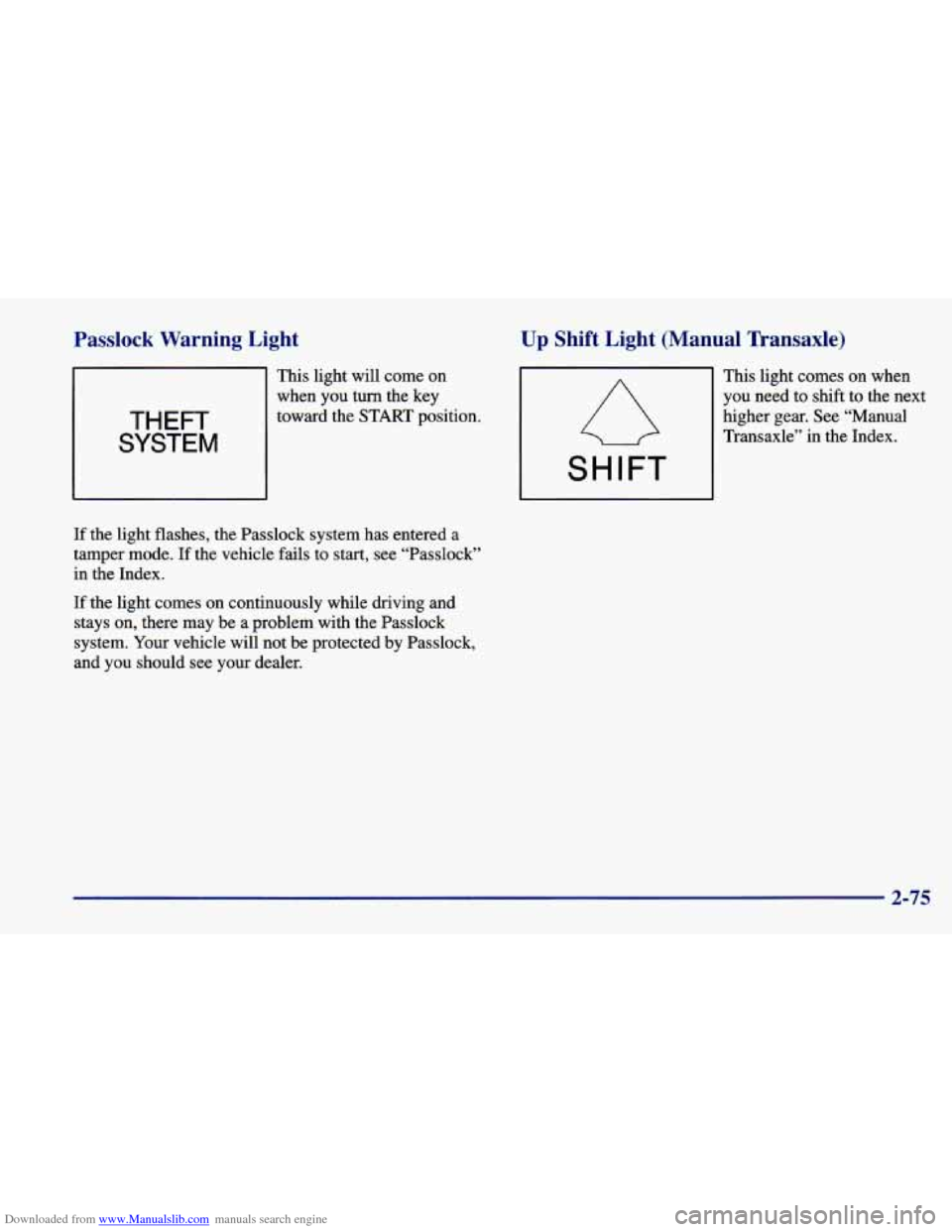
This light will come on
when you
turn the key
toward the
START position.
If the light flashes, the Passlock system has entered a
tamper mode. If the vehicle fails to start, see “Passlock”
in the Index.
If the light comes on continuously while driving and
stays on, there may be a problem with the Passlock
system. Your vehicle will not be protected by Passlock,
and you should see your dealer.
Up Shift Light (Manual Transaxle)
This light comes on when
you need to shift to the next
higher gear. See “Manual
Transaxle” in the Index.
SHIFT
2-75
Page 152 of 400
Downloaded from www.Manualslib.com manuals search engine Check Gages Light
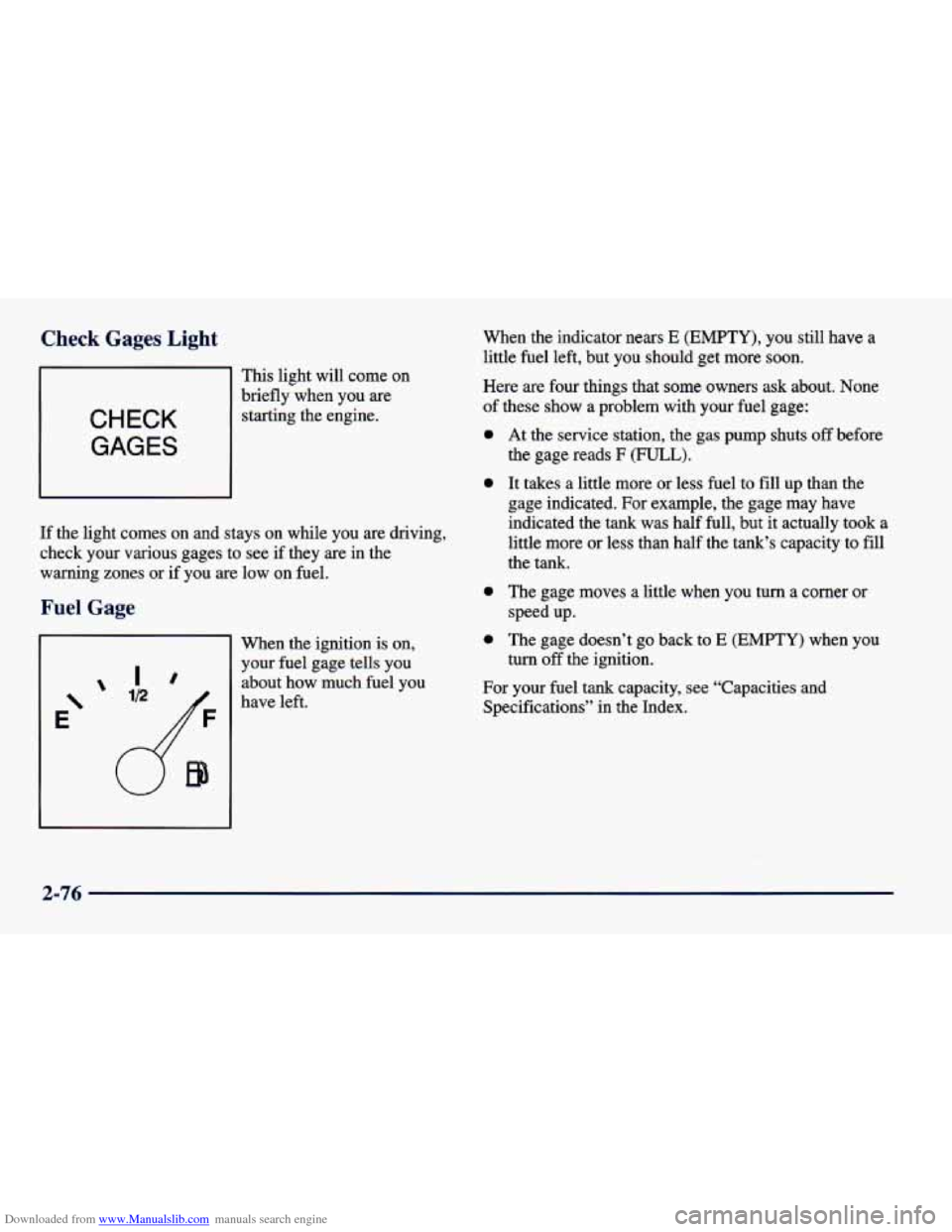
This light will come on
CHECK
GAGES
brieflywhen you are
starting the engine.
If the light comes on and stays on while you are driving,
check your various gages to see if they are in the
warning zones or if you
are low on fuel.
:age
Ir
E‘
’ ID
When the ignition is on,
your fuel gage tells you about how much fuel you
have left. When the indicator nears
E (EMPTY), you
still have a
little fuel left, but you should get more soon.
Here are four things that
some owners ask about. None
of these show a problem with your fuel gage:
0
0
0
0
At the service station, the gas pump shuts off before
the gage reads
F (FULL).
It takes a little more or less fuel to fill up than the
gage indicated.
For example, the gage may have
indicated the tank was half full, but it actually
took a
little more or less than half the tank’s capacity to
fill
the tank.
The gage moves a little when you turn a comer or
speed up.
The gage doesn’t go back to
E (EMPTY) when you
turn
off the ignition.
For your fuel tank capacity, see “Capacities and
Specifications” in the Index.
2-76
Page 158 of 400
Downloaded from www.Manualslib.com manuals search engine -0
/J VENT This setting brings in outside air and
directs it through the instrument panel.
+fl BI-LEVEL: This setting brings in outside air and
directs it two ways. Some air is directed through the
instrument panel outlets. Most of the air
is directed
through the floor ducts and a little to the defrost and side
window vents.
+# FLOOR: This setting sends most of the air
through the ducts near the floor. The rest comes out of
the defroster and side window vents.
+’ DEFOG: This setting allows half of the air to
go to the floor ducts and half to the defroster and side
window vents.
+e
e
we
DEFROST: This setting directs most of the air
through the defroster and side window vents. Some
of
the air goes to the floor ducts. The air conditioning
compressor will run automatically in
this setting when it
is needed to help dry the air in the vehicle.
Air Conditioning Compressor Button
Press the NC button to operate the air conditioner
compressor. The indicator light above the button will glow
when the air conditioning compressor is running.
You don’t have to press the button to run the compressor
in MAX or DEFROST.
Air Conditioning (If Equipped)
On very hot days, open the windows long enough
to let hot, inside air escape. This reduces the time it
takes for your vehicle to cool down, which should help
fuel economy.
For quick cool-down on very hot days, use
MAX with
the temperature knob all the way in the blue area. If this
setting is used for long periods of time, the air in your
vehicle may become too dry.
For normal cooling on hot days, use VENT with the
temperature knob
in the blue area and the A/C button
pushed in. The system will bring in outside air and
cool it.
On cool, but sunny days, the sun may warm your upper
body, but your lower body may not be warm enough.
You can use BI-LEVEL with the temperature knob in
the middle and the
NC button pushed in. The system
will bring in outside air and direct slightly warmer air to
your lower body. You may notice this temperature
difference more at
some times than others.
3-4
Page 165 of 400
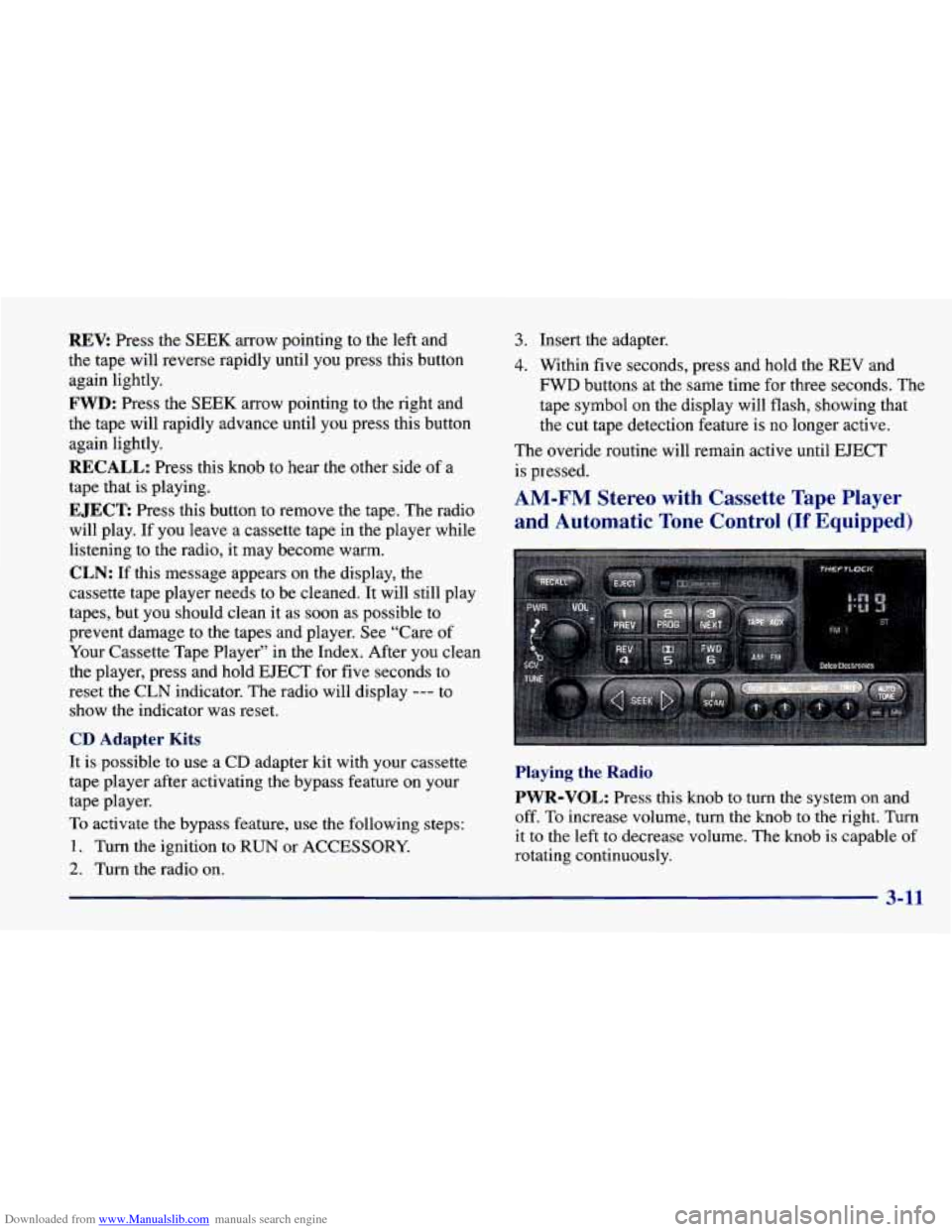
Downloaded from www.Manualslib.com manuals search engine REV: Press the SEEK arrow pointing to the left and
the tape will reverse rapidly until
you press this button
again lightly.
FWD: Press the SEEK arrow pointing to the right and
the tape will rapidly advance until you press this button
again lightly.
RECALL: Press this knob to hear the other side of a
tape that is playing.
EJECT Press this button to remove the tape. The radio
will play. If
you leave a cassette tape in the player while
listening to the radio, it may become warm.
CLN: If this message appears on the display, the
cassette tape player needs to be cleaned. It will still play
tapes, but you should clean it as soon as possible to
prevent damage to the tapes and player. See “Care of
Your Cassette Tape Player” in the Index. After you clean
the player, press and hold EJECT for five seconds to
reset the
CLN indicator. The radio will display --- to
show the indicator was reset.
CD Adapter Kits
3. Insert the adapter.
4. Within five seconds, press and hold the REV and
FWD buttons at the same time for three seconds. The
tape symbol
on the display will flash, showing that
the cut tape detection feature is no longer active.
The overide routine will remain active until
EJECT
is pressed.
AM-FM Stereo with Cassette Tape Player
and Automatic Tone Control
(If Equipped)
It is possible to use a CD adapter kit with your cassette
tape player after activating the bypass feature
on your
tape player.
To activate the bypass feature, use the following steps:
1. Turn the ignition to RUN or ACCESSORY.
2. Turn the radio on.
3-11
Playing the Radio
PWR-VOL: Press this knob to turn the system on and
off.
To increase volume, turn the knob to the right. Turn
it to the left to decrease volume. The knob is capable of
rotating continuously.
Page 166 of 400
Downloaded from www.Manualslib.com manuals search engine RECALL: Press this button to recall the station being
played.
If you press the button when the ignition is off,
the clock will show for a few seconds.
SCV: Your system has a feature called
Speed-Compensated-Volume (SCV). With
SCV, your
audio system adjusts automatically to make up for road
and wind noise as you drive. Set the volume at the
desired level. Move the control ring behind the upper
knob to the right to adjust the
SCV. Then, as you drive,
SCV automatically increases the volume, as necessary,
to overcome noise at any particular speed. The volume
level should always sound the same to you as you drive.
If you don’t want
to use SCV, turn the control all the
way down. Each notch on the control ring allows for
more volume compensation at faster vehicle speeds.
Finding a Station
AM-FM: Press this button to switch between AM, FMl
and FM2. The display shows your selection.
TUNE: Press this knob lightly so it extends. Turn it to
choose radio stations. Push the
knob back into its stored
position when you’re not using it.
SEEK: Press the right or left arrow to go to the
next higher or lower station. The sound will mute
while seeking.
SCAN: Press one of the SEEK arrows for two seconds,
and SCAN will appear in the display. Use
SCAN to
listen to stations for a few seconds. The radio will go to
a station, stop for a few seconds, then go on to the next
station. Press
SEEK again to stop scanning. The sound
will mute while scanning.
PUSHBUTTONS: The six numbered pushbuttons let
you return to your favorite stations. You can set up to
18 stations (six AM, six FM 1 and six FM2). Just:
1.
2.
3.
4.
5.
6.
Turn the radio on.
Press AM-FM to select the band.
Tune in the desired station.
Press AUTO
TONE to select the equalization that
best suits the type
of station selected.
Press and hold one
of the six numbered buttons. The
sound will mute. When it returns, release the button.
Whenever you press that numbered button, the
station you set will return and the AUTO TONE
equalization that you selected will also be
automatically selected for that button.
Repeat the steps for each pushbutton.
3-12
Page 167 of 400
Downloaded from www.Manualslib.com manuals search engine P.SCAN: Press this button to listen to each of your
favorite stations stored on your pushbuttons for a few
seconds. The radio will scan through each of the stations
stored on your pushbuttons, except those stations with
weak reception. The AUTO TONE setting stored for
that pushbutton will be automatically chosen. Press P.SCAN or one of the pushbuttons again to stop
scanning. P.SCAN will be displayed whenever the tuner
is in the P.SCAN mode. The channel number (Pl-P6)
will appear momentarily just before the frequency is
displayed. In
FM mode, this function will scan through
both
FM1 and FM2 preset stations and FMl or FM2 will
appear on the display.
Setting the Tone
BASS: Press this knob lightly so it extends. Turn the
knob to the right to increase bass and to the left
to
decrease bass. When you use this control, the radio’s
AUTO TONE setting will switch to manual and the
AUTO TONE display will go blank.
TREB: Press this knob lightly so it extends. Turn the
knob to the right to increase treble and to the
left to
decrease treble. When you use this control,
the radio’s
AUTO TONE setting will switch to manual and the
AUTO TONE display will go blank.
If a station is weak
or noisy, you may want
to decrease the treble. Push these knobs back into their stored positions when
you’re not using them.
AUTO TONE: This feature allows you to choose preset
bass and treble equalization settings designed for
country/western, classical, news, rock, pop and jazz
stations.
CN will appear on the display when you first
press
AUTO TONE. Each time you press it, another
setting will appear on the display. Press it again after
JAZZ appears and the AUTO TONE display will go
blank. Tone control will return to the BASS and TREB knobs. Also,
if you use the BASS and TREB knobs,
control will return to them and the AUTO TONE
display will go blank. Use PUSHBUTTONS to program
AUTO TONE.
Adjusting the Speakers
BAL: Press this knob lightly so it extends. Turn the
knob to the right for the right speakers and to the left
for the left speakers. The middle position balances the
sound between the speakers.
FADE: Press this knob lightly so it extends. Turn the
knob to the right to adjust the sound to the front
speakers and to the left for the rear speakers. The middle
position balances the sound between the speakers.
Push these knobs back into their stored positions when you’re not using them.
3-13
Page 170 of 400
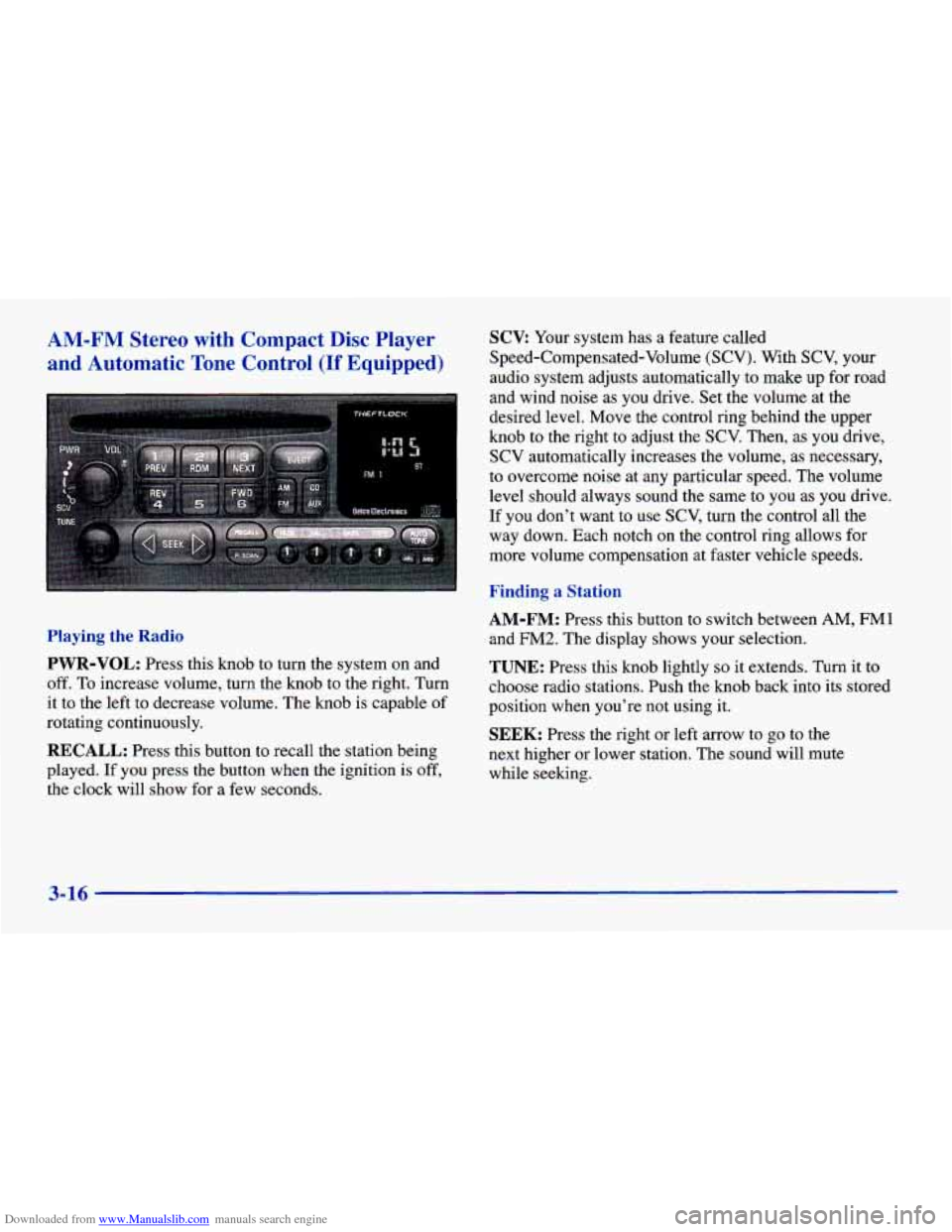
Downloaded from www.Manualslib.com manuals search engine AM-FM Stereo with Compact Disc Player SCX Your system has a feature called
and Automatic Tone Control (If Equipped) Speed-Compensated-Volume (SCV). With SCV, your
audio system adjusts automatically to make up for road
and wind noise
as you drive. Set the volume at the
desired level. Move the control ring behind the upper
knob
to the right to adjust the SCV. Then, as you drive,
SCV automatically increases the volume, as necessary,
to overcome noise at any particular speed. The volume
level should always sound the same to you
as you drive.
If you don't want to use SCV, turn the control all the
way down. Each notch on the control ring allows for
more volume compensation at faster vehicle speeds.
Playing the Radio
PWR-VOL: Press this knob to turn the system on and
off. To increase volume, turn the knob to the right. Turn
it to the left to decrease volume. The knob
is capable of
rotating continuously.
RECALL: Press this button to recall the station being
played.
If you press the button when the ignition is off,
the clock will show for a few seconds.
' Finding a Station
AM-FM: Press this button to switch between AM, FMl
and FM2. The display shows your selection.
TUNE: Press this knob lightly so it extends. Turn it to
choose radio stations. Push the knob back into
its stored
position when you're not using it.
SEEK: Press the right or left arrow to go to the
next higher or lower station. The sound will mute
while seeking.
3-16
Page 171 of 400
Downloaded from www.Manualslib.com manuals search engine SCAN: Press one of the SEEK arrows for two seconds,
and SCAN will appear on the display. Use SCAN to
listen to stations for a few seconds. The radio will
go to
a station, stop for a few seconds, then go on to the next
station. Press
SEEK again to stop scanning. The sound
will mute while scanning.
PUSHBUTTONS: The six numbered pushbuttons let
you return to your favorite stations. You can set
up to
18 stations (six AM, six FM1 and six FM2). Just:
1.
2.
3.
4.
5.
6.
Turn the radio on.
Press AM-FM to select the band.
Tune in the desired station.
Press AUTO TONE to select the equalization that
best suits the type of station selected.
Press and hold one
of the six numbered buttons. The
sound will mute. When it returns, release the button.
Whenever you press that numbered button, the
station you set will return and the AUTO TONE
equalization that you selected will also be
automatically selected for that button.
Repeat the steps for each pushbutton.
P.SCAN: Press this button to listen to each of your
favorite stations stored on your pushbuttons for
a few
seconds. The radio will scan through each
of the stations stored
on your pushbuttons, except those stations with
weak reception. The
AUTO TONE setting stored for
that pushbutton will be automatically chosen. Press
PSCAN or one of the pushbuttons again to stop
scanning. PSCAN will be displayed whenever the tuner
is in the P.SCAN mode. The channel number (Pl-P6)
will appear momentarily just before the frequency is
displayed. In
FM mode, this function will scan through
both FM 1 and FM2 preset stations and
FM 1 or FM2 will
appear on the display.
Setting the Tone
BASS: Press this knob lightly so it extends. Turn the
knob to the right to increase bass and to the left to
decrease bass. When you use this control, the radio’s
AUTO TONE setting will switch
to manual and the
AUTO TONE display will
go blank.
TREB: Press this knob lightly so it extends. Turn the
knob to the right to increase treble and to the left to
decrease treble. When you use this control, the radio’s
AUTO TONE setting will switch to manual and the
AUTO TONE display will
go blank. If a station is weak
or noisy, you may want to decrease the treble.
Push these knobs back into their stored positions when
you’re not using them.
3-17