traction control CHEVROLET CITY EXPRESS 2018 Owner's Manual
[x] Cancel search | Manufacturer: CHEVROLET, Model Year: 2018, Model line: CITY EXPRESS, Model: CHEVROLET CITY EXPRESS 2018Pages: 287, PDF Size: 4.19 MB
Page 5 of 287
Chevrolet City Express Owner Manual (GMNA-Localizing-U.S./Canada-
11683523) - 2018 - CRC - 7/11/17
4 Introduction
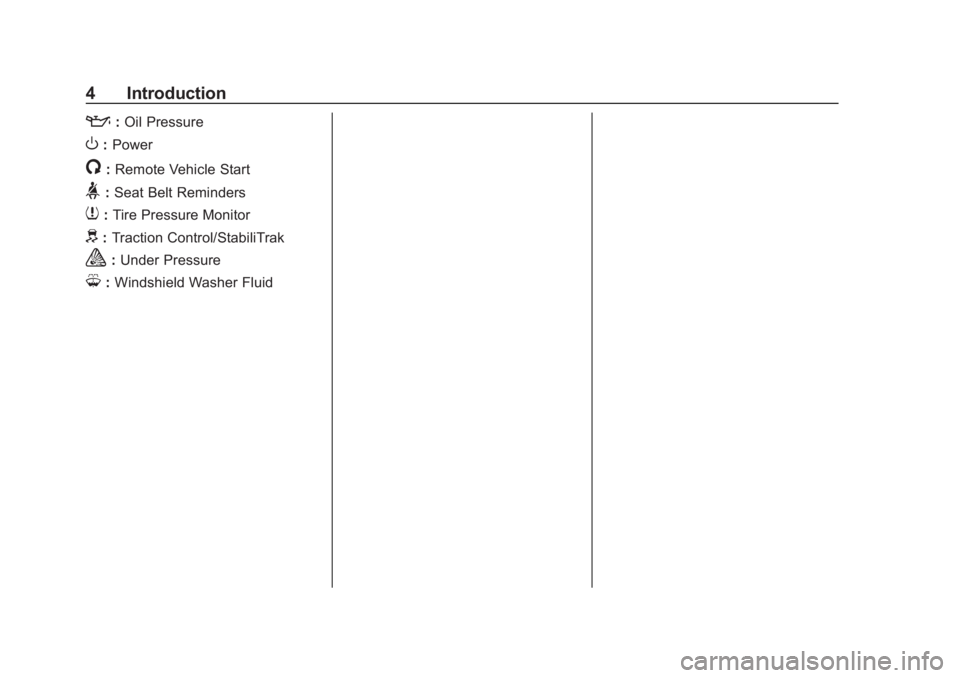
::Oil Pressure
O:Power
/:Remote Vehicle Start
>:Seat Belt Reminders
7: Tire Pressure Monitor
d:Traction Control/StabiliTrak
a:Under Pressure
M: Windshield Washer Fluid
Page 6 of 287
Chevrolet City Express Owner Manual (GMNA-Localizing-U.S./Canada-
11683523) - 2018 - CRC - 7/10/17
In Brief 5
In Brief
Instrument Panel
Instrument Panel . . . . . . . . . . . . . . . . 6
Initial Drive Information
Initial Drive Information . . . . . . . . . . 7
Remote Keyless Entry (RKE)System . . . . . . . . . . . . . . . . . . . . . . . . 7
Door Locks . . . . . . . . . . . . . . . . . . . . . 8
Windows . . . . . . . . . . . . . . . . . . . . . . . . 9
Seat Adjustment . . . . . . . . . . . . . . . . 9
Head Restraint Adjustment . . . . 11
Seat Belts . . . . . . . . . . . . . . . . . . . . . 12
Passenger Sensing System . . . 12
Mirror Adjustment . . . . . . . . . . . . . . 12
Interior Lighting . . . . . . . . . . . . . . . . 13
Exterior Lighting . . . . . . . . . . . . . . . 14
Windshield Wiper/Washer . . . . . . 14
Climate Controls . . . . . . . . . . . . . . . 14
Vehicle Features
Infotainment System . . . . . . . . . . . 15
Radio(s) . . . . . . . . . . . . . . . . . . . . . . . 15
Portable Audio Devices . . . . . . . . 16
Bluetooth
®. . . . . . . . . . . . . . . . . . . . . 16
Steering Wheel Controls . . . . . . . 16
Cruise Control . . . . . . . . . . . . . . . . . 17
Trip Computer . . . . . . . . . . . . . . . . . 17 Rear Vision Camera (RVC) . . . . 18
Parking Assist . . . . . . . . . . . . . . . . . 18
Power Outlets . . . . . . . . . . . . . . . . . 18
Performance and Maintenance
Traction Control/Electronic
Stability Control . . . . . . . . . . . . . . 18
Tire Pressure Monitor . . . . . . . . . . 19
Fuel . . . . . . . . . . . . . . . . . . . . . . . . . . . 19
E85 or FlexFuel . . . . . . . . . . . . . . . . 19
Driving for Better Fuel Economy . . . . . . . . . . . . . . . . . . . . . 19
Roadside Assistance Program . . . . . . . . . . . . . . . . . . . . . . 20
Page 8 of 287
Chevrolet City Express Owner Manual (GMNA-Localizing-U.S./Canada-
11683523) - 2018 - CRC - 7/10/17
In Brief 7
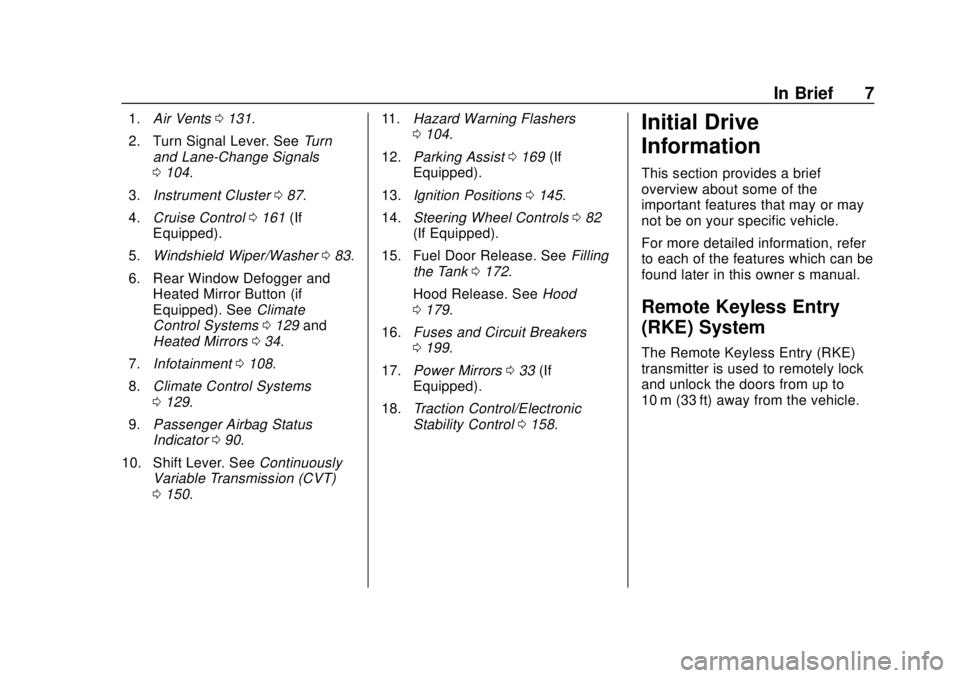
1.Air Vents 0131.
2. Turn Signal Lever. See Turn
and Lane-Change Signals
0 104.
3. Instrument Cluster 087.
4. Cruise Control 0161 (If
Equipped).
5. Windshield Wiper/Washer 083.
6. Rear Window Defogger and Heated Mirror Button (if
Equipped). See Climate
Control Systems 0129 and
Heated Mirrors 034.
7. Infotainment 0108.
8. Climate Control Systems
0129.
9. Passenger Airbag Status
Indicator 090.
10. Shift Lever. See Continuously
Variable Transmission (CVT)
0 150. 11.
Hazard Warning Flashers
0104.
12. Parking Assist 0169 (If
Equipped).
13. Ignition Positions 0145.
14. Steering Wheel Controls 082
(If Equipped).
15. Fuel Door Release. See Filling
the Tank 0172.
Hood Release. See Hood
0 179.
16. Fuses and Circuit Breakers
0199.
17. Power Mirrors 033 (If
Equipped).
18. Traction Control/Electronic
Stability Control 0158.Initial Drive
Information
This section provides a brief
overview about some of the
important features that may or may
not be on your specific vehicle.
For more detailed information, refer
to each of the features which can be
found later in this owner ’s manual.
Remote Keyless Entry
(RKE) System
The Remote Keyless Entry (RKE)
transmitter is used to remotely lock
and unlock the doors from up to
10 m (33 ft) away from the vehicle.
Page 19 of 287
Chevrolet City Express Owner Manual (GMNA-Localizing-U.S./Canada-
11683523) - 2018 - CRC - 7/10/17
18 In Brief
Rear Vision
Camera (RVC)
If equipped, RVC displays a view of
the area behind the vehicle, on the
infotainment display, when the
vehicle is shifted into R (Reverse).
SeeRear Vision Camera (RVC)
0 163.
Parking Assist
If equipped, this system uses
sensors on the rear bumper to
assist with parking and avoiding
objects while in R (Reverse).
It operates at speeds less than
5 km/h (3 mph). Rear Parking Assist
(RPA) uses audible beeps to
provide distance and system
information.
Keep the sensors on the vehicle's
rear bumper clean to ensure proper
operation.
See Parking Assist 0169.
Power Outlets
The accessory power outlets can be
used to plug in electrical equipment,
such as a cell phone or an MP3
player.
The vehicle may have two
accessory power outlets:
.
Near the bottom of the center
stack.
. On the rear of the center floor
console.
Remove the cover to access and
replace when not in use.
See Power Outlets 084.
Performance and
Maintenance
Traction Control/
Electronic Stability
Control
The vehicle has a Traction Control
System (TCS) and an Electronic
Stability Control system that assists
with directional control of the vehicle
in difficult driving conditions. Both
systems turn on automatically every
time the vehicle is started.
.
To turn off the TCS and
Electronic Stability Control
systems, press and release
g
on the instrument panel to the
left of the steering wheel. The
g
indicator will come on in the
instrument cluster.
. Press and release
gagain to
turn the TCS and Electronic
Stability Control systems back
on. The
gindicator will turn off
in the instrument cluster.
Page 20 of 287
Chevrolet City Express Owner Manual (GMNA-Localizing-U.S./Canada-
11683523) - 2018 - CRC - 7/10/17
In Brief 19
SeeTraction Control/Electronic
Stability Control 0158.
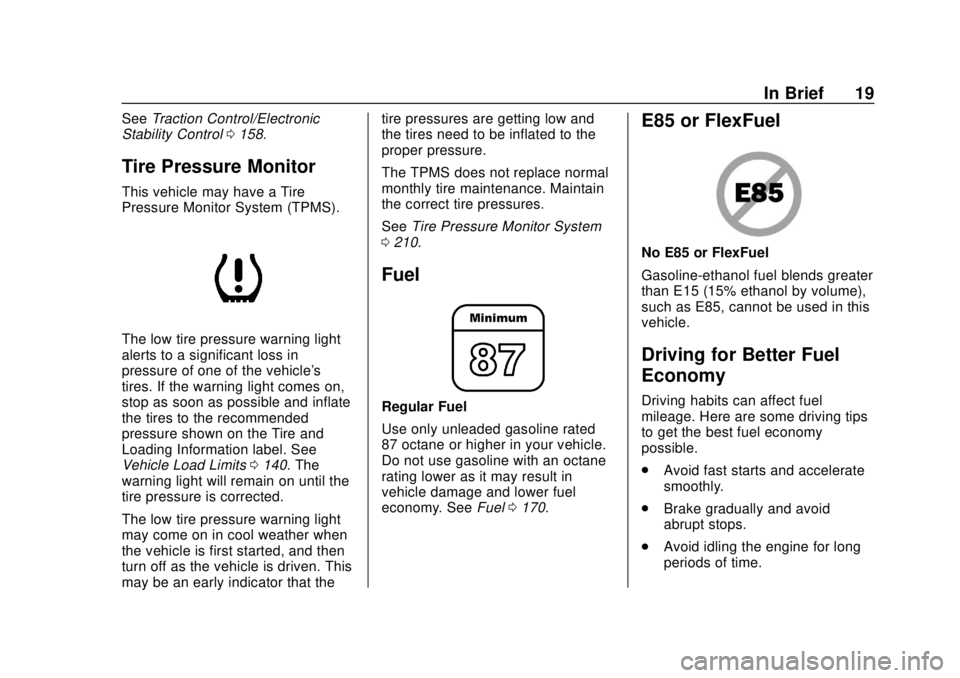
Tire Pressure Monitor
This vehicle may have a Tire
Pressure Monitor System (TPMS).
The low tire pressure warning light
alerts to a significant loss in
pressure of one of the vehicle's
tires. If the warning light comes on,
stop as soon as possible and inflate
the tires to the recommended
pressure shown on the Tire and
Loading Information label. See
Vehicle Load Limits 0140. The
warning light will remain on until the
tire pressure is corrected.
The low tire pressure warning light
may come on in cool weather when
the vehicle is first started, and then
turn off as the vehicle is driven. This
may be an early indicator that the tire pressures are getting low and
the tires need to be inflated to the
proper pressure.
The TPMS does not replace normal
monthly tire maintenance. Maintain
the correct tire pressures.
See
Tire Pressure Monitor System
0 210.
Fuel
Regular Fuel
Use only unleaded gasoline rated
87 octane or higher in your vehicle.
Do not use gasoline with an octane
rating lower as it may result in
vehicle damage and lower fuel
economy. See Fuel0170.
E85 or FlexFuel
No E85 or FlexFuel
Gasoline-ethanol fuel blends greater
than E15 (15% ethanol by volume),
such as E85, cannot be used in this
vehicle.
Driving for Better Fuel
Economy
Driving habits can affect fuel
mileage. Here are some driving tips
to get the best fuel economy
possible.
.
Avoid fast starts and accelerate
smoothly.
. Brake gradually and avoid
abrupt stops.
. Avoid idling the engine for long
periods of time.
Page 82 of 287
Chevrolet City Express Owner Manual (GMNA-Localizing-U.S./Canada-
11683523) - 2018 - CRC - 7/10/17
Instruments and Controls 81
Instruments and
Controls
Controls
Steering Wheel Controls . . . . . . . 82
Horn . . . . . . . . . . . . . . . . . . . . . . . . . . . 83
Windshield Wiper/Washer . . . . . . 83
Clock . . . . . . . . . . . . . . . . . . . . . . . . . . 83
Power Outlets . . . . . . . . . . . . . . . . . 84
Cigarette Lighter . . . . . . . . . . . . . . . 85
Ashtrays . . . . . . . . . . . . . . . . . . . . . . . 85
Warning Lights, Gauges, and
Indicators
Warning Lights, Gauges, andIndicators . . . . . . . . . . . . . . . . . . . . 86
Instrument Cluster . . . . . . . . . . . . . 87
Speedometer . . . . . . . . . . . . . . . . . . 88
Odometer . . . . . . . . . . . . . . . . . . . . . . 88
Trip Odometer . . . . . . . . . . . . . . . . . 88
Tachometer . . . . . . . . . . . . . . . . . . . . 88
Fuel Gauge . . . . . . . . . . . . . . . . . . . . 88
Seat Belt Reminders . . . . . . . . . . . 89
Airbag Readiness Light . . . . . . . . 89
Passenger Airbag Status Indicator . . . . . . . . . . . . . . . . . . . . . . 90
Charging System Light . . . . . . . . . 91 Malfunction Indicator Lamp
(Check Engine Light) . . . . . . . . . 91
Brake System Warning Light . . . 93
Antilock Brake System (ABS) Warning Light . . . . . . . . . . . . . . . . 94
Overdrive Off Light . . . . . . . . . . . . . 94
Power Steering Warning Light . . . . . . . . . . . . . . . . . . . . . . . . . 95
Traction Control System (TCS)/ Electronic Stability Control
Light . . . . . . . . . . . . . . . . . . . . . . . . . 95
Electronic Stability Control (ESC) Off Light . . . . . . . . . . . . . . . 96
Engine Coolant Temperature Warning Light . . . . . . . . . . . . . . . . 96
Tire Pressure Light . . . . . . . . . . . . 96
Engine Oil Pressure Light . . . . . . 97
Low Fuel Warning Light . . . . . . . . 97
Security Light . . . . . . . . . . . . . . . . . . 97
High-Beam On Light . . . . . . . . . . . 98
Low Washer Fluid Warning Light . . . . . . . . . . . . . . . . . . . . . . . . . 98
Cruise Control Light . . . . . . . . . . . 98
Door Ajar Light . . . . . . . . . . . . . . . . 98
Vehicle Messages
Fuel System Messages . . . . . . . . 99
Tire Messages . . . . . . . . . . . . . . . . . 99
Trip Computer
Trip Computer . . . . . . . . . . . . . . . . . 99
Vehicle Personalization
Vehicle Personalization (Radio with Touchscreen Only) . . . . . 100
Page 96 of 287
Chevrolet City Express Owner Manual (GMNA-Localizing-U.S./Canada-
11683523) - 2018 - CRC - 7/10/17
Instruments and Controls 95
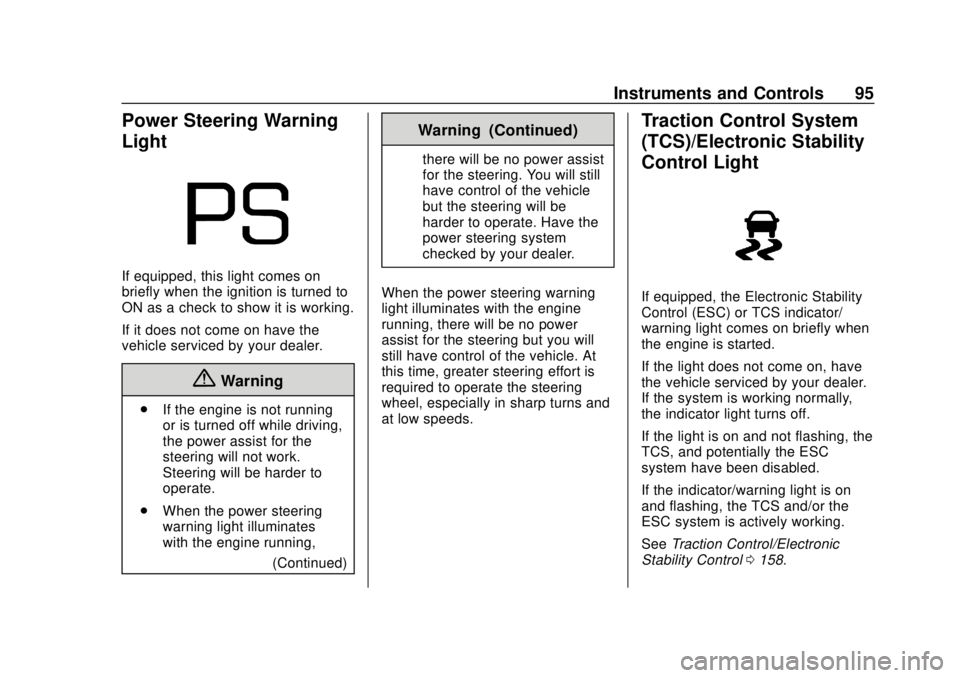
Power Steering Warning
Light
If equipped, this light comes on
briefly when the ignition is turned to
ON as a check to show it is working.
If it does not come on have the
vehicle serviced by your dealer.
{Warning
.If the engine is not running
or is turned off while driving,
the power assist for the
steering will not work.
Steering will be harder to
operate.
. When the power steering
warning light illuminates
with the engine running,
(Continued)
Warning (Continued)
there will be no power assist
for the steering. You will still
have control of the vehicle
but the steering will be
harder to operate. Have the
power steering system
checked by your dealer.
When the power steering warning
light illuminates with the engine
running, there will be no power
assist for the steering but you will
still have control of the vehicle. At
this time, greater steering effort is
required to operate the steering
wheel, especially in sharp turns and
at low speeds.
Traction Control System
(TCS)/Electronic Stability
Control Light
If equipped, the Electronic Stability
Control (ESC) or TCS indicator/
warning light comes on briefly when
the engine is started.
If the light does not come on, have
the vehicle serviced by your dealer.
If the system is working normally,
the indicator light turns off.
If the light is on and not flashing, the
TCS, and potentially the ESC
system have been disabled.
If the indicator/warning light is on
and flashing, the TCS and/or the
ESC system is actively working.
See Traction Control/Electronic
Stability Control 0158.
Page 97 of 287
Chevrolet City Express Owner Manual (GMNA-Localizing-U.S./Canada-
11683523) - 2018 - CRC - 7/10/17
96 Instruments and Controls
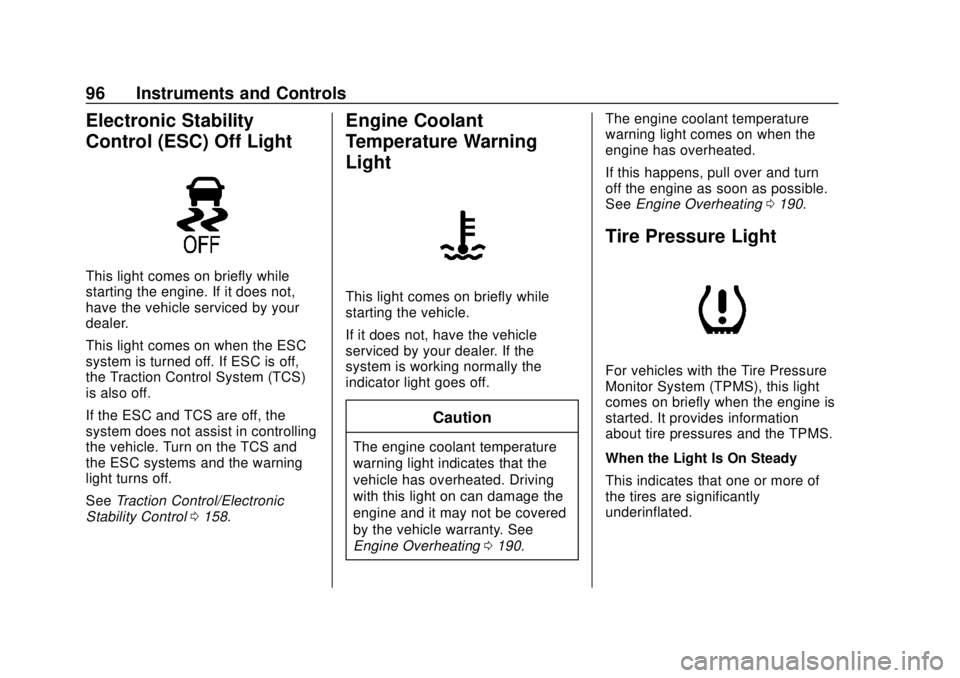
Electronic Stability
Control (ESC) Off Light
This light comes on briefly while
starting the engine. If it does not,
have the vehicle serviced by your
dealer.
This light comes on when the ESC
system is turned off. If ESC is off,
the Traction Control System (TCS)
is also off.
If the ESC and TCS are off, the
system does not assist in controlling
the vehicle. Turn on the TCS and
the ESC systems and the warning
light turns off.
SeeTraction Control/Electronic
Stability Control 0158.
Engine Coolant
Temperature Warning
Light
This light comes on briefly while
starting the vehicle.
If it does not, have the vehicle
serviced by your dealer. If the
system is working normally the
indicator light goes off.
Caution
The engine coolant temperature
warning light indicates that the
vehicle has overheated. Driving
with this light on can damage the
engine and it may not be covered
by the vehicle warranty. See
Engine Overheating 0190. The engine coolant temperature
warning light comes on when the
engine has overheated.
If this happens, pull over and turn
off the engine as soon as possible.
See
Engine Overheating 0190.
Tire Pressure Light
For vehicles with the Tire Pressure
Monitor System (TPMS), this light
comes on briefly when the engine is
started. It provides information
about tire pressures and the TPMS.
When the Light Is On Steady
This indicates that one or more of
the tires are significantly
underinflated.
Page 109 of 287
Chevrolet City Express Owner Manual (GMNA-Localizing-U.S./Canada-
11683523) - 2018 - CRC - 7/10/17
108 Infotainment System
Infotainment
System
Introduction
Infotainment . . . . . . . . . . . . . . . . . . 108
Theft-Deterrent Feature . . . . . . 109
Overview . . . . . . . . . . . . . . . . . . . . . 109
Operation . . . . . . . . . . . . . . . . . . . . . 110
Radio
AM-FM Radio . . . . . . . . . . . . . . . . . 112
Radio Reception . . . . . . . . . . . . . . 112
Fixed Mast Antenna . . . . . . . . . . 113
Audio Players
Avoiding Untrusted MediaDevices . . . . . . . . . . . . . . . . . . . . . 113
CD Player . . . . . . . . . . . . . . . . . . . . 113
USB Port . . . . . . . . . . . . . . . . . . . . . 116
Auxiliary Jack . . . . . . . . . . . . . . . . . 118
Bluetooth Audio . . . . . . . . . . . . . . 119
Phone
Bluetooth . . . . . . . . . . . . . . . . . . . . . 120
Trademarks and License
Agreements
Trademarks and License Agreements . . . . . . . . . . . . . . . . . 128
Introduction
Infotainment
Base radio information is included in
this manual. See the infotainment
manual for information on other
available infotainment systems.
Read the following pages to
become familiar with these features.
{Warning
Taking your eyes off the road for
too long or too often while using
any infotainment feature can
cause a crash. You or others
could be injured or killed. Do not
give extended attention to
infotainment tasks while driving.
Limit your glances at the vehicle
displays and focus your attention
on driving. Use voice commands
whenever possible. The infotainment system has built-in
features intended to help avoid
distraction by disabling some
functions when driving. These
functions may gray out when they
are unavailable. Many infotainment
features are also available through
the instrument cluster and steering
wheel controls.
Before driving:
.
Become familiar with the system
operation, controls on the center
stack, and infotainment display.
. Set up the audio by presetting
favorite stations, setting the
tone, and adjusting the
speakers.
. Set up phone numbers in
advance so they can be called
easily by pressing a single
control or by using a single voice
command if equipped with
Bluetooth phone capability.
See Defensive Driving 0134.
Page 120 of 287
Chevrolet City Express Owner Manual (GMNA-Localizing-U.S./Canada-
11683523) - 2018 - CRC - 7/10/17
Infotainment System 119
This input jack is not an audio
output; do not plug headphones into
the auxiliary input jack.
Drivers are encouraged to set up
any auxiliary device while the
vehicle is in P (Park). See
Defensive Driving0134 for more
information on driver distraction.
To use a portable audio player,
connect a 3.5 mm (1/8 in) cable to
the auxiliary input jack.
For optimal sound quality, increase
the portable audio device's volume
to the loudest level.
It is always best to power the
portable audio device through its
own battery while playing.
Bluetooth Audio
A compatible Bluetooth audio
device that is capable of playing
audio files can be connected to the
infotainment system so that the
audio files on the device play
through the vehicle’ s speakers. Connecting Bluetooth Audio
To connect a Bluetooth audio device
to the vehicle, follow the procedure
below:
1. Press ENTER/SETTING.
2. Select “Bluetooth”.
3. Select “Add Phone or Device”.
This same display can be
accessed to remove, replace or
select a different Bluetooth
device.
4. The system acknowledges the command and asks you to
initiate connecting from the
phone handset. The connecting
procedure of the cell phone
varies according to each cell
phone model. For additional
information, refer to the cell
phone Owner ’s Manual. Audio Main Operation
To switch to the Bluetooth audio
mode, press MEDIA repeatedly until
the Bluetooth audio mode is
displayed.
The controls for the Bluetooth audio
are showing on the display. Use the
Preset 3 control for play and the
Preset 4 control for pause.
Steering Wheel Controls
See
Steering Wheel Controls 082.