light CHEVROLET COBALT 2007 1.G Repair Manual
[x] Cancel search | Manufacturer: CHEVROLET, Model Year: 2007, Model line: COBALT, Model: CHEVROLET COBALT 2007 1.GPages: 450, PDF Size: 2.48 MB
Page 230 of 450
Control of a Vehicle
The following three systems help to control your
vehicle while driving — brakes, steering, and
accelerator. At times, as when driving on snow
or ice, it is easy to ask more of those control
systems than the tires and road can provide.
Meaning, you can lose control of your vehicle.
SeeEnhanced Traction System (ETS) on
page 234.
Adding non-dealer/non-retailer accessories can
affect your vehicle’s performance. SeeAccessories
and Modications on page 280.
Braking
SeeBrake System Warning Light on page 171.
Braking action involves perception time and
reaction time.
First, you have to decide to push on the brake
pedal. That is perception time. Then you have to
bring up your foot and do it. That is reaction time.
Average reaction time is about three-fourths of a
second. But that is only an average. It might
be less with one driver and as long as two or
three seconds or more with another. Age, physical
condition, alertness, coordination, and eyesight
all play a part. So do alcohol, drugs, and
frustration. But even in three-fourths of a second,
a vehicle moving at 60 mph (100 km/h) travels
66 feet (20 m). That could be a lot of distance in an
emergency, so keeping enough space between
your vehicle and others is important.
And, of course, actual stopping distances vary
greatly with the surface of the road, whether it is
pavement or gravel; the condition of the road,
whether it is wet, dry, or icy; tire tread; the
condition of the brakes; the weight of the vehicle;
and the amount of brake force applied.
230
Page 231 of 450
Avoid needless heavy braking. Some people drive
in spurts — heavy acceleration followed by
heavy braking — rather than keeping pace with
traffic. This is a mistake. The brakes may not have
time to cool between hard stops. The brakes
will wear out much faster if you do a lot of heavy
braking. If you keep pace with the traffic and
allow realistic following distances, you will
eliminate a lot of unnecessary braking. That means
better braking and longer brake life.
If your vehicle’s engine ever stops while you are
driving, brake normally but do not pump the
brakes. If you do, the pedal may get harder to
push down. If the engine stops, you will still have
some power brake assist. But you will use it
when you brake. Once the power assist is used
up, it may take longer to stop and the brake pedal
will be harder to push.
Adding non-GM accessories can affect your
vehicle’s performance. SeeAccessories and
Modications on page 280.Anti-Lock Brake System (ABS)
Your vehicle might have the Anti-Lock Brake
System (ABS), an advanced electronic braking
system that will help prevent a braking skid.
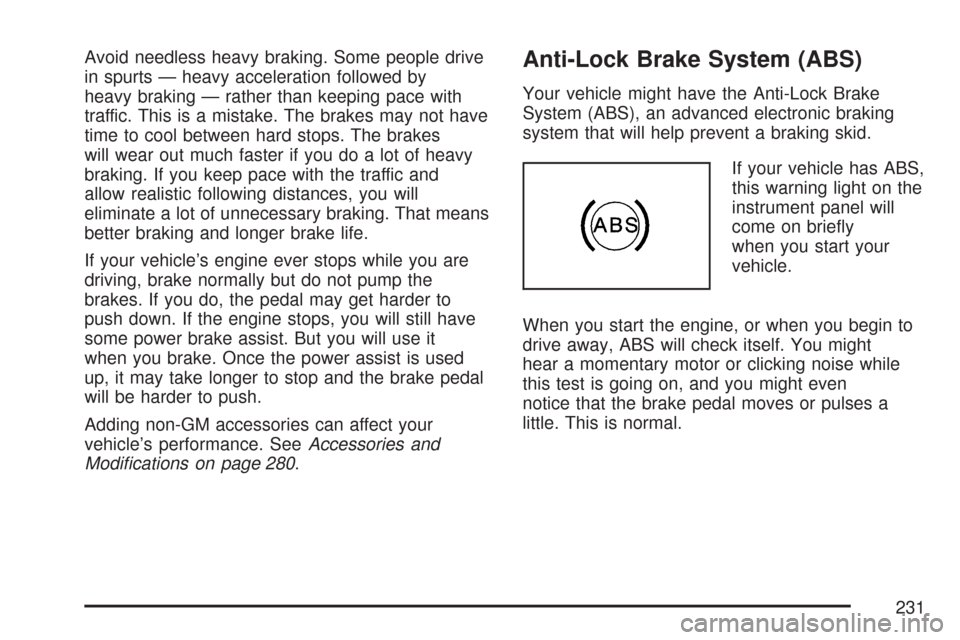
If your vehicle has ABS,
this warning light on the
instrument panel will
come on briey
when you start your
vehicle.
When you start the engine, or when you begin to
drive away, ABS will check itself. You might
hear a momentary motor or clicking noise while
this test is going on, and you might even
notice that the brake pedal moves or pulses a
little. This is normal.
231
Page 233 of 450
Remember: ABS does not change the time you
need to get your foot up to the brake pedal or
always decrease stopping distance. If you get too
close to the vehicle in front of you, you will not have
time to apply the brakes if that vehicle suddenly
slows or stops. Always leave enough room up
ahead to stop, even though you have ABS.
Using ABS
Do not pump the brakes. Just hold the brake
pedal down rmly and let anti-lock work for you.
You might feel a slight brake pedal pulsation
or notice some noise, but this is normal.
Braking in Emergencies
At some time, nearly every driver gets into a
situation that requires hard braking.
If you have ABS, you can steer and brake at the
same time. However, if you do not have ABS,
your rst reaction — to hit the brake pedal
hard and hold it down — might be the wrong
thing to do. Your wheels can stop rolling.Once they do, the vehicle cannot respond to your
steering. Momentum will carry it in whatever
direction it was headed when the wheels stopped
rolling. That could be off the road, into the very
thing you were trying to avoid, or into traffic.
If you do not have ABS, use a “squeeze” braking
technique. This will give you maximum braking
while maintaining steering control. You can do this
by pushing on the brake pedal with steadily
increasing pressure.
In an emergency, you will probably want to
squeeze the brakes hard without locking the
wheels. If you hear or feel the wheels sliding,
ease off the brake pedal. This will help you retain
steering control. If you do have ABS, it is different.
SeeAnti-Lock Brake System (ABS) on page 231.
In many emergencies, steering can help you
more than even the very best braking.
233
Page 234 of 450
Enhanced Traction System (ETS)
Your vehicle may have an Enhanced Traction
System (ETS) that limits wheel spin. This is
especially useful in slippery road conditions.
The system operates only if it senses that one or
both of the front wheels are spinning or beginning to
lose traction. When this happens, the system
reduces engine power and may also upshift the
transaxle to limit wheel spin. You may feel or hear
the system working, but this is normal.
A LOW TRACTION message will appear on the
Driver Information Center (DIC) when the traction
control system is actively limiting wheel spin.
Slippery road conditions may exist if this message
is displayed, so adjust your driving accordingly.If your vehicle is in cruise control when the
Enhanced Traction System begins to limit wheel
spin, the cruise control will automatically
disengage. When road conditions allow you to
safely use it again, you may re-engage the cruise
control. SeeCruise Control on page 149.
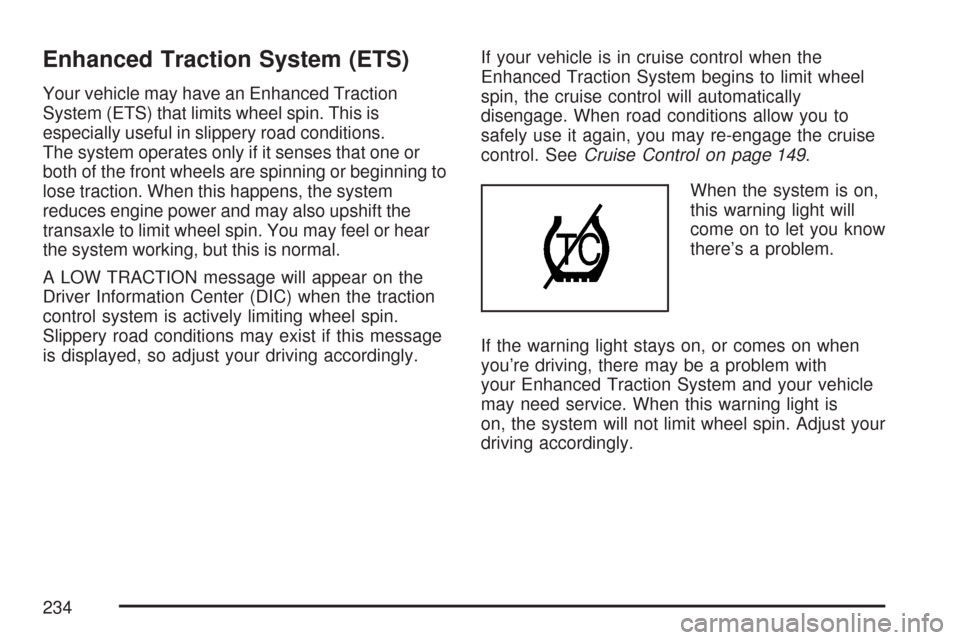
When the system is on,
this warning light will
come on to let you know
there’s a problem.
If the warning light stays on, or comes on when
you’re driving, there may be a problem with
your Enhanced Traction System and your vehicle
may need service. When this warning light is
on, the system will not limit wheel spin. Adjust your
driving accordingly.
234
Page 235 of 450
The Enhanced Traction System warning light may
come on for the following reasons:
If you turn the system off by moving the shift
lever to LOW (L), the warning light will come
on and stay on. To turn the system back
on, move the shift lever back to a position
other than LOW (L). The warning light should
go off.
The warning light will come on when you set
your parking brake with the engine running,
and it will stay on if your parking brake
does not release fully. If the transaxle shift
lever is in any position other than LOW (L) and
the warning light stays on after your parking
brake is fully released, it means there is
a problem with the system.
If the traction control system is affected by an
engine related problem, the system will turn
off and the warning light will come on.If the Enhanced Traction System warning light
comes on and stays on for an extended period of
time when the transaxle shift lever is in any
position other than LOW (L), your vehicle needs
service.
Adding non-GM accessories can affect your
vehicle’s performance. SeeAccessories and
Modications on page 280for more information.
Limited-Slip Differential
Your vehicle may have this feature. A limited-slip
transaxle can give you additional traction on snow,
mud, ice, sand or gravel. It works like a standard
transaxle most of the time, but when one of the
front wheels loses traction, this feature will allow the
wheel with traction to move the vehicle.
235
Page 239 of 450
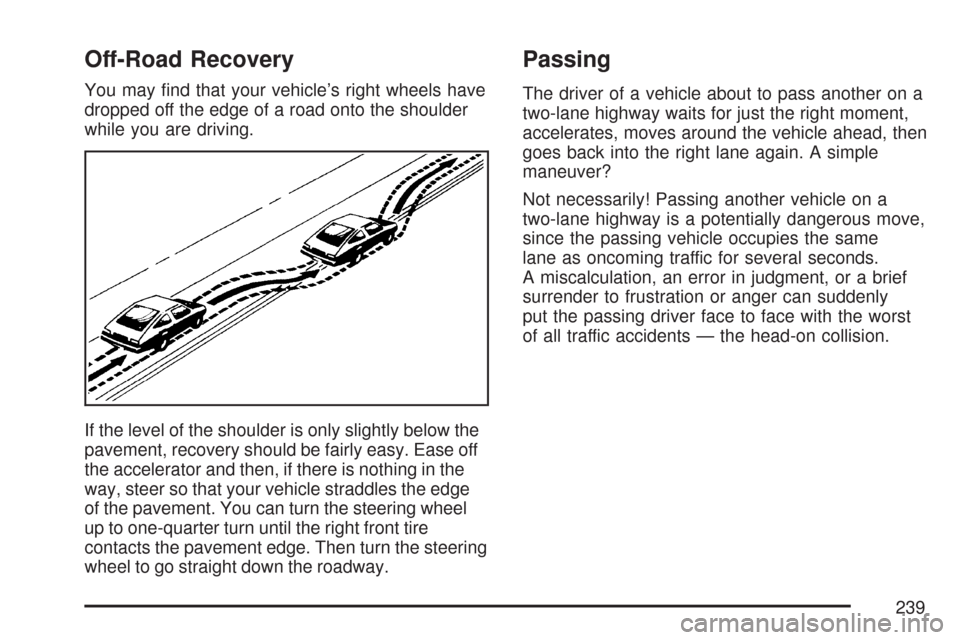
Off-Road Recovery
You may nd that your vehicle’s right wheels have
dropped off the edge of a road onto the shoulder
while you are driving.
If the level of the shoulder is only slightly below the
pavement, recovery should be fairly easy. Ease off
the accelerator and then, if there is nothing in the
way, steer so that your vehicle straddles the edge
of the pavement. You can turn the steering wheel
up to one-quarter turn until the right front tire
contacts the pavement edge. Then turn the steering
wheel to go straight down the roadway.
Passing
The driver of a vehicle about to pass another on a
two-lane highway waits for just the right moment,
accelerates, moves around the vehicle ahead, then
goes back into the right lane again. A simple
maneuver?
Not necessarily! Passing another vehicle on a
two-lane highway is a potentially dangerous move,
since the passing vehicle occupies the same
lane as oncoming traffic for several seconds.
A miscalculation, an error in judgment, or a brief
surrender to frustration or anger can suddenly
put the passing driver face to face with the worst
of all traffic accidents — the head-on collision.
239
Page 243 of 450
Driving at Night
Night driving is more dangerous than day driving.
One reason is that some drivers are likely to
be impaired — by alcohol or drugs, with night
vision problems, or by fatigue.
Here are some tips on night driving.
Drive defensively.
Do not drink and drive.
Adjust the inside rearview mirror to reduce the
glare from headlamps behind you.
Since you cannot see as well, slow down and
keep more space between you and other
vehicles.
Slow down, especially on higher speed roads.
Your vehicle’s headlamps can light up only so
much road ahead.
In remote areas, watch for animals.
If you are tired, pull off the road in a safe
place and rest.No one can see as well at night as in the daytime.
But as we get older these differences increase.
A 50-year-old driver might require at least twice as
much light to see the same thing at night as a
20-year-old.
What you do in the daytime can also affect your
night vision. For example, if you spend the
day in bright sunshine you are wise to wear
sunglasses. Your eyes will have less trouble
adjusting to night. But if you are driving, do not
wear sunglasses at night. They might cut down on
glare from headlamps, but they also make a lot
of things invisible.
You can be temporarily blinded by approaching
headlamps. It can take a second or two, or
even several seconds, for your eyes to re-adjust
to the dark. When you are faced with severe glare,
as from a driver who does not lower the high
beams, or a vehicle with misaimed headlamps,
slow down a little. Avoid staring directly into
the approaching headlamps.
243
Page 244 of 450
Keep the windshield and all the glass on your
vehicle clean — inside and out. Glare at night is
made much worse by dirt on the glass. Even
the inside of the glass can build up a lm caused
by dust. Dirty glass makes lights dazzle and
ash more than clean glass would, making the
pupils of your eyes contract repeatedly.
Remember that the headlamps light up far less of
a roadway when you are in a turn or curve.
Keep your eyes moving; that way, it is easier to
pick out dimly lighted objects. Just as the
headlamps should be checked regularly for proper
aim, so should your eyes be examined regularly.
Some drivers suffer from night blindness — the
inability to see in dim light — and are not even
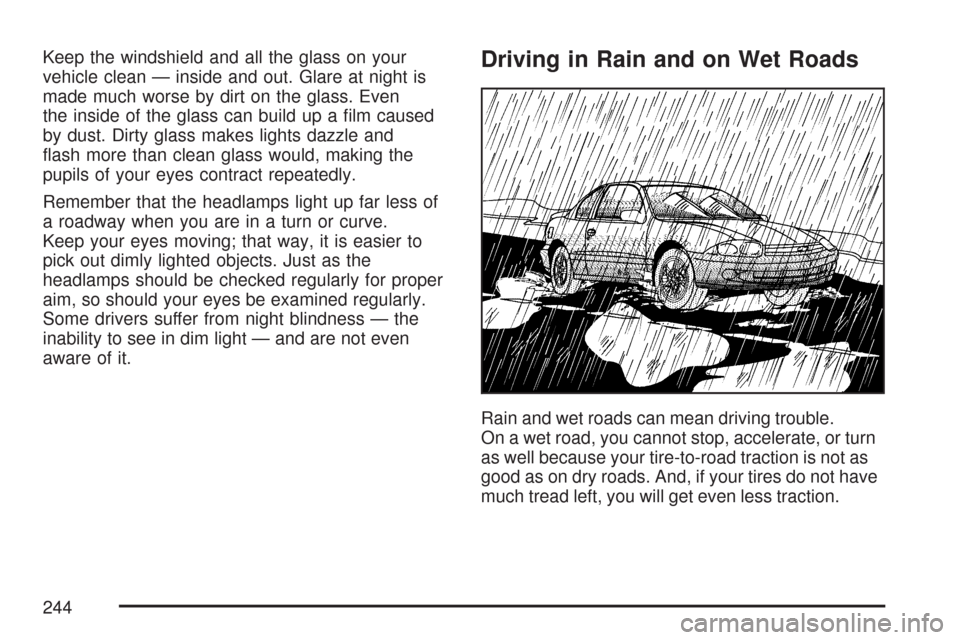
aware of it.Driving in Rain and on Wet Roads
Rain and wet roads can mean driving trouble.
On a wet road, you cannot stop, accelerate, or turn
as well because your tire-to-road traction is not as
good as on dry roads. And, if your tires do not have
much tread left, you will get even less traction.
244
Page 245 of 450
It is always wise to go slower and be cautious if rain
starts to fall while you are driving. The surface may
get wet suddenly when your reexes are tuned for
driving on dry pavement.
The heavier the rain, the harder it is to see.
Even if your windshield wiper blades are in good
shape, a heavy rain can make it harder to see
road signs and traffic signals, pavement markings,
the edge of the road, and even people walking.
It is wise to keep your windshield wiping equipment
in good shape and keep your windshield washer
uid reservoir lled with washer uid. Replace your
windshield wiper inserts when they show signs
of streaking or missing areas on the windshield, or
when strips of rubber start to separate from the
inserts.
{CAUTION:
Wet brakes can cause accidents. They
may not work as well in a quick stop and
may cause pulling to one side. You could
lose control of the vehicle.
After driving through a large puddle of
water or a car wash, apply the brake pedal
lightly until the brakes work normally.
Driving too fast through large water puddles or
even going through some car washes can cause
problems, too. The water may affect your brakes.
Try to avoid puddles. But if you cannot, try to
slow down before you hit them.
245
Page 246 of 450
Hydroplaning
Hydroplaning is dangerous. So much water can
build up under your tires that they can actually ride
on the water. This can happen if the road is wet
enough and you are going fast enough. When your
vehicle is hydroplaning, it has little or no contact
with the road.
Hydroplaning does not happen often. But it can if
your tires do not have much tread or if the pressure
in one or more is low. It can happen if a lot of water
is standing on the road. If you can see reections
from trees, telephone poles, or other vehicles, and
raindrops dimple the water’s surface, there could be
hydroplaning.
Hydroplaning usually happens at higher speeds.
There just is not a hard and fast rule about
hydroplaning. The best advice is to slow down
when it is raining.
Driving Through Deep Standing Water
Notice:If you drive too quickly through
deep puddles or standing water, water can
come in through the engine’s air intake
and badly damage the engine. Never drive
through water that is slightly lower than the
underbody of your vehicle. If you cannot
avoid deep puddles or standing water, drive
through them very slowly.
246