light CHEVROLET COLORADO 2017 2.G Owners Manual
[x] Cancel search | Manufacturer: CHEVROLET, Model Year: 2017, Model line: COLORADO, Model: CHEVROLET COLORADO 2017 2.GPages: 419, PDF Size: 7.38 MB
Page 253 of 419
Chevrolet Colorado Owner Manual (GMNA-Localizing-U.S./Canada/Mexico-10122675) - 2017 - crc - 8/22/16
252 Driving and Operating
Shifting Into 4mor AUTO
Turn the knob to the 4mor AUTO
position at any speed, except from
4n.Theindicatorlightwillflash
while shifting and will remain onwhen the shift is completed.
Shifting Into 2m
Turn the knob to 2mat any speed,
except when shifting from 4n.The
indicator light will flash while shiftingand will remain on when the shift iscompleted.
Shifting Into 4n
When 4nis engaged, keep vehicle
speed below 72 km/h (45 mph).
To s h i f t i n t o 4n:
1. The ignition must be in ON/RUN and the vehicle must bestopped or moving less than5km/h (3mph) with thetransmission in N (Neutral). It isbest for the vehicle to bemoving 1.6 to 3.2 km/h(1 to 2 mph).
2. Turn the knob to 4n.Waitfor
the 4nindicator light to stop
flashing before shifting thetransmission into gear.
Caution
Shifting the transmission into gear
before the requested mode
indicator light has stopped
flashing could damage the
transfer case.
If the transmission is in gear and/ormoving more than 5 km/h (3 mph),
the 4nindicator light will flash for
30 seconds and not complete theshift. After 30 seconds the transfer
case will shift to 4m.Turntheknob
to 4mto display the indicator. With
the vehicle moving less than 5 km/h(3 mph), and the transmission inN(Neutral), attempt the shift again.
Shifting Out of 4n
To s h i f t :
1. The vehicle must be stopped ormoving less than 5 km/h(3 mph) with the transmissionin N (Neutral) and the ignition inON/RUN. It is best for thevehicle to be moving1.6 to 3.2 km/h (1 to 2 mph).
2. Turn the knob to 4m,AUTO,
or 2m.Waitforthe4m,AUTO,
or 2mindicator light to stop
flashing before shifting thetransmission into gear.
Caution
Shifting the transmission into gear
before the requested mode
indicator light has stopped
flashing could damage the
transfer case.
Page 254 of 419
Chevrolet Colorado Owner Manual (GMNA-Localizing-U.S./Canada/Mexico-10122675) - 2017 - crc - 8/22/16
Driving and Operating 253
If the transmission is in gear and/ormoving more than 5 km/h (3 mph),
the 4m,AUTO,or2mindicator light
will flash for 30 seconds but will notcomplete the shift. With the vehiclemoving less than 5 km/h (3 mph),and the transmission in N (Neutral),attempt the shift again.
Shifting Into N (Neutral)
To s h i f t :
1. Park the vehicle on a levelsurface.
2. Set the parking brake andpress and hold the brakepedal. SeeParkingBrake0254.
3. Start the vehicle or turn theignition to ON/RUN.
4. Shift the transmission toN(Neutral).
5. Shift the transfer case to 2m.
6. Turn the transfer case knobclockwise to N (Neutral) until itstops and hold it there until theN(Neutral) light starts blinking.This will take at least10 seconds. Then slowly
release the knob to the 4n
position. The N (Neutral) lightwill come on when the transfercase shift to N (Neutral) iscomplete.
7. With the engine running, verifythat the transfer case is inN(Neutral) by shifting thetransmission to R (Reverse),then shift the transmission toD(Drive). There should be nomovement of the vehicle whileshifting the transmission.
8. Turn the engine off, and theignition to ACC/ACCESSORY.
9. Place the transmission shiftlever in P (Park). SeeRecreational VehicleTo w i n g0351.
10. Turn the ignition to LOCK/OFF.
Shifting Out of N (Neutral)
To s h i f t :
1. Set the parking brake andapply the brake pedal.
2. Turn the ignition to ON/RUNwith the engine off.
3. Shift the transmission toN(Neutral).
4. Turn the transfer case knob tothe desired setting.
After the transfer case hasshifted out of N (Neutral), theN(Neutral) light will goout.
5. Release the parking brake.
6. Start the engine and shift thetransmission to thedesired gear.
Page 255 of 419
Chevrolet Colorado Owner Manual (GMNA-Localizing-U.S./Canada/Mexico-10122675) - 2017 - crc - 8/22/16
254 Driving and Operating
Brakes
Antilock Brake
System (ABS)
This vehicle has an Antilock BrakeSystem (ABS), an advancedelectronic braking system that helpsprevent a braking skid.
When the vehicle begins to driveaway, ABS checks itself.Amomentarymotororclickingnoisemay be heard while this test is goingon, and it may even be noticed thatthe brake pedal moves a little. Thisis normal.
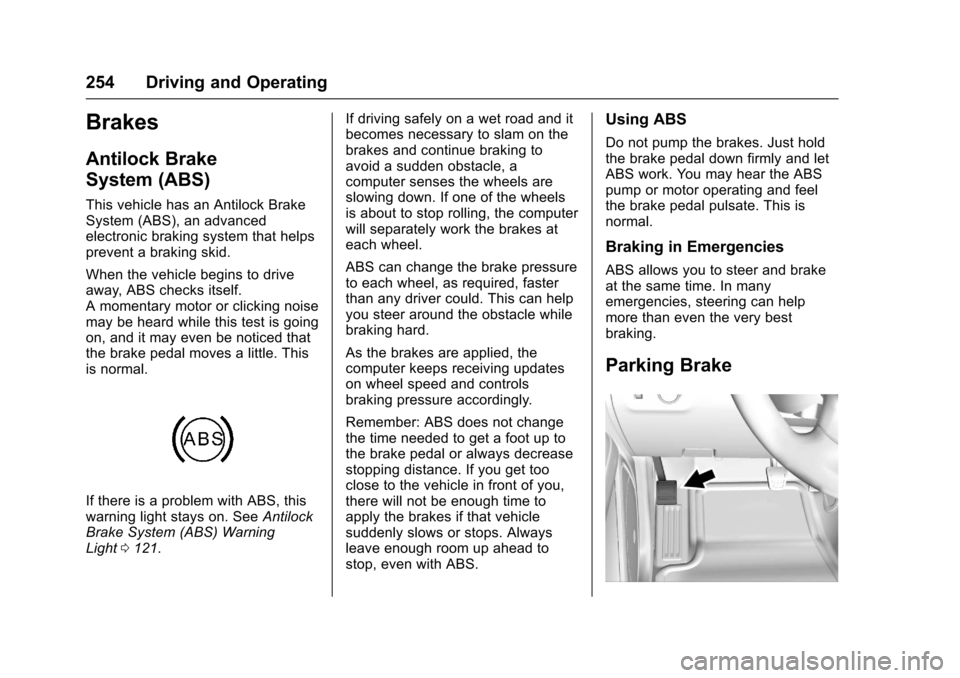
If there is a problem with ABS, thiswarning light stays on. SeeAntilockBrake System (ABS) WarningLight0121.
If driving safely on a wet road and itbecomes necessary to slam on thebrakes and continue braking toavoid a sudden obstacle, acomputer senses the wheels areslowing down. If one of the wheelsis about to stop rolling, the computerwill separately work the brakes ateach wheel.
ABS can change the brake pressureto each wheel, as required, fasterthan any driver could. This can helpyou steer around the obstacle whilebraking hard.
As the brakes are applied, thecomputer keeps receiving updateson wheel speed and controlsbraking pressure accordingly.
Remember: ABS does not changethe time needed to get a foot up tothe brake pedal or always decreasestopping distance. If you get tooclose to the vehicle in front of you,there will not be enough time toapply the brakes if that vehiclesuddenly slows or stops. Alwaysleave enough room up ahead tostop, even with ABS.
Using ABS
Do not pump the brakes. Just holdthe brake pedal down firmly and letABS work. You may hear the ABSpump or motor operating and feelthe brake pedal pulsate. This isnormal.
Braking in Emergencies
ABS allows you to steer and brakeat the same time. In manyemergencies, steering can helpmore than even the very bestbraking.
Parking Brake
Page 256 of 419
Chevrolet Colorado Owner Manual (GMNA-Localizing-U.S./Canada/Mexico-10122675) - 2017 - crc - 8/22/16
Driving and Operating 255
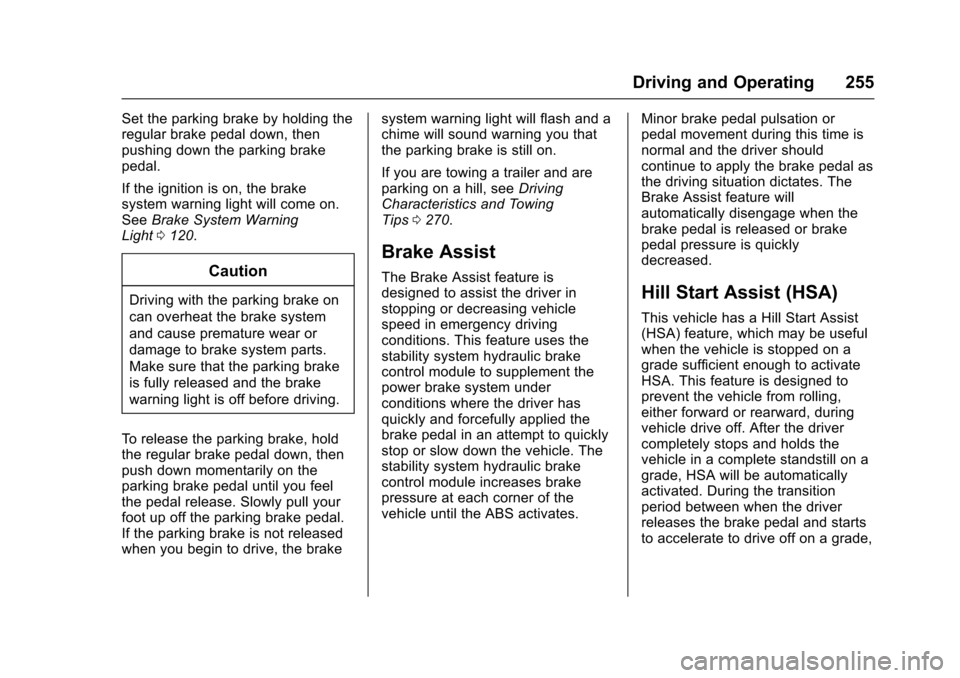
Set the parking brake by holding theregular brake pedal down, thenpushing down the parking brakepedal.
If the ignition is on, the brakesystem warning light will come on.SeeBrake System WarningLight0120.
Caution
Driving with the parking brake on
can overheat the brake system
and cause premature wear or
damage to brake system parts.
Make sure that the parking brake
is fully released and the brake
warning light is off before driving.
To r e l e a s e t h e p a r k i n g b r a k e , h o l dthe regular brake pedal down, thenpush down momentarily on theparking brake pedal until you feelthe pedal release. Slowly pull yourfoot up off the parking brake pedal.If the parking brake is not releasedwhen you begin to drive, the brake
system warning light will flash and achime will sound warning you thatthe parking brake is still on.
If you are towing a trailer and areparking on a hill, seeDrivingCharacteristics and TowingTips0270.
Brake Assist
The Brake Assist feature isdesigned to assist the driver instopping or decreasing vehiclespeed in emergency drivingconditions. This feature uses thestability system hydraulic brakecontrol module to supplement thepower brake system underconditions where the driver hasquickly and forcefully applied thebrake pedal in an attempt to quicklystop or slow down the vehicle. Thestability system hydraulic brakecontrol module increases brakepressure at each corner of thevehicle until the ABS activates.
Minor brake pedal pulsation orpedal movement during this time isnormal and the driver shouldcontinue to apply the brake pedal asthe driving situation dictates. TheBrake Assist feature willautomatically disengage when thebrake pedal is released or brakepedal pressure is quicklydecreased.
Hill Start Assist (HSA)
This vehicle has a Hill Start Assist(HSA) feature, which may be usefulwhen the vehicle is stopped on agrade sufficient enough to activateHSA. This feature is designed toprevent the vehicle from rolling,either forward or rearward, duringvehicle drive off. After the drivercompletely stops and holds thevehicle in a complete standstill on agrade, HSA will be automaticallyactivated. During the transitionperiod between when the driverreleases the brake pedal and startsto accelerate to drive off on a grade,
Page 258 of 419
Chevrolet Colorado Owner Manual (GMNA-Localizing-U.S./Canada/Mexico-10122675) - 2017 - crc - 8/22/16
Driving and Operating 257
instrument cluster. Both tractioncontrol and StabiliTrak areautomatically disabled in thiscondition.
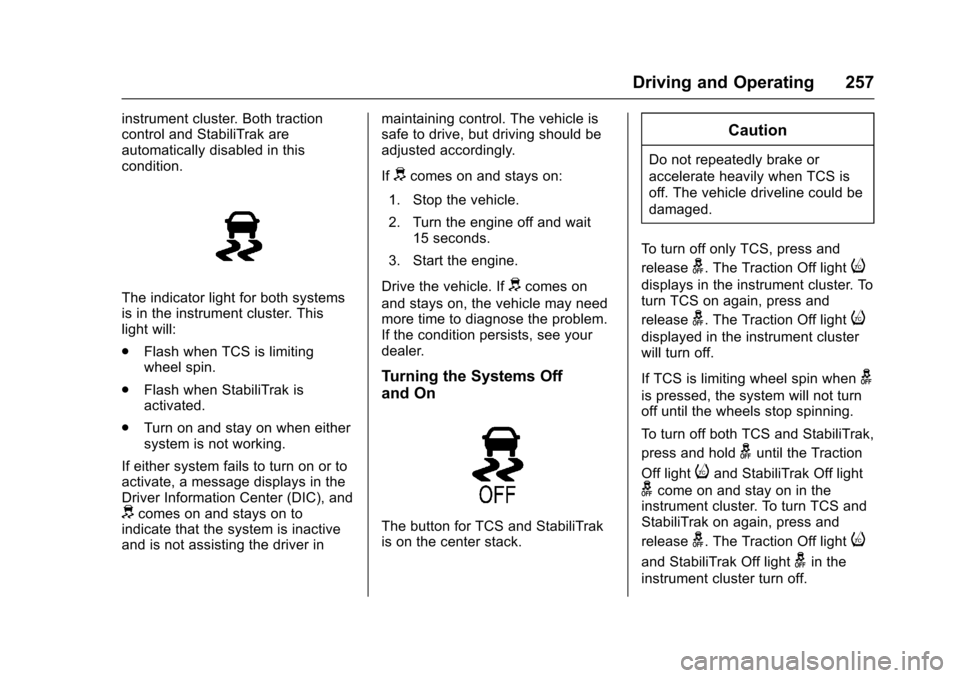
The indicator light for both systemsis in the instrument cluster. Thislight will:
.Flash when TCS is limitingwheel spin.
.Flash when StabiliTrak isactivated.
.Turn on and stay on when eithersystem is not working.
If either system fails to turn on or toactivate, a message displays in theDriver Information Center (DIC), anddcomes on and stays on toindicate that the system is inactiveand is not assisting the driver in
maintaining control. The vehicle issafe to drive, but driving should beadjusted accordingly.
Ifdcomes on and stays on:
1. Stop the vehicle.
2. Turn the engine off and wait15 seconds.
3. Start the engine.
Drive the vehicle. Ifdcomes on
and stays on, the vehicle may needmore time to diagnose the problem.If the condition persists, see yourdealer.
Turning the Systems Off
and On
The button for TCS and StabiliTrakis on the center stack.
Caution
Do not repeatedly brake or
accelerate heavily when TCS is
off. The vehicle driveline could be
damaged.
To t u r n o f f o n l y T C S , p r e s s a n d
releaseg.TheTractionOfflighti
displays in the instrument cluster. Toturn TCS on again, press and
releaseg.TheTractionOfflighti
displayed in the instrument clusterwill turn off.
If TCS is limiting wheel spin wheng
is pressed, the system will not turnoff until the wheels stop spinning.
To t u r n o f f b o t h T C S a n d S t a b i l i T r a k ,
press and holdguntil the Traction
Off lightiand StabiliTrak Off light
gcome on and stay on in theinstrument cluster. To turn TCS andStabiliTrak on again, press and
releaseg.TheTractionOfflighti
and StabiliTrak Off lightgin the
instrument cluster turn off.
Page 259 of 419
Chevrolet Colorado Owner Manual (GMNA-Localizing-U.S./Canada/Mexico-10122675) - 2017 - crc - 8/22/16
258 Driving and Operating
StabiliTrak will automatically turn onif the vehicle exceeds 56 km/h(35 mph). Traction control will
remain off until the driver pressesg
or the ignition is cycled Off then On.
Adding accessories can affect thevehicle performance. SeeAccessories andModifications0281.
Hill Descent
Control (HDC)
If equipped, HDC can be used whendriving downhill. It sets andmaintains vehicle speed whiledescending a very steep incline in aforward or reverse gear.
The HDC switch is on the centerstack, below the climate controls.
Press5to enable or disable HDC.
Vehicle speed must be below60 km/h (37 mph).
The HDC light displays on theinstrument cluster when enabled.
HDC can maintain vehicle speedsbetween 4 and 30 km/h (3 and19 mph) on an incline greater thanor equal to a 10% grade. A blinkingHDC light indicates that the systemis actively applying the brakes tomaintain vehicle speed.
When HDC is set, that is the initialset speed. It can be increased ordecreased by applying theaccelerator or brake pedal. SmallerHDC speed control adjustments areaccomplished using the cruise up ordown buttons. Each tap of the+RES will increase the set speed by0.8 km/h (0.5 mph), while each tapof the SET–will decrease the setspeed by 0.8 km/h (0.5 mph). Thisadjusted speed becomes the newset speed.
HDC will remain enabled between30 and 60 km/h (19 and 37 mph),however vehicle speed cannot beset or maintained in this range.It will automatically disable if thevehicle speed is above 80 km/h(50 mph) or above 60 km/h
(37 mph) for at least 30 seconds.5
must be pressed again tore-enable HDC.
When enabled, if the vehicle is at aspeed above 30 km/h (19 mph) andless than 60 km/h (37 mph), a DICmessage will display instructing thedriver to reduce speed for HDCoperation.
Cruise control will not function whileHDC is enabled and vehicle speedis below 40 km/h (25 mph).
Page 262 of 419
Chevrolet Colorado Owner Manual (GMNA-Localizing-U.S./Canada/Mexico-10122675) - 2017 - crc - 8/22/16
Driving and Operating 261
Ending Cruise Control
There are four ways to end cruisecontrol:
.Step lightly on the brake pedal.
.Press*.
.Press the clutch pedal forseveral seconds or shift thetransmission to N (Neutral).
.To t u r n o f f c r u i s e c o n t r o l ,
press5.
Erasing Speed Memory
The cruise control set speed is
erased from memory if5is pressed
or if the ignition is turned off.
Driver Assistance
Systems
Rear Vision
Camera (RVC)
{Warning
The camera(s) do not display
children, pedestrians, bicyclists,
crossing traffic, animals, or any
other object outside of the
cameras’field of view, below the
bumper, or under the vehicle.
Shown distances may be different
from actual distances. Do not
drive or park the vehicle using
only these camera(s). Always
check behind and around the
vehicle before driving. Failure to
use proper care may result in
injury, death, or vehicle damage.
If equipped, the RVC system isdesigned to help the driver whenbacking up by displaying a view ofthe area behind the vehicle. Whenthe key is in ON/RUN and the driver
shifts the vehicle into R (Reverse),the video image automaticallyappears on the infotainment screen.The infotainment screen goes to theprevious screen after approximatelyfour seconds once the vehicle isshifted out of R (Reverse).
To s e e t h e p r e v i o u s s c r e e n s o o n e r,do one of the following:
.Press a hard key on theinfotainment system.
.Shift into P (Park).
The RVC will not work properly ifthe tailgate is down. If the tailgate isdown, do not use this system.
Guidelines
The RVC system may have aguideline overlay that can help thedriver align the vehicle whenbacking into a parking spot.
To t u r n t h e g u i d e l i n e s o n o r o f f :
1. Shift into P (Park).
2. Press SETTINGS on the homescreen of the infotainmentsystem.
3. Select Rear Camera.
Page 264 of 419
Chevrolet Colorado Owner Manual (GMNA-Localizing-U.S./Canada/Mexico-10122675) - 2017 - crc - 8/22/16
Driving and Operating 263
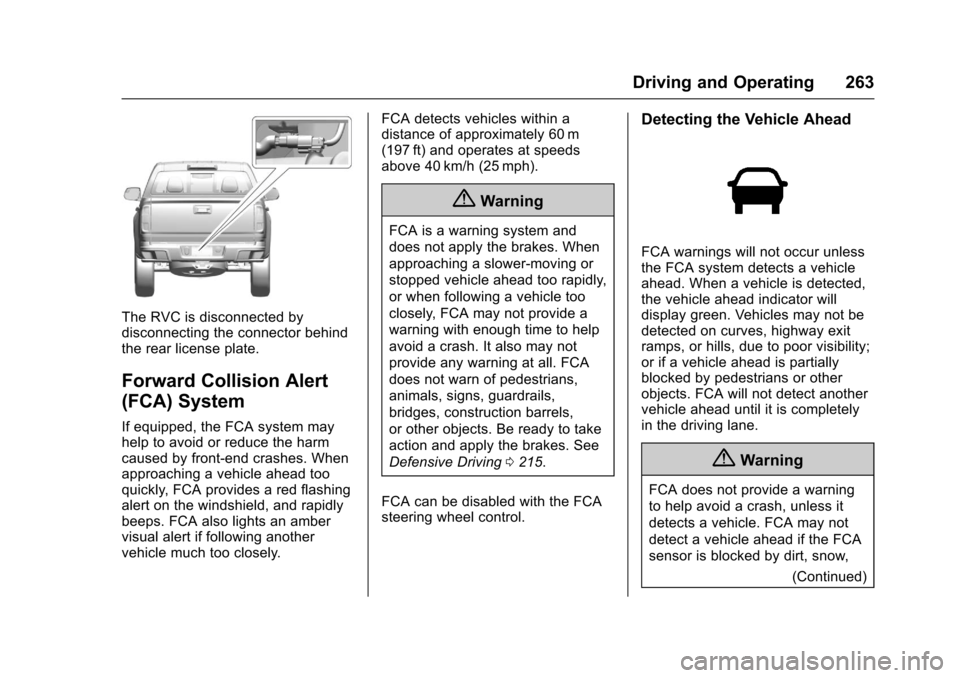
The RVC is disconnected bydisconnecting the connector behindthe rear license plate.
Forward Collision Alert
(FCA) System
If equipped, the FCA system mayhelp to avoid or reduce the harmcaused by front-end crashes. Whenapproaching a vehicle ahead tooquickly, FCA provides a red flashingalert on the windshield, and rapidlybeeps. FCA also lights an ambervisual alert if following anothervehicle much too closely.
FCA detects vehicles within adistance of approximately 60 m(197 ft) and operates at speedsabove 40 km/h (25 mph).
{Warning
FCA is a warning system and
does not apply the brakes. When
approaching a slower-moving or
stopped vehicle ahead too rapidly,
or when following a vehicle too
closely, FCA may not provide a
warning with enough time to help
avoid a crash. It also may not
provide any warning at all. FCA
does not warn of pedestrians,
animals, signs, guardrails,
bridges, construction barrels,
or other objects. Be ready to take
action and apply the brakes. See
Defensive Driving0215.
FCA can be disabled with the FCAsteering wheel control.
Detecting the Vehicle Ahead
FCA warnings will not occur unlessthe FCA system detects a vehicleahead. When a vehicle is detected,the vehicle ahead indicator willdisplay green. Vehicles may not bedetected on curves, highway exitramps, or hills, due to poor visibility;or if a vehicle ahead is partiallyblocked by pedestrians or otherobjects. FCA will not detect anothervehicle ahead until it is completelyin the driving lane.
{Warning
FCA does not provide a warning
to help avoid a crash, unless it
detects a vehicle. FCA may not
detect a vehicle ahead if the FCA
sensor is blocked by dirt, snow,
(Continued)
Page 265 of 419
Chevrolet Colorado Owner Manual (GMNA-Localizing-U.S./Canada/Mexico-10122675) - 2017 - crc - 8/22/16
264 Driving and Operating
Warning (Continued)
or ice, or if the windshield is
damaged. It may also not detect a
vehicle on winding or hilly roads,
or in conditions that can limit
visibility such as fog, rain,
or snow, or if the headlamps or
windshield are not cleaned or in
proper condition. Keep the
windshield, headlamps, and FCA
sensors clean and in good repair.
Collision Alert
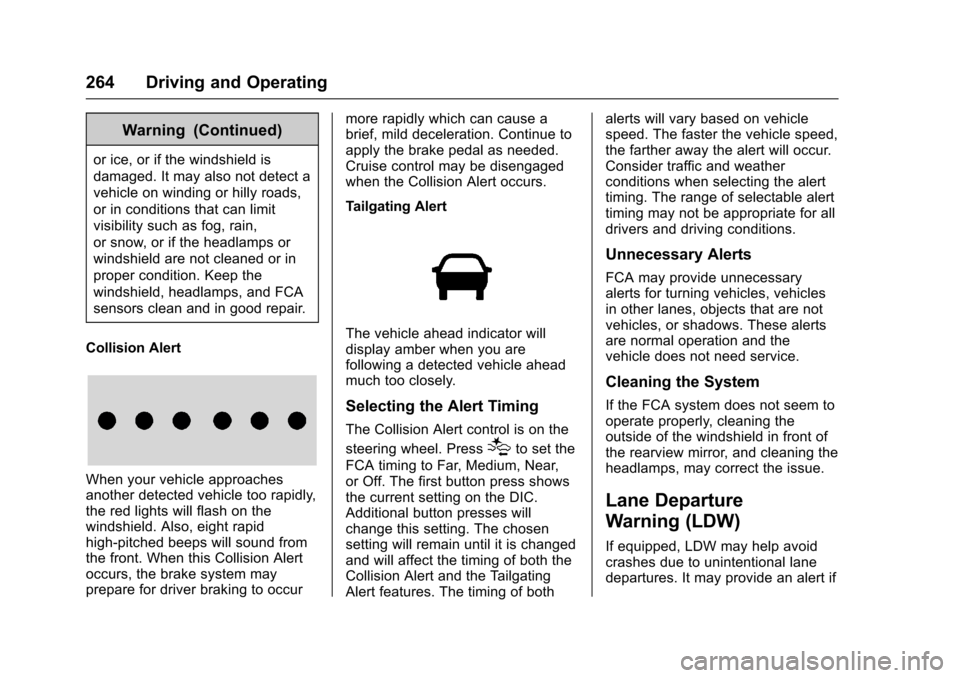
When your vehicle approachesanother detected vehicle too rapidly,the red lights will flash on thewindshield. Also, eight rapidhigh-pitched beeps will sound fromthe front. When this Collision Alertoccurs, the brake system mayprepare for driver braking to occur
more rapidly which can cause abrief, mild deceleration. Continue toapply the brake pedal as needed.Cruise control may be disengagedwhen the Collision Alert occurs.
Tailgating Alert
The vehicle ahead indicator willdisplay amber when you arefollowing a detected vehicle aheadmuch too closely.
Selecting the Alert Timing
The Collision Alert control is on the
steering wheel. Press[to set the
FCA timing to Far, Medium, Near,or Off. The first button press showsthe current setting on the DIC.Additional button presses willchange this setting. The chosensetting will remain until it is changedand will affect the timing of both theCollision Alert and the TailgatingAlert features. The timing of both
alerts will vary based on vehiclespeed. The faster the vehicle speed,the farther away the alert will occur.Consider traffic and weatherconditions when selecting the alerttiming. The range of selectable alerttiming may not be appropriate for alldrivers and driving conditions.
Unnecessary Alerts
FCA may provide unnecessaryalerts for turning vehicles, vehiclesin other lanes, objects that are notvehicles, or shadows. These alertsare normal operation and thevehicle does not need service.
Cleaning the System
If the FCA system does not seem tooperate properly, cleaning theoutside of the windshield in front ofthe rearview mirror, and cleaning theheadlamps, may correct the issue.
Lane Departure
Warning (LDW)
If equipped, LDW may help avoidcrashes due to unintentional lanedepartures. It may provide an alert if
Page 266 of 419
Chevrolet Colorado Owner Manual (GMNA-Localizing-U.S./Canada/Mexico-10122675) - 2017 - crc - 8/22/16
Driving and Operating 265
the vehicle is crossing a lanemarking without using a turn signalin that direction. LDW uses acamera sensor to detect the lanemarkings at speeds of 56 km/h(35 mph) or greater.
{Warning
The LDW system does not steer
the vehicle. The LDW system
may not:
.Provide enough time toavoid a crash.
.Detect lane markings underpoor weather or visibilityconditions. This can occur ifthe windshield orheadlamps are blocked bydirt, snow, or ice; if they arenot in proper condition; or ifthe sun shines directly intothe camera.
.Detect road edges.
.Detect lanes on winding orhilly roads.
(Continued)
Warning (Continued)
If LDW only detects lane
markings on one side of the road,
it will only warn you when
departing the lane on the side
where it has detected a lane
marking. Always keep your
attention on the road and
maintain proper vehicle position
within the lane, or vehicle
damage, injury, or death could
occur. Always keep the
windshield, headlamps, and
camera sensors clean and in
good repair. Do not use LDW in
bad weather conditions.
How the System Works
The LDW camera sensor is on thewindshield ahead of the rearviewmirror.
To t u r n L D W o n a n d o f f , p r e s s@on
the center stack. The controlindicator will light when LDW is on.
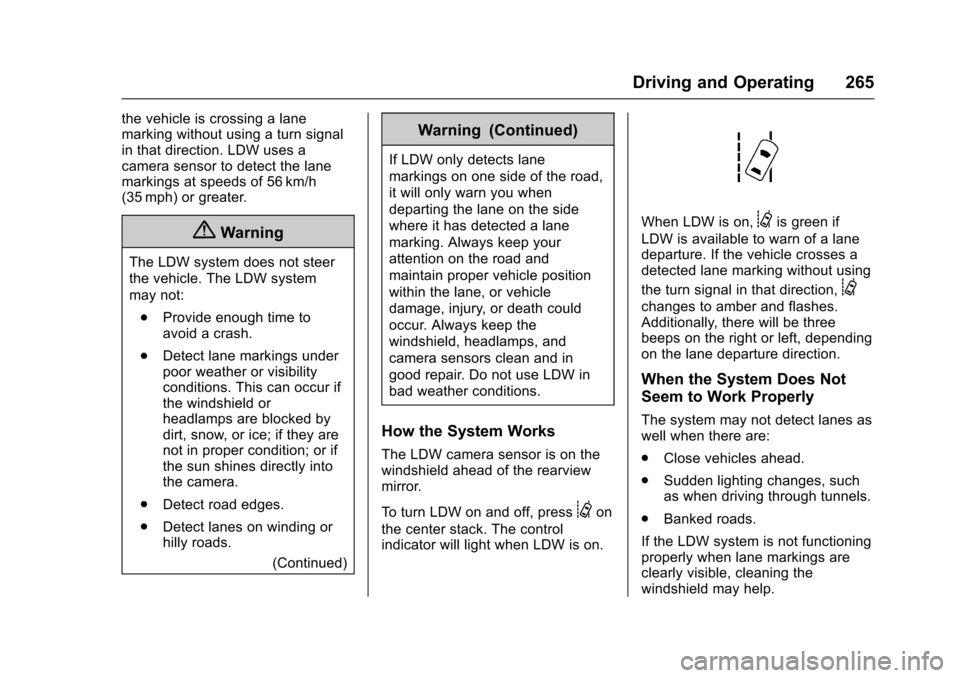
When LDW is on,@is green if
LDW is available to warn of a lanedeparture. If the vehicle crosses adetected lane marking without using
the turn signal in that direction,@
changes to amber and flashes.Additionally, there will be threebeeps on the right or left, dependingon the lane departure direction.
When the System Does Not
Seem to Work Properly
The system may not detect lanes aswell when there are:
.Close vehicles ahead.
.Sudden lighting changes, suchas when driving through tunnels.
.Banked roads.
If the LDW system is not functioningproperly when lane markings areclearly visible, cleaning thewindshield may help.