display CHEVROLET COLORADO 2017 2.G User Guide
[x] Cancel search | Manufacturer: CHEVROLET, Model Year: 2017, Model line: COLORADO, Model: CHEVROLET COLORADO 2017 2.GPages: 419, PDF Size: 7.38 MB
Page 106 of 419
Chevrolet Colorado Owner Manual (GMNA-Localizing-U.S./Canada/Mexico-10122675) - 2017 - crc - 8/22/16
Instruments and Controls 105
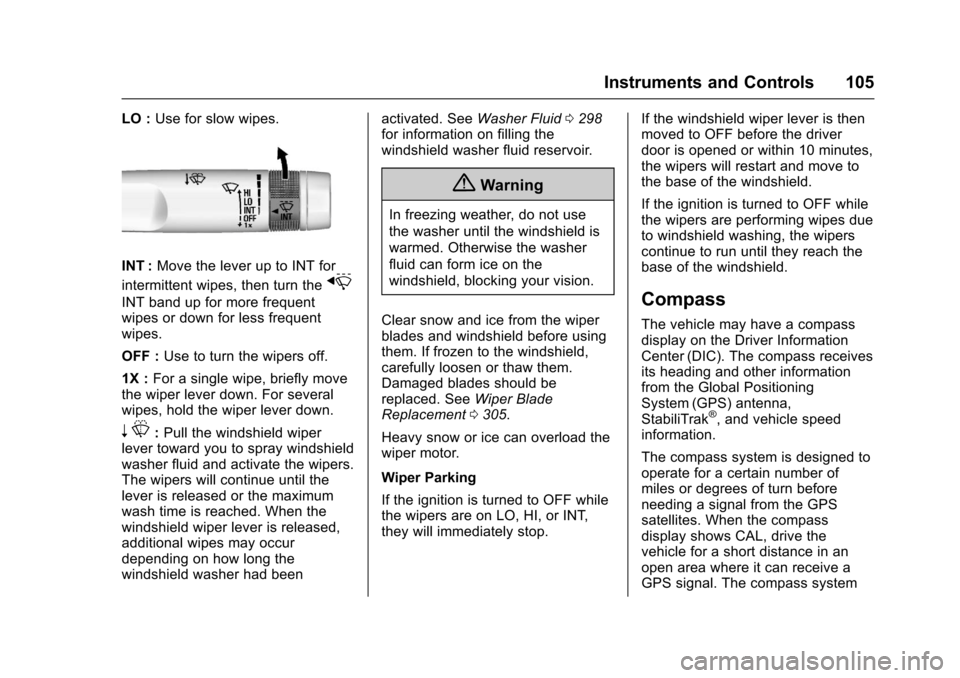
LO :Use for slow wipes.
INT :Move the lever up to INT for
intermittent wipes, then turn thex
INT band up for more frequentwipes or down for less frequentwipes.
OFF :Use to turn the wipers off.
1X :For a single wipe, briefly movethe wiper lever down. For severalwipes, hold the wiper lever down.
nL:Pull the windshield wiperlever toward you to spray windshieldwasher fluid and activate the wipers.The wipers will continue until thelever is released or the maximumwash time is reached. When thewindshield wiper lever is released,additional wipes may occurdepending on how long thewindshield washer had been
activated. SeeWasher Fluid0298for information on filling thewindshield washer fluid reservoir.
{Warning
In freezing weather, do not use
the washer until the windshield is
warmed. Otherwise the washer
fluid can form ice on the
windshield, blocking your vision.
Clear snow and ice from the wiperblades and windshield before usingthem. If frozen to the windshield,carefully loosen or thaw them.Damaged blades should bereplaced. SeeWiper BladeReplacement0305.
Heavy snow or ice can overload thewiper motor.
Wiper Parking
If the ignition is turned to OFF whilethe wipers are on LO, HI, or INT,they will immediately stop.
If the windshield wiper lever is thenmoved to OFF before the driverdoor is opened or within 10 minutes,the wipers will restart and move tothe base of the windshield.
If the ignition is turned to OFF whilethe wipers are performing wipes dueto windshield washing, the wiperscontinue to run until they reach thebase of the windshield.
Compass
The vehicle may have a compassdisplay on the Driver InformationCenter (DIC). The compass receivesits heading and other informationfrom the Global PositioningSystem (GPS) antenna,StabiliTrak®,andvehiclespeedinformation.
The compass system is designed tooperate for a certain number ofmiles or degrees of turn beforeneeding a signal from the GPSsatellites. When the compassdisplay shows CAL, drive thevehicle for a short distance in anopen area where it can receive aGPS signal. The compass system
Page 107 of 419
Chevrolet Colorado Owner Manual (GMNA-Localizing-U.S./Canada/Mexico-10122675) - 2017 - crc - 8/22/16
106 Instruments and Controls
will automatically determine when aGPS signal is restored and provideaheadingagain.SeeCompassMessages0133for the messagesthat may be displayed for thecompass.
Clock
Setting the Time and Date with
Faceplate Controls
To s e t t h e t i m e o r d a t e :
1. Select SETTINGS from theHome Page, then select Timeand Date.
2. Select the desired function.
3. Turn the MENU knob toincrease or decrease the value.
4. Press the MENU knob to go tothe next value. After the lastvalue is selected, the systemwill update and return to the
Settings menu. PressoBACK
to go to the last menu andsave the changes.
Auto Set requires an activeconnection to OnStar.
If auto timing is set, the timedisplayed on the clock may notupdate immediately when drivinginto a new time zone.
To s e t t h e c l o c k d i s p l a y :
1. Select SETTINGS from theHome Page, then select Timeand Date.
2. Select Clock Display.
3. Turn the MENU knob to Offor On.
4. Press the MENU knob toselect.
PressoBACK to go to the last
menu and save the changes.
Setting the Time and Date with
Touchscreen Controls
To s e t t h e t i m e :
1. Touch SETTINGS on the HomePage, then touch Timeand Date.
2. Touch Set Time, then touch«
orªto increase or decrease
hours, minutes, and AM or PM.To u c h 1 2–24 Hr for 12 or24 hour clock.
3. TouchSto go back to the
previous menu.
Auto Set requires an activeconnection to OnStar.
If auto timing is set, the timedisplayed on the clock may notupdate immediately when drivinginto a new time zone.
To s e t t h e d a t e :
1. Touch SETTINGS on the HomePage, then touch Timeand Date.
2. Touch Set Date, then touch«
orªto increase or decrease
month, day, or year.
3. TouchSto go back to the
previous menu.
Page 108 of 419
Chevrolet Colorado Owner Manual (GMNA-Localizing-U.S./Canada/Mexico-10122675) - 2017 - crc - 8/22/16
Instruments and Controls 107
To s e t t h e c l o c k d i s p l a y :
1. Touch SETTINGS on the HomePage, then touch Timeand Date.
2. Touch Clock Display, thentouch Off or On to turn theclock display off or on.
3. TouchSto go back to the
previous menu.
Power Outlets
For USB charging port locations,seeUSB Port (Base Radio)0170orUSB Port (Base Radio withTo u c h s c r e e n )0173.
Accessory power outlets can beused to plug in electrical equipment,such as a cell phone, MP3player, etc.
The vehicle may have accessorypower outlets:
.On the center stack below theclimate control system,if equipped.
.On the center floor console,if equipped.
.On the rear of the center storageconsole.
Lift the cover to access and replacewhen not in use.
{Warning
Power is always supplied to the
outlets. Do not leave electrical
equipment plugged in when the
vehicle is not in use because the
vehicle could catch fire and cause
injury or death.
Caution
Leaving electrical equipment
plugged in for an extended period
of time while the vehicle is off will
drain the battery. Always unplug
electrical equipment when not in
use and do not plug in equipment
that exceeds the maximum
15 amp rating.
Certain power accessory plugs maynot be compatible with theaccessory power outlet and couldoverload vehicle or adapter fuses.If a problem is experienced, seeyour dealer.
When adding electrical equipment,be sure to follow the properinstallation instructions included withthe equipment. SeeAdd-OnElectrical Equipment0278.
Caution
Hanging heavy equipment from
the power outlet can cause
damage not covered by the
vehicle warranty. The power
outlets are designed for
accessory power plugs only, such
as mobile phone charge cords.
Wireless Charging
If equipped, the vehicle has wirelesscharging in front of the center floorconsole. The system wirelesslycharges one PMA or Qi compatiblemobile device.
Page 114 of 419
Chevrolet Colorado Owner Manual (GMNA-Localizing-U.S./Canada/Mexico-10122675) - 2017 - crc - 8/22/16
Instruments and Controls 113
If the vehicle has a diesel engine,see the Duramax diesel supplementfor more information.
Cluster Menu
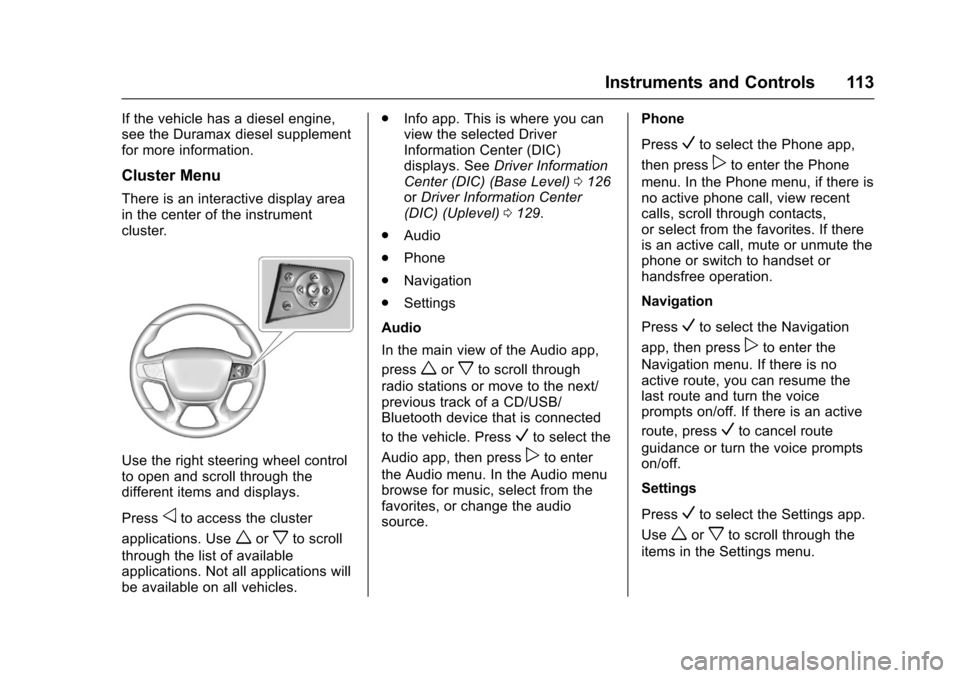
There is an interactive display areain the center of the instrumentcluster.
Use the right steering wheel controlto open and scroll through thedifferent items and displays.
Pressoto access the cluster
applications. Useworxto scroll
through the list of availableapplications. Not all applications willbe available on all vehicles.
.Info app. This is where you canview the selected DriverInformation Center (DIC)displays. SeeDriver InformationCenter (DIC) (Base Level)0126orDriver Information Center(DIC) (Uplevel)0129.
.Audio
.Phone
.Navigation
.Settings
Audio
In the main view of the Audio app,
pressworxto scroll through
radio stations or move to the next/previous track of a CD/USB/Bluetooth device that is connected
to the vehicle. PressVto select the
Audio app, then presspto enter
the Audio menu. In the Audio menubrowse for music, select from thefavorites, or change the audiosource.
Phone
PressVto select the Phone app,
then presspto enter the Phone
menu. In the Phone menu, if there isno active phone call, view recentcalls, scroll through contacts,or select from the favorites. If thereis an active call, mute or unmute thephone or switch to handset orhandsfree operation.
Navigation
PressVto select the Navigation
app, then presspto enter the
Navigation menu. If there is noactive route, you can resume thelast route and turn the voiceprompts on/off. If there is an active
route, pressVto cancel route
guidance or turn the voice promptson/off.
Settings
PressVto select the Settings app.
Useworxto scroll through the
items in the Settings menu.
Page 115 of 419
Chevrolet Colorado Owner Manual (GMNA-Localizing-U.S./Canada/Mexico-10122675) - 2017 - crc - 8/22/16
114 Instruments and Controls
Units :Presspwhile Units is
displayed to enter the Units menu.Choose U.S. or metric units by
pressingVwhile the desired item is
highlighted.
Info Pages :Presspwhile Info
Pages is displayed to enter the InfoPages menu and select the items tobe displayed in the Info app. SeeDriver Information Center (DIC)(Base Level)0126orDriverInformation Center (DIC)(Uplevel)0129.
Speed Warning :The SpeedWarning display allows the driver toset a speed that they do not want toexceed. To set the Speed Warning,
presspwhen Speed Warning is
displayed. Pressworxto adjust
the value. PressVto set the speed.
Once the speed is set, this feature
can be turned off by pressingV
while viewing this page. If theselected speed limit is exceeded, apop-up warning is displayed with achime.
Speedometer
The speedometer shows thevehicle's speed in either kilometersper hour (km/h) or miles perhour (mph).
Odometer
The odometer shows how far thevehicle has been driven, in eitherkilometers or miles.
Trip Odometer
The trip odometer shows how farthe vehicle has been driven sincethe trip odometer was last reset.
The trip odometer is accessed andreset through the Driver InformationCenter (DIC). SeeDriverInformation Center (DIC) (BaseLevel)0126orDriver InformationCenter (DIC) (Uplevel)0129.
Tachometer
The tachometer displays the enginespeed in revolutions perminute (rpm).
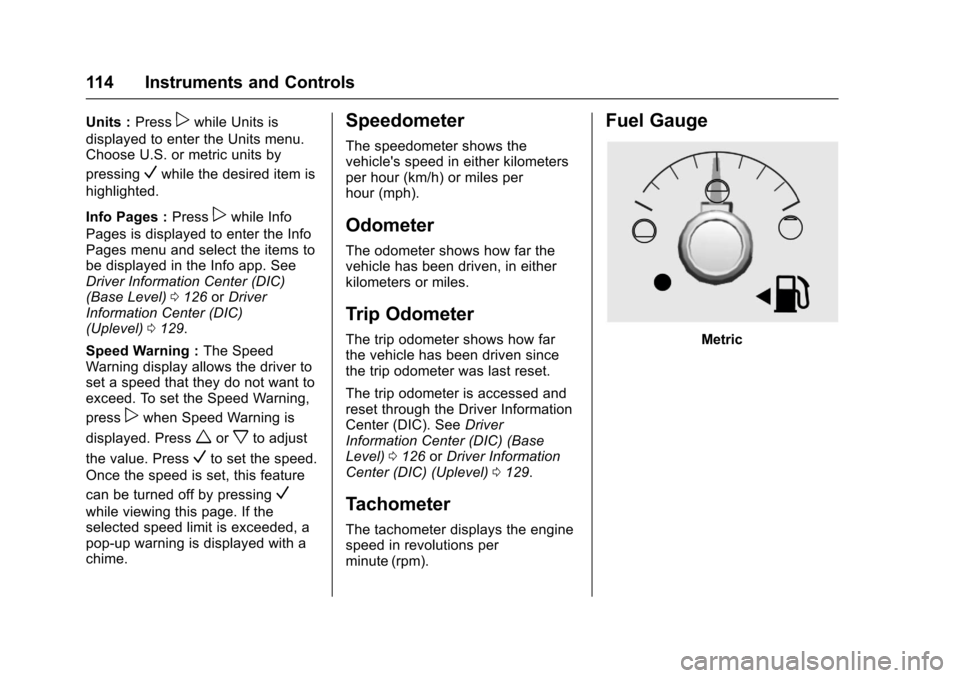
Fuel Gauge
Metric
Page 119 of 419
Chevrolet Colorado Owner Manual (GMNA-Localizing-U.S./Canada/Mexico-10122675) - 2017 - crc - 8/22/16
118 Instruments and Controls
If the word ON or the on symbol islit on the passenger airbag statusindicator, it means that the frontoutboard passenger frontal airbag isallowed to inflate.
If the word OFF or the off symbol islit on the airbag status indicator, itmeans that the passenger sensingsystem has turned off the frontoutboard passenger frontal airbag.
If, after several seconds, both statusindicator lights remain on, or if thereare no lights at all, there may be aproblem with the lights or thepassenger sensing system. Seeyour dealer for service.
{Warning
If the airbag readiness light ever
comes on and stays on, it means
that something may be wrong
with the airbag system. To help
avoid injury to yourself or others,
have the vehicle serviced right
away. SeeAirbag Readiness
Light011 7for more information,
including important safety
information.
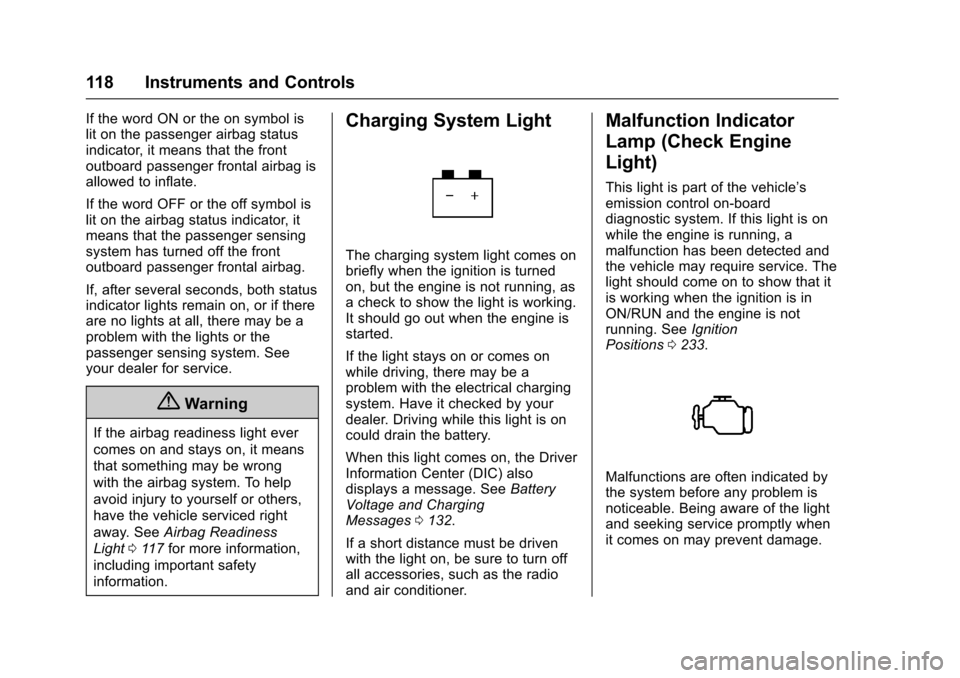
Charging System Light
The charging system light comes onbriefly when the ignition is turnedon, but the engine is not running, asachecktoshowthelightisworking.It should go out when the engine isstarted.
If the light stays on or comes onwhile driving, there may be aproblem with the electrical chargingsystem. Have it checked by yourdealer. Driving while this light is oncould drain the battery.
When this light comes on, the DriverInformation Center (DIC) alsodisplays a message. SeeBatteryVoltage and ChargingMessages0132.
If a short distance must be drivenwith the light on, be sure to turn offall accessories, such as the radioand air conditioner.
Malfunction Indicator
Lamp (Check Engine
Light)
This light is part of the vehicle’semission control on-boarddiagnostic system. If this light is onwhile the engine is running, amalfunction has been detected andthe vehicle may require service. Thelight should come on to show that itis working when the ignition is inON/RUN and the engine is notrunning. SeeIgnitionPositions0233.
Malfunctions are often indicated bythe system before any problem isnoticeable. Being aware of the lightand seeking service promptly whenit comes on may prevent damage.
Page 122 of 419
Chevrolet Colorado Owner Manual (GMNA-Localizing-U.S./Canada/Mexico-10122675) - 2017 - crc - 8/22/16
Instruments and Controls 121
Warning (Continued)
warning light on can lead to a
crash. If the light is still on after
the vehicle has been pulled off
the road and carefully stopped,
have the vehicle towed for
service.
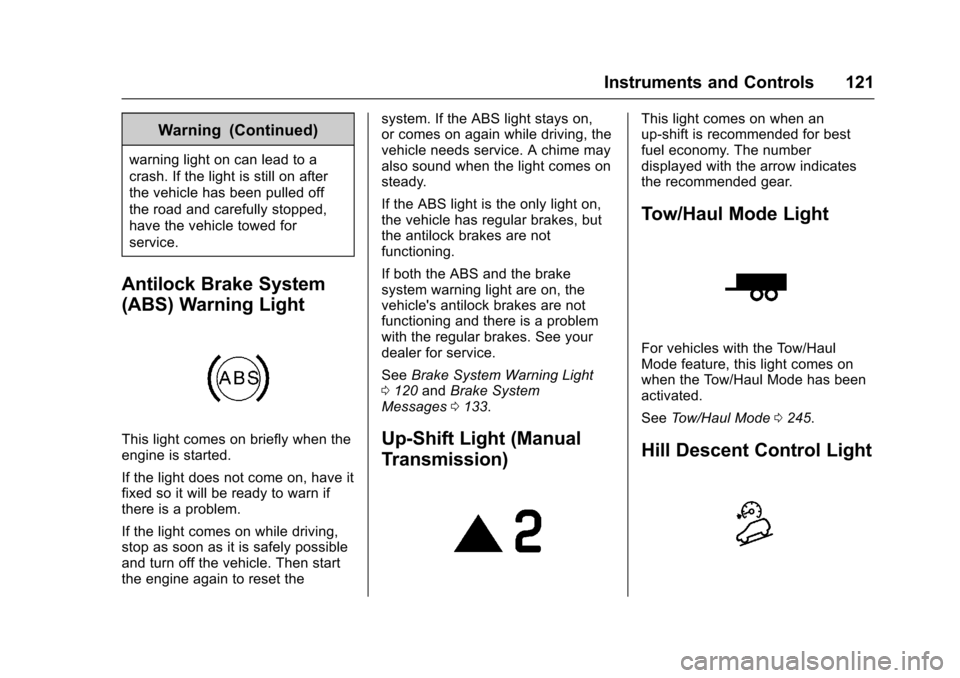
Antilock Brake System
(ABS) Warning Light
This light comes on briefly when theengine is started.
If the light does not come on, have itfixed so it will be ready to warn ifthere is a problem.
If the light comes on while driving,stop as soon as it is safely possibleand turn off the vehicle. Then startthe engine again to reset the
system. If the ABS light stays on,or comes on again while driving, thevehicle needs service. A chime mayalso sound when the light comes onsteady.
If the ABS light is the only light on,the vehicle has regular brakes, butthe antilock brakes are notfunctioning.
If both the ABS and the brakesystem warning light are on, thevehicle's antilock brakes are notfunctioning and there is a problemwith the regular brakes. See yourdealer for service.
SeeBrake System Warning Light0120andBrake SystemMessages0133.
Up-Shift Light (Manual
Transmission)
This light comes on when anup-shift is recommended for bestfuel economy. The numberdisplayed with the arrow indicatesthe recommended gear.
Tow/Haul Mode Light
For vehicles with the Tow/HaulMode feature, this light comes onwhen the Tow/Haul Mode has beenactivated.
SeeTo w / H a u l M o d e0245.
Hill Descent Control Light
Page 123 of 419
Chevrolet Colorado Owner Manual (GMNA-Localizing-U.S./Canada/Mexico-10122675) - 2017 - crc - 8/22/16
122 Instruments and Controls
If equipped, the Hill Descent Controllight comes on when the system isready for use. When the lightflashes, the system is active.
SeeHill Descent Control(HDC)0258.
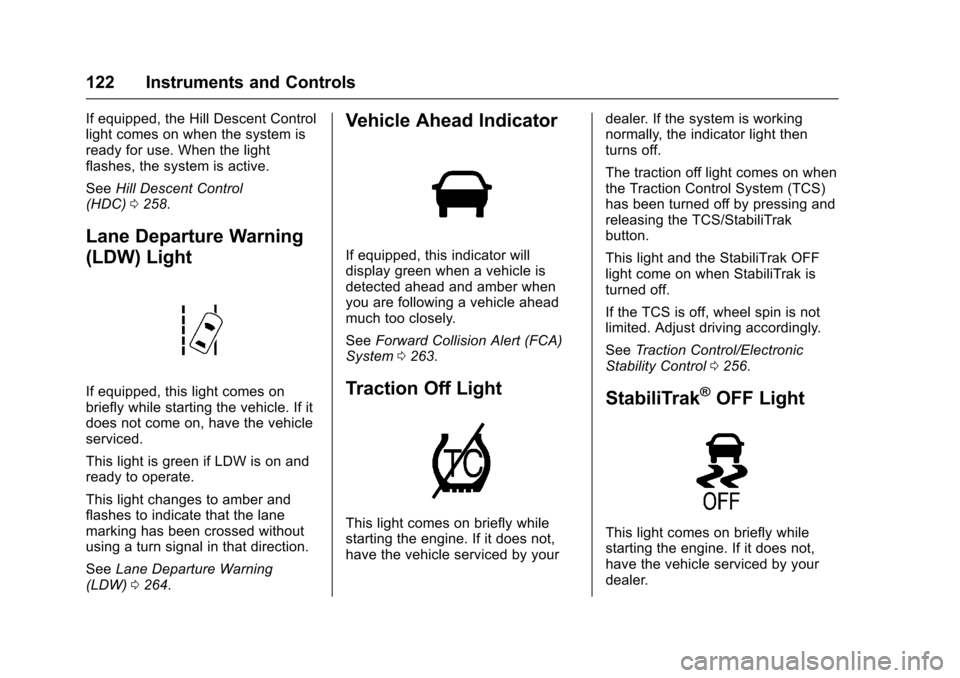
Lane Departure Warning
(LDW) Light
If equipped, this light comes onbriefly while starting the vehicle. If itdoes not come on, have the vehicleserviced.
This light is green if LDW is on andready to operate.
This light changes to amber andflashes to indicate that the lanemarking has been crossed withoutusing a turn signal in that direction.
SeeLane Departure Warning(LDW)0264.
Vehicle Ahead Indicator
If equipped, this indicator willdisplay green when a vehicle isdetected ahead and amber whenyou are following a vehicle aheadmuch too closely.
SeeForward Collision Alert (FCA)System0263.
Traction Off Light
This light comes on briefly whilestarting the engine. If it does not,have the vehicle serviced by your
dealer. If the system is workingnormally, the indicator light thenturns off.
The traction off light comes on whenthe Traction Control System (TCS)has been turned off by pressing andreleasing the TCS/StabiliTrakbutton.
This light and the StabiliTrak OFFlight come on when StabiliTrak isturned off.
If the TCS is off, wheel spin is notlimited. Adjust driving accordingly.
SeeTr a c t i o n C o n t r o l / E l e c t r o n i cStability Control0256.
StabiliTrak®OFF Light
This light comes on briefly whilestarting the engine. If it does not,have the vehicle serviced by yourdealer.
Page 124 of 419
Chevrolet Colorado Owner Manual (GMNA-Localizing-U.S./Canada/Mexico-10122675) - 2017 - crc - 8/22/16
Instruments and Controls 123
This light comes on when theStabiliTrak system is turned off.If StabiliTrak is off, the TractionControl System (TCS) is also off.
If StabiliTrak and TCS are off, thesystem does not assist in controllingthe vehicle. Turn on the TCS andthe StabiliTrak systems, and thewarning light turns off.
SeeTr a c t i o n C o n t r o l / E l e c t r o n i cStability Control0256.
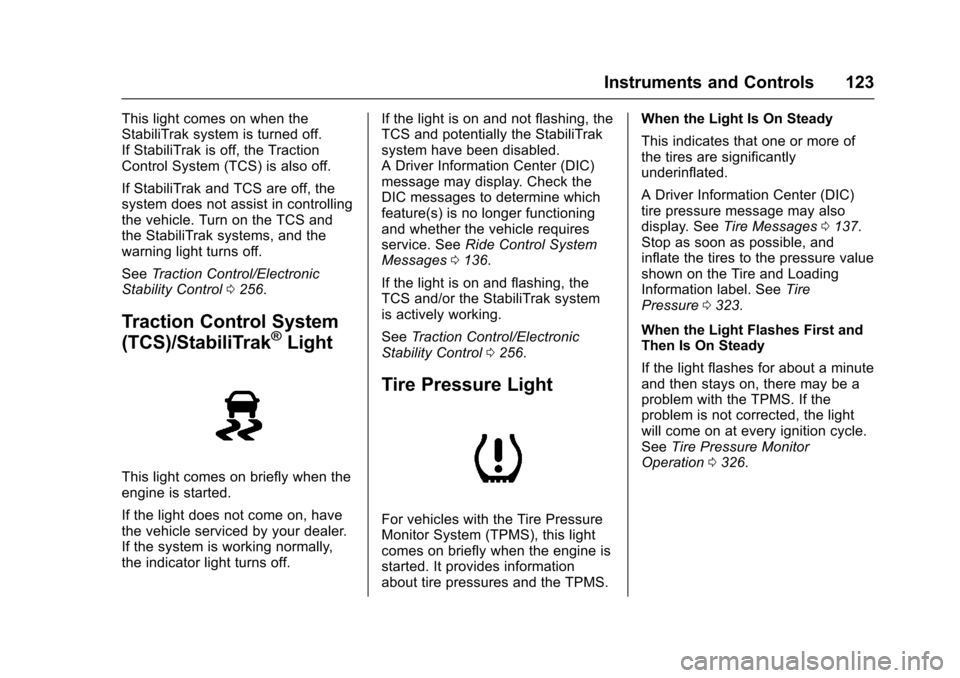
Traction Control System
(TCS)/StabiliTrak®Light
This light comes on briefly when theengine is started.
If the light does not come on, havethe vehicle serviced by your dealer.If the system is working normally,the indicator light turns off.
If the light is on and not flashing, theTCS and potentially the StabiliTraksystem have been disabled.ADriverInformationCenter(DIC)message may display. Check theDIC messages to determine whichfeature(s) is no longer functioningand whether the vehicle requiresservice. SeeRide Control SystemMessages0136.
If the light is on and flashing, theTCS and/or the StabiliTrak systemis actively working.
SeeTr a c t i o n C o n t r o l / E l e c t r o n i cStability Control0256.
Tire Pressure Light
For vehicles with the Tire PressureMonitor System (TPMS), this lightcomes on briefly when the engine isstarted. It provides informationabout tire pressures and the TPMS.
When the Light Is On Steady
This indicates that one or more ofthe tires are significantlyunderinflated.
ADriverInformationCenter(DIC)tire pressure message may alsodisplay. SeeTire Messages0137.Stop as soon as possible, andinflate the tires to the pressure valueshown on the Tire and LoadingInformation label. SeeTirePressure0323.
When the Light Flashes First andThen Is On Steady
If the light flashes for about a minuteand then stays on, there may be aproblem with the TPMS. If theproblem is not corrected, the lightwill come on at every ignition cycle.SeeTire Pressure MonitorOperation0326.
Page 127 of 419
Chevrolet Colorado Owner Manual (GMNA-Localizing-U.S./Canada/Mexico-10122675) - 2017 - crc - 8/22/16
126 Instruments and Controls
Door Ajar Light (Uplevel
Cluster)
This light comes on when a door isopen or not securely latched. Beforedriving, check that all doors areproperly closed.
Information Displays
Driver Information Center
(DIC) (Base Level)
The DIC displays information aboutyour vehicle. It also displayswarning messages if a systemproblem is detected. SeeVehicleMessages0132.Allmessagesappear in the DIC display in thecenter of the instrument cluster.
DIC Operation and Displays
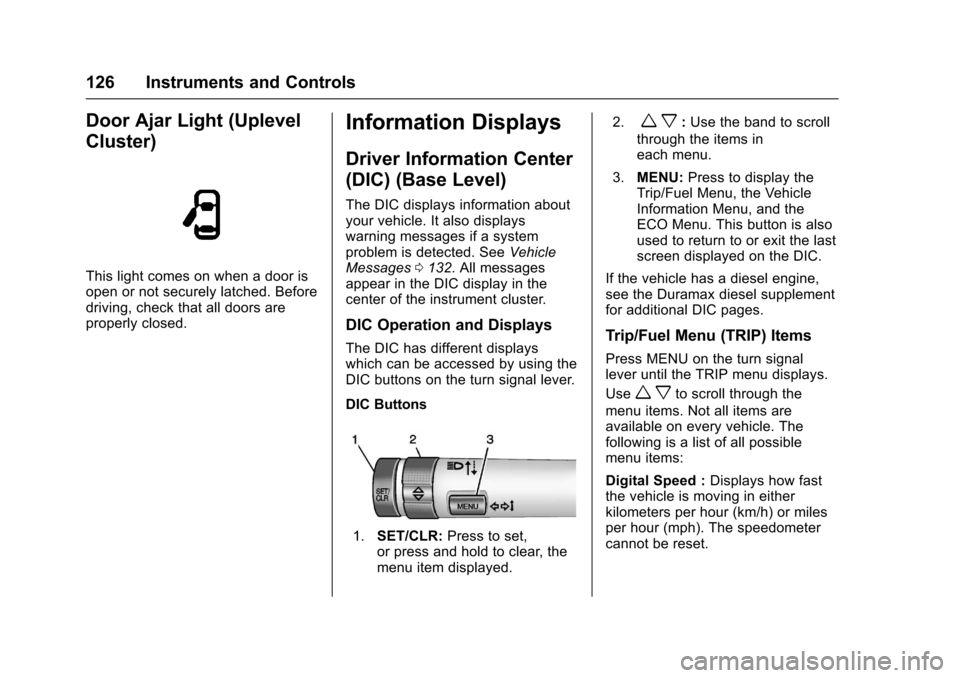
The DIC has different displayswhich can be accessed by using theDIC buttons on the turn signal lever.
DIC Buttons
1.SET/CLR:Press to set,or press and hold to clear, themenu item displayed.
2.wx:Use the band to scroll
through the items ineach menu.
3.MENU:Press to display theTrip/Fuel Menu, the VehicleInformation Menu, and theECO Menu. This button is alsoused to return to or exit the lastscreen displayed on the DIC.
If the vehicle has a diesel engine,see the Duramax diesel supplementfor additional DIC pages.
Trip/Fuel Menu (TRIP) Items
Press MENU on the turn signallever until the TRIP menu displays.
Usewxto scroll through the
menu items. Not all items areavailable on every vehicle. Thefollowing is a list of all possiblemenu items:
Digital Speed :Displays how fastthe vehicle is moving in eitherkilometers per hour (km/h) or milesper hour (mph). The speedometercannot be reset.