wheel CHEVROLET CORVETTE 2008 6.G Owner's Manual
[x] Cancel search | Manufacturer: CHEVROLET, Model Year: 2008, Model line: CORVETTE, Model: CHEVROLET CORVETTE 2008 6.GPages: 432, PDF Size: 2.4 MB
Page 144 of 432
Telescopic Steering Column
If your vehicle has this feature, the telescopic steering
column will allow you to adjust the distance the steering
wheel is from the instrument panel.
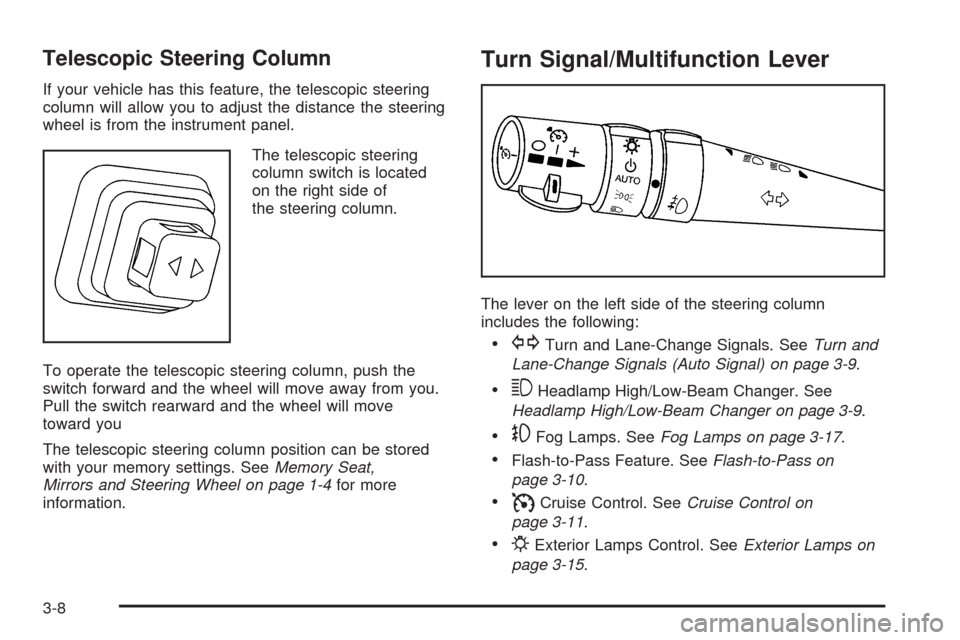
The telescopic steering
column switch is located
on the right side of
the steering column.
To operate the telescopic steering column, push the
switch forward and the wheel will move away from you.
Pull the switch rearward and the wheel will move
toward you
The telescopic steering column position can be stored
with your memory settings. SeeMemory Seat,
Mirrors and Steering Wheel on page 1-4for more
information.
Turn Signal/Multifunction Lever
The lever on the left side of the steering column
includes the following:
GTurn and Lane-Change Signals. SeeTurn and
Lane-Change Signals (Auto Signal) on page 3-9.
3Headlamp High/Low-Beam Changer. See
Headlamp High/Low-Beam Changer on page 3-9.
-Fog Lamps. SeeFog Lamps on page 3-17.
Flash-to-Pass Feature. SeeFlash-to-Pass on
page 3-10.
ICruise Control. SeeCruise Control on
page 3-11.
PExterior Lamps Control. SeeExterior Lamps on
page 3-15.
3-8
Page 148 of 432
With cruise control, you can maintain a speed of about
25 mph (40 km/h) or more without keeping your foot
on the accelerator. This can really help on long
trips. Cruise control does not work at speeds below
about 25 mph (40 km/h).
Cruise control will not work if your parking brake is set,
or if the master cylinder brake uid level is low.
{CAUTION:
Cruise control can be dangerous where you
cannot drive safely at a steady speed. So, do
not use your cruise control on winding roads
or in heavy traffic.
Cruise control can be dangerous on slippery
roads. On such roads, fast changes in tire
traction can cause excessive wheel slip, and
you could lose control. Do not use cruise
control on slippery roads.
If your vehicle is in cruise control, and has the Traction
Control System (TCS), and it begins to limit wheel
spin, the cruise control automatically disengages.
SeeTraction Control System (TCS) on page 4-6.
When road conditions allow you to safely use it again,
you can turn cruise control back on.
Setting Cruise Control
{CAUTION:
If you leave your cruise control on when you
are not using cruise, you might hit a button
and go into cruise when you do not want to.
You could be startled and even lose control.
Keep the cruise control switch off until you
want to use cruise control.
1. Move the cruise control switch to on.
2. Get up to the speed desired.
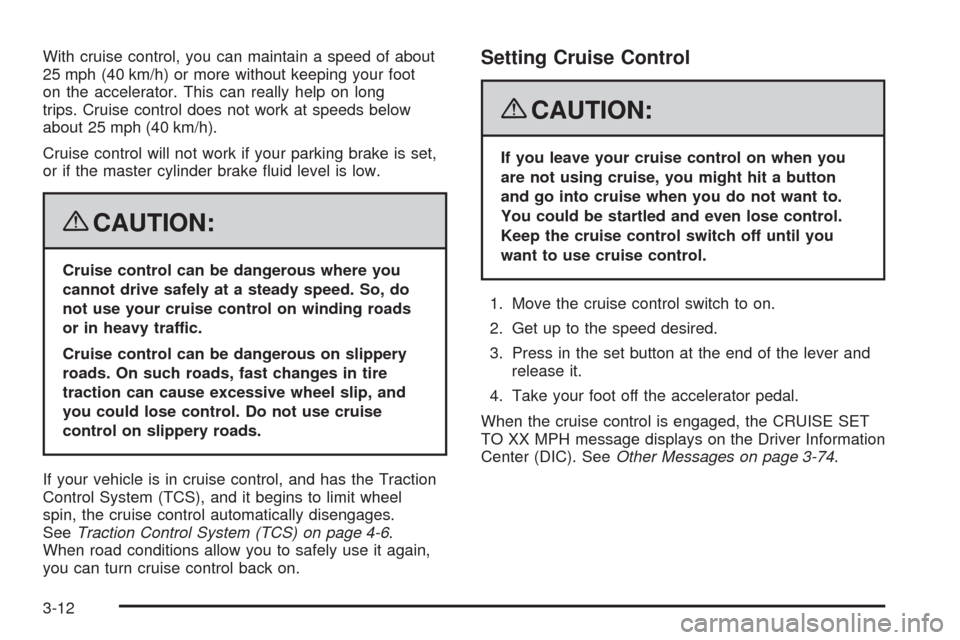
3. Press in the set button at the end of the lever and
release it.
4. Take your foot off the accelerator pedal.
When the cruise control is engaged, the CRUISE SET
TO XX MPH message displays on the Driver Information
Center (DIC). SeeOther Messages on page 3-74.
3-12
Page 151 of 432
Exterior Lamps
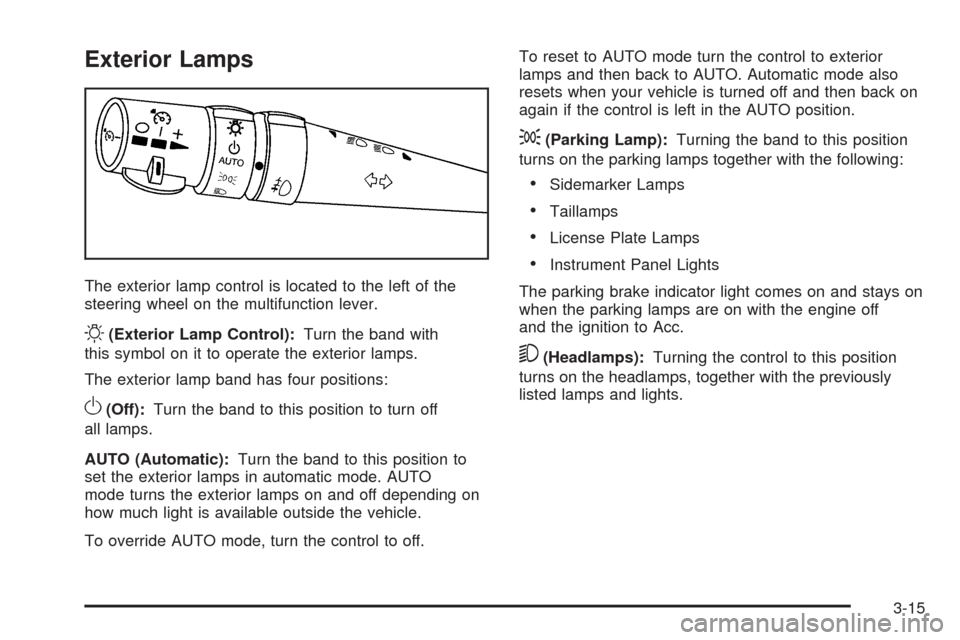
The exterior lamp control is located to the left of the
steering wheel on the multifunction lever.
O(Exterior Lamp Control):Turn the band with
this symbol on it to operate the exterior lamps.
The exterior lamp band has four positions:
O(Off):Turn the band to this position to turn off
all lamps.
AUTO (Automatic):Turn the band to this position to
set the exterior lamps in automatic mode. AUTO
mode turns the exterior lamps on and off depending on
how much light is available outside the vehicle.
To override AUTO mode, turn the control to off.To reset to AUTO mode turn the control to exterior
lamps and then back to AUTO. Automatic mode also
resets when your vehicle is turned off and then back on
again if the control is left in the AUTO position.
;(Parking Lamp):Turning the band to this position
turns on the parking lamps together with the following:
Sidemarker Lamps
Taillamps
License Plate Lamps
Instrument Panel Lights
The parking brake indicator light comes on and stays on
when the parking lamps are on with the engine off
and the ignition to Acc.
5(Headlamps):Turning the control to this position
turns on the headlamps, together with the previously
listed lamps and lights.
3-15
Page 159 of 432
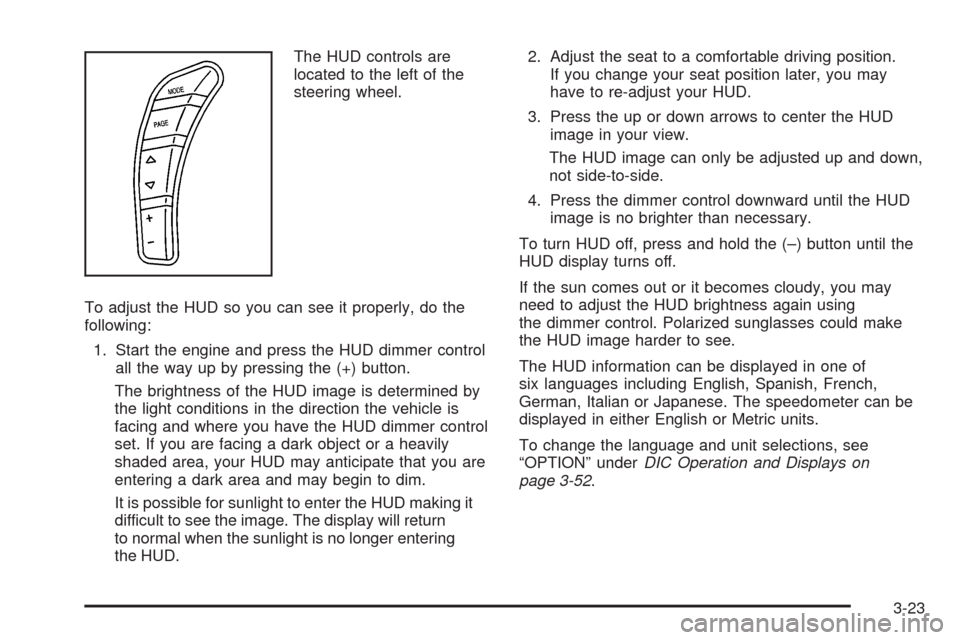
The HUD controls are
located to the left of the
steering wheel.
To adjust the HUD so you can see it properly, do the
following:
1. Start the engine and press the HUD dimmer control
all the way up by pressing the (+) button.
The brightness of the HUD image is determined by
the light conditions in the direction the vehicle is
facing and where you have the HUD dimmer control
set. If you are facing a dark object or a heavily
shaded area, your HUD may anticipate that you are
entering a dark area and may begin to dim.
It is possible for sunlight to enter the HUD making it
difficult to see the image. The display will return
to normal when the sunlight is no longer entering
the HUD.2. Adjust the seat to a comfortable driving position.
If you change your seat position later, you may
have to re-adjust your HUD.
3. Press the up or down arrows to center the HUD
image in your view.
The HUD image can only be adjusted up and down,
not side-to-side.
4. Press the dimmer control downward until the HUD
image is no brighter than necessary.
To turn HUD off, press and hold the (–) button until the
HUD display turns off.
If the sun comes out or it becomes cloudy, you may
need to adjust the HUD brightness again using
the dimmer control. Polarized sunglasses could make
the HUD image harder to see.
The HUD information can be displayed in one of
six languages including English, Spanish, French,
German, Italian or Japanese. The speedometer can be
displayed in either English or Metric units.
To change the language and unit selections, see
“OPTION” underDIC Operation and Displays on
page 3-52.
3-23
Page 178 of 432
Antilock Brake System (ABS)
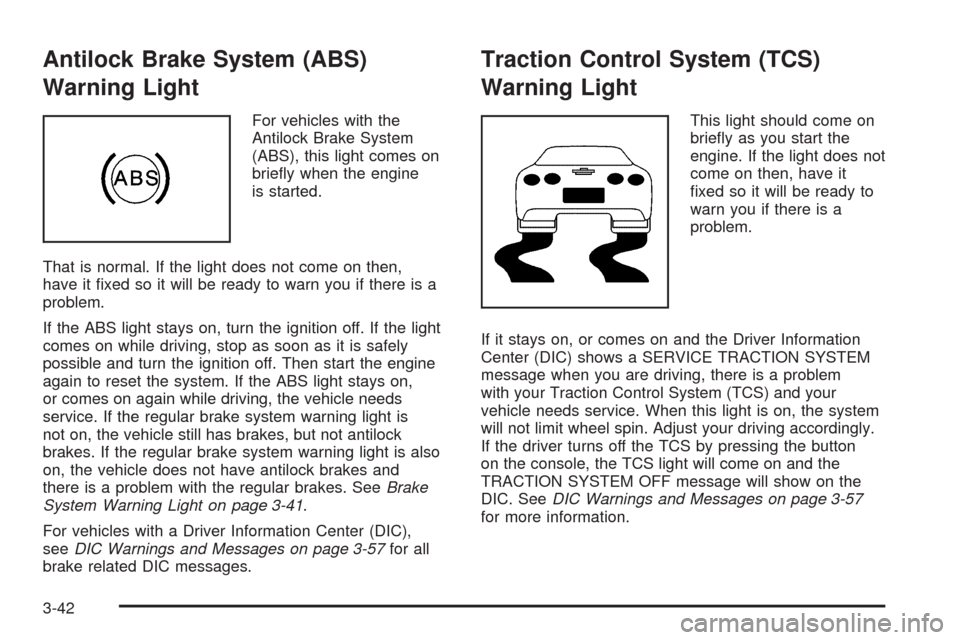
Warning Light
For vehicles with the
Antilock Brake System
(ABS), this light comes on
briey when the engine
is started.
That is normal. If the light does not come on then,
have it xed so it will be ready to warn you if there is a
problem.
If the ABS light stays on, turn the ignition off. If the light
comes on while driving, stop as soon as it is safely
possible and turn the ignition off. Then start the engine
again to reset the system. If the ABS light stays on,
or comes on again while driving, the vehicle needs
service. If the regular brake system warning light is
not on, the vehicle still has brakes, but not antilock
brakes. If the regular brake system warning light is also
on, the vehicle does not have antilock brakes and
there is a problem with the regular brakes. SeeBrake
System Warning Light on page 3-41.
For vehicles with a Driver Information Center (DIC),
seeDIC Warnings and Messages on page 3-57for all
brake related DIC messages.
Traction Control System (TCS)
Warning Light
This light should come on
briey as you start the
engine. If the light does not
come on then, have it
xed so it will be ready to
warn you if there is a
problem.
If it stays on, or comes on and the Driver Information
Center (DIC) shows a SERVICE TRACTION SYSTEM
message when you are driving, there is a problem
with your Traction Control System (TCS) and your
vehicle needs service. When this light is on, the system
will not limit wheel spin. Adjust your driving accordingly.
If the driver turns off the TCS by pressing the button
on the console, the TCS light will come on and the
TRACTION SYSTEM OFF message will show on the
DIC. SeeDIC Warnings and Messages on page 3-57
for more information.
3-42
Page 198 of 432
CRUISE DISENGAGED
This message displays briey when you disengage the
cruise control system by stepping on the brake on
an automatic transmission vehicle or the clutch on a
manual transmission vehicle, or by turning off the cruise
control switch. SeeCruise Control on page 3-11for
more information.
ENGINE DRAG CONTROL ACTIVE
This message displays when engine drag control is
active. When driving in a lower gear in rainy, snowy, or
icy conditions and then letting up on the accelerator
or downshifting, the rear wheels may begin to slip and
this message displays. This message stays on for a
few seconds following the engine drag control event.
ENGINE OVERHEATED – STOP ENGINE
This message displays and a continuous chime sounds
when the engine has overheated. Stop and turn the
engine off immediately to avoid severe engine damage.
SeeEngine Overheating on page 5-31.
ENGINE PROTECTION REDUCE
ENGINE RPM
This message displays if the engine oil temperature
exceeds 320°F (160°C). Check the engine coolant
temperature and engine oil level. If the engine is
too hot, seeEngine Overheating on page 5-31.
Your vehicle may need service, so see your
dealer/retailer.
You can monitor the oil temperature with the gages
button on the DIC. SeeDIC Operation and Displays
on page 3-52.
Multiple chimes sound when this message is displayed.
This message remains displayed and active until the
issue is resolved.
HEADLAMPS SUGGESTED
This message displays if it is dark enough outside and
the headlamps and the Twilight Sentinel®controls
are off. This message informs the driver that turning on
the exterior lamps is recommended. It has become
dark enough outside to require the headlamps and/or
other exterior lamps.
3-62
Page 205 of 432
SERVICE TRACTION SYSTEM
If this message displays when you are driving, there is a
problem with the Traction Control System (TCS) and
your vehicle is in need of service. See your
dealer/retailer. When this message is displayed, the
system will not limit wheel spin. Adjust your driving
accordingly.
The traction control system (TCS) warning light on the
instrument panel cluster will also turn on and a
chime will sound.
When this message is displayed, the computer
controlled systems will not assist the driver in controlling
the vehicle. Have the system repaired by your
dealer/retailer as soon as possible. Adjust your driving
accordingly. SeeTraction Control System (TCS) on
page 4-6for more information.
To acknowledge the message, press the RESET button.
SERVICE TRANSMISSION
This message displays when there is a problem with the
transmission. See your dealer/retailer for service.
SERVICE VEHICLE SOON
This message displays and a chime sounds when there
may be an electrical or another system problem with
your vehicle. Have your vehicle checked by your
dealer/retailer if this message keeps appearing.
SET PARK BRAKE FOR SEAT RECALL
If your vehicle has a manual transmission, this
message displays if you try to recall the memory
positions when the ignition is on and the parking brake
is not set. If the vehicle is on, you must set the
parking brake in order for the memory positions to
recall. SeeMemory Seat, Mirrors and Steering Wheel
on page 1-4for more information.
SET PARK BRAKE TO MOVE TOP
If your vehicle has a manual transmission, this message
displays and a chime sounds if you try to operate the
power convertible top without rst setting the parking
brake. Set the parking brake before trying to operate the
power convertible top. SeeConvertible Top (Manual)
on page 2-62orConvertible Top (Power) on page 2-68
for more information.
3-69
Page 208 of 432
TRACTION SYSTEM ACTIVE
This message displays when the Traction Control
System (TCS) is limiting wheel spin. Slippery road
conditions may exist if this message is displayed, so
adjust your driving accordingly. The message stays on
for a few seconds after the TCS stops limiting wheel
spin. SeeTraction Control System (TCS) on page 4-6
for more information.
TRACTION SYSTEM AND ACTIVE
HANDLING – OFF
This message displays, the instrument panel cluster
light turns on, and a chime sounds when the Traction
Control System (TCS) and Active Handling System
are turned off by pressing the Active Handling System
button on the console for ve seconds. The Antilock
Brake System (ABS) remains on with the TCS and
Active Handling System off. Adjust your driving
accordingly. SeeTraction Control System (TCS) on
page 4-6andActive Handling System on page 4-7
for more information.
To acknowledge this message, press the RESET
button.
TRACTION SYSTEM AND ACTIVE
HANDLING – ON
If the Traction Control System (TCS) and Active
Handling System are off, this message displays briey,
the instrument panel cluster light turns off, and a
chime sounds when the TCS and Active Handling
System are turned on by briey pressing the Active
Handling System button on the console. SeeTraction
Control System (TCS) on page 4-6andActive Handling
System on page 4-7for more information.
TRACTION SYSTEM – OFF
This message displays and stays on, a single, quick
tone sounds, and the traction control system (TCS)
warning light on the instrument panel cluster turns on
when the TCS is turned off by pressing the Active
Handling System button on the console. SeeTraction
Control System (TCS) Warning Light on page 3-42.
SeeTraction Control System (TCS) on page 4-6
for more information.
To acknowledge the message, press the RESET button.
3-72
Page 211 of 432
DIC Vehicle Personalization
Many features on your vehicle can be personalized.
This means that the operation of these features can be
set to operate differently depending on who is driving
the vehicle. See “Personal Options” later in this section
for the features that you can personalize.
The personalization settings for other features are
automatically updated and saved as the driver adjusts
them. These include the following settings and presets:
The radio presets, tone, volume, fade, balance,
equalization (EQ) settings and source (radio or CD)
The last climate control setting
The Head-Up Display (HUD) position and dimming
level, if your vehicle has this feature
The instrument panel cluster dimming level and last
selected DIC display
Separate personalization settings are saved for
two different drivers. One of the keyless access
transmitters is assigned to driver 1. The other is
assigned to driver 2. The back of the keyless access
transmitters are labelled 1 or 2 to correspond to
each driver.The current driver’s preferences are recalled when one
of the following occurs:
The lock or unlock button on the keyless access
transmitter, labelled 1 or 2, is pressed.
The appropriate memory button, 1 or 2, located on
the driver’s door is pressed. SeeMemory Seat,
Mirrors and Steering Wheel on page 1-4for more
information.
A valid keyless access transmitter is detected upon
opening the driver’s door.
If more than one valid keyless access transmitter is
detected upon opening the driver’s door, the driver
preferences for the lowest driver number will be recalled.
If a keyless access transmitter that is not labelled 1 or 2
is used, the personalization system will not recognize
the transmitter. The Driver Information Center (DIC) will
not display a current driver number and the features
that are normally programmed through the DIC will be
set to the default states. Also, if the OPTION button
is pressed, the DIC does not display the menus used to
set personalizations, but instead displays OPTIONS
UNAVAILABLE for a few seconds.
3-75
Page 213 of 432
Press the OPTION button until AUTO MEMORY
RECALL appears on the display, then press the RESET
button to scroll through the following modes:
YES
NO (default)
If you choose YES, the driver’s seat, the outside
rearview mirrors and the telescopic steering column, if
your vehicle has this feature, positions are recalled when
you turn the ignition on.
If you choose NO, this option will turn off.
When the mode you want is selected, press the
OPTION button to set your choice and advance to the
next personal option.
Auto Exit Recall:If your vehicle has the memory
package, you may have this option. This option allows
the driver’s seat and telescopic steering column, if
your vehicle has this feature, to automatically move to
the current driver’s exit position when one of the
following occurs:
The vehicle is turned off or in Retained Accessory
Power (RAP) or accessory mode and the driver’s
door is opened.
The vehicle is turned off or in RAP and the unlock
button on the keyless access transmitter is
pressed.In order for the Auto Exit Recall feature to work on an
automatic transmission vehicle, the vehicle must be
in PARK (P). On a manual transmission vehicle,
the parking brake must be set.
Press the OPTION button until AUTO EXIT RECALL
appears on the display, then press the RESET button to
scroll through the following modes:
YES
NO (default)
If you choose YES, when you turn the ignition off and
open the driver’s door or press the unlock button on the
keyless access transmitter, the seat and the telescopic
steering wheel, if your vehicle has this feature, will return
to their stored exit positions for an easy exit or an
easy entrance when returning to the vehicle.
The seat and steering wheel will only return to the
stored driving position if you press the appropriate
memory button or activate the auto memory recall
feature.
If you choose NO, this option will turn off.
When the mode you want is selected, press the
OPTION button to set your choice and advance to the
next personal option.
3-77