wheel CHEVROLET EXPRESS 1997 1.G User Guide
[x] Cancel search | Manufacturer: CHEVROLET, Model Year: 1997, Model line: EXPRESS, Model: CHEVROLET EXPRESS 1997 1.GPages: 386, PDF Size: 20.32 MB
Page 78 of 386
Downloaded from www.Manualslib.com manuals search engine LOCK (B): This position locks your ignition, steering
wheel and transmission. It’s a theft-deterrent feature.
You will
only be able to remove your key when the
ignition is turned to
LOCK.
OFF (C): This position lets you turn off the engine but
still turn the steering wheel. It doesn’t lock the steering
wheel like
LOCK. Use OFF if you must have your
vehicle in motion while the engine is
off (for example,
if your vehicle is being pushed).
RUN (D): This is the position for driving.
START (E): This starts your engine.
NOTICE:
If your key seems stuck in LOCK and you can’t
turn
it, be sure you are using the correct key;
if
so, is it all the way in? If it is, then turn the
steering wheel left and right while you turn the
key hard. But turn the key only with your hand.
Using
a tool to force it could break the key or the
ignition switch.
If none of this works, then your
vehicle needs service.
Starting Your Gasoline Engine
If you have a diesel engine, see “Starting Your Diesel
Engine”
in the Diesel Engine Supplement.
Move your shift lever to PARK
(P) or NEUTRAL (N).
Your engine won’t start in any other position -- that’s a
safety feature. To restart when you’re already moving,
use NEUTRAL
(N) only.
I NOTICE:
r
Don’t try to shift to PARK (P) if your vehicle
is moving.
If you do, you could damage the
transmission. Shift to
PARK (P) only when
your vehicle is stopped.
1. Without pushing the accelerator pedal, turn your
ignition key to START. When the engine starts, let
go
of the key. The idle speed will go down as your
engine gets warm.
Page 81 of 386
Downloaded from www.Manualslib.com manuals search engine Automatic Transmission Operation
There are several different positions for your shift lever.
If your vehicle is equipped with an automatic
transmission, it now features an electronic shift position
indicator within the instrument cluster. This display
must be powered anytime
the shift lever is capable of
being moved out of the PARK (P) position. This means
that
if your key is in the OFF position, but not locked,
there will be
a small current drain on your battery which
could discharge your battery over a period
of time. If
you have a need to leave your key in the ignition in the ’
OFF position for an extended period for any reason, it is
recommended that you disconnect the battery cable from
the battery
to prevent discharging your batter.y.
PARK Cp): This locks your rear wheels. It’s the best
position
to use when you start your engine because your
vehicle can’t move easily.
It is dangerous to get out of your vehicle if the
shift lever is not fully in
PARK (P) with the
parking brake firmly set. Your vehicle can roll.
Don’t leave your vehicle when the engine is
running unless you have to. If you have left the
engine running, the vehicle can move suddenly.
You or others could be injured.
To be sure your
vehicle won’t move, even when you’re on fairly
level ground, always set your parking brake and
move the shift lever to
PARK (P).
See “Shifting Into PARK (P)” in the Index. If
you’re pulling
a trailer, see “Towing a Trailer” in
the Index.
Page 82 of 386
Downloaded from www.Manualslib.com manuals search engine Your vehicle has a brake-transmission shift interlock.
With the ignition
in the RUN position, you must fully
apply your regular brakes before
you can shift from
PARK (P).
If you cannot shift out
of PARK (P), ease pressure on
the shift lever and push the shift lever all the way into
PARK (P) as
you continue pressing the brake pedal.
Then move the shift lever into the gear you want.
If you
still cannot shift the shift lever
out of PARK (P), see
“Shifting Out of PARK (P)” later in this section.
REVERSE (R): Use this gear to back up.
NOTICE:
Shifting into REVERSE (R) while your vehicle is
moving forward could damage your transmission.
Shift to REVERSE
(R) only after your vehicle
is stopped.
To rock your vehicle back and forth to get out of snow,
ice or sand without damaging your transmission, see
“Stuck: In Sand, Mud, Ice
or Snow” in the Index.
NEUTRAL (N): In this position, your engine
doesn’t connect with the wheels.
To restart when you’re
already moving, use NEUTRAL
(N) only. Also, use
NEUTRAL (N) when your vehicle is being towed.
L
Shifting out of PARK (P) or NEUTRAL (N)
while your engine is “racing” (running at high
speed) is dangerous. Unless your foot is firmly
on the brake pedal, your vehicle could move
very rapidly.
You could lose control and hit
people
or objects. Don’t shift out of PARK (P) or
NEUTRAL
(N) while your engine is racing.
NOTICE:
Damage to your transmission caused by shifting
out of PARK
(P) or NEUTRAL (N) with the
engine racing isn’t covered
by your warranty.
Page 83 of 386
Downloaded from www.Manualslib.com manuals search engine DRIVE (D): This position is for normal driving. If you
need more power for passing, and you’re:
Going less than about 35 mph (56 km/h), push your
accelerator pedal about halfway down.
Going about 35 mph (56 kmh) or more, push the
You’ll shift down to the next gear and have more power.
accelerator all
the way down.
You should
use DRIVE (D) (or, as you need to, a lower
gear) when towing a trailer to minimize heat build-up
and extend the life
of your transmission.
THIRD (3): This position is also used for normal
driving, however, it offers more power and lower fuel
economy than DRIVE
(D). You should use THIRD (3)
when carrying a heavy load or driving on steep hills.
SECOND (2): This position gives you more power
but lower fuel economy.
You can use SECOND (2) on
hills. It can help control your speed as you go down
steep mountain roads, but then you would also want
to use your brakes off and on. If you manually
select SECOND
(2), the transmission will drive in
SECOND (2). You may use this feature for reducing
torque to the rear wheels when you are trying to start
your vehicle from a stop on slippery road surfaces.
FIRST (1): This position gives you even more power
(but lower fuel economy) than SECOND
(2). You can
use it on very steep hills, or in deep
snow or mud. If
the selector lever is put in FIRST( l), the transmission
won’t shift into first gear until the vehicle is going
slowly enough.
NOTICE:
If your rear wheels can’t rotate, don’t try to
drive. This might happen if you are stuck in
very deep sand or mud or are
up against a solid
object. You could damage your transmission.
Also, if you stop when going uphill, don’t hold
your vehicle there with only the accelerator
pedal. This could overheat and damage the
transmission. Use your brakes or shift into
PARK (P) to hold your vehicle in position
on
a hill.
2-22
Page 84 of 386
Downloaded from www.Manualslib.com manuals search engine Locking Rear Axle
If you have this feature, your locking rear axle can
give you additional traction on snow, mud, ice, sand
or
gravel. It works like a standard axle most of the time,
but when one of the rear wheels has
no traction and the
other does, the locking feature will allow the wheel with
traction to move the vehicle.
Parking Brake
To set the parking brake, hold the regular brake pedal
down with your right foot. Push down
the parking brake
pedal with your left
foot.
If the ignition is on, the brake system warning light will
come on.
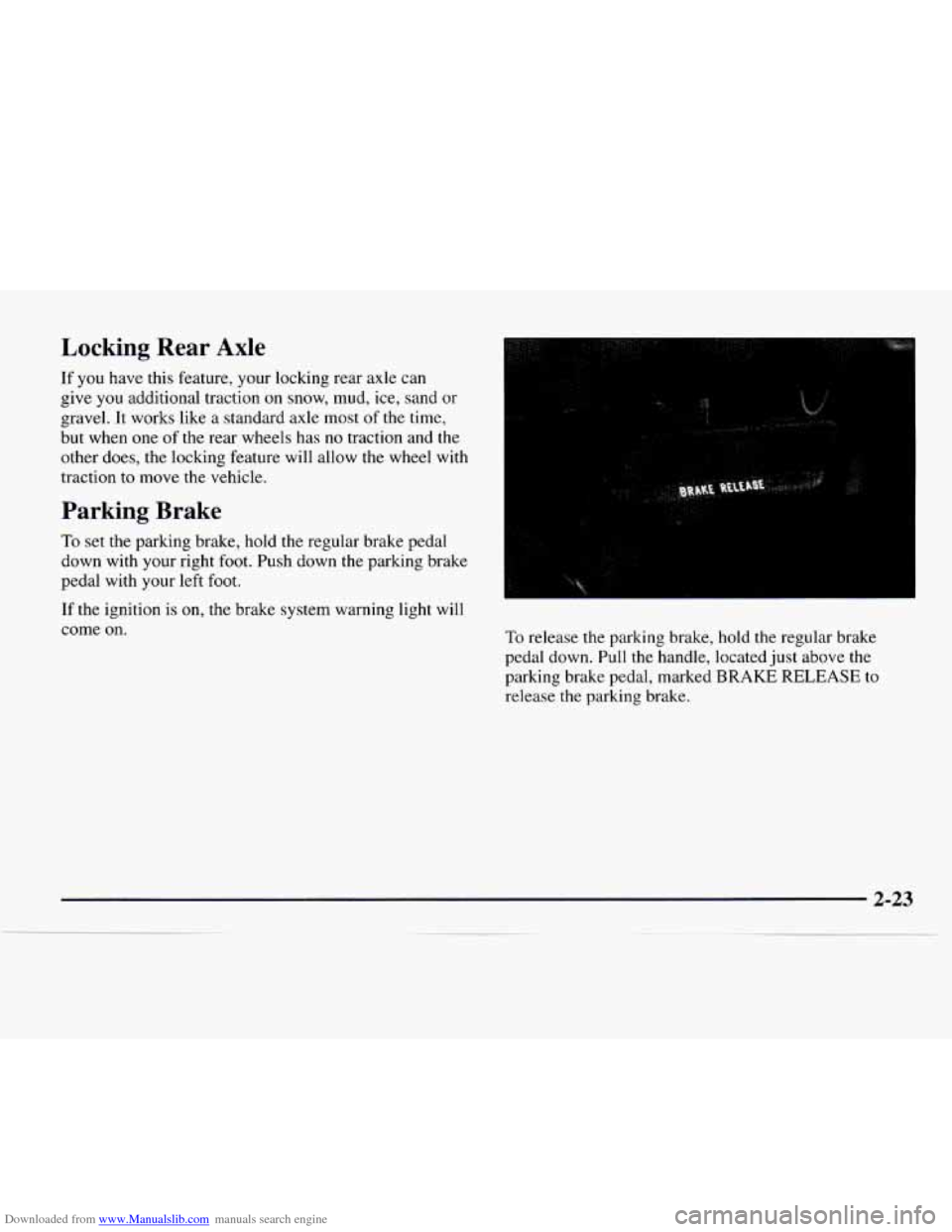
To release the parking brake, hold the regular brake
pedal down. Pull the handle, located
just above the
parking brake pedal, marked BRAKE RELEASE to
release the parking brake.
Page 93 of 386
Downloaded from www.Manualslib.com manuals search engine Horn
Press one of the horn buttons at each side of the steering
wheel
to sound the horn.
If your vehicle is equipped with an air bag, press
anywhere
on the module to sound the horn.
If your vehicle is not equipped with an air bag, press
on the cap in the center
of the steering wheel to
sound the horn.
Tilt Wheel (Option)
A tilt steering wheel allows you to adjust the steering
wheel before
you drive. You can also raise it to the
highest level
to give your legs more room when you
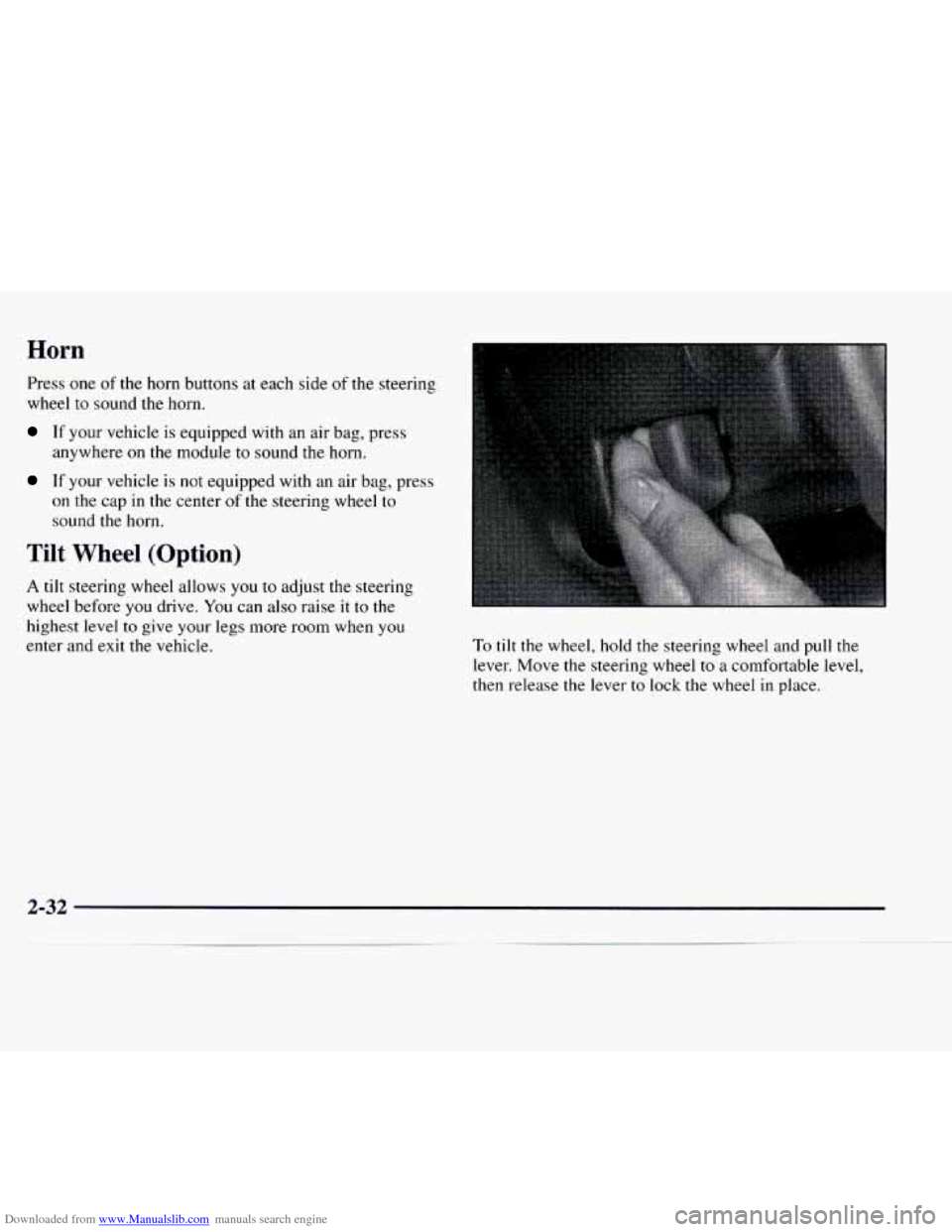
enter and exit the vehicle. To tilt the wheel, hold the steering wheel and pull the
lever. Move the steering wheel
to a comfortable level,
then release the lever
to lock the wheel in place.
Page 97 of 386
Downloaded from www.Manualslib.com manuals search engine Cruise Control (Option)
With cruise control, you can maintain a speed of about
25 mph (40 km/h) or more without keeping your foot on
the accelerator. This can really help on long trips. Cruise
control does not work at speeds below about
25 mph
(40km/h).
When you apply your brakes,
the cruise control
shuts
off.
I
Cruise control can be dangerous where you
can’t drive safely at
a steady speed. So,
~ don’t use your cruise control on winding
’ roads or in heavy traffic.
Cruise control can be dangerous on
slippery roads. On such roads, fast changes
in tire traction can cause needless wheel
spinning, and you could
lose control. Don’t
use cruise control on slippery roads.
Setting Cruise Control
I
I a CA JTION:
If you leave your cruise control switch on
when you’re not using cruise, you might hit a
button and go into cruise when you don’t want
to.
You could be startled and even lose control.
Keep the cruise control switch
OFF until you
want to use it.
1. Move the cruise control switch to ON.
2. Get up to the speed you want.
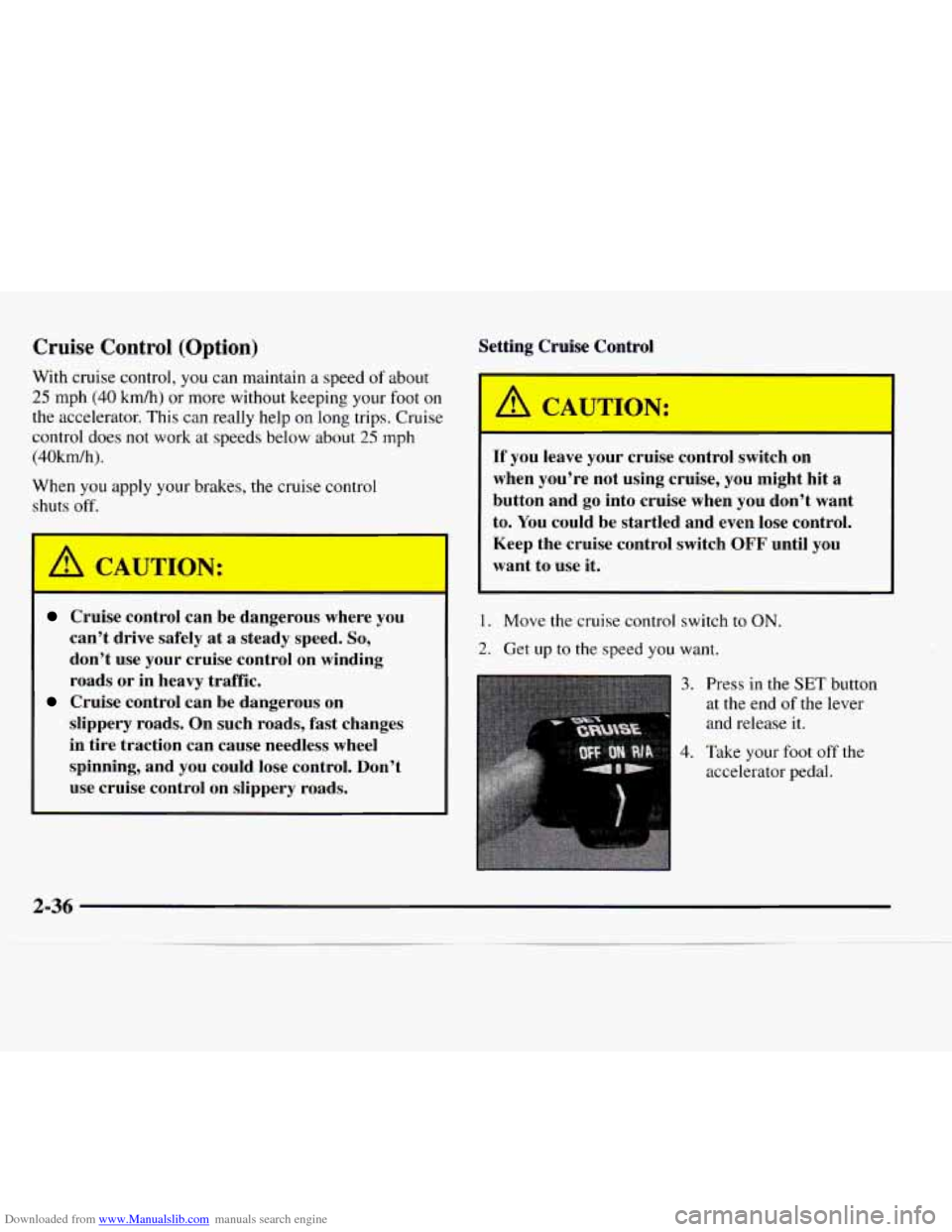
3. Press in the SET button
at the end
of the lever
and release
it.
4. Take your foot off the
accelerator pedal.
Page 99 of 386
Downloaded from www.Manualslib.com manuals search engine Using Cruise Control on Hills
How well your cruise control will work on hills depends
upon your speed, load and the steepness of the hills.
When going up steep hills,
you may have to step on
the accelerator pedal
to maintain your speed. If the
steepness of the hill causes the vehicle speed to drop
more than
15 mph (9.4 kmh) below the set speed, your
cruise control will automatically disengage. When
going
downhill, you may have to brake or shift to a lower gear
to keep your speed down.
Of course, applying the brake
takes
you out of cruise control. Many drivers find this to
be too much trouble and don’t use cruise control
on
steep hills.
Ending Cruise Control
There are two ways to turn off the cruise control:
Step lightly on the brake pedal; or
0 Move the cruise switch to OFF.
Erasing Speed Memory
When you turn off the cruise control or the ignition,
your cruise control set speed memory is erased.
Exterior Lamps
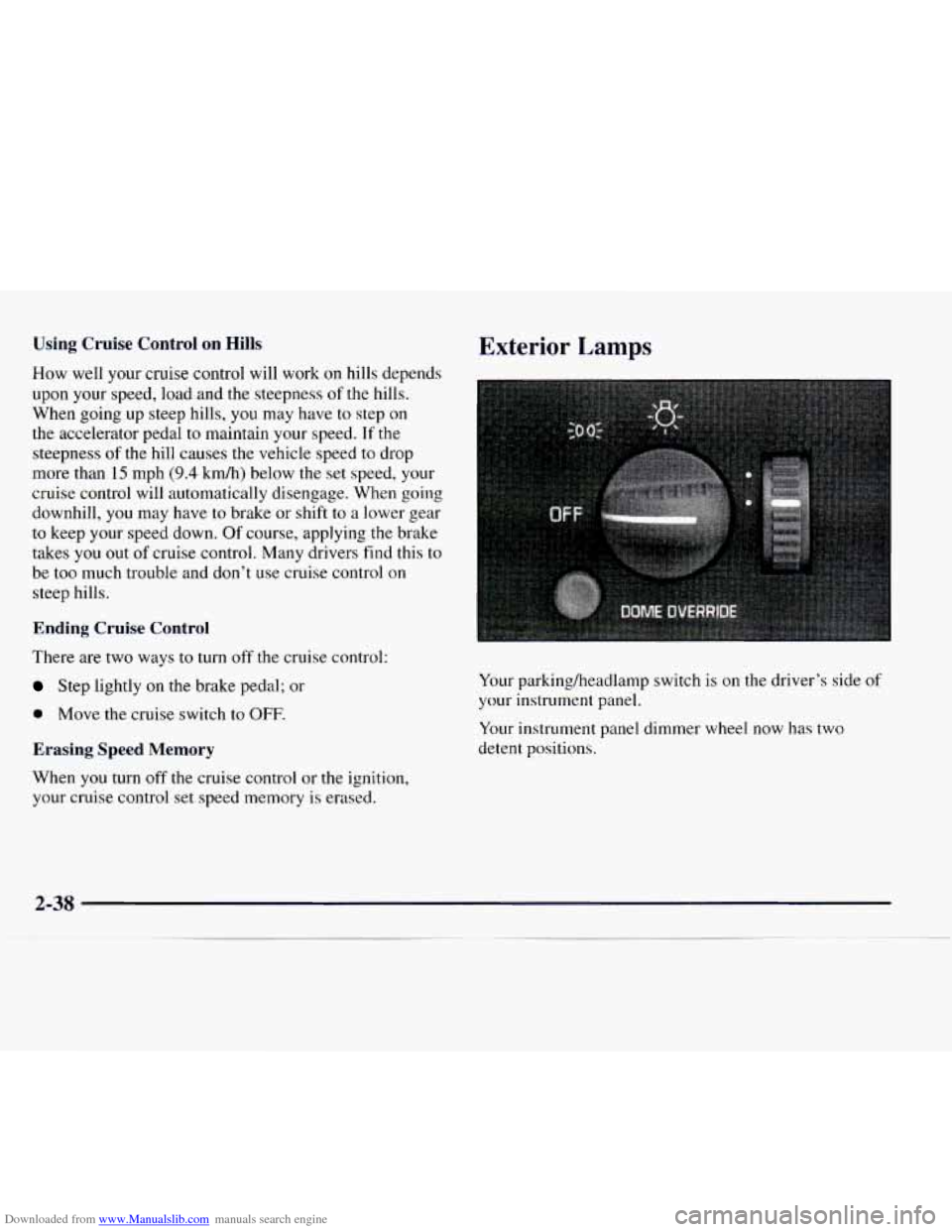
Your parking/headlamp switch is on the driver’s side of
your instrument panel.
Your instrument panel dimmer wheel now has
two
detent positions.
2-38
Page 100 of 386
Downloaded from www.Manualslib.com manuals search engine When the wheel is turned to full brilliance, and then into
the first detent position, the radio display and PRNDL
display will go to the day mode (full intensity).
This is
known as “parade” mode. The rest
of the I/P
illumination will stay
in the maximum dimming state
(full brilliance dimming). Turning the wheel up one
more detent will activate the interior dome light circuit
(with slightly higher effort).
The dome lights cannot be turned
on by depressing the
dome light switch button, located below the parWhead
lamp switch knob. This switch is a dome lamp off
switch and will only interrupt inputs from the door jamb
switches, inhibiting interior light operation when
depressed. It will not inhibit the light function from
the
I/P dimmer switch.
The delayed entry will allow
you to enter or exit your
vehicle with the lights staying on for about
20 seconds
after the door
is closed or ignition is cycled.
Rotate
the switch knob clockwise to the parking lamp
symbol
to turn on:
0 Parking Lamps
0 Sidemarker Lamps
Taillamps
0 License Plate Lamps
0 Instrument Panel Lights
Ashtray Lamp
0 Glove Box Lamp
Rotate
the switch knob clockwise again to the master
lighting symbol to turn
on all the lamps listed above as
well as the headlamps.
Rotate the switch counterclockwise to OFF to
turn off
your lamps and lights.
Rotate the thumb wheel
next to the switch knob up to
adjust instrument panel lights. Rotate the thumb wheel
up to
the first notch to return the radio display and
gearshift indicator Vacuum Fluorescence
(VF) display
to full intensity when the headlamps or parking lamps
are
on.
Rotate the thumb wheel up to the second notch to
activate the interior dome lamps.
You can switch your headlamps from high to low beam
by pulling on the turn signalhigh beam lever.
A circuit breaker protects your headlamps. If you have
an electrical overload, your headlamps will flicker
on
and off. Have your headlamp wiring checked right away
if this happens.
Page 101 of 386
Downloaded from www.Manualslib.com manuals search engine Headlamps On Reminder
A tone will sound when your headlamps are turned on
and your ignition is in OFF, LOCK or ACCESSORY.
If
you need to use your headlamps when the ignition
switch is in
OFF, LOCK or ACCESSORY, the tone
can be turned off by turning the thumb wheel next
to
the parking lamp/headlamp switch all the way down.
Daytime Running Lamps (If Equipped)
Daytime Running Lamps (Dm) can make it easier for
others
to see the front of your vehicle during the day.
DRL can be helpful
in many different driving conditions,
but they can be especially helpful in the short periods
after dawn and before sunset.
The DRL system will make your headlamps come on at
a reduced brightness when:
The ignition is on,
The headlamp switch is off, and
0 The parking brake is released.
If your vehicle was first sold, when new,
in Canada,
your headlamps will come on at reduced brightness.
If your vehicle was first sold, when new, in the United
States, your vehicle may be equipped with DRL.
If your
vehicle has DRL, you
will see the the DRL indicator light
on your instrument panel and your low-beam
headlamps will come on at reduced brightness.
When the DRL are on, only your headlamps will be on.
The taillamps, sidemarker and other lamps won’t be
on.
Your instrument panel won’t be lit up either.
When it begins to get dark, your
DRL indicator light is a
reminder to
turn your headlamp switch on. The other lamps
that come on
with your headlamps will also come on.
When
you turn off the headlamp switch, the regular
lamps will go
off, and your headlamps will change to
the reduced brightness of DRL.
To idle your vehicle with the engine on and the DRL off,
set the parking brake. The DRL will stay off until you
release
the parking brake.
As with any vehicle, you should turn on the regular
headlamp system when you need it.
Dome Lamps
The dome lamps will come on when you open the doors.
You can also turn the dome lamps on by rotating the
thumb wheel, located next to the headlamp knob, all
the way up
to the second notch. In this position, the
dome lamps will remain
on whether the doors are
opened or closed.
2-40