key CHEVROLET EXPRESS CARGO VAN 2017 1.G Owner's Manual
[x] Cancel search | Manufacturer: CHEVROLET, Model Year: 2017, Model line: EXPRESS CARGO VAN, Model: CHEVROLET EXPRESS CARGO VAN 2017 1.GPages: 346, PDF Size: 6.54 MB
Page 37 of 346
Chevrolet Express Owner Manual (GMNA-Localizing-U.S./Canada/Mexico-9967827) - 2017 - crc - 5/2/16
36 Keys, Doors, and Windows
Heated Mirrors
For vehicles with heated mirrors:
1:Press to heat the mirrors.
An indicator light in the button lightswhen the outside heated mirrors areactivated.
See“Rear Window Defogger”underClimate Control Systems0158.
Interior Mirrors
Interior Rearview Mirrors
Adjust the rearview mirror for a clearview of the area behind the vehicle.
Do not spray glass cleaner directlyon the mirror. Use a soft toweldampened with water.
Manual Rearview Mirror
Push the tab forward for daytimeuse and pull it rearward fornighttime use to avoid glare of theheadlamps from behind.
Cargo vans without rear door glassmay not have an inside rearviewmirror.
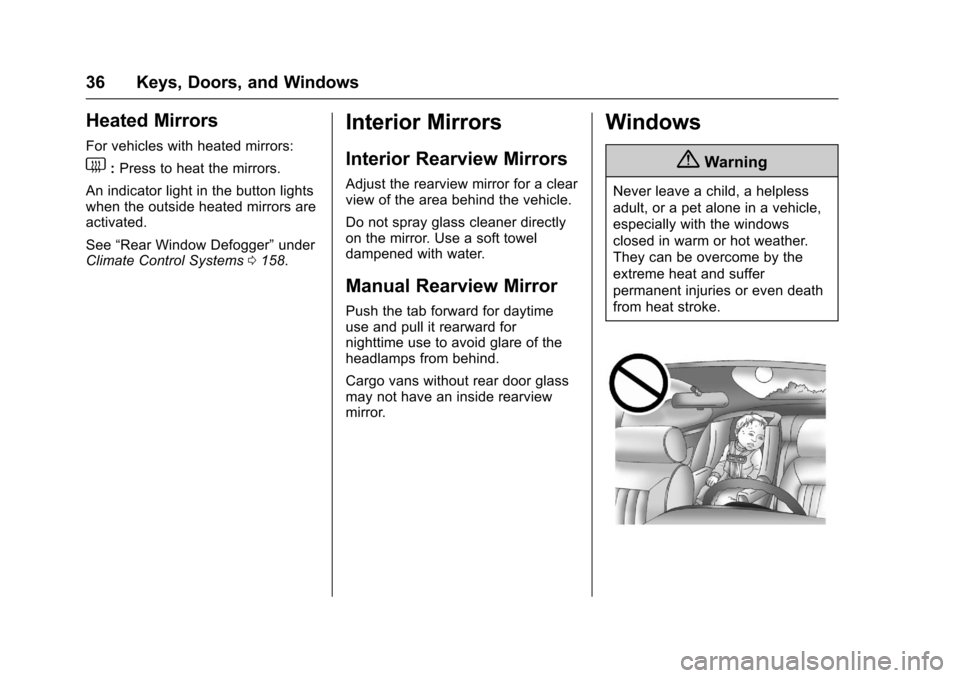
Windows
{Warning
Never leave a child, a helpless
adult, or a pet alone in a vehicle,
especially with the windows
closed in warm or hot weather.
They can be overcome by the
extreme heat and suffer
permanent injuries or even death
from heat stroke.
Page 38 of 346
Chevrolet Express Owner Manual (GMNA-Localizing-U.S./Canada/Mexico-9967827) - 2017 - crc - 5/2/16
Keys, Doors, and Windows 37
Manual Windows
Operate the manual windows byturning the hand crank on each doorto raise or lower the side doorwindows.
Power Windows
{Warning
Children could be seriously
injured or killed if caught in the
path of a closing window. Never
leave keys in a vehicle with
children. SeeKeys023.
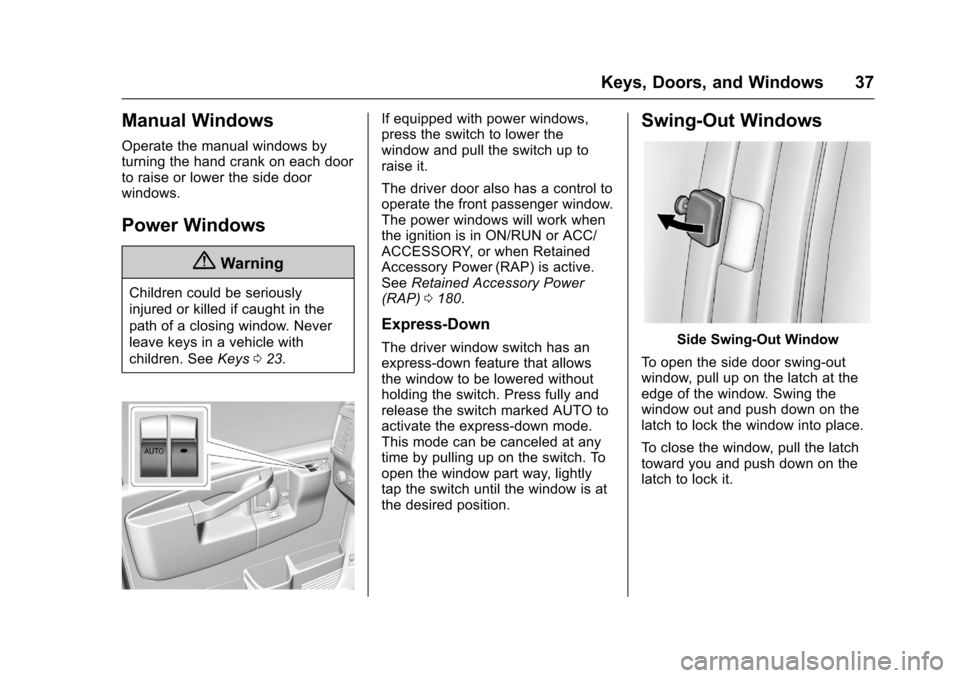
If equipped with power windows,press the switch to lower thewindow and pull the switch up toraise it.
The driver door also has a control tooperate the front passenger window.The power windows will work whenthe ignition is in ON/RUN or ACC/ACCESSORY, or when RetainedAccessory Power (RAP) is active.SeeRetained Accessory Power(RAP)0180.
Express-Down
The driver window switch has anexpress-down feature that allowsthe window to be lowered withoutholding the switch. Press fully andrelease the switch marked AUTO toactivate the express-down mode.This mode can be canceled at anytime by pulling up on the switch. Toopen the window part way, lightlytap the switch until the window is atthe desired position.
Swing-Out Windows
Side Swing-Out Window
To o p e n t h e s i d e d o o r s w i n g - o u twindow, pull up on the latch at theedge of the window. Swing thewindow out and push down on thelatch to lock the window into place.
To c l o s e t h e w i n d o w, p u l l t h e l a t c htoward you and push down on thelatch to lock it.
Page 39 of 346
Chevrolet Express Owner Manual (GMNA-Localizing-U.S./Canada/Mexico-9967827) - 2017 - crc - 5/2/16
38 Keys, Doors, and Windows
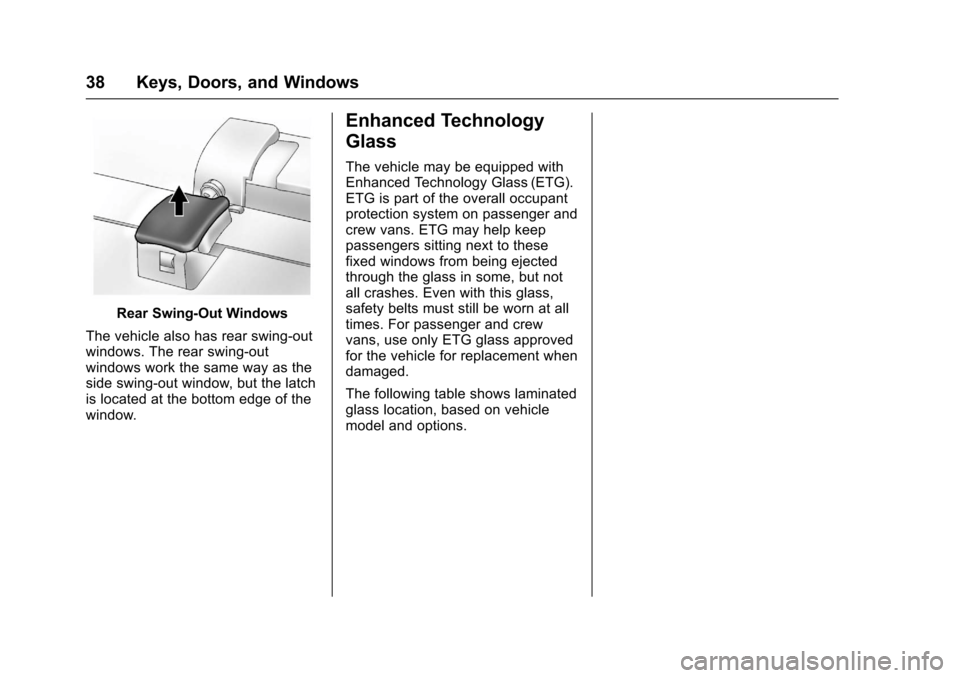
Rear Swing⇣Out Windows
The vehicle also has rear swing⇣outwindows. The rear swing-outwindows work the same way as theside swing⇣out window, but the latchis located at the bottom edge of thewindow.
Enhanced Technology
Glass
The vehicle may be equipped withEnhanced Technology Glass (ETG).ETG is part of the overall occupantprotection system on passenger andcrew vans. ETG may help keeppassengers sitting next to thesefixed windows from being ejectedthrough the glass in some, but notall crashes. Even with this glass,safety belts must still be worn at alltimes. For passenger and crewvans, use only ETG glass approvedfor the vehicle for replacement whendamaged.
The following table shows laminatedglass location, based on vehiclemodel and options.
Page 40 of 346
Chevrolet Express Owner Manual (GMNA-Localizing-U.S./Canada/Mexico-9967827) - 2017 - crc - 5/2/16
Keys, Doors, and Windows 39
Ve h i c l e C o n f i g u r a t i o nETG Locations
Passenger Vans with five or moreseating positions
Sliding door forward window(if equipped) and rear-most sidewindows
Long Wheelbase Cargo Vans Rear-most side windows
Crew VansSliding door forward window(if equipped) and rear-most sidewindows.
Sun Visors
To b l o c k o u t g l a r e , s w i n g d o w n t h esun visors. You can also swing themto the side.
Visor Vanity Mirror
The vehicle may have visor vanitymirrors, with or without lamps. Liftthe mirror cover to turn the lampson, if equipped.
Page 44 of 346
Chevrolet Express Owner Manual (GMNA-Localizing-U.S./Canada/Mexico-9967827) - 2017 - crc - 5/2/16
Seats and Restraints 43
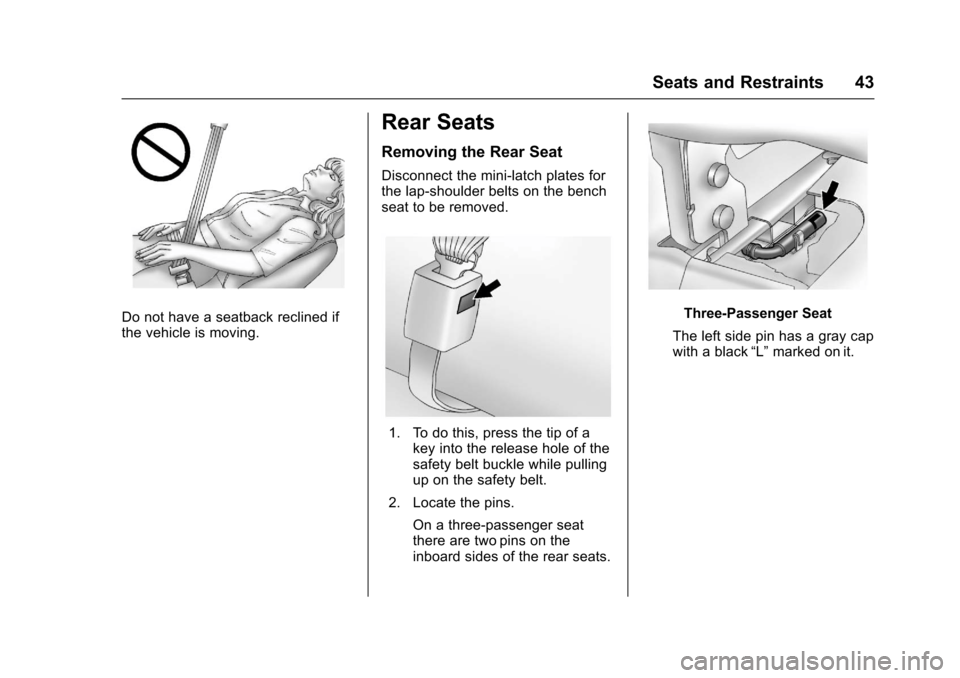
Do not have a seatback reclined ifthe vehicle is moving.
Rear Seats
Removing the Rear Seat
Disconnect the mini-latch plates forthe lap-shoulder belts on the benchseat to be removed.
1. To do this, press the tip of akey into the release hole of thesafety belt buckle while pullingup on the safety belt.
2. Locate the pins.
On a three-passenger seatthere are two pins on theinboard sides of the rear seats.
Three-Passenger Seat
The left side pin has a gray capwith a black“L”marked on it.
Page 54 of 346
Chevrolet Express Owner Manual (GMNA-Localizing-U.S./Canada/Mexico-9967827) - 2017 - crc - 5/2/16
Seats and Restraints 53
Comfort Guide Installation andRemoval (Adjustable Style)
{Warning
Asafetybeltthatisnotproperly
worn may not provide the
protection needed in a crash. The
person wearing the belt could be
seriously injured. The shoulder
belt should go over the shoulder
and across the chest. These parts
of the body are best able to take
belt restraining forces.
Adjustable comfort guides areavailable through your dealer for theleft rear outboard seating positionsof the three-passenger bench seatsand for the outboard seatingpositions of the four-passengerbench seats. Instructions areincluded with the guides.
Safety Belt Use During
Pregnancy
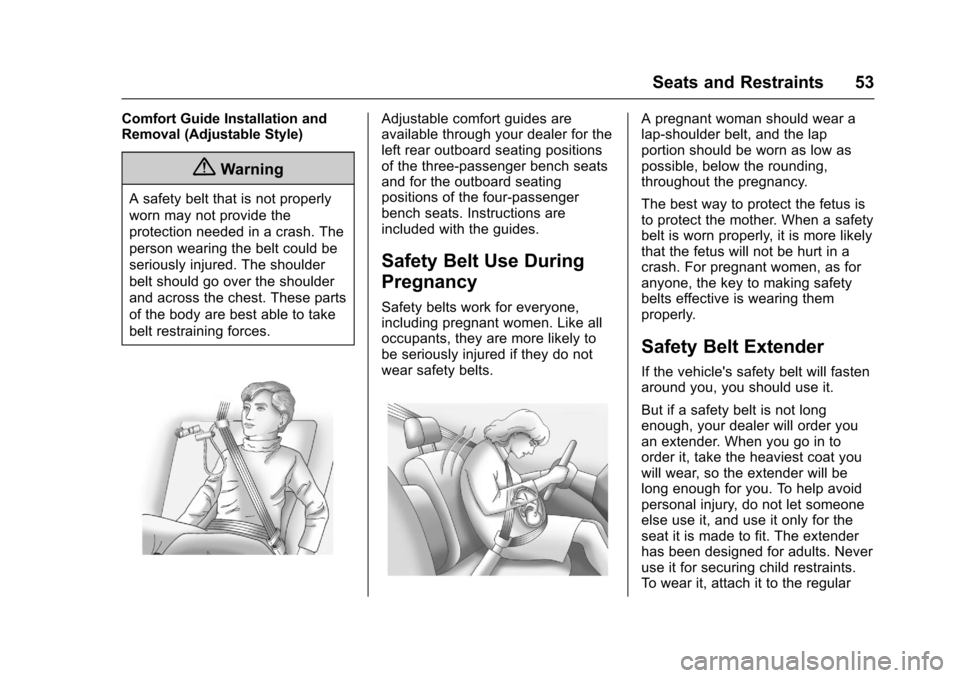
Safety belts work for everyone,including pregnant women. Like alloccupants, they are more likely tobe seriously injured if they do notwear safety belts.
Apregnantwomanshouldwearalap-shoulder belt, and the lapportion should be worn as low aspossible, below the rounding,throughout the pregnancy.
The best way to protect the fetus isto protect the mother. When a safetybelt is worn properly, it is more likelythat the fetus will not be hurt in acrash. For pregnant women, as foranyone, the key to making safetybelts effective is wearing themproperly.
Safety Belt Extender
If the vehicle's safety belt will fastenaround you, you should use it.
But if a safety belt is not longenough, your dealer will order youan extender. When you go in toorder it, take the heaviest coat youwill wear, so the extender will belong enough for you. To help avoidpersonal injury, do not let someoneelse use it, and use it only for theseat it is made to fit. The extenderhas been designed for adults. Neveruse it for securing child restraints.To w e a r i t , a t t a c h i t t o t h e r e g u l a r
Page 64 of 346
Chevrolet Express Owner Manual (GMNA-Localizing-U.S./Canada/Mexico-9967827) - 2017 - crc - 5/2/16
Seats and Restraints 63
Medical Condition. A passengerhas a medical condition which,according to his or her physician:
.Causes the passenger airbag topose a special risk for thepassenger; and
.Makes the potential harm fromthe passenger airbag in a crashgreater than the potential harmfrom turning off the airbag andallowing the passenger, even ifbelted, to hit the instrumentpanel or windshield in a crash.
{Warning
If the front outboard passenger
frontal airbag is turned off for a
person who is not in a risk group
identified by the national
government, that person will not
have the extra protection of an
airbag. In a crash, the airbag will
not be able to inflate and help
protect the person sitting there.
Do not turn off the front outboard
(Continued)
Warning (Continued)
passenger frontal airbag unless
the person sitting there is in a risk
group.
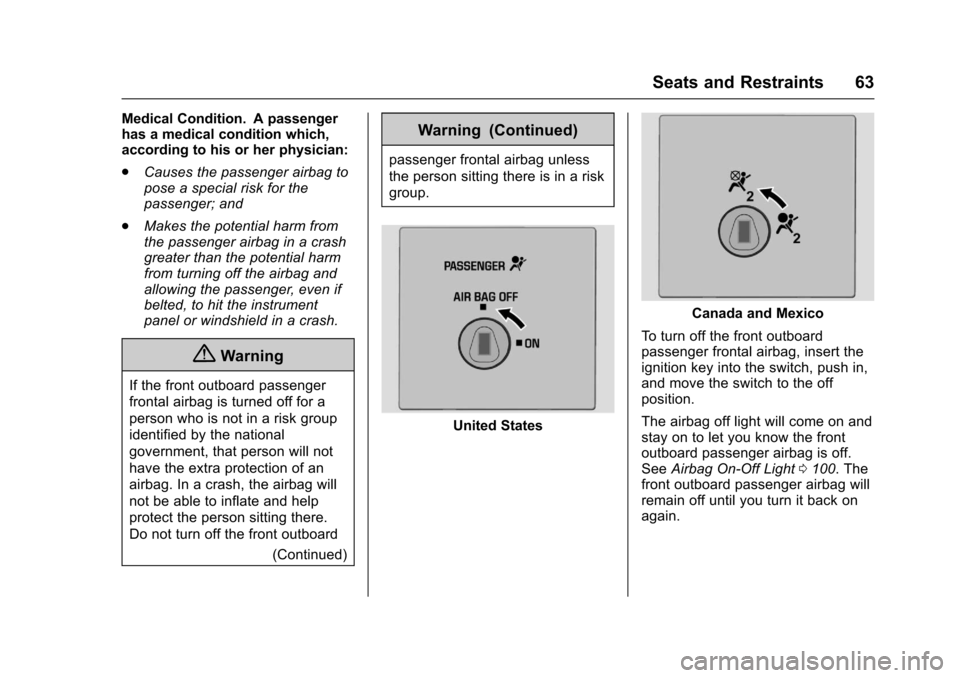
United States
Canada and Mexico
To t u r n o f f t h e f r o n t o u t b o a r dpassenger frontal airbag, insert theignition key into the switch, push in,and move the switch to the offposition.
The airbag off light will come on andstay on to let you know the frontoutboard passenger airbag is off.SeeAirbag On-Off Light0100.Thefront outboard passenger airbag willremain off until you turn it back onagain.
Page 65 of 346
Chevrolet Express Owner Manual (GMNA-Localizing-U.S./Canada/Mexico-9967827) - 2017 - crc - 5/2/16
64 Seats and Restraints
{Warning
If the airbag readiness light ever
comes on and stays on, it means
that something may be wrong
with the airbag system. For
example, the front outboard
passenger frontal airbag could
inflate even though the airbag
on-off switch is turned off.
To h e l p a v o i d i n j u r y t o y o u r s e l f o r
others, have the vehicle serviced
right away. SeeAirbag Readiness
Light099for more information,
including important safety
information.
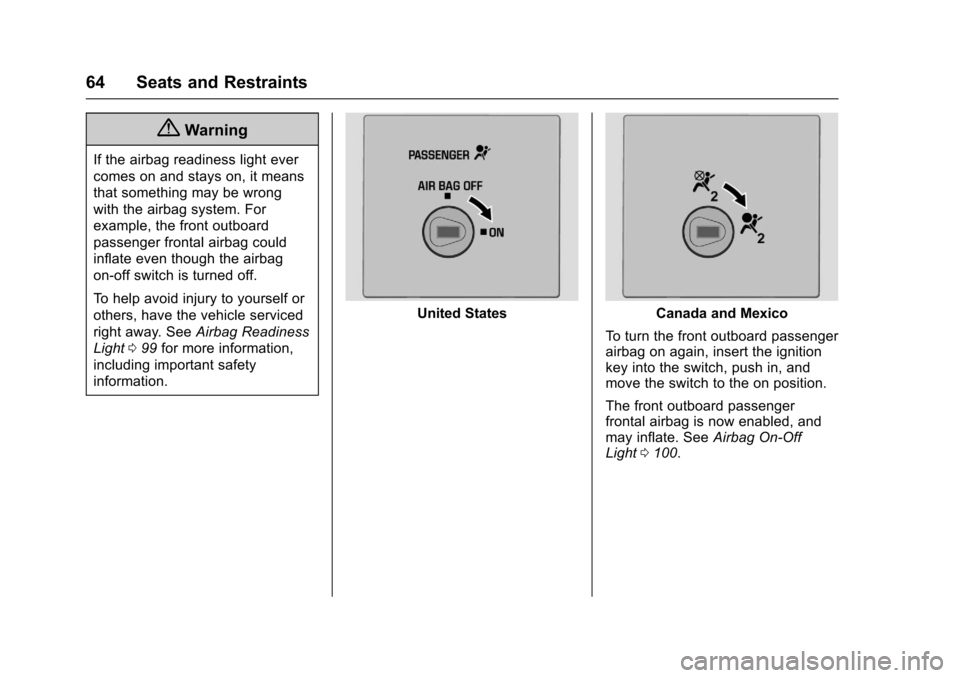
United StatesCanada and Mexico
To t u r n t h e f r o n t o u t b o a r d p a s s e n g e rairbag on again, insert the ignitionkey into the switch, push in, andmove the switch to the on position.
The front outboard passengerfrontal airbag is now enabled, andmay inflate. SeeAirbag On-OffLight0100.
Page 88 of 346
Chevrolet Express Owner Manual (GMNA-Localizing-U.S./Canada/Mexico-9967827) - 2017 - crc - 5/2/16
Instruments and Controls 87
Instruments and
Controls
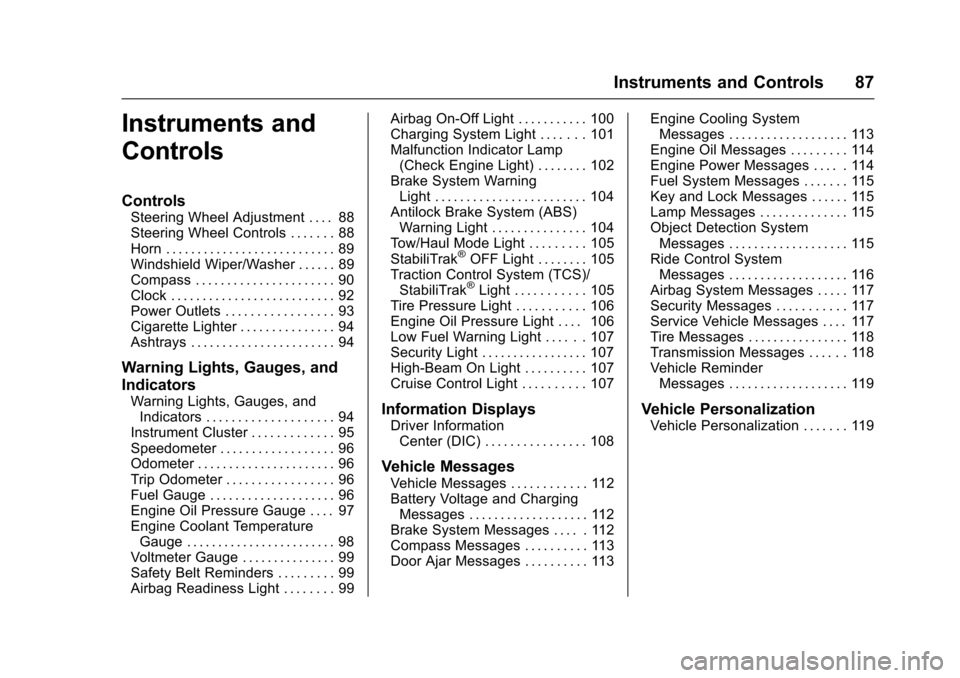
Controls
Steering Wheel Adjustment . . . . 88Steering Wheel Controls . . . . . . . 88Horn . . . . . . . . . . . . . . . . . . . . . . . . . . . 89Windshield Wiper/Washer . . . . . . 89Compass . . . . . . . . . . . . . . . . . . . . . . 90Clock . . . . . . . . . . . . . . . . . . . . . . . . . . 92Power Outlets . . . . . . . . . . . . . . . . . 93Cigarette Lighter . . . . . . . . . . . . . . . 94Ashtrays . . . . . . . . . . . . . . . . . . . . . . . 94
Warning Lights, Gauges, and
Indicators
Warning Lights, Gauges, andIndicators . . . . . . . . . . . . . . . . . . . . 94Instrument Cluster . . . . . . . . . . . . . 95Speedometer . . . . . . . . . . . . . . . . . . 96Odometer . . . . . . . . . . . . . . . . . . . . . . 96Trip Odometer . . . . . . . . . . . . . . . . . 96Fuel Gauge . . . . . . . . . . . . . . . . . . . . 96Engine Oil Pressure Gauge . . . . 97Engine Coolant TemperatureGauge . . . . . . . . . . . . . . . . . . . . . . . . 98Voltmeter Gauge . . . . . . . . . . . . . . . 99Safety Belt Reminders . . . . . . . . . 99Airbag Readiness Light . . . . . . . . 99
Airbag On-Off Light . . . . . . . . . . . 100Charging System Light . . . . . . . 101Malfunction Indicator Lamp(Check Engine Light) . . . . . . . . 102Brake System WarningLight . . . . . . . . . . . . . . . . . . . . . . . . 104Antilock Brake System (ABS)Warning Light . . . . . . . . . . . . . . . 104To w / H a u l M o d e L i g h t . . . . . . . . . 1 0 5StabiliTrak®OFF Light . . . . . . . . 105Traction Control System (TCS)/StabiliTrak®Light . . . . . . . . . . . 105Tire Pressure Light . . . . . . . . . . . 106Engine Oil Pressure Light . . . . 106Low Fuel Warning Light . . . . . . 107Security Light . . . . . . . . . . . . . . . . . 107High-Beam On Light . . . . . . . . . . 107Cruise Control Light . . . . . . . . . . 107
Information Displays
Driver InformationCenter (DIC) . . . . . . . . . . . . . . . . 108
Vehicle Messages
Vehicle Messages . . . . . . . . . . . . 112Battery Voltage and ChargingMessages . . . . . . . . . . . . . . . . . . . 112Brake System Messages . . . . . 112Compass Messages . . . . . . . . . . 113Door Ajar Messages . . . . . . . . . . 113
Engine Cooling SystemMessages . . . . . . . . . . . . . . . . . . . 113Engine Oil Messages . . . . . . . . . 114Engine Power Messages . . . . . 114Fuel System Messages . . . . . . . 115Key and Lock Messages . . . . . . 115Lamp Messages . . . . . . . . . . . . . . 115Object Detection SystemMessages . . . . . . . . . . . . . . . . . . . 115Ride Control SystemMessages . . . . . . . . . . . . . . . . . . . 116Airbag System Messages . . . . . 117Security Messages . . . . . . . . . . . 117Service Vehicle Messages . . . . 117Tire Messages . . . . . . . . . . . . . . . . 118Transmission Messages . . . . . . 118Vehicle ReminderMessages . . . . . . . . . . . . . . . . . . . 119
Vehicle Personalization
Vehicle Personalization . . . . . . . 119
Page 93 of 346
Chevrolet Express Owner Manual (GMNA-Localizing-U.S./Canada/Mexico-9967827) - 2017 - crc - 5/2/16
92 Instruments and Controls
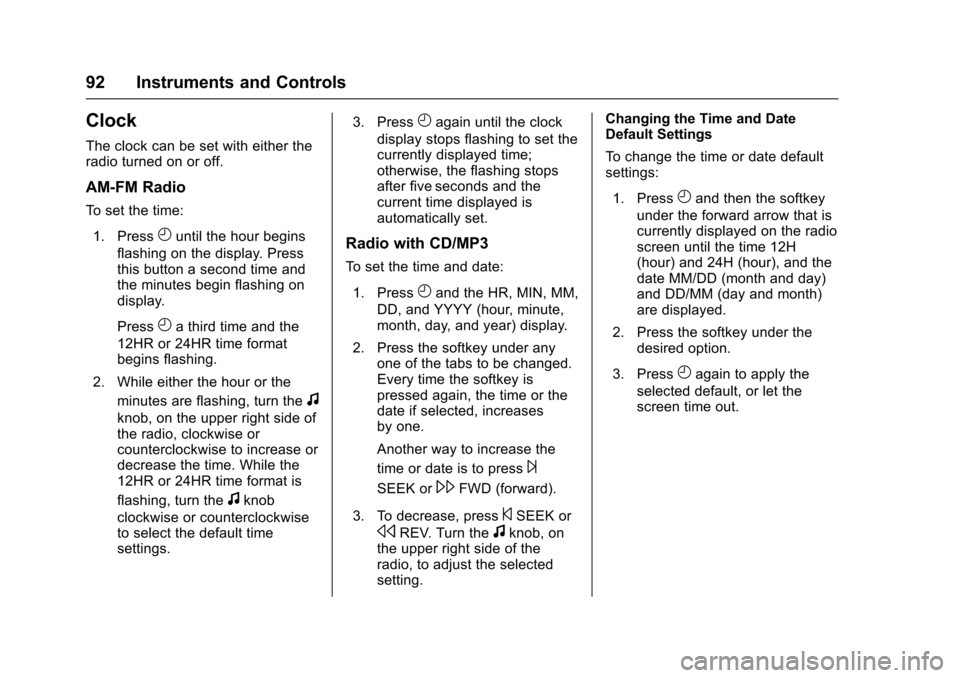
Clock
The clock can be set with either theradio turned on or off.
AM-FM Radio
To s e t t h e t i m e :
1. PressHuntil the hour begins
flashing on the display. Pressthis button a second time andthe minutes begin flashing ondisplay.
PressHathirdtimeandthe
12HR or 24HR time formatbegins flashing.
2. While either the hour or the
minutes are flashing, turn thef
knob, on the upper right side ofthe radio, clockwise orcounterclockwise to increase ordecrease the time. While the12HR or 24HR time format is
flashing, turn thefknob
clockwise or counterclockwiseto select the default timesettings.
3. PressHagain until the clock
display stops flashing to set thecurrently displayed time;otherwise, the flashing stopsafter five seconds and thecurrent time displayed isautomatically set.
Radio with CD/MP3
To s e t t h e t i m e a n d d a t e :
1. PressHand the HR, MIN, MM,
DD, and YYYY (hour, minute,month, day, and year) display.
2. Press the softkey under anyone of the tabs to be changed.Every time the softkey ispressed again, the time or thedate if selected, increasesby one.
Another way to increase the
time or date is to press¨
SEEK or\FWD (forward).
3. To decrease, press©SEEK or
sREV. Turn thefknob, onthe upper right side of theradio, to adjust the selectedsetting.
Changing the Time and DateDefault Settings
To c h a n g e t h e t i m e o r d a t e d e f a u l tsettings:
1. PressHand then the softkey
under the forward arrow that iscurrently displayed on the radioscreen until the time 12H(hour) and 24H (hour), and thedate MM/DD (month and day)and DD/MM (day and month)are displayed.
2. Press the softkey under thedesired option.
3. PressHagain to apply the
selected default, or let thescreen time out.