ignition CHEVROLET HHR 2009 1.G Owner's Guide
[x] Cancel search | Manufacturer: CHEVROLET, Model Year: 2009, Model line: HHR, Model: CHEVROLET HHR 2009 1.GPages: 450, PDF Size: 2.49 MB
Page 162 of 450
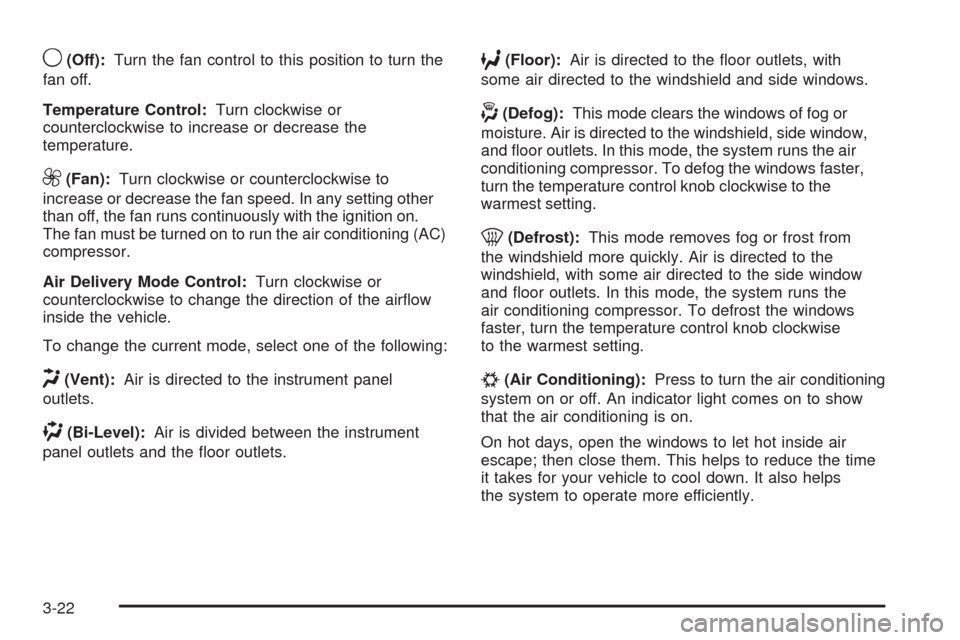
9(Off):Turn the fan control to this position to turn the
fan off.
Temperature Control:Turn clockwise or
counterclockwise to increase or decrease the
temperature.
9(Fan):Turn clockwise or counterclockwise to
increase or decrease the fan speed. In any setting other
than off, the fan runs continuously with the ignition on.
The fan must be turned on to run the air conditioning (AC)
compressor.
Air Delivery Mode Control:Turn clockwise or
counterclockwise to change the direction of the airow
inside the vehicle.
To change the current mode, select one of the following:
H(Vent):Air is directed to the instrument panel
outlets.
)(Bi-Level):Air is divided between the instrument
panel outlets and the oor outlets.
6(Floor):Air is directed to the oor outlets, with
some air directed to the windshield and side windows.
-(Defog):This mode clears the windows of fog or
moisture. Air is directed to the windshield, side window,
and oor outlets. In this mode, the system runs the air
conditioning compressor. To defog the windows faster,
turn the temperature control knob clockwise to the
warmest setting.
0(Defrost):This mode removes fog or frost from
the windshield more quickly. Air is directed to the
windshield, with some air directed to the side window
and oor outlets. In this mode, the system runs the
air conditioning compressor. To defrost the windows
faster, turn the temperature control knob clockwise
to the warmest setting.
#(Air Conditioning):Press to turn the air conditioning
system on or off. An indicator light comes on to show
that the air conditioning is on.
On hot days, open the windows to let hot inside air
escape; then close them. This helps to reduce the time
it takes for your vehicle to cool down. It also helps
the system to operate more efficiently.
3-22
Page 163 of 450
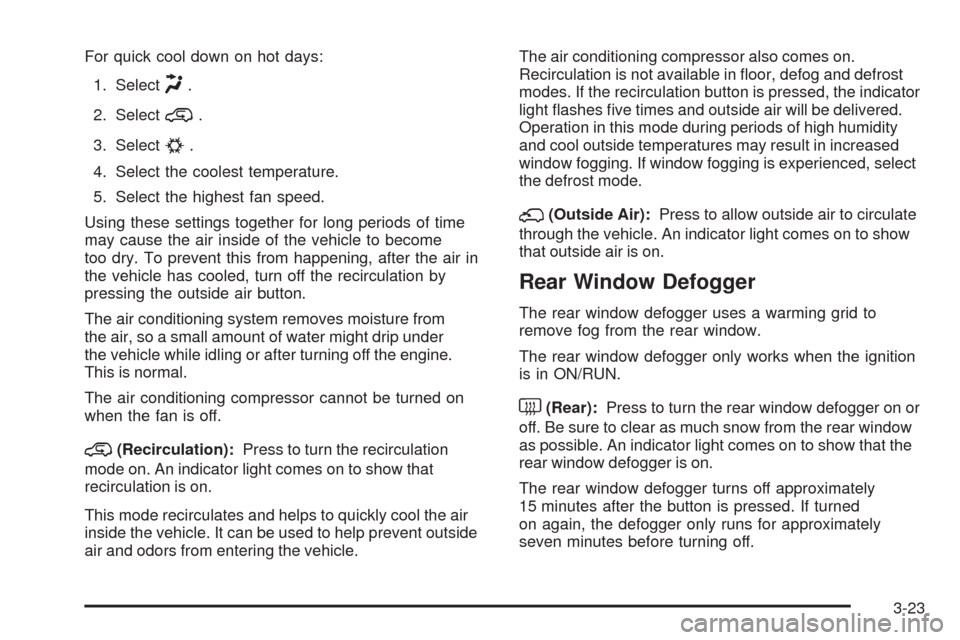
For quick cool down on hot days:
1. Select
H.
2. Select
@.
3. Select
#.
4. Select the coolest temperature.
5. Select the highest fan speed.
Using these settings together for long periods of time
may cause the air inside of the vehicle to become
too dry. To prevent this from happening, after the air in
the vehicle has cooled, turn off the recirculation by
pressing the outside air button.
The air conditioning system removes moisture from
the air, so a small amount of water might drip under
the vehicle while idling or after turning off the engine.
This is normal.
The air conditioning compressor cannot be turned on
when the fan is off.
@(Recirculation):Press to turn the recirculation
mode on. An indicator light comes on to show that
recirculation is on.
This mode recirculates and helps to quickly cool the air
inside the vehicle. It can be used to help prevent outside
air and odors from entering the vehicle.The air conditioning compressor also comes on.
Recirculation is not available in oor, defog and defrost
modes. If the recirculation button is pressed, the indicator
light ashes ve times and outside air will be delivered.
Operation in this mode during periods of high humidity
and cool outside temperatures may result in increased
window fogging. If window fogging is experienced, select
the defrost mode.
;(Outside Air):Press to allow outside air to circulate
through the vehicle. An indicator light comes on to show
that outside air is on.
Rear Window Defogger
The rear window defogger uses a warming grid to
remove fog from the rear window.
The rear window defogger only works when the ignition
is in ON/RUN.
<(Rear):Press to turn the rear window defogger on or
off. Be sure to clear as much snow from the rear window
as possible. An indicator light comes on to show that the
rear window defogger is on.
The rear window defogger turns off approximately
15 minutes after the button is pressed. If turned
on again, the defogger only runs for approximately
seven minutes before turning off.
3-23
Page 172 of 450
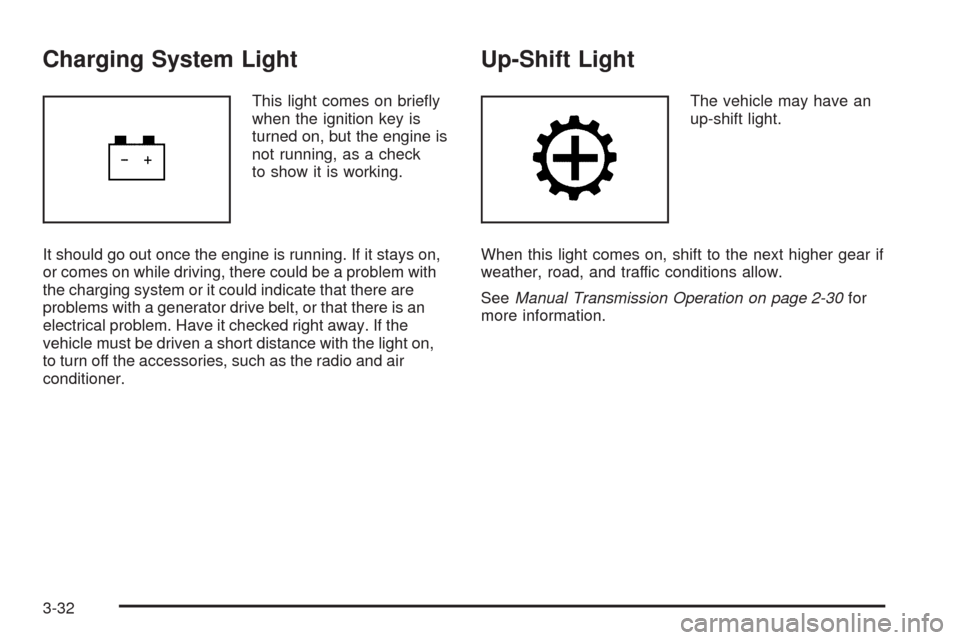
Charging System Light
This light comes on briey
when the ignition key is
turned on, but the engine is
not running, as a check
to show it is working.
It should go out once the engine is running. If it stays on,
or comes on while driving, there could be a problem with
the charging system or it could indicate that there are
problems with a generator drive belt, or that there is an
electrical problem. Have it checked right away. If the
vehicle must be driven a short distance with the light on,
to turn off the accessories, such as the radio and air
conditioner.
Up-Shift Light
The vehicle may have an
up-shift light.
When this light comes on, shift to the next higher gear if
weather, road, and traffic conditions allow.
SeeManual Transmission Operation on page 2-30for
more information.
3-32
Page 173 of 450
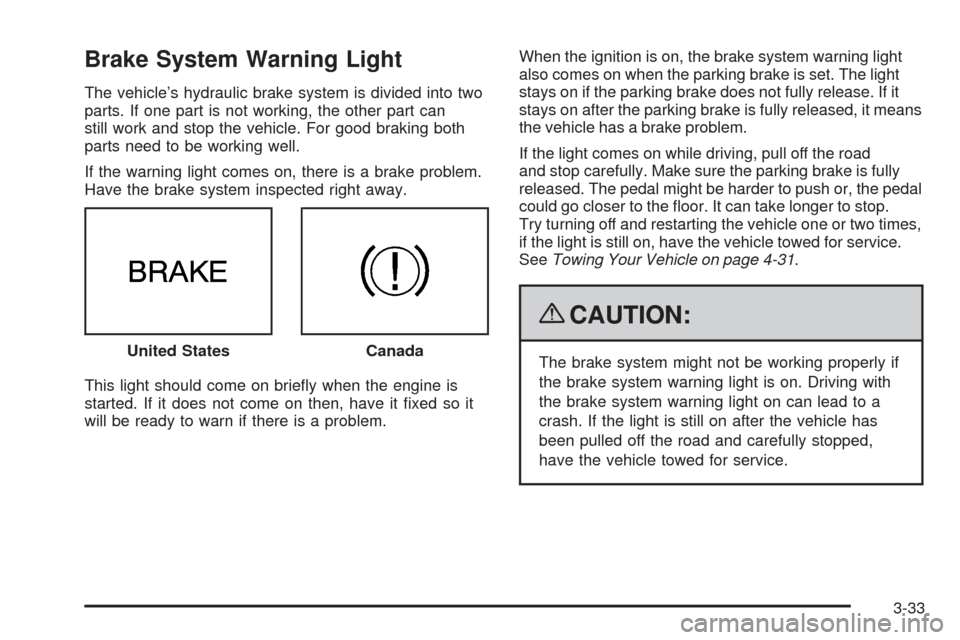
Brake System Warning Light
The vehicle’s hydraulic brake system is divided into two
parts. If one part is not working, the other part can
still work and stop the vehicle. For good braking both
parts need to be working well.
If the warning light comes on, there is a brake problem.
Have the brake system inspected right away.
This light should come on briey when the engine is
started. If it does not come on then, have it xed so it
will be ready to warn if there is a problem.When the ignition is on, the brake system warning light
also comes on when the parking brake is set. The light
stays on if the parking brake does not fully release. If it
stays on after the parking brake is fully released, it means
the vehicle has a brake problem.
If the light comes on while driving, pull off the road
and stop carefully. Make sure the parking brake is fully
released. The pedal might be harder to push or, the pedal
could go closer to the oor. It can take longer to stop.
Try turning off and restarting the vehicle one or two times,
if the light is still on, have the vehicle towed for service.
SeeTowing Your Vehicle on page 4-31.
{CAUTION:
The brake system might not be working properly if
the brake system warning light is on. Driving with
the brake system warning light on can lead to a
crash. If the light is still on after the vehicle has
been pulled off the road and carefully stopped,
have the vehicle towed for service. United StatesCanada
3-33
Page 174 of 450
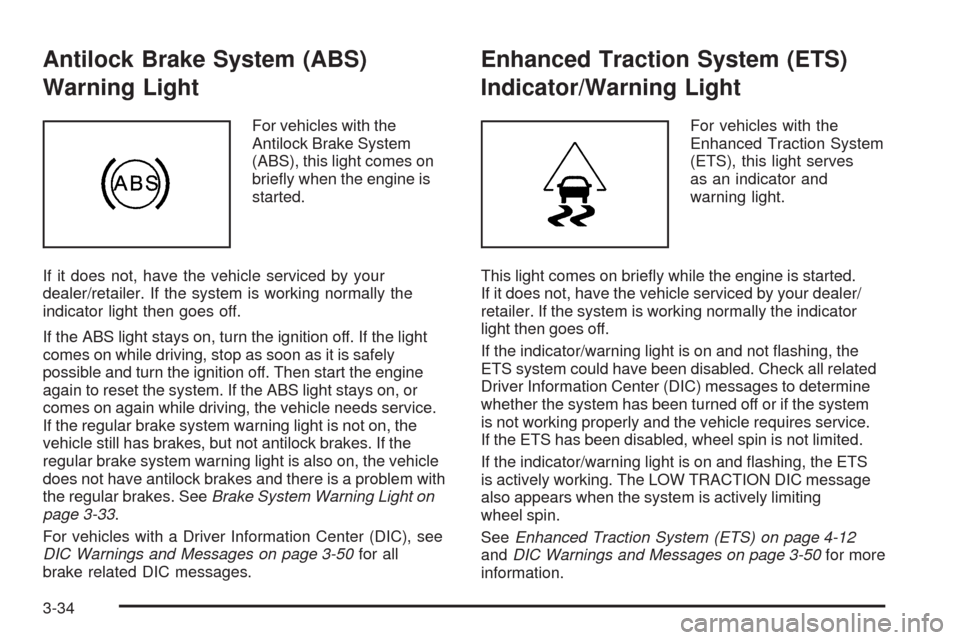
Antilock Brake System (ABS)
Warning Light
For vehicles with the
Antilock Brake System
(ABS), this light comes on
briey when the engine is
started.
If it does not, have the vehicle serviced by your
dealer/retailer. If the system is working normally the
indicator light then goes off.
If the ABS light stays on, turn the ignition off. If the light
comes on while driving, stop as soon as it is safely
possible and turn the ignition off. Then start the engine
again to reset the system. If the ABS light stays on, or
comes on again while driving, the vehicle needs service.
If the regular brake system warning light is not on, the
vehicle still has brakes, but not antilock brakes. If the
regular brake system warning light is also on, the vehicle
does not have antilock brakes and there is a problem with
the regular brakes. SeeBrake System Warning Light on
page 3-33.
For vehicles with a Driver Information Center (DIC), see
DIC Warnings and Messages on page 3-50for all
brake related DIC messages.
Enhanced Traction System (ETS)
Indicator/Warning Light
For vehicles with the
Enhanced Traction System
(ETS), this light serves
as an indicator and
warning light.
This light comes on briey while the engine is started.
If it does not, have the vehicle serviced by your dealer/
retailer. If the system is working normally the indicator
light then goes off.
If the indicator/warning light is on and not ashing, the
ETS system could have been disabled. Check all related
Driver Information Center (DIC) messages to determine
whether the system has been turned off or if the system
is not working properly and the vehicle requires service.
If the ETS has been disabled, wheel spin is not limited.
If the indicator/warning light is on and ashing, the ETS
is actively working. The LOW TRACTION DIC message
also appears when the system is actively limiting
wheel spin.
SeeEnhanced Traction System (ETS) on page 4-12
andDIC Warnings and Messages on page 3-50for more
information.
3-34
Page 176 of 450
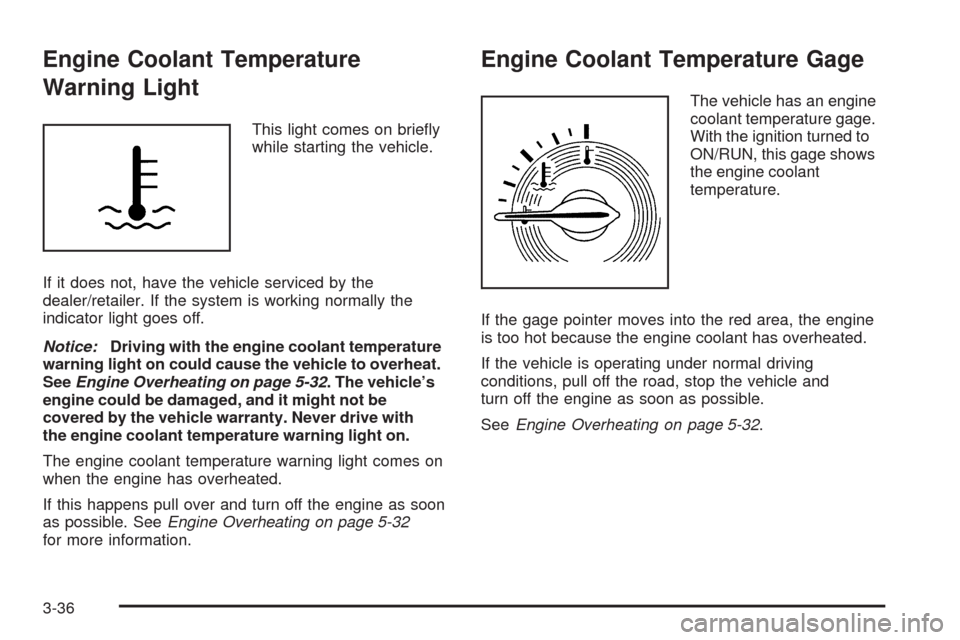
Engine Coolant Temperature
Warning Light
This light comes on briey
while starting the vehicle.
If it does not, have the vehicle serviced by the
dealer/retailer. If the system is working normally the
indicator light goes off.
Notice:Driving with the engine coolant temperature
warning light on could cause the vehicle to overheat.
SeeEngine Overheating on page 5-32. The vehicle’s
engine could be damaged, and it might not be
covered by the vehicle warranty. Never drive with
the engine coolant temperature warning light on.
The engine coolant temperature warning light comes on
when the engine has overheated.
If this happens pull over and turn off the engine as soon
as possible. SeeEngine Overheating on page 5-32
for more information.
Engine Coolant Temperature Gage
The vehicle has an engine
coolant temperature gage.
With the ignition turned to
ON/RUN, this gage shows
the engine coolant
temperature.
If the gage pointer moves into the red area, the engine
is too hot because the engine coolant has overheated.
If the vehicle is operating under normal driving
conditions, pull off the road, stop the vehicle and
turn off the engine as soon as possible.
SeeEngine Overheating on page 5-32.
3-36
Page 177 of 450
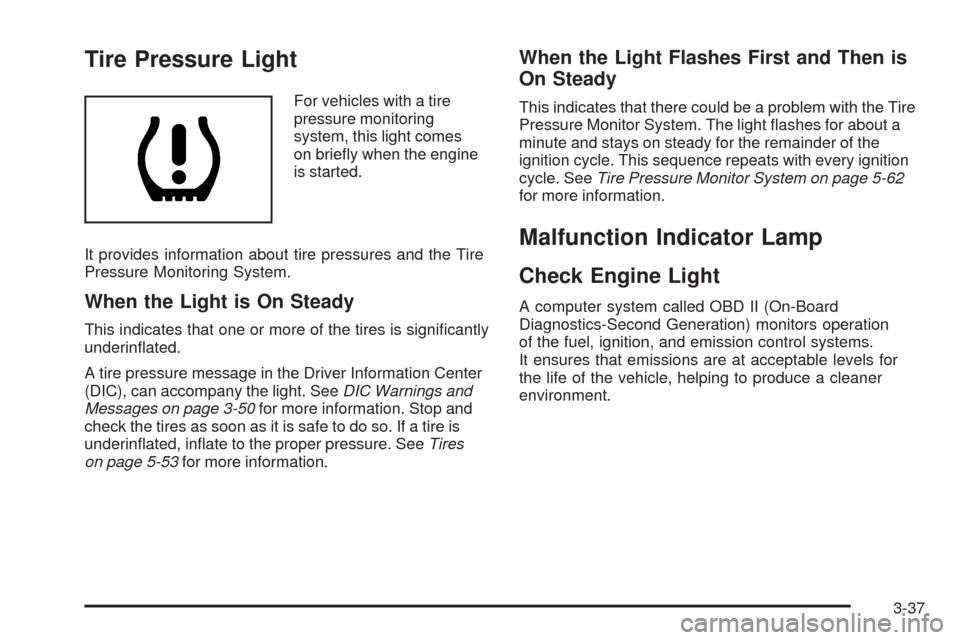
Tire Pressure Light
For vehicles with a tire
pressure monitoring
system, this light comes
on briey when the engine
is started.
It provides information about tire pressures and the Tire
Pressure Monitoring System.
When the Light is On Steady
This indicates that one or more of the tires is signicantly
underinated.
A tire pressure message in the Driver Information Center
(DIC), can accompany the light. SeeDIC Warnings and
Messages on page 3-50for more information. Stop and
check the tires as soon as it is safe to do so. If a tire is
underinated, inate to the proper pressure. SeeTires
on page 5-53for more information.
When the Light Flashes First and Then is
On Steady
This indicates that there could be a problem with the Tire
Pressure Monitor System. The light ashes for about a
minute and stays on steady for the remainder of the
ignition cycle. This sequence repeats with every ignition
cycle. SeeTire Pressure Monitor System on page 5-62
for more information.
Malfunction Indicator Lamp
Check Engine Light
A computer system called OBD II (On-Board
Diagnostics-Second Generation) monitors operation
of the fuel, ignition, and emission control systems.
It ensures that emissions are at acceptable levels for
the life of the vehicle, helping to produce a cleaner
environment.
3-37
Page 178 of 450
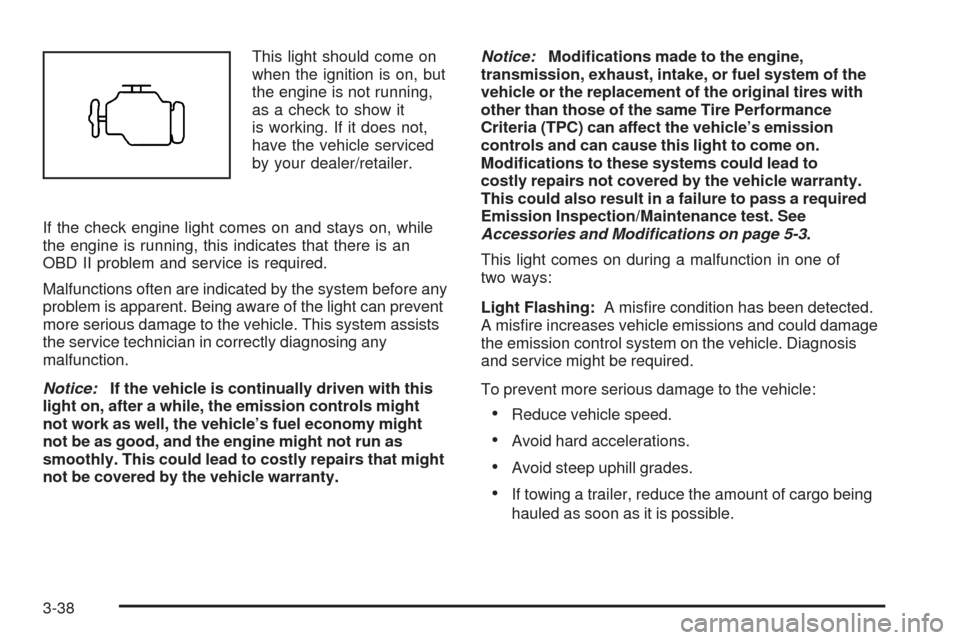
This light should come on
when the ignition is on, but
the engine is not running,
as a check to show it
is working. If it does not,
have the vehicle serviced
by your dealer/retailer.
If the check engine light comes on and stays on, while
the engine is running, this indicates that there is an
OBD II problem and service is required.
Malfunctions often are indicated by the system before any
problem is apparent. Being aware of the light can prevent
more serious damage to the vehicle. This system assists
the service technician in correctly diagnosing any
malfunction.
Notice:If the vehicle is continually driven with this
light on, after a while, the emission controls might
not work as well, the vehicle’s fuel economy might
not be as good, and the engine might not run as
smoothly. This could lead to costly repairs that might
not be covered by the vehicle warranty.Notice:Modications made to the engine,
transmission, exhaust, intake, or fuel system of the
vehicle or the replacement of the original tires with
other than those of the same Tire Performance
Criteria (TPC) can affect the vehicle’s emission
controls and can cause this light to come on.
Modications to these systems could lead to
costly repairs not covered by the vehicle warranty.
This could also result in a failure to pass a required
Emission Inspection/Maintenance test. See
Accessories and Modifications on page 5-3.
This light comes on during a malfunction in one of
two ways:
Light Flashing:A misre condition has been detected.
A misre increases vehicle emissions and could damage
the emission control system on the vehicle. Diagnosis
and service might be required.
To prevent more serious damage to the vehicle:
Reduce vehicle speed.
Avoid hard accelerations.
Avoid steep uphill grades.
If towing a trailer, reduce the amount of cargo being
hauled as soon as it is possible.
3-38
Page 182 of 450
Fuel Gage
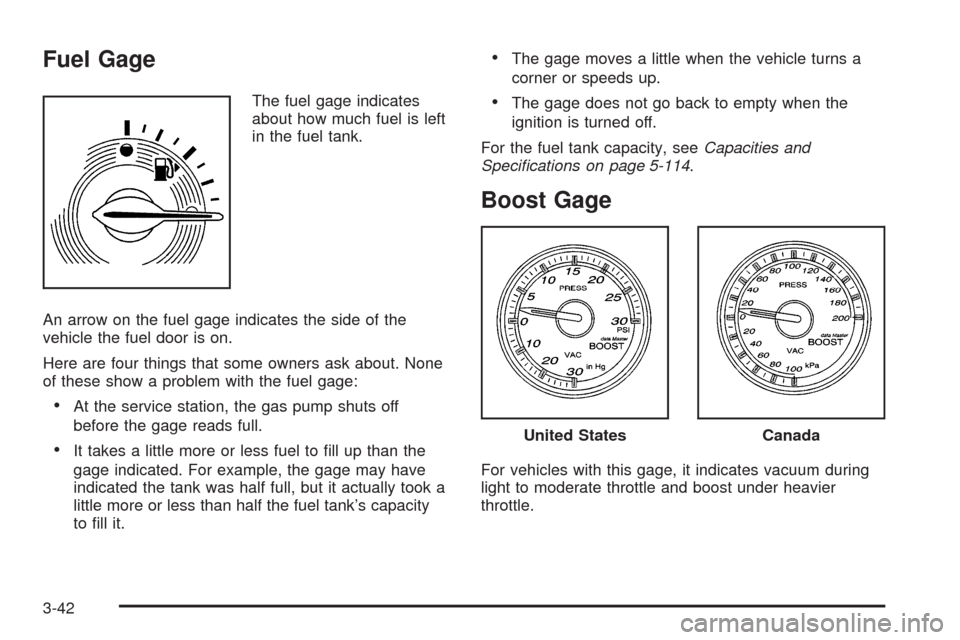
The fuel gage indicates
about how much fuel is left
in the fuel tank.
An arrow on the fuel gage indicates the side of the
vehicle the fuel door is on.
Here are four things that some owners ask about. None
of these show a problem with the fuel gage:
At the service station, the gas pump shuts off
before the gage reads full.
It takes a little more or less fuel to ll up than the
gage indicated. For example, the gage may have
indicated the tank was half full, but it actually took a
little more or less than half the fuel tank’s capacity
to ll it.
The gage moves a little when the vehicle turns a
corner or speeds up.
The gage does not go back to empty when the
ignition is turned off.
For the fuel tank capacity, seeCapacities and
Specifications on page 5-114.
Boost Gage
For vehicles with this gage, it indicates vacuum during
light to moderate throttle and boost under heavier
throttle.
United StatesCanada
3-42
Page 183 of 450
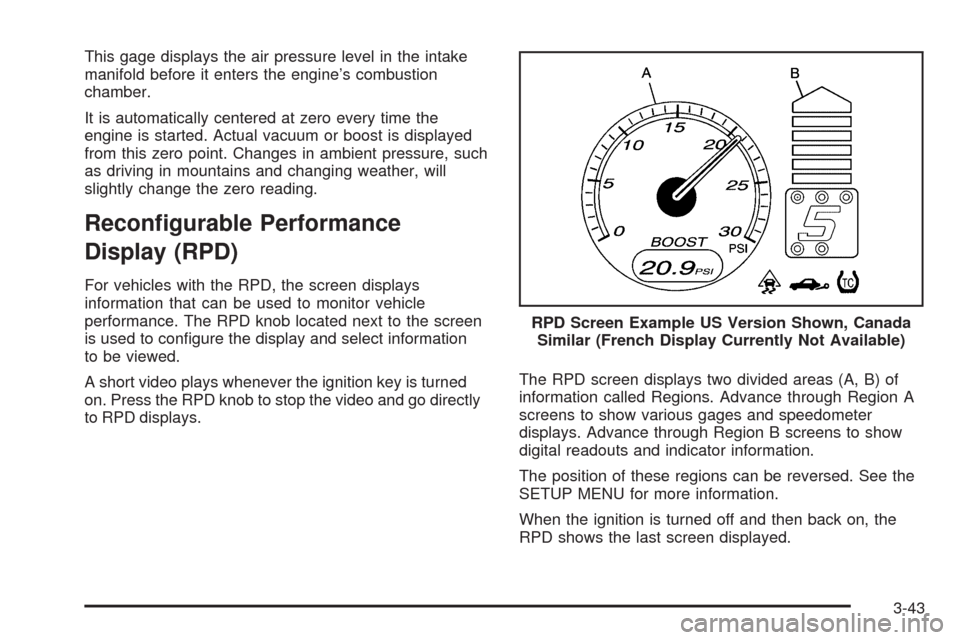
This gage displays the air pressure level in the intake
manifold before it enters the engine’s combustion
chamber.
It is automatically centered at zero every time the
engine is started. Actual vacuum or boost is displayed
from this zero point. Changes in ambient pressure, such
as driving in mountains and changing weather, will
slightly change the zero reading.
Recongurable Performance
Display (RPD)
For vehicles with the RPD, the screen displays
information that can be used to monitor vehicle
performance. The RPD knob located next to the screen
is used to congure the display and select information
to be viewed.
A short video plays whenever the ignition key is turned
on. Press the RPD knob to stop the video and go directly
to RPD displays.The RPD screen displays two divided areas (A, B) of
information called Regions. Advance through Region A
screens to show various gages and speedometer
displays. Advance through Region B screens to show
digital readouts and indicator information.
The position of these regions can be reversed. See the
SETUP MENU for more information.
When the ignition is turned off and then back on, the
RPD shows the last screen displayed.RPD Screen Example US Version Shown, Canada
Similar (French Display Currently Not Available)
3-43