automatic transmission CHEVROLET KODIAK 2004 User Guide
[x] Cancel search | Manufacturer: CHEVROLET, Model Year: 2004, Model line: KODIAK, Model: CHEVROLET KODIAK 2004Pages: 366, PDF Size: 6.87 MB
Page 96 of 366
Rear Air Suspension Dump Control
If your vehicle is equipped with the Hendrickson HAS
Series single-axle air suspension, you have this control.
The air suspension dump control allows the operator
to lower the deck height approximately 4.5 inches
(11.5 cm) from the normal frame height.
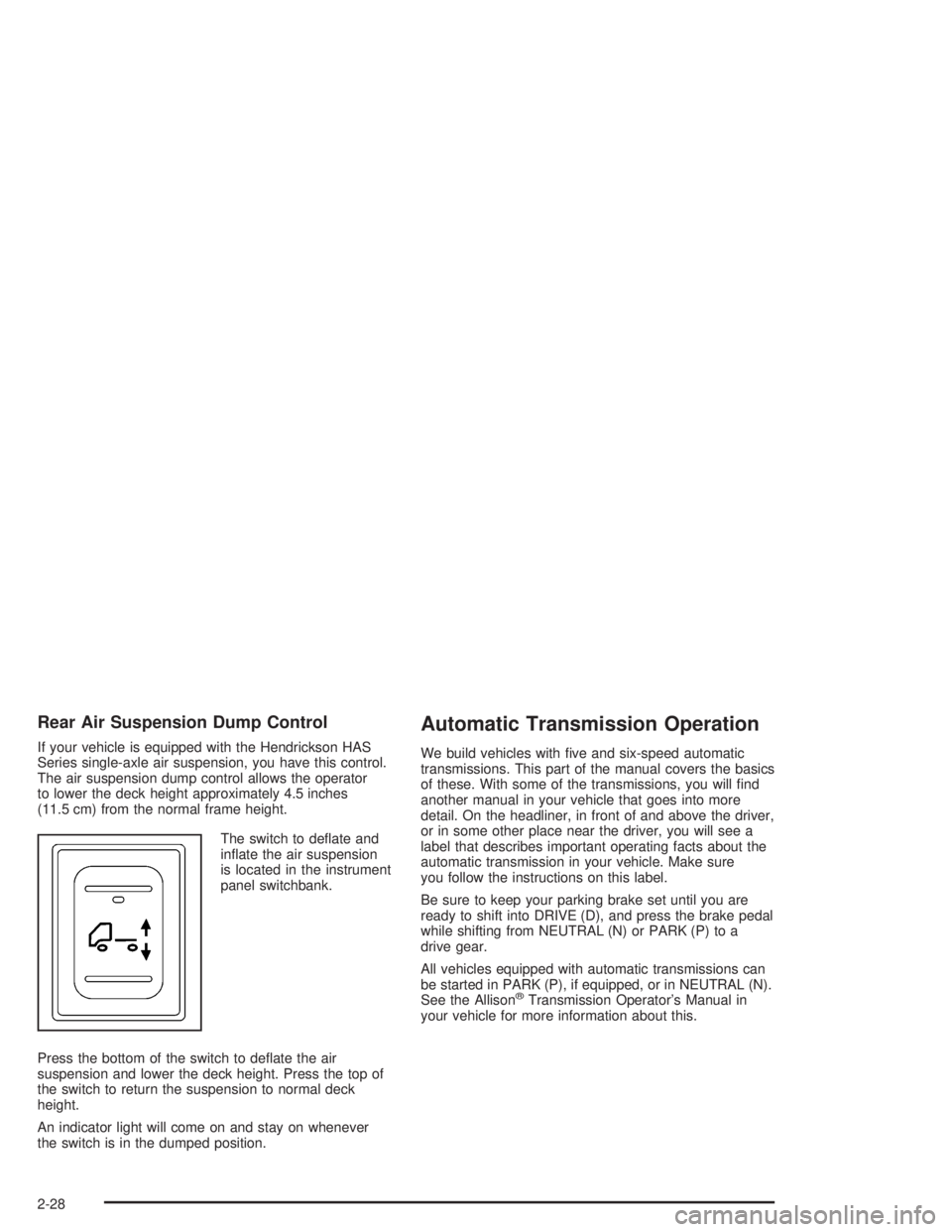
The switch to deflate and
inflate the air suspension
is located in the instrument
panel switchbank.
Press the bottom of the switch to deflate the air
suspension and lower the deck height. Press the top of
the switch to return the suspension to normal deck
height.
An indicator light will come on and stay on whenever
the switch is in the dumped position.
Automatic Transmission Operation
We build vehicles with five and six-speed automatic
transmissions. This part of the manual covers the basics
of these. With some of the transmissions, you will find
another manual in your vehicle that goes into more
detail. On the headliner, in front of and above the driver,
or in some other place near the driver, you will see a
label that describes important operating facts about the
automatic transmission in your vehicle. Make sure
you follow the instructions on this label.
Be sure to keep your parking brake set until you are
ready to shift into DRIVE (D), and press the brake pedal
while shifting from NEUTRAL (N) or PARK (P) to a
drive gear.
All vehicles equipped with automatic transmissions can
be started in PARK (P), if equipped, or in NEUTRAL (N).
See the Allison
®Transmission Operator’s Manual in
your vehicle for more information about this.
2-28
Page 98 of 366
Manual Transmission Operation
Using the Clutch
When you are starting to move the vehicle, it is
important to begin with the engine speed at idle. Then
start to engage the clutch and listen for an engine speed
drop of about 100 rpm. At this point, the clutch is
engaging, so you should increase the engine speed and
fully engage the clutch. It is important not to increase
the engine speed sooner or before the clutch begins it’s
engagement. If you do, you can cause damage to
your vehicle.
Double-Clutching
You must use the double-clutching method when you
shift an unsynchronized gear set. Disengage the clutch,
shift to neutral and engage the clutch. When upshifting,
slow the engine until the engine rpm and road speed
match. When downshifting, accelerate the engine
until the engine rpm and road speed match. Then
quickly disengage the clutch and move the shift lever to
the next gear position and engage the clutch.
Eaton®Fuller®Five and Six-Speed
Transmissions and TTC Spicer
Seven-Speed Transmissions
These transmissions have gears that automatically
synchronize when you shift up or down (except
FIRST (1) gear on the five-speed and seven-speed
transmission which is unsynchronized). Choose the gear
that will maintain the road speed you want while
keeping the engine above two-thirds of the governed
speed. When the engine speed drops below two-thirds
of the governed speed, shift into the next lower gear
before your engine begins to lug. When you shift down,
be sure to double-clutch if required.
2-30
Page 104 of 366
After a few minutes, the trailer system should be fully
charged. When it is, the air pressure gage will show
about 125 to 135 psi (862 to 931 kPa).
For driving with a trailer, the yellow and red (if equipped)
knobs must be pushed in. It’s the same when you’re
not pulling a trailer except that the red trailer air supply
knob must be pulled out.
{CAUTION:
If you apply any one of the air brake parking
controls while the vehicle is moving, your rig
will stop suddenly. If you are not ready for
this, you or others could be injured. Don’t
apply any one of these controls while you’re
driving, unless you have to make an
emergency stop.
If the air pressure drops below 60 to 70 psi
(413 to 482 kPa), the primary brake light and warning
buzzer will come on. If the air pressure drops to
35 to 45 psi (241 to 310 kPa), the red trailer air supply
knob will automatically pop out and apply the spring
brakes on the trailer.If the air pressure drops to 35 to 45 psi (241 to 310 kPa),
the yellow park brake knob will automatically pop out
and apply the spring brakes on the truck or tractor.
If you ever have a complete loss of air so that your air
brakes automatically apply, there is a way that the
tow operator can release the parking brakes to tow the
vehicle. SeeTowing Your Vehicle on page 4-31.
{CAUTION:
If your vehicle is left in gear, the engine can
start if the vehicle starts to roll. This can easily
happen if you have the diesel engine. Shift the
transmission into NEUTRAL (N) before you
leave the vehicle.
2-36
Page 120 of 366
Cruise Control
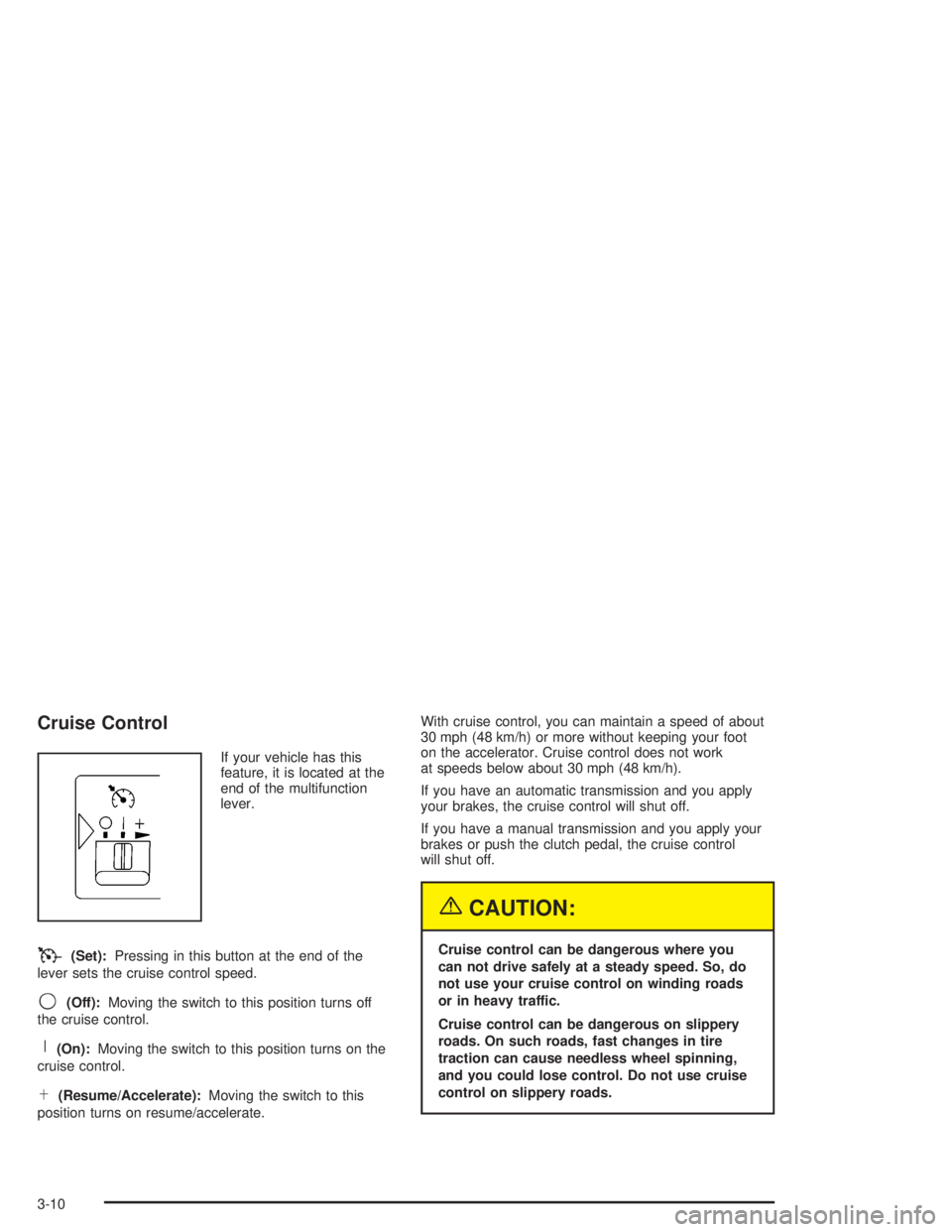
If your vehicle has this
feature, it is located at the
end of the multifunction
lever.
T(Set):Pressing in this button at the end of the
lever sets the cruise control speed.
9(Off):Moving the switch to this position turns off
the cruise control.
R(On):Moving the switch to this position turns on the
cruise control.
S(Resume/Accelerate):Moving the switch to this
position turns on resume/accelerate.With cruise control, you can maintain a speed of about
30 mph (48 km/h) or more without keeping your foot
on the accelerator. Cruise control does not work
at speeds below about 30 mph (48 km/h).
If you have an automatic transmission and you apply
your brakes, the cruise control will shut off.
If you have a manual transmission and you apply your
brakes or push the clutch pedal, the cruise control
will shut off.
{CAUTION:
Cruise control can be dangerous where you
can not drive safely at a steady speed. So, do
not use your cruise control on winding roads
or in heavy traffic.
Cruise control can be dangerous on slippery
roads. On such roads, fast changes in tire
traction can cause needless wheel spinning,
and you could lose control. Do not use cruise
control on slippery roads.
3-10
Page 122 of 366
Reducing Speed While Using Cruise
Control
Press in the button at the end of the lever until you
reach the lower speed you want, then release it.
To slow down in very small amounts, tap the button
briefly. Each time you do this, you’ll go 1 mph (1.6 km/h)
slower.
Passing Another Vehicle While Using
Cruise Control
Use the accelerator pedal to increase your speed.
When you take your foot off the pedal, your vehicle will
slow down to the cruise control speed you set earlier.
Using Cruise Control on Hills
How well your cruise control will work on hills depends
upon your speed, load and the steepness of the
hills. When going up steep hills, you may want to step
on the accelerator pedal to maintain your speed.
When going downhill, you may have to brake or shift to
a lower gear to keep your speed down. Of course,
applying the brake or clutch takes you out of cruise
control. Many drivers find this to be too much trouble
and don’t use cruise control on steep hills.
Ending Cruise Control
There are four different ways to turn off the cruise
control:
•Step lightly on the brake pedal (manual and
automatic transmissions).
•Press the clutch pedal to the floor (manual
transmissions).
•Move the cruise switch to off, or
•Shift the transmission to NEUTRAL (N).
Erasing Speed Memory
When you turn off the ignition, your cruise control set
speed memory is erased.
3-12
Page 125 of 366
Interior Lamps
Instrument Panel Brightness Control
This feature controls the brightness of the instrument
panel lights.
The thumbwheel for this feature is located to the right of
the exterior lamp control.
Turn the thumbwheel up to brighten the lights. When
the thumbwheel is moved to the first position, the radio
display and transmission selection display will go to
full intensity. The instrument panel cluster will also be
dimly lit. Moving the thumbwheel up to the next position
will activate the interior dome lamps.
Dome Lamps
The dome lamps will come on when you open a door.
You can also turn the dome lamps on by moving
the thumbwheel, located to the right of the exterior lamp
control, all the way up to the second position. In this
position, the dome lamps will remain on whether a door
is open or closed.
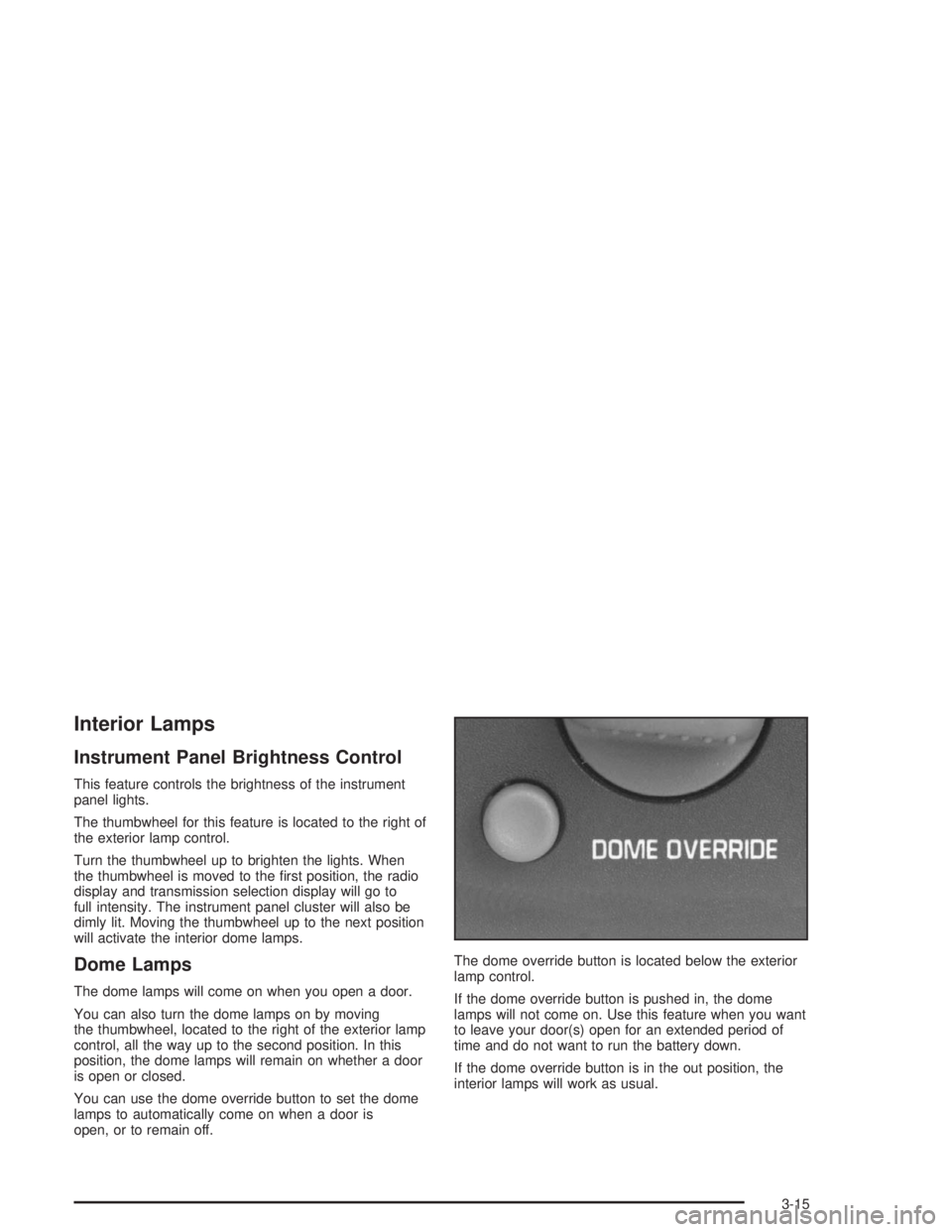
You can use the dome override button to set the dome
lamps to automatically come on when a door is
open, or to remain off.The dome override button is located below the exterior
lamp control.
If the dome override button is pushed in, the dome
lamps will not come on. Use this feature when you want
to leave your door(s) open for an extended period of
time and do not want to run the battery down.
If the dome override button is in the out position, the
interior lamps will work as usual.
3-15
Page 127 of 366
This switchbank is located in the center of the instrument
panel.
e(Marker Lamp Defeat Switch):See “Marker Lamp
Defeat Switch” underExterior Lamps on page 3-13.
j(Manual High Idle Switch):See “Manual High Idle
System” underStarting Your Diesel Engine on
page 2-14.
i(Traction Control Switch):SeeTraction Control
System (TCS) on page 4-11.
f(Outside Heated Mirror Switch):SeeOutside
Heated Mirrors on page 2-41.
g(Power Take Off Switch):SeePower Take-Off
(PTO) on page 4-36.
h(Rear Air Suspension Dump Control
Switch):See “Rear Air Suspension Dump Control”
underTwo-Speed Rear Axle Electric Shift Control
on page 2-26.
k(Rear Axle Shift Control Switch):See “Air Shift
Control” (Automatic Transmission) underTwo-Speed
Rear Axle Electric Shift Control on page 2-26.
Exhaust Brake Switch:SeeDiesel Engine Exhaust
Brake on page 2-25.
l(Differential Lock Control Switch):SeeRear
Axle Differential Lock Control on page 4-10.
cd(Air Bag Off Switch):SeeAir Bag Off Switch
on page 1-55.
If your vehicle does not have some of the features
controlled by these switches, there will be a blank switch
marker in its place.
Accessory Power Outlets
With accessory power outlets, you can plug in auxiliary
electrical equipment such as a cellular telephone or
CB radio.
The accessory power outlets are located on the
passenger’s side of the instrument panel.
To use an outlet, pull the cover down. When not using
it, always cover the outlet with the protective cap.
These circuits are protected by a fuse and have
maximum current levels.
Notice:Leaving electrical equipment on for
extended periods will drain the battery. Always turn
off electrical equipment when not in use and do
not plug in equipment that exceeds the maximum
amperage rating.
3-17
Page 141 of 366
Service Transmission Warning Light
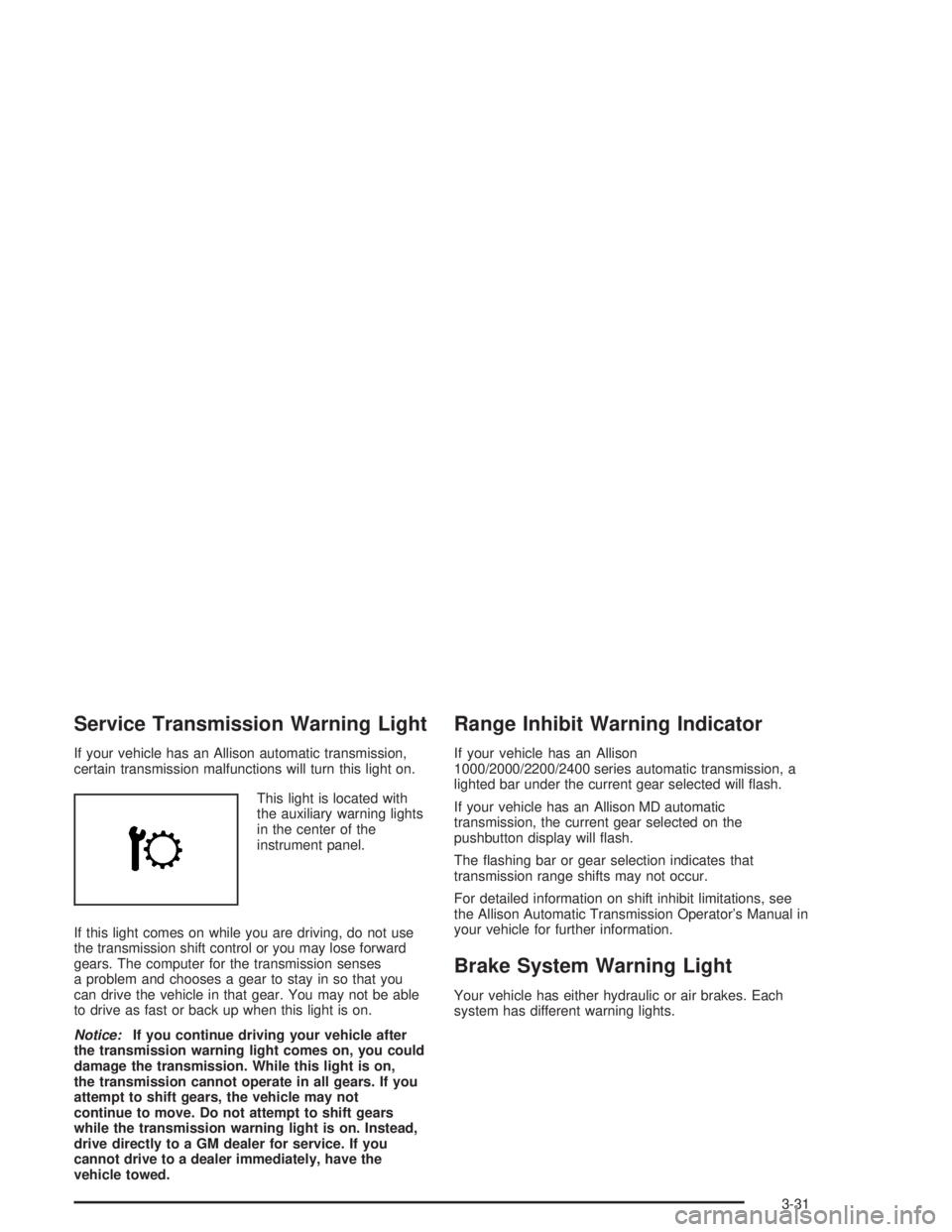
If your vehicle has an Allison automatic transmission,
certain transmission malfunctions will turn this light on.
This light is located with
the auxiliary warning lights
in the center of the
instrument panel.
If this light comes on while you are driving, do not use
the transmission shift control or you may lose forward
gears. The computer for the transmission senses
a problem and chooses a gear to stay in so that you
can drive the vehicle in that gear. You may not be able
to drive as fast or back up when this light is on.
Notice:If you continue driving your vehicle after
the transmission warning light comes on, you could
damage the transmission. While this light is on,
the transmission cannot operate in all gears. If you
attempt to shift gears, the vehicle may not
continue to move. Do not attempt to shift gears
while the transmission warning light is on. Instead,
drive directly to a GM dealer for service. If you
cannot drive to a dealer immediately, have the
vehicle towed.
Range Inhibit Warning Indicator
If your vehicle has an Allison
1000/2000/2200/2400 series automatic transmission, a
lighted bar under the current gear selected will flash.
If your vehicle has an Allison MD automatic
transmission, the current gear selected on the
pushbutton display will flash.
The flashing bar or gear selection indicates that
transmission range shifts may not occur.
For detailed information on shift inhibit limitations, see
the Allison Automatic Transmission Operator’s Manual in
your vehicle for further information.
Brake System Warning Light
Your vehicle has either hydraulic or air brakes. Each
system has different warning lights.
3-31
Page 150 of 366
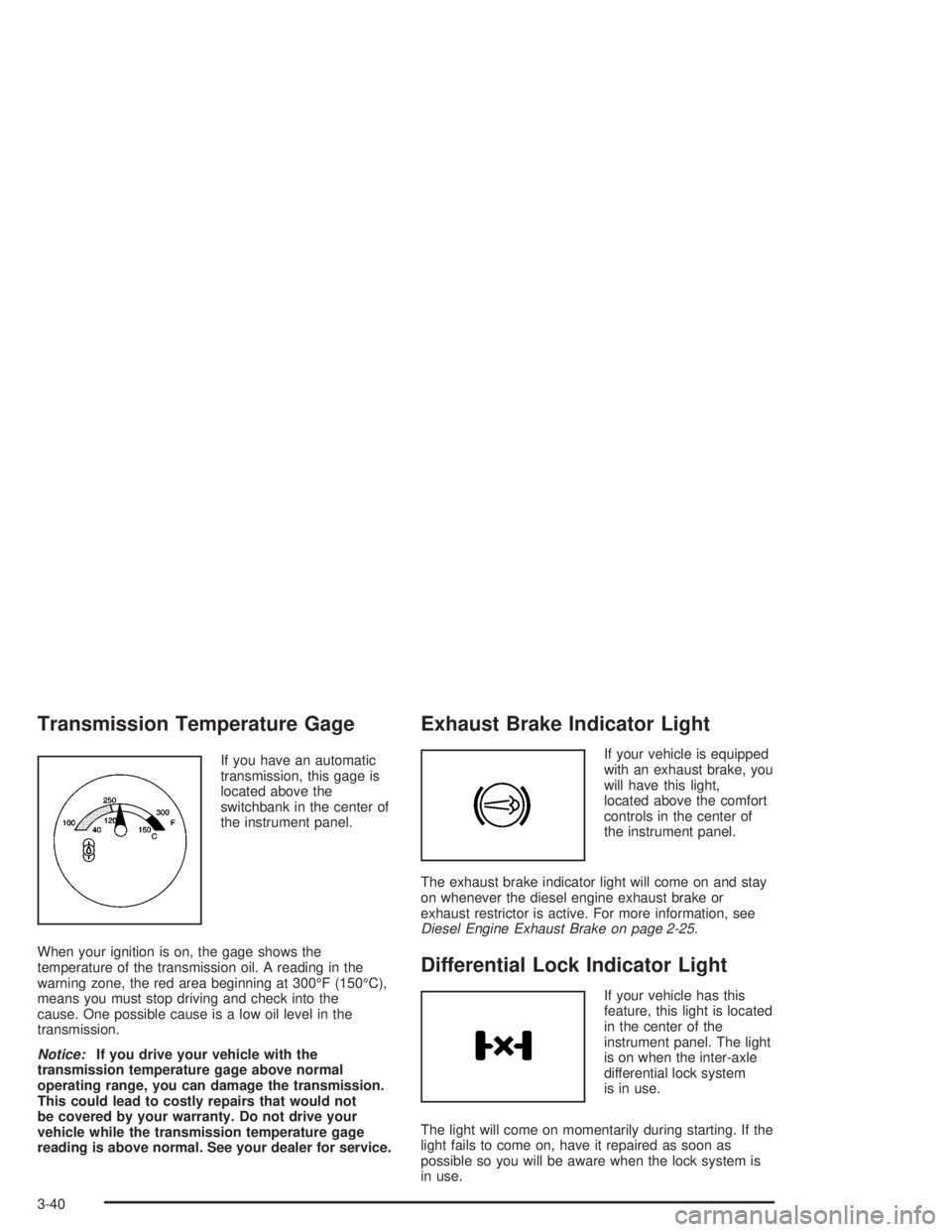
Transmission Temperature Gage
If you have an automatic
transmission, this gage is
located above the
switchbank in the center of
the instrument panel.
When your ignition is on, the gage shows the
temperature of the transmission oil. A reading in the
warning zone, the red area beginning at 300°F (150°C),
means you must stop driving and check into the
cause. One possible cause is a low oil level in the
transmission.
Notice:If you drive your vehicle with the
transmission temperature gage above normal
operating range, you can damage the transmission.
This could lead to costly repairs that would not
be covered by your warranty. Do not drive your
vehicle while the transmission temperature gage
reading is above normal. See your dealer for service.
Exhaust Brake Indicator Light
If your vehicle is equipped
with an exhaust brake, you
will have this light,
located above the comfort
controls in the center of
the instrument panel.
The exhaust brake indicator light will come on and stay
on whenever the diesel engine exhaust brake or
exhaust restrictor is active. For more information, see
Diesel Engine Exhaust Brake on page 2-25.
Differential Lock Indicator Light
If your vehicle has this
feature, this light is located
in the center of the
instrument panel. The light
is on when the inter-axle
differential lock system
is in use.
The light will come on momentarily during starting. If the
light fails to come on, have it repaired as soon as
possible so you will be aware when the lock system is
in use.
3-40
Page 181 of 366
Traction Control System (TCS)
Your vehicle may have a traction control system that
limits wheel spin. This is especially useful in slippery
road conditions. The system operates only if it senses
that one or both of the rear wheels are spinning or
beginning to lose traction. When this happens,
the system applies the brake(s) at the affected wheel(s).
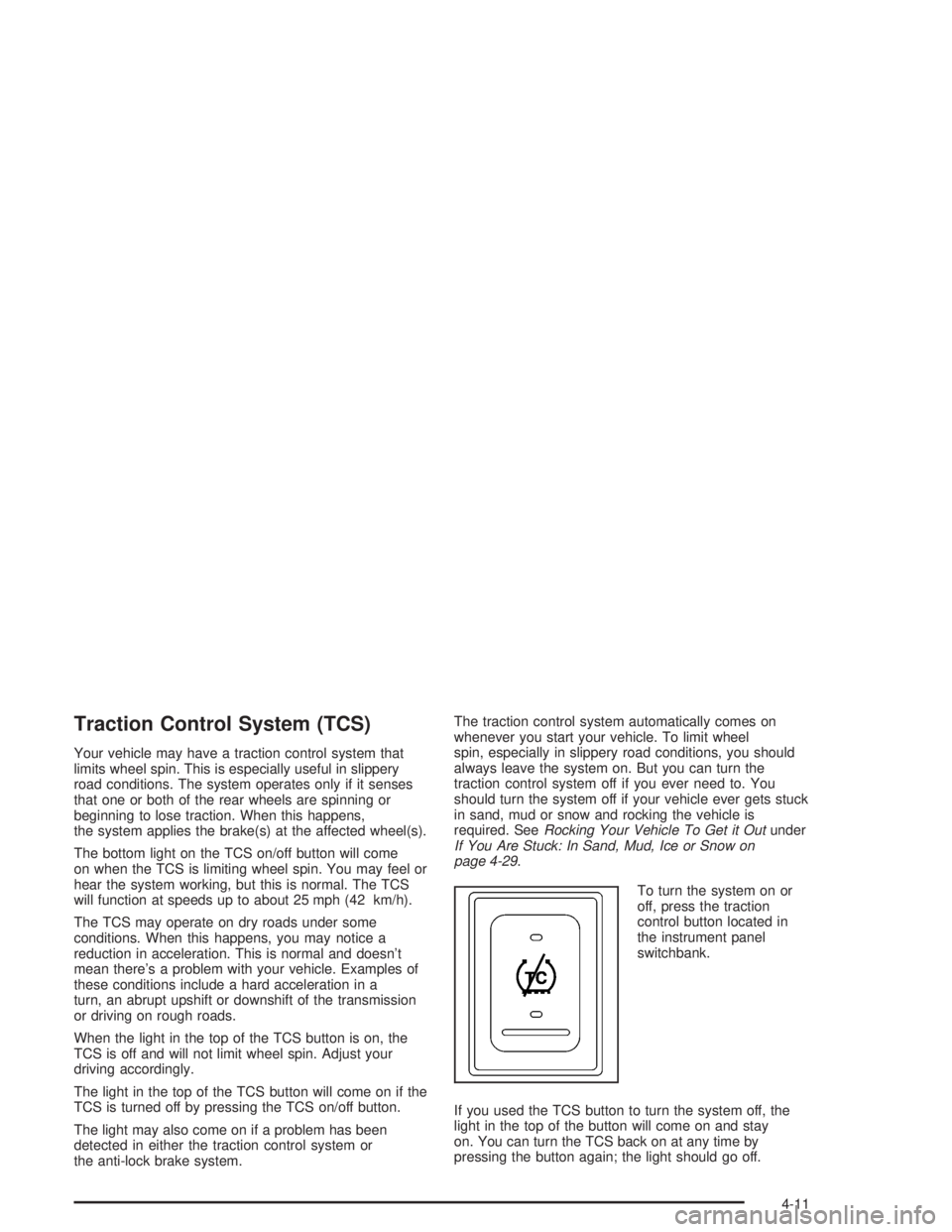
The bottom light on the TCS on/off button will come
on when the TCS is limiting wheel spin. You may feel or
hear the system working, but this is normal. The TCS
will function at speeds up to about 25 mph (42 km/h).
The TCS may operate on dry roads under some
conditions. When this happens, you may notice a
reduction in acceleration. This is normal and doesn’t
mean there’s a problem with your vehicle. Examples of
these conditions include a hard acceleration in a
turn, an abrupt upshift or downshift of the transmission
or driving on rough roads.
When the light in the top of the TCS button is on, the
TCS is off and will not limit wheel spin. Adjust your
driving accordingly.
The light in the top of the TCS button will come on if the
TCS is turned off by pressing the TCS on/off button.
The light may also come on if a problem has been
detected in either the traction control system or
the anti-lock brake system.The traction control system automatically comes on
whenever you start your vehicle. To limit wheel
spin, especially in slippery road conditions, you should
always leave the system on. But you can turn the
traction control system off if you ever need to. You
should turn the system off if your vehicle ever gets stuck
in sand, mud or snow and rocking the vehicle is
required. SeeRocking Your Vehicle To Get it Outunder
If You Are Stuck: In Sand, Mud, Ice or Snow on
page 4-29.
To turn the system on or
off, press the traction
control button located in
the instrument panel
switchbank.
If you used the TCS button to turn the system off, the
light in the top of the button will come on and stay
on. You can turn the TCS back on at any time by
pressing the button again; the light should go off.
4-11