instrument panel CHEVROLET KODIAK 2007 Workshop Manual
[x] Cancel search | Manufacturer: CHEVROLET, Model Year: 2007, Model line: KODIAK, Model: CHEVROLET KODIAK 2007Pages: 430, PDF Size: 6.06 MB
Page 179 of 430
The light will come on momentarily during starting.
If the light fails to come on, have it repaired as
soon as possible so you will be aware when
the lock system is in use.
SeeRear Axle Differential Lock Control on
page 215for more information.
Reduced Engine Power Light
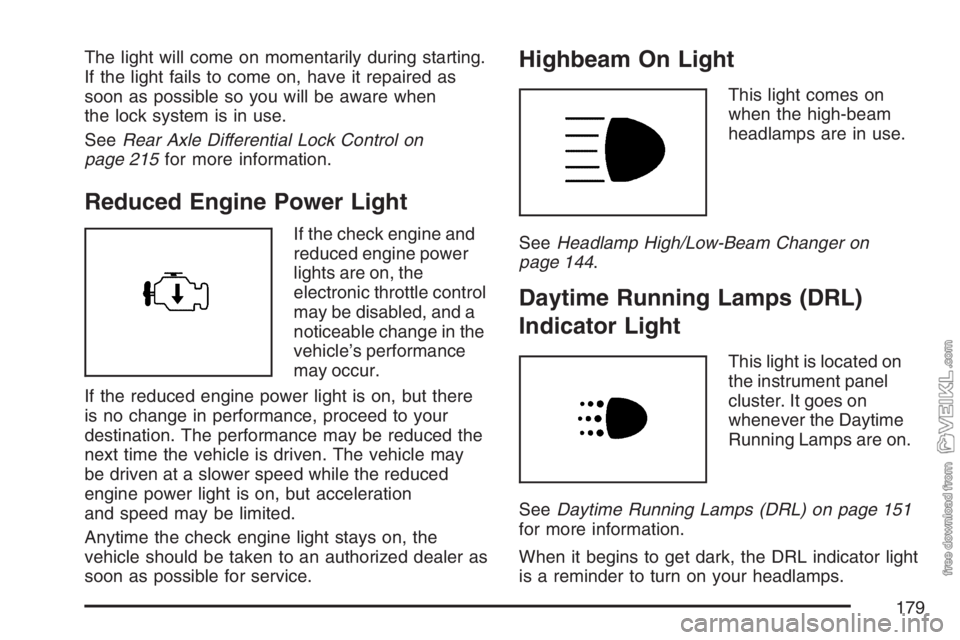
If the check engine and
reduced engine power
lights are on, the
electronic throttle control
may be disabled, and a
noticeable change in the
vehicle’s performance
may occur.
If the reduced engine power light is on, but there
is no change in performance, proceed to your
destination. The performance may be reduced the
next time the vehicle is driven. The vehicle may
be driven at a slower speed while the reduced
engine power light is on, but acceleration
and speed may be limited.
Anytime the check engine light stays on, the
vehicle should be taken to an authorized dealer as
soon as possible for service.
Highbeam On Light
This light comes on
when the high-beam
headlamps are in use.
SeeHeadlamp High/Low-Beam Changer on
page 144.
Daytime Running Lamps (DRL)
Indicator Light
This light is located on
the instrument panel
cluster. It goes on
whenever the Daytime
Running Lamps are on.
SeeDaytime Running Lamps (DRL) on page 151
for more information.
When it begins to get dark, the DRL indicator light
is a reminder to turn on your headlamps.
179
Page 180 of 430
Low Washer Fluid Warning Light
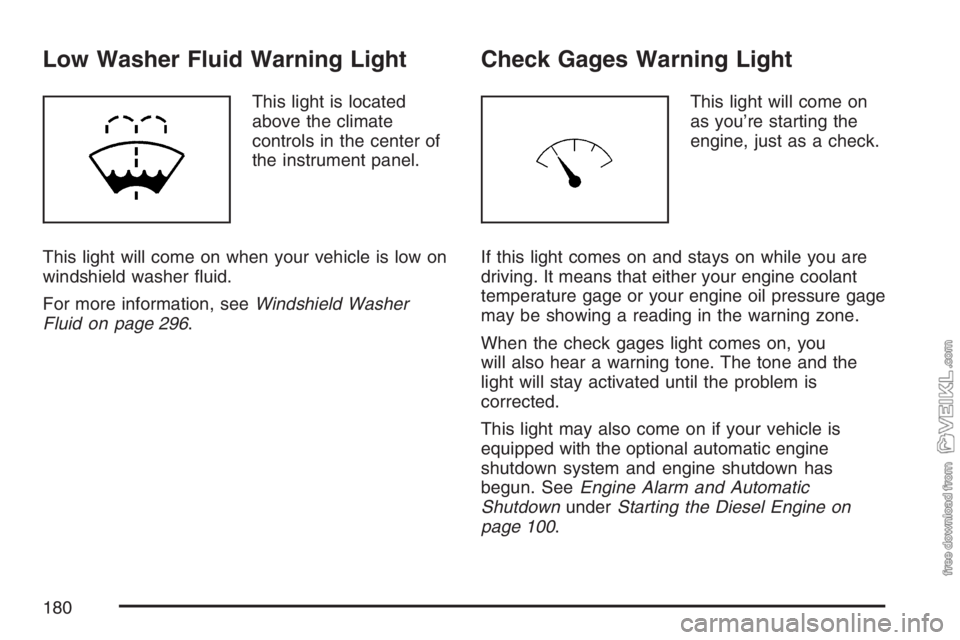
This light is located
above the climate
controls in the center of
the instrument panel.
This light will come on when your vehicle is low on
windshield washer fluid.
For more information, seeWindshield Washer
Fluid on page 296.
Check Gages Warning Light
This light will come on
as you’re starting the
engine, just as a check.
If this light comes on and stays on while you are
driving. It means that either your engine coolant
temperature gage or your engine oil pressure gage
may be showing a reading in the warning zone.
When the check gages light comes on, you
will also hear a warning tone. The tone and the
light will stay activated until the problem is
corrected.
This light may also come on if your vehicle is
equipped with the optional automatic engine
shutdown system and engine shutdown has
begun. SeeEngine Alarm and Automatic
ShutdownunderStarting the Diesel Engine on
page 100.
180
Page 181 of 430
Fuel Gage
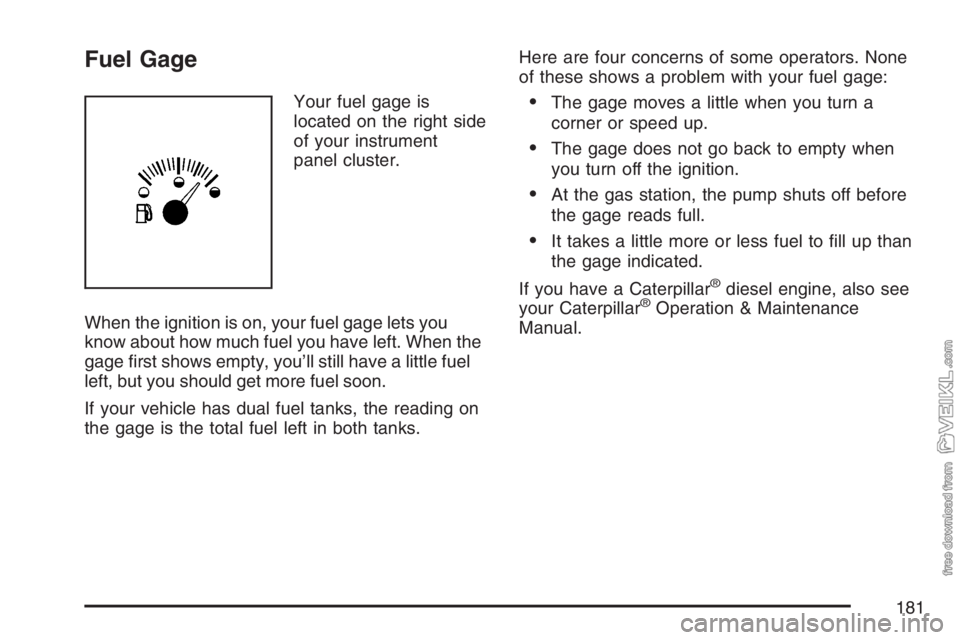
Your fuel gage is
located on the right side
of your instrument
panel cluster.
When the ignition is on, your fuel gage lets you
know about how much fuel you have left. When the
gage first shows empty, you’ll still have a little fuel
left, but you should get more fuel soon.
If your vehicle has dual fuel tanks, the reading on
the gage is the total fuel left in both tanks.Here are four concerns of some operators. None
of these shows a problem with your fuel gage:•The gage moves a little when you turn a
corner or speed up.
•The gage does not go back to empty when
you turn off the ignition.
•At the gas station, the pump shuts off before
the gage reads full.
•It takes a little more or less fuel to fill up than
the gage indicated.
If you have a Caterpillar
®diesel engine, also see
your Caterpillar®Operation & Maintenance
Manual.
181
Page 182 of 430
Water in Fuel Warning Light
This light is located
above the climate
controls in the center of
the instrument panel.
If your vehicle has the 6.6L DURAMAX
®or Isuzu
6H diesel engine, this light will come on to
warn you that there is water in the fuel system.
For more information on how this light works, see
Water in Fuel on page 256.
Air Filter Restriction Indicator
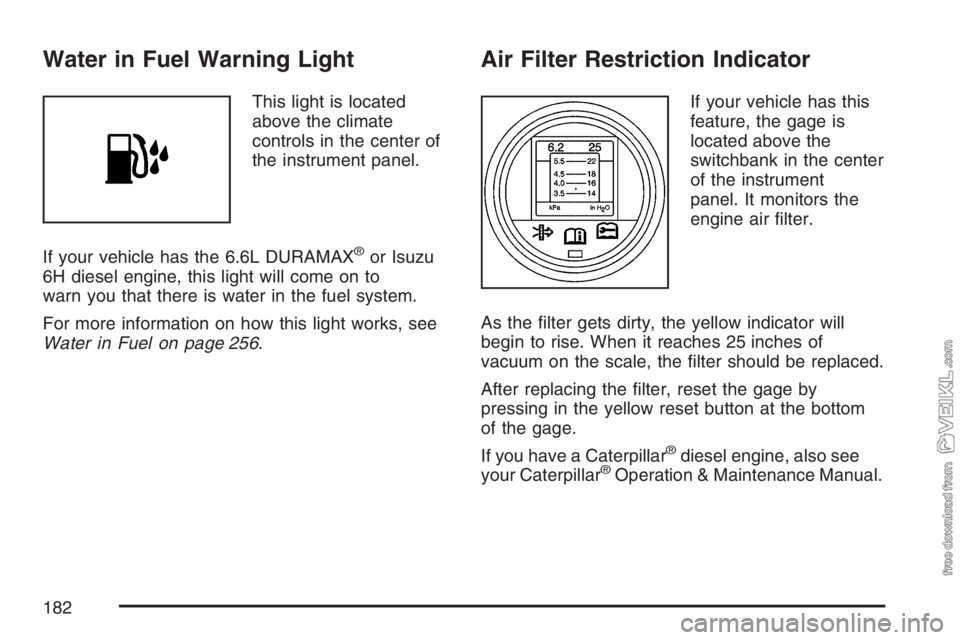
If your vehicle has this
feature, the gage is
located above the
switchbank in the center
of the instrument
panel. It monitors the
engine air filter.
As the filter gets dirty, the yellow indicator will
begin to rise. When it reaches 25 inches of
vacuum on the scale, the filter should be replaced.
After replacing the filter, reset the gage by
pressing in the yellow reset button at the bottom
of the gage.
If you have a Caterpillar
®diesel engine, also see
your Caterpillar®Operation & Maintenance Manual.
182
Page 183 of 430
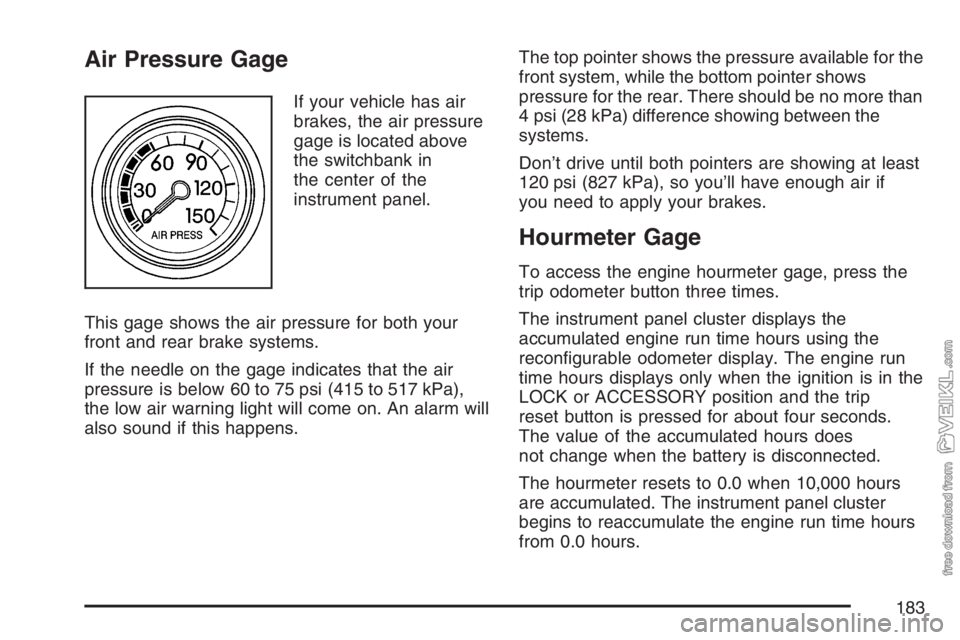
Air Pressure Gage
If your vehicle has air
brakes, the air pressure
gage is located above
the switchbank in
the center of the
instrument panel.
This gage shows the air pressure for both your
front and rear brake systems.
If the needle on the gage indicates that the air
pressure is below 60 to 75 psi (415 to 517 kPa),
the low air warning light will come on. An alarm will
also sound if this happens.The top pointer shows the pressure available for the
front system, while the bottom pointer shows
pressure for the rear. There should be no more than
4 psi (28 kPa) difference showing between the
systems.
Don’t drive until both pointers are showing at least
120 psi (827 kPa), so you’ll have enough air if
you need to apply your brakes.
Hourmeter Gage
To access the engine hourmeter gage, press the
trip odometer button three times.
The instrument panel cluster displays the
accumulated engine run time hours using the
reconfigurable odometer display. The engine run
time hours displays only when the ignition is in the
LOCK or ACCESSORY position and the trip
reset button is pressed for about four seconds.
The value of the accumulated hours does
not change when the battery is disconnected.
The hourmeter resets to 0.0 when 10,000 hours
are accumulated. The instrument panel cluster
begins to reaccumulate the engine run time hours
from 0.0 hours.
183
Page 215 of 430
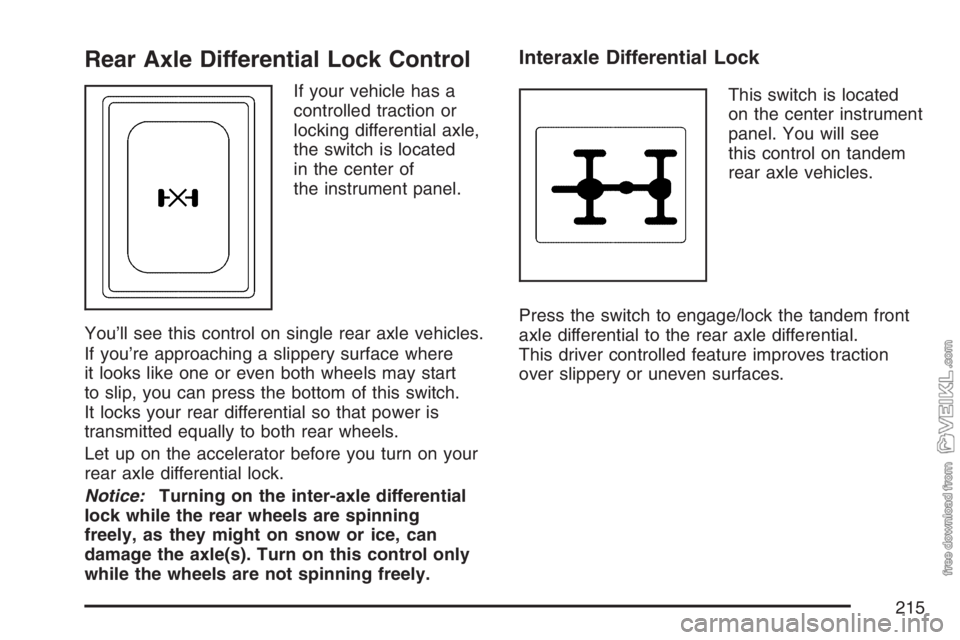
Rear Axle Differential Lock Control
If your vehicle has a
controlled traction or
locking differential axle,
the switch is located
in the center of
the instrument panel.
You’ll see this control on single rear axle vehicles.
If you’re approaching a slippery surface where
it looks like one or even both wheels may start
to slip, you can press the bottom of this switch.
It locks your rear differential so that power is
transmitted equally to both rear wheels.
Let up on the accelerator before you turn on your
rear axle differential lock.
Notice:Turning on the inter-axle differential
lock while the rear wheels are spinning
freely, as they might on snow or ice, can
damage the axle(s). Turn on this control only
while the wheels are not spinning freely.
Interaxle Differential Lock
This switch is located
on the center instrument
panel. You will see
this control on tandem
rear axle vehicles.
Press the switch to engage/lock the tandem front
axle differential to the rear axle differential.
This driver controlled feature improves traction
over slippery or uneven surfaces.
215
Page 217 of 430
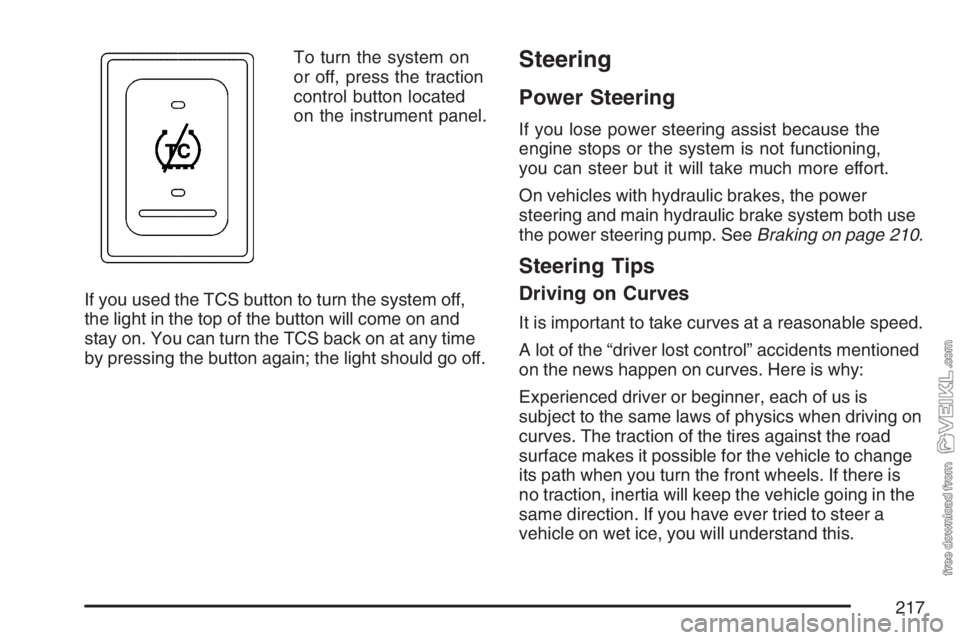
To turn the system on
or off, press the traction
control button located
on the instrument panel.
If you used the TCS button to turn the system off,
the light in the top of the button will come on and
stay on. You can turn the TCS back on at any time
by pressing the button again; the light should go off.Steering
Power Steering
If you lose power steering assist because the
engine stops or the system is not functioning,
you can steer but it will take much more effort.
On vehicles with hydraulic brakes, the power
steering and main hydraulic brake system both use
the power steering pump. SeeBraking on page 210.
Steering Tips
Driving on Curves
It is important to take curves at a reasonable speed.
A lot of the “driver lost control” accidents mentioned
on the news happen on curves. Here is why:
Experienced driver or beginner, each of us is
subject to the same laws of physics when driving on
curves. The traction of the tires against the road
surface makes it possible for the vehicle to change
its path when you turn the front wheels. If there is
no traction, inertia will keep the vehicle going in the
same direction. If you have ever tried to steer a
vehicle on wet ice, you will understand this.
217
Page 247 of 430
Appearance Care........................................ 331
Cleaning the Inside of Your Vehicle.......... 331
Fabric/Carpet............................................. 333
Instrument Panel, Vinyl, and Other
Plastic Surfaces..................................... 334
Care of Safety Belts.................................. 334
Weatherstrips............................................ 334
Washing Your Vehicle............................... 335
Cleaning Exterior Lamps/Lenses................ 335
Finish Care............................................... 335
Windshield and Wiper Blades.................... 336
Aluminum or Chrome-Plated Wheels......... 337
Tires......................................................... 337
Sheet Metal Damage................................. 337
Finish Damage.......................................... 338
Underbody Maintenance............................ 338
Chemical Paint Spotting............................ 338Vehicle Identication.................................. 340
Vehicle Identification Number (VIN)........... 340
Service Parts Identification Label............... 340
Electrical System........................................ 340
Add-On Electrical Equipment..................... 340
Headlamp Wiring....................................... 341
Windshield Wiper Fuses............................ 341
Fusible Links............................................. 341
Power Windows and Other Power
Options.................................................. 341
Fuses and Circuit Breakers....................... 341
Instrument Panel Fuse Block..................... 342
Underhood Fuse Block.............................. 344
Capacities and Specications.................... 347
Normal Maintenance Replacement Parts..... 352
Engine Drive Belt Routing......................... 355
Section 5 Service and Appearance Care
247
Page 256 of 430
Very Cold Weather Operation
Follow the instructions listed previously under the
heading “What Fuel to Use.”
Notice:Never use home heating oil or
gasoline in your diesel engine. They can cause
engine damage.
In cold weather, your fuel filter may become
clogged (waxed). To unclog it, move the vehicle to
a warm garage area and warm the filter to
between 32°F and 50°F (0°C to 10°C). You will
not need to replace it. Additional information on the
fuel filter follows.
Water in Fuel
{CAUTION:
Diesel fuel containing water is still
ammable. You could be burned. If you
ever try to drain water from your fuel,
keep sparks, ames and smoking
materials away from the mixture.Notice:If there is water in your diesel fuel
and the weather is warm or humid, fungus and
bacteria can grow in the fuel. They can
damage your fuel system. A diesel fuel biocide
can be used to sterilize your fuel system.
However, your fuel system may still need to be
cleaned. Your dealer can advise you of the
appropriate solution.
If your fuel tank needs to be purged to remove
water, see your dealer or a qualied technician.
Improper purging can damage your fuel system.
Sometimes, water can be pumped into your fuel
tank along with your diesel fuel. This can happen if
a service station does not regularly inspect and
clean its fuel tanks, or if it gets contaminated fuel
from its suppliers.
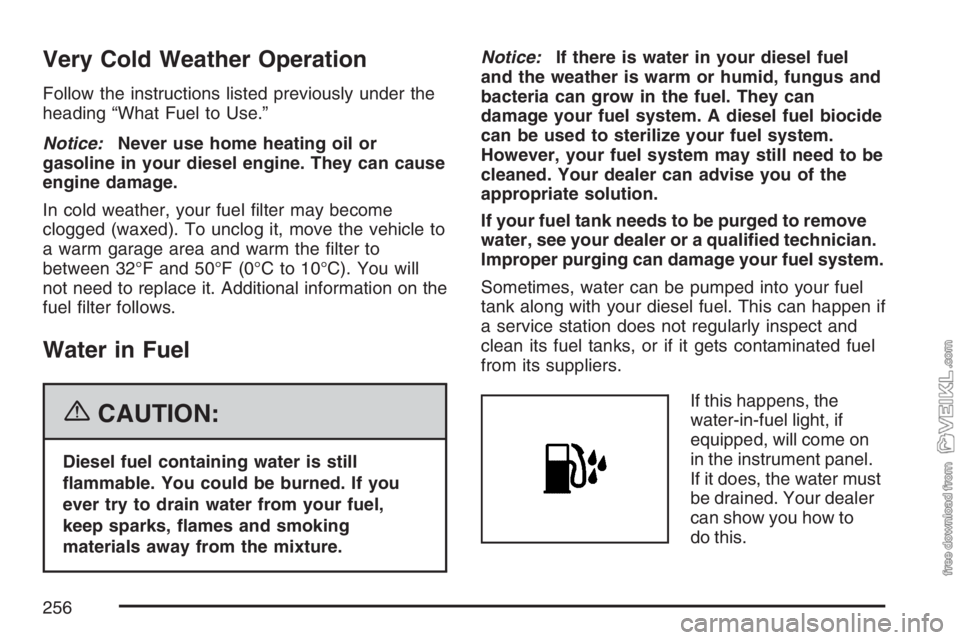
If this happens, the
water-in-fuel light, if
equipped, will come on
in the instrument panel.
If it does, the water must
be drained. Your dealer
can show you how to
do this.
256
Page 287 of 430
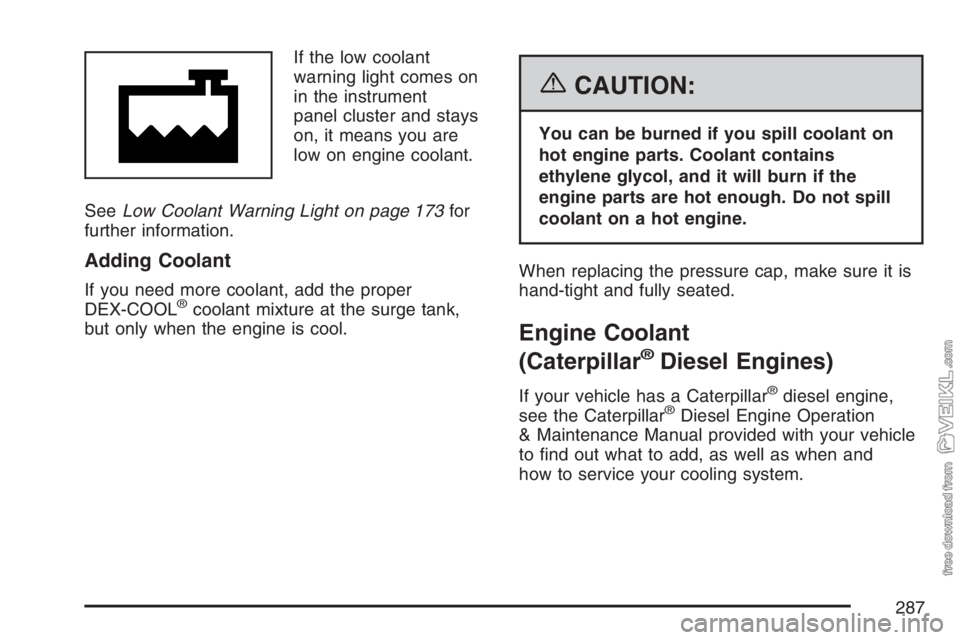
If the low coolant
warning light comes on
in the instrument
panel cluster and stays
on, it means you are
low on engine coolant.
SeeLow Coolant Warning Light on page 173for
further information.
Adding Coolant
If you need more coolant, add the proper
DEX-COOL®coolant mixture at the surge tank,
but only when the engine is cool.
{CAUTION:
You can be burned if you spill coolant on
hot engine parts. Coolant contains
ethylene glycol, and it will burn if the
engine parts are hot enough. Do not spill
coolant on a hot engine.
When replacing the pressure cap, make sure it is
hand-tight and fully seated.
Engine Coolant
(Caterpillar
®Diesel Engines)
If your vehicle has a Caterpillar®diesel engine,
see the Caterpillar®Diesel Engine Operation
& Maintenance Manual provided with your vehicle
to find out what to add, as well as when and
how to service your cooling system.
287