steering CHEVROLET KODIAK 2009 User Guide
[x] Cancel search | Manufacturer: CHEVROLET, Model Year: 2009, Model line: KODIAK, Model: CHEVROLET KODIAK 2009Pages: 376, PDF Size: 5.39 MB
Page 124 of 376
Hazard Warning Flashers
|(Hazard Warning Flasher):Press this button
located on top of the steering column, to make the front
and rear turn signal lamps flash on and off. This warns
others that you are having trouble. Press again to turn the
flashers off.
When the hazard warning flashers are on, the vehicle’s
turn signals will not work.
Horn
Sound the horn by pushing the center of the steering
wheel. If you have the optional air horn, it is controlled
by a cord that you will find up above and to the left
of the driver. The harder the cord is pulled, the louder
the air horn will sound. The air horn works only after the
air brake system pressure gets up to about 115 psi
(790 kPa). The air horn will work properly unless the air
brake system pressure drops below 60 psi (415 kPa).
Tilt Wheel
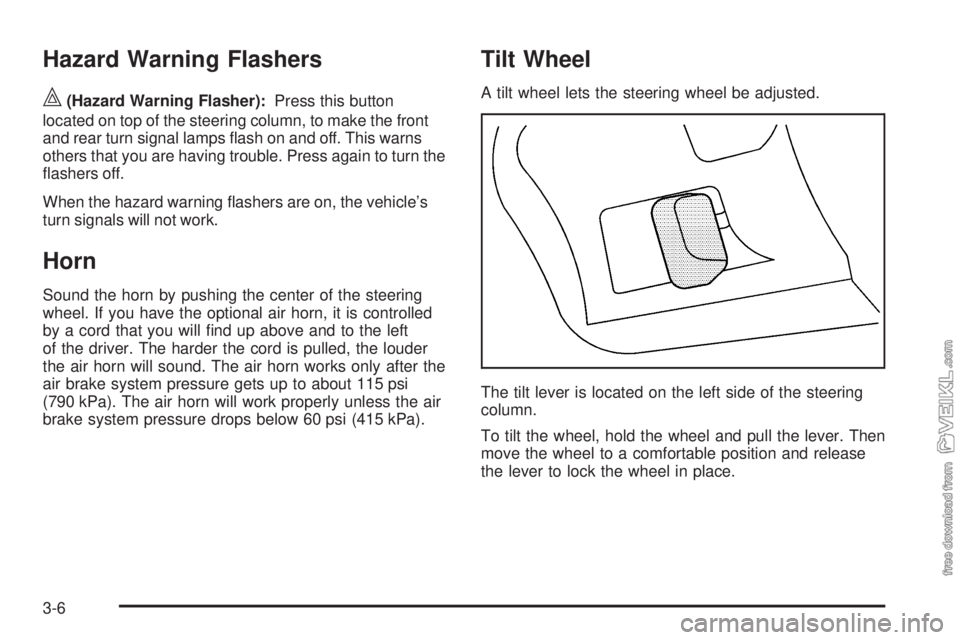
A tilt wheel lets the steering wheel be adjusted.
The tilt lever is located on the left side of the steering
column.
To tilt the wheel, hold the wheel and pull the lever. Then
move the wheel to a comfortable position and release
the lever to lock the wheel in place.
3-6
Page 125 of 376
Turn Signal/Multifunction Lever
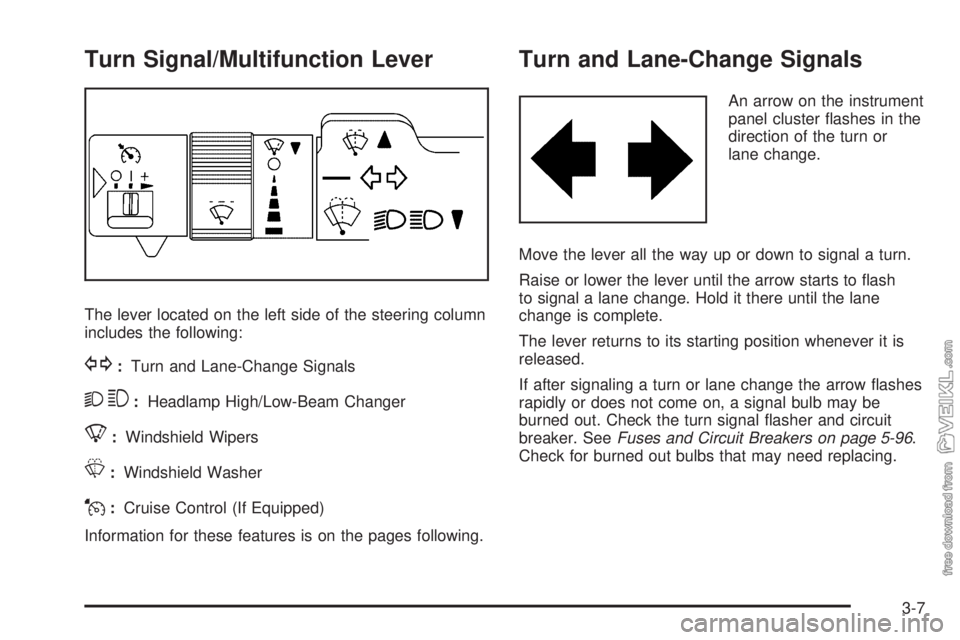
The lever located on the left side of the steering column
includes the following:
G:Turn and Lane-Change Signals
23:Headlamp High/Low-Beam Changer
8:Windshield Wipers
L:Windshield Washer
J:Cruise Control (If Equipped)
Information for these features is on the pages following.
Turn and Lane-Change Signals
An arrow on the instrument
panel cluster flashes in the
direction of the turn or
lane change.
Move the lever all the way up or down to signal a turn.
Raise or lower the lever until the arrow starts to flash
to signal a lane change. Hold it there until the lane
change is complete.
The lever returns to its starting position whenever it is
released.
If after signaling a turn or lane change the arrow flashes
rapidly or does not come on, a signal bulb may be
burned out. Check the turn signal flasher and circuit
breaker. SeeFuses and Circuit Breakers on page 5-96.
Check for burned out bulbs that may need replacing.
3-7
Page 132 of 376
Exterior Lamps
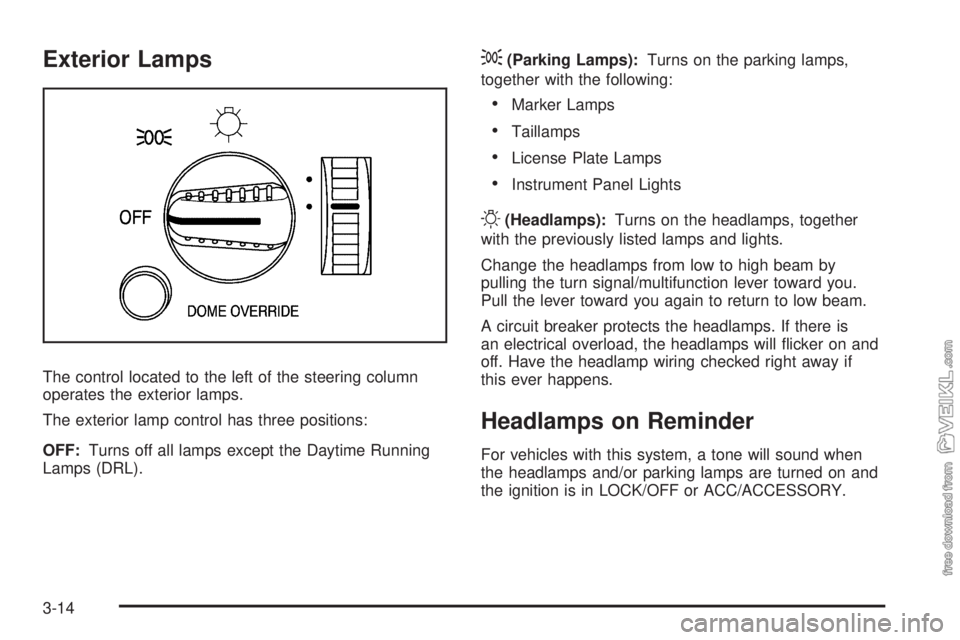
The control located to the left of the steering column
operates the exterior lamps.
The exterior lamp control has three positions:
OFF:Turns off all lamps except the Daytime Running
Lamps (DRL).
;(Parking Lamps):Turns on the parking lamps,
together with the following:
•Marker Lamps
•Taillamps
•License Plate Lamps
•Instrument Panel Lights
O(Headlamps):Turns on the headlamps, together
with the previously listed lamps and lights.
Change the headlamps from low to high beam by
pulling the turn signal/multifunction lever toward you.
Pull the lever toward you again to return to low beam.
A circuit breaker protects the headlamps. If there is
an electrical overload, the headlamps will flicker on and
off. Have the headlamp wiring checked right away if
this ever happens.
Headlamps on Reminder
For vehicles with this system, a tone will sound when
the headlamps and/or parking lamps are turned on and
the ignition is in LOCK/OFF or ACC/ACCESSORY.
3-14
Page 147 of 376
{CAUTION:
If the airbag readiness light ever comes on and
stays on, it means that something may be wrong
with the airbag system. For example, the right
front passenger airbag could inflate even though
the airbag on-off switch is turned off.
To help avoid injury to yourself or others, have the
vehicle serviced right away. SeeAirbag Readiness
Light on page 3-27for more information, including
important safety information.
If the word ON is lit, it means that the right front
passenger frontal airbag is enabled (may inflate). See
Airbag Off Switch on page 1-55for more on this,
including important safety information.
Charging System Light
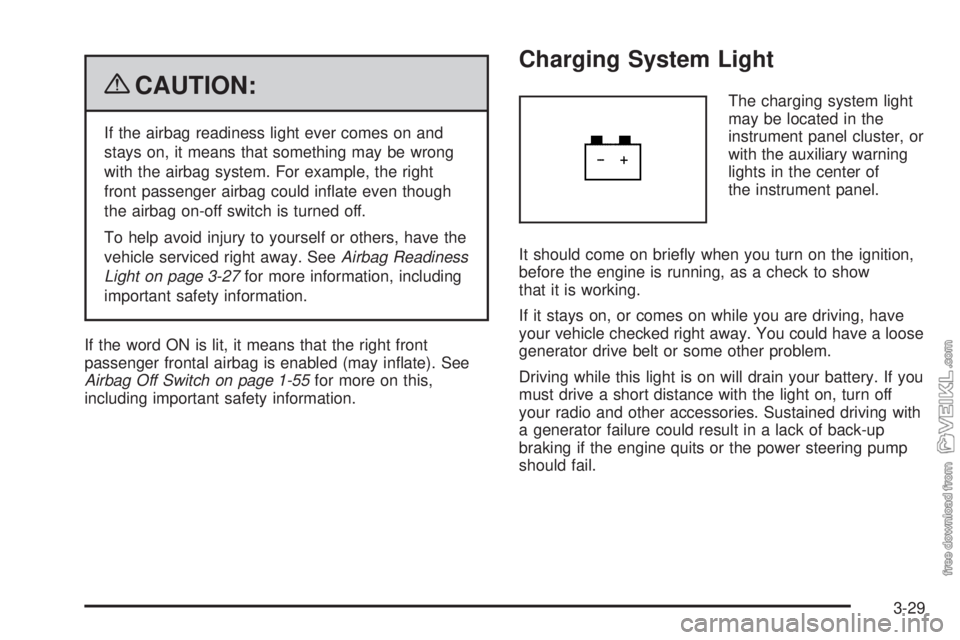
The charging system light
may be located in the
instrument panel cluster, or
with the auxiliary warning
lights in the center of
the instrument panel.
It should come on briefly when you turn on the ignition,
before the engine is running, as a check to show
that it is working.
If it stays on, or comes on while you are driving, have
your vehicle checked right away. You could have a loose
generator drive belt or some other problem.
Driving while this light is on will drain your battery. If you
must drive a short distance with the light on, turn off
your radio and other accessories. Sustained driving with
a generator failure could result in a lack of back-up
braking if the engine quits or the power steering pump
should fail.
3-29
Page 177 of 376
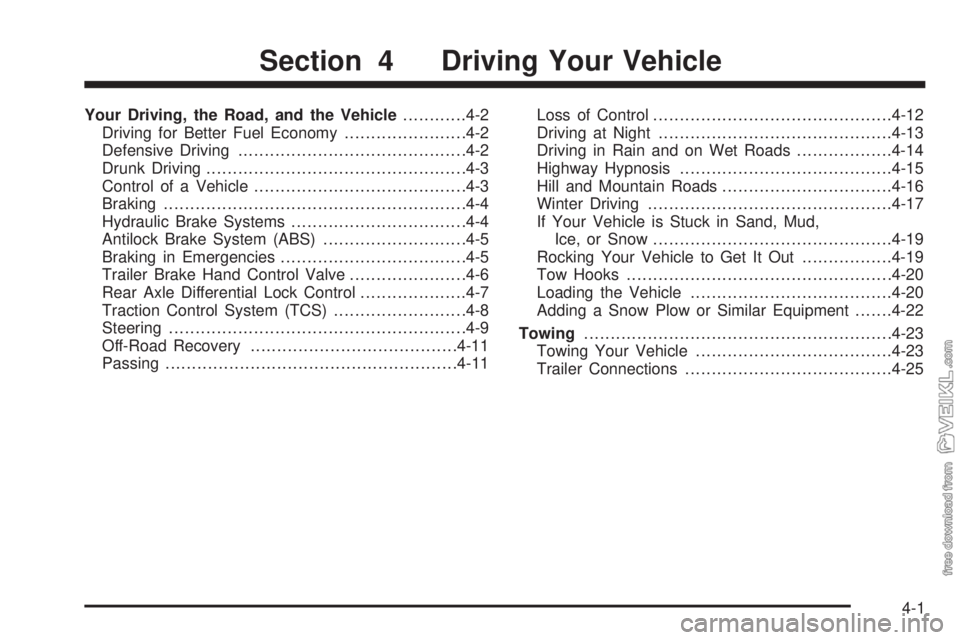
Your Driving, the Road, and the Vehicle............4-2
Driving for Better Fuel Economy.......................4-2
Defensive Driving...........................................4-2
Drunk Driving.................................................4-3
Control of a Vehicle........................................4-3
Braking.........................................................4-4
Hydraulic Brake Systems.................................4-4
Antilock Brake System (ABS)...........................4-5
Braking in Emergencies...................................4-5
Trailer Brake Hand Control Valve......................4-6
Rear Axle Differential Lock Control....................4-7
Traction Control System (TCS).........................4-8
Steering........................................................4-9
Off-Road Recovery.......................................4-11
Passing.......................................................4-11Loss of Control.............................................4-12
Driving at Night............................................4-13
Driving in Rain and on Wet Roads..................4-14
Highway Hypnosis........................................4-15
Hill and Mountain Roads................................4-16
Winter Driving..............................................4-17
If Your Vehicle is Stuck in Sand, Mud,
Ice, or Snow.............................................4-19
Rocking Your Vehicle to Get It Out.................4-19
Tow Hooks..................................................4-20
Loading the Vehicle......................................4-20
Adding a Snow Plow or Similar Equipment.......4-22
Towing..........................................................4-23
Towing Your Vehicle.....................................4-23
Trailer Connections.......................................4-25
Section 4 Driving Your Vehicle
4-1
Page 179 of 376
Drunk Driving
{CAUTION:
Drinking and then driving is very dangerous. Your
reflexes, perceptions, attentiveness, and judgment
can be affected by even a small amount of alcohol.
You can have a serious — or even fatal — collision
if you drive after drinking. Do not drink and drive or
ride with a driver who has been drinking. Ride home
in a cab; or if you are with a group, designate a
driver who will not drink.
Death and injury associated with drinking and driving is
a global tragedy.
Alcohol affects four things that anyone needs to drive a
vehicle: judgment, muscular coordination, vision, and
attentiveness.
Police records show that almost 40 percent of all motor
vehicle-related deaths involve alcohol. In most cases,
these deaths are the result of someone who was drinking
and driving. In recent years, more than 17,000 annual
motor vehicle-related deaths have been associated with
the use of alcohol, with about 250,000 people injured.For persons under 21, it is against the law in every
U.S. state to drink alcohol. There are good medical,
psychological, and developmental reasons for
these laws.
The obvious way to eliminate the leading highway
safety problem is for people never to drink alcohol and
then drive.
Medical research shows that alcohol in a person’s
system can make crash injuries worse, especially
injuries to the brain, spinal cord, or heart. This means
that when anyone who has been drinking — driver
or passenger — is in a crash, that person’s chance of
being killed or permanently disabled is higher than if the
person had not been drinking.
Control of a Vehicle
The following three systems help to control the vehicle
while driving — brakes, steering, and accelerator.
At times, as when driving on snow or ice, it is easy
to ask more of those control systems than the tires and
road can provide. Meaning, you can lose control of
the vehicle.
4-3
Page 180 of 376
Braking
SeeBrake System Warning Light on page 3-31.
Braking action involves perception time and reaction
time. Deciding to push the brake pedal is perception
time. Actually doing it is reaction time.
Average reaction time is about three-fourths of a
second. But that is only an average. It might be less
with one driver and as long as two or three seconds or
more with another. Age, physical condition, alertness,
coordination and eyesight all play a part. So do alcohol,
drugs and frustration. But even in three-fourths of a
second, a vehicle moving at 60 mph (100 km/h) travels
66 feet (20 m). That could be a lot of distance in an
emergency, so keeping enough space between
the vehicle and others is important.
And, of course, actual stopping distances vary greatly
with the surface of the road, whether it is pavement
or gravel; the condition of the road, whether it is wet, dry
or icy; tire tread; the condition of the brakes; the
weight of the vehicle; the weight of the load; and the
amount of brake force applied.
Avoid needless heavy braking. Some people drive
in spurts — heavy acceleration followed by heavy
braking — rather than keeping pace with traffic. This is
a mistake. The brakes might not have time to cool
between hard stops. The brakes will wear out much
faster with a lot of heavy braking. Keeping pace with thetraffic and allowing realistic following distances
eliminates a lot of unnecessary braking. That means
better braking and longer brake life.
If the engine ever stops while the vehicle is being driven,
brake normally but do not pump the brakes. If the brakes
are pumped, the pedal could get harder to push down.
If the engine stops, there will still be some power brake
assist but it will be used when the brake is applied. Once
the power assist is used up, it can take longer to stop and
the brake pedal will be harder to push.
Hydraulic Brake Systems
If the engine stops running, or if the primary brake system
stops working, your vehicle has a reserve power assist
system to help you slow down. Just slowly and steadily
apply the brake pedal until you can safely get off the road.
The pedal will seem harder to push down. Do not pump
the pedal; the system will not work well that way.
You might find that the steering wheel seems hard to
turn when you are turning and braking at the same time.
Also, the primary brake warning light might come on
and the warning tone might sound. This is normal
because the main hydraulic brake system and power
steering both use the power steering pump. If this ever
happens, let up on the brake pedal a little. When
you let up on the brake pedal in that situation, it lets the
steering get a little more help from the pump.
4-4
Page 181 of 376
Antilock Brake System (ABS)
This vehicle has the Antilock Brake System (ABS), an
advanced electronic braking system that helps prevent a
braking skid.
When the engine is started and the vehicle begins to
drive away, ABS checks itself. A momentary motor
or clicking noise might be heard while this test is going
on. This is normal.
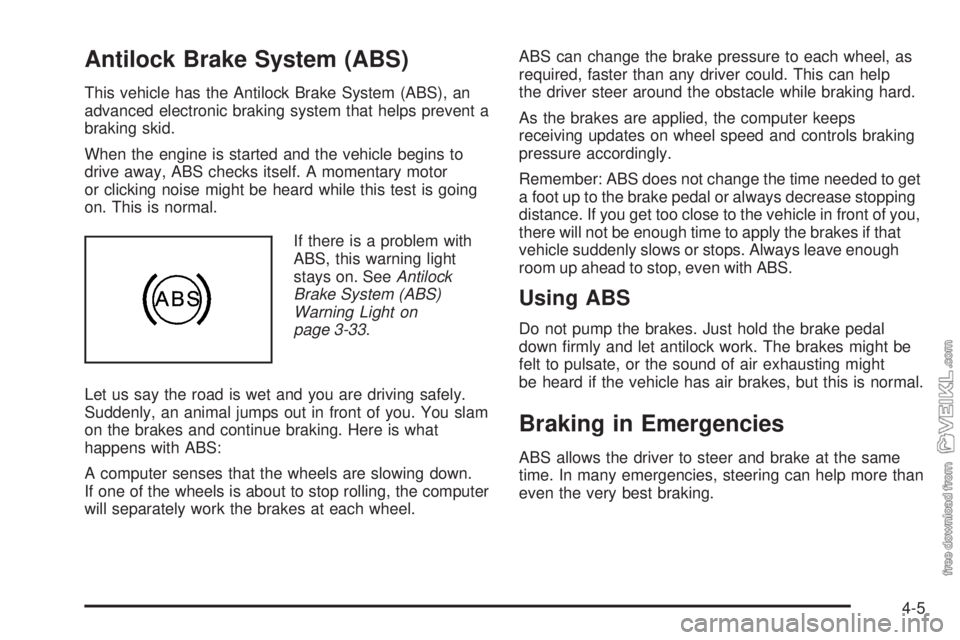
If there is a problem with
ABS, this warning light
stays on. SeeAntilock
Brake System (ABS)
Warning Light on
page 3-33.
Let us say the road is wet and you are driving safely.
Suddenly, an animal jumps out in front of you. You slam
on the brakes and continue braking. Here is what
happens with ABS:
A computer senses that the wheels are slowing down.
If one of the wheels is about to stop rolling, the computer
will separately work the brakes at each wheel.ABS can change the brake pressure to each wheel, as
required, faster than any driver could. This can help
the driver steer around the obstacle while braking hard.
As the brakes are applied, the computer keeps
receiving updates on wheel speed and controls braking
pressure accordingly.
Remember: ABS does not change the time needed to get
a foot up to the brake pedal or always decrease stopping
distance. If you get too close to the vehicle in front of you,
there will not be enough time to apply the brakes if that
vehicle suddenly slows or stops. Always leave enough
room up ahead to stop, even with ABS.
Using ABS
Do not pump the brakes. Just hold the brake pedal
down firmly and let antilock work. The brakes might be
felt to pulsate, or the sound of air exhausting might
be heard if the vehicle has air brakes, but this is normal.
Braking in Emergencies
ABS allows the driver to steer and brake at the same
time. In many emergencies, steering can help more than
even the very best braking.
4-5
Page 185 of 376
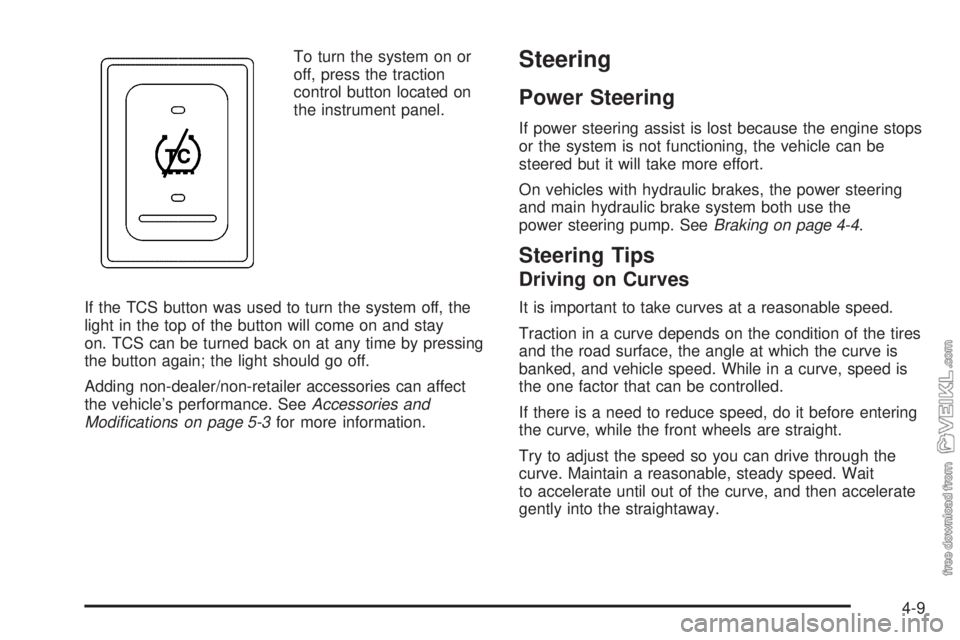
To turn the system on or
off, press the traction
control button located on
the instrument panel.
If the TCS button was used to turn the system off, the
light in the top of the button will come on and stay
on. TCS can be turned back on at any time by pressing
the button again; the light should go off.
Adding non-dealer/non-retailer accessories can affect
the vehicle’s performance. SeeAccessories and
Modifications on page 5-3for more information.Steering
Power Steering
If power steering assist is lost because the engine stops
or the system is not functioning, the vehicle can be
steered but it will take more effort.
On vehicles with hydraulic brakes, the power steering
and main hydraulic brake system both use the
power steering pump. SeeBraking on page 4-4.
Steering Tips
Driving on Curves
It is important to take curves at a reasonable speed.
Traction in a curve depends on the condition of the tires
and the road surface, the angle at which the curve is
banked, and vehicle speed. While in a curve, speed is
the one factor that can be controlled.
If there is a need to reduce speed, do it before entering
the curve, while the front wheels are straight.
Try to adjust the speed so you can drive through the
curve. Maintain a reasonable, steady speed. Wait
to accelerate until out of the curve, and then accelerate
gently into the straightaway.
4-9
Page 186 of 376
Steering in Emergencies
There are times when steering can be more effective
than braking. For example, you come over a hill and find
a truck stopped in your lane, or a car suddenly pulls
out from nowhere, or a child darts out from between
parked cars and stops right in front of you. These
problems can be avoided by braking — if you can stop
in time. But sometimes you cannot stop in time
because there is no room. That is the time for evasive
action — steering around the problem.
The vehicle can perform very well in emergencies like
these. First apply the brakes. SeeBraking on page 4-4.
It is better to remove as much speed as possible
from a collision. Then steer around the problem, to the
left or right depending on the space available.
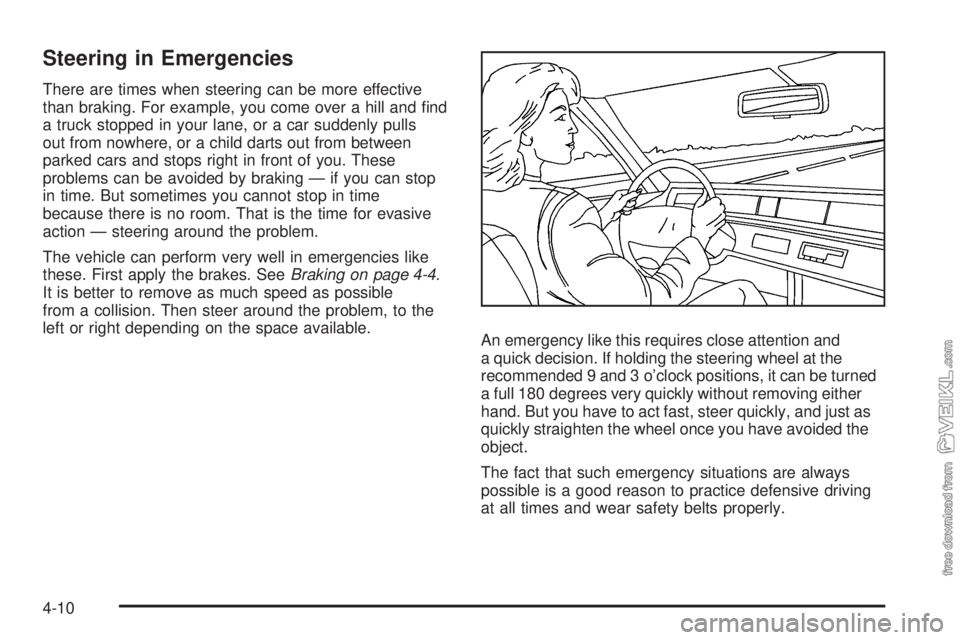
An emergency like this requires close attention and
a quick decision. If holding the steering wheel at the
recommended 9 and 3 o’clock positions, it can be turned
a full 180 degrees very quickly without removing either
hand. But you have to act fast, steer quickly, and just as
quickly straighten the wheel once you have avoided the
object.
The fact that such emergency situations are always
possible is a good reason to practice defensive driving
at all times and wear safety belts properly.
4-10