light CHEVROLET MALIBU 1998 User Guide
[x] Cancel search | Manufacturer: CHEVROLET, Model Year: 1998, Model line: MALIBU, Model: CHEVROLET MALIBU 1998Pages: 362, PDF Size: 19.35 MB
Page 77 of 362
Downloaded from www.Manualslib.com manuals search engine Parking Lots Passlock@
If you park in a lot where someone will be watching
your vehicle, it’s best to lock it up and take your keys.
But what
if you have to leave your key?
0
0
0
0
0
0
If possible, park in a busy, well lit area.
Put your valuables in a storage area, like your
trunk or glove box. Be sure to close and lock
the
storage area.
Close all windows. Slide the remote trunk release lockout switch all the
way to the
OFF.
Lock the glove box.
Lock all the doors except the driver’s. Your
vehicle
is equipped with the Passlock
theft-deterrent system.
Passlock is a passive theft-deterrent system. The system
is armed once the key is removed from the ignition.
Passlock enables fuel if the ignition lock cylinder is
turned with
a valid key. If a correct key is not used, fuel
is disabled.
During normal operation, the THEFT SYSTEM light will go
off after the engine is started.
If the THEFT SYSTEM light flashes, wait until the light
stops flashing before starting the engine.
If the THEFT
SYSTEM light comes on while the engine
is running, a problem has been detected and the system
may need service. See your dealer for service.
In an emergency, call the Chevrolet Roadside Assistance
Center at 1-800-CHEV-USA
(1-800-243-8872). (In
Canada, call
1-800-268-6800.)
Page 79 of 362
Downloaded from www.Manualslib.com manuals search engine ACC (Accessory) (B): This position unlocks the
transaxle. It also
lets you use things like the radio and
windshield wipers when the engine is not running.
To
use ACC, push in the key and turn it to the right. Use
this position if your vehicle must be pushed or towed,
but never try to push-start your vehicle.
ON (C): This position unlocks the ignition and
transaxle. This position is also where the key returns
after you start your engine and release the switch. The
switch stays in
ON when the engine is running. But even
when the engine is not running, you can use
ON to
operate your electrical power accessories, and to display
some instrument panel warning lights.
START (D): This position starts the engine. When the
engine starts, release the
key. The ignition switch will
return to
ON for normal driving.
Starting Your Engine
Move your shift lever to PARK (P) or NEUTRAL (N).
Your engine won’t start in any other position -- that’s a
safety feature. To restart when you’re already moving,
use
NEUTRAL (N) only.
I 1
I NOTICE:
Don’t try to shift to PARK (P) if your vehicle
is moving. If you do, you could damage the
transaxle. Shift to PARK
(P) only when your
vehicle is stopped.
2-14
Page 87 of 362
Downloaded from www.Manualslib.com manuals search engine Second-Gear Start
Your vehicle is equipped with a second-gear start
feature. Place the shift lever
in SECOND (2) gear to
provide more traction when you are starting on ice
or
other slippery surfaces. The transaxle will be in
SECOND (2) gear when the vehicle begins to move.
After starting in
SECOND (2) gear, place the shift lever
in
THIRD (3) or AUTOMATIC OVERDRIVE (D).
This feature is only for improved traction only when the
road surface is slippery and is not intended for
continuous use or when the vehicle is stuck in sand,
mud, ice, snow or gravel.
Parking Brake
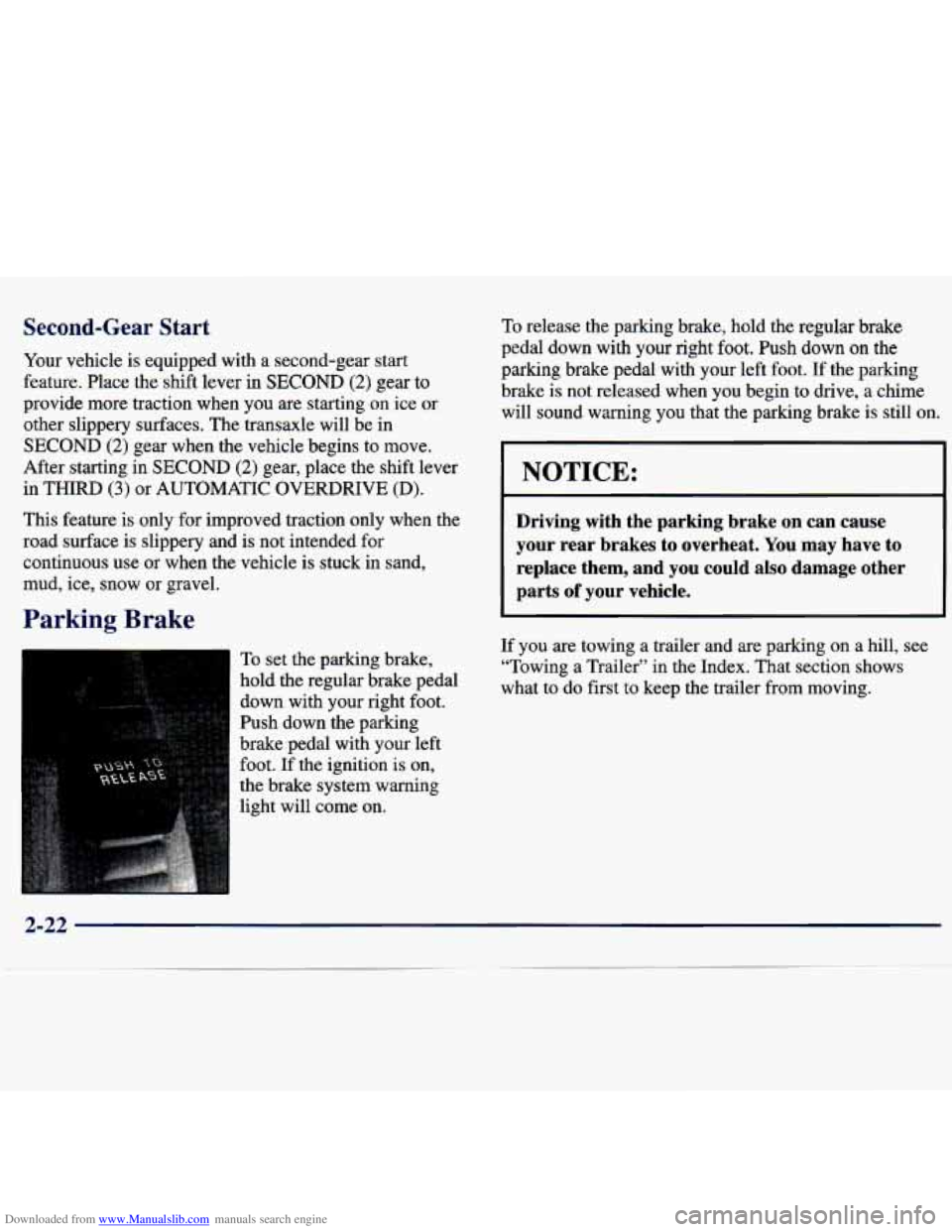
To set the parking brake,
hold the regular brake pedal
down with your right foot.
Push down the parking
brake pedal with your left
foot.
If the ignition is on,
the brake system warning
light will come on.
To release the parking brake, hold the regular brake
pedal down with your right foot. Push down
on the
parking brake pedal with your left foot. If the parking
brake is not released when you begin to
drive, a chime
will sound warning you that the parking brake is still on,
NOTICE:
Driving with the parking brake on can cause
your rear brakes to overheat. You may have
to
replace them, and you could also damage other
parts
of your vehicle.
If you are towing a trailer and are parking on a hill, see
“Towing a Trailer” in the Index. That section shows
what to do first
to keep the trailer from moving.
2-22
Page 95 of 362
Downloaded from www.Manualslib.com manuals search engine If a bulb is burned out, replace it to help avoid an
accident. If the arrows don’t
go on at all when you
signal a turn, check for burned-out bulbs and then check
the fuse (see “Fuses and Circuit Breakers” in the Index).
Windshield Wipers
Headlamp High/Low Beam
To change the headlamps
from low-beam to
high-beam, push forward on the turn signaUmultifunction lever.
To change the headlamps from high-beam to low-beam,
pull the turn signal lever backward. When the high-beams
are on, a light on the instrument panel also
will be on.
Flash to Pass
This feature lets you use your high-beam headlamps to
signal a driver in front of you that you want to pass.
To use it, pull the turn signaVmultifunction lever toward
you until the high-beam headlamps come on, then
release the lever to turn them off. You
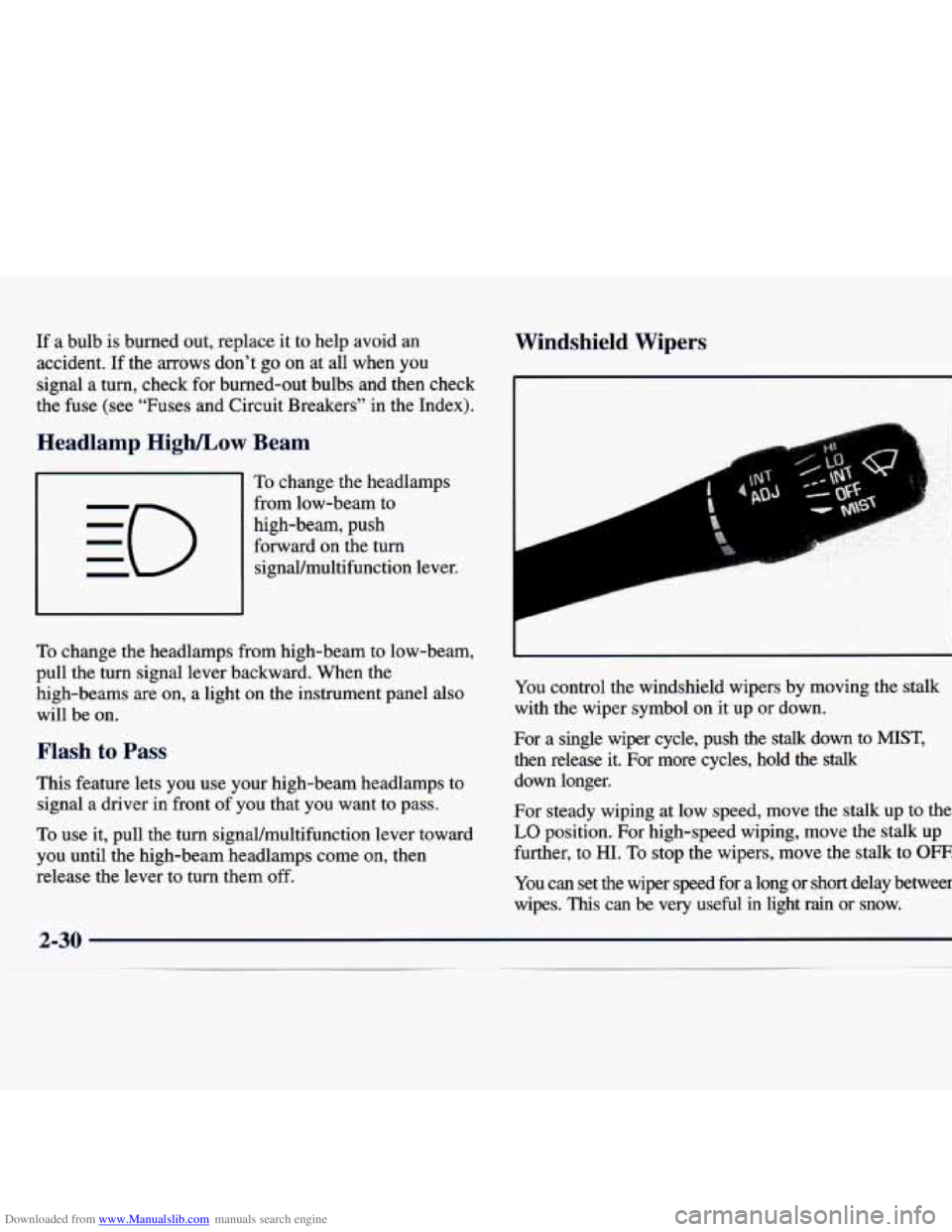
control the windshield wipers by moving the stalk
with the wiper symbol on it up or down.
For a single wiper cycle, push the
stalk down to MIST,
then release it. For more cycles, hold the stalk
down longer.
For steady wiping at low speed, move the stalk up to the
LO position. For high-speed wiping, move the stalk up
further, to
HI. To stop the wipers, move the stalk to OFF.
You can set the wiper speed for a long or short delay between
wipes.
This can be very useful in light rain or snow.
Page 100 of 362
Downloaded from www.Manualslib.com manuals search engine Reducing Speed While Using Cruise Control
There are two ways to reduce your speed while using
cruise control:
0 Push the SET DECEL button until you reach the
lower speed you want, then release it.
0 To slow down in very small amounts, push the
button for less than half a second. Each time you do
this, you’ll go
1 mph (1.6 kmk) slower.
Passing Another Vehicle While Using Cruise Control
Use the accelerator pedal to increase your speed. When
you take your foot
off the pedal, your vehicle will slow
down to the cruise control speed you set earlier.
Using Cruise Control on Hills
How well your cruise control will work on hills depends
upon your speed, load and the steepness of
the hills.
When going up steep hills, you may have to step on the
accelerator pedal to maintain your speed. When going
downhill, you may have to brake or shift to a lower
gear
to keep your speed down. Of course, applying the brake
takes you out
of cruise control. Many drivers find this to
be too much trouble and don’t use cruise control on
steep hills.
Ending Out of Cruise Control
There are two ways to turn off the cruise control:
Step lightly on the brake pedal;
Press the cruise control ON/OFF button.
Erasing the Cruise Speed Memory
When you turn off the cruise control or the ignition,
your cruise control set speed memory is erased.
Page 101 of 362
Downloaded from www.Manualslib.com manuals search engine Exterior Lamps
, :: ..j* ,..,.: .. ,:: i-2: . . . .. ..
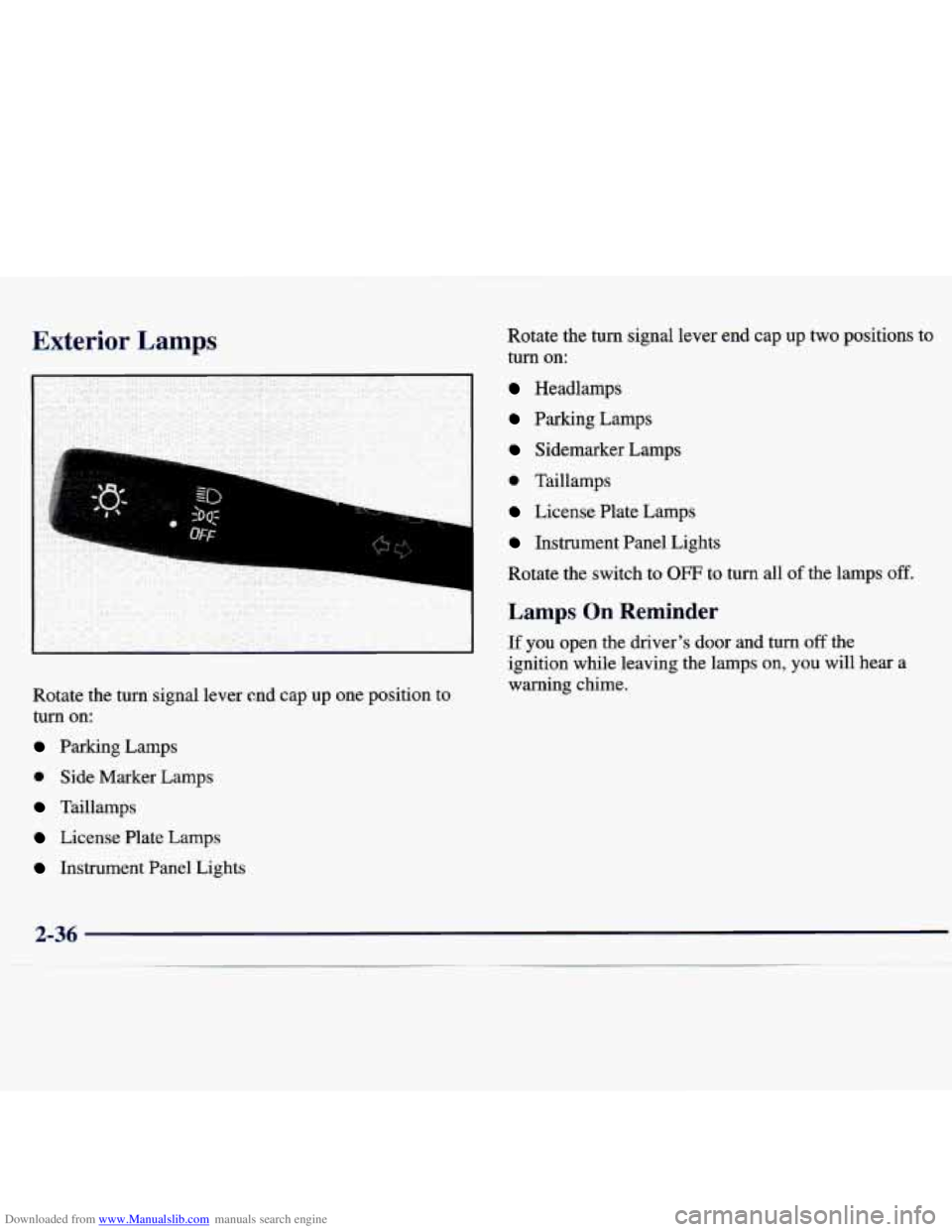
Rotate the turn signal lever end cap up one position to
turn on:
Parking Lamps
0 Side Marker Lamps
Taillamps
License Plate Lamps Rotate the turn signal
lever end cap up two positions to
turn on:
Headlamps
Parking Lamps
Sidemarker Lamps
0 Taillamps
License Plate Lamps
Instrument Panel Lights
Rotate the switch to
OFF to turn all of the lamps off.
Lamps On Reminder
If you open the driver’s door and turn off the
ignition while leaving the lamps on,
you will hear a
warning chime.
Instrument Panel Lights
2-36
Page 102 of 362
Downloaded from www.Manualslib.com manuals search engine Daytime Running Lamps
Daytime Running Lamps (DRL) can make it easier for
others to see the front of your vehicle during the day.
DRL can be helpful in many different driving
conditions, but they can be especially helpful in the
short periods after dawn and before sunset.
Automatic Light Control (A I )
When it is dark enough outside, your Automatic Light
Control
(LC) will turn on your headlamps at the
normal brightness along with other lamps such as the
taillamps, sidemarker, park lamps and the instrument
panel lights. The radio lights will also be dim.
The
DJXL system will make your low-beam headlamps
come on at a reduced brightness when:
The ignition is on,
The headlamp switch is in the OFF position or you
have turned
on your parking lamps
The light sensor detects daytime light,
The parking brake is released and
The shift lever is not in PARK (P).
When the DRL system is on, the taillamps, sidemarker,
park lamps and instrument panel lights will not
be illuminated.
The DRL system will remain off any time your vehicle
is in PARK (P) or the parking brake is engaged.
As with any vehicle, you should turn on the regular
headlamp system when you need it. Your
vehicle is equipped with a light sensor on the top
of the instrument panel under the defroster grill,
so be
sure it is not covered which will cause the ALC system
to be on whenever the ignition is on.
The ALC system may also be on when driving through a
parking garage, heavy overcast weather,
a tunnel or
fueling your vehicle in a low light area. This is normal.
There is a delay in the transition between the daytime
and nighttime operation of the DRL and the
ALC
systems so that driving under bridges or bright overhead
street lights does not affect
the system. The DRL and
ALC systems will only be affected when the light sensor
sees a change in lighting lasting longer than this delay.
To idle your vehicle with the ALC system
off, set the
park brake while the ignition is
off. Then start the
vehicle. The ALC system will stay off until you release
the park brake.
As with any vehicle, you should turn on the regular
headlamp system when
you need it.
2-37
Page 103 of 362
Downloaded from www.Manualslib.com manuals search engine Fog Lamps (If Equipped)
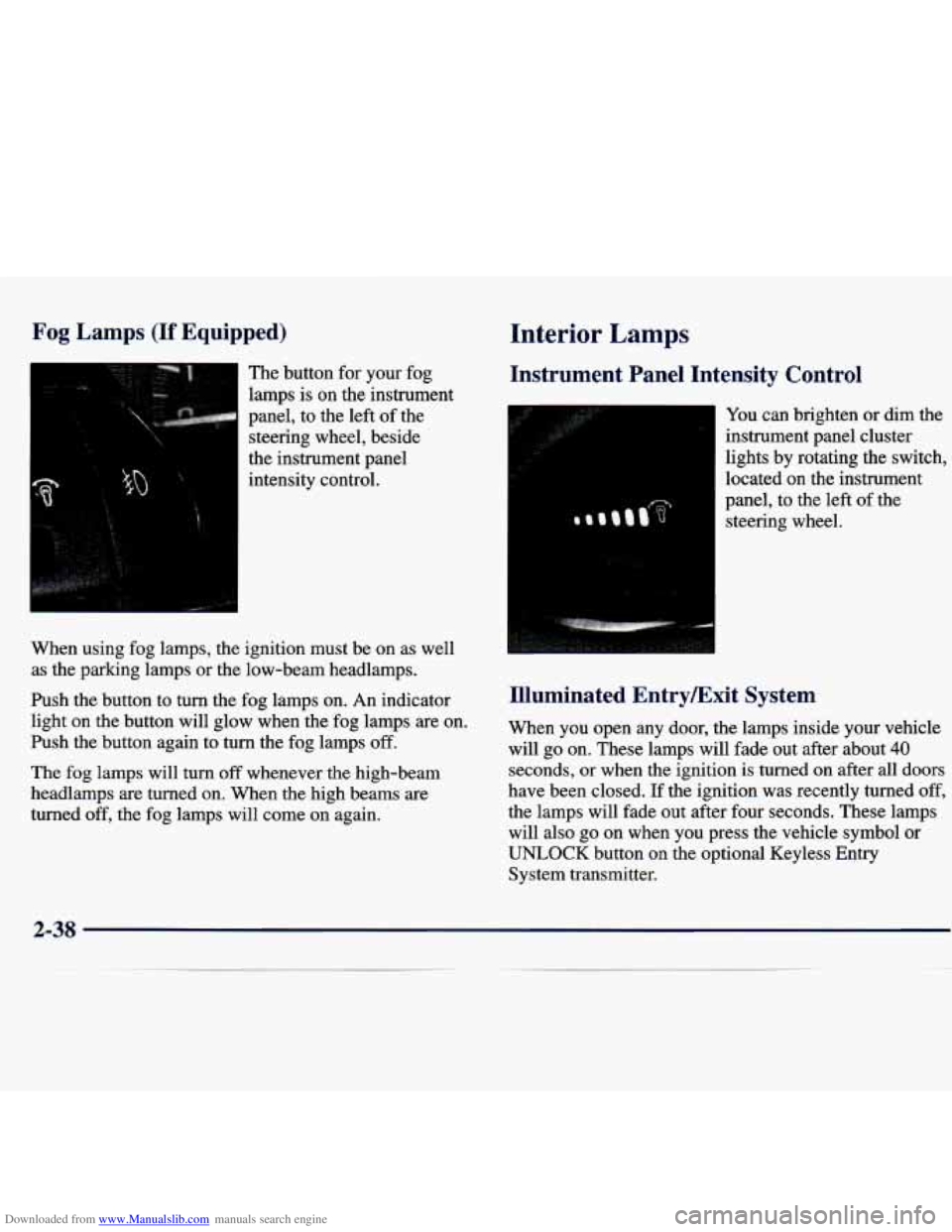
The button for your fog
lamps
is on the instrument
panel, to the left
of the
steering wheel, beside
the instrument panel
intensity control.
When using fog lamps, the ignition must be on as well
as the parlung lamps or the low-beam headlamps.
Push the button to
turn the fog lamps on. An indicator
light on the button will glow when the fog lamps are on.
Push the button again to turn the fog lamps
off.
The fog lamps will turn off whenever the high-beam
headlamps
are turned on. When the high beams are
turned off, the fog lamps will come on again.
Interior Lamps
Instrument Panel Intensity Control
You can brighten or dim the
instrument panel cluster
lights by rotating the switch,
located on the instrument
panel, to the left of the
steering wheel.
Illuminated EntryExit System
When you open any door, the lamps inside your vehicle
will go on. These lamps will fade out after about
40
seconds, or when the ignition is turned on after all doors
have been closed.
If the ignition was recently turned off,
the lamps will fade out after four seconds. These lamps
will also go on when you press the vehicle symbol
or
UNLOCK button on the optional Keyless Entry
System transmitter.
2-38
Page 104 of 362
Downloaded from www.Manualslib.com manuals search engine If the ignition has been off for less than two minutes,
the lamps inside your vehicle will stay
on for about
15 seconds after your key is removed from the ignition
to provide an illuminated exit.
Mirror Reading Lamps (If Equipped)
Press the switch on the lower front portion of the mirror
to turn on the lamp. Press the other side of the switch to
turn the lamp
off.
Three-Position Dome Lamp
The switch on this lamp has three positions. The ON
position will turn on the light. The DOOR position will
turn on the light whenever a door is opened. The OFF
position will shut
off the lamp completely, even when a
door is opened.
Trunk Lamp
The trunk lamp comes on when you open your trunk.
Battery Saver
Your vehicle is equipped with a battery saver feat ;
designed to protect your vehicle’s battery. When any interior
lamp (trunk, reading, footwell or
glove box) is left on when the ignition is turned
off, the
battery saver system will automatically shut the lamp off
after
20 minutes. This will avoid draining the battery.
LO reactivate the interior lamps, either:
0 The ignition must be turned on,
0 The activated lamp switch must be turned off and
then on or
0 A door must be opened.
The battery saver feature will also be activated when
any door
of your vehicle is left open.
Mirrors
Inside Daymight Rearview Mirror
This mirror can be adjusted two ways. First, to adjust
the angle
of the mirror, move the mirror to a position
that allows you see to out the back window.
To adjust
the height of the mirror, adjust the arm that connects the
mirror to the windshield.
To reduce glare from lights behind you, move the lever
toward you to the night position.
Page 108 of 362
Downloaded from www.Manualslib.com manuals search engine Rear Seat Cupholder
Pull down the door on the rear of the center console to
use the rear seat cupholder.
You can use it to a hold cup.
Convenience Net (If Equipped)
Your vehicle may have a convenience net. You’ll see it
just inside the back wall of the trunk.
Put small loads, like grocery bags, in the net. It can help
keep them from falling over during sharp turns or quick
starts and stops.
The net isn’t for larger, heavier loads. Store them in the
trunk as far forward
as you can.
You can
unhook the net so that it will lie flat when
you’re not using
it.
Ashtray and Lighter
The ashtray is located at the lower part of the center of
the instrument panel. To remove the ashtray for
cleaning, pull up on the metal tab and pull the bin out.
NOTICE:
Don’t put papers and other things that burn into
your ashtrays.
If you do, cigarettes or other
smoking materials could set them on fire,
causing damage.
The lighter is located above the ashtray. To use it, just
push it in
all the way and let go. When it’s ready, it will
pop back by itself.
NOTICE:
Don’t hold a cigarette lighter in with your hand
while it is heating.
If you do, it won’t be able to
back away from the heating element when it’s
ready. That can make it overheat, damaging the
lighter and the heating element.
..