light CHEVROLET MALIBU 1998 Owner's Guide
[x] Cancel search | Manufacturer: CHEVROLET, Model Year: 1998, Model line: MALIBU, Model: CHEVROLET MALIBU 1998Pages: 362, PDF Size: 19.35 MB
Page 122 of 362
Downloaded from www.Manualslib.com manuals search engine Have you recently changed brands of fuel?
If
so, be sure to fuel your vehicle with quality fuel (see
“Fuel” in the Index). Poor fuel quality will cause your
engine not to run as efficiently as designed.
You may
notice this as stalling after start-up, stalling when you
put the vehicle into gear, misfiring, hesitation on
acceleration or stumbling on acceleration. (These
conditions may
go away once the engine is warmed up.)
This will be detected by the system and cause the light
to turn on.
If you experience one or more of these conditions,
change the fuel brand you use. It will require at least one
full tank of the proper fuel to turn the light off.
If none of the above steps have made the light turn off,
have your dealer or qualified service center check the
vehicle. Your dealer has the proper test equipment and
diagnostic tools to fix any mechanical or electrical
problems that may have developed.
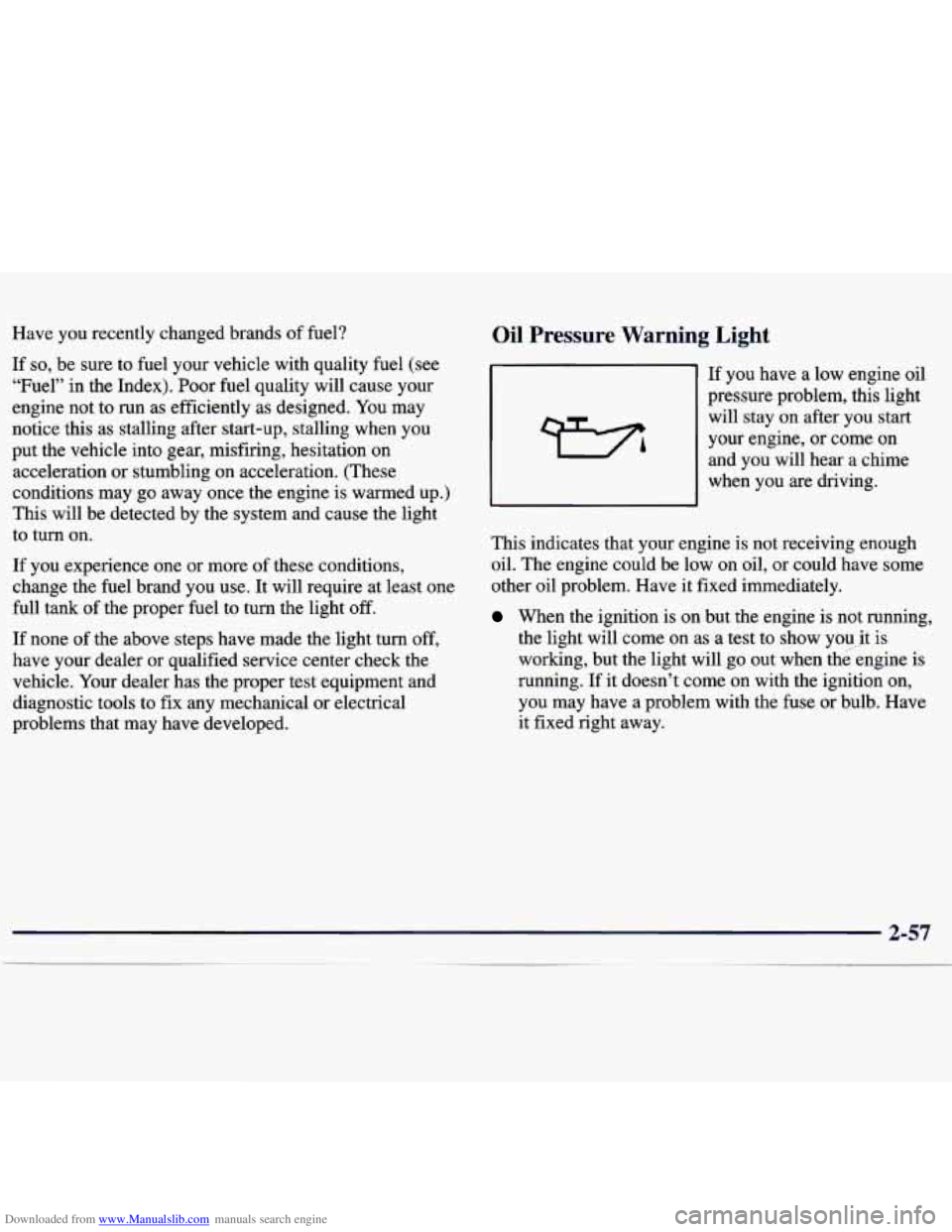
Oil Pressure Warning Light
If you have a low engine oil
pressure problem, this light
will stay on after you start
your engine, or come on
and you will hear a chime
when you are driving.
This indicates that your engine is not receiving enough
oil. The engine could be low on oil, or could have some
other oil problem. Have it fixed immediately.
When the ignition is on but the engine is not running,
the light will come on as a test to show you.it is
working, but the light will go out when the.engine is
running. If it doesn’t come
on with the ignition on,
you may have a problem with the fuse or bulb. Have
it fixed right away.
Page 123 of 362
Downloaded from www.Manualslib.com manuals search engine Don’t keep driving if the oil pressure is low. If
you do, your engine can become so hot that it
catches fire. You or others could be burned.
Check your oil
as soon as possible and have your
vehicle serviced.
I NOTICE:
Damage to your engine from neglected oil
problems can be costly and
is not covered by
your warranty.
Check Oil Light (If Equipped)
If your vehicle is equipped
with a
3 100 engine. then
CHECK you will have :CHECK
OIL
OIL light in your instrument
panel cluster.
This light will come
on briefly when you start
your vehicle.
If the light stays on after starting your vehicle, or comes
on and chimes while you are driving, your engine oil
level should be checked.
Prior to checking the oil level, be sure your vehicle has
been shut
off for several minutes and is on a level
surface. Check the oil level on your dipstick and bring
it
to the proper level. See “Engine Oil” in the Index.
NOTE: A false CHECK OIL light may be generated
when parking on steep grades.
2-58
Page 124 of 362
Downloaded from www.Manualslib.com manuals search engine The oil level monitoring system only checks oil level
during the brief period between key on and engine
crank. It does not monitor engine oil level when the
engine is running. Additionally, an oil level check is
only performed if the engine has been turned off for a
considerable period of time allowing the oil normally in
circulation to drain back into the oil pan.
Passlock Warning Light
THEFT
SYSTEM
This light will come on
briefly when you
turn the
ignition to
ON. The light
will stay on until the
engine starts.
If the light flashes, the Passlock system has entered a
tamper mode. If the vehicle fails to start, see “Passlock”
in the Index.
If the light comes on continuously while driving and
stays on, there may be a problem with the Passlock
system. Your vehicle will not be protected by Passlock,
and you should see your dealer.
Cruise Light (If Equipped)
CRUISE
Low Washer Light
LOW
WASH
The CRUISE light comes
on whenever you set your
cruise control.
The
LOW WASH light will
come on briefly when you
turn on the ignition.
It will also stay on or come on and chime, if the fluid
reservoir is less than one-third full.
Page 125 of 362
Downloaded from www.Manualslib.com manuals search engine Service Vehicle Soon Light
I1 This light will come on
SERVICE
VEHICLE
SOON briefly when you turn
on the ignition.
It will stay on or come on and chime if it detects a
problem
on the vehicle, such as a DRL or an ALC
malfunction.
If this happens, see your dealer service
department as soon as possible.
Door Ajar Light
When the ignition is on, this
light
will stay on until all
doors are closed and
completely latched.
You will hear a chime if a door is unlatched after the
engine is started and the vehicle is not in
PARK (P) or
NEUTRAL
(N).
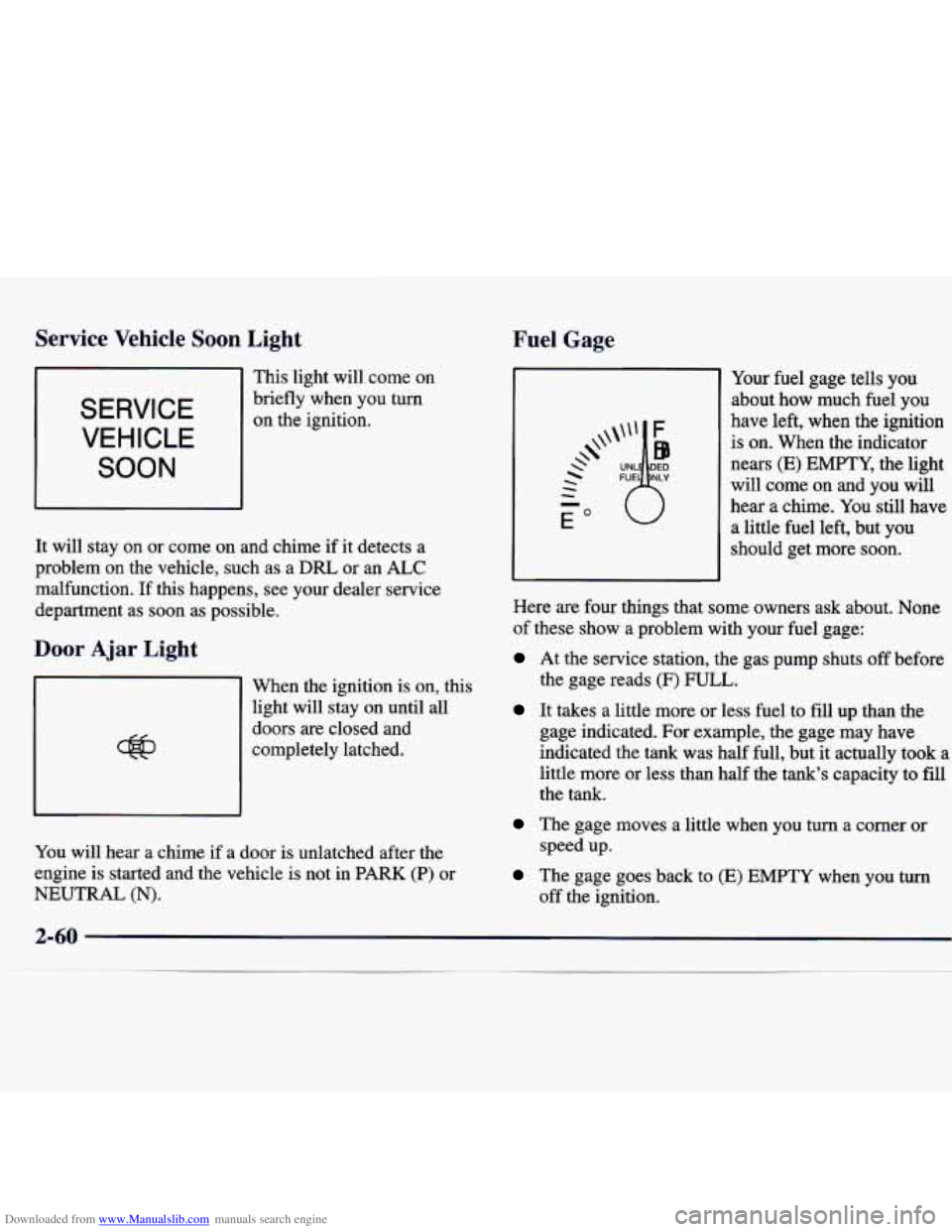
Fuel Gage
Your fuel gage tells you
about how much fuel you
have left, when the ignition
is on. When the indicator
nears
(E) EMPTY, the light
will come on and you will
hear
a chime. You still have
a little fuel left, but you
should get more soon.
Here are four things that some owners ask about. None
of these show a problem with your fuel gage:
At the service station, the gas pump shuts off before
the gage reads
(F) FULL.
It takes a little more or less fuel to fill up than the
gage indicated. For example, the gage may have
indicated the tank was half full, but it actually took a
little more or less than half the tank's capacity to fill
the tank.
The gage moves a little when you turn a comer or
The gage goes back to (E) EMPTY when you turn
speed up.
off the ignition.
Page 130 of 362
Downloaded from www.Manualslib.com manuals search engine 0
+# FLOOR: In this position most of the airflow
comes through the floor outlet. The rest of the air comes
through the windshield and side window outlets. Set the
center control knob to the temperature desired.
+' DEFOG: This position divides the airflow
between the floor outlets and the windshield defroster
vent.
9 DEFROST This position directs most of the air
through the windshield defroster vent. Some
of the air
goes
to the floor outlets. The air conditioning
compressor will run automatically in this position when
it is needed to help dry the air in the vehicle.
w0
Air Conditioning Compressor Button
Press A/C to operate the air conditioner compressor.
The indicator light will glow when the button is pressed
to indicate that the air conditioning system has been
turned on.
Recirculation Button
Press this button to close all outside vents. The
indicator light on the button will glow when it is
pressed. Recirculation is available in all modes,
except defog and defrost. It is not recommended to use this button
in the
FLOOR
mode with heat. It is useful to quickly cool the vehicle
on hot days.
Outside Air
Press this button to allow the circulation of outside air in
the vehicle. The indicator light on the button will glow
when pressed. Outside air is available in all modes
including
OFF and is automatically activated in defog
and defrost.
Air Conditioning
The air conditioner and heater work best if you keep
your windows closed while using them. Your vehicle
also has the flow-through ventilation system described
later in this section.
On very hot days, open the windows long enough to
let hot inside air escape. This reduces the time it takes
for your vehicle to cool down, which should help
fuel economy.
On cool, but sunny days, thc
--m may warm your upper
body, but your lower body
may not be warm enough.
You can use bi-level with the temperature knob in the
middle and the
A/C button pushed in. The system will
bring in outside air and direct slightly warmer air to
your lower body.
Page 132 of 362
Downloaded from www.Manualslib.com manuals search engine Rear Window Defogger (If Equipped)
The rear window defogger
uses a warming grid to
remove fog from the
rear window.
Press the defogger switch. The indicator light will glow.
The rear window defogger will turn itself
off after about
10 minutes after the first time the button is pressed, and
after
5 minutes each additional time the button is
pressed. You can turn the defogger
off by pressing the
button again or turning
off the ignition.
Do not attach a temporary vehicle license across the
defogger grid on the rear window.
NOTICE:
Don’t use a razor blade or anything else sharp on
the inside
of the rear window. If you do, you
could cut or damage the warming grid, and the
repairs wouldn’t be covered by your warranty.
Ventilation System
For mild outside temperatures when little heating or
cooling is needed, use VENT to direct outside air
through your vehicle. Your vehicle also has the
flow-through ventilation system.
Your vehicle’s flow-through ventilation system supplies
outside air into
the vehicle when it is moving. Outside
air will also enter the vehicle when the air conditioning
fan is running.
Page 136 of 362
Downloaded from www.Manualslib.com manuals search engine AM-FM Stereo with Cassette Tape Player
and Automatic Tone Control
(If Equipped)
and wind noise as you drive. Set the volume at the
desired level. Move the control ring behind the upper
knob to the right to adjust the SCV. Then, as you drive,
SCV automatically increases the volume, as necessary,
to overcome noise at any particular speed. The volume
level should always sound the sme
to you as you drive.
If you don't want to
use SCV, turn the control all the
way down. Each notch on the control ring allows for
more volume compensation at faster vehicle speeds.
Finding a Station
AM-FM:
Press this button to switch between AM,
FM1 and
FM2. The display shows your selection.
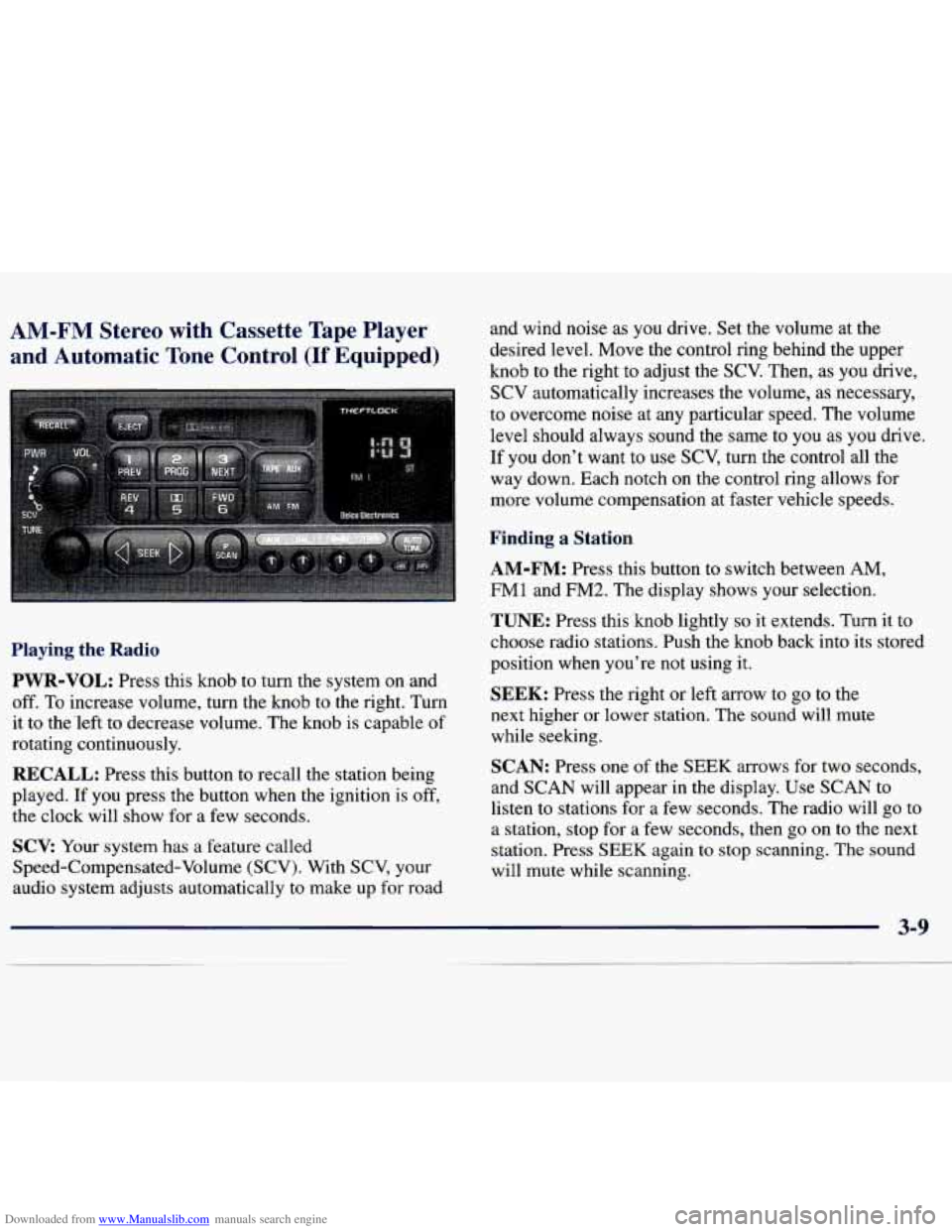
Playing the Radio
PWR-VOL:
Press this knob to turn the system on and
off. To increase volume, turn the knob to the right. Turn
it to the'left to decrease volume. The knob is capable of
rotating continuously.
RECALL: Press this button to recall the station being
played.
If you press the button when the ignition is off,
the clock will show for a few seconds.
SCV: Your system has a feature called
Speed-Compensated-Volume (SCV). With SCV, your
audio system adjusts automatically to make up
for road
TUNE: Press this knob lightly so it extends. Turn it to
choose radio stations. Push the knob back into its stored
position when you're not using it.
SEEK: Press the right or left arrow to go to the
next higher or lower station. The sound will mute
while seeking.
SCAN: Press one of the SEEK arrows for two seconds,
and SCAN will appear in the display. Use SCAN to
listen to stations for a few seconds. The radio will go to
a station, stop for a few seconds, then
go on to the next
station. Press
SEEK again to stop scanning. The sound
will mute while scanning.
Page 137 of 362
Downloaded from www.Manualslib.com manuals search engine PUSHBUTTONS: The six numbered pushbuttons let
you return to your favorite stations. You can set up to
18 stations (six
AM, six FM1 and six FM2). Just:
1. Turn the radio on.
2. Press AM-FM to select the band.
3. Tune in the desired station.
4. Press AUTO TONE to select the equalization that
best suits the type
of station selected.
5. Press and hold one of the six numbered buttons. The
sound will mute. When
it returns, release the button.
Whenever you press that numbered button, the
station you set will return and the AUTO TONE
equalization that you selected will also be
automatically selected for that button.
6. Repeat the steps for each pushbutton.
P.SCAN: Press this button to listen to each of your
favorite stations stored on your pushbuttons for a few
seconds. The radio will scan through each of the stations
stored on your pushbuttons, except those stations with
weak reception. The AUTO TONE setting stored for
that pushbutton will be automatically chosen. Press P.SCAN
or one of the pushbuttons again to stop
scanning. P.SCAN will be displayed whenever the tuner
is in the P.SCAN mode. The channel number (Pl-P6)
will appear momentarily just before the frequency is
displayed. In FM mode, this function will scan through
both FMl and FM2 preset stations and FMl or FM2
will appear on the display.
Setting the Tone
BASS: Press this knob lightly so it extends. Turn the
knob to the right to increase bass and to the left to
decrease bass. When you use this control, the radio’s
AUTO TONE setting will switch to manual and the
AUTO TONE display will go blank.
TREB: Press this knob lightly so it extends. Turn the
knob to the right to increase treble and to the left to
decrease treble. When you use this control, the radio’s
AUTO TONE setting will switch to manual and the
AUTO TONE display
will go blank. If a station is
weak or noisy, you may want to decrease the treble.
Push these knobs back into their stored positions when
you’re not using them.
Page 138 of 362
Downloaded from www.Manualslib.com manuals search engine AUTO TONE: This feature allows you to choose
preset bass and treble equalization settings designed for
country/western, classical, news, rock, pop and jazz
stations. C/W will appear on the display when you first
press AUTO TONE. Each time you press it, another setting will appear on the display. Press it again after
JAZZ appears and the AUTO TONE display will
go
blank. Tone control will return to the BASS and TREB
knobs. Also, if you use the BASS and TREB knobs,
control will return to them and the AUTO TONE
display will go blank. Use PUSHBUTTONS to program
AUTO TONE.
Adjusting the Speakers
BAL:
Press this knob lightly so 11 extends. Turn the
knob to the right for the right speakers and to the left
for the left speakers. The middle position balances the
sound between the speakers.
FADE: Press this knob lightly so it extends. Turn
the knob to the right to adjust the sound to the front
speakers and to the left for the rear speakers. The middle
position balances the sound between the speakers.
Push these knobs back into their stored positions when
you’re not using them.
Playing a Cassette Tape
Your tape player is built to work best with tapes that are
30 to 45 minutes long on each side. Tapes longer than
that are
so thin they may not work well in this player. If
a tape is inserted when the ignition is on but the radio is
off, the tape will begin playing. A tape symbol is shown
in the center of the graphic display whenever
a tape is
inserted. When a tape is active, the tape symbol will be
accompanied by a direction arrow.
While the tape is playing, use the VOL, AUTO TONE,
BAL, FADE, BASS and TREB controls just as you do
for the radio. Other controls may have different
functions when a tape is inserted. The display will show
the tape symbol and an arrow to show which side of the
tape is playing.
If you hear nothing or hear just a garbled sound, it may
not be in squarely. Press EJECT to remove the tape and
start over.
The player is able to detect a tight or broken tape, and
will eject the tape. The radio will go back
to playing the
last station selected.
The player automatically senses the cassette for metal
or Cr02 and sets the pre-emphasis. Anytime a tape is
inserted, the top side is selected to play first.
Page 141 of 362
Downloaded from www.Manualslib.com manuals search engine AM
and
:-FM Stereo with Compact Disc Player
Automatic
Tone Control (If Equipped)
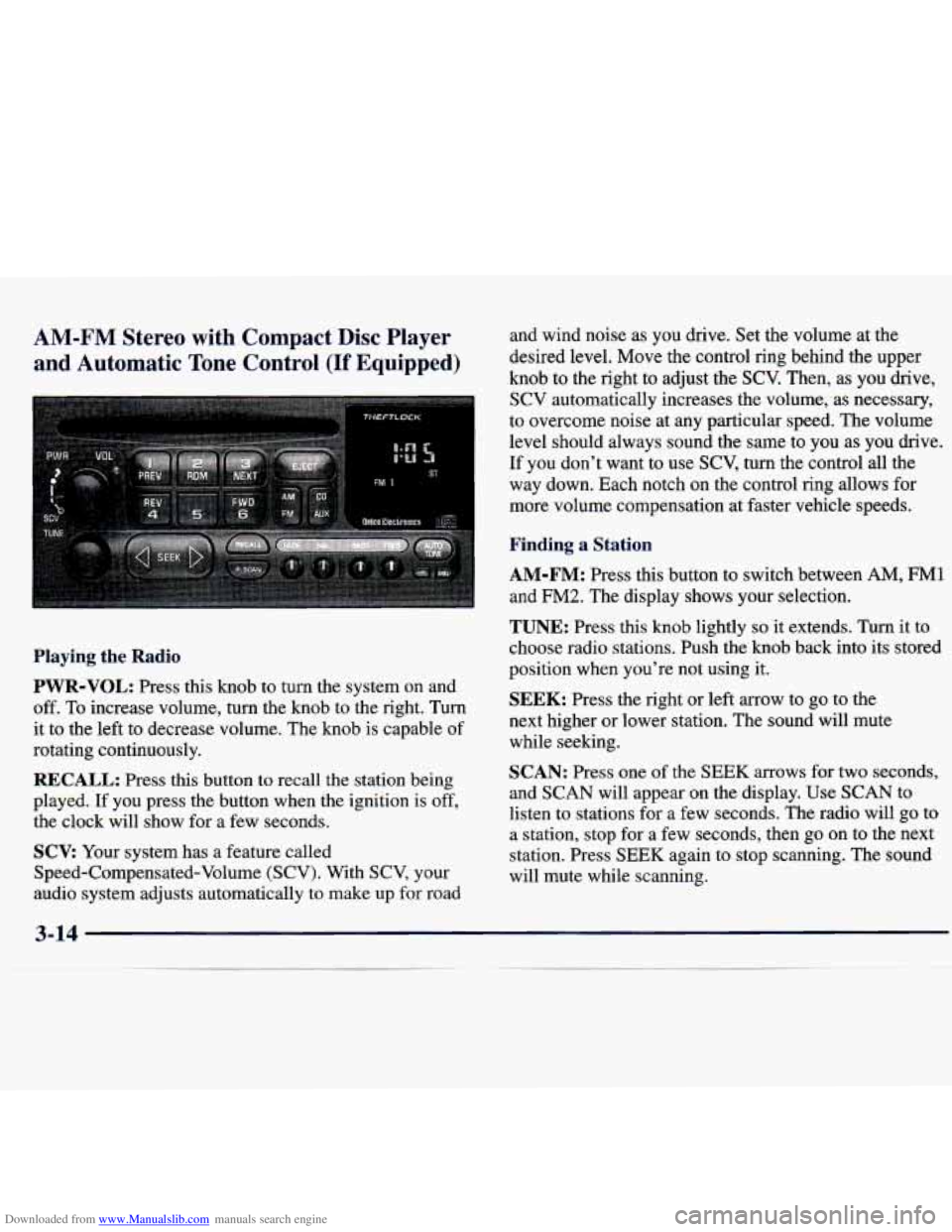
Playing the Radio
PWR-VOL: Press this knob to turn the system on and
off. To increase volume, turn the knob to the right. Turn
it to the left to decrease volume. The knob is capable of
rotating continuously.
RECALL: Press this button to recall the station being
played. If you press the button when the ignition is off,
the clock will show for
a few seconds.
SCV: Your system has a feature called
Speed-Compensated-Volume (SCV). With SCV, your
audio system adjusts automatically to make up
for road and wind noise as you drive. Set the volume
at the
desired level. Move the control ring behind the upper
knob to the right to adjust the
SCV. Then, as you drive,
SCV automatically increases the volume, as necessary,
to overcome noise at any particular speed. The volume
level should always sound the same to you as you drive.
If you don't want to use
SCV, turn the control all the
way down. Each notch
on the control ring allows for
more volume compensation at faster vehicle speeds.
Finding a Station
AM-FM: Press this button to switch between AM, FM1
and
FM2. The display shows your selection.
TUNE: Press this knob lightly so it extends. Turn it to
choose radio stations. Push the knob back into its stored
position when you're not using it.
SEEK: Press the right or left arrow to go to the
next higher or lower station. The sound will mute
while seeking.
SCAN: Press one of the SEEK arrows for two seconds,
and SCAN will appear on the display. Use SCAN to
listen to stations for a few seconds. The radio will go to
a station, stop for a few seconds, then go on to the next
station. Press
SEEK again to stop scanning. The sound
will mute while scanning.
3-1 4