door CHEVROLET OPTRA 2004 1.G User Guide
[x] Cancel search | Manufacturer: CHEVROLET, Model Year: 2004, Model line: OPTRA, Model: CHEVROLET OPTRA 2004 1.GPages: 346, PDF Size: 2.38 MB
Page 71 of 346
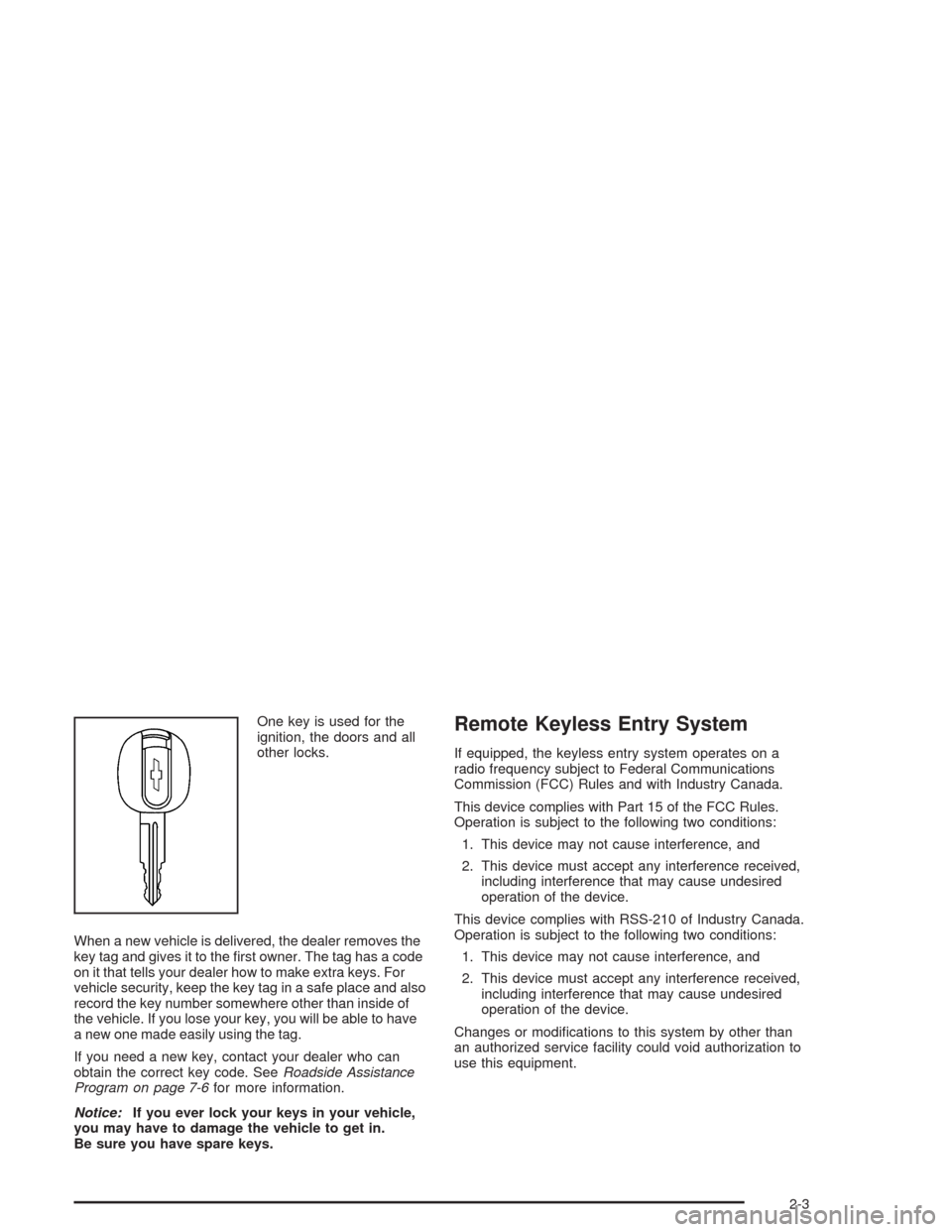
One key is used for the
ignition, the doors and all
other locks.
When a new vehicle is delivered, the dealer removes the
key tag and gives it to the first owner. The tag has a code
on it that tells your dealer how to make extra keys. For
vehicle security, keep the key tag in a safe place and also
record the key number somewhere other than inside of
the vehicle. If you lose your key, you will be able to have
a new one made easily using the tag.
If you need a new key, contact your dealer who can
obtain the correct key code. SeeRoadside Assistance
Program on page 7-6for more information.
Notice:If you ever lock your keys in your vehicle,
you may have to damage the vehicle to get in.
Be sure you have spare keys.Remote Keyless Entry System
If equipped, the keyless entry system operates on a
radio frequency subject to Federal Communications
Commission (FCC) Rules and with Industry Canada.
This device complies with Part 15 of the FCC Rules.
Operation is subject to the following two conditions:
1. This device may not cause interference, and
2. This device must accept any interference received,
including interference that may cause undesired
operation of the device.
This device complies with RSS-210 of Industry Canada.
Operation is subject to the following two conditions:
1. This device may not cause interference, and
2. This device must accept any interference received,
including interference that may cause undesired
operation of the device.
Changes or modifications to this system by other than
an authorized service facility could void authorization to
use this equipment.
2-3
Page 72 of 346
At times you may notice a decrease in range. This is
normal for any remote keyless entry system. If the
transmitter does not work or if you have to stand closer
to your vehicle for the transmitter to work, try this:
•Check the distance. You may be too far from your
vehicle. You may need to stand closer during
rainy or snowy weather.
•Check the location. Other vehicles or objects may
be blocking the signal. Take a few steps to the
left or right, hold the transmitter higher, and
try again.
•Check to determine if battery replacement is
necessary. See “Battery Replacement” under
Remote Keyless Entry System Operation on
page 2-4.
•If you are still having trouble, see your dealer or a
qualified technician for service.
Remote Keyless Entry System
Operation
The following functions are available if your vehicle has
the remote keyless entry system:
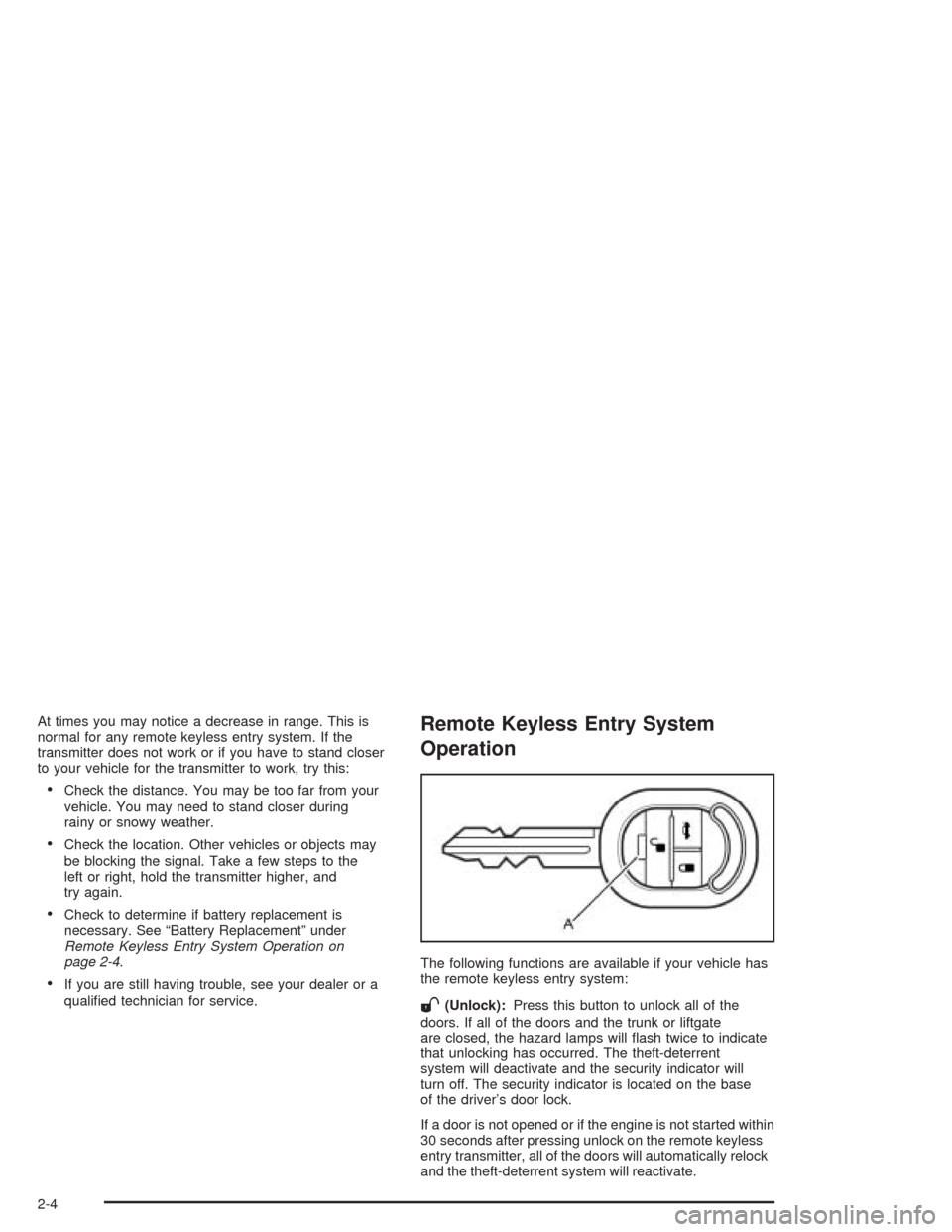
W(Unlock):Press this button to unlock all of the
doors. If all of the doors and the trunk or liftgate
are closed, the hazard lamps will flash twice to indicate
that unlocking has occurred. The theft-deterrent
system will deactivate and the security indicator will
turn off. The security indicator is located on the base
of the driver’s door lock.
If a door is not opened or if the engine is not started within
30 seconds after pressing unlock on the remote keyless
entry transmitter, all of the doors will automatically relock
and the theft-deterrent system will reactivate.
2-4
Page 73 of 346
Q(Lock):Press this button to lock all of the doors. If all
of the doors and the trunk or liftgate are closed, the
hazard lamps will flash once and the horn will chirp to
indicate that locking has occurred. The theft-deterrent
system will activate and the security indicator will flash.
If the driver’s door is open while pressing lock, all of the
doors, except for the driver’s door will lock. If any door
other than the driver’s door is open while pressing lock,
all of the doors, including the driver’s door, will lock.
V(Trunk):Press this button to unlock the trunk or
liftgate.
If all of the doors are locked while pressing the trunk
button, the trunk or liftgate will not unlock. The
doors must be unlocked for the trunk button to unlock
the trunk or liftgate.
The LED (A) on the transmitter will flash when the
buttons on the transmitter are pressed.
The lock, unlock and trunk buttons will not operate and
the theft-deterrent system will not activate while the
key is in the ignition.
Matching Transmitter(s) to Your
Vehicle
Each remote keyless entry transmitter is coded to
prevent another transmitter from unlocking your vehicle.
If a transmitter is lost or stolen, a replacement can
be purchased through your dealer. Remember to bring
any remaining transmitters with you when you go to
your dealer. When the dealer matches the replacement
transmitter to your vehicle, any remaining transmitters
must also be matched. Once your dealer has coded the
new transmitter, the lost transmitter will not unlock
your vehicle. Each vehicle can have a maximum of five
transmitters matched to it.
2-5
Page 75 of 346
Doors and Locks
Door Locks
{CAUTION:
Unlocked doors can be dangerous.
Passengers — especially children — can
easily open the doors and fall out of a
moving vehicle. When a door is locked, the
handle will not open it. You increase the
chance of being thrown out of the vehicle
in a crash if the doors are not locked. So,
wear safety belts properly and lock the
doors whenever you drive.
CAUTION: (Continued)
CAUTION: (Continued)
Young children who get into unlocked
vehicles may be unable to get out. A child
can be overcome by extreme heat and can
suffer permanent injuries or even death
from heat stroke. Always lock your vehicle
whenever you leave it.
Outsiders can easily enter through an
unlocked door when you slow down or
stop your vehicle. Locking your doors can
help prevent this from happening.
There are several ways to lock and unlock your vehicle.
From the outside, use your key or the optional keyless
entry transmitter. SeeRemote Keyless Entry System
Operation on page 2-4.
2-7
Page 76 of 346
To manually unlock the doors from the outside, insert
the key and turn it toward the front of the vehicle.
To manually lock the doors from the outside, insert the
key and turn it toward the rear of the vehicle.
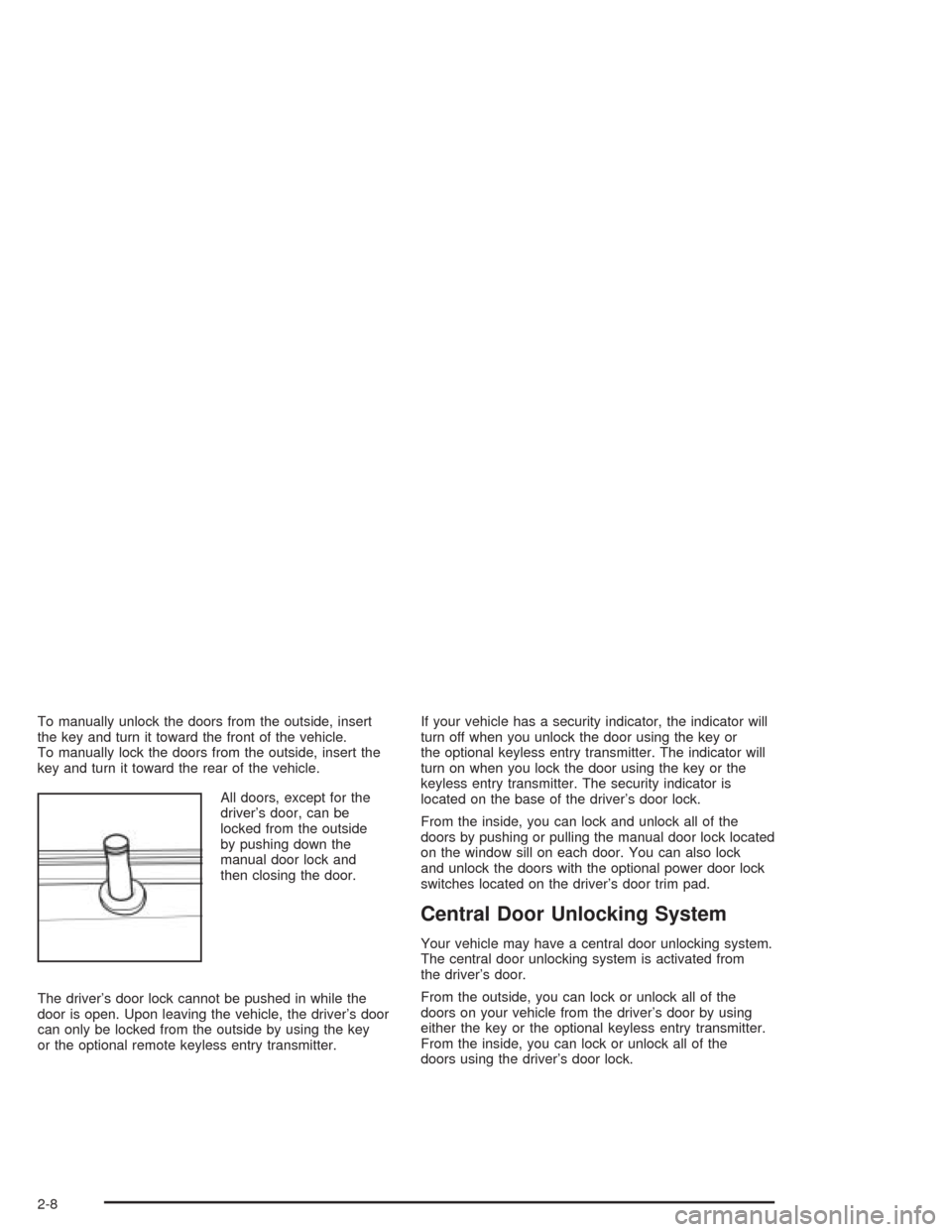
All doors, except for the
driver’s door, can be
locked from the outside
by pushing down the
manual door lock and
then closing the door.
The driver’s door lock cannot be pushed in while the
door is open. Upon leaving the vehicle, the driver’s door
can only be locked from the outside by using the key
or the optional remote keyless entry transmitter.If your vehicle has a security indicator, the indicator will
turn off when you unlock the door using the key or
the optional keyless entry transmitter. The indicator will
turn on when you lock the door using the key or the
keyless entry transmitter. The security indicator is
located on the base of the driver’s door lock.
From the inside, you can lock and unlock all of the
doors by pushing or pulling the manual door lock located
on the window sill on each door. You can also lock
and unlock the doors with the optional power door lock
switches located on the driver’s door trim pad.
Central Door Unlocking System
Your vehicle may have a central door unlocking system.
The central door unlocking system is activated from
the driver’s door.
From the outside, you can lock or unlock all of the
doors on your vehicle from the driver’s door by using
either the key or the optional keyless entry transmitter.
From the inside, you can lock or unlock all of the
doors using the driver’s door lock.
2-8
Page 77 of 346
Power Door Locks
Your vehicle may have power door locks.
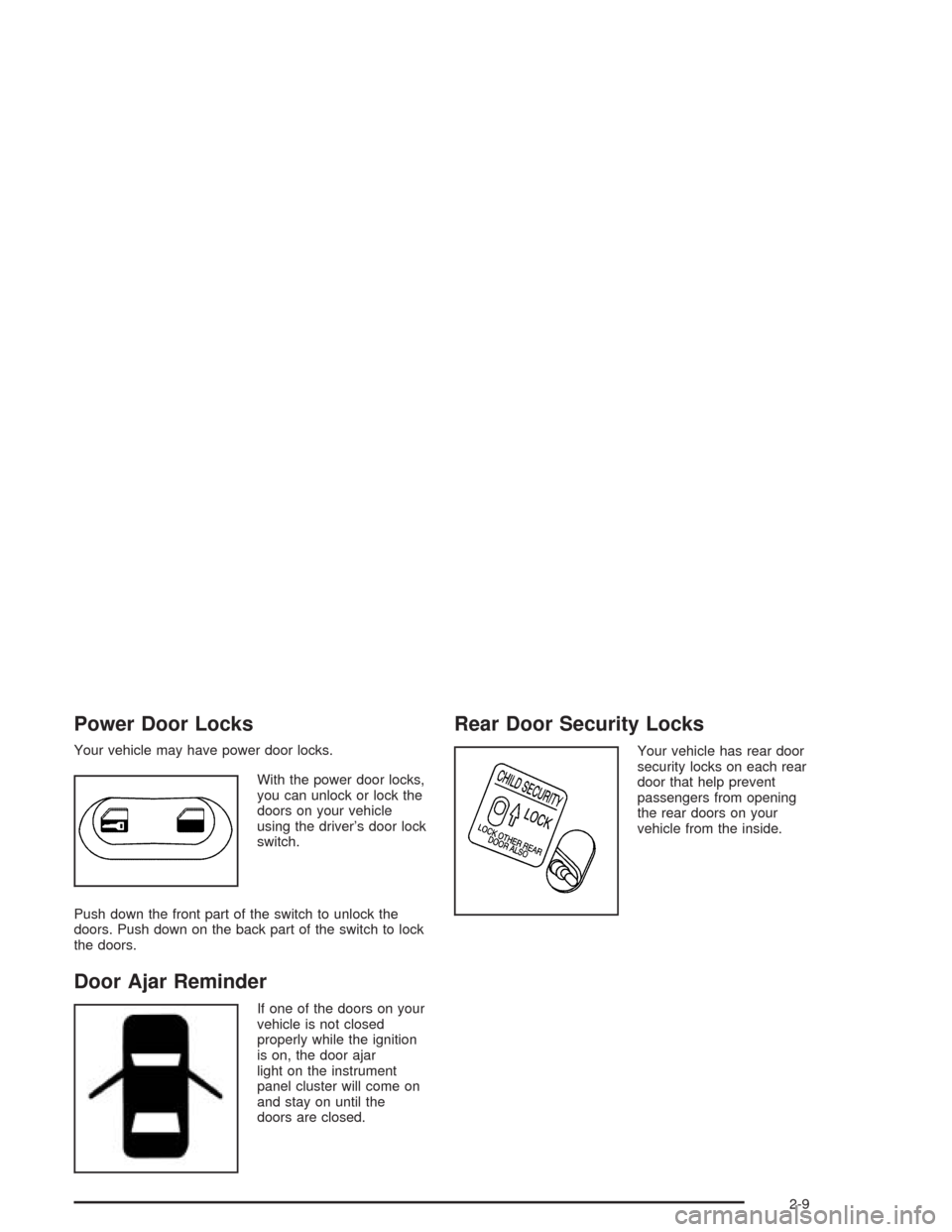
With the power door locks,
you can unlock or lock the
doors on your vehicle
using the driver’s door lock
switch.
Push down the front part of the switch to unlock the
doors. Push down on the back part of the switch to lock
the doors.
Door Ajar Reminder
If one of the doors on your
vehicle is not closed
properly while the ignition
is on, the door ajar
light on the instrument
panel cluster will come on
and stay on until the
doors are closed.
Rear Door Security Locks
Your vehicle has rear door
security locks on each rear
door that help prevent
passengers from opening
the rear doors on your
vehicle from the inside.
2-9
Page 78 of 346
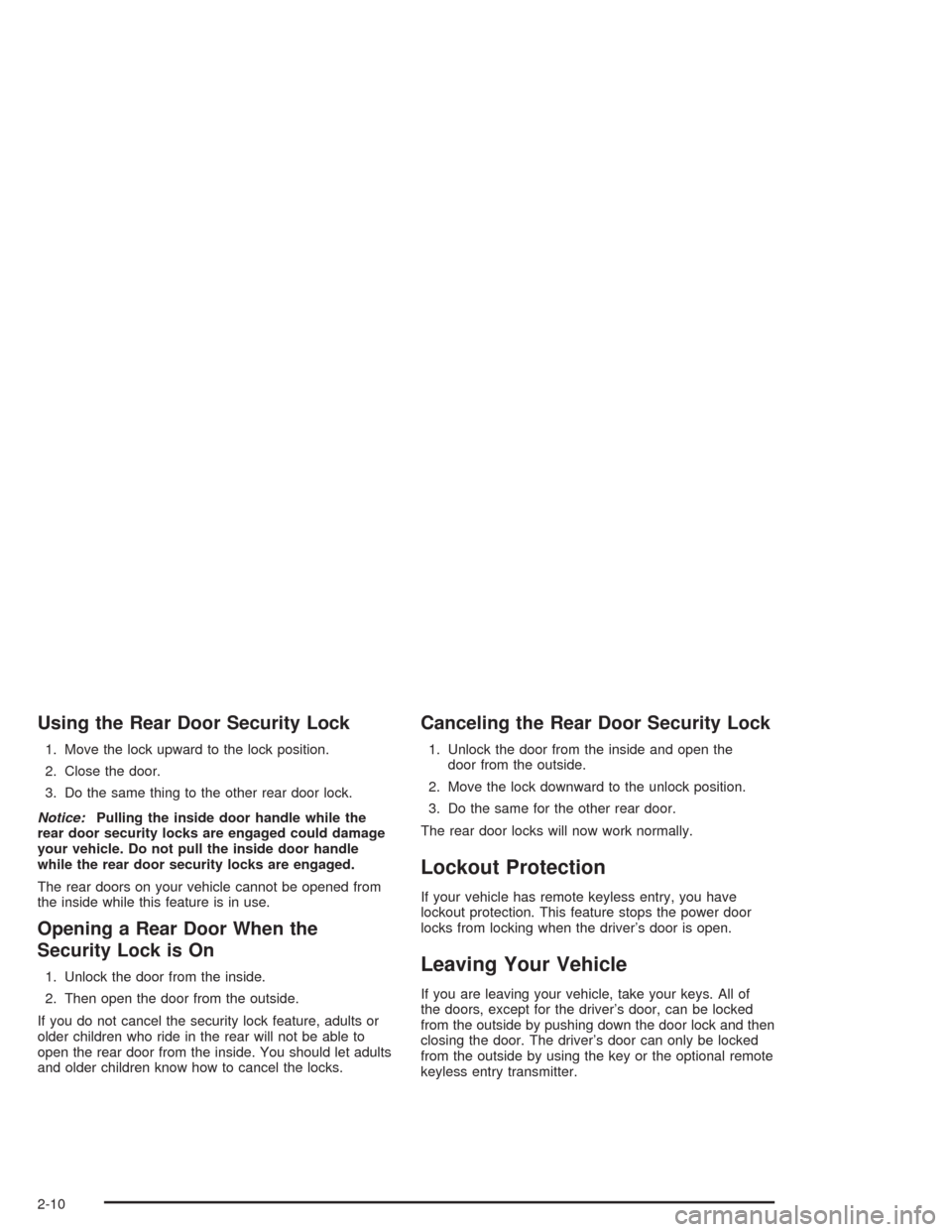
Using the Rear Door Security Lock
1. Move the lock upward to the lock position.
2. Close the door.
3. Do the same thing to the other rear door lock.
Notice:Pulling the inside door handle while the
rear door security locks are engaged could damage
your vehicle. Do not pull the inside door handle
while the rear door security locks are engaged.
The rear doors on your vehicle cannot be opened from
the inside while this feature is in use.
Opening a Rear Door When the
Security Lock is On
1. Unlock the door from the inside.
2. Then open the door from the outside.
If you do not cancel the security lock feature, adults or
older children who ride in the rear will not be able to
open the rear door from the inside. You should let adults
and older children know how to cancel the locks.
Canceling the Rear Door Security Lock
1. Unlock the door from the inside and open the
door from the outside.
2. Move the lock downward to the unlock position.
3. Do the same for the other rear door.
The rear door locks will now work normally.
Lockout Protection
If your vehicle has remote keyless entry, you have
lockout protection. This feature stops the power door
locks from locking when the driver’s door is open.
Leaving Your Vehicle
If you are leaving your vehicle, take your keys. All of
the doors, except for the driver’s door, can be locked
from the outside by pushing down the door lock and then
closing the door. The driver’s door can only be locked
from the outside by using the key or the optional remote
keyless entry transmitter.
2-10
Page 80 of 346
Remote Trunk Release
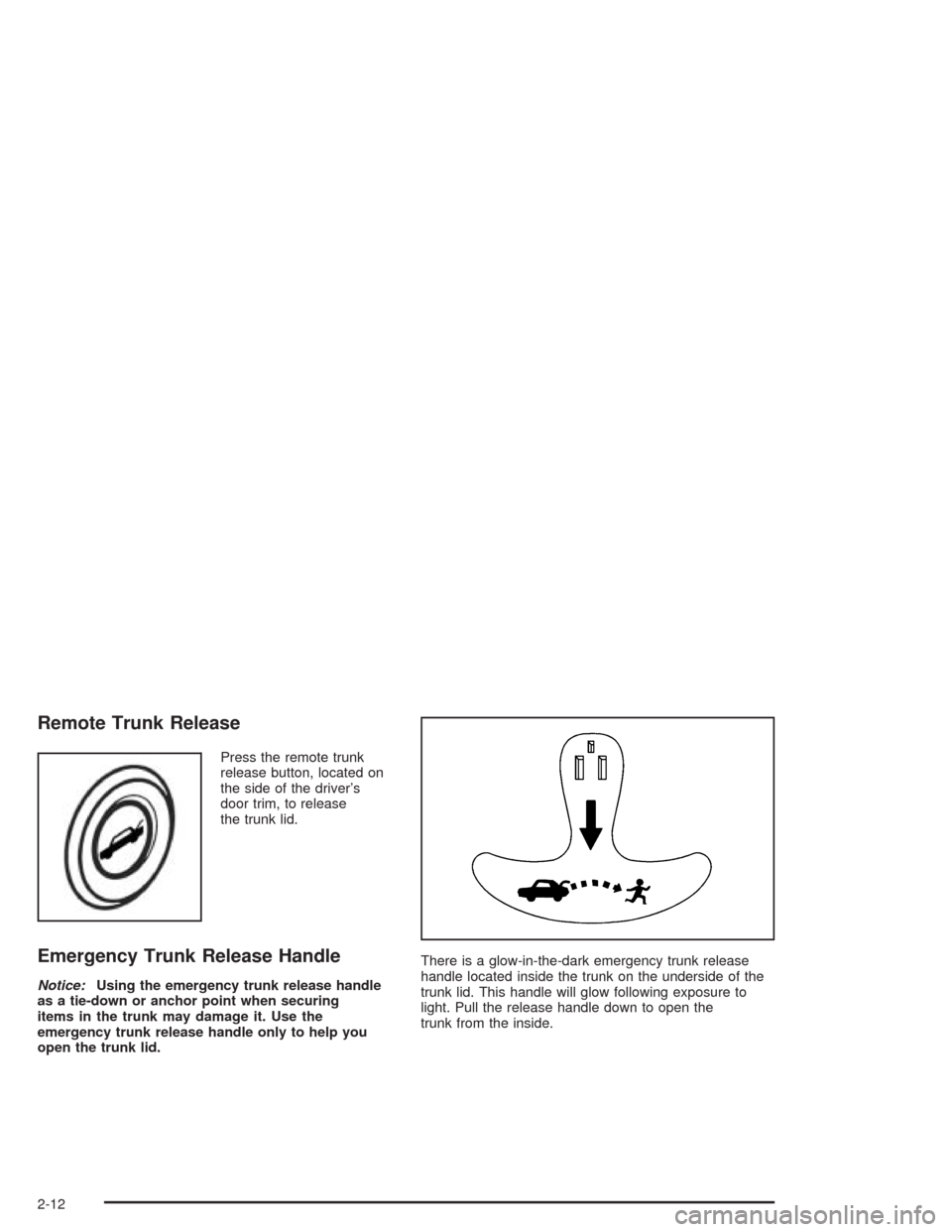
Press the remote trunk
release button, located on
the side of the driver’s
door trim, to release
the trunk lid.
Emergency Trunk Release Handle
Notice:Using the emergency trunk release handle
as a tie-down or anchor point when securing
items in the trunk may damage it. Use the
emergency trunk release handle only to help you
open the trunk lid.There is a glow-in-the-dark emergency trunk release
handle located inside the trunk on the underside of the
trunk lid. This handle will glow following exposure to
light. Pull the release handle down to open the
trunk from the inside.
2-12
Page 83 of 346
Manual Windows
On a vehicle with manual windows, use the window
crank to open and close each window.
The rear windows do not open fully.
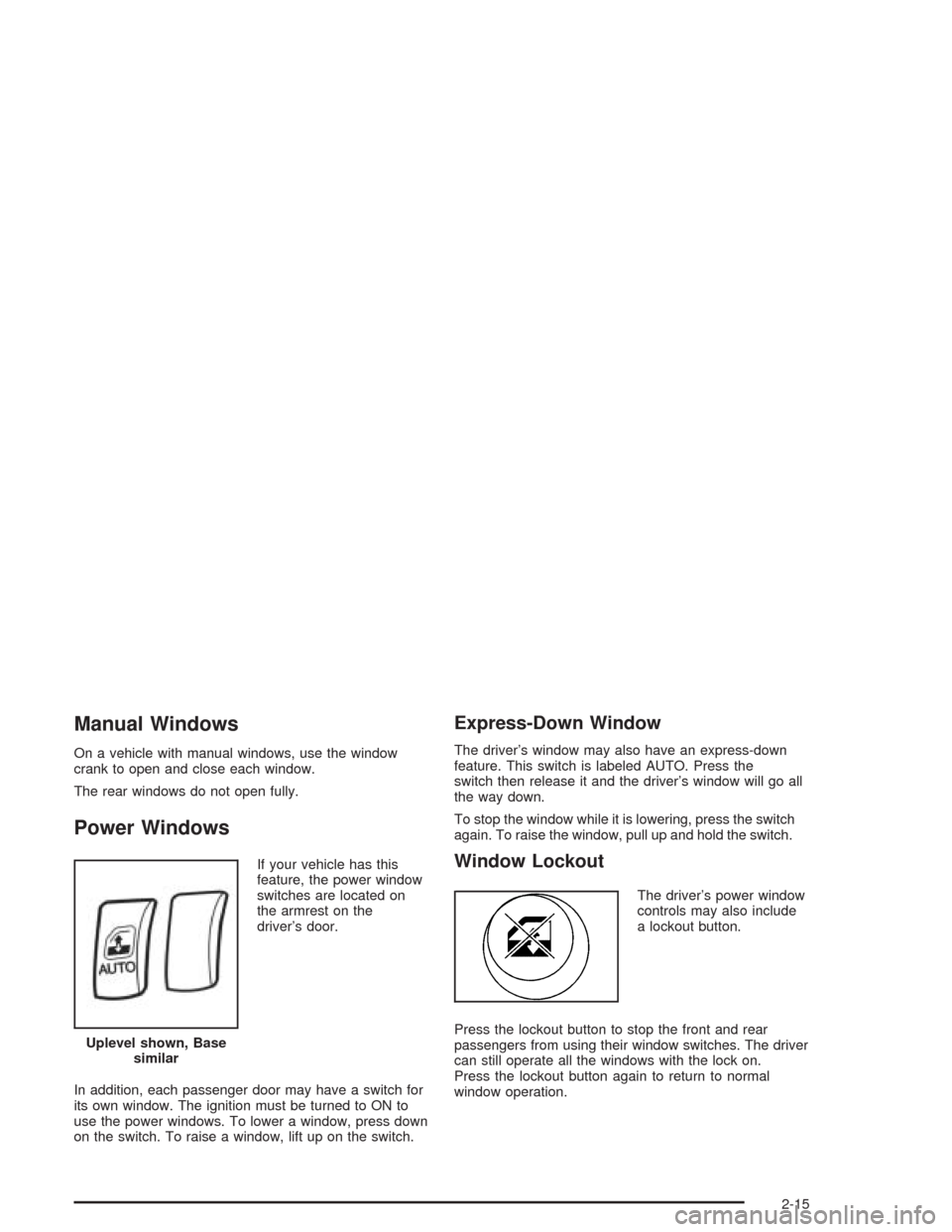
Power Windows
If your vehicle has this
feature, the power window
switches are located on
the armrest on the
driver’s door.
In addition, each passenger door may have a switch for
its own window. The ignition must be turned to ON to
use the power windows. To lower a window, press down
on the switch. To raise a window, lift up on the switch.
Express-Down Window
The driver’s window may also have an express-down
feature. This switch is labeled AUTO. Press the
switch then release it and the driver’s window will go all
the way down.
To stop the window while it is lowering, press the switch
again. To raise the window, pull up and hold the switch.
Window Lockout
The driver’s power window
controls may also include
a lockout button.
Press the lockout button to stop the front and rear
passengers from using their window switches. The driver
can still operate all the windows with the lock on.
Press the lockout button again to return to normal
window operation. Uplevel shown, Base
similar
2-15
Page 84 of 346
Sun Visors
To block out glare you can swing down the visors. You
can also remove them from the center mount and
swing them to the side.
Visor Vanity Mirror
Your vehicle also has vanity mirrors located on the back
of the sun visors. Swing down the sun visor and lift
the cover to expose the vanity mirror.
Theft-Deterrent Systems
Vehicle theft is big business, especially in some cities.
Although your vehicle has a number of theft-deterrent
features, we know that nothing we put on it can make it
impossible to steal.
Theft-Deterrent System
Your vehicle may have a theft-deterrent system.
The theft-deterrent system will not arm when you lock
the doors using the key or the manual door lock. It
activates only when you use the optional remote keyless
entry transmitter.
Arming the System
To arm the system, do the following:
1. Turn the key to LOCK and remove the key from the
ignition.
If the key is inserted in the ignition, the transmitter
will not operate the theft-deterrent system.
2. Close the doors, the windows, the hood, and the
trunk or liftgate.
Make sure the windows are closed, as the system
can be activated even if the windows are open.
3. Lock the door using the remote keyless entry
transmitter. The transmitter must be used to activate
the theft-deterrent system.
•The LED on the transmitter will flash once.
•All of the doors will lock.
•The hazard warning lamps will flash once and
the horn will chirp.
•The theft-deterrent mode will activate.
•The security light will flash once every second to
indicate that the theft-deterrent system is armed.
The security light is located on the base of
the driver’s door lock.
2-16