ignition CHEVROLET S10 1993 2.G User Guide
[x] Cancel search | Manufacturer: CHEVROLET, Model Year: 1993, Model line: S10, Model: CHEVROLET S10 1993 2.GPages: 356, PDF Size: 20.85 MB
Page 82 of 356

Downloaded from www.Manualslib.com manuals search engine t
Featums & Contmls
2. 4HI: This setting engages your front axle to help drive your \
vehicle. Use 4HI when you need extra traction, such as on snowy or ic\
y roads,
or in most off-road situations.
3. 4LO: This setting also engages your front axle to give you extra traction.
You may never need 4LO. It sends the maximum power to
all four
wheels. You might choose 4L0
if you were driving off-road in sand,
mud, or deep snow and climbing or descending steep hills.
Indicator lights on the switch show you which setting you are \
in. Both
indicator lights
will come on briefly when you turn on the ignition. If both
lights
do not come on, you should take your vehicle in for service. The 4HI
position has a green indicator light and the 4LO position has \
an amber
indicator light. When shifting from 4HI to 4LO or 4LO to 4HI,\
the indicator
light will flash until the shift is completed.
Two-Wheel Drive, “TWO WHEEL”, does not have a switch posi\
tion or an indicator light. Your vehicle will be in
two wheel drive if neither indicator light
is on.
To shift from two-wheel drive,
“TWO WHEEL”, to 4HI: Press and release
the 4HI switch. This can be done at any speed, and the front\
axle will lock
automatically.
To shift from 4HI to two-wheel drive, “TWO WHEEL”: Press and\
release
the 4HI switch. This can be done at any speed, and the front\
axle will unlock
automatically.
To shift from two-wheel drive, ‘‘TWO WHEEL”, or 4HI to 4LO: Stop your
vehicle. Shift your transmission into
N (Neutral) or depress your clutch pedal.
Press and release the 4LO switch. You must wait for the amber 4LO
indicator light to stop flashing and go solid amber before shi\
fting your
transmission into gear or releasing the clutch pedal.
If the 4L0 switch is pressed when your vehicle is in gear and/or moving, the
amber 4L0 indicator light will flash for
30 seconds and not complete the shift
unless your vehicle is below
3 mph and the transmission is in N (Neutral) or
the clutch pedal depressed.
On automatic transmission equipped vehicles:
If your transfer case does not
shift into 4L0, your transmission indicator switch may require adjustment. With
your transmission in
N (Neutral), press and release the 4LO switch. While the
amber 4LO indicator light is flashing, shift your transmission \
into
P (Park).
Wait until the 4LO indicator light goes solid amber before shifting your
transmission into gear. This will get you into 4L0, but you should take your
vehicle in for service
so normal operation can be restored.
2-30
Page 83 of 356
Downloaded from www.Manualslib.com manuals search engine To shift from 4LO to 4HI: Stop your vehicle. Shift your transmission into N
(Neutral) or depress your clutch pedal. Press and release the\
4HI switch. You
must wait for the green 4HI indicator light to stop flashing \
and go solid green
before shifting your transmission into gear or releasing the clutch pedal.
If the 4HI switch is pressed wh’en your vehicle is in gear and/or moving, the
green 4H1 indicator light will flash for
30 seconds but not complete the shift
unless the vehicle is below
3 mph and the transmission is in N (Neutral) or
the clutch pedal depressed.
On automatic transmission equipped vehicles:
If your transfer case does not
shift into- 4HI, your transmission indicator switch may require adjustment. With
your transmission in
N (Neutral), press and release the 4HI switch. While the
green 4HI indicator light
is flashing, shift your transmission into P (Park). Wait
until the 4HI indicator light goes solid green before shifting \
your transmission
into gear. This will get you into 4HI, but you should take your vehicle \
in for
service
so normal operation can be restored.
To shift from 4LO to two-wh’eel drive, “lW0 WHEEL”: You must shift from
4LO to 4HI before shifting back into two-wheel drive.
Windows
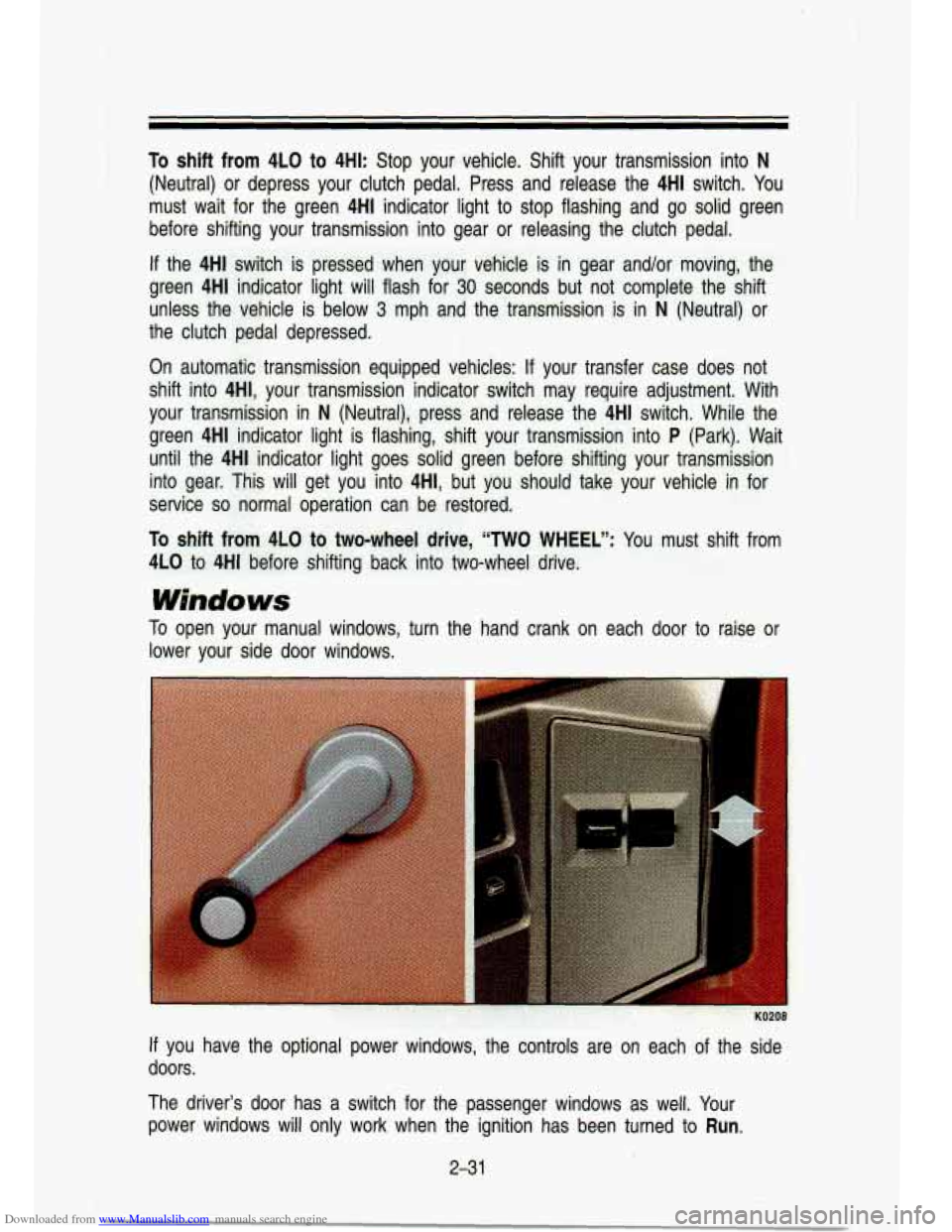
To open your manual windows, turn the hand crank on each door to raise or
lower your side door windows.
If you have the optional power windows, the co’ntrols are on e\
ach of the side
doors.
The driver’s door has a switch for the passenger windows as\
well. Your
power windows
will only work when the ignition has been turned to Run.
231
Page 98 of 356
Downloaded from www.Manualslib.com manuals search engine Features & Contmls
To Erase Speed Memory
When you turn off the Cruise Control or the ignition, your Cruise Control set
speed memory is erased.
Lights
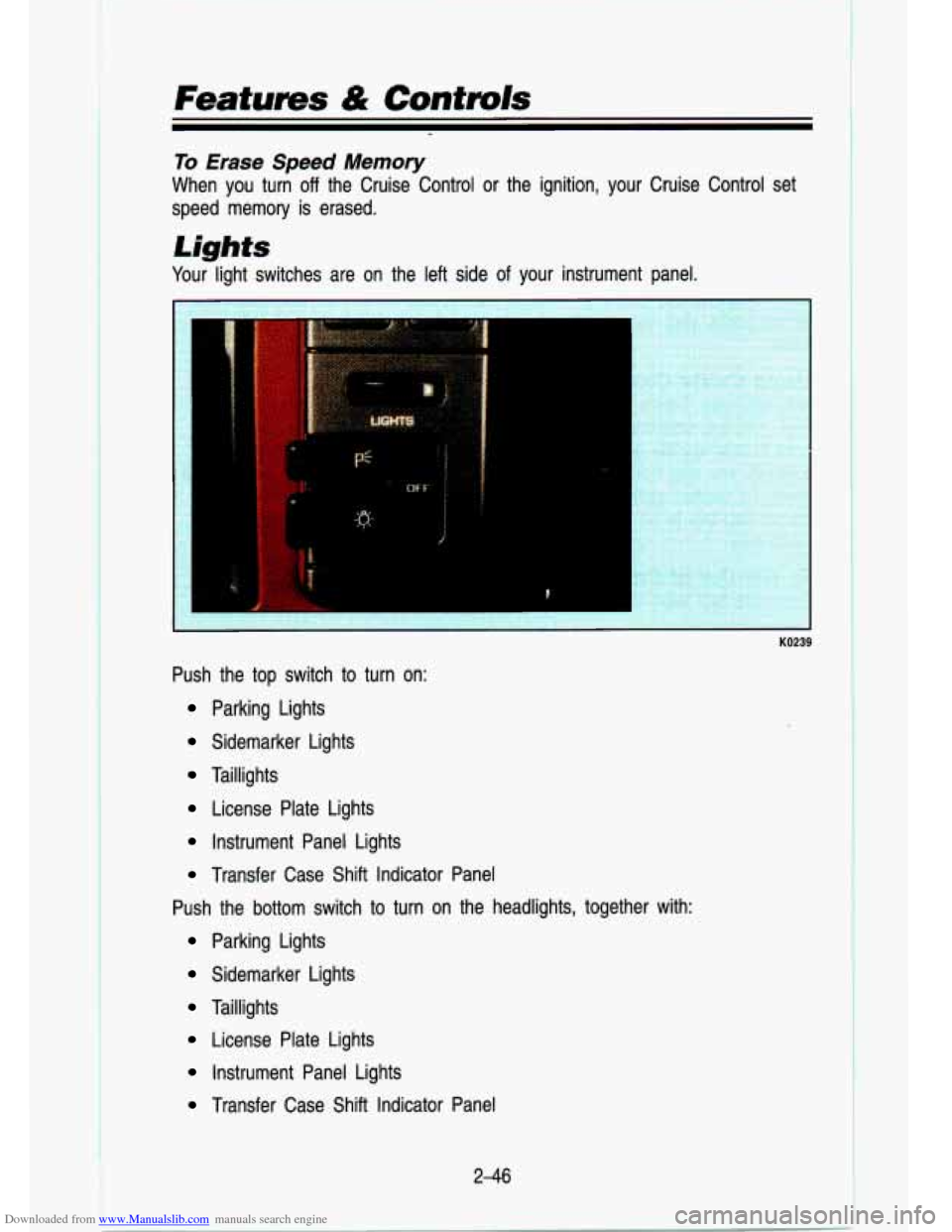
Your light switches are on the left side of your instrument panel.
KO239
Push the top switch to turn on:
Parking Lights
Sidemarker Lights
Taillights
License Plate Lights
Instrument Panel Lights
Transfer Case Shift Indicator Panel
Push the bottom switch to turn on the headlights, together wit\
h:
Parking Lights
Sidemarker Lights
Taillights
License Plate Lights
Instrument Panel Lights
Transfer Case Shift Indicator Panel
2-46
Page 101 of 356

The Canadian Federal Government has decided that “Daytime Run\
ning Lights” (DRL) are a")
Downloaded from www.Manualslib.com manuals search engine Dayiime Running Lights (Canada Only)
The Canadian Federal Government has decided that “Daytime Run\
ning Lights” (DRL) are a useful feature, in that DRL can make \
your vehicle more
visible to pedestrians and other drivers during daylight hours. \
DRL is required
on all new vehicles sold in Canada.
The high beam headlights will come on at reduced brightness in\
daylight when:
The ignition is on
The headlight switch is off, and
The parking brake is released.
vvnen you turn on your headlights, the DRL will switch
off and the exrerlor
lights will come on. When you turn
off the headlights, the exterior lights will
go out and high beams will change to the reduced brightness of DRL again.
The DRL indicator light on the instrument panel will go on wh\
enever the DRL is on. This light means that only the DRL is on. When you turn \
on your
exterior lights, this light will go out. Of course, you may still turn on the
headlights any time you need to.
To idle your vehicle with the DRL
off, set the parking brake. The DRL will
stay
off until you release the parking brake.
Headlights-On Reminder
A reminder tone will sound when your headlights are turned on an\
d your
ignition is in
Off, LOCK or Acc. To turn the tone off, turn the dimmer dial all
the way to the left.
2-49
Page 103 of 356
Downloaded from www.Manualslib.com manuals search engine Inside Mirror
Press the tab under the mirror to reduce glare from headlights behind you.
If your vehicle has optio.nal map lights, they will automatically \
come on for
approximately
15 seconds when either front door is opened, or until the
ignition is turned to
RUN.
You can also turn the map lights on and off by pressing the switch near
each light. However, the ignition must be turned to
RUN for the map lights to
come on.
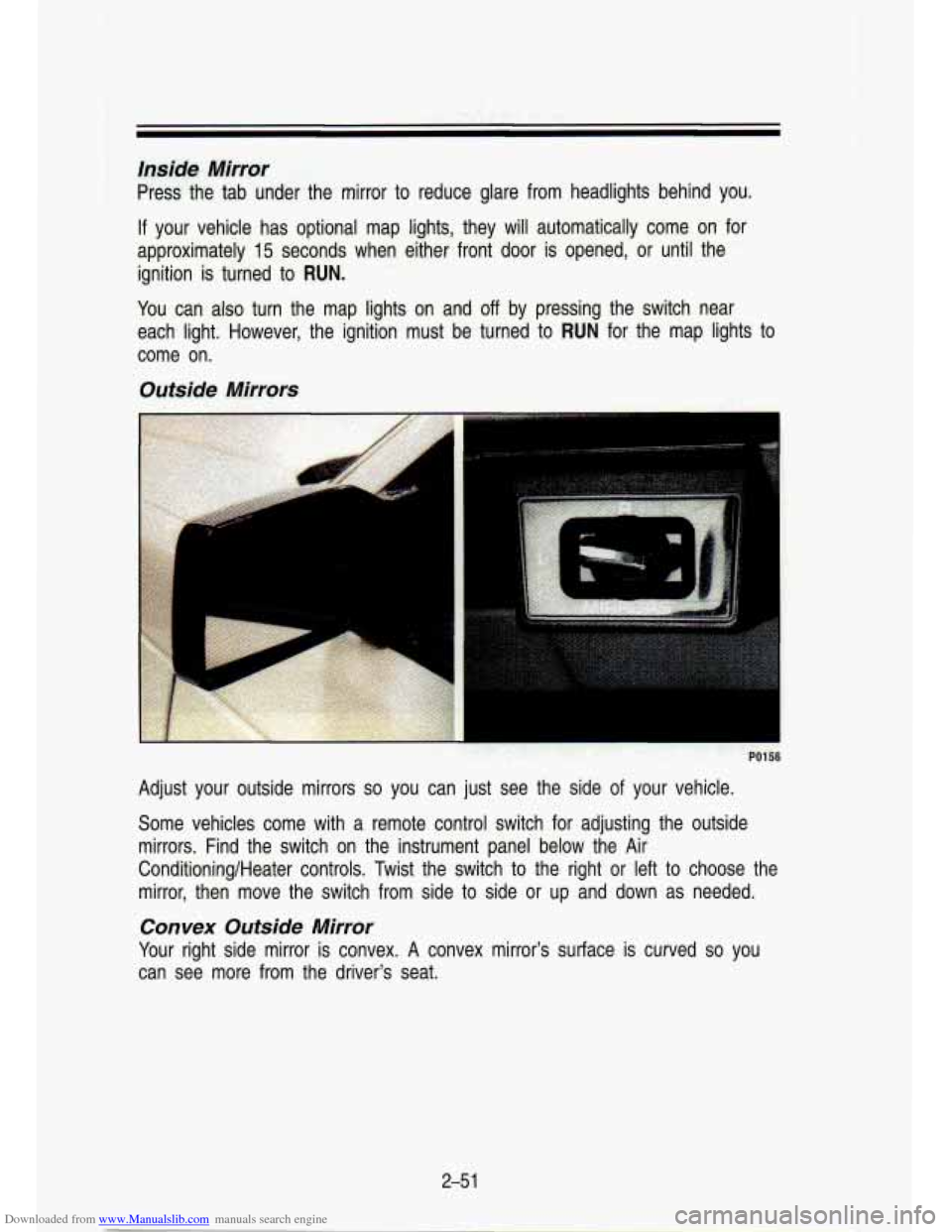
Outside Mirrors
I
Adjust your outside mirrors so you can just see the side of your vehicle.
Some vehicles come with a remote control switch for adjusting the o\
utside
mirrors. Find the switch on the instrument panel below the Air\
Conditioning/Heater controls. Twist the switch to the right or left to choose the
mirror, then move the switch from side to side or up and down as needed.
Convex Outside Mirror
Your right side mirror is convex. A convex mirror's surface is curved so you
can see more from the driver's seat.
2-5 1
Page 117 of 356
Downloaded from www.Manualslib.com manuals search engine KO271
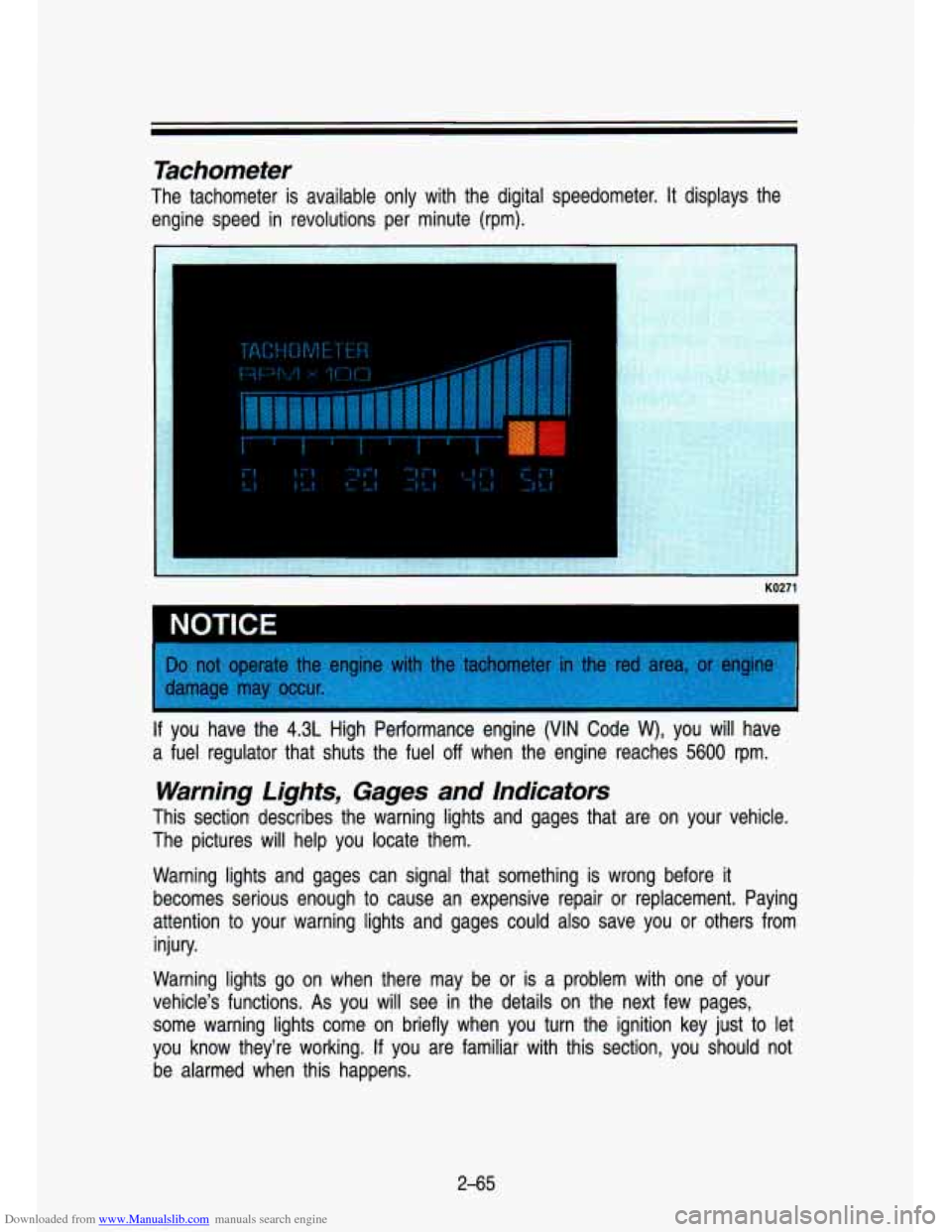
~ NOTICE
If you have the 4.3L High Performance engine (VIN Code W), you will have
a fuel regulator that shuts the fuel
off when the engine reaches 5600 rpm.
Warning Lights, Gages and Indicators
This section describes the warning lights and gages that are o\
n your vehicle.
The pictures will help you locate them.
Warning lights and gages can s.ignal that something is wrong before it
becomes serious enough to cause an expensive repair or replacem\
ent. Paying
attention to your warning lights and gages could
also save you or others from
injury.
Warning lights
go on when there may be or is a problem with one of your
vehicle’s funcfions.
As you will see in the details on the next few pages,
some warning lights come on briefly when you turn the ignition\
key just to let
you know they’re working.
If you are fam’iliar with this section, you should not
be alarmed when this happens.
2-65
Page 120 of 356
Downloaded from www.Manualslib.com manuals search engine Features & Controls
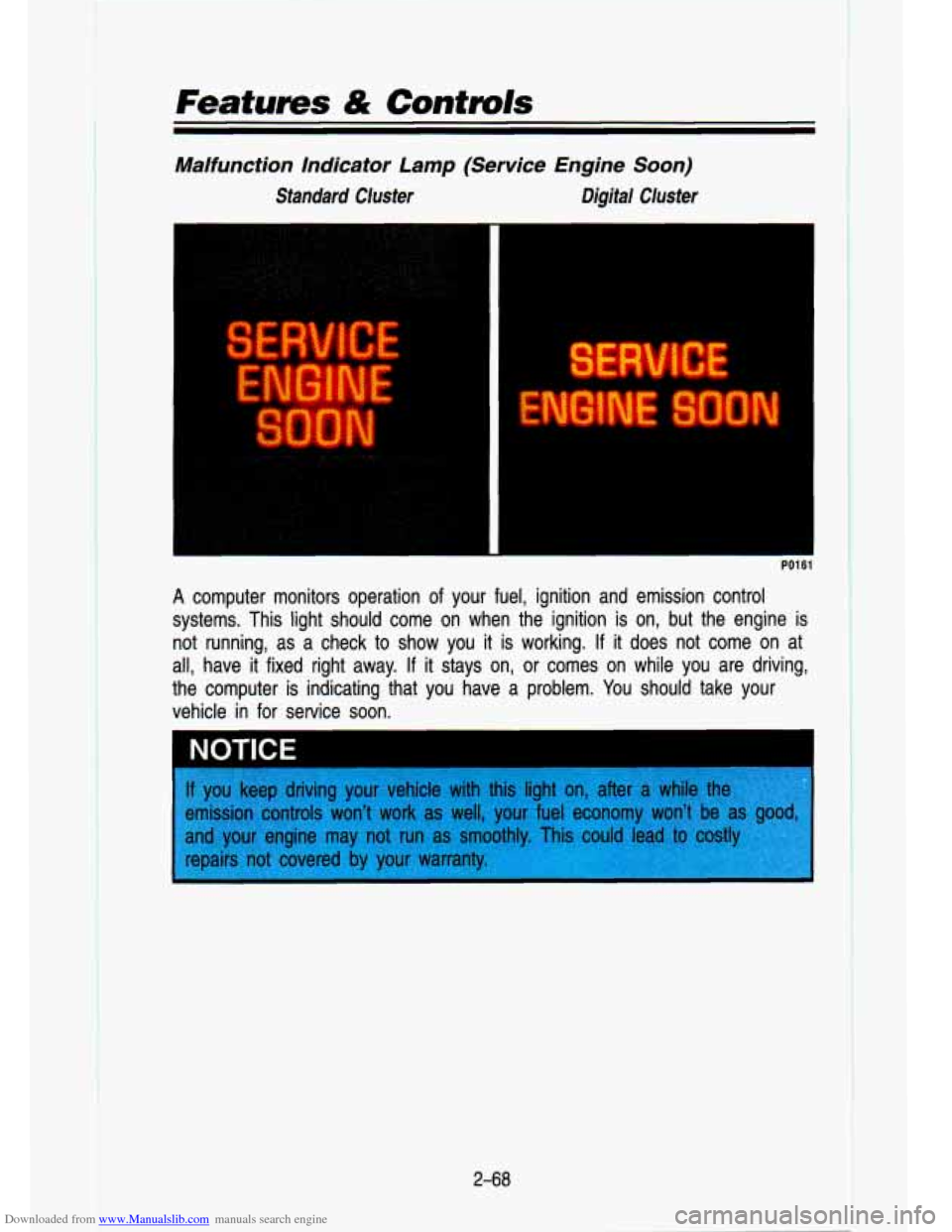
Malfunction Indicator Lamp (Service Engine Soon)
Standard Cluster Digital Cluster
I
PO1 61
A computer monitors operation of your fuel, ignition and emission control
systems. This light should come on when the ignition is on, but the engine is
not running, as a check to show you it is working. If it does not come on at
all, have it fixed right away.
If it stays on, or comes on while you are driving,
the computer is indicating that you have
a problem. You should take your
vehicle in for service
soon.
2-68
II
Page 122 of 356
Downloaded from www.Manualslib.com manuals search engine -. .. ,. L .. .
lndicator Lights
lndicator lights go on when you use your turn signals, change from low beam
headlights to high beams, or when you use your hazard flashers. The next
few pages will also tell you about the indicator lights on your vehicle and
help you locate them.
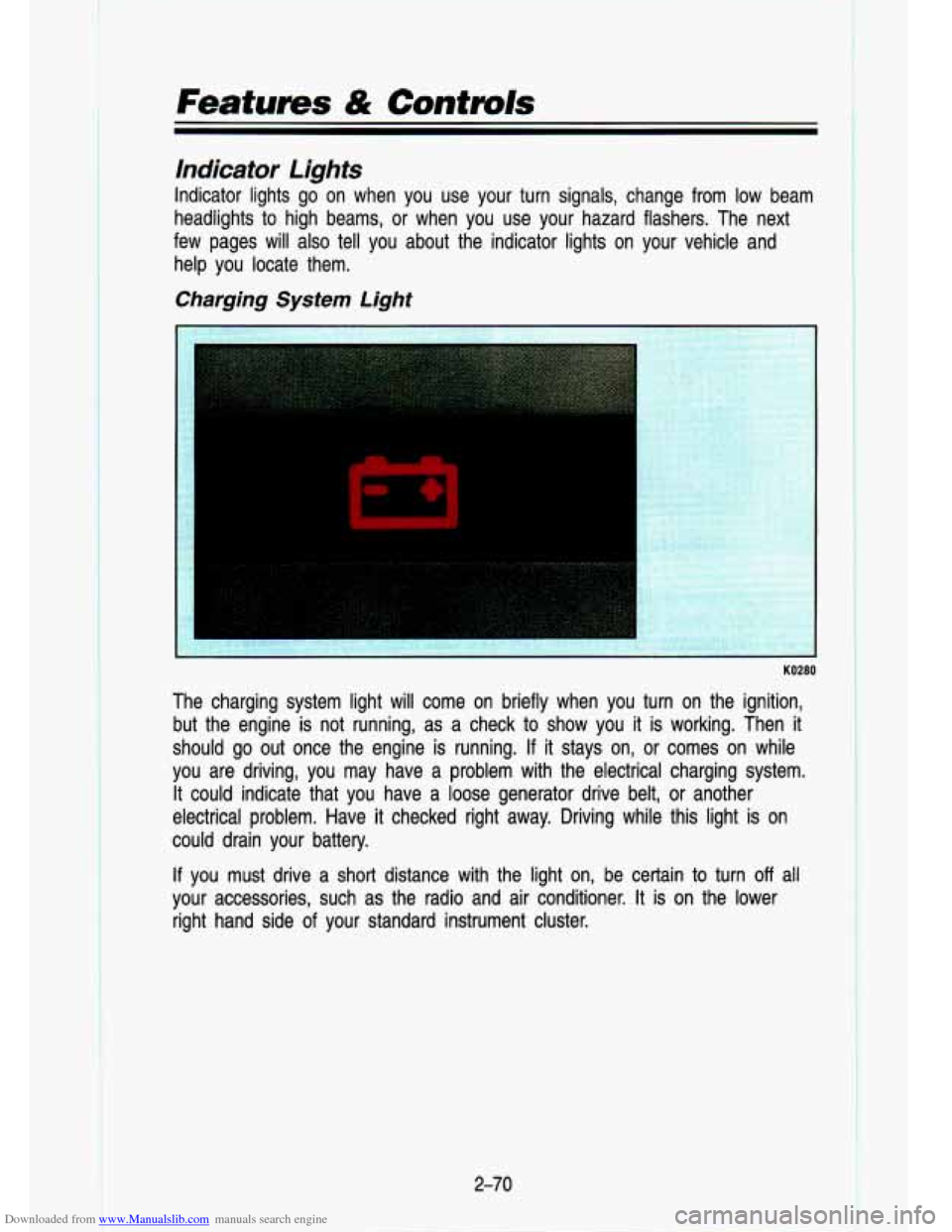
Charging System Light
KO280
t
The charging system light will come on briefly when you turn on the ignition,
but the engine is not running, as a check to show you it is working. Then
it
should go out once the engine is running. If it stays on, or comes on while
you are driving, you may have a problem with the electrical c\
harging system. It could indicate that you have a loose generator drive belt, or anothe\
r
electrical problem. Have it checked right away. Driving while this light is
on
could drain your battery.
If you must drive a short distance with the light on, be certain to turn off all
your accessories, such as the radio and air conditioner.
It is on the lower
right hand side
of your standard instrument cluster.
2-70
Page 123 of 356

Downloaded from www.Manualslib.com manuals search engine CHECK GAGES Light
KO281
If you have the standard instrument cluster, this light will come \
on briefly
when you are starting the engine.
If the light comes on and stays on while
you are driving, check your various gages to see
if they are in the warning
zones.
Daytime Running Lights (DRL) Indicator Light (Canada Only)
KO242
This green light with the DRL symbol is on the lower left of the instrument
cluster. The DRL indicator is on whenever the ignition is on \
and the headlight
switch and parking brake are
off. For more details about DRL, see "Lights" in
this section.
2-71
Page 126 of 356
Downloaded from www.Manualslib.com manuals search engine Features & Controls
Gages
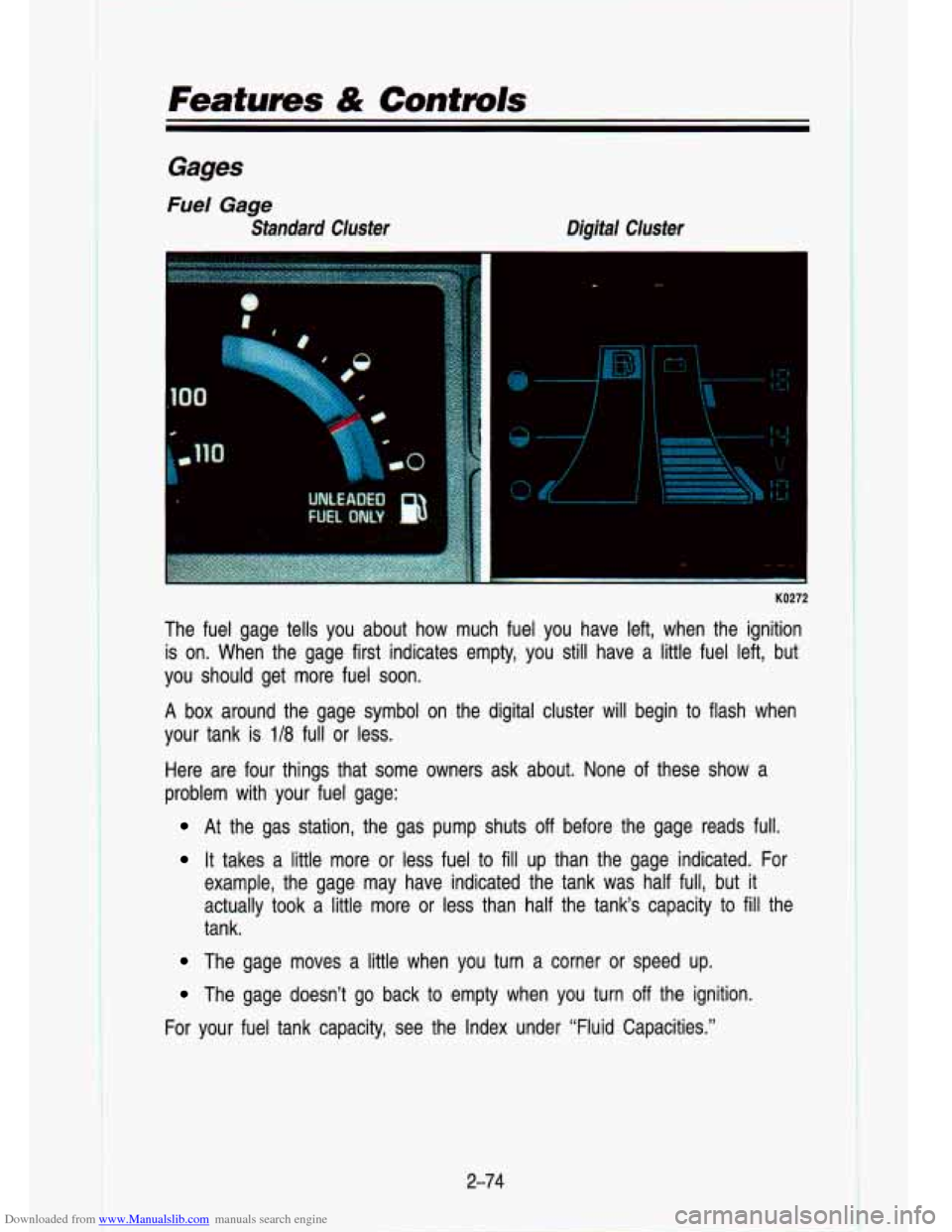
Fuel Gage
Standard Cluster Digital Cluster
KO272
The fuel gage tells you about how much fuel you have left, when the ignition
is on. When the gage first indicates empty, you still have a lit\
tle fuel left, but
you should get more fuel soon.
A box around the gage symbol on the digital cluster will begin to flash when
your tank
is 1/8 full or less.
Here are four things that some owners ask about. None of these show a
problem with your fuel gage:
At the gas station, the gas pump shuts off before the gage reads full.
It takes a little more or less fuel to fill up than the gage indicated. For
example, the gage may have indicated the tank was half full, \
but
it
actually took a little more or less than half the tank‘s capacity to fill the
tank.
The gage moves a little when you turn a corner or speed up. \
The gage doesn’t go back to empty when you turn off the ignition.
For your fuel tank capacity, see the Index under “Fluid Cap\
acities.”
2-74
t