audio CHEVROLET S10 1993 2.G Owners Manual
[x] Cancel search | Manufacturer: CHEVROLET, Model Year: 1993, Model line: S10, Model: CHEVROLET S10 1993 2.GPages: 356, PDF Size: 20.85 MB
Page 6 of 356
Downloaded from www.Manualslib.com manuals search engine ,. -.
TABLE OF CONT€NTS
How to Use this Manual
Comfort Confmls & Audio Sysfems
TO21 2
iv
Page 7 of 356
Downloaded from www.Manualslib.com manuals search engine Section
I
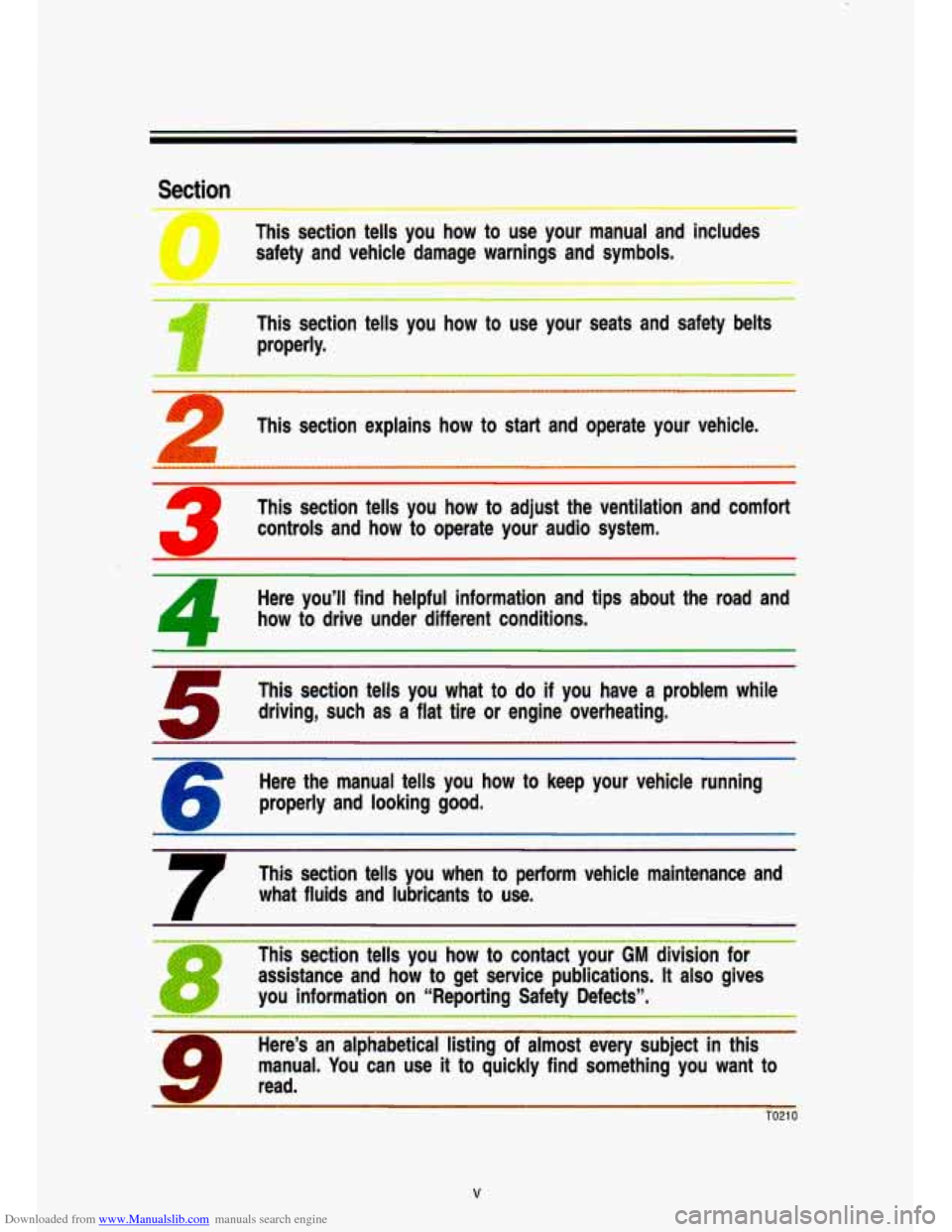
This section tells you how to use your manual and includes
safety and vehicle damage warnings and symbols.
‘II
This section tells you how to use your seats and safety belts
1 properly.
This section explains how to start and operate your vehicle.
’ This section tells you how to adjust the ventilation and comfort
controls and how to operate your audio system,
Here you’ll find helpful information and tips about the road and
how to drive under different conditions.
This section tells you what to
do if you have a problem while
driving, such as a
flat tire or engine overheating.
’ Here the manual tells you how to keep your vehicle running
properly and looking good.
7
This section tells you when to perform vehicle maintenance and
what fluids and lubricants to use.
~ ~~~~~ ~ ~ ~
1 This section tells you how to contact your GM division for
assistance and how to get service publications.
It also gives
you information on “Reporting Safety Defects”,
Here’s an alphabetical listing of almost every subject in this
I manual. You can line it to quickly find something you want to
Illrcl. read.
TO21 0
V
Page 129 of 356

Downloaded from www.Manualslib.com manuals search engine Comforf Controls & Audio Systems
In this part you’ll find out how to operate the comfort contro\
l systems and
audio systems offered with your vehicle. Be sure to read about the particular
system supplied with your vehicle.
For explanation of vehicle
symbols, refer to “Vehicle Symbols” in
Section
0.
Comfort Controls ..............I..........I....I..........................I.......r......\
........................... 3-3
Flow-Through Ventilation System
..................................................................... 3-3
Heating System
.... -..- ........................................................................\
.................. 3-5
Heating/Air Conditioning System
............................................*.......,-.. ........ - ...... 3-6
Engine Block Heater
........................................................................\
..................... 3-7
Audio Systems
..................................................I....I................\
I.I..I.I...................I.I. 3-7
FM Stereo ........................................................................\
.................................. 3-8 .
AM ........ -...... ........ =....... ........ ...... ...... ........ ..... ...... .......... . ....... ........... .............. . .... .3-8
AM Stereo
................... ........................ ............................................................. 3-8
How to Operate Your ETR* AM Radio
..... .................... -.. ............ .......... 3-9
How to Operate
Your ETRB AM-FM
Stereo Audio System
........................................................................\
........... 3-11
How to Operate Your ETR@ AM-FM
Stereo Audio Cassette System
................................................................... 3-1 3
3-1
Page 130 of 356
Downloaded from www.Manualslib.com manuals search engine Comfort Contmls & Audio Systems
How to Operate Your ETRs AM-FM
Stereo Audio Cassette System
With Equalizer ......................................... 3-1 6
Care
of Your Cassette Tape Player .............................................................. 3-1 9
How to Operate Your ETR@ AM-FM
Stereo Audio Compact Disc (CD) System
........................... - .................... 3-20
Care
of Your Compact Disc ........................................................................\
... 3-25
Fixed Mast Antenna
........................................................................\
.................... 3-26
3-2
Page 132 of 356
Downloaded from www.Manualslib.com manuals search engine Comfort Controls & Audio Systems
Air Vents
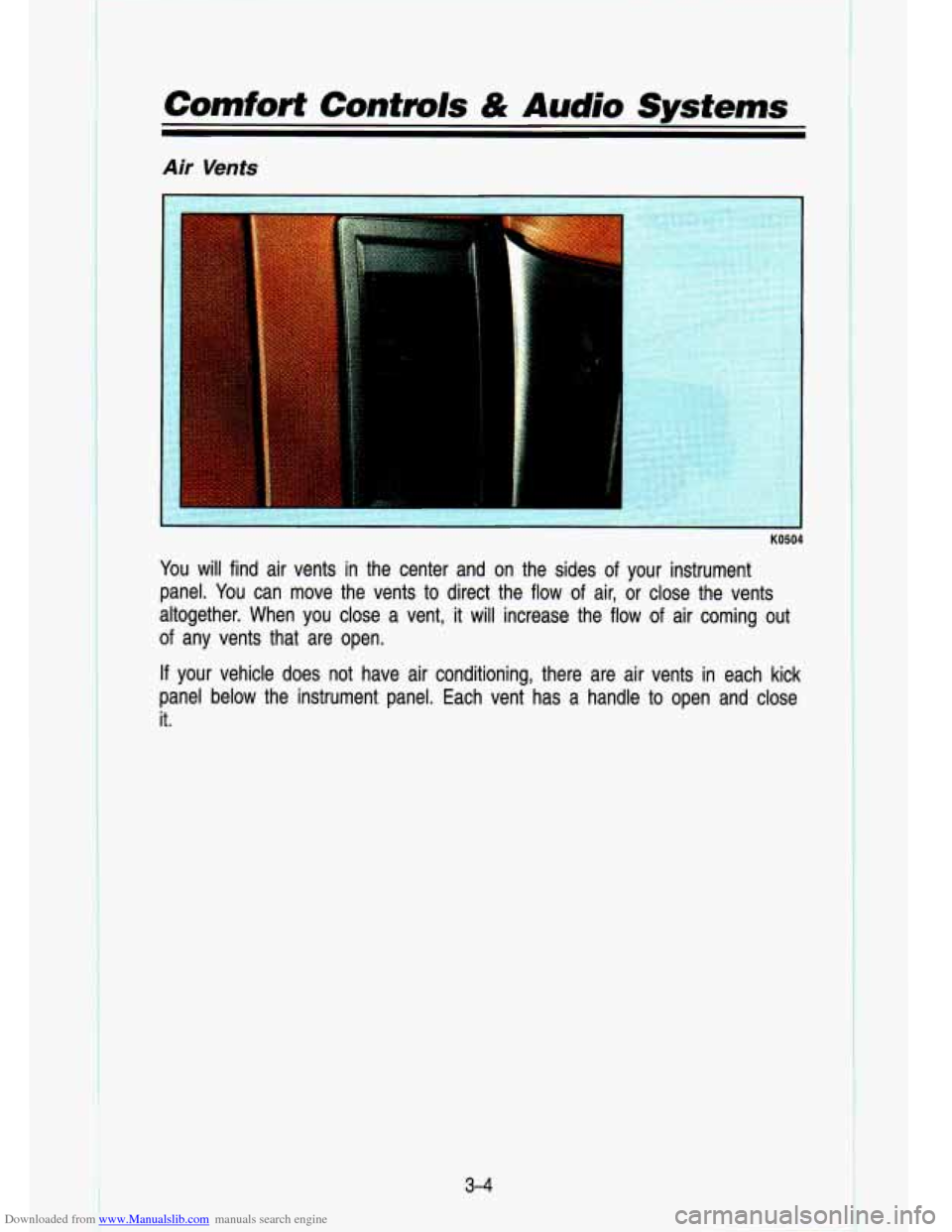
You will find air vents in the center and on the sides of your instrument
panel. You can move the vents to direct the flow of air, or close the vents
altogether. When
you close a vent, it will increase the flow of air coming out
of any vents that are open.
If your vehicle does not have air conditioning, there are air vents in each kick
panel below the instrument panel. Each vent has
a handle to open and close
it.
3-4
t
I
Page 134 of 356
Downloaded from www.Manualslib.com manuals search engine Comforf Controls & Audio Systems
HeatingAir Conditioning System
K05ur
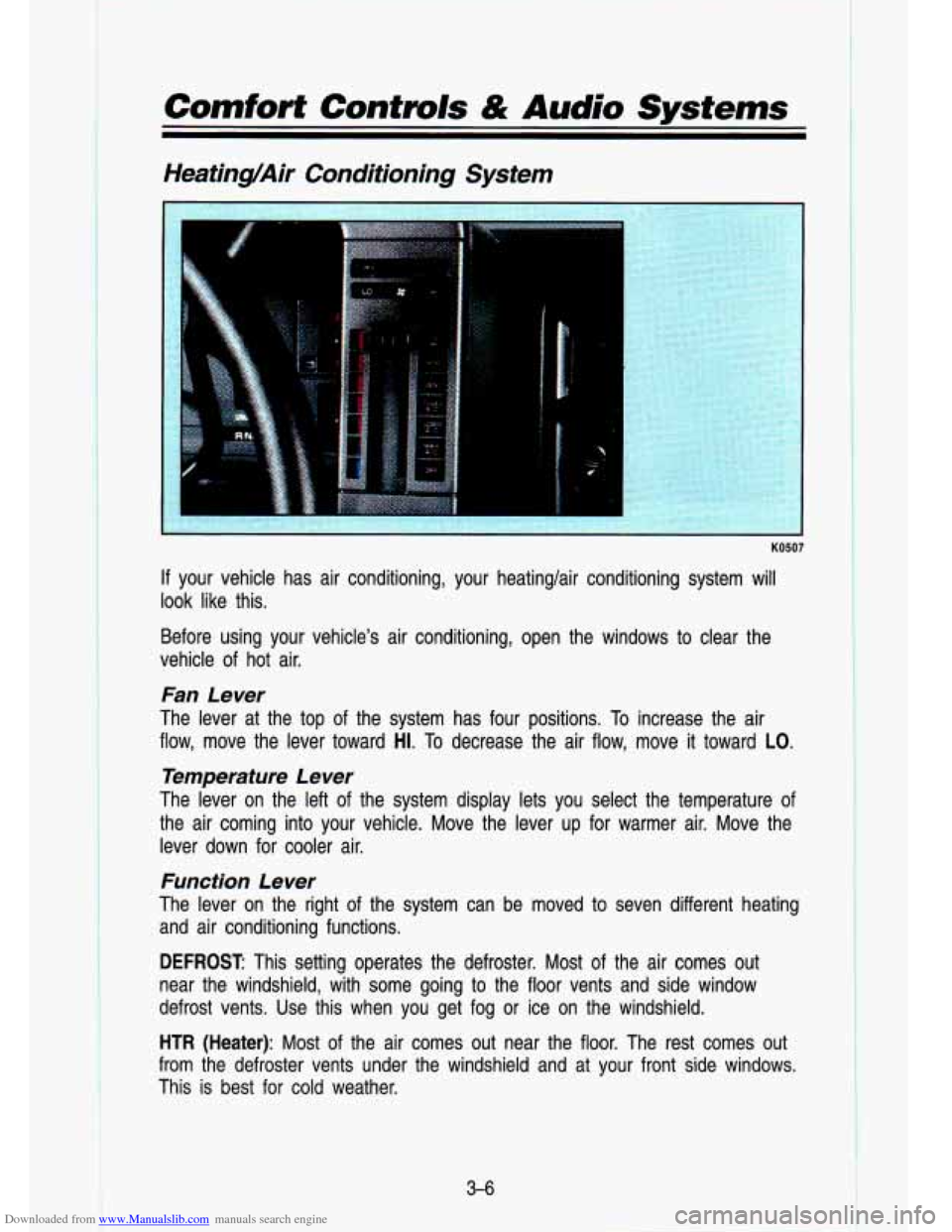
If your vehicle has air conditioning, your heatinglair conditioning \
system will
look like this.
Before using your vehicle’s air conditioning, open the window\
s to clear the
vehicle of hot air.
Fan Lever
The lever at the top of the system has four positions. To increase the air
flow, move the lever toward
H1. To decrease the air flow, move it toward LO.
Temperature Lever
The lever on the left of the system display lets you select the temperature of
the air coming into your vehicle. Move the lever up for warmer air. Move the
lever down for cooler air.
Function Lever
The lever on the right of the system can be moved to seven different heating
and air conditioning functions.
DEFROST This setting operates the defroster. Most of the air comes out
near the windshield, with some going to the floor vents and s\
ide window
defrost vents. Use this when you get fog or ice on the windshield.
HTR (Heater): Most of the air comes out near the floor. The rest comes out
from the defroster vents under the windshield and at your front
side windows.
This is best for cold weather.
3-6
Page 135 of 356

Downloaded from www.Manualslib.com manuals search engine VENT: The air comes out at the vents on your instrument panel and \
at your
front side windows.
BI-LEV NC: With this, outside air comes in through the heater floor vent and
the instrument panel vents. This setting is useful in cool weather with bright
sunlight.
NORM
NC: This setting cools the outside air. If you first used MAX, use
NORM as soon as the vehicle has cooled down,
so outside air will be going
through your vehicle.
MAX NC: This cools the air the fastest. Move the other lever all the \
way to
Cold. MAX lets in only a little air from the outside. You can use MAX at first
when it’s really hot outside and you need to cool
off quickly.
OFF: The blower is off, but air still will come from outlets at the front of your
vehicle. The system will try
to keep the air at the chosen temperature.
Engine Block Heater
If you use the optional engine block heater before starting your \
engine, your
heating system will produce warmer air faster, to heat the pas\
senger
compartment in cold weather. See “Engine Block Heater” in the Index.
Audio Systems
I CAUTION
A
Hearing damage frolm lloud noise is almost undetectable until it is too
late. Your
hearing can adapt to higher volmes of sound. So’und that
seems normal can
be loud an’d harmfull to your hearing. Jake
precaution’s by adjusting the volume control
on your radio to a safe
sound level before your hearing adapts to
it.
To help avoid hearing IOSS or damage:
* Adjust the volume control to the lowest setting.
Increase volume SliOWly until you hear comfortably and
clearlv.
- -
Your L-.CO@ audio system has been designed to operate easily and give
years of listening pleasure. But you will get the most enjoyment out of it if
you acquaint yourself with
it first. Find out what your Delco@ system can do
and how to operate all its controls, to be sure you’re getting the most out of
the advanced engineering that went into it.
3-7
Page 136 of 356

Downloaded from www.Manualslib.com manuals search engine Comfort Contmls & Audio Systems
FM Stereo
FM stereo will give you the best sound. But FM signals will \
reach only about
10
to 40 miles (16 to 65 km). And, tall buildings or hills can interfere with
FM signals, causing the sound
to come and go.
AM
The range for most AM stations is greater than for FM, especi\
ally at night.
The longer range, however, can cause stations to interfere with\
each other.
AM can pick up noise from things like storms and power lines.\
Try reducing
the treble to reduce this noise
if you ever get it.
AM Stereo
C-QUA@
This means the Delco@ system can receive C-QUAM@ stereo broadca\
sts. Many AM stations around the country use C-QUAM@ to produce stereo,
though some
do not. (C-QUAM@ is a registered trademark of Motorola, Inc.)
If your Delco@ system can get C-QUAM? your “STEREO” light will come on
when you’re receiving it.
3-8
Page 138 of 356

Downloaded from www.Manualslib.com manuals search engine Comfort Controls & Audio Systems
Pushbuttons
The four pushbuttons let you return to favorite stations. You \
can set the pushbuttons for up
to seven favorite AM stations. Just:
Tune in the station you want.
Push the SET pushbutton. (SET appears in the VF display for a few
seconds.)
Within 5 seconds, push one of the four pushbuttons to store the station.
Whenever you press that button, the preset station will return.\
NOTE:
Up to three additional stations may be preset by pressina two adjoining
buttons at the same time.
Tune in the desired station.
Press the SET pushbutton.
Within 5 seconds, press any two adjoining pushbuttons at the same time. \
(The station will return when the same two buttons are presse\
d again.
Clock
To set the clock, just:
Push the SET pushbutton.
Within 5 seconds, press and hold MlNS until the correct minute appears
on the display.
Press and hold HRS until the correct hour appears on the display.
TREBLE
Slide the TREBLE lever up to increase the treble response. If the station is
weak or noisy, slide the TREBLE lever down to reduce the noise.
BASS
Slide the BASS lever up to increase the bass response. Adjust the BASS
lever
to give a pleasing sound to your ear.
3-1 0
1
Page 139 of 356
Downloaded from www.Manualslib.com manuals search engine How to Operate Your ETP AM-FM Stereo Audio
System
R
K4309
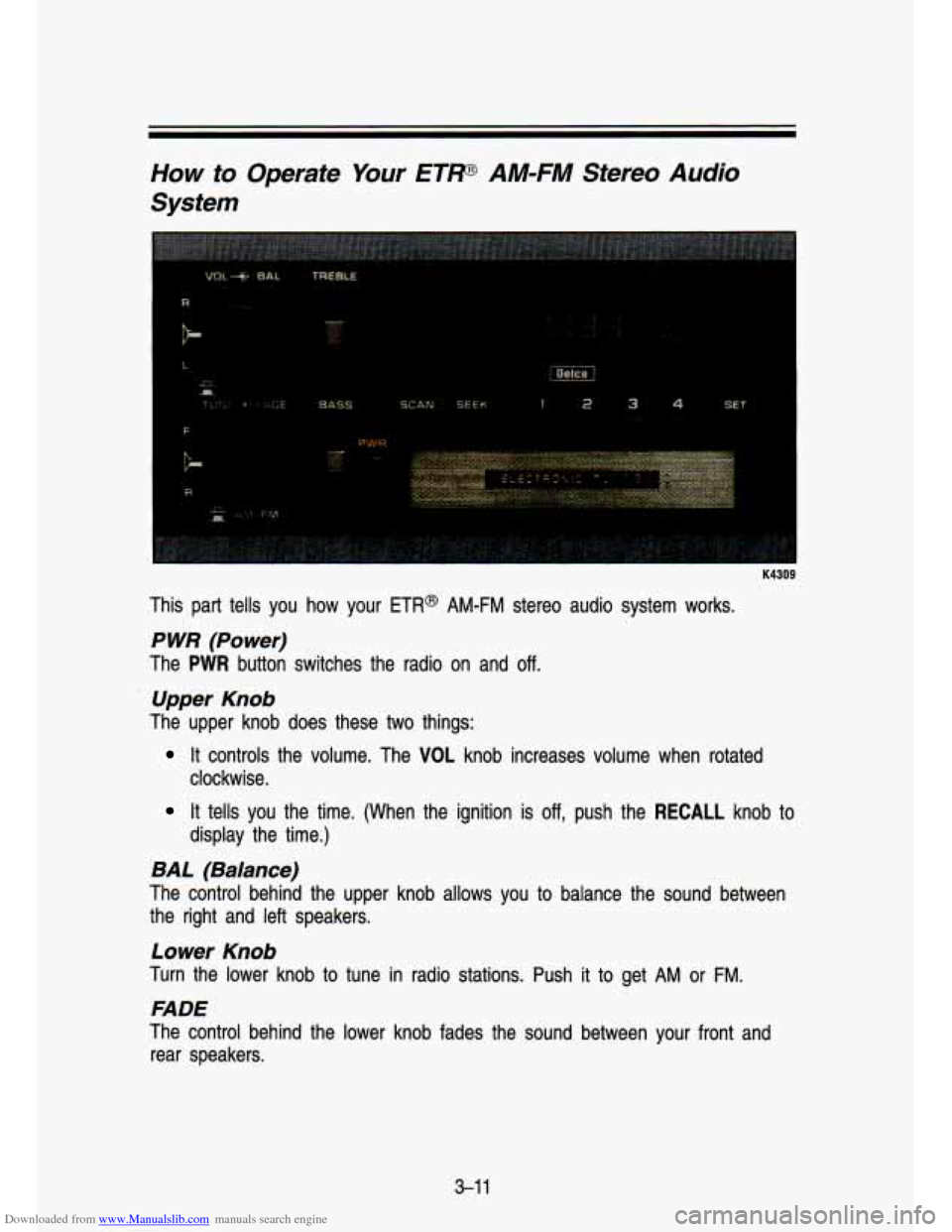
This part tells you how your ETR@ AM-FM stereo audio system works.
P WR (Power)
The PWR button switches the radio on and off.
Upper Knob
The upper knob does these two things:
It controls the volume. The VOL knob increases volume when rotated
clockwise.
It tells you the time. (When the ignition is off, push the RECALL knob to
display the time.)
BAL (Balance)
The control behind the upper knob allows you to balance the sound between
the right and left speakers.
Lower Knob
Turn the lower knob to tune in radio stations. Push it to get AM or FM.
FADE
The control behind the lower knob fades the sound between your front and
rear speakers.
3-1 1