wheel CHEVROLET S10 1994 2.G User Guide
[x] Cancel search | Manufacturer: CHEVROLET, Model Year: 1994, Model line: S10, Model: CHEVROLET S10 1994 2.GPages: 340, PDF Size: 18.45 MB
Page 69 of 340
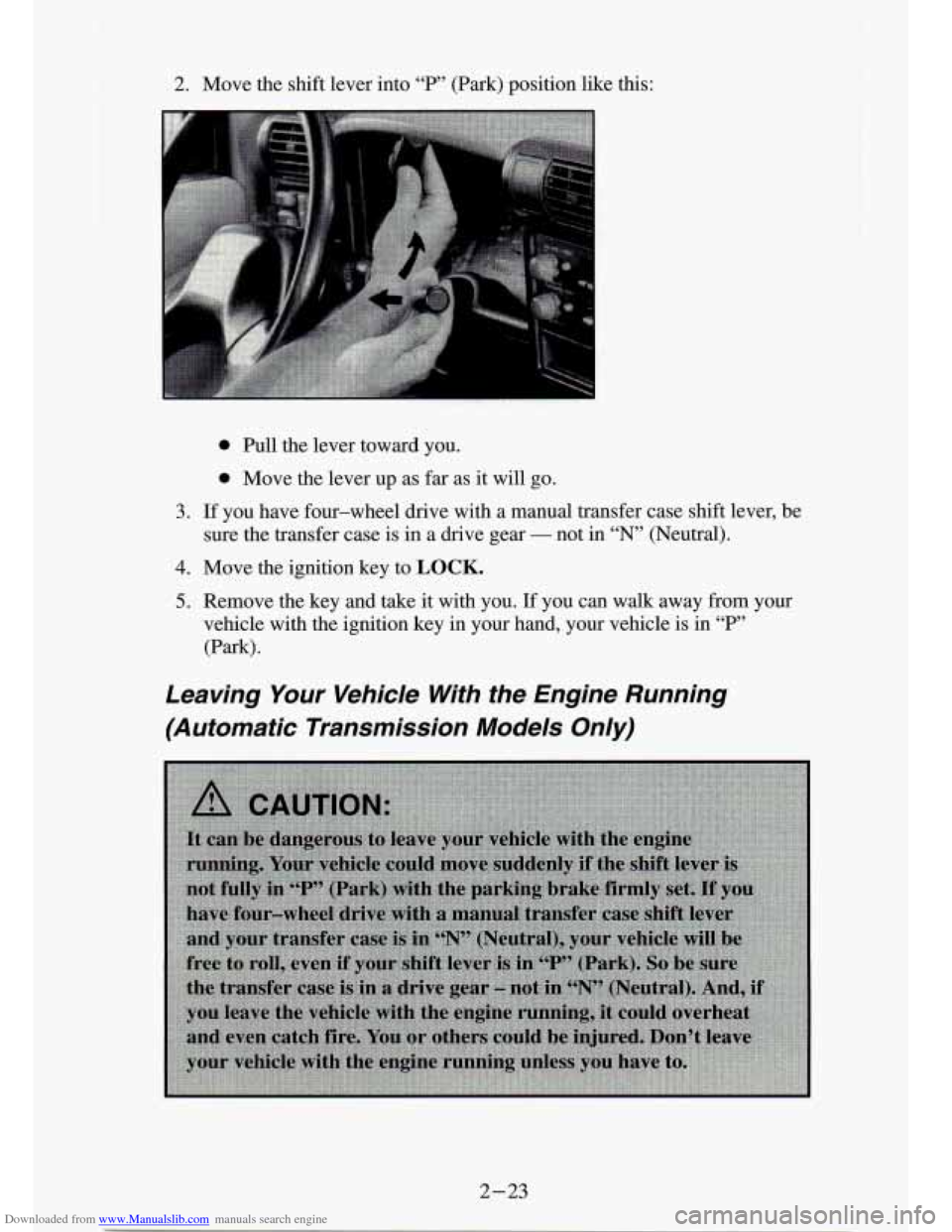
Downloaded from www.Manualslib.com manuals search engine 2. Move the shift lever into “P” (Park) position like this:
0 Bull the lever toward you.
0 Move the lever up as far as it will go.
3. If you have four-wheel drive with a manual transfer case shift lever, \
be
4. Move the ignition key to LOCK.
5. Remove the key and take it with you. If you can walk away from your
sure
the transfer case is in a drive gear
- not in “N’ (Neutral).
vehicle with the ignition key in your hand, your vehicle is i\
n
“P”
(Park).
Leaving Your Vehicle Wth the Engine Running
(Automatic Transmission Models Only)
2-23
Page 70 of 340
Downloaded from www.Manualslib.com manuals search engine Torque Lock (Automatic Transmission)
If you are parking on a hill and you don’t shift your transmission into “P’
(Park) properly, the weight of the vehicle may put too much force on the
parking pawl in the transmission. You may find it difficult to pull the shift
lever out of
“P” (Park). This is called “torque lock.” To prevent torque lock,
set the parking brake and
then shift into “P” (Park) properly before you
leave the driver’s seat.
To find out how, see “Shifting Into ‘P’ (Park)” in the
Index.
When you are ready to drive, move the shift lever out of
“P” (Park)
BEFORE you release the parking brake.
If “torque lock” does occur, you may need to have another vehicle push
yours a little uphill
to take some of the pressure from the transmission, so
you can pull the shift lever out of “P’ (Park).
Parking Your Vehicle (Manual Transmission
Models Only)
Before you get out of your vehicle, turn off your engine, put your manual
transmission in
“R’ (Reverse) and firmly apply the parking brake.
lr you have four-wheel drive with a manual transfer case shift lever, be sure
your transfer case is
in a drive gear. Your vehicle could roll if it isn’t.
If you are parking on
a hill, or if your vehicle is equipped to tow a trailer,
see “Parking on Hills” or “Towing
a Trailer” in the Index.
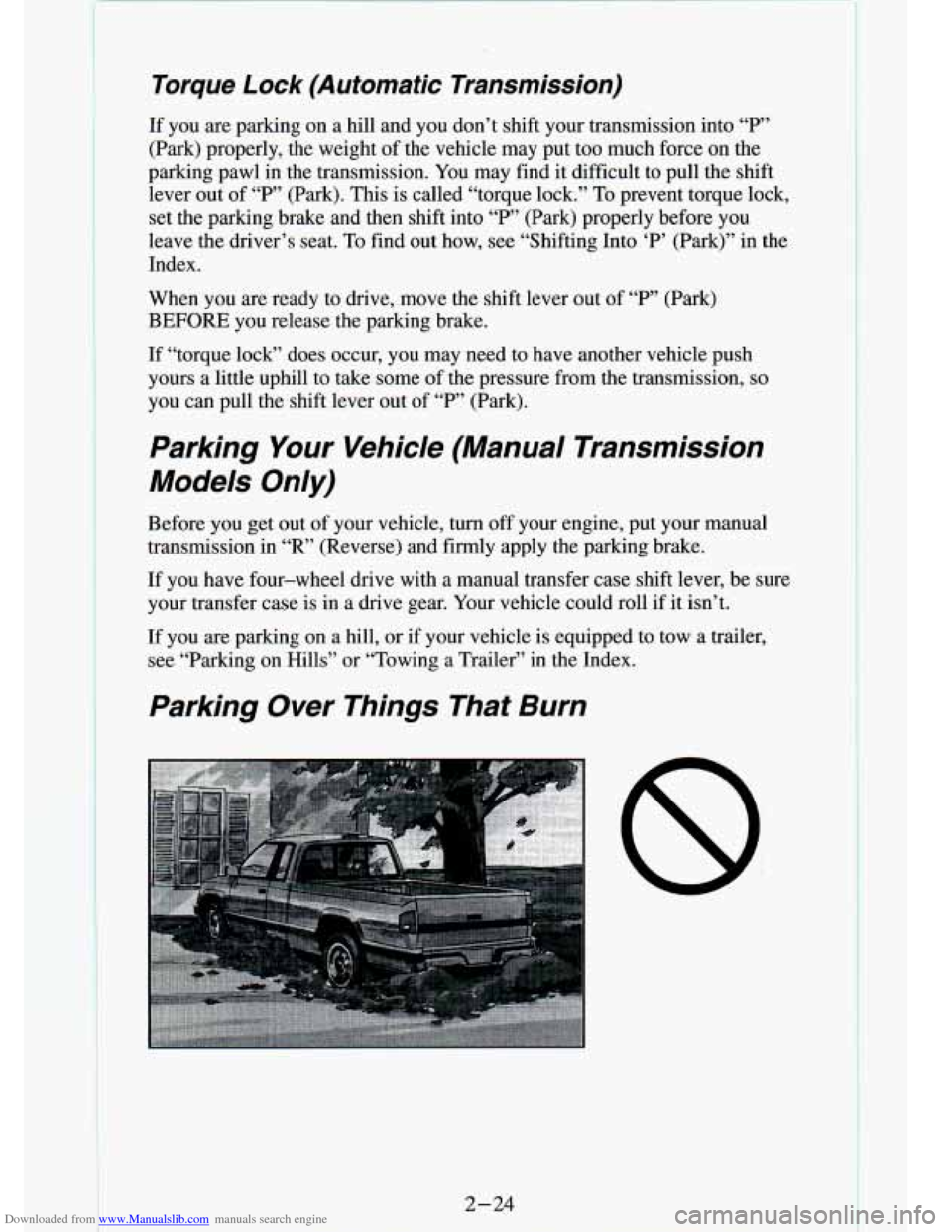
Parking Over Things That Burn
8
2- 24
Page 72 of 340
Downloaded from www.Manualslib.com manuals search engine Running Your Engine While You’re Parked
(Automatic Transmission)
It’s better not to park with the engine running. But if you ever have to, here
are some things
to know.
If you have four-wheel drive with a manual transfer case shift lever and
your transfer case is in “N” (Neutral), your vehicle wi\
ll be free to roll, even
if your shift lever is in “P’ (Park). So, be sure the transfer case is in a drive
gear
- not in “N’ (Neutral). Follow the proper steps to be sure your vehicle
won’t move. See
“Shifting Into ‘P’ (Park)” in the Index.
If you’re pulling a trailer, see “Towing a Trailer’’ in\
the Index.
2-26
Page 73 of 340

Downloaded from www.Manualslib.com manuals search engine Four- Wheel Drive
If your vehicle has four-wheel drive, you can send your engine’\
s driving
power to all four wheels for extra traction.
To shift out of two-wheel drive
and into four-wheel drive, move the transfer case shift lever to
4HI or 4LO.
You should use 2HI for most normal driving conditions, however.,
NOTICE:
Driving in the 4HI or 4LO positions for a long time on dry or
wet pavement could shorten the life of your vehicle’s drivet\
rain.
Manual Transfer Case
An indicator light near the lever shows you the transfer
If your four-wheel
drive vehicle has the
manual transfer case,
the transfer case shift
lever is
on the floor to
the right of the driver.
Use this lever to shift
into and out of
four-wheel drive.
- case settings:
2HI
An indicator light near the lever shows you the transfer case settings:
2HI
@ 4HI
NSETPARK
BRAKE
4LO
@ 4HI
NSETPARK
BRAKE
4LO
2-27
Page 74 of 340
Downloaded from www.Manualslib.com manuals search engine ..
The front axle portion of the diagram on the indicator will light up when
you shift into four-wheel drive. A slight delay between shifting an\
d the
pattern’s lighting is normal. If the pattern does not light up, or if the front
axle does not go out after you shift out of four-wheel drive, have your
dealer check your system. Turn the
INT LIGHTS switch located to the
right of your headlight switch to dim your transfer case indicator light\
when
your headlights or parking lights are on. This will also cause\
your
instrument panel lights to dim.
2HI: This setting is for driving in most street and highway situations. Your
front axle is not engaged in two-wheel drive.
4HI: This setting engages your front axle to help drive your vehicl\
e. Use
4HI when you need extra traction, such as on snowy or icy roads, \
or in most
off-road situations.
N SET PARK BRAKE: Shift to this neutral setting only when your vehicle
needs to be towed.
4LO: This setting also engages your front axle to give you extra traction.
You may never need
4LO. It sends the maximum power to all four wheels.
You might choose
4LO if you were driving off-road in sand, mud, or deep
snow and climbing or descending steep hills.
You can shift from
2HI to 4HI or from 4HI to 2HI while the vehicle is
moving. It is not necessary for you to press the transfer case shift lever
button. Your front axle will engage faster
if you take your foot off of the
accelerator for a few seconds after you shift.
To shift your transfer case into N SET PARK BRAKE:
1. Stop the vehicle and shift your transmission into “N” (Neutral).
2. Set the parking brake. Your vehicle can roll unless the brakes are
applied.
To shift into or out of 4LO :
1. The vehicle must be stopped or moving less than 3 mph (4.8 Wh)
with the transmission in “N’ (Neutral) or the clutch pedal depressed.
2. Press the transfer case shift button and shift in one continuous motion.
Don’t pause in
N SET PARK BRAKE as you shift into or out of 4L0, or
your gears could clash.
Remember that driving in
4HI or 4LO may reduce fuel economy. Also,
driving in four-wheel drive on dry pavement could cause your t\
ires to wear
faster and make your transfer case harder to shift.
2-28
I
Page 75 of 340
Downloaded from www.Manualslib.com manuals search engine Electronic Transfer Case
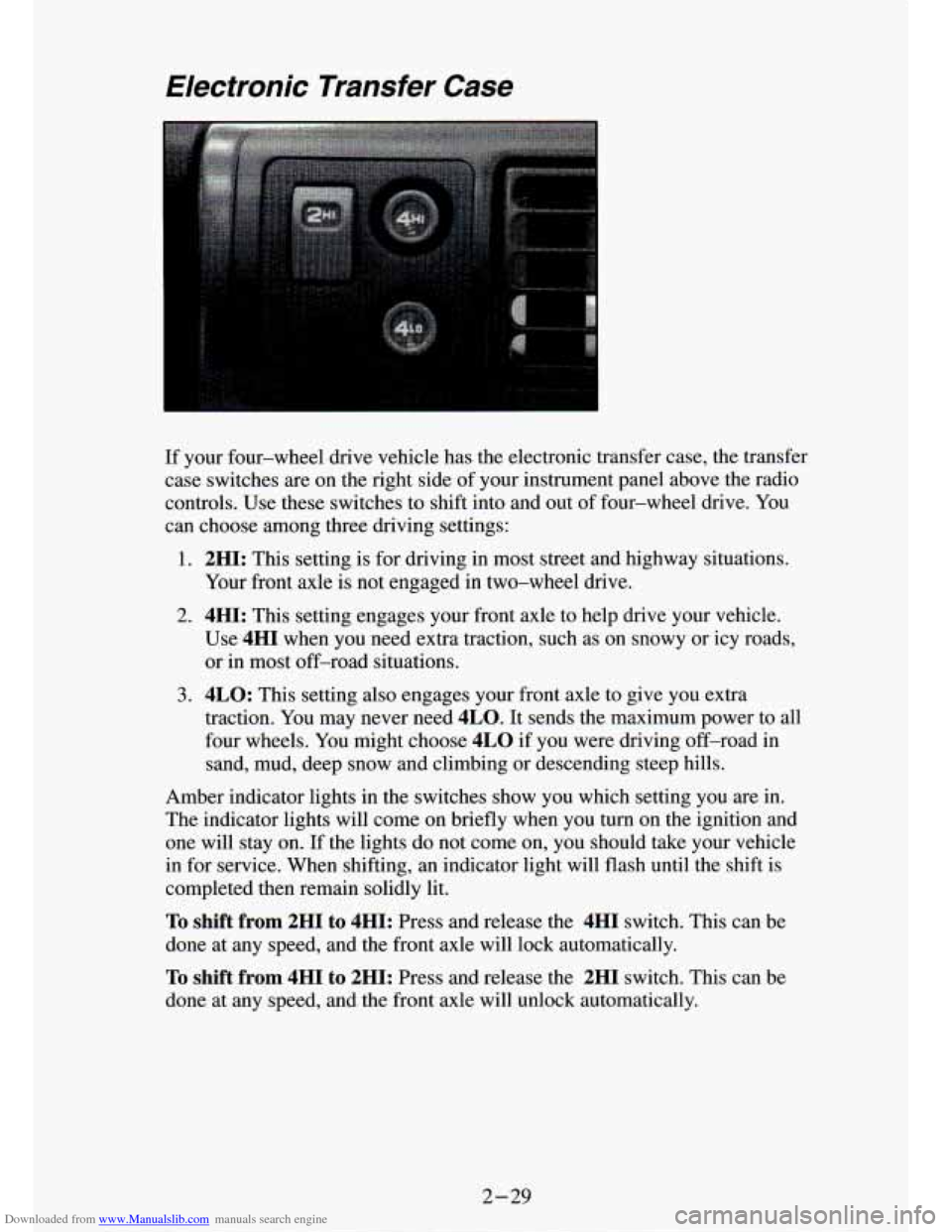
If your four-wheel drive vehicle has the electronic transfer case, the transfer
case switches are on the right side of your instrument panel above the radio
controls. Use these switches to shift into and out of four-wheel drive. You
can choose among three driving settings:
1. 2HI: This setting is for driving in most street and highway situations.
Your front axle is not engaged
in two-wheel drive.
2. 4HI: This setting engages your front axle to help drive your vehicle.
Use
4HI when you need extra traction, such as on snowy or icy roads, \
or in most off-road situations.
3. 4LO: This setting also engages your front axle to give you extra
traction. You may never need
4LO. It sends the maximum power to all
four wheels. You might choose
4LO if you were driving off-road in
sand, mud, deep snow and climbing or descending steep hills.
Amber indicator lights in the switches show you which setting \
you are in.
The indicator lights will come on briefly when you
turn on the ignition and
one
will stay on. If the lights do not come on, you should take your vehicle
in for service. When shifting, an indicator light will flash until the shift is
completed then remain solidly lit.
To shift from 2HI to 4HI: Press and release the 4HI switch. This can be
done at any speed, and the front axle will lock automatically.
To shift from 4HI to 2HI: Press and release the 2HI switch. This can be
done at any speed, and the front axle will unlock
; omaticallv.
2-29
Page 79 of 340
Downloaded from www.Manualslib.com manuals search engine Horn
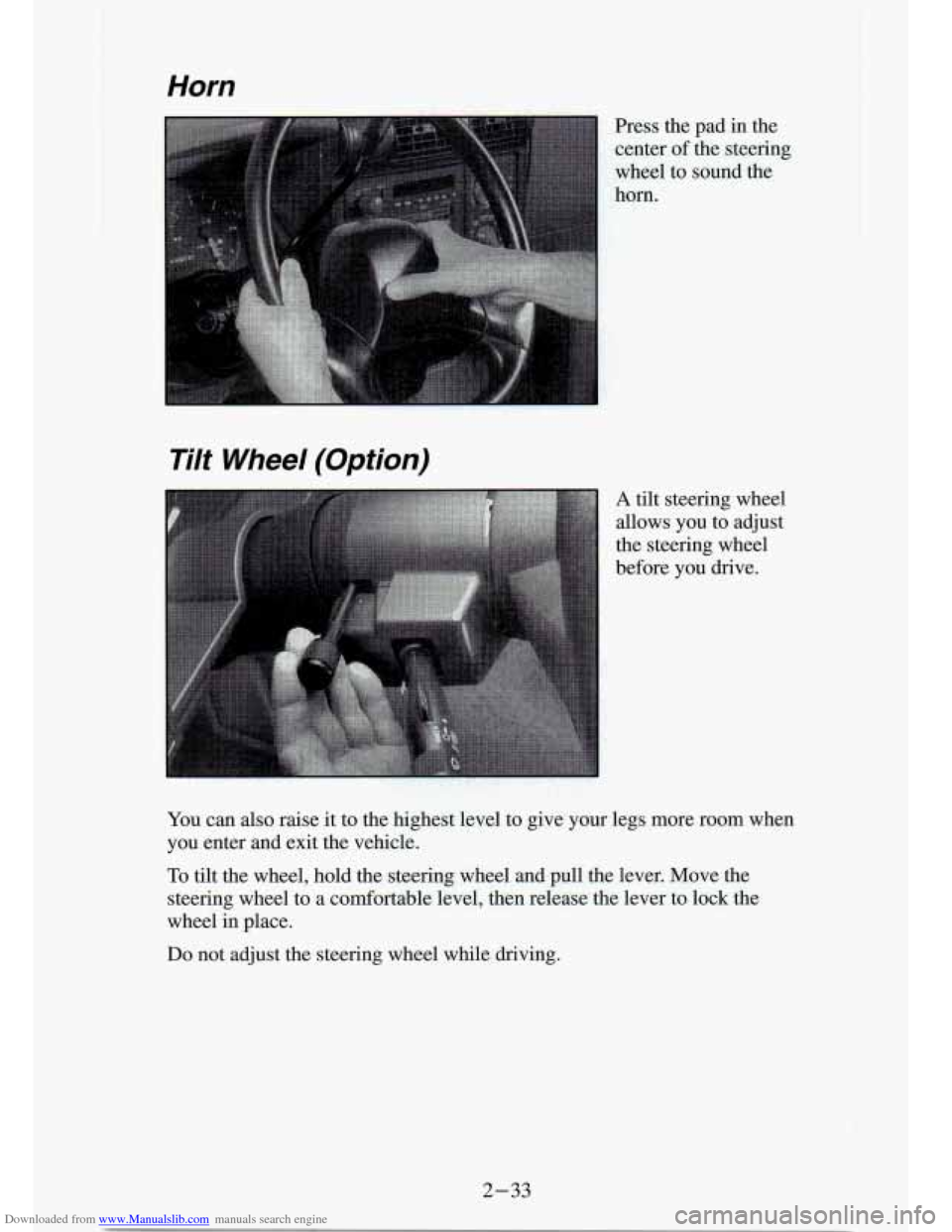
Press the pad in the
center ofthe steering
wheel to
sound the
horn.
Tilt Wheel (Option)
A tilt steering wheel
allows you to adjust
the steering wheel
before you drive.
You can
also raise it to the highest level to give your legs more room when
you enter and exit the vehicle.
To tilt the wheel, hold the steering wheel and pull the lever. M\
ove the
steering wheel to a comfortable level, then release the lever \
to lock the
wheel in place.
Do not adjust the steering wheel while driving.
2-33
Page 105 of 340
Downloaded from www.Manualslib.com manuals search engine Brake System Warning Light
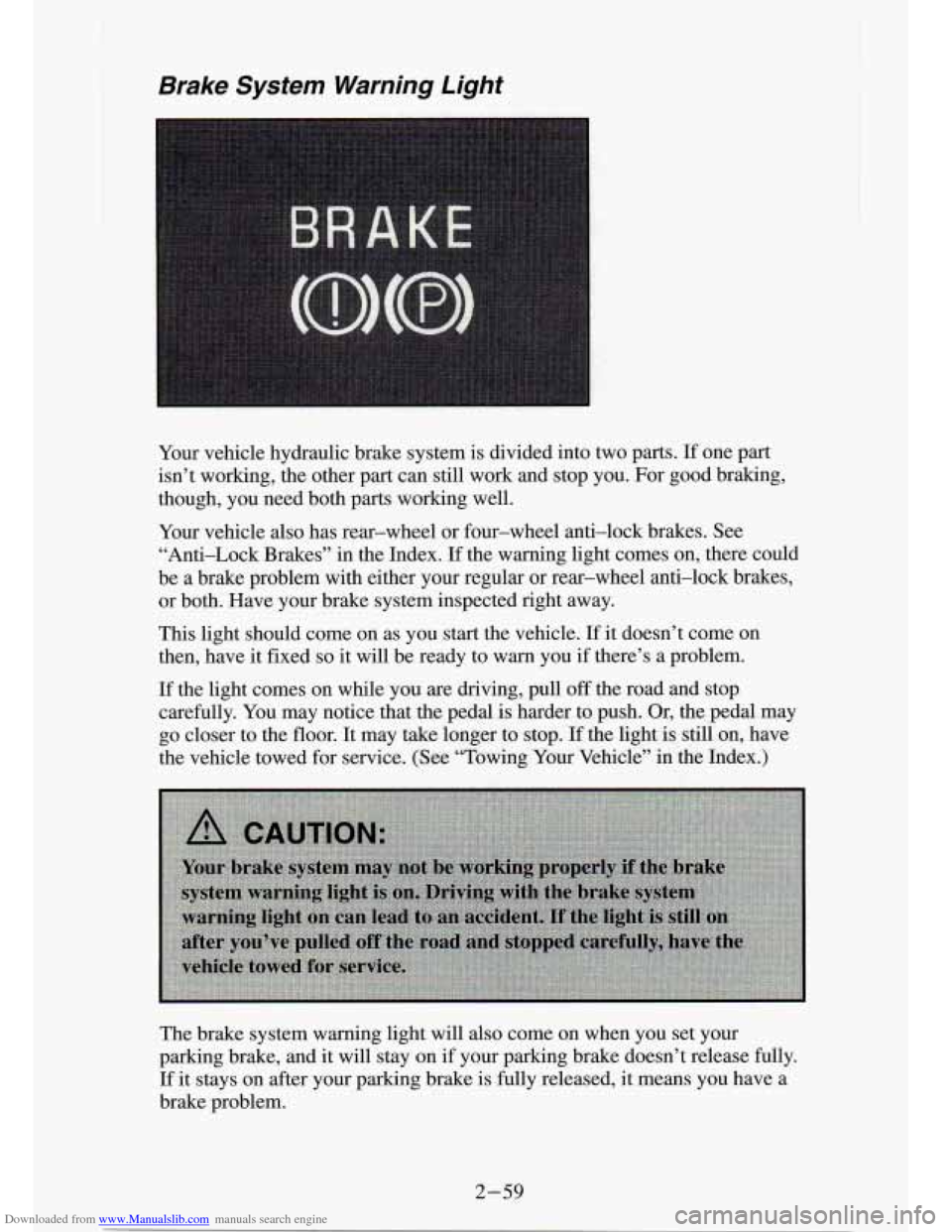
Your vehicle hydraulic brake system is divided into two parts. If one part
isn’t working, the other part can still work and stop you. For good braking,
though, you need both parts working well.
Your vehicle also has rear-wheel or four-wheel anti-lock brakes. See \
“Anti-Lock Brakes” in the Index.
If the warning light comes on, there could
be a brake problem with either your regular or rear-wheel anti\
-lock brakes, or both. Have your brake system inspected right away.
This light should come on as you start the vehicle.
If it doesn’t come on
then, have it fixed
so it will be ready to warn you if there’s a problem.
If the light comes on while you are driving, pull off the road and stop
carefully. You may notice that the pedal
is harder to push. Or, the pedal may
go closer to the floor. It may take longer to stop.
If the light is still on, have
the vehicle towed for service. (See “Towing Your Vehicle” in the Index.)
The brake system warning light
will also come on when you set your
parking brake, and it will stay on
if your parking brake doesn’t release fully.
If it stays on after your parking brake is fully released, it means you have a
brake problem.
2-59
Page 106 of 340
Downloaded from www.Manualslib.com manuals search engine Anti-Lock Brake System Warning Light (Option)
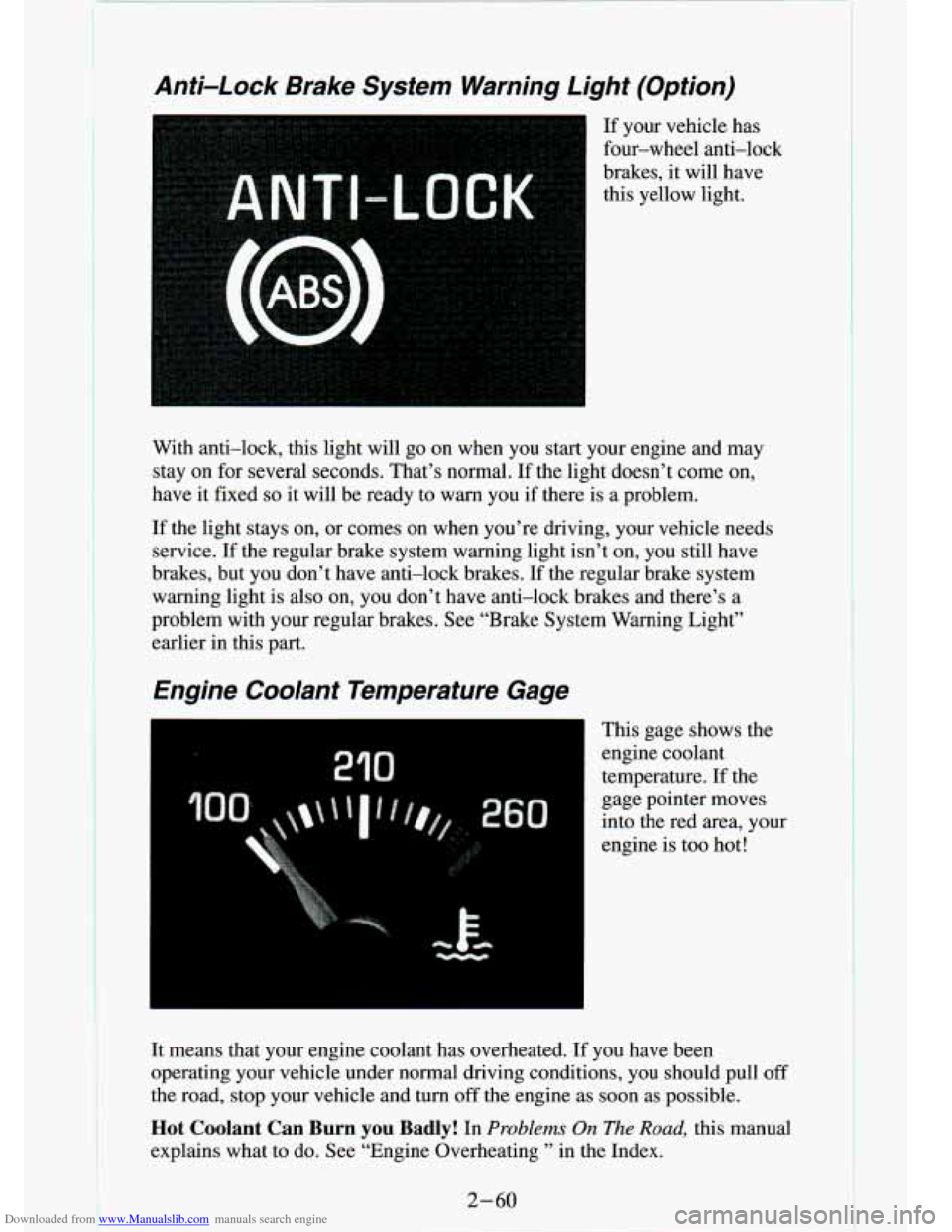
If your vehicle has
four-wheel anti-lock
brakes, it will have
this yellow light.
3
With anti-lock, this light will go on when you start your engine and may
stay on for several seconds. That’s normal. If the light doesn’t come \
on,
have it fixed
so it will be ready to warn you if there is a problem.
If the light stays on, or comes on when you’re driving, your vehic\
le needs
service.
If the regular brake system warning light isn’t on, you still \
have
brakes, but you don’t have anti-lock brakes.
If the regular brake system
warning light is also on, you don’t have anti-lock brakes and there’s a
problem with your regular brakes. See “Brake System Warning Light”
earlier in this part.
Engine Coolant Temperature Gage
I This gage shows the
engine coolant
temperature. If the
gage pointer moves
into the red area, your
engine is too hot!
It means that your engine coolant has overheated. If you have been
operating your vehicle under normal driving conditions, you shou\
ld pull
off
the road, stop your vehicle and turn off the engine as soon as possible.
Hot Coolant Can Burn you Badly! In Problems On The Road, this manual
explains what
to do. See “Engine Overheating ’’ in the Index.
2-60
Page 137 of 340

Downloaded from www.Manualslib.com manuals search engine Your Driving and the Road
Section
.
Here you’ll find information about driving on different kinds\
of roads and in
varying weather conditions
. We’ve also included many other useful tips on
driving
.
Defensive Driving .......................................... 4-2
Drunken Driving
........................... : ............... 4-2
Control of a Vehicle
Braking
................................................ 4-5
Steering ................................................ 4-8
Steering Tips
............................................ 4-8
Passing
............................................... 4-11
Loss of Control ......................................... 4-12
Driving Guidelines
......................................... 4-13
Off-Road Driving With Your Four-wheel Drive Vehicle
.......... 4-13
DrivingatNight
........................................... 4-25
Driving in the Rain
........................................ 4-26
Freeway Driving
.......................................... 4-29
CityDriving
.............................................. 4-28
Hill and Mountain Roads
.................................... 4-31
WinterDriving
............................................ 4-33
Recreational Vehicle Towing (Four-wheel Drive Only)
........... 4-36
TowingaTrailer
........................................... 4-38
4-1