Power CHEVROLET S10 1996 2.G User Guide
[x] Cancel search | Manufacturer: CHEVROLET, Model Year: 1996, Model line: S10, Model: CHEVROLET S10 1996 2.GPages: 375, PDF Size: 20.73 MB
Page 98 of 375
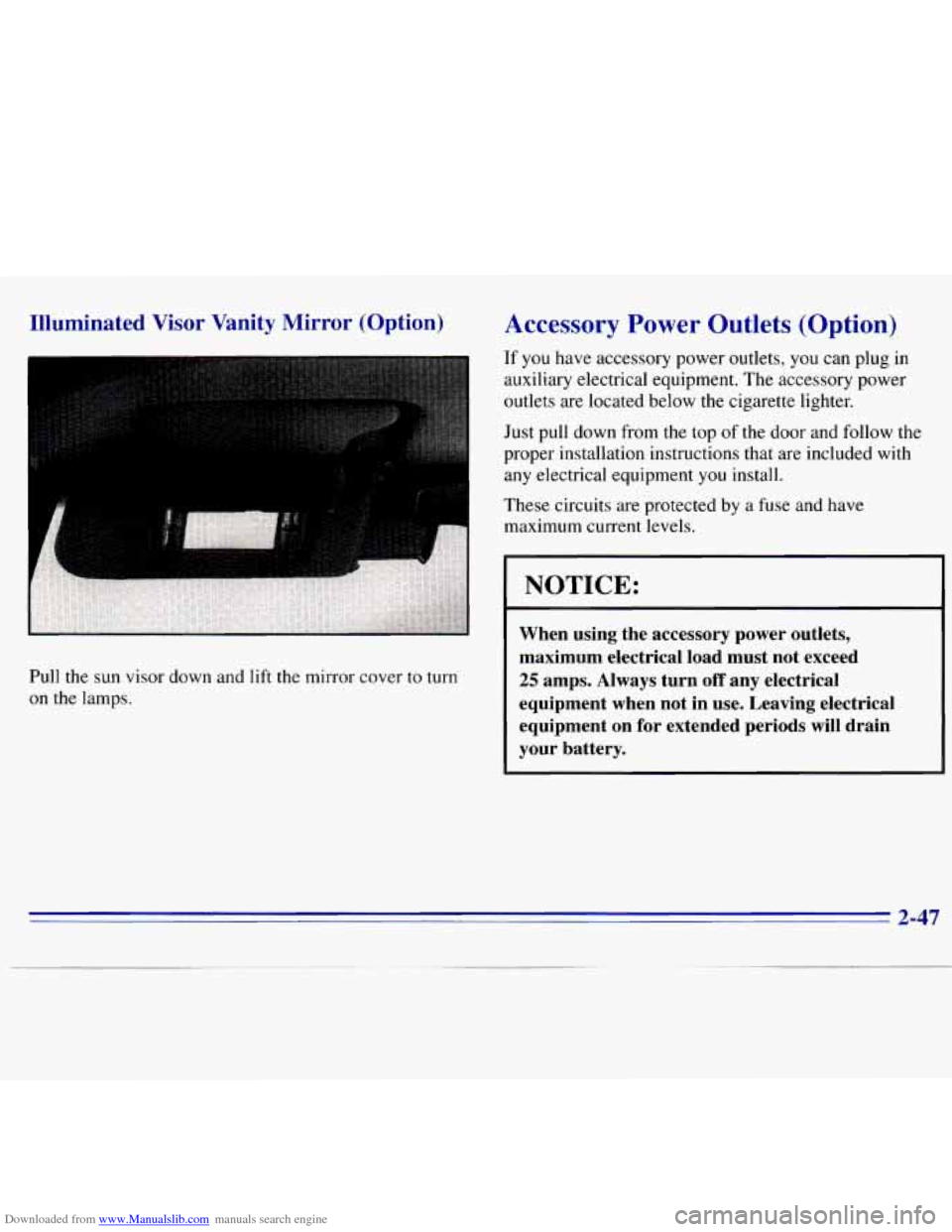
Downloaded from www.Manualslib.com manuals search engine Illuminated Visor Vanity Mirror (Option)
I
Pull the sun visor down and lift the mirror cover to turn
on the lamps.
Accessory Power Outlets (Option)
If you have accessory power outlets, you can plug in
auxiliary electrical equipment. The accessory power
outlets are located below the cigarette lighter.
Just pull down from the top of the door and follow the
proper installation instructions that are included with
any electrical equipment you install.
These circuits are protected by a fuse and have
maximum current levels.
NOTICE:
When using the accessory power outlets,
maximum electrical load must not exceed
25 amps. Always turn off any electrical
equipment when not in use. Leaving electrical
equipment on for extended periods
will drain
your battery.
2-47
Page 100 of 375
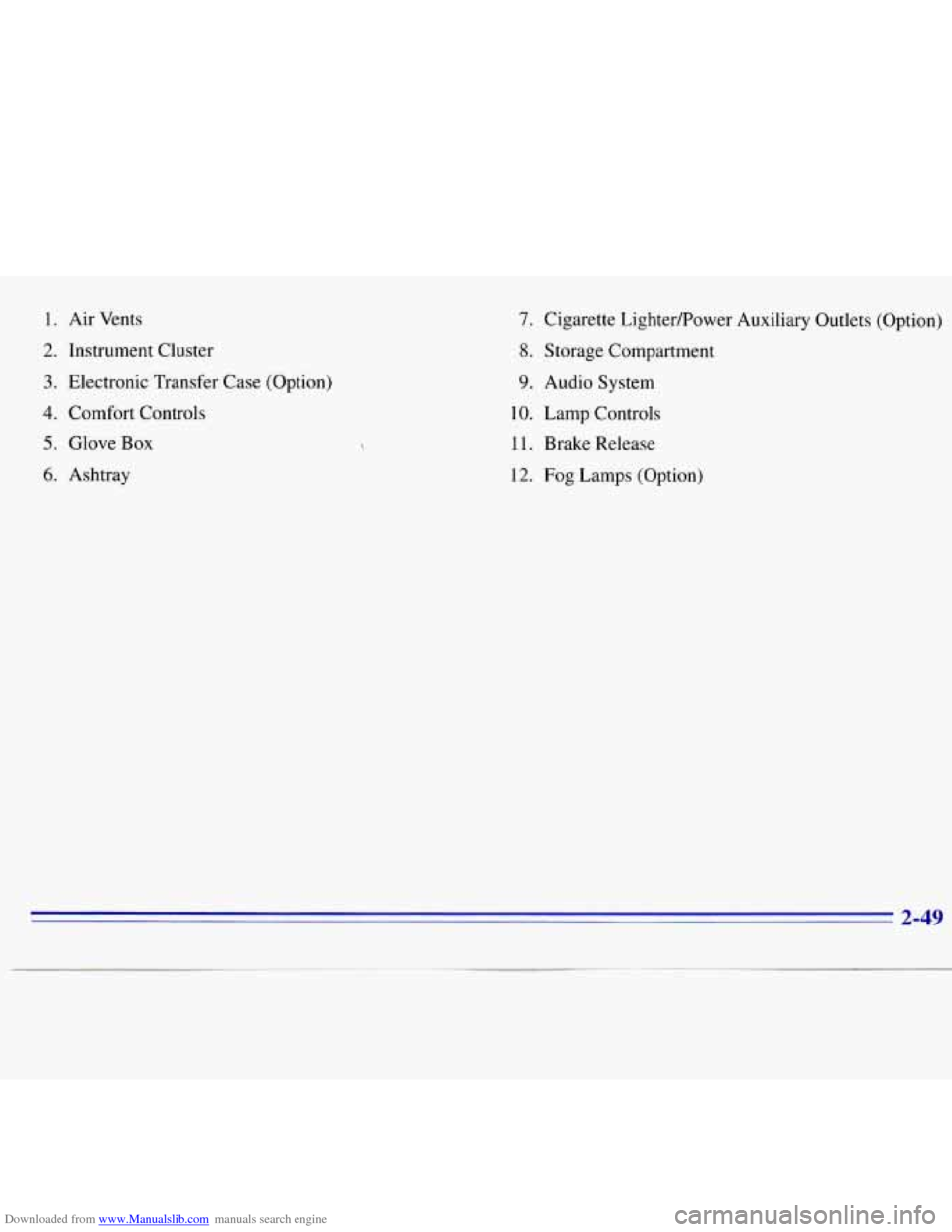
Downloaded from www.Manualslib.com manuals search engine 1. Air Vents
2. Instrument Cluster
3. Electronic Transfer Case (Option)
4. Comfort Controls
5. Glove Box
6. Ashtray
7. Cigarette LightedPower Auxiliary Outlets (Option)
8. Storage Compartment
9. Audio System
10. Lamp Controls
11. Brake Release
12. Fog Lamps (Option)
2-49
Page 103 of 375
Downloaded from www.Manualslib.com manuals search engine Speedometer and Odometer
Your speedometer lets you see your speed in both miles
per hour (mph) and kilometers per hour (km/h).
Your odometer shows how far your vehicle has been
driven, in either miles (used in the United States) or
kilometers (used in Canada).
Your odometer is tamper resistant. It will show
silver lines between the numbers if someone tries to
turn it back.
‘You may wonder what happens if your vehicle needs a
new odometer installed. If the new one can be set to the
mileage total of the old odometer, then it
must be. But if
it can’t, then it’s set at zero, and a label must be put on
the driver’s door
to show the old mileage reading when
the new odometer was installed.
Trip Odometer
The trip odometer can tell you how far your vehicle has
been driven since you last set the trip odometer to zero.
To set the trip odometer to zero, press the button near
the readout.
Tachometer (Option)
The tachometer displays the engine speed in revolutions
per minute
(rpm).
Each tachometer has a dlrrerent limit depending on the
powertrain
in your vehicle. The tachometer has three
areas: normal operating range, red warning range and
red danger range.
Normal operating range shows your engine speed during
normal driving conditions. For example, when
the
needle points to 2, it means the engine is running at
2,000 revolutions per minute (rpm). The tachometer
needle will vary all the time that the engine is running.
The red warning range tells you that your engine speed
is reaching its upper limits. Don’t drive very long with
the tachometer
in the red warning range. If you have a
manual transmission, shift to a higher gear as soon as
possible.
If. you have an automatic transmission, lift
your foot off of
the accelerator pedal.
The red danger range tells you that your engine speed is
at its upper limits.
You should immediately shift to a
higher gear, or lift your foot off of the accelerator pedal.
NOTICE:
Do not operate the engine with the tachometer in
the red range,
or engine damage will occur. I
2-52
Page 106 of 375
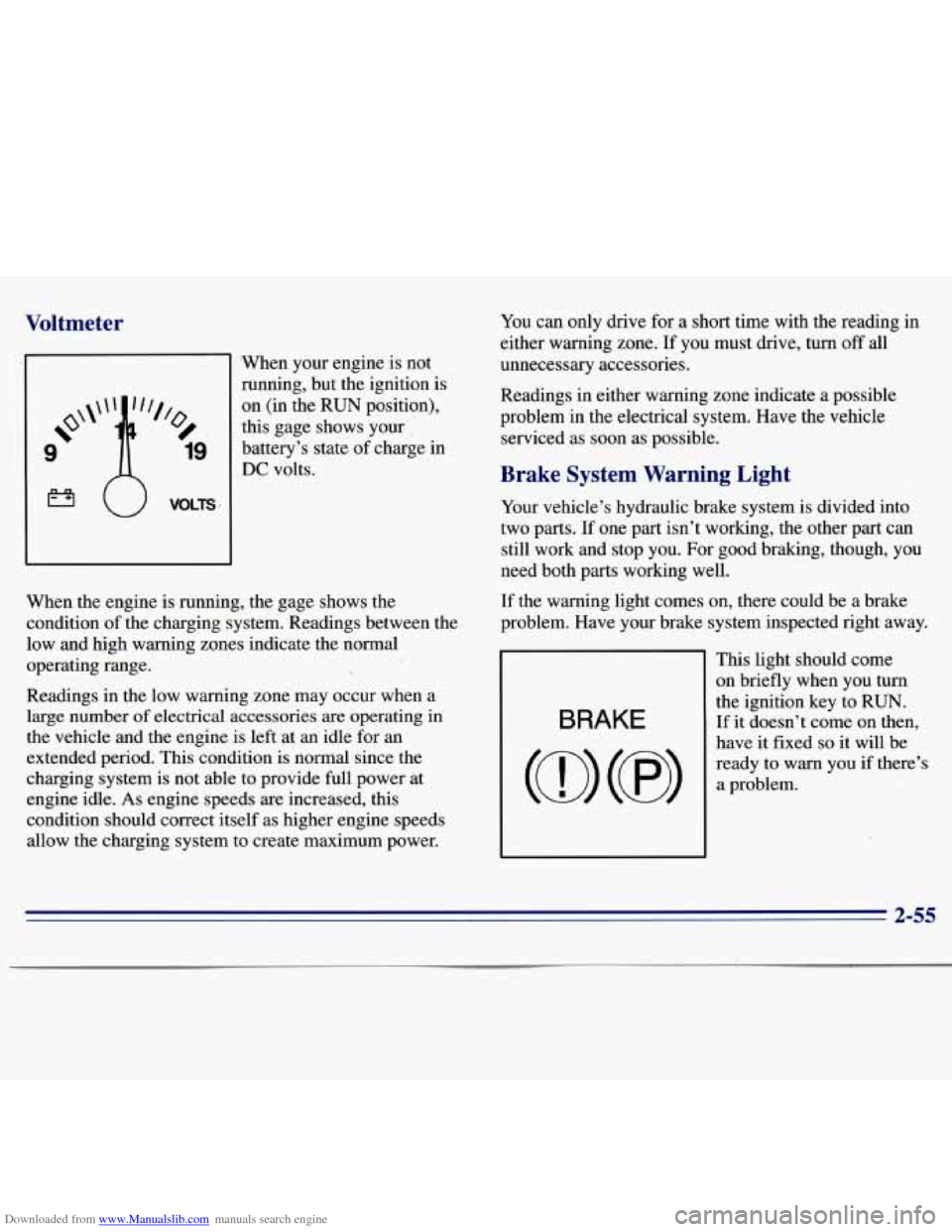
Downloaded from www.Manualslib.com manuals search engine Voltmeter
‘When your engine is not
ninning, but the ignition
is
on (in the RUN position),
this gage shows your
battery’s state of charge in
DC volts. You
can only drive for a short time with the reading in
either warning zone.
If you must drive, turn off all
unnecessary accessories.
Readings in either warning zone indicate a possible
problem
in the electrical system. Have the vehicle
serviced as soon as possible.
Brake System Warning Light
When the engine is running, the gage shows the
condition of the charging system. Readings between the
low and high warning zones indicate the normal
operating range.
Readings in the low warning zone may occur when a
large number
of electrical accessories are operating in
the vehicle and the engine
is left at an idle for an
extended period. This condition is normal since the
charging system is not able to provide full power at
engine idle. As engine speeds are increased, this
condition should correct itself as higher engine speeds
allow the charging system to create maximum power. Your
vehicle’s hydraulic brake system is divided into
two parts.
If one part isn’t working, the other part can
still work and stop you. For good braking, though, you
need both parts working well.
If the warning light comes on, there could be a brake
problem. Have your brake system inspected right away.
This light should come
on briefly when you turn
the ignition key to RUN.
If it doesn’t come on then, BRAKE
have it fixed so it will be
ready to
warn you if there’s
2-55
Page 116 of 375
Downloaded from www.Manualslib.com manuals search engine Temperature Knob
The upper knob regulates the temperature of the air
coming through the system. Turn the knob clockwise for warmer
air. Turn the knob counterclockwise for cooler air.
Mode Knob
The lower knob allows you to choose the direction of
air delivery.
OFF: This setting turns the system off. Some outside air
will still enter the vehicle whenever the vehicle is
moving forward.
MAX NC: This setting provides maximum cooling
with the least amount of work. MAX A/C recirculates
much
of the air inside your vehicle so it cools quickly.
A/C: This setting cools the air entering your vehicle and
directs it through the instrument panel outlets.
+# BI-LEVEL A/C: Air is delivered through the heater
floor outlets
as well as the instrument panel outlets.
+e
/J VENT: This setting directs airflow through the
instrument panel outlets. The air conditioning
compressor is not working when VENT is selected.
+’ HEATER: This setting directs warmed air through
the heater floor outlets and windshield defroster outlets.
+e
0
w.
+’ BLEND: Airflow is divided equally between the
heater floor outlet and the windshield defroster outlets.
DEFROST: This setting directs most air through
the windshield defroster
outlets and some through the
heater outlets.
Air Conditioning (Option)
On hot days, open the windows long enough to let hot
inside air escape. This reduces the time
it takes for your
vehicle to cool down. Then keep your windows closed
for the air conditioner to work its best.
For quick cool-down
on very hot days, use MAX A/C
with the temperature knob turned counterclockwise. This
setting should be used to keep odors and/or dust from
entering the vehicle. For normal cooling on hot days, use
A/C with the temperature knob turned counterclockwise.
On
cool but sunny days, use BI-LEVEL A/C to deliver
warm air to the floor and cooler air to the instrument
panel outlets.
If you have the “VORTEC”
4300 engine, when the air
conditioner is on, you may sometimes notice slight
changes in your vehicle’s engine speed and power. This
is normal because the system is designed to cycle the
compressor on and
off to keep the desired temperature.
3-3
Page 125 of 375
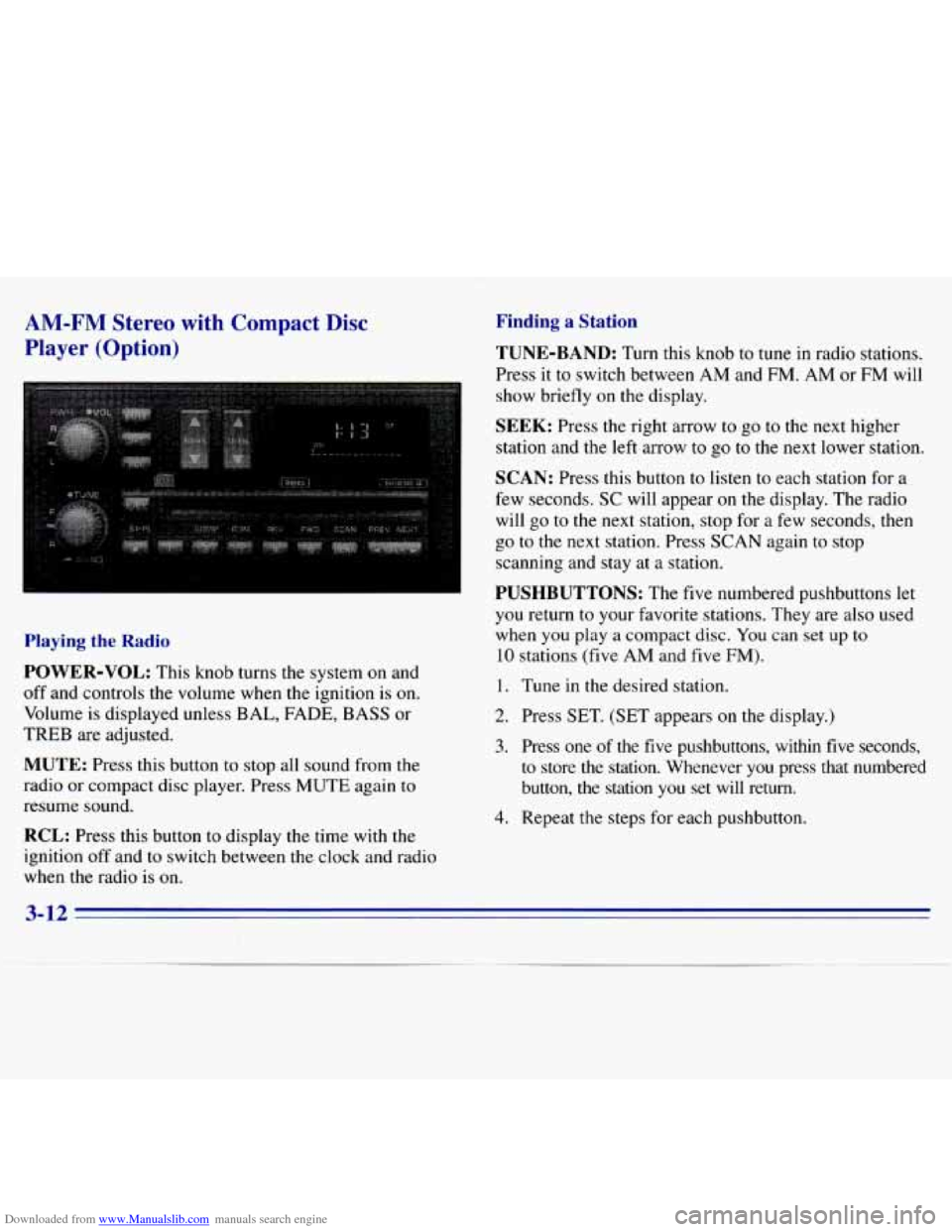
Downloaded from www.Manualslib.com manuals search engine AM-FM Stereo with Compact Disc
Player (Option)
Playing the Radio
POWER-VOL: This knob turns the system on and
off and controls the volume when the ignition is on.
Volume is displayed unless BAL, FADE, BASS or
TREB are adjusted.
MUTE: Press this button to stop all sound from the
radio or compact disc player. Press MUTE again to
resume sound.
RCL: Press this button to display the time with the
ignition off and
to switch between the clock and radio
when the radio is
on.
Finding a Station
TUNE-BAND: Turn this knob to tune in radio stations.
Press it to switch between
AM and FM. AM or FM will
show briefly on the display.
SEEK: Press the right arrow to go to the next higher
station and the
left arrow to go to the next lower station.
SCAN: Press this button to listen to each station for a
few seconds.
SC will appear on the display. The radio
will
go to the next station, stop for a few seconds, then
go to the next station. Press
SCAN again to stop
scanning and stay at
a station.
PUSHBUTTONS: The five numbered pushbuttons let
you return to your favorite stations. They are also used
when you play a compact disc. You can set up
to
10 stations (five AM and five FM).
1. Tune in the desired station.
2. Press SET. (SET appears on the display.)
3. Press one of the five pushbuttons, within five seconds,
to store
the station. Whenever you press that numbered
button, the station
you set will return.
4. Repeat the steps for each pushbutton.
3-12
Page 126 of 375
Downloaded from www.Manualslib.com manuals search engine Setting the Tone
BASS:
Press the BASS up arrow to increase bass and
the BASS down arrow to decrease bass. Press the center
of the button for the factory-preset bass position. The
bass
level will be displayed for about 10 seconds
whenever this button
is pressed.
TREB: Press the TREB up arrow to increase treble and
the TREB down arrow to decrease treble. Press the center
of the button for the factory-preset treble position. The
treble level will be displayed for about
10 seconds
whenever
this button is pressed.
Adjusting the Speakers
BAL:
This control ring behind the POWER-VOL knob
adjusts
the balance between the left and right speakers.
Balance
will be displayed briefly when using this control.
FADE: This control ring behind the TUNE knob adjusts
the balance between the front and rear speakers. Fade
levels will be briefly displayed.
Playing a Compact Disc
Insert a disc partway into the slot, label side up. The
radio will pull the disc the rest
of the way in. Wait a
few seconds and the disc should play.
If the disc comes back out and/or ERR appears on
the display:
0 You are driving on a very rough road. (The disc
should play when the road gets smoother.)
0 The disc is upside down.
0 It is dirty, scratched or wet.
0 It is very humid. (If so, wait about an hour and
try again.)
0 The disc player is too hot to play the disc. (As soon
as things get back to normal, the disc should play.)
Turn the POWER-VOL knob to turn the system on.
3-13
Page 127 of 375
Downloaded from www.Manualslib.com manuals search engine RCL: Press this button to see what track is playing.
Press
it again within five seconds to see how long it has
been playing. The track number also appears when you
change the volume or when a new track starts to play.
COMP (2): Press this button to make loud and soft
passages more nearly equal in volume. COMP
will
appear on the display while using this control.
RDM (3): Press this button to play tracks in a random,
rather than sequential, order. RDM will appear on the
display while using this control. Press the button again
to return to normal sequence.
REV (4): Press and hold this button to return to a
passage quickly. Release
it to play the passage. The
counter reading will appear on
the display while using
this control.
FWD (5): Press and hold this button to advance to a
passage quickly. Release it to resume playing. Watch the
display
to stop at a specific passage.
SCAN: Press this button to listen to each selection for
about six seconds. The disc will go to the next selection,
stop for a few seconds, then go to the next selection.
Press
RDM, SCAN or any other motion button again to
stop scanning.
PREV: Hold the backward arrow or press it more than
once to return the disc to previous tracks.
NEXT Press the forward arrow to hear the next track
now instead of waiting
until the current track is finished.
If you hold this button or press it more than once, the
disc will advance further.
ST-PL: Press this button to stop the disc and play the
radio. Press
it again to restart the disc at the point where
it stopped.
Press the POWER-VOL knob or turn the ignition key
off to stop the disc player. The disc stays in the player
and will resume playing at the point where it stopped.
E JCT Press this button to eject the disc and play the
radio. The disc
will start at track one when you reinsert it.
Theft-Deterrent Feature
Delco LOC II@ is a theft-deterrent feature for the
compact disc player. It can be used or ignored.
If ignored,
the system plays normally. If used, your player won’t be
usable
if it is ever stolen, because it won’t turn on.
The instructions below tell you how to enter a secret code
into the system. It is recommended that you read through
all 11 steps before starting the procedure. If your vehicle
loses battery power for any reason, you must unlock the system with your secret code before the radio will
turn on.
NOTE: If you allow more than 15 seconds to elapse
between
any steps, the radio automatically .reverts to
time and you must start the procedure over at Step
4.
3-14
Page 128 of 375
Downloaded from www.Manualslib.com manuals search engine Locking the Theft System
1.
2.
3.
4.
5.
6.
7.
8.
9.
10.
11. Write down
any six-digit number
and keep it in a
safe place separate from the vehicle.
Turn the ignition
to the ACCESSORY or
RUN position.
Press
POWER to turn the radio off.
Press the 1 and 4 buttons together. Hold them down
until
--- shows on the display. Next you will use the
secret code number which you have written down.
Press
SET and 000 will appear on the display.
Press SCAN
to make the first digit appear.
Press SEEK right arrow or SEEK left arrow
to
make the next two digits agree with your code.
Press BAND and
000 will appear on the display
again. Now you are ready
to enter the last three
digits of your code.
Repeat Steps
6 and 7 for the last three digits of
your code.
Press
BAND and the display will show REP for about
five seconds and then 000 will appear on the display.
Repeat Steps
6 through 10. This time the display will
show SEC to let you know that your radio
is secure.
Unlocking the Theft System After a Power Loss
Enter your secret code as follows; pause no more than
15 seconds between steps:
1. Turn the ignition on with the radio off.
2. Press SET and 000 will appear on the display.
3. Press SCAN to make the first digit appear.
4. Press SEEK right arrow or SEEK left arrow to make
the next two digits agree with your code.
5. Press BAND and 000 will appear on the display
again. Now you are ready to enter
the last three
digits
of your code.
6. Repeat Steps 3 and 4 for the last three digits of
7. Press BAND after you have confirmed that the code
matches the secret code you have written down. The
time will be displayed indicating that the system
is
disabled. If the display shows SEC, the numbers
entered did
not match your secret code and the unit
is
still secured.
your code.
When battery power is given
to a secured radio, the
radio won’t turn on and LOC will appear on the display.
3-15
Page 129 of 375
Downloaded from www.Manualslib.com manuals search engine Disabling the Theft System
1.
2.
3.
4.
5.
6.
7.
Press the 1 and 4 buttons together for five seconds
with the ignition on but the radio off.
SEC will
appear on the display to show that the unit is in the
secure mode.
Press SET and
000 will appear on the display.
Press
SCAN to make the first digit appear.
Press
SEEK right arrow or SEEK left arrow to make
the next two digits agree with your code. The display
will show the numbers you entered.
Press
BAND and 000 will appear on the display.
Enter the second three digits
of the code. The display
will show the numbers you entered.
Press
BAND. The disabling sequence was correct
if
--- shows on the display. The disabling sequence
was incorrect if
SEC shows on the display.
Understanding Radio Reception
FM Stereo
FM stereo will give you the best sound. But FM signals
will reach only about 10
to 40 miles ( 16 to 65 km). Tall
buildings or hills can interfere with FM signals, causing
the sound
to come and go.
AM
The range for most AM stations is greater than for FM,
especially at night. The longer range, however, can
cause stations
to interfere with each other. AM can pick
up noise from things like storms and power lines. Try
reducing the treble to reduce this noise if you ever get it.
3-16