ignition CHEVROLET S10 1996 2.G User Guide
[x] Cancel search | Manufacturer: CHEVROLET, Model Year: 1996, Model line: S10, Model: CHEVROLET S10 1996 2.GPages: 375, PDF Size: 20.73 MB
Page 66 of 375
Downloaded from www.Manualslib.com manuals search engine It is dangerous to get out of your vehicle if the
shift lever
is not fully in,PARK (P) with the ’
parking brake firmly set. Your vehicle can roll.
Don’t leave your vehicle when the engine is
running unless you have to.
If you have left the
engine running, the vehicle can move suddenly.
You or others could be injured. To be sure your
vehicle won’t move, even when you’re on fairly
level ground, always set your parking brake and
move the shift .lever to PARK
(P).
If you have four-wheel drive, your vehicle
will be free to roll
-- even .if your shift lever
is in PARK (P) -- if your transfer case is in
NEUTRAL (N). So, be sure the transfer case is in
a drive gear, two-wheel high (2HI) or four-wheel
high (4HI) or four-wheel low (4LO)
-- not in
NEUTRAL
(N). See “Shifting Into PARK (P)” in
the Index.
If you’re pulling a trailer, see “Towing
a Trailer” in the Index. Ensure’ the shift lever
is €ully in PARK (P) range
before starting the engine. Your vehicle has a
brake-transmission shift interlock. You have to fully
apply your regular brakes before you can shift from
PARK (P) when the ignition key is
ii.1 the RUN position.
If you cannot shift out of PARK (P), ease pressure on
the shift lever
-- push the shift lever all the way into
PARK (P) as you maintain brake application. Then
move the shift lever into the gear you wish. See
“Shifting Out of PARK (P)” in the Index.
REVERSE (R): Use this gear to back up.
NOTICE:
Shifting to REVERSE (R) while your vehicle is
moving forward could damage your transmission.
Shift to REVERSE (Rjonly after your vehicle
is stopped.
To rock your vehicle back and forth to get out of snow,
ice
or sand without damaging your transmission, see
“Stuck in Sand, Mud, Ice
or Snow” in the Index.
2-15
Page 74 of 375
Downloaded from www.Manualslib.com manuals search engine Electronic Transfer Case (Option)
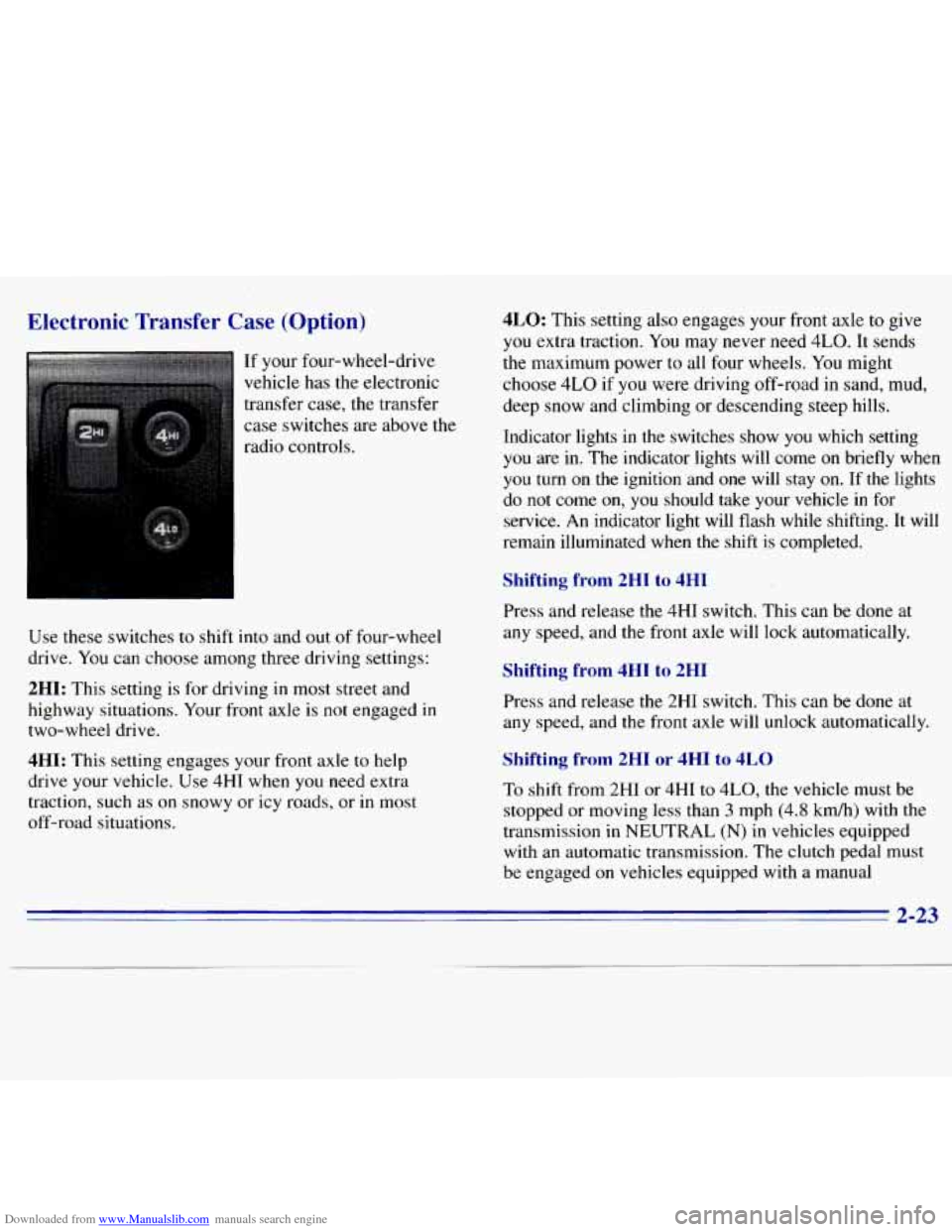
If your four-wheel-drive
vehicle has the electronic
transfer case, the transfer case switches are above the
radio controls.
Use these switches
to shift into and out of four-wheel
drive. You can choose among three driving settings:
2HI: This setting is for driving in most street and
highway situations. Your front axle is not engaged in
two-wheel drive.
4HI: This setting engages your front axle to help
drive your vehicle.
.Use 4HI when you need extra
traction, such as on snowy or icy roads, or
in most
off-road situations.
4LO: This setting also engages your front axle to give
you extra traction. You may never need
4LO. It sends
the maximum power to all four wheels.
You might
choose
4LO if you were driving off-road in sand, mud,
deep snow and climbing or descending steep hills.
Indicator lights in the switches show
you which setting
you are in. The indicator lights will come on briefly when
you turn on the ignition and one will stay on. If the lights
do
not come on, you should take your vehicle in for
service.
An indicator light will flash while shifting. It will
remain illuminated when
the shift is completed.
Shifting from 2HI to 4HI
Press and release the 4HI switch. This can be done at
any speed, and the front axle will lock automatically.
Shifting from 4HI to 2HI
Press and release the 2HI switch. This can be done at
any speed, and the front axle will unlock automatically.
Shifting from 2HI or 4HI to 4LO
To shift from 2HI or 4HI to 4L0, the vehicle must be
stopped or moving less than
3 mph (4.8 kmh) with the
transmission
in NEUTRAL (N) in vehicles equipped
with an automatic transmission. The clutch pedal
must
be engaged on vehicles equipped with a manual
2-23
Page 76 of 375
Downloaded from www.Manualslib.com manuals search engine Parking Brake
To set the parking brake, hold the regular brake pedal
down with your right foot. Push down the parking brake
pedal with your left foot. If the ignition is on, the brake
system warning light will come on.
To release the parking brake hold the regular brake
pedal down.
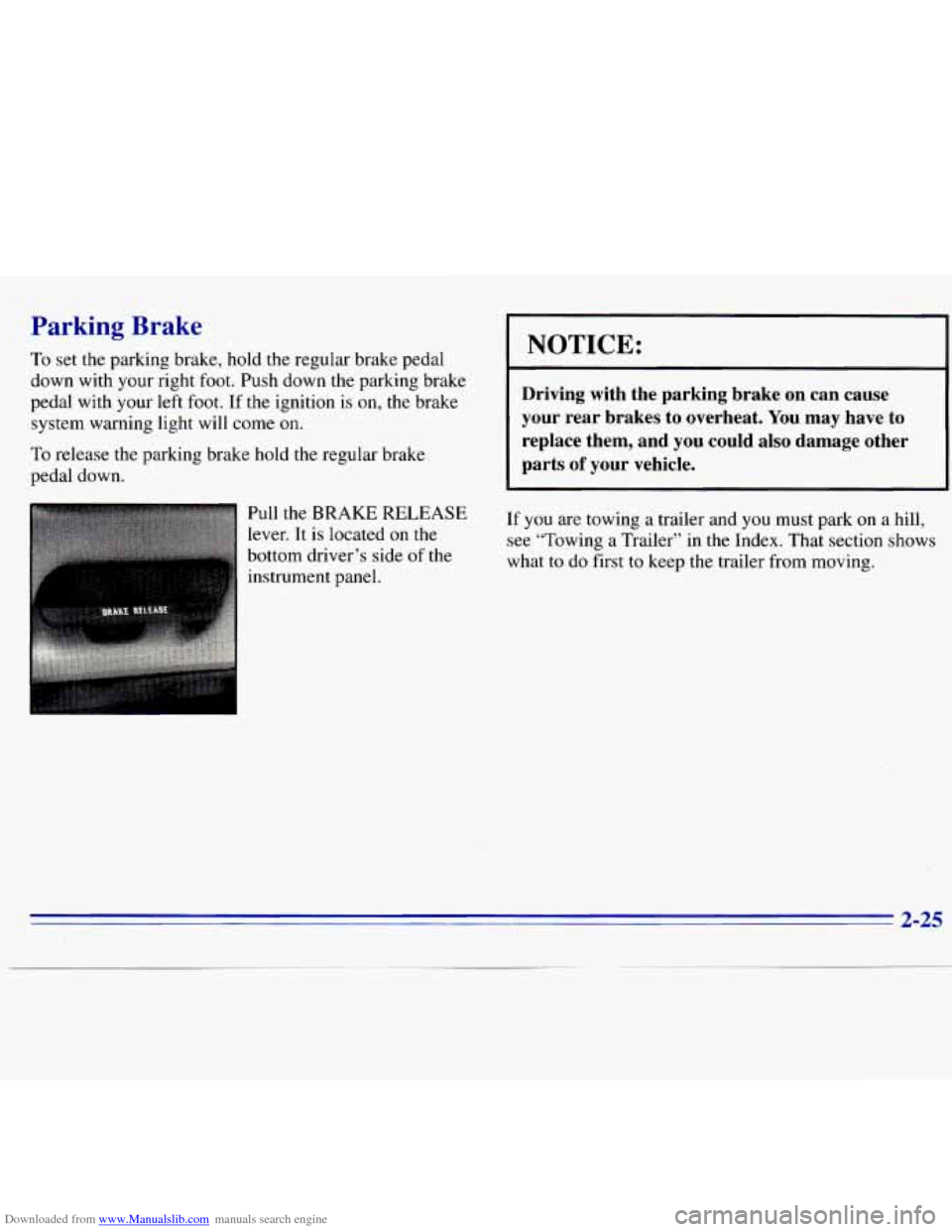
lr Pull the BRAKE RELEASE
lever. It is located on the
bottom driver’s side of
the
instrument panel.
I NOTICE:
Driving with the parking brake on can cause
your rear brakes to overheat. You may have to
replace them, and you could also damage other
parts
of your vehicle.
If you are towing a trailer and you must park on a hill,
see “Towing a Trailer” in the Index. That section shows
what to do first
to keep the trailer from moving.
2-25
Page 78 of 375
Downloaded from www.Manualslib.com manuals search engine Leaving Your Vehicle With the Engine
Running (Automatic Transmission
Models
0 lv)
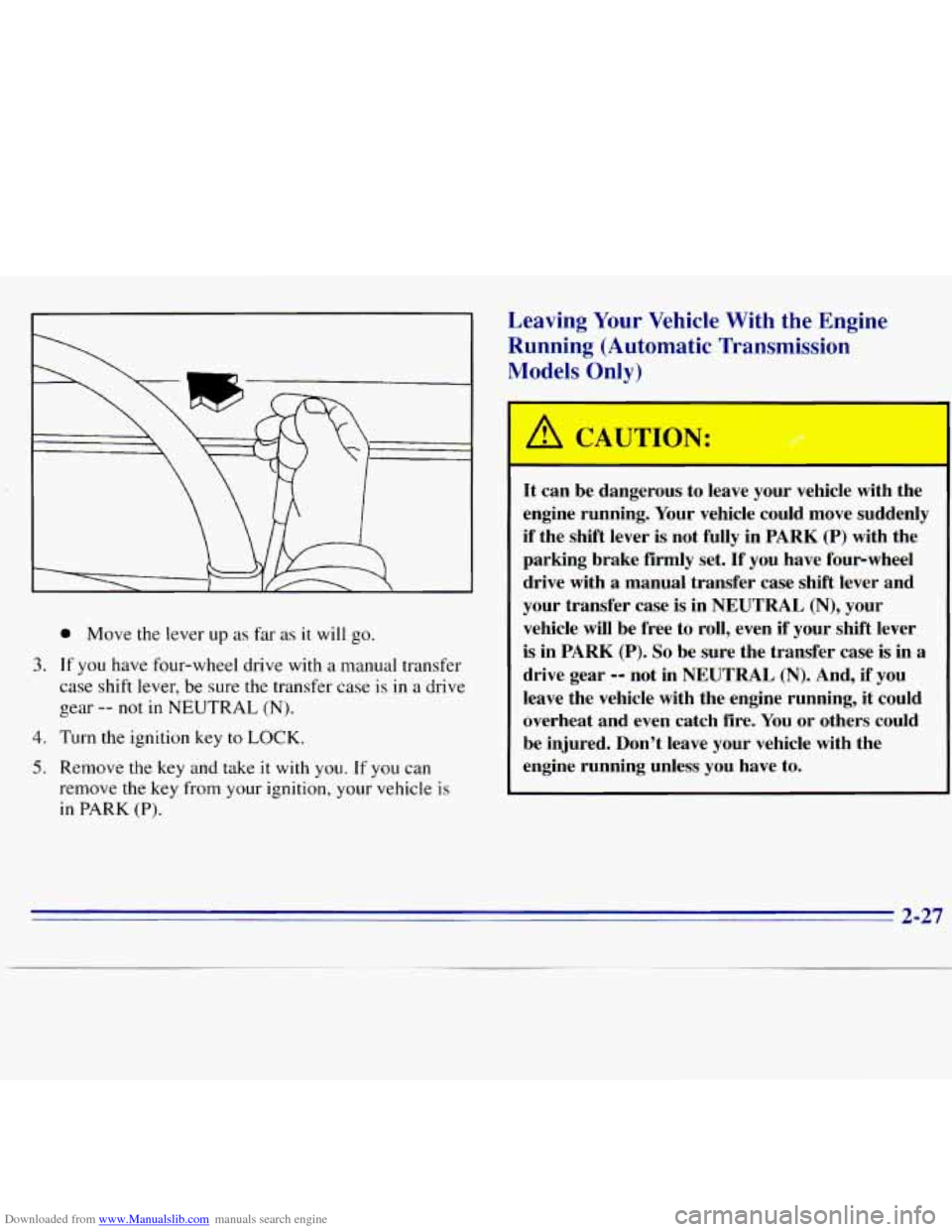
@ Move the lever up as far as it will go.
3. If you have four-wheel drive with a manual transfer
case shift lever, be sure the transfer case is in
a drive
gear
-- not in NEUTRAL (N).
4. Turn the ignition key to LOCK.
5. Remove the key and take it with you. If you can
remove the key from
your ignition, your vehicle is
in PARK (P).
A CAUTION:
It can be dangerous to leave your vehicle with the
engine running. Your vehicle could move suddenly
if the shift lever is not fully in PARK
(P) with the
parking brake firmly set. If you have four-wheel
drive with
a manual transfer case shift lever and
your transfer case is in NEUTRAL
(N), your
vehicle will be free to roll, even
if your shift lever,
is in PARK (P).
So be sure the transfer case is in a
drive gear -9 not in NEUTRAL (N). And, if you
leave the vehicle with the engine running, it could
overheat and even catch fire. You or others could
be injured. Don’t leave your vehicle with the
engine running unless you have to.
2-27
Page 79 of 375
Downloaded from www.Manualslib.com manuals search engine If you have to leave your vehicle with the engine
running, be sure your vehicle
is in PARK (P) and your
parking brake is firmly set before you leave
it. After
you’ve moved the shift lever into the PARK (P)
position, hold the regular brake pedal down. Then, see if
you can move the shift lever away from PARK (P)
without first pulling it toward you. If
you can, it means
that the shift lever wasn’t fully locked into PARK (P).
Torque Lock (Automatic Transmission)
If you are parking on a hill and you don’t shift your
transmission into PARK (P) properly, the weight of the
vehicle may put too much force
on the parking pawl in
the transmission. You may find it difficult to pull the
shift lever out
of PARK (P). This is called “torque lock.”
To prevent torque lock, set the parking brake and then
shift into PARK (P) properly before you leave the
driver’s seat.
To find out how, see “Shifting Into
PARK (P)” in the Index.
When you are ready to drive, move the shift lever
out of
PARK (P)
before you release the parking brake.
If torque lock does occur, you may need to have another
vehicle push yours a little uphill
to take some of the
pressure from the transmission,
so you can pull the shift
lever
out of PARK (P).
Shifting Out of PARK (P)
(Automatic Transmission)
Your vehicle has a brake-transmission shift interlock.
You have to fully apply your regular brake before you
can shift from
PARK (P) when the ignition is in the
RUN position. See “Automatic Transmission Operation”
in the Index.
If
you cannot shift out of PARK (P), ease pressure
on the shift lever -- push the shift lever all the way
into PARK (P) as you maintain brake application. Then
move the shift lever into the gear you want.
If you ever hold the brake pedal down but still can’t
shift out
of PARK (P), try this:
1. Turn the key to OFF.
2. Apply and hold the brake until the end of Step 4.
3. Shift to NEUTRAL (N).
4. Start the vehicle and then shift to the drive gear
you want.
5. Have the vehicle fixed as soon as you can.
2-28
Page 82 of 375
Downloaded from www.Manualslib.com manuals search engine I b CAUTION:
-
It can be dangerous to get out of your vehicle if
the shift lever
is not fully in PARK (P) with the
parking brake firmly set. Your vehicle can roll.
Don’t leave your vehicle when the engine
is
running unless you have to. If you’ve left the
engine running, the vehicle can move suddenly.
You or others could be injured.
To be sure your
vehicle won’t move, even when you’re on fairly
level ground, always set your parking brake and
move the shift lever
to PARK (P). !
If you have four-wheel drive with a manual transfer case
shift lever and your transfer case is in NEUTRAL (N),
your vehicle will be free to roll, even if your shift lever
is in PARK
(P). So, be sure the transfer case is in a drive
gear
-- not in NEUTRAL (N). Always set your parking
brake. Follow the proper steps to be sure your vehicle
won’t move. See “Shifting Into PARK
(P)” in the Index.
If you’re pulling a trailer, see “Towing a Trailer’’ in
the Index.
Windows
Manual Windows
Turn the hand crank on each door to raise or lower your
m&ual side door windows.
Power Windows (Option)
If you have the optional power windows, the controls
are on each of the side doors. Your power windows will
only work when the ignition has been turned to RUN.
The driver’s door has a switch for the passenger’s
window as well.
2-3 1
Page 90 of 375
Downloaded from www.Manualslib.com manuals search engine Using Cruise Control on Hills
How well your cruise control will work on hills depends
upon your speed, load and the steepness
of the hills.
When going up steep hills,
you may want to step on the
accelerator pedal to maintain your speed. When going
downhill,
you may have to brake or shift to a lower gear
to keep your speed down. Of course, applying the brake
takes you out of cruise control. Many drivers find
this to
be too much trouble and don’t use cruise control on
steep hills.
Ending Cruise Control
There are two ways to turn off the cruise control:
Step lightly on the brake pedal or push the clutch
pedal, if
you have a manual transmission.
Move the cruise switch to OFF.
Erasing Speed Memory
When you turn off the cruise control or the ignition,
your cruise control set speed memory is erased.
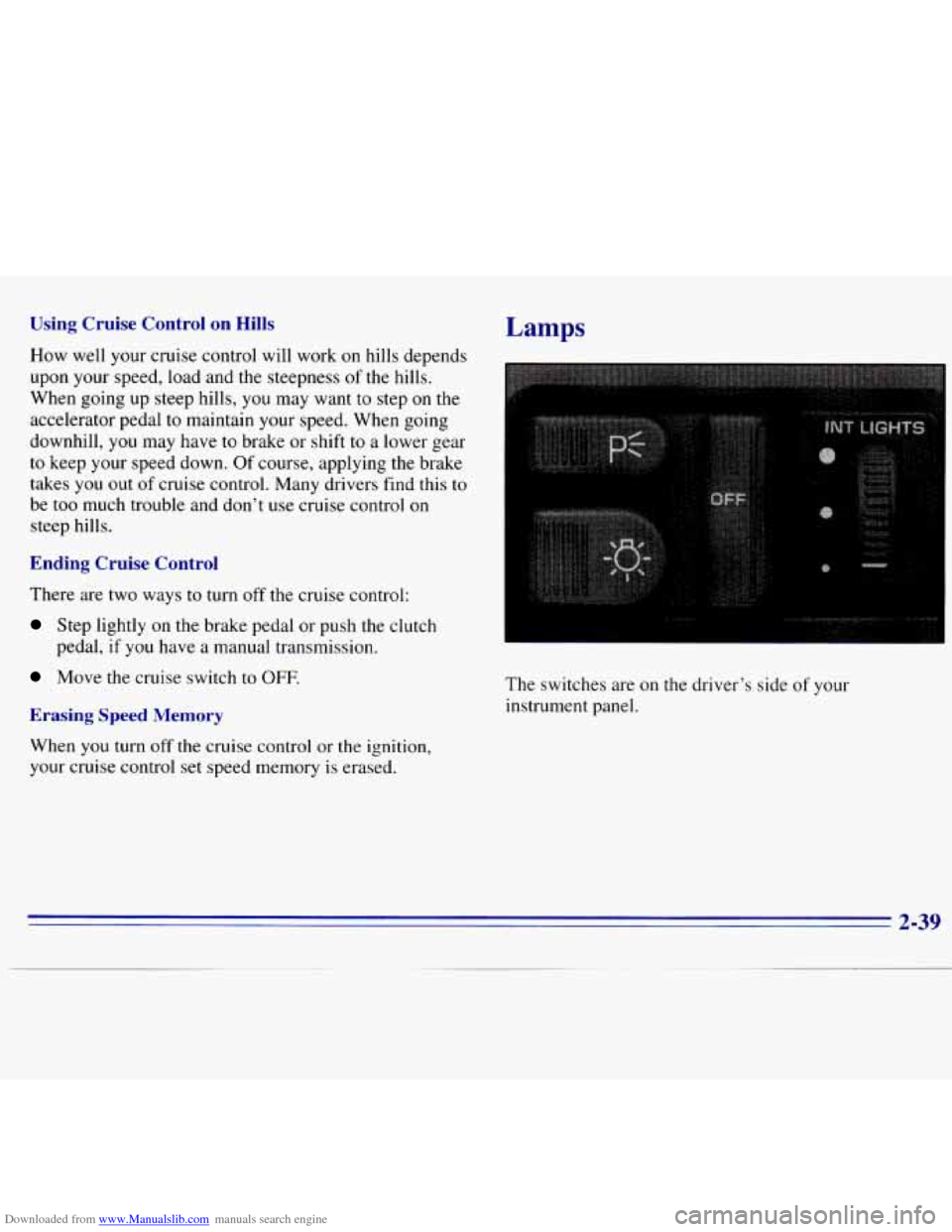
Lamps
The switches are on the driver’s side of your
instrument panel.
2-39
Page 91 of 375
Downloaded from www.Manualslib.com manuals search engine Press the top switch with the parking lamps symbol on it
to turn on:
0 Parking Lamps
0 Sidemarker Lamps
Taillamps
0 License Plate Lamps
0 Instrument Panel Lights
Transfer Case Indicator Light (if you have one)
Press the bottom switch with the master lamps symbol
on it
to turn on all the lamps listed above as well as
the headlamps.
Press the side
of the switch marked OFF to turn off
your lamps.
Lamps On Reminder
A reminder tone will sound when your headlamps or
parking lamps and interior lamps are turned on and your
ignition is in
OFF, LOCK or ACCESSORY. To turn the
tone off, press the OFF switch.
Daytime Running Lamps (If So Equipped)
Daytime Running Lamps (DRL) can make it easier for
others to see the front
of your vehicle during the day.
DRL can be helpful in many different driving
conditions, but they can be especially helpful in the short periods after dawn and before sunset.
The DRL system will make your headlamps come
on at
reduced brightness when:
0 the ignition is on,
the headlamp switch is off, and
the parking brake is released.
2-40
Page 93 of 375
Downloaded from www.Manualslib.com manuals search engine Press the side of the switch with the fog lamp symbol to
turn the fog lamps on. Press OFF to turn them off. A
light will glow in the switch when the fog lamps are on.
Remember,
fog lamps alone will not give off as much
light as your headlamps.
Never
use your fog lamps in the dark without turning on
your headlamps.
Fog lamps will
go off whenever your high-beam
headlamps come on. When the high-beam headlamps go
off, the fog lamps will come on again.
Interior Lamps
Brightness Control
Turn the switch next to the headlamp switch up to
make your instrument panel and transfer case lights
brighter. Turn the switch all the way up to turn on the
interior lamps.
Front Map Lamps (Option)
If your vehicle has optional front map lamps, they are
located
on the inside rearview mirror. They will
automatically come
on for approximately 20 seconds
when either front door is opened or unlocked with the
Keyless Entry System, if
so equipped, or until the
ignition key is turned to
RUN or ACCESSORY. The
lamps will also stay
on for approximately 15 seconds
after you exit
the vehicle.
They will also stay on for 15 seconds when the INT
LIGHTS switch
on the instrument panel is turned on
then
off, while the ignition is off.
You can also turn the lamps
on and off by pressing the
switch near each lamp.
Dome Lamp
Turn the INT LIGHTS dimmer switch up until it clicks
to turn
on the dome lamp.
2-42
Page 105 of 375
Downloaded from www.Manualslib.com manuals search engine Air Bag Readiness Light
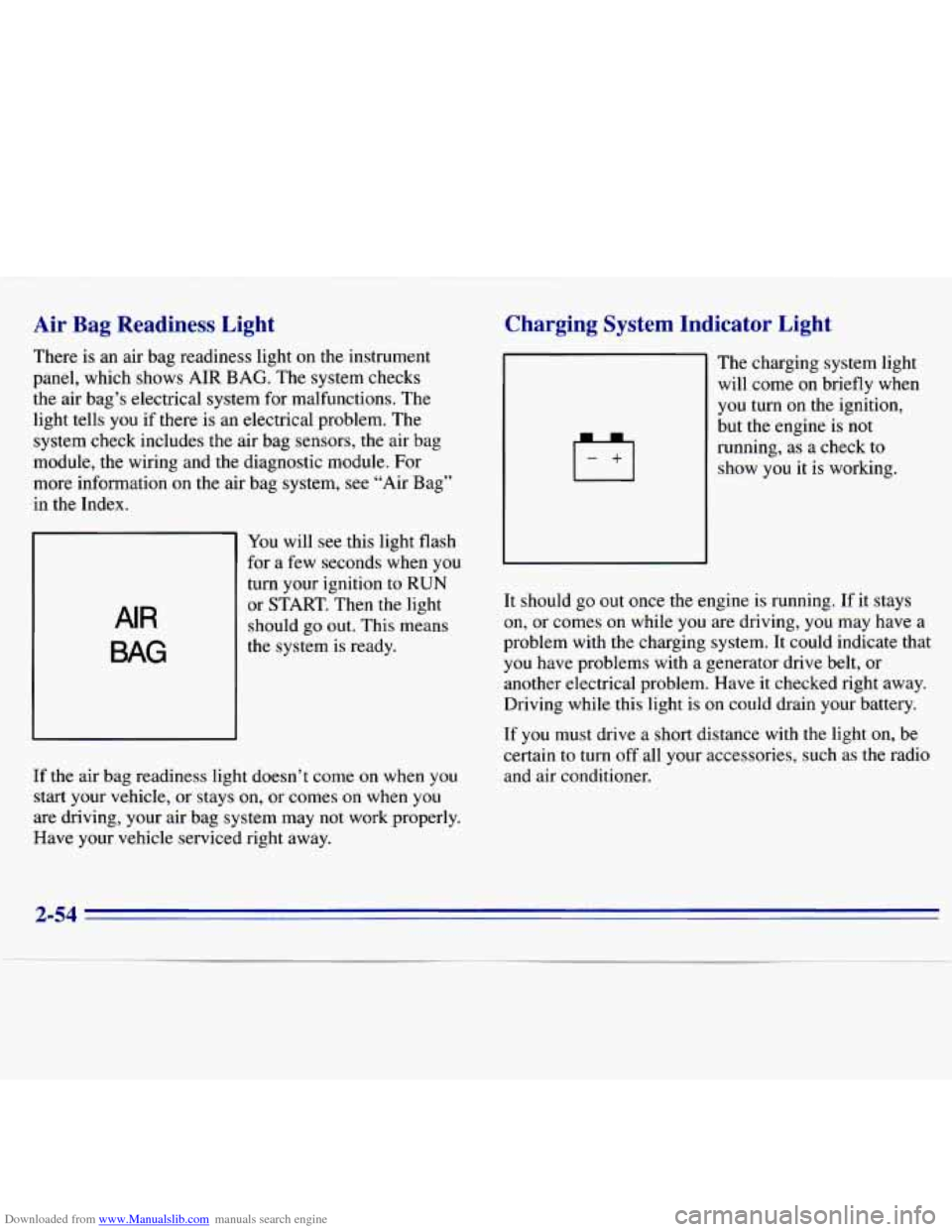
There is an air bag readiness light on the instrument
panel, which shows AIR
BAG. The system checks
the air bag’s electrical system for malfunctions. The
light tells
you if there is an electrical problem. The
system check includes the air bag sensors, the air
bag
module, the wiring and the diagnostic module. For
more information on the air bag system, see “Air Bag”
in the Index.
AIR
BAG
You will see this light flash
for a few seconds when you
turn your ignition to RUN
or START. Then
the light
should
go out. This means
the system is ready.
If the air bag readiness light doesn’t come
on when you
start your vehicle, or stays on, or comes on when you
are driving, your air bag system may not work properly.
Have your vehicle serviced right away.
Charging System Indicator Light
The charging system light
will come
on briefly when
you turn on the ignition,
but the engine is not
running, as
a check to
show you it is working.
It should go out once the engine
is running. If it stays
on, or comes on while you are driving, you may have a
problem with the charging system. It could indicate that
you have problems with a generator drive belt, or
another electrical problem. Have
it checked right away.
Driving while this light is on could drain your battery.
If you must drive a short distance with the light on, be
certain to turn off all your accessories, such as the radio
and air conditioner.
2-54