light CHEVROLET S10 1996 2.G User Guide
[x] Cancel search | Manufacturer: CHEVROLET, Model Year: 1996, Model line: S10, Model: CHEVROLET S10 1996 2.GPages: 375, PDF Size: 20.73 MB
Page 76 of 375
Downloaded from www.Manualslib.com manuals search engine Parking Brake
To set the parking brake, hold the regular brake pedal
down with your right foot. Push down the parking brake
pedal with your left foot. If the ignition is on, the brake
system warning light will come on.
To release the parking brake hold the regular brake
pedal down.
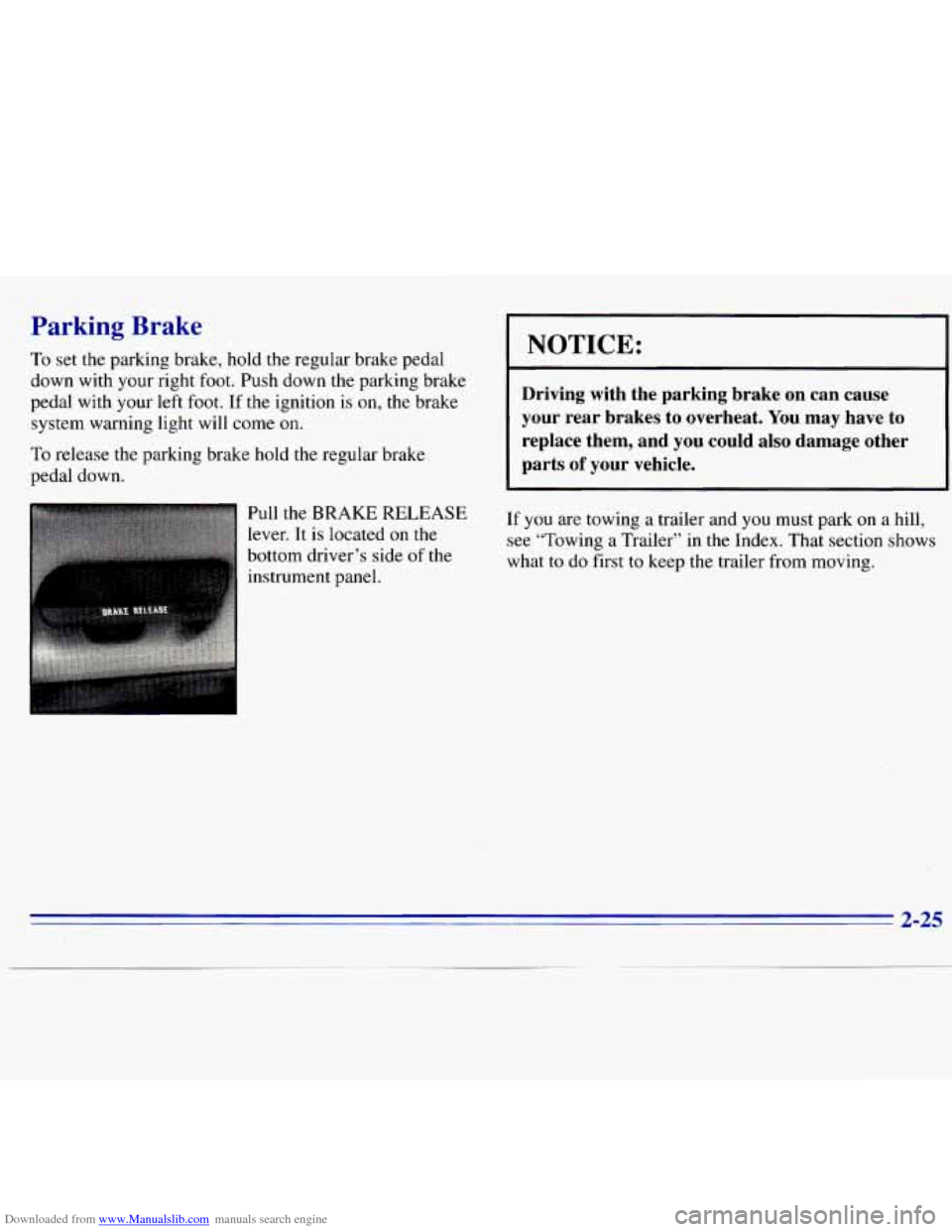
lr Pull the BRAKE RELEASE
lever. It is located on the
bottom driver’s side of
the
instrument panel.
I NOTICE:
Driving with the parking brake on can cause
your rear brakes to overheat. You may have to
replace them, and you could also damage other
parts
of your vehicle.
If you are towing a trailer and you must park on a hill,
see “Towing a Trailer” in the Index. That section shows
what to do first
to keep the trailer from moving.
2-25
Page 83 of 375
Downloaded from www.Manualslib.com manuals search engine Express-Down Window
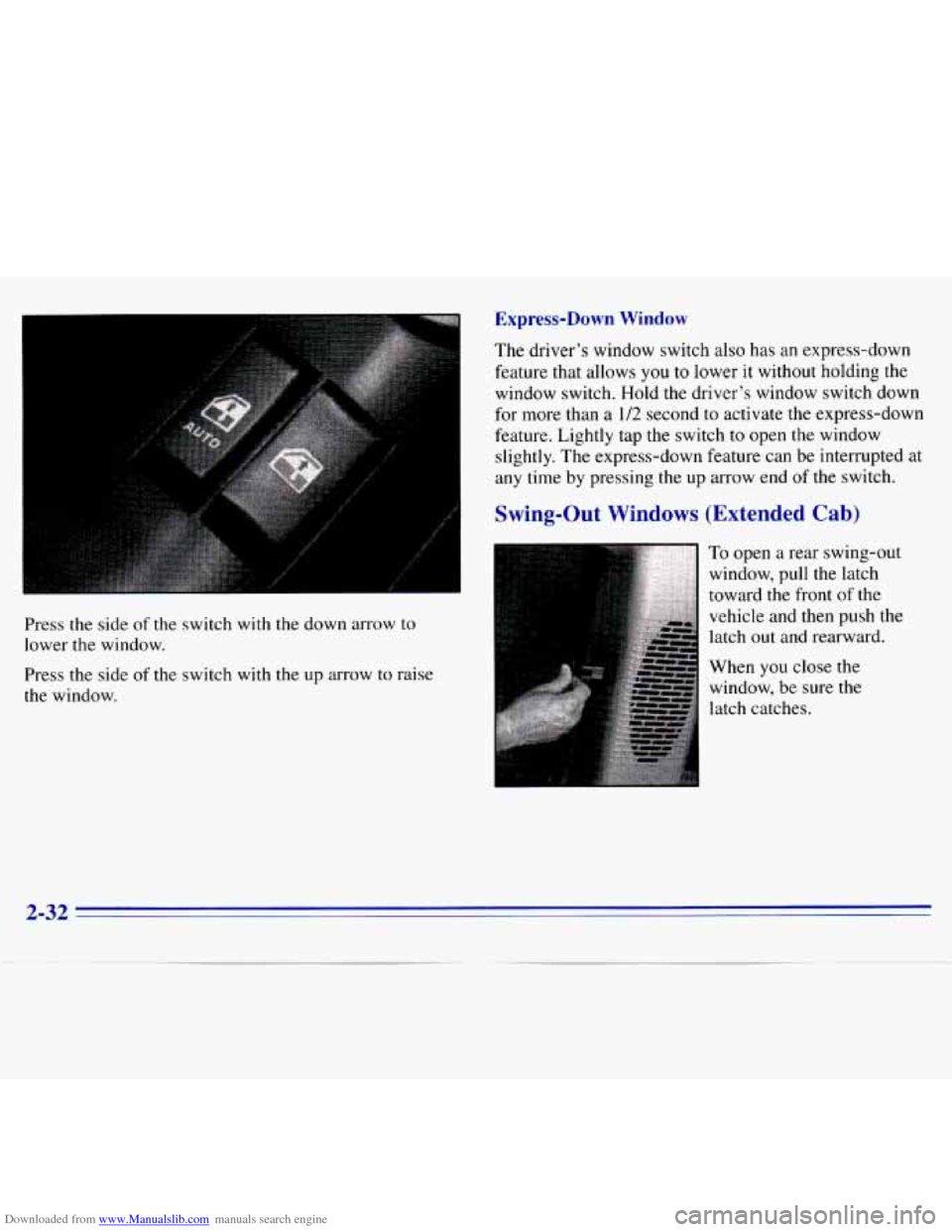
Press the side of the switch with the down arrow to
lower the window.
Press the side
of the switch with the up arrow to raise
the window. The driver’s
window switch also has an express-down
feature that
allows you to lower it without holding the
window switch. Hold the driver’s window switch down
for more than a 1/2 second to activate the express-down
feature. Lightly tap the switch
to open the window
slightly. The express-down feature can be interrupted at
any time by pressing the up arrow end of the switch.
Swing-Out Windows (Extended Cab)
To open a rear swing-out
window, pull the latch
toward the front
of the
vehicle and then push the
latch out and rearward.
When
you close the
window, be sure the
latch catches.
2-32
Page 86 of 375
Downloaded from www.Manualslib.com manuals search engine If a bulb is burned out, replace it to help avoid an
accident. If the arrows don’t go
on at all when you
signal a turn, check the fuse (see “Fuses and Circuit
Breakers” in the Index) and for burned-out bulbs.
If
you have a trailer towing option with added wiring for
the trailer lamps,
a different turn signal flasher is used.
With this flasher installed, the signal indicator will flash
even if a turn signal bulb is burned out. Check the front
and rear turn signal lamps regularly to make sure they
are working.
Headlamp High/Low Beam Changer
To change the headlamps from low-beam to high or
high to low, pull the multifunction lever all the way
toward you. Then release it.
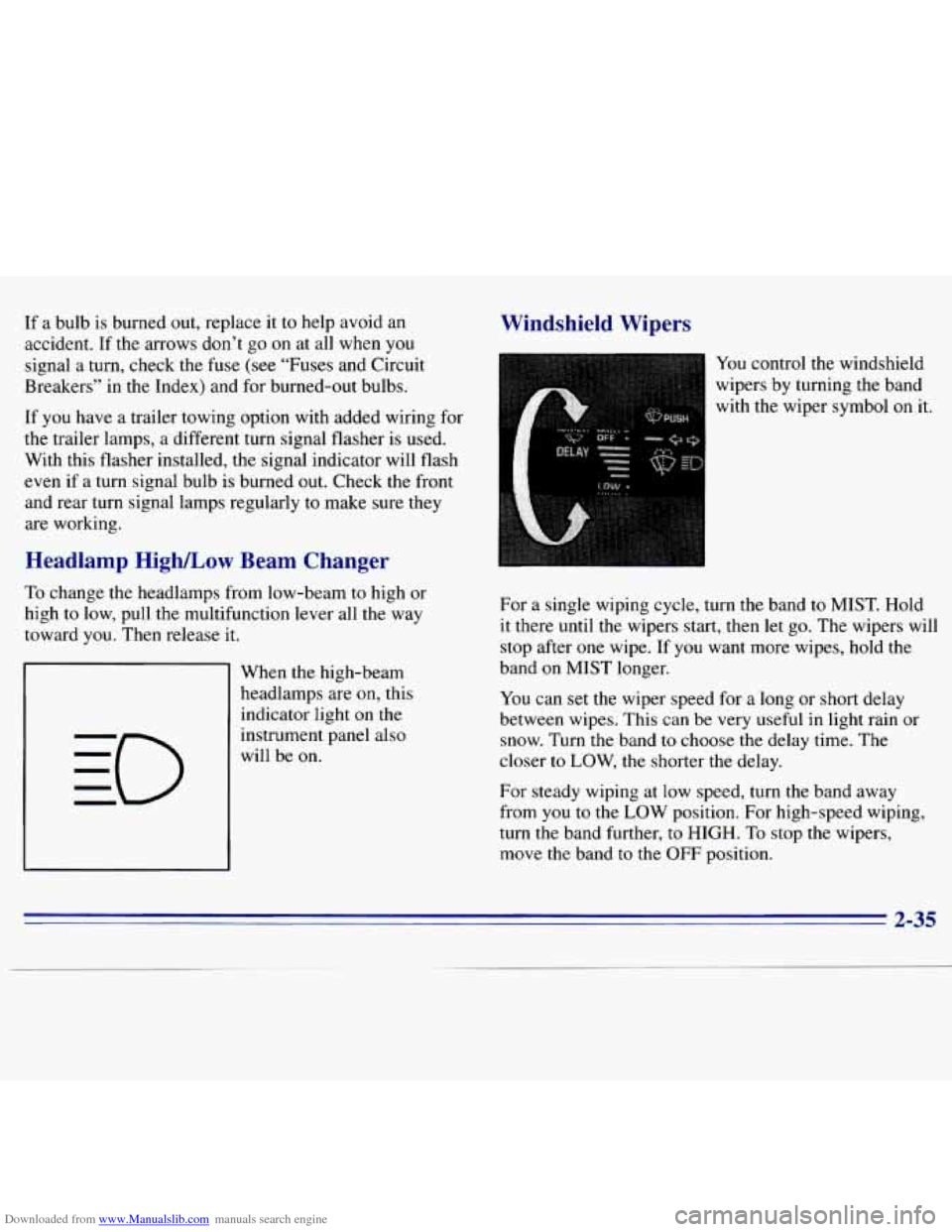
When the high-beam
headlamps are
on, this
indicator light
on the
instrument panel also
will be
on.
Windshield Wipers
You control the windshield
wipers by turning the band
with the wiper symbol
on it.
For a single wiping cycle, turn the band
to MIST. Hold
it there until the wipers start, then let go. The wipers will
stop after one wipe. If you want more wipes, hold the
band
on MIST longer.
You can set the wiper speed for a long or short delay
between wipes. This can be very useful in light rain or
snow. Turn the band
to choose the delay time. The
closer
to LOW, the shorter the delay.
For steady wiping at
low speed, turn the band away
from
you to the LOW position. For high-speed wiping,
turn the band further,
to HIGH. To stop the wipers,
move the band
to the OFF position.
2-35
Page 90 of 375
Downloaded from www.Manualslib.com manuals search engine Using Cruise Control on Hills
How well your cruise control will work on hills depends
upon your speed, load and the steepness
of the hills.
When going up steep hills,
you may want to step on the
accelerator pedal to maintain your speed. When going
downhill,
you may have to brake or shift to a lower gear
to keep your speed down. Of course, applying the brake
takes you out of cruise control. Many drivers find
this to
be too much trouble and don’t use cruise control on
steep hills.
Ending Cruise Control
There are two ways to turn off the cruise control:
Step lightly on the brake pedal or push the clutch
pedal, if
you have a manual transmission.
Move the cruise switch to OFF.
Erasing Speed Memory
When you turn off the cruise control or the ignition,
your cruise control set speed memory is erased.
Lamps
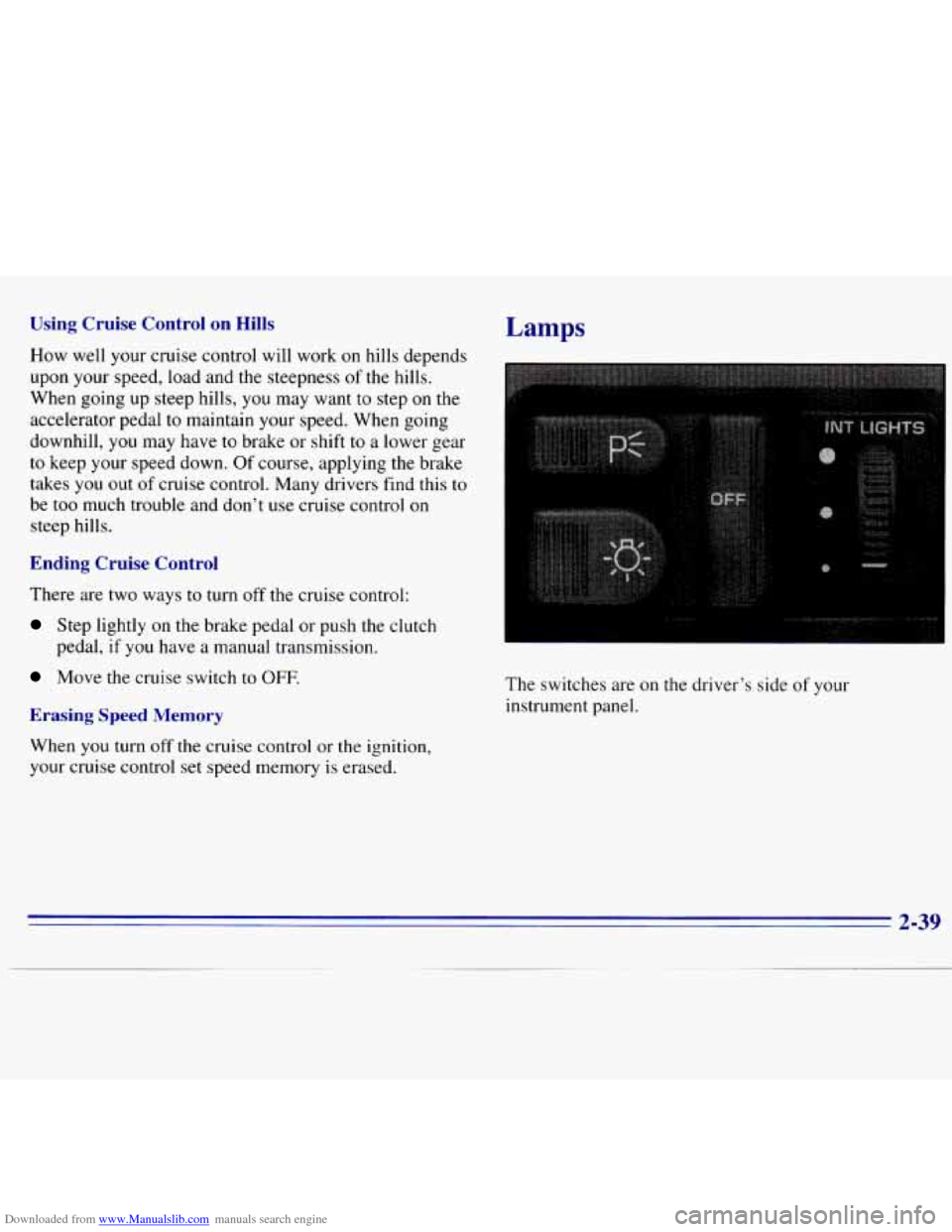
The switches are on the driver’s side of your
instrument panel.
2-39
Page 91 of 375
Downloaded from www.Manualslib.com manuals search engine Press the top switch with the parking lamps symbol on it
to turn on:
0 Parking Lamps
0 Sidemarker Lamps
Taillamps
0 License Plate Lamps
0 Instrument Panel Lights
Transfer Case Indicator Light (if you have one)
Press the bottom switch with the master lamps symbol
on it
to turn on all the lamps listed above as well as
the headlamps.
Press the side
of the switch marked OFF to turn off
your lamps.
Lamps On Reminder
A reminder tone will sound when your headlamps or
parking lamps and interior lamps are turned on and your
ignition is in
OFF, LOCK or ACCESSORY. To turn the
tone off, press the OFF switch.
Daytime Running Lamps (If So Equipped)
Daytime Running Lamps (DRL) can make it easier for
others to see the front
of your vehicle during the day.
DRL can be helpful in many different driving
conditions, but they can be especially helpful in the short periods after dawn and before sunset.
The DRL system will make your headlamps come
on at
reduced brightness when:
0 the ignition is on,
the headlamp switch is off, and
the parking brake is released.
2-40
Page 92 of 375
Downloaded from www.Manualslib.com manuals search engine When the DRL are on, only your headlamps will be on.
The taillamps, sidemarker and other lamps won’t be on.
The instrument panel won’t be
lit up either.
When it begins
to get dark, your DRL indicator light
is
a reminder to turn your headlamp switch on. The
other lamps that come on with your headlamps will
also come
on.
When you turn the headlamp switch off, the regular
lamps will
go off, and your headlamps will change to
the reduced brightness
of DRL.
To idle your vehicle with the DRL off, set the parking
brake. The DRL will stay off until you release the
parking brake.
As with any vehicle, you should turn on the regular
headlamp system when
you need it.
Fog Lamps (Option)
Use your fog lamps for better vision in foggy or misty
conditions. Your parking lamps or low-beam headlamps
must be on for your fog lamps to work.
The fog lamp switch is on
the instrument panel under
the lamp switches.
2-41
Page 93 of 375
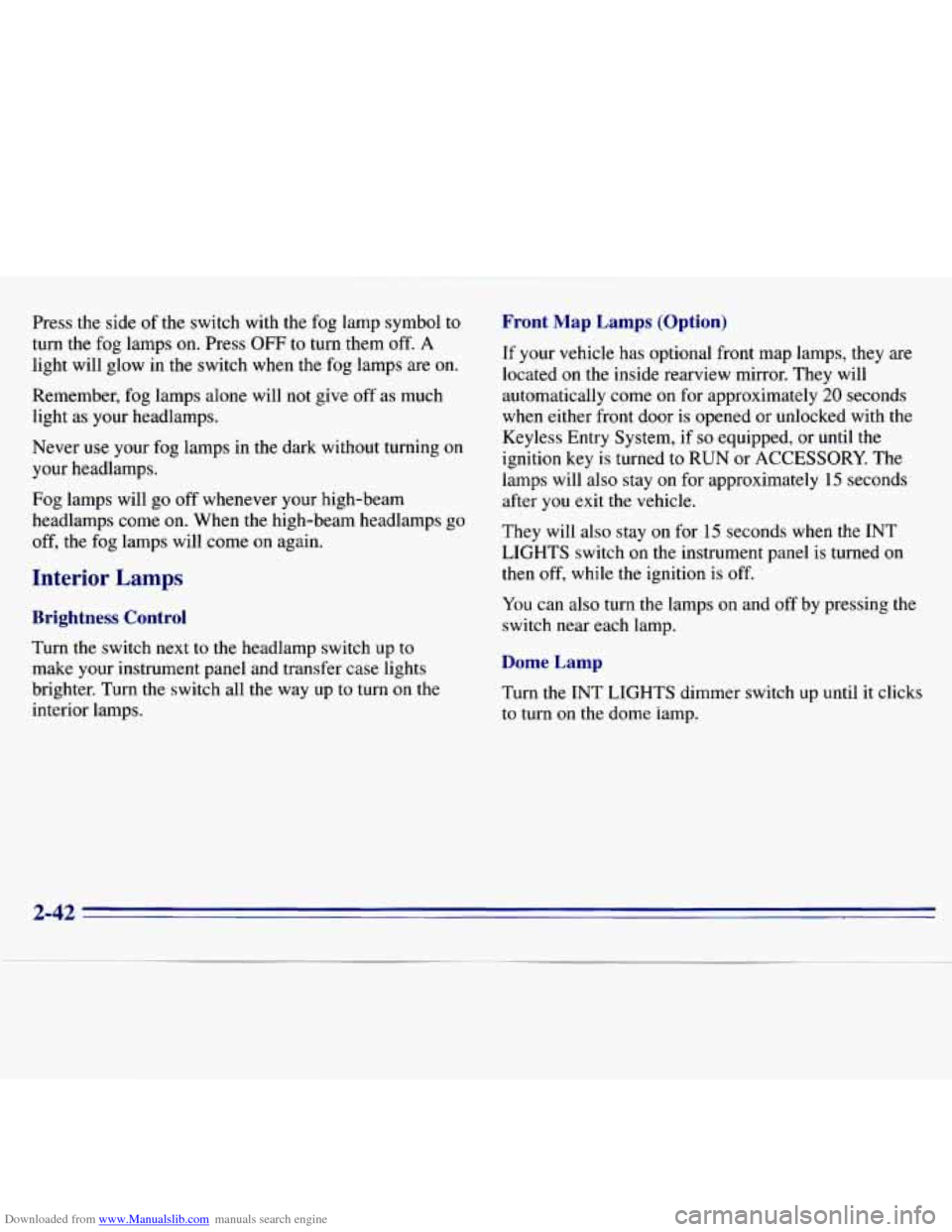
Downloaded from www.Manualslib.com manuals search engine Press the side of the switch with the fog lamp symbol to
turn the fog lamps on. Press OFF to turn them off. A
light will glow in the switch when the fog lamps are on.
Remember,
fog lamps alone will not give off as much
light as your headlamps.
Never
use your fog lamps in the dark without turning on
your headlamps.
Fog lamps will
go off whenever your high-beam
headlamps come on. When the high-beam headlamps go
off, the fog lamps will come on again.
Interior Lamps
Brightness Control
Turn the switch next to the headlamp switch up to
make your instrument panel and transfer case lights
brighter. Turn the switch all the way up to turn on the
interior lamps.
Front Map Lamps (Option)
If your vehicle has optional front map lamps, they are
located
on the inside rearview mirror. They will
automatically come
on for approximately 20 seconds
when either front door is opened or unlocked with the
Keyless Entry System, if
so equipped, or until the
ignition key is turned to
RUN or ACCESSORY. The
lamps will also stay
on for approximately 15 seconds
after you exit
the vehicle.
They will also stay on for 15 seconds when the INT
LIGHTS switch
on the instrument panel is turned on
then
off, while the ignition is off.
You can also turn the lamps
on and off by pressing the
switch near each lamp.
Dome Lamp
Turn the INT LIGHTS dimmer switch up until it clicks
to turn
on the dome lamp.
2-42
Page 97 of 375
Downloaded from www.Manualslib.com manuals search engine Ashtrays and Cigarette Lighter
The front ashtray must be completely pulled out to open
position before the ashtray cover opens and smoking material can be deposited.
NOTICE:
Don’t put papers and other things that burn
into your ashtray.
If you do, cigarettes or other
smoking materials could set them on fire
causing damage.
To remove the front ashtray, lift the release tab as high
as possible, then remove the tray.
To use the lighter, press it in all the way, and let go.
When it’s ready, it will pop back by itself.
NOTICE:
Don’t hold a cigarette lighter in with your hand
while it is heating.
If you do, it won’t be able to
back away from the heating element when it’s
ready. That can make it overload, damaging the
lighter and the heating element.
Sun Visors
To block out glare, you can swing down the top and
bottom visors.
You can also swing the bottom visor from
side
to side. Your visors may have an extension that can
be pulled out for additional glare protection and
a strap
for holding small items, such as maps.
Visor Vanity Mirror
Pull the sun visor down and lift the cover to expose the
vanity mirror.
2-46
Page 98 of 375
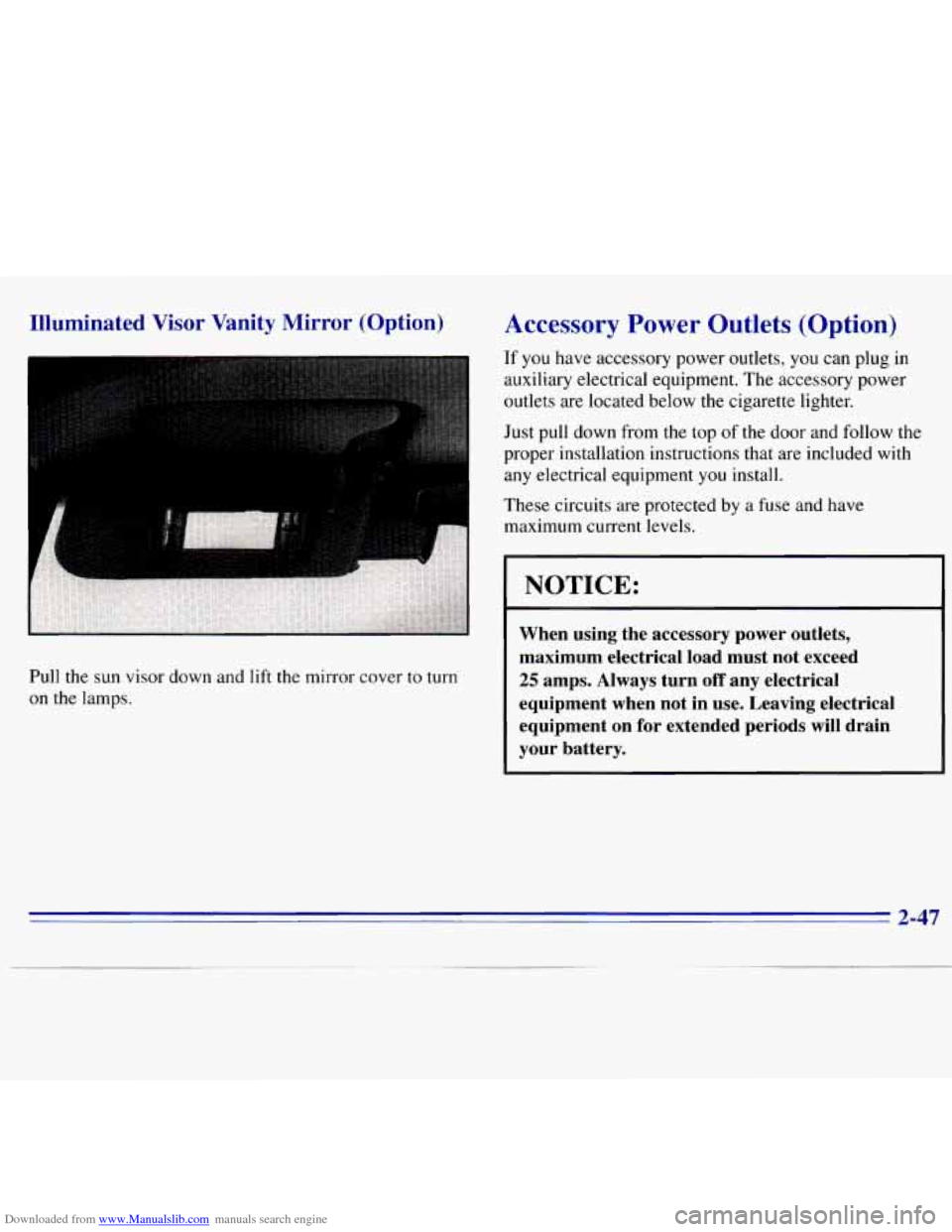
Downloaded from www.Manualslib.com manuals search engine Illuminated Visor Vanity Mirror (Option)
I
Pull the sun visor down and lift the mirror cover to turn
on the lamps.
Accessory Power Outlets (Option)
If you have accessory power outlets, you can plug in
auxiliary electrical equipment. The accessory power
outlets are located below the cigarette lighter.
Just pull down from the top of the door and follow the
proper installation instructions that are included with
any electrical equipment you install.
These circuits are protected by a fuse and have
maximum current levels.
NOTICE:
When using the accessory power outlets,
maximum electrical load must not exceed
25 amps. Always turn off any electrical
equipment when not in use. Leaving electrical
equipment on for extended periods
will drain
your battery.
2-47
Page 100 of 375
Downloaded from www.Manualslib.com manuals search engine 1. Air Vents
2. Instrument Cluster
3. Electronic Transfer Case (Option)
4. Comfort Controls
5. Glove Box
6. Ashtray
7. Cigarette LightedPower Auxiliary Outlets (Option)
8. Storage Compartment
9. Audio System
10. Lamp Controls
11. Brake Release
12. Fog Lamps (Option)
2-49