lock CHEVROLET SUBURBAN 1994 Service Manual
[x] Cancel search | Manufacturer: CHEVROLET, Model Year: 1994, Model line: SUBURBAN, Model: CHEVROLET SUBURBAN 1994Pages: 385, PDF Size: 19.88 MB
Page 123 of 385
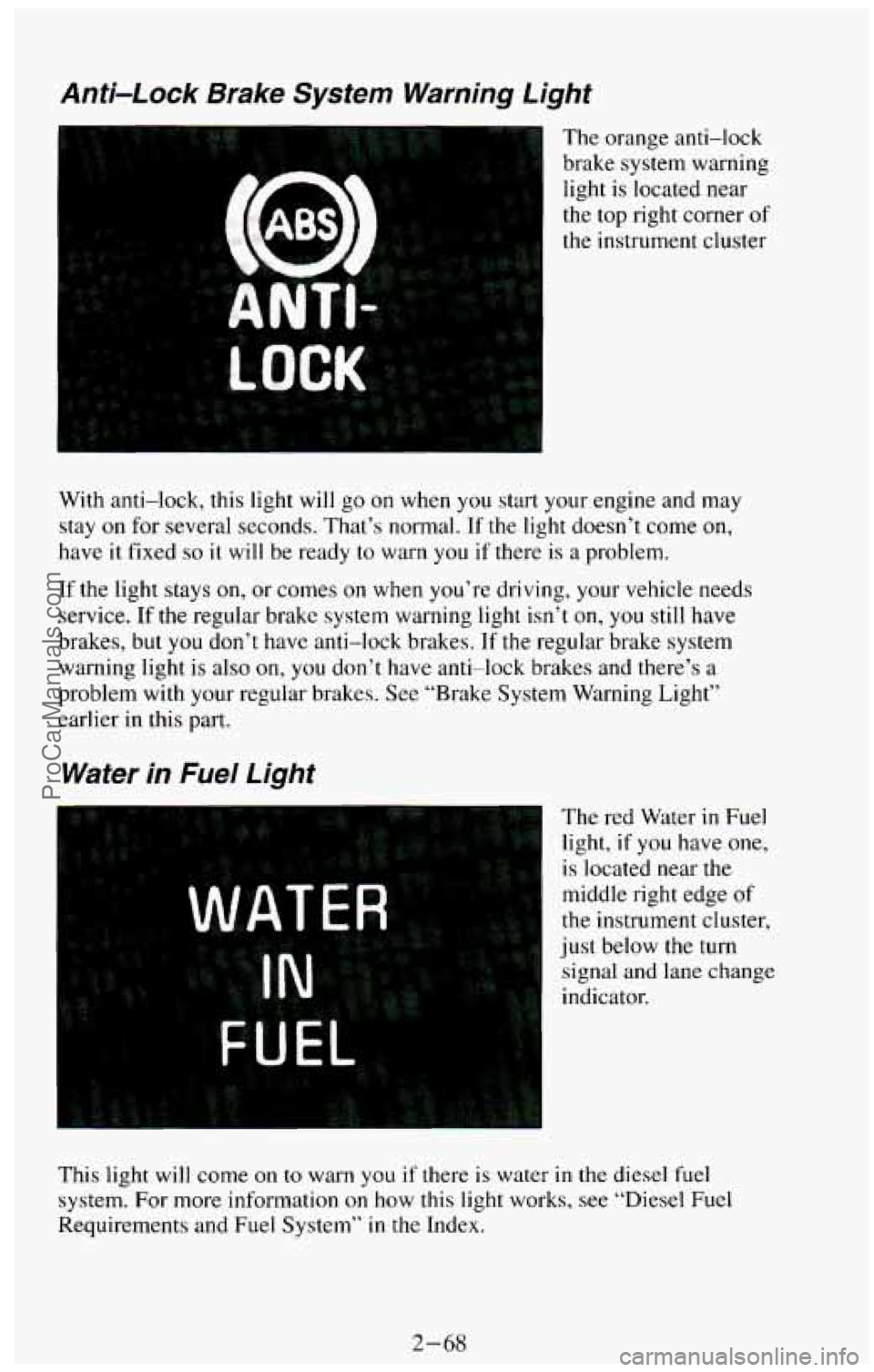
Anti-Lock Brake System Warning Light
The orange anti-lock
brake system warning light is located near
the top right corner
of
the instrument cluster
mi
With anti-lock, this light will go on when you start your engine and may
stay
on for several seconds. That’s normal. If the light doesn’t come on,
have it fixed
so it will be ready to warn you if there is a problem.
If the light stays on, or comes on when you’re driving, your vehicle needs
service.
If the regular brake system warning light isn’t on, you still have
brakes, but you don’t have anti-lock brakes. If the regular brake system
warning light is also
on, you don’t have anti-lock brakes and there’s a
problem with your regular brakes. See “Brake System Warning Light’’
earlier in this part.
Water in Fuel Light
The red Water in Fuel
light, if
you have one,
is located near the
middle right edge of
the instrument cluster,
just below the turn
signal and lane change
indicator.
This light will come on
to warn you if there is water in the diesel fuel
system.
For more information on how this light works, see “Diesel Fuel
Requirements and Fuel System”
in the Index.
2-68
ProCarManuals.com
Page 133 of 385
You can only drive for a short time with the reading in either warning zone.
If you must drive, turn off all unnecessary accessories, and have the vehicle
serviced as soon as possible.
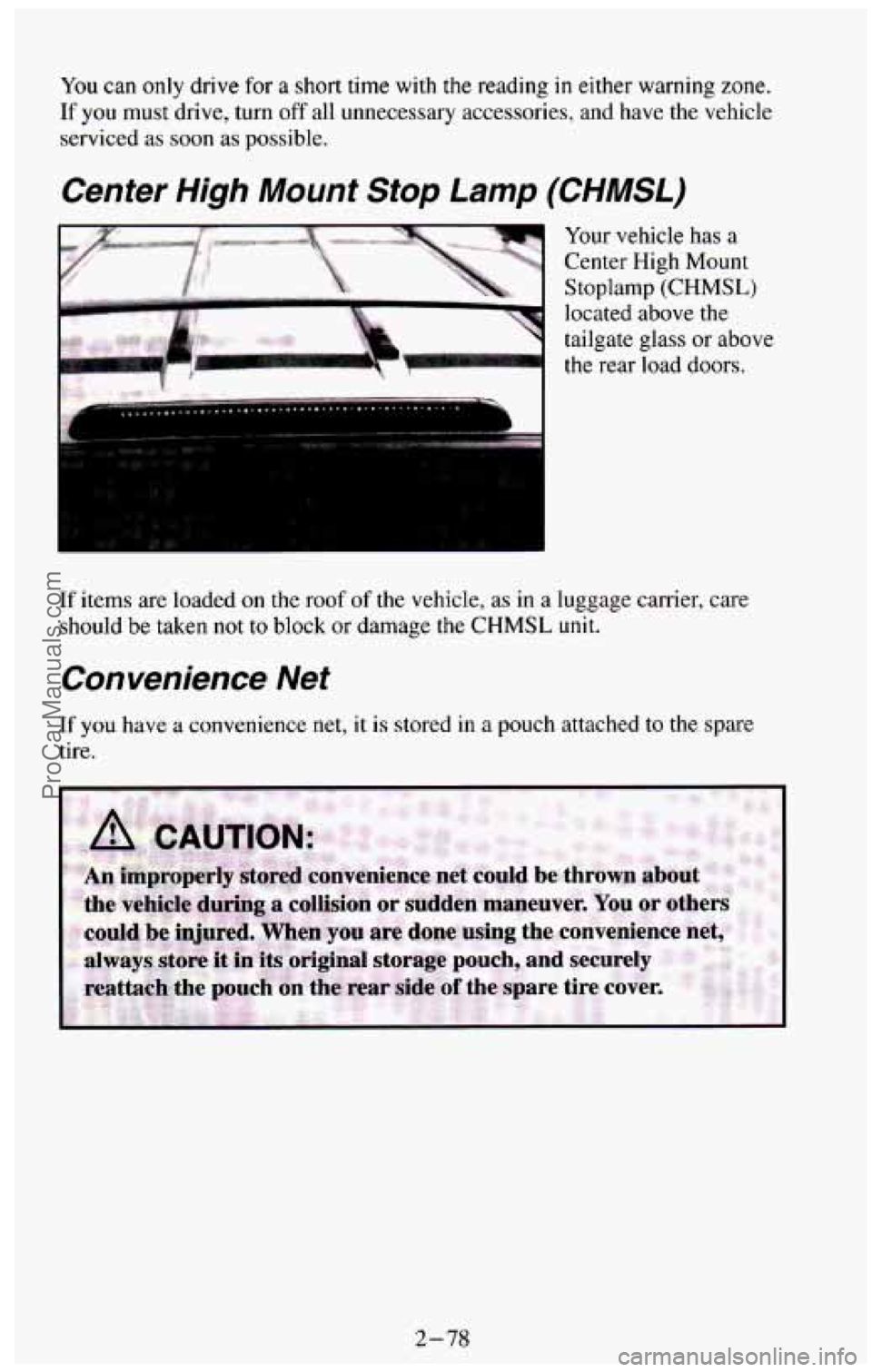
Center High Mount Stop Lamp (CHMSL)
If items are loaded on the roof of the vehicle, as in a luggage carrier, care
should be taken not to block or damage the CHMSL unit.
Convenience Net
If you have a convenience net, it is stored in a pouch attached to the spare
tire.
2-78
ProCarManuals.com
Page 150 of 385
NOTICE:
Before you add any sound equipment to your vehicle - like a
tape player,
CB radio, mobile telephone or two-way radio - be
sure you can add what you want.
If you can, it’s very important
to do it properly. Added sound equipment may interfere with the
operation of your vehicle’s engine, Delco@ radio or other
systems, and even damage them. And, your vehicle’s systems
may interfere with the operation
of sound equipment that has
been added improperly.
So, before adding sound equipment, check with your dealer and
be sure to check Federal rules covering mobile radio and
telephone units.
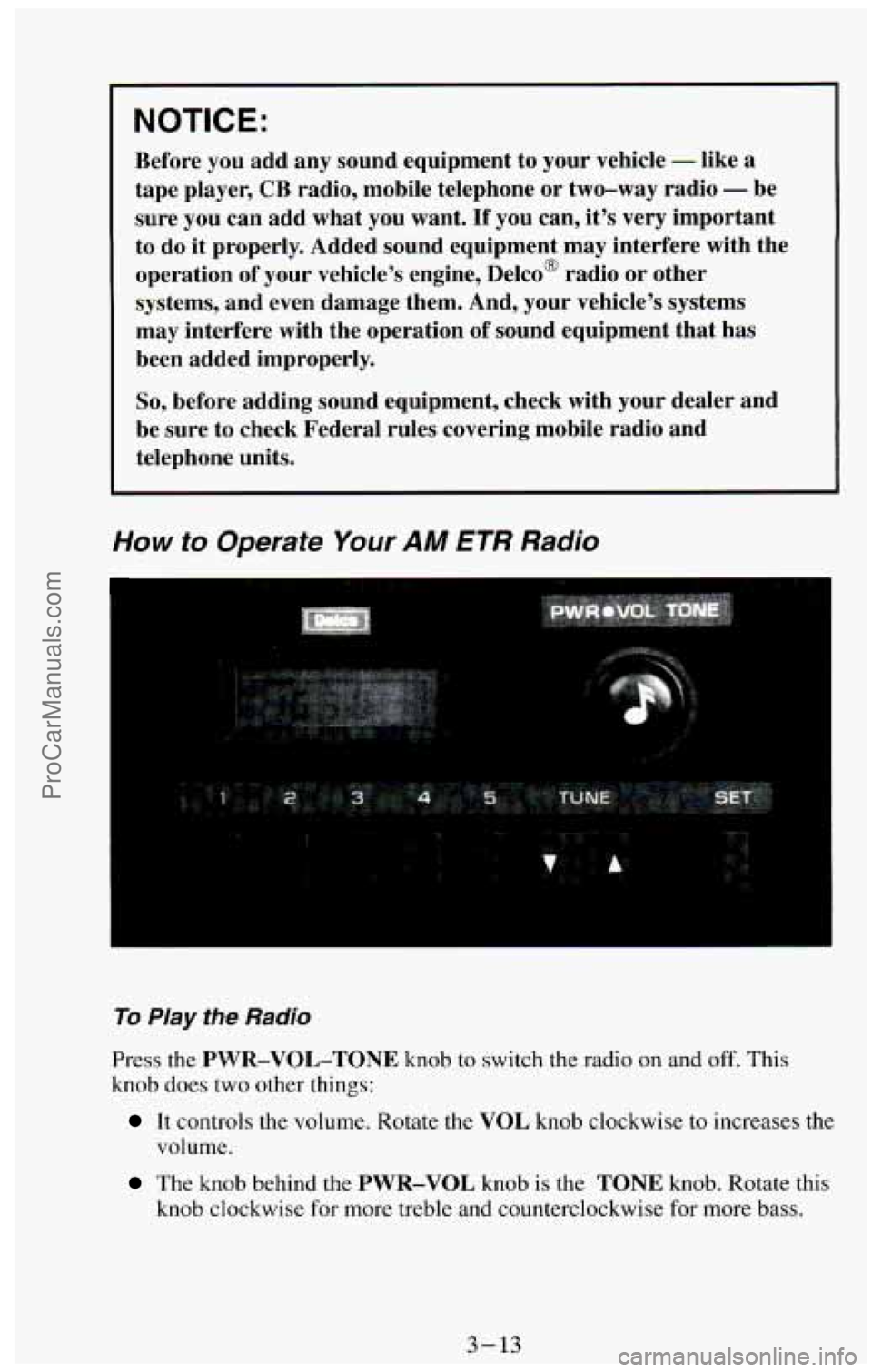
How to Operate Your AM ETR Radio
To Play the Radio
Press the PWR-VOL-TONE knob to switch the radio on and off. This
knob does two other things:
It controls the volume. Rotate the VOL knob clockwise to increases the
volume.
The knob behind the PWR-VOL knob is the TONE knob. Rotate this
knob clockwise
for more treble and counterclockwise for more bass.
3-13
ProCarManuals.com
Page 153 of 385
Pushbuttons
The six pushbuttons let you return to favorite stations. You can set the
pushbuttons for up to twelve favorite stations
(6 AM and 6 FM). To set the
pushbuttons, just:
Tune in the station you want.
Press the SET button. (SET appears in the electronic display for a few
seconds.)
0 Within 5 seconds, push one of the six pushbuttons to store the station.
After that, whenever
you press that button, the preset station will
re turn.
Clock
To set the clock, just:
a Press the SET button. The word SET will light up in the electronic
display.
0 Within 5 seconds, press and hold the SEEK button until the correct
hour appears
on the display.
Then, press and hold the SCAN button until the correct minute appears
on the display.
display for
a few seconds.
After you set the time, the word SET will remain in the electronic
. ... .. ,
. ., ... . , - . .... .
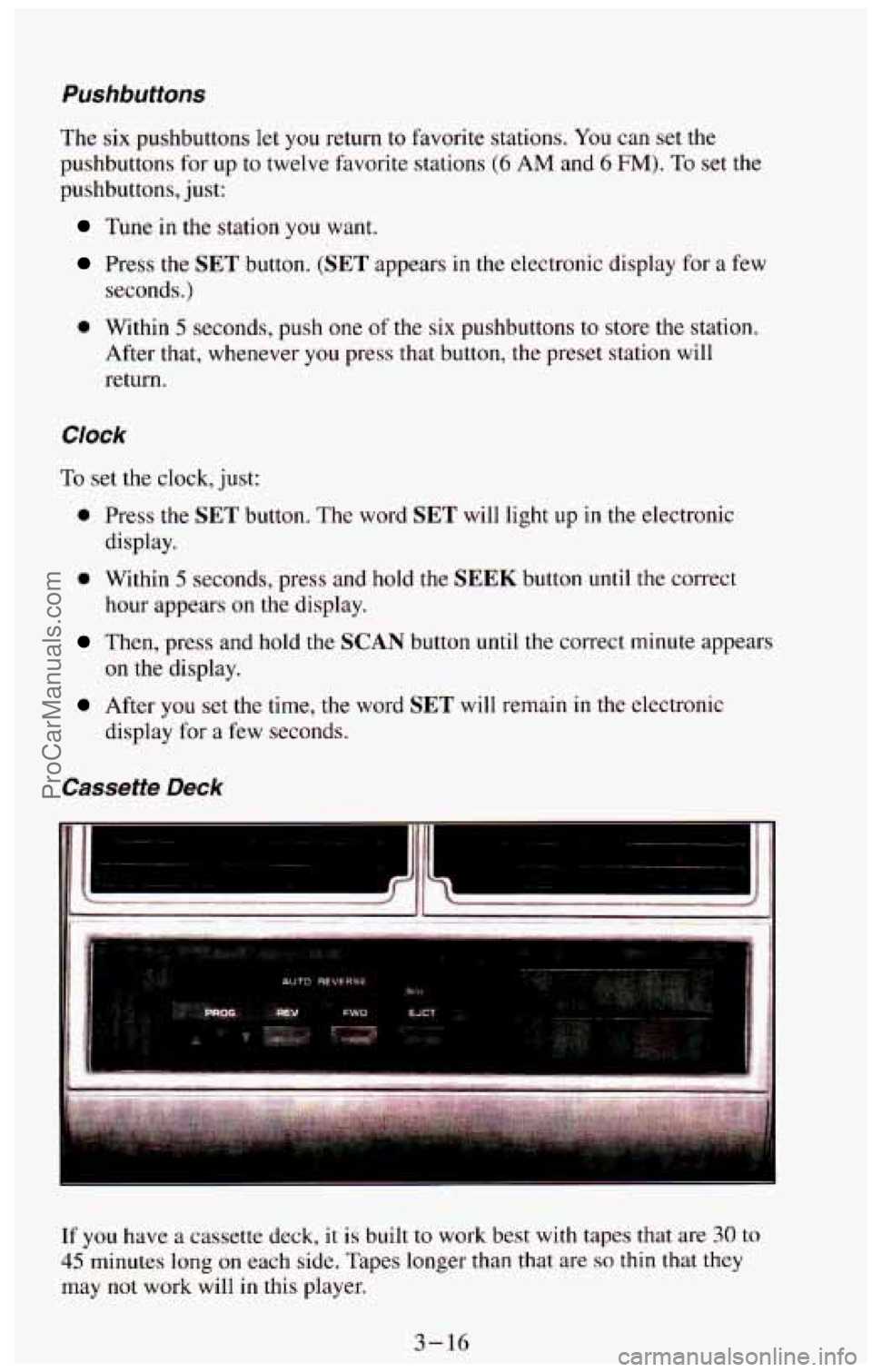
If you have a cassette deck, it is built to work best with tapes that are 30 to
45 minutes long on each side. Tapes longer than that are so thin that they
may not work will in this player.
3-16
ProCarManuals.com
Page 156 of 385
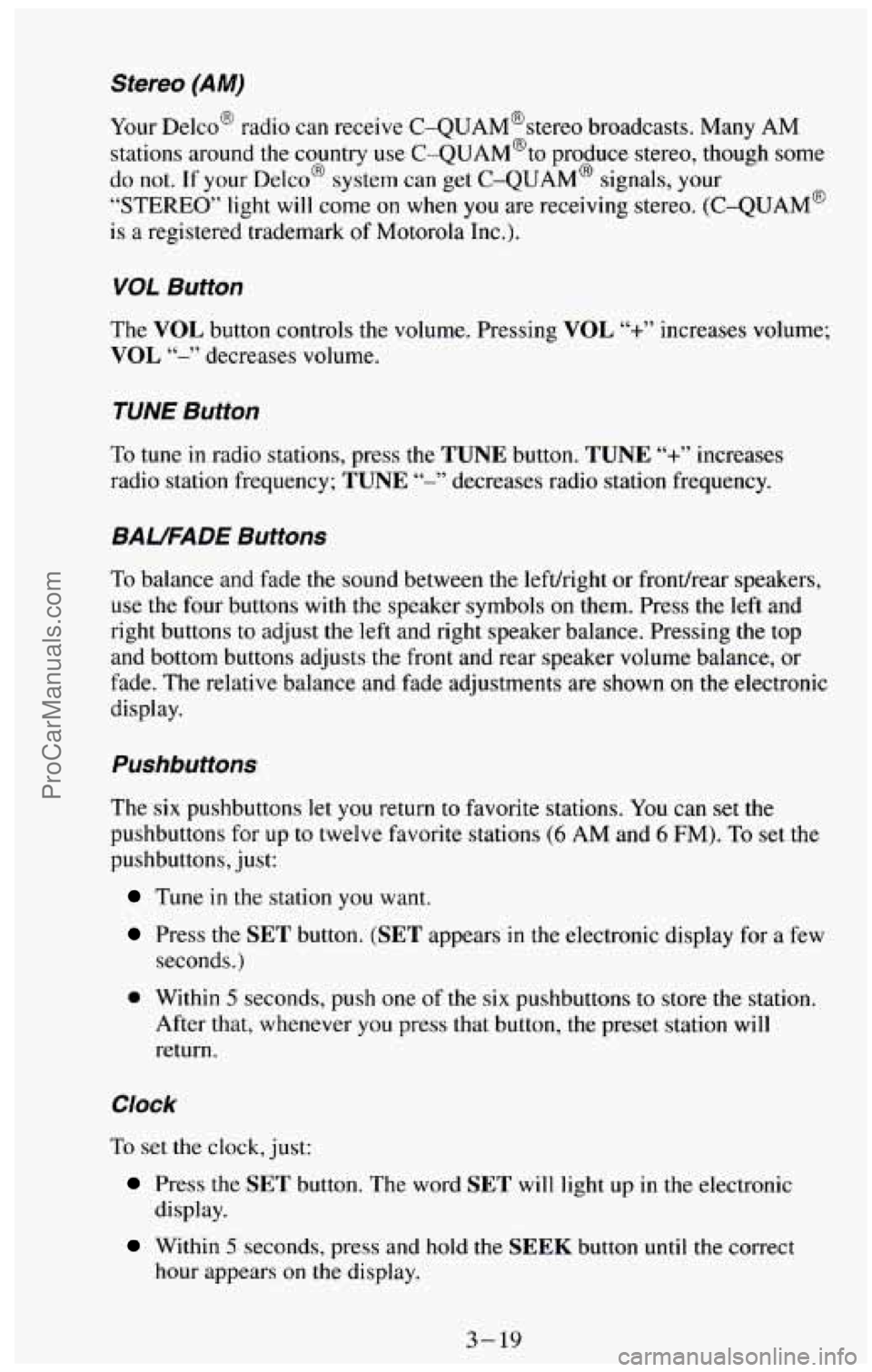
Stereo (AM)
Your Delco@ radio can receive C-QUAM@stereo broadcasts. Many AM
stations around the country use C-QUAM@to produce stereo, though
some
do not. If your Delco@ system can get C-QUAM@ signals, your
“STEREO” light will come on when you are receiving stereo. (C-QUAM@
is a registered trademark of Motorola Inc.).
VOL Button
The VOL button controls the volume. Pressing VOL “+.I’ increases volume;
VOL “-” decreases volume.
TUNE Button
To tune in radio stations, press the TUNE button. TUNE “+” increases
radio station frequency;
TUNE “-’, decreases radio station frequency.
BAUFADE Buttons
To balance and fade the sound between the lefthight or fronthear speakers,
use the four buttons
with the speaker symbols on them. Press the left and
right buttons to adjust the left and right speaker balance. Pressing
the top
and bottom
buttons adjusts the front and rear speaker volume balance, or
fade. The relative balance and fade adjustments are shown on the electronic
display.
Pushbuttons
The six pushbuttons let you return to favorite stations. You can set the
pushbuttons for up to twelve favorite stations (6 AM and 6 FM). To set the
pushbuttons, just:
Tune in the station you want.
Press the SET button. (SET appears in the electronic display for a few
seconds.)
0 Within 5 seconds, push one of the six pushbuttons to store the station.
After that, whenever you press that button, the preset station will
return.
Clock
To set the clock, just:
Press the SET button. The word SET will light up in the electronic
display.
hour appears on the display.
Within 5 seconds, press and hold the SEEK button until the correct
3-19
ProCarManuals.com
Page 165 of 385
Anti-Lock Brakes (ABS)
Your vehicle has an advanced electronic braking system that can help you
keep it under control. When you start your vehicle and begin to drive away,
you may hear a momentary motor or clicking noise. This is the ABS system
testing itself.
..>
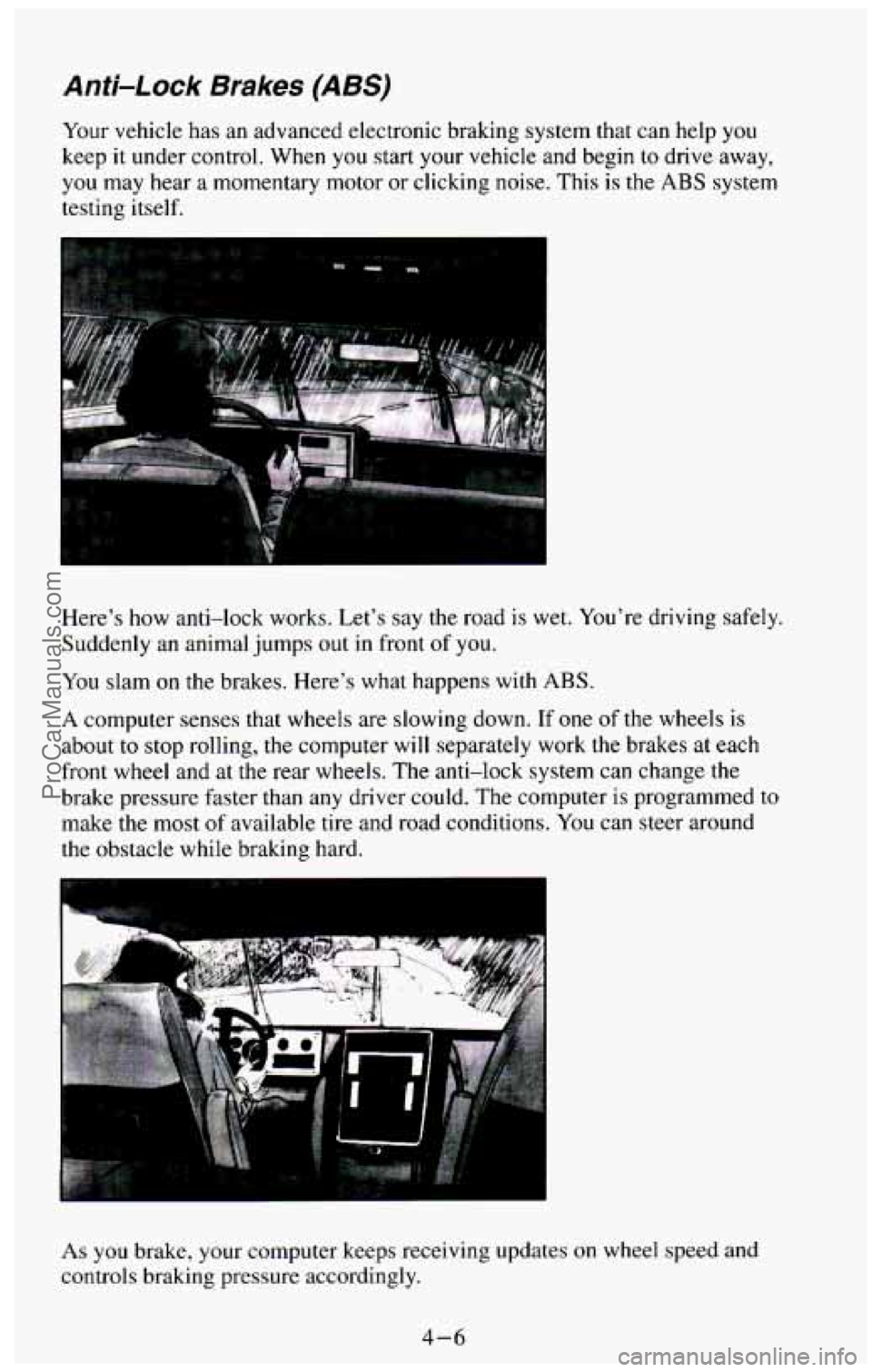
Here's how anti-lock works. Let's say the road is wet. You're driving safely.
Suddenly an animal jumps out in front of you.
You slam
on the brakes. Here's what happens with ABS.
. ...
A computer senses that wheels are slowing down. If one of the wheels is
about to stop rolling, the computer will separately work the brakes at each
front wheel and at the rear wheels. The anti-lock system can change the
brake pressure faster than any driver could. The computer is programmed to
make the most
of available tire and road conditions. You can steer around
the obstacle while braking hard.
'.." *!
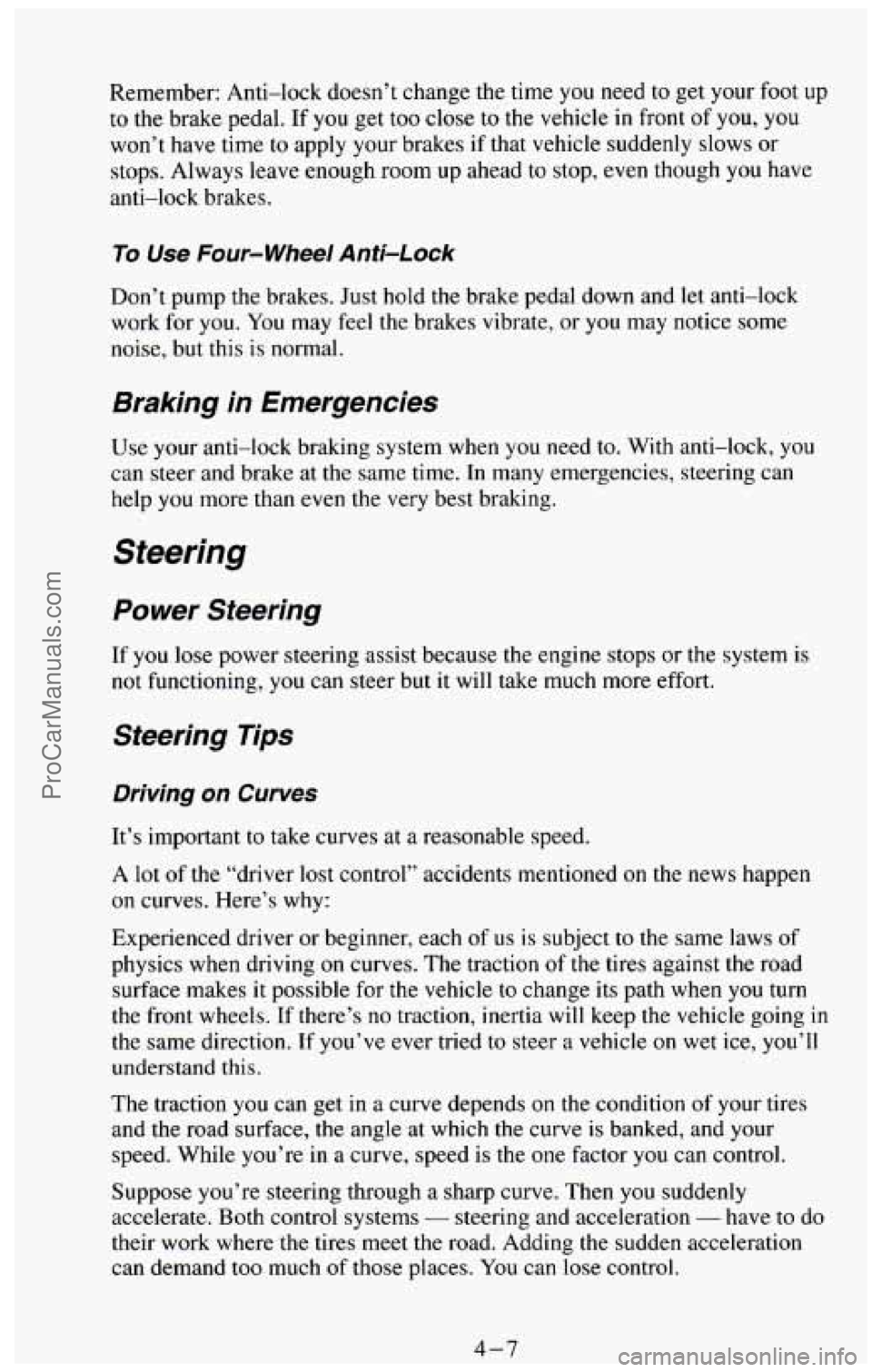
As you brake, your computer keeps receiving updates on wheel speed and
controls braking pressure accordingly.
4-6
ProCarManuals.com
Page 166 of 385
Remember: Anti-lock doesn’t change the time you need to get your foot up
to the brake pedal. If you get too close to the vehicle in front of you, you
won’t have time
to apply your brakes if that vehicle suddenly slows or
stops. Always
leave enough room up ahead to stop, even though you have
anti-lock brakes.
To Use Four-wheel Anti-Lock
Don’t pump the brakes. Just hold the brake pedal down and let anti-lock
work for you. You may feel the brakes vibrate, or you may notice some
noise, but this is normal.
Braking in Emergencies
Use your anti-lock braking system when you need to. With anti-lock, you
can steer and brake at the same time. In many emergencies, steering can
help you more than even the very best braking.
Power Steering
If you lose power steering assist because the engine stops or the system is
not functioning, you can steer but it will take much more effort.
Steering Tips
Driving on Curves
It’s important to take curves at a reasonable speed.
A lot of the “driver lost control’’ accidents mentioned on the news happen
on curves. Here’s why:
Experienced driver or beginner, each
of us is subject to the same laws of
physics when driving
on curves. The traction of the tires against the road
surface makes
it possible for the vehicle to change its path when you turn
the front wheels. If there’s no traction, inertia will keep the vehicle going in
the same direction. If you’ve ever tried to steer a vehicle on wet ice, you’ll
understand this.
The traction you can get
in a curve depends on the condition of your tires
and the road surface, the angle at which the curve
is banked, and your
speed. ,- While you’re in a curve, speed is the one factor you can control.
Suppose you’re steering through a sharp curve. Then you suddenly
accelerate. Both control systems
- steering and acceleration - have to do
their work where the tires meet the road. Adding
the sudden acceleration
can demand too
much of those places. You can lose control.
4-7 ProCarManuals.com
Page 167 of 385
What should you do if this ever happens? Ease up on the accelerator pedal,
steer the vehicle the way
you want it to go, and slow down.
Speed limit signs near curves warn that
you should adjust your speed. Of
course, the posted speeds are based on good weather and road conditions.
Under less favorable conditions you’ll want
to go slower.
If you need to reduce your speed as you approach a curve, do it before you
enter the curve, while your front wheels are straight ahead.
Try
to adjust your speed so you can “drive” through the curve. Maintain a
reasonable, steady speed. Wait
to accelerate until you are out of the curve,
and then accelerate gently
into the straightaway.
Steering in Emergencies
There are times when steering can be more effective than braking. For
example,
you come over a hill and find a truck stopped in your lane, or a car
suddenly pulls out from nowhere, or a child darts out from between parked
cars and stops right
in front of you. You can avoid these problems by
braking
- if you can stop in time. But sometimes you can’t; there isn’t
room. That’s the time for evasive action
- steering around the problem.
Your vehicle can perform very well
in emergencies like these. First apply
your brakes. It is better to remove as much speed as you can from a possible
collision. Then steer around the problem, to the left or right depending on
the space available.
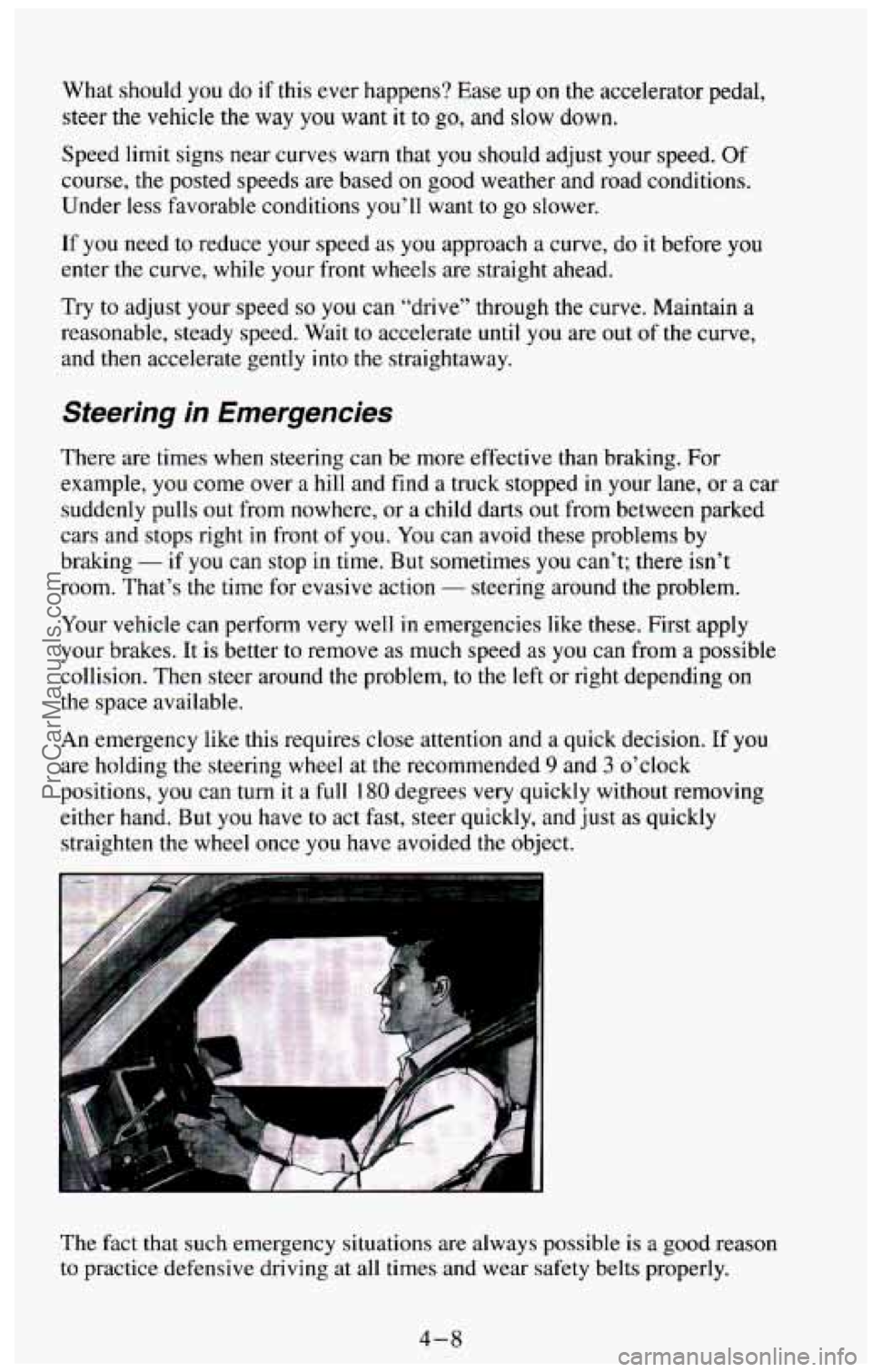
An emergency like this requires close attention and a quick decision. If
you
are holding the steering wheel at the recommended 9 and 3 o’clock
positions, you can turn it a full
180 degrees very quickly without removing
either hand. But you have
to act fast, steer quickly, and just as quickly
straighten the wheel once you have avoided the object.
The fact that such emergency situations
are always possible is ii good reason
to practice defensive driving at all times and wear safety belts properly.
4-8
ProCarManuals.com
Page 170 of 385
Skidding
In a skid, a driver can lose control of the vehicle. Defensive drivers avoid
most skids by taking reasonable care suited to existing conditions, and by
not “overdriving” those conditions. But skids are always possible.
The three types
of skids correspond to your vehicle’s three control systems.
In the braking skid your wheels aren’t rolling. In the steering or cornering
skid, too much speed or steering
in a curve causes tires to slip and lose
cornering force. And
in the acceleration skid too much throttle causes the
driving wheels to spin.
A cornering skid and an acceleration skid are best handled by easing your
foot off
the accelerator pedal.
If your vehicle starts to slide, ease your foot off the accelerator pedal and
quickly steer the way you want the vehicle to
go. If you start steering
quickly enough, your vehicle may straighten out. Always be ready for a
second skid if it occurs.
Of course, traction is reduced when water, snow, ice, gravel, or other material
is on the road. For safety, you’ll want to slow down and adjust your driving
to
these conditions. It is important to slow down on slippery surfaces because
stopping distance will be longer and vehicle control more limited.
While driving on a surface
with reduced traction, try your best to avoid
sudden steering, acceleration, or braking (including engine braking by
shifting to a lower gear).
Any sudden changes could cause the tires to slide.
You may not realize the surface is slippery
until your vehicle is skidding.
Learn to recognize warning clues
- such as enough water, ice or packed
snow on the road to make a “mirrored surface”
- and slow down when you
have
any doubt.
Remember: Any anti-lock braking
system (ABS) helps avoid only the
braking skid.
Driving Guidelines
This multipurpose passenger vehicle is defined as a utility vehicle in
Consumer Information Regulations issued by the National Highway Traffic
Safety Administration (NHTSA) of the United States Department of
Transportation. Utility vehicles have higher ground clearance and a narrower
track to make them capable
of performing in a wide variety of off-road
applications. Specific design characteristics give them
a higher center of
gravity than ordinary cars.
An advantage of the higher ground clearance is a
better view of the road allowing you to anticipate problems. They are not
designed for cornering at the same speeds as conventional 2-wheel drive
vehicles any more than low-slung
sports cars are designed to perform
satisfactorily under off-road conditions.
If at all possible, avoid sharp turns or
abrupt maneuvers. As
with other vehicles of this type, failure to operate this
vehicle correctly may result in loss of control or vehicle rollover.
4-11
ProCarManuals.com
Page 171 of 385
Off-Road Driving with Your
Four- Wheel Drive Vehicle
This off-road guide is for vehicles that have four-wheel drive.
Also, see “Anti-lock Brakes”
in the Index.
If your vehicle doesn’t have four-wheel drive, you shouldn’t drive off-road
unless you’re
on a level, solid surface.
Off-road driving
can be great fun. But it does have some definite hazards.
The greatest of these is the terrain itself.
“Off-roading” means you’ve left the great North American road system
behind. Traffic lanes aren’t marked. Curves aren’t banked. There are no
road signs. Surfaces can be slippery, rough, uphill or downhill. In short,
you’ve gone right back
to nature.
Off-road driving involves some new skills. And that’s
why it’s very
important that you read this guide. You’ll find many driving tips and
suggestions. These will help make your off-road driving safer and more
enjoyable.
Before You Go Off-Roading
There are some things to do before you go out. For example, be sure to have
all necessary maintenance and service work done. Be sure you read
all the
information about your four-wheel drive vehicle
in this manual. Is there
enough fuel?
Is the spare tire fully inflated? Are the fluid levels up where
they should be? What are the local laws that apply to off-roading where
you’ll be driving? If you don’t know, you should check
with law
enforcement people in the area. Will you be on someone’s private land? If
so, be sure to get the necessary permission.
Loading Your Vehicle for Off-Road Driving
There are some important things to remember about how to load your
vehicle.
The heaviest things should be on the load floor and forward of your
Be sure the load is secured properly, so driving on the off-road terrain
rear axle.
Put heavier items as far forward as you can.
doesn’t toss things around.
4-12
ProCarManuals.com